


Buy Edifier NeoDots ANC Earbuds on Amazon
Please note that some of the links in my video descriptions are affiliate links where I earn from qualifying purchases. As an Amazon Associate I earn from qualifying purchases.
Intro
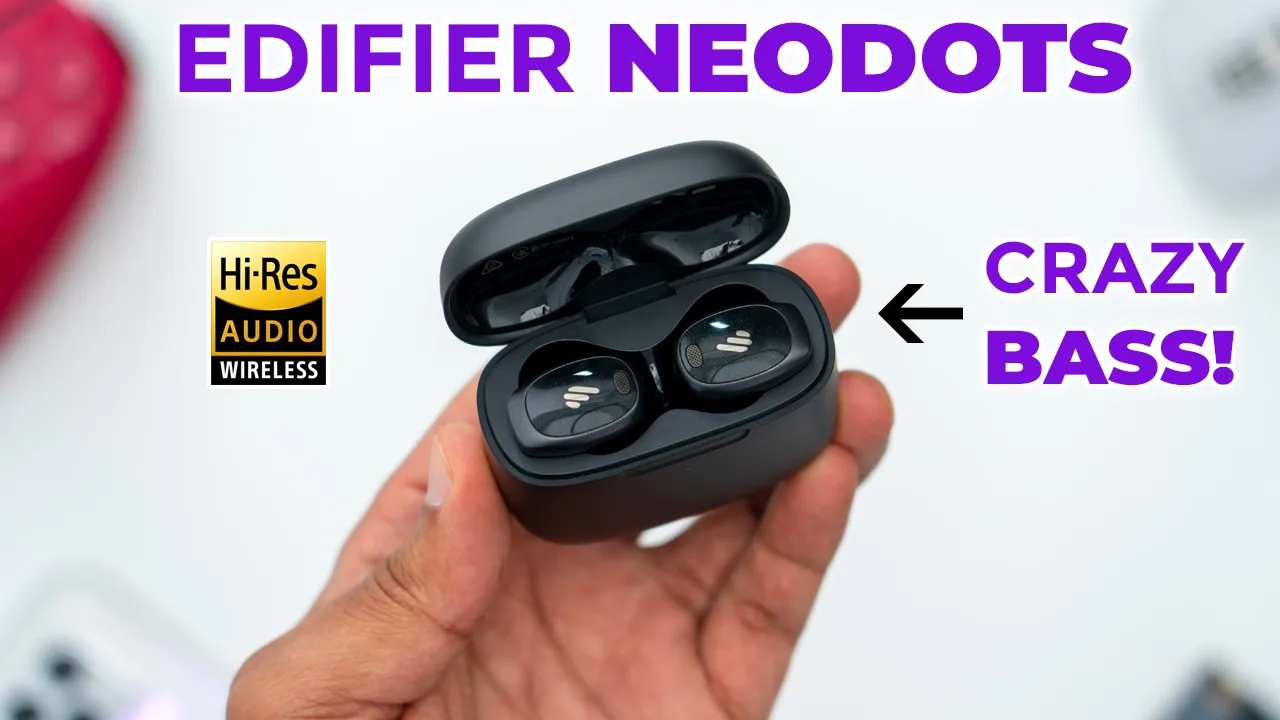
hey guys it’s Adrian and today I have a fantastic sounding pair of earbuds so these are edifier’s Neo dots wireless andc earbuds the edifier Neo dots come packed with a ton of features such as ldac highres wireless audio there’s up to 56 hours of battery life ANC wireless charging multi-point functionality wearing detection and ip55 rating a dual driver setup with 10 mm Dynamic drivers for base performance and Balan Armature drivers for mids and highs these deliver some of the best sounding base on any edifier earbuds that I’ve experienced so far and there’s also a dedicated gaming mode so let’s take a closer look at how well the edify Neo dots perform and a big thanks to edifier for sending these
Package Contents
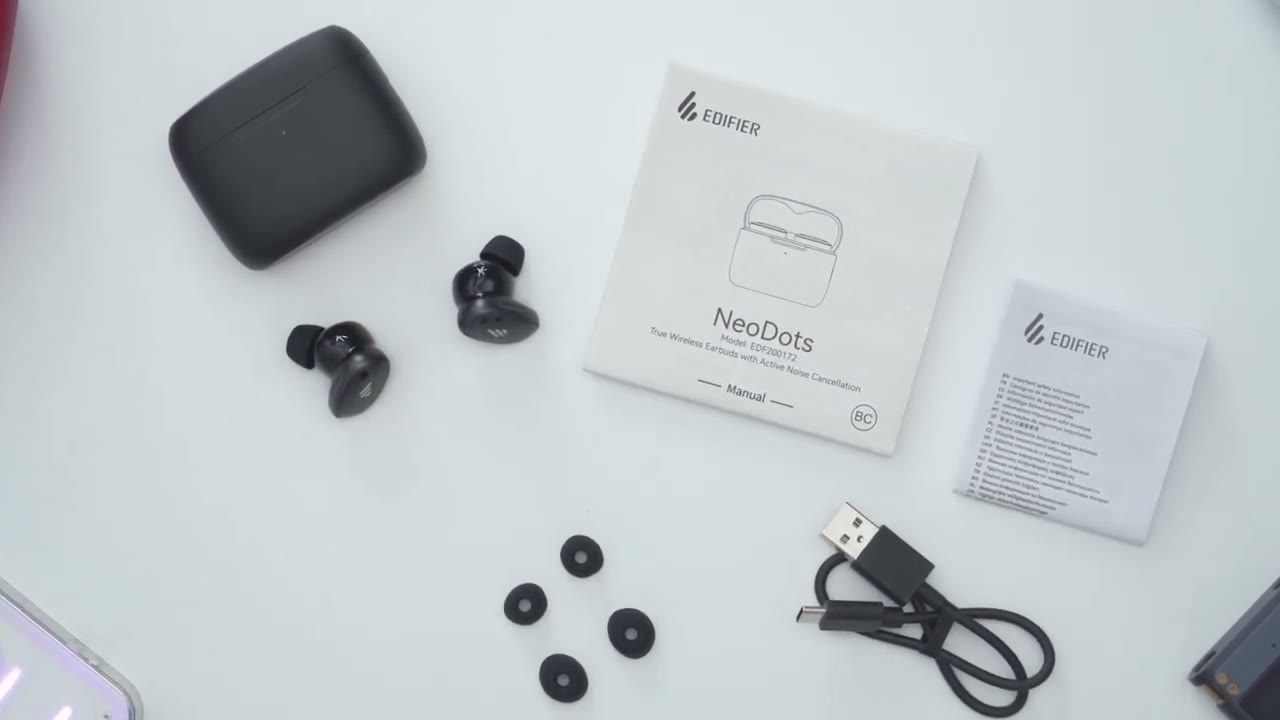
out for review in the box we have the edifier Neo dots Wireless airbots and charging case manual additional ear tips a USB type a to type- c charging cable
Design
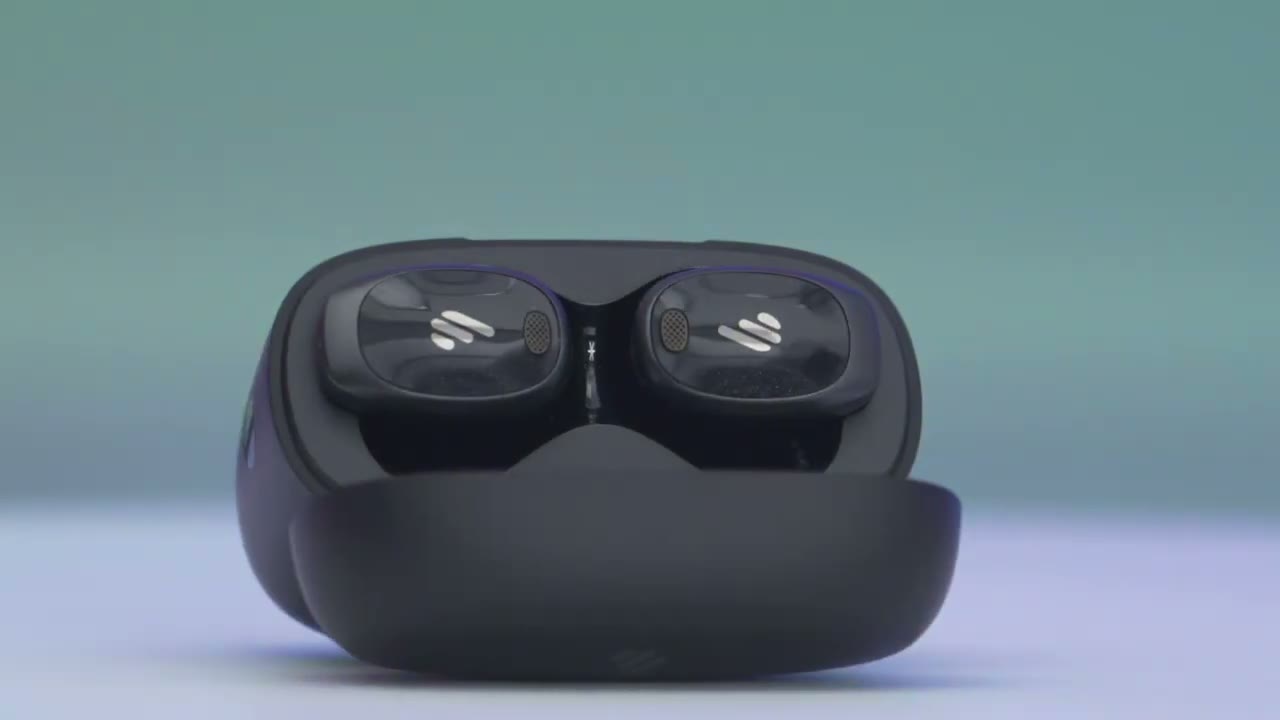
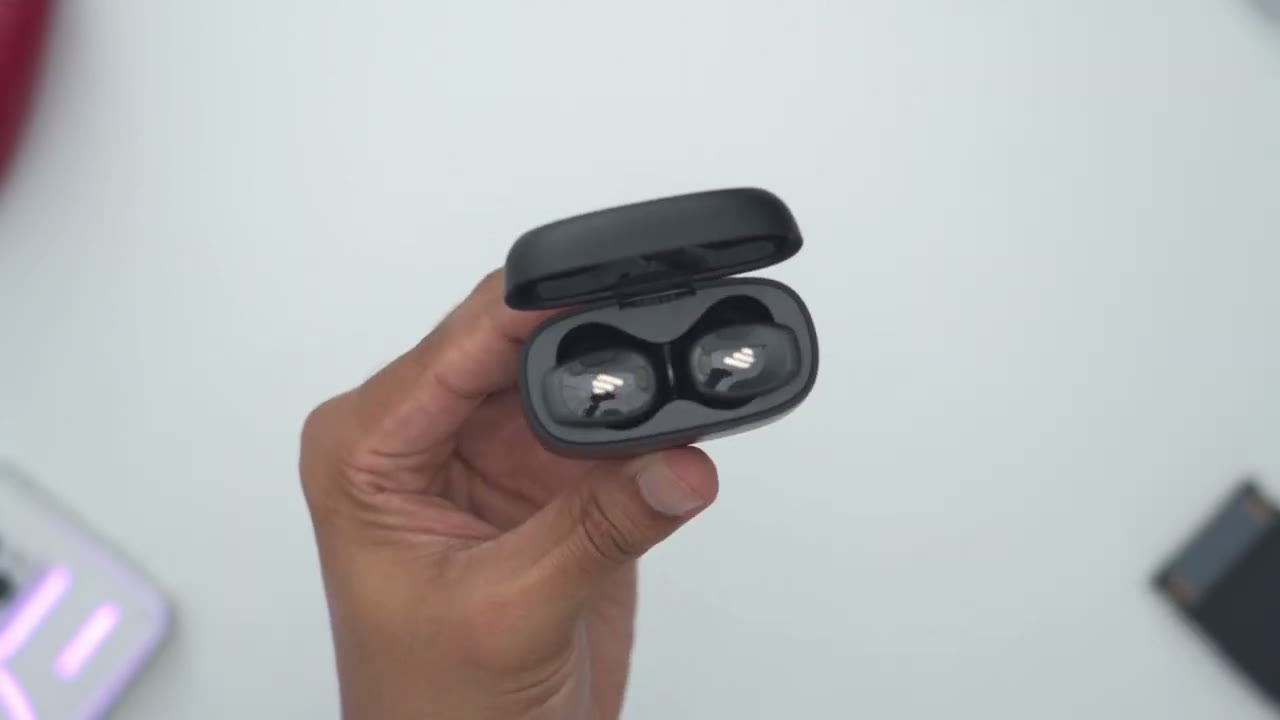
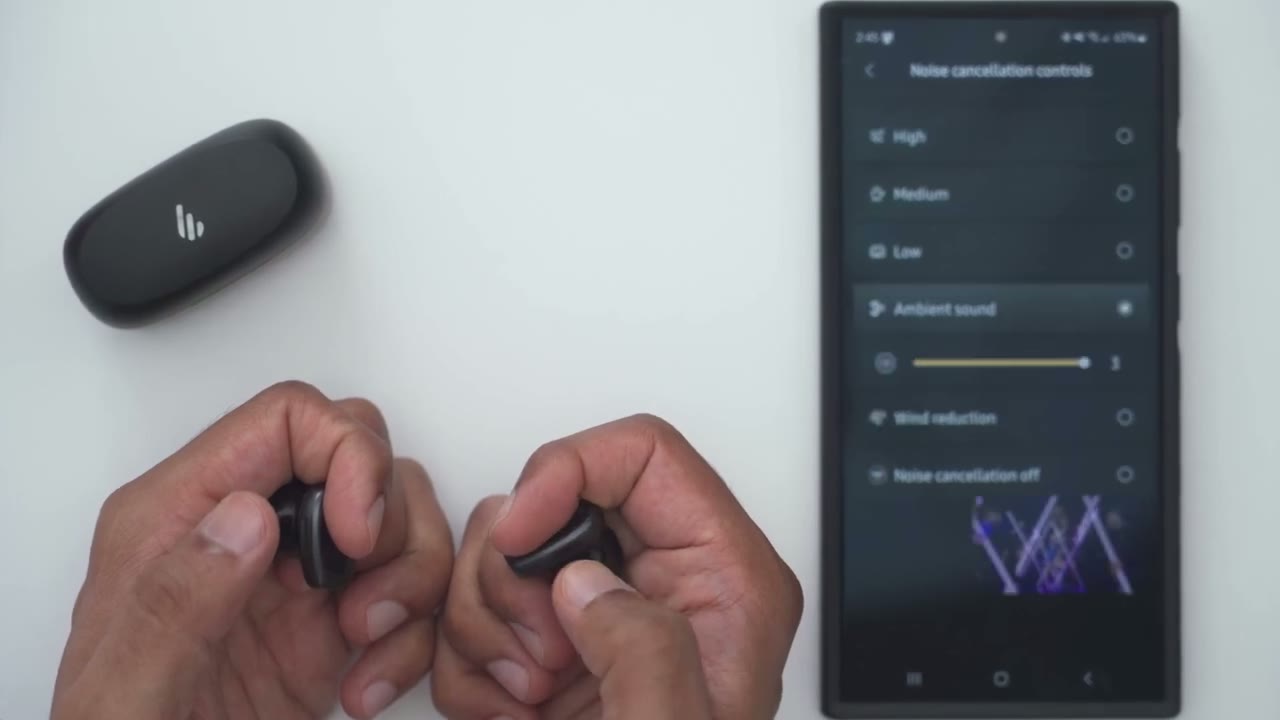
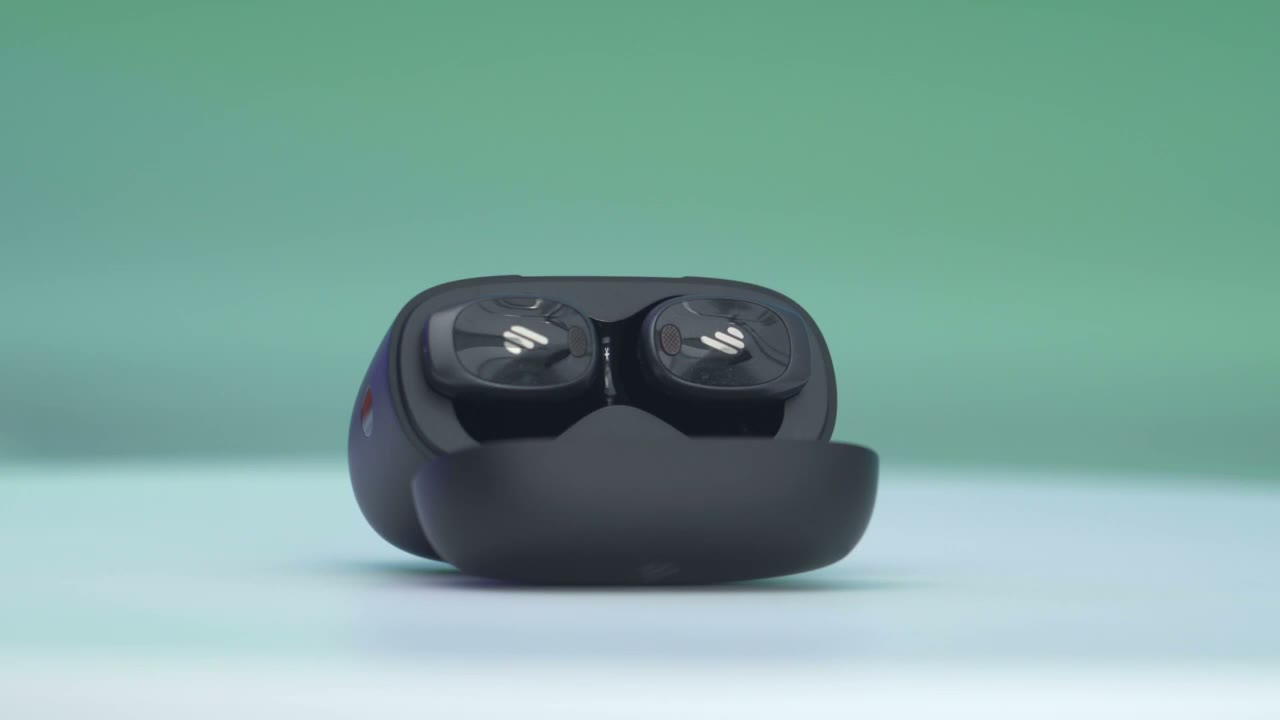
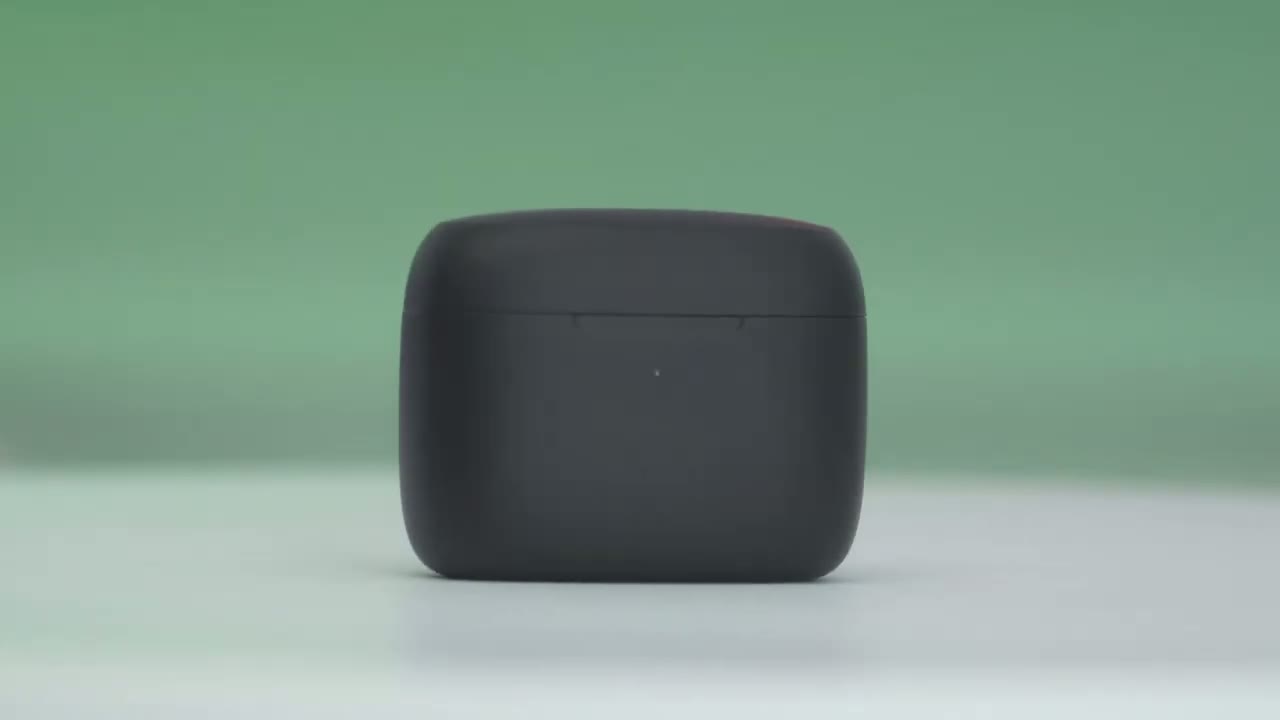
the charging case for the Neo dots has a little bit of heft to it so it comes in at around 62 G with the Neo dots already in them and I think part of the reason for that is also because we have wireless charging on here which is super convenient and handy now we have a USB type-c port because you can charge this up that way as well and then the edifier logo on the rear here on the side we have a button tactile for you know pairing and resetting and on the front we have the LED indicator light and nothing at the bottom and it’s this type of map finish that’s kind of smooth to the touch and then of course in the inside we have the Neo dots themselves and each of the Neo dots comes in at around 6 to 7 G now this is what it looks like on the exterior of it and you can see it has this type of Premium glossy type of finish with the edifier logo kind of reminds me of the finish on the stack Spirit S10s and this is what it looks like from one of the sides this is the right earbud we have the metal charging contacts and one interesting thing to note is with the Neo dots you could see on the side here we have this little indented area and this is what we actually going to use for touch control so you’re not going to tap the outside you’ll be tapping um this indented area to go ahead and use the controls and of course there we have the speaker Grill opening and closing the case is really easy so you could actually do it one-handed if you like and the magnets are strong enough so that even if you shake it upside down they won’t fall out and grabbing the Neo dots is really easy as well you can see very simple um because you’re grabbing it from the side versus it being kind of vertical so pretty good design Choice there here’s a
Specs
quick look at the specs feel free to pause or jump ahead to the next section
Bluetooth Pairing
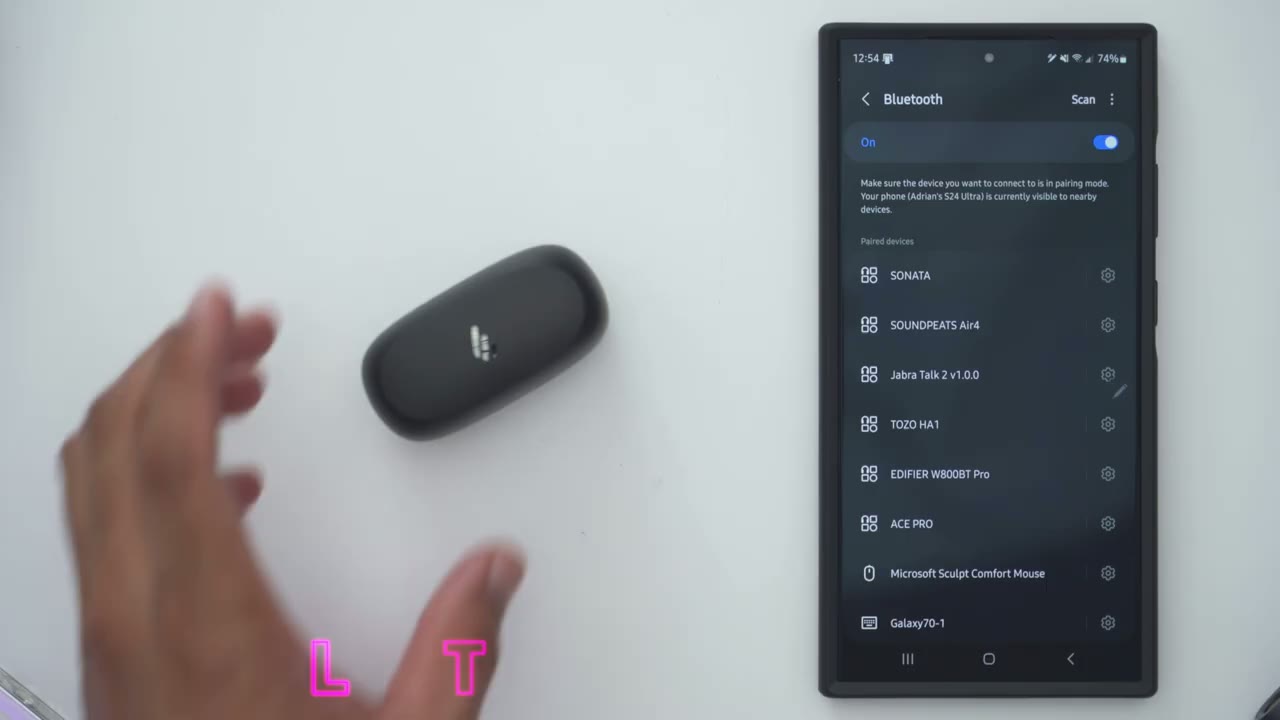
I’m going to pair the Neo dots for the first time with my phone so I’ll go ahead open it up hit scan and it’s actually found it already with the Google fastp so I’ll hit connect and I’ll just wait for that to connect and there we go done so now I can go into the settings here and I have the option to turn ldac on or off so I’ll repeat the same process for my second phone so I’ll go ahead press and hold the pairing button until I see the LED indicator lights come up and I could see it again with the Google fper hit connect and I could see it at the top here so now if I go back and I connect it on my other phone I could see that the Neo dots are connected simultaneously on my zold 6 and s24 Ultra I’ll start playing music
Multipoint
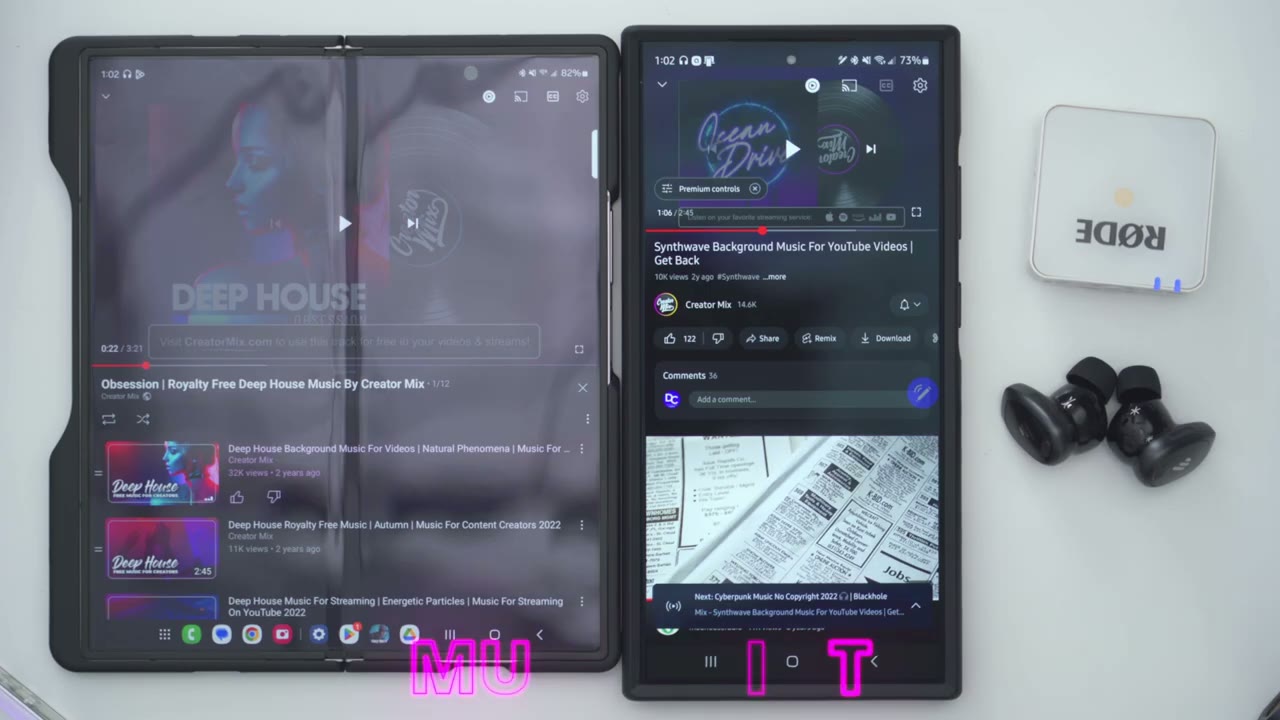
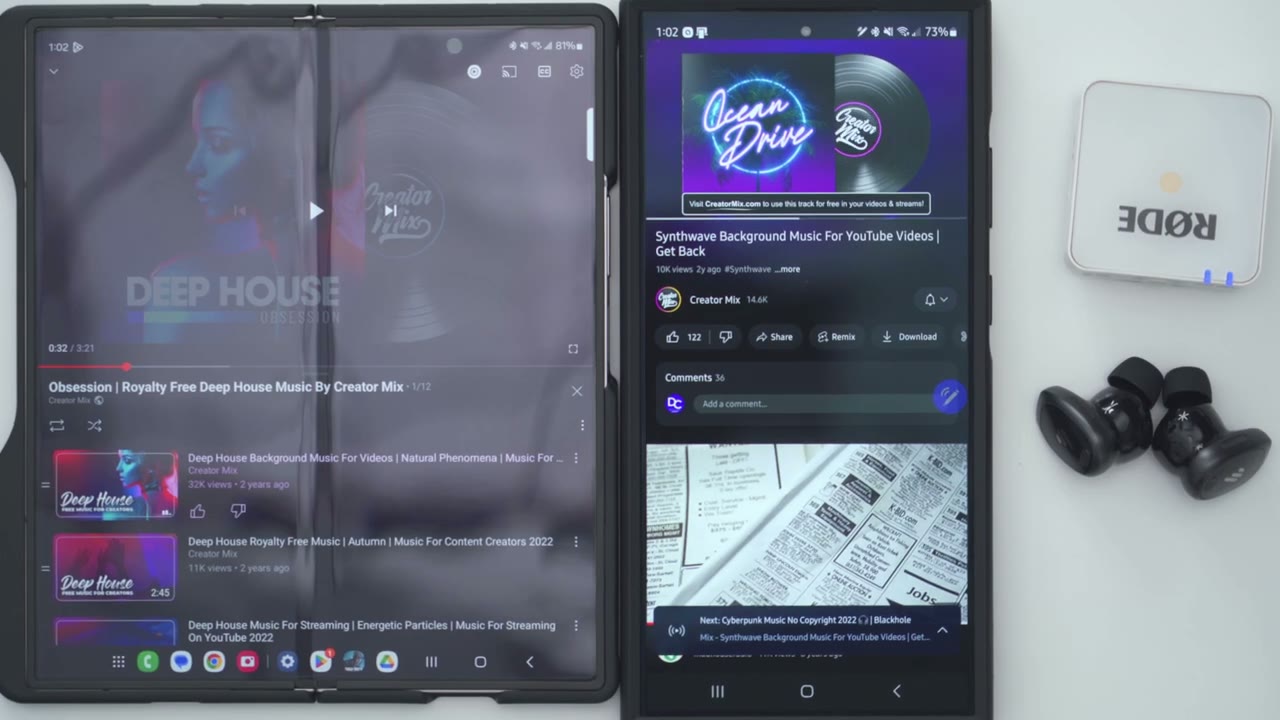
on my first phone and I can pause that and just play for my second phone now and notice if I play on the first phone it’s still going to prioritize the last phone that was playing so I would have to pause this and wait for the audio to kick over let’s take a look at the
App Settings
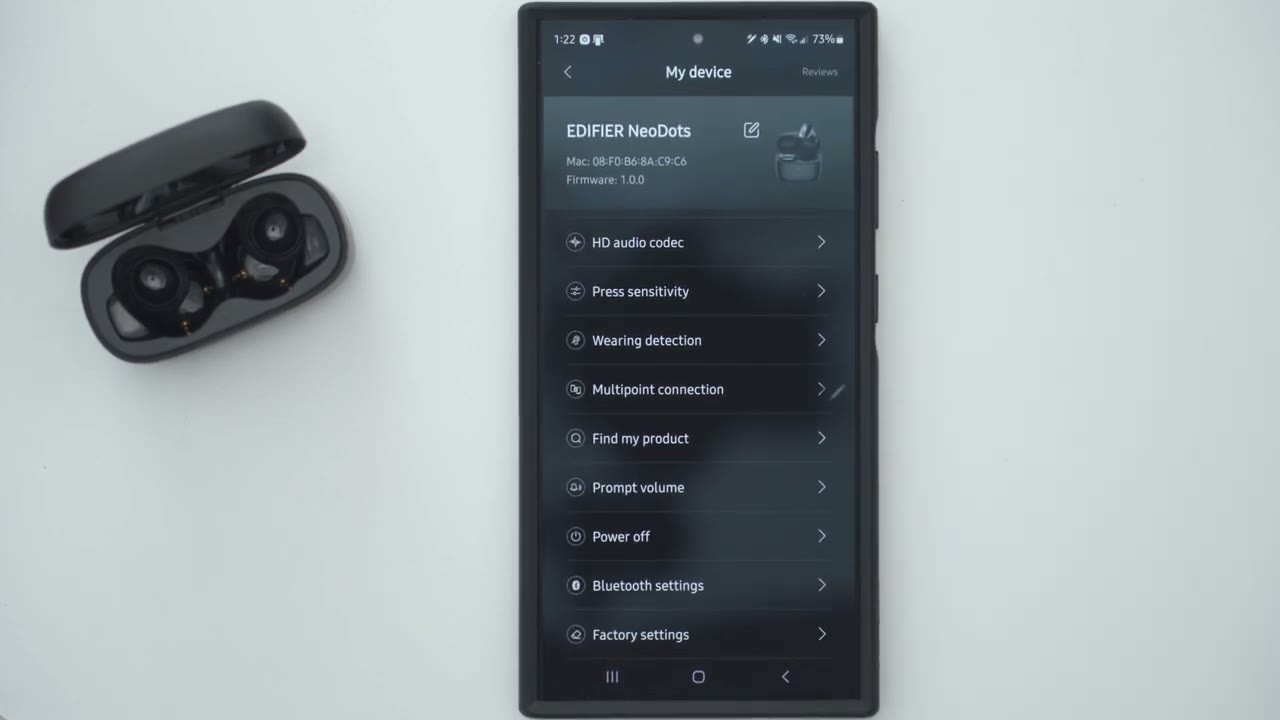
settings and the EDR connects app so at a glance I could see the battery level for the right and left earbud and one thing to note is that the highres wireless audio icon is lit up which means I’m going to get the best possible sound out of these because I am using ldac which you could see in the Bluetooth settings here there’s another area in the app that you have to turn it on and I’ll get into that later now you can go into the noise controls and you can set it to high noise cancellation medium uh low Ambient sound and if you tap on Ambient sound there’s a strength effect slider which is pretty neat and you could just leave it on three if you just want to hear you know pretty much everything around you and this works really well you can also set it to wind reduction or turn all of these off and listen to the earbits normally under sound effects this is where you could choose the EQ so there’s a classic heavy base which is usually what I prefer and you can also go into customize and you have four bands to go ahead and modify if you want to set your own EQ and then you can also turn game mode on or off in the rest of the settings you could take a look at the manual but let’s go into touch controls and note that it shows you that the touch controls are going to be on the side again in this indented area not on the um exterior side here so we have separate controls for the right and left earbud so if I go to the right you know a double pinch is going to be next track a triple pinch is going to be the previous track and then if you pinch and hold it’s going to be sound control and notice with sound control you can only select up to three of these it says you can only select between two to three so if I’m mostly just going to go between High Ambient sound and possibly wind reduction I could choose that but that is what it’s set to by default now you also have the option to toggle game mode on and The Voice Assistant as well and then you can also do this independently for the left control so you have you know a fair bit of functionality here now what you can’t do is the single pinch that’s reserved for play and pause which is fine if we go into HD audio codec this is where you’re going to get the best possible sound so you would pick your sampling rate of 96 khz or a balanc sampling rate now you can also disable ldac and the only reason you would want to do that is if you need multi-point functionality because if you do enable multipoint functionality you are going to lose that highres um audio so do something to be mind flow now under press sensitivity you could change it from you know all the way to 0 to 15 and I find that you know I leave it or I need to have it on 15 um because I do have to kind of press you know intentionally and then we can also go ahead and enable or disable wearing detection so you can have it just automatically pause and resume playback when you take them in and out or it can pause when you take them out but then you will manually uh resume playback if you like you also have this option for find my product it’s going to play you know this high pitch tone to help you locate the earbuds and then you can also change the prompt volume so the default is seven you could put it all the way down or put it all the way up but one thing to note is that even if you put it all the way down the music will lower where the prompt volume would normally Play Even though nothing will play in terms of a prompt so it’s not you know a a very uninterrupted listening experience let’s say and then you can also go ahead power the earbuds off or just reset them to factory
Controls
controls are simple so a single press will pause or resume music playback and you can do that with either earbud a double tap will increase my volume and a double tap will decrease the volume and I’ve also set it so a triple tap will jump to the next track while a triple tap on the other earbud will go back to the previous track again you could set all this in the edifi connects app and if I long press on the right earbud it’s going to cycle through the different noise cancellation modes that I’ve set up in the EDR connects app so if I had
Sound
to sum up the audio experience on these I would say you’re going to get clean crisp and Rit sounding audio coming out of these now when I listened I mostly had ldac on all the time so I did have to disable multipoint and I also listen with you know the base heavy equalizers most of the time that’s just what I prefer so I recently reviewed edif fire sta S10 their Wireless planner magnetic earbuds which are their topof the line offering and even after listening to those recently I have to say I really enjoy the Neo dots and if I had to choose between you know either of those I could just pick up any of them and I would be happy with the performance now the base performance coming out of these is something else you’re not going to be disappointed now my daily drivers before I got these were the edifier neob buts Pro 2 and those are fantastic sounding earbuds you know great allaround earbuds and these are a league above and I can’t believe just how much better these sounded I guess it also could be due to you know the fitment uh these do fit a little bit better for me now that base it delivers it hard you get that nice thump and there’s the right amount of Base the on there it just sounds so good when you listen to songs where Bas is prominent on there mids and highs sound so clean and crisp and they’re nicely tuned and balanced and I’m just a big fan of Brands going towards this dual hybrid driver setup yet costs more but you could definitely hear that difference in basically any type of earbud I’ve kind of reviewed with that type of setup so yeah we have the 10 mm drivers to drive base which you can hear it comes through so nice so hard you get that thumb and then for vocals you get that Clarity crispness and there’s Great Sound isolation with the Balan Armature drivers to date these are some of the best sounding earbuds I’ve used from edifier and that’s for me coming from their stack spt S10 with the planner magnetic drivers you know and that’s really saying something those are tun to be you know more accurate and you could definitely hear these have a bit more personality and if you’re looking at all the different models you’re having a hard time choosing or even if you’re looking at the S10s and maybe it’s a little bit out of your budget just get the Neo dots you’re not going to be disappointed that’s just how great these
ANC
sound the ANC performance is also good on here so it’s going to do a fantastic job at minimizing you know low frequency noises but high frequency noises will make its way through however when it comes to wind reduction they’ve done a fantastic job I did take these out on a couple of windy days since the weather was like that and it did a great job of you know keeping me kind of in tune with the music and they’ve also nailed the ambient mode on here now there is a strength effect slider in the app that you can use and I didn’t find it I had to really reduce the volume that much to be able to hear what’s going on around so yeah overall it’s a
Mic
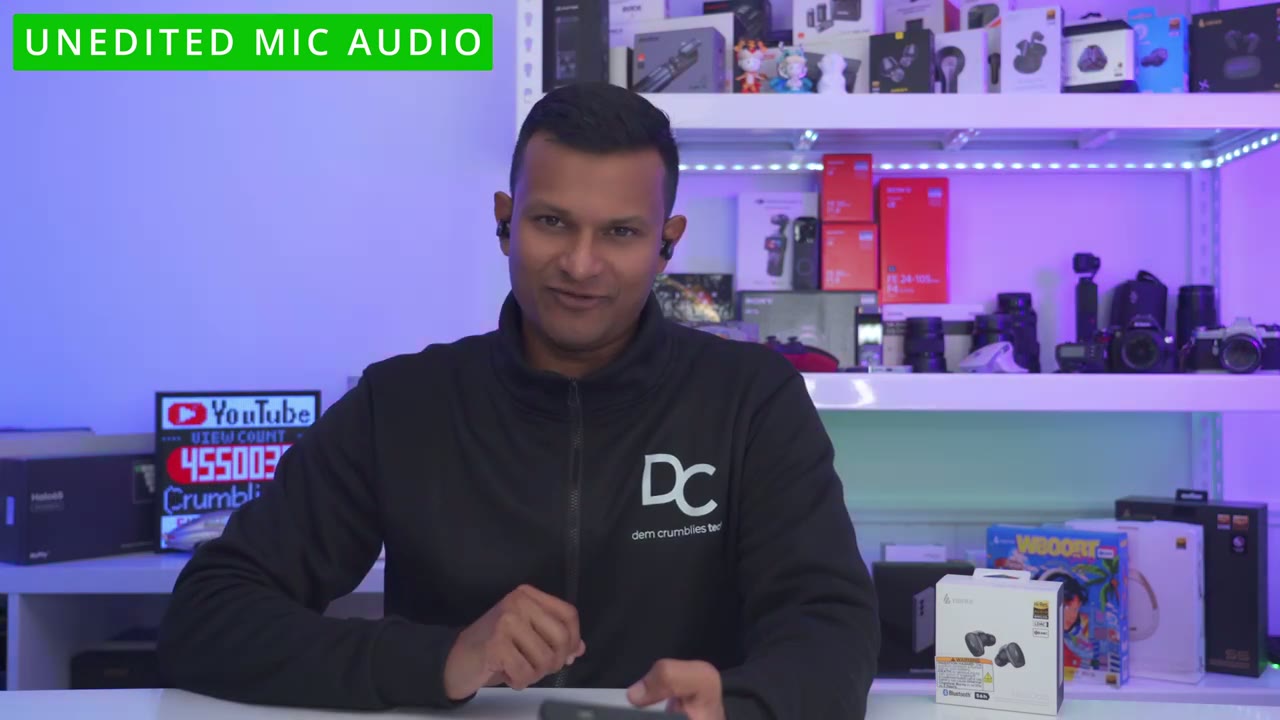
great performance here’s an example of what the microphone audio sounds like coming out of the edifier ne dots wireless earbuds I’m in a very quiet room with little to no ambient noise I’m now going to play really loud simulated ambient background noise and here’s what the microphone audio sounds like from the edifier ne dos while you’re in a very loud and noisy environment
Gaming
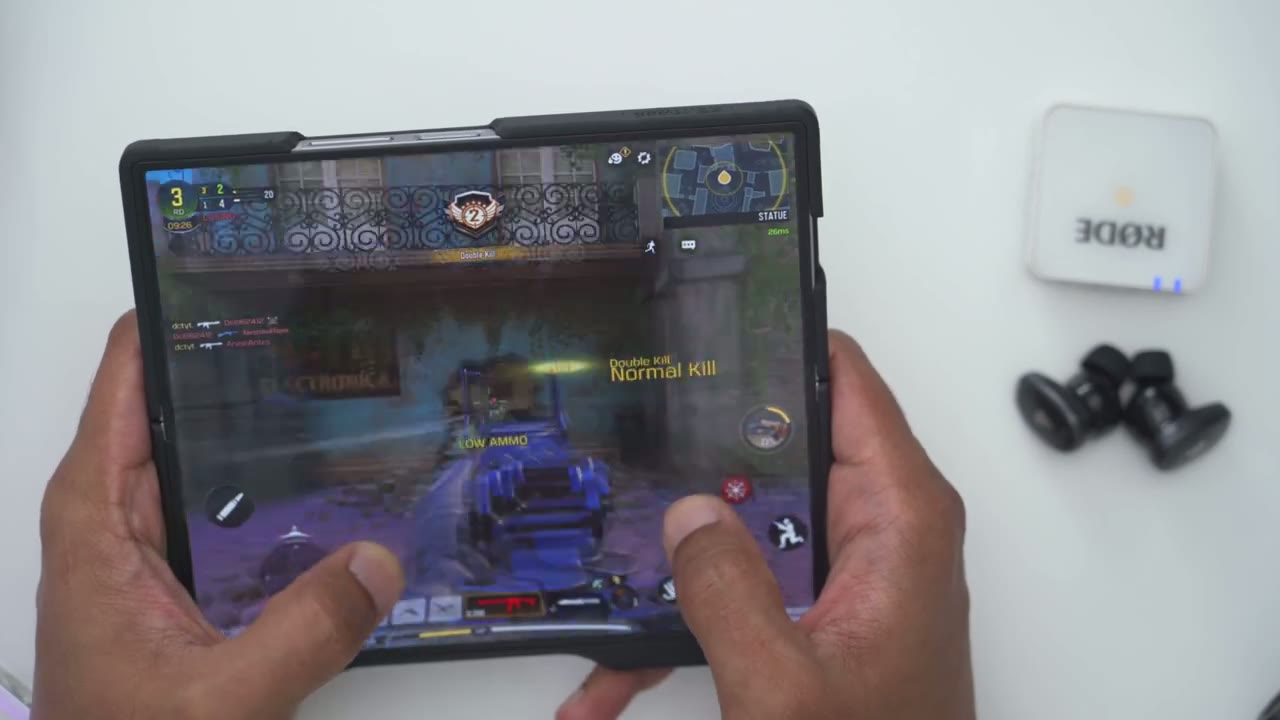
with the low latency game mode activated I have no problem with just casual gaming using the Neo dots on my phone
In-Ear Detection
smart bearing detection or inar detection works extremely quick and is
Comfort
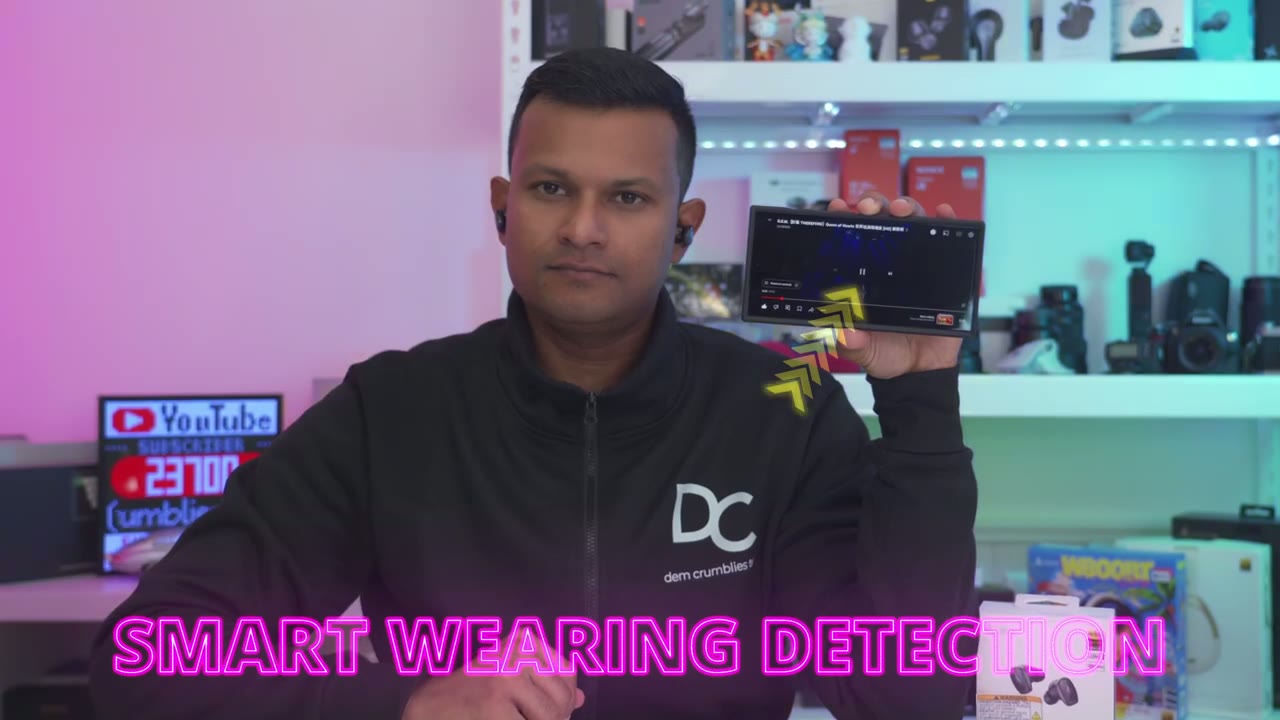
super responsive now the fit on here is perfect for my ears and I think that’s why I had such great uh base performance because it’s just such a tight and snug fit on here now when I put these in unlike some of their other models maybe I definitely know that these are in so it definitely expands a little bit but again the fit is just so snug and I can still wear it for you know 2 3 4 hours at a time it’s not like it makes it uncomfortable but yeah if you have you know smaller uh ear canals just
Battery

something to be mindful of the battery life on these is rated for up to 17 hours on a single charge which is amazing of course it’s going to come down to how you use this are you using it with ANC on or off you know on the medium or high setting do you have lak on what’s the volume level but I could say you know I’m easily getting over 10 hours with these just if I’m kind of estimating so you can easily get that or more now when you per with a case you’re going to get up to 56 hours and when you do need to charge these up a 15-minute charge will give you up to 5 hours of play time now you can also listen with one butt in the case and you know one in your ear if you want to further prolong
Recommended?
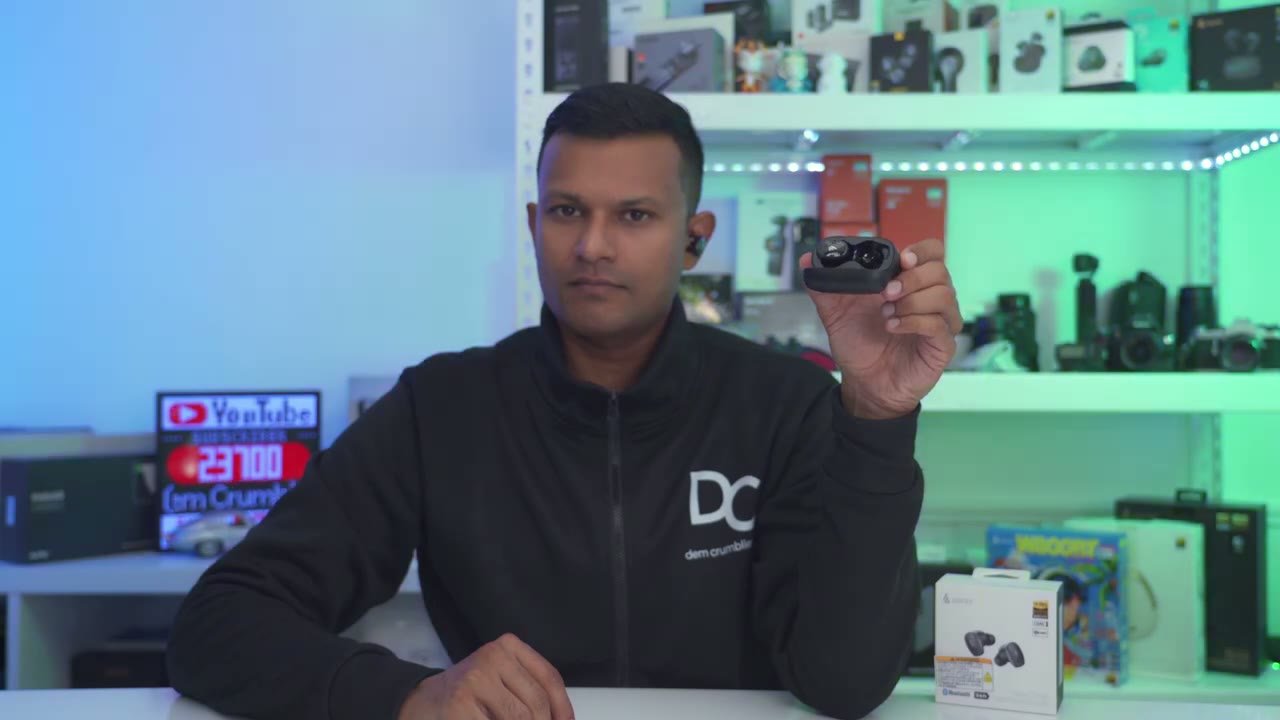
battery life all right so can I recommend the edifier Neo dos Wireless ANC earbuds and it is such an easy recommendation from me these are kind of in a league above all of the other models I reviewed so far they’re just the best all round option the sound coming out of these is so fantastic and the base is so satisfying thanks to that dual driver setup and you get all of the premium features such as ldac codex highres wireless audio wireless charging multi-point wearing detection and ip55 rating Google faser basically this comes with everything that you’ll need so if you’re interested in checking out the edifier Neo dots which I highly recommend I’m going to leave some links down below for you to check it out or to learn more here’s a coupon code that you can use to get 25% off the Neo which is amazing I’ll leave it in the video description and pin comments as well and if you found this video helpful please consider checking out some of my other reviews on earbuds and headphones I review a bunch of different types I’m sure you’ll find something you like and I also review a bunch of different Tech on this channel which I think you might find interesting as well and if I can ask a huge favor would you mind liking and subscribing it truly does help me out as a growing Channel and I’ll see you in the next one soon
Buy Edifier NeoDots ANC Earbuds on Amazon
Please note that some of the links in my video descriptions are affiliate links where I earn from qualifying purchases. As an Amazon Associate I earn from qualifying purchases.

