


Buy Edifier Neobuds Pro 2 on Amazon
Please note that some of the links in my video descriptions are affiliate links where I earn from qualifying purchases. As an Amazon Associate I earn from qualifying purchases.
Intro
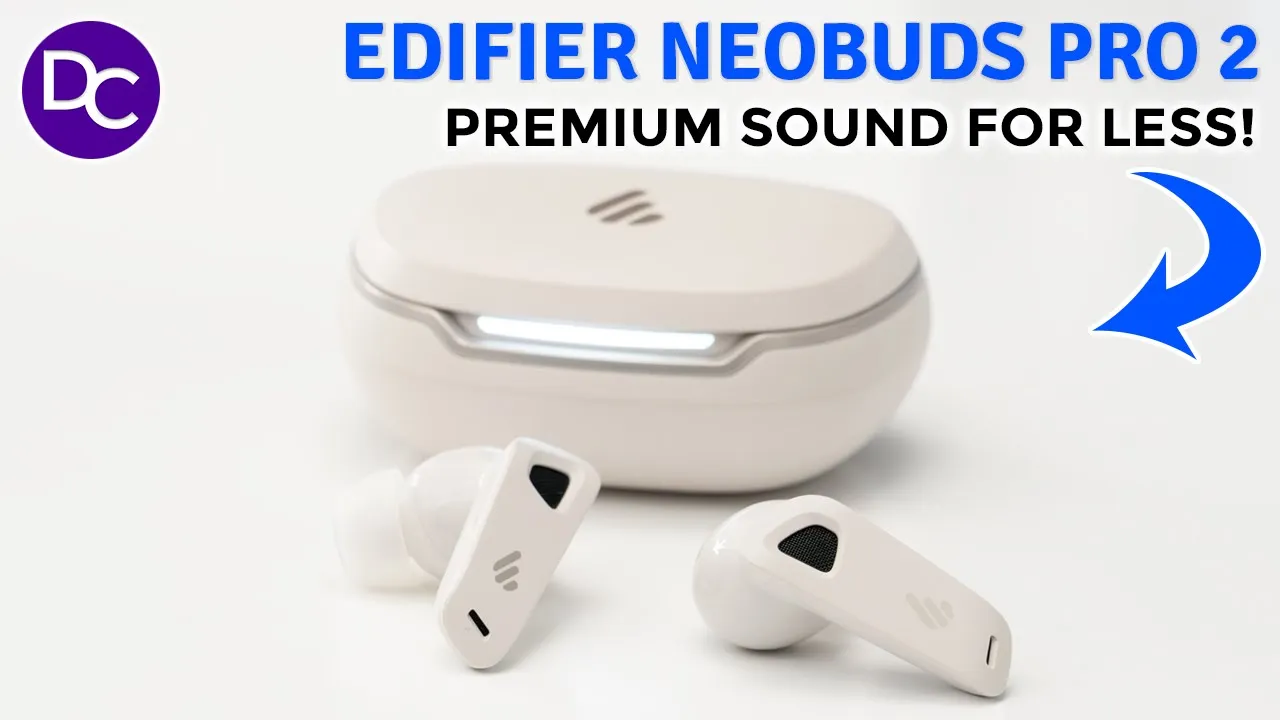
hey guys it’s Adrian and today I wanted to share my experience using the edifier neob buts 2 Pro with active noise cancellation and these are seriously one of the most impressive earbuds that I’ve used in quite a while so these have the highres ldac lhdc Codex and AAC codex and they feature impressive bass and super clear audio you also get aggressive noise cancelling and a really cool spatial audio feature but there are a couple of drawbacks so let’s take a closer look to see if this could be your next pair or if there’s any major deal breakers and big thanks to edifier for sending these out for review so the
Design
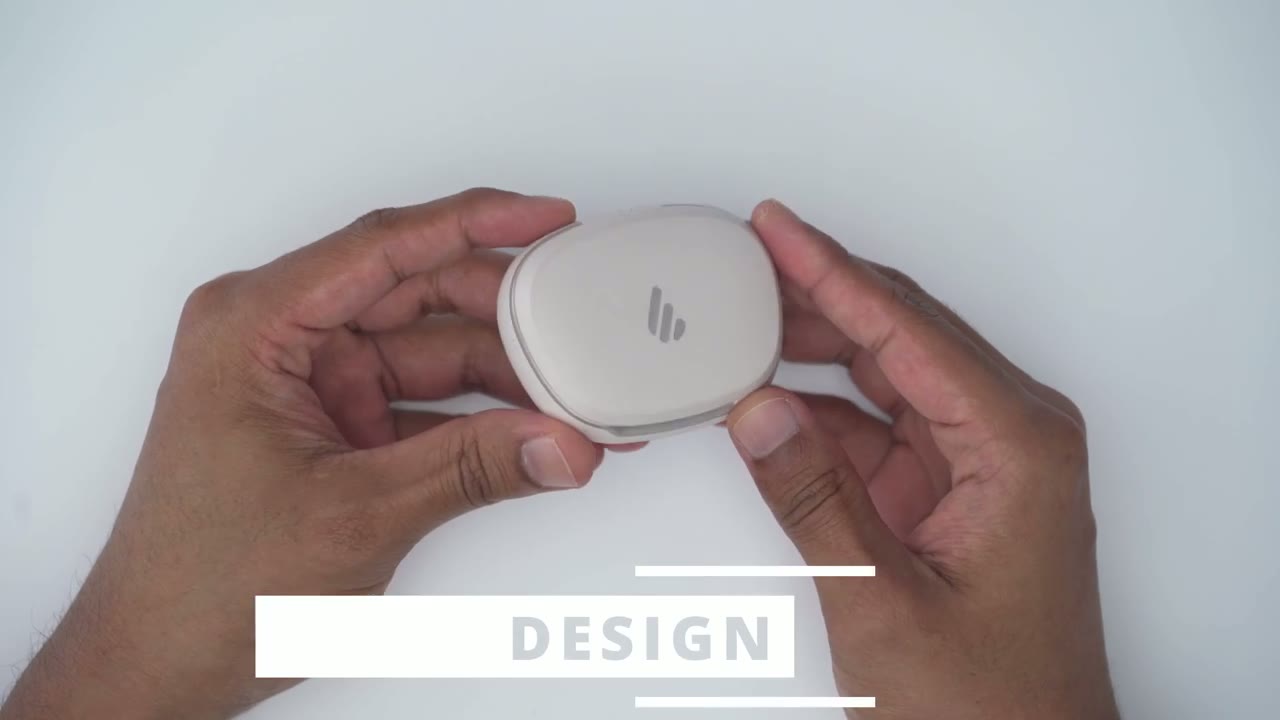
design is just so nice on here we have a maap type of finish on here with this shiny edifier logo and then we also have the edifier logo at the back as well along with the USB typ-c charging port there’s also a metallic type of trim that goes around the front and then once you open it up we do have a soft glow LED light and this is actually changeable there’s eight different colors you could choose from in the edifier app now there’s also a sync button right here to pair it for the first first time and those are the earbuds in there and you can see it’s very easy to just grab them pop them out or pop them right back in for easy charging the earbuds are an inair type of design that are actually surprisingly comfortable to wear for hours at a time now at the side is where we have the touch controls we also have that metallic logo to match the charging case and then we also have the touch controls as well now you can see the stem is not actually too long so it doesn’t protrude much out of the ear and it’s just comfortable you know a nice stealth type of look I have the ivory color but it also does come in black as well specs
Specs
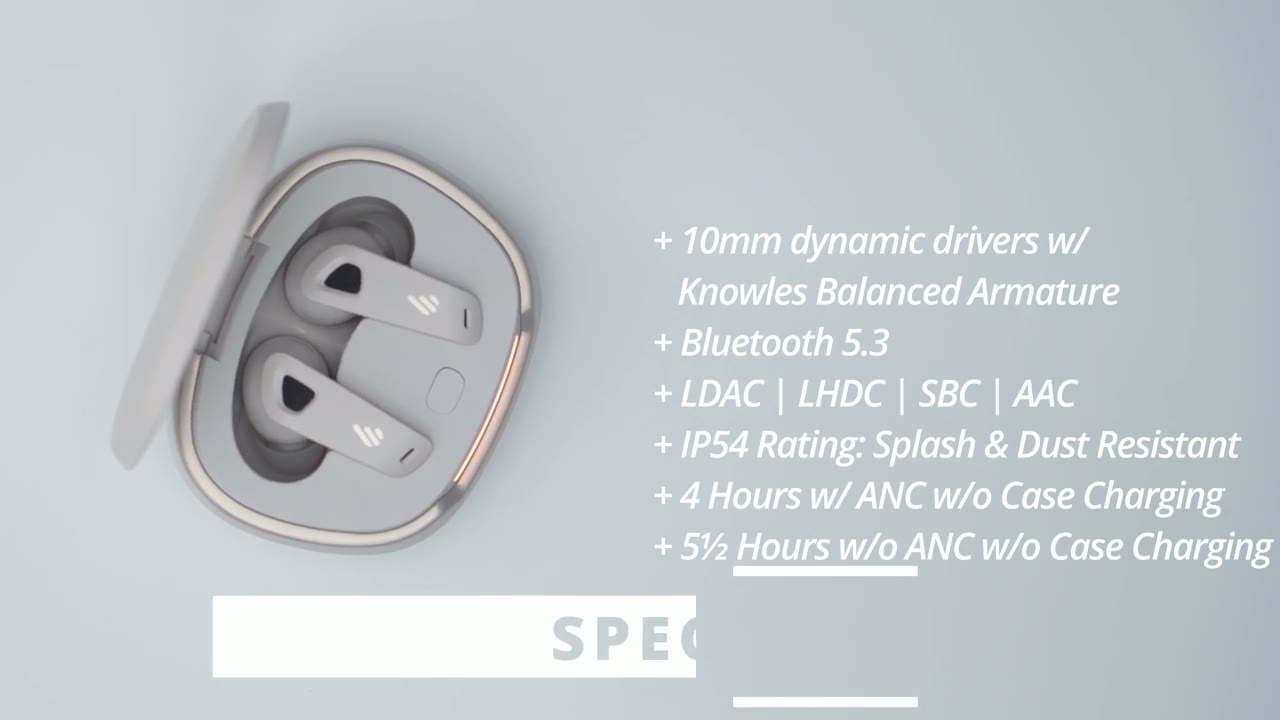
include 10 mm Dynamic drivers using the N Balance Armature we also have Bluetooth 5.3 supported codex are ldac lhdc SBC AAC we also have an ip54 rating which makes these Splash and dust resistance battery life is rated for up to 4 hours withc on and up to 5 1/2 hours with NOC pairing the earbuds is
Pairing
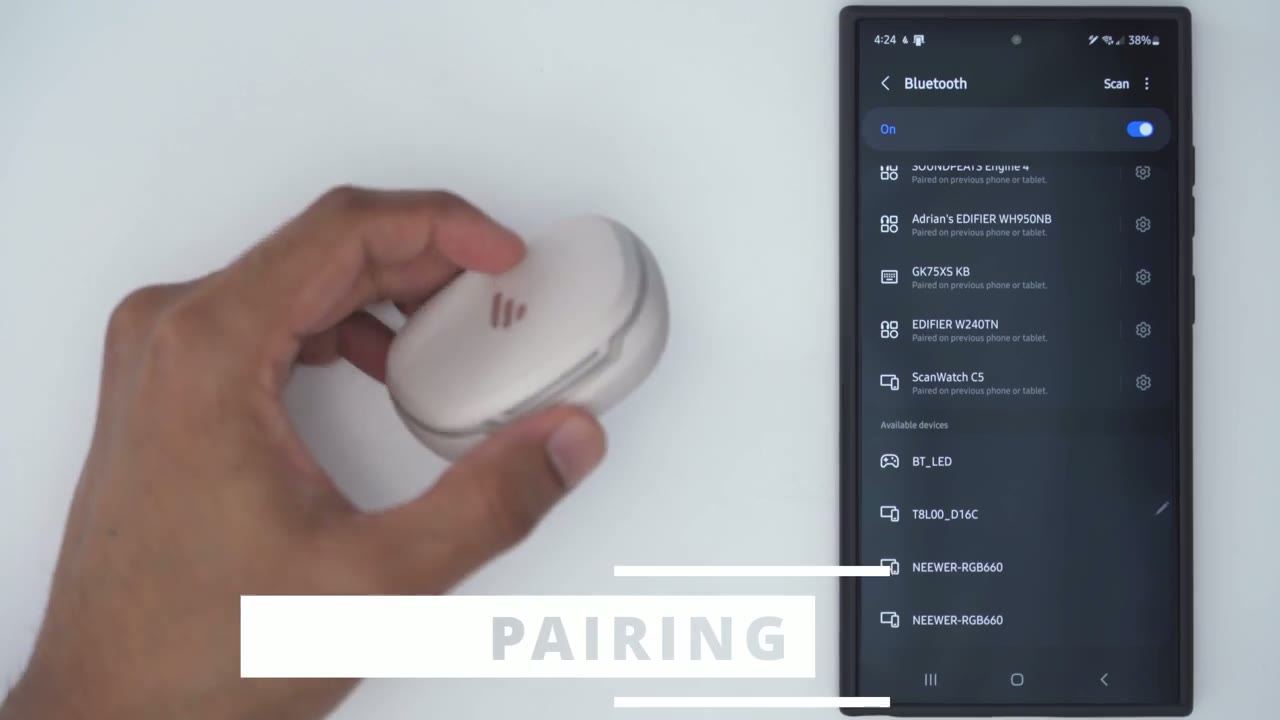
really simple I’m just going to open it up press and hold the SN button until I see the lights go back and forth just like so then I’m just going to hit scan and I’ll just wait for it to show up at the bottom here and I can see it here edify our newo buts Pro two tap on pair and now I can see it’s completely paired and what I can do is I can go into the settings here and I can see that it’s set up for calls audio now I do have the option and if your phone supports it you could turn this option on which is to use the ldac high resolution audio codec so the neob buts
Dual Device
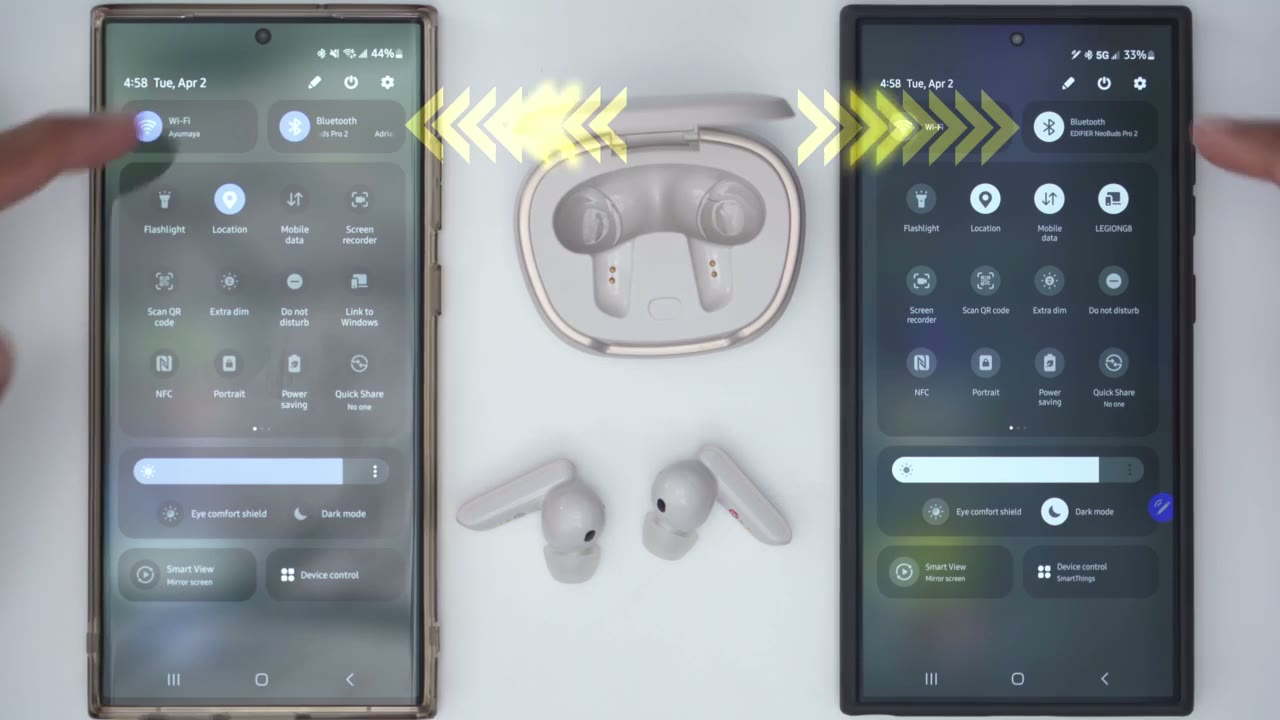
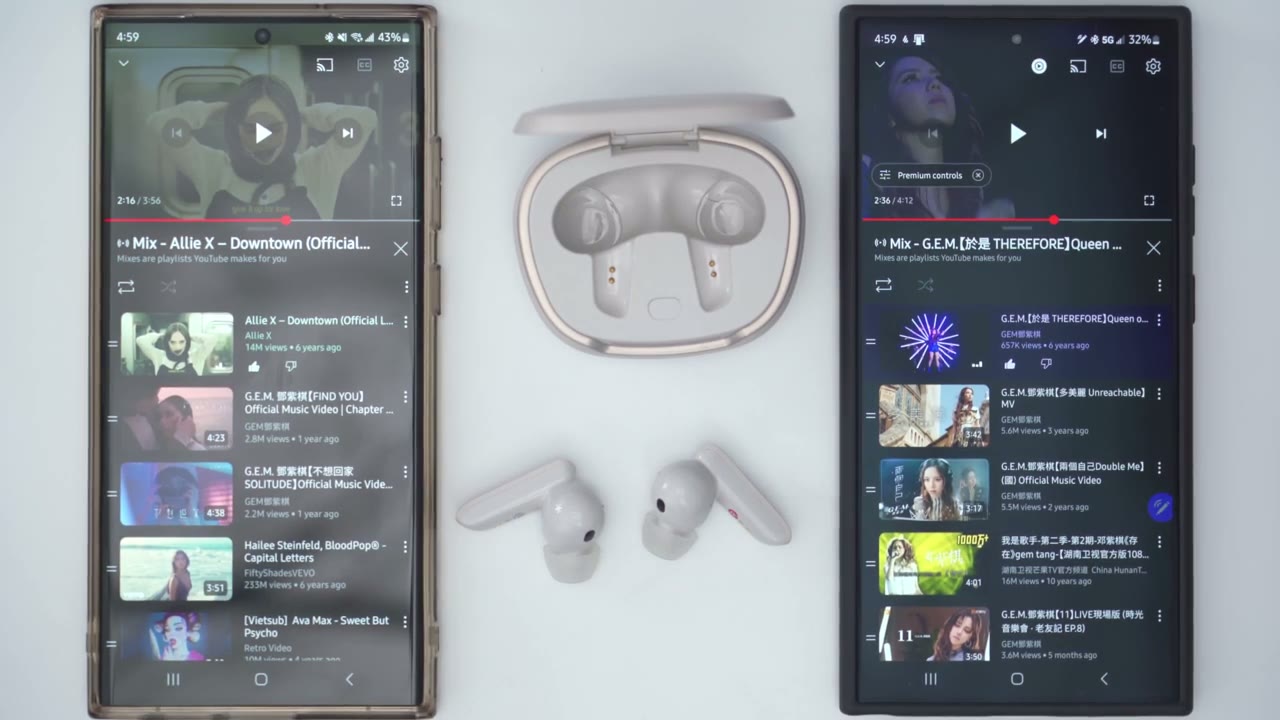
Pro 2 it’s connected to both of my phones at the same time and what I could do is I could listen to music on this phone and you can hear it outputting there maybe but I can actually pause that say I’m getting a call incoming on this phone or I just want to listen to what’s going on here and it’s just going to output sound from this device now now while that’s a great feature one thing that I noticed that it doesn’t do is with other devices that have multi-point when you play music on one device it actually automatically pauses the playback on the other so you can see right now both are playing but it’s only going to Output the first device that I started playing music on versus pausing the first device and then you know outputting music from the second device
Edifier Connect App
I also have the edifier Connect app installed and if I swipe down I can actually see the battery life for each individual earbud along with the battery life on the case and I do have some access to Quick Settings let’s go into the full edifier app and take a look at the settings so you can see right away highres audio is lit up and the reason that’s lit up is because I did turn this option on in the Bluetooth settings so if you don’t see it lit up here go ahead and do that on your phone as well in the EDI fire app make sure you put the earbuds on to access all of these settings so I could switch from high noise cancellation to medium to low noise cancellation I can also set it to Ambient sound and when I do that I can set my preference for to kind of focus on voice enhancement if I expect to be talking to people say I’m ordering or I could set it more for background sound if I want to be more aware of my surroundings or I could leave it on the default of bounds I can also turn on wind reduction and I can also completely turn a and C off from this screen we could swipe over and move it from music mode to Game Mode for lower latency we can also try this spatial audio which is really cool you know once you calibrate it you can actually see as you rotate your head you can see see that display in real time really cool and if we scroll over we can go ahead and set it from the classic equalizer to dynamic dynamic sounds awesome and then you could go into customize and you can actually customize that exactly as you like on the last screen this is where we can set the LED color so you can see I can set it to White and that’s what that looks like I can also set it to yellow orange red green cyan blue and purple so yeah ton of different options on here really cool to be able to do that to access the full settings I could tap on this icon here I can take a look at the manual I can go into control settings now one thing that I want to point out is that I can only change double tap settings triple tap settings and that’s about it there is no option to change single tap settings and that’s a pretty huge deal breaker to me because that’s how I like to adjust my volume just with a single tap and of course you can change these individually for the right the left side but you can see you have a bunch of options so you know you can double tap to play or pause volume up volume down sound control sound modes or triple tap but I do find these to be a little bit limited because we don’t have any single tap controls going into the HD audio codec we can also set the type of sampling rate we want for both the L codec and the lhdc codec now this codec is a little bit more specializ and you’ll most likely only find it on certain phone brands usually Asian phone brands you can also adjust the tap sensitivity so you can have it on low medium or high under wearing detection you could just completely disable it you can have the audio pause when they’re removed and then audio resume when they’re reinserted or audio pause when they’re removed but not resumed when they’re reinserted the earbuds are also capable of dual device connection but to have this feature you will have to disable ldac and lhtc you can also use the find my earbuds option it’s going to play a very high pitch noise so make sure you’re not wearing these if you try this out this is what it sounds like you can also power off the earbuds right from the app and you can set a shutdown timer if you want to just put these on while you’re sleeping and then have them turn off later looking at the touch
Controls
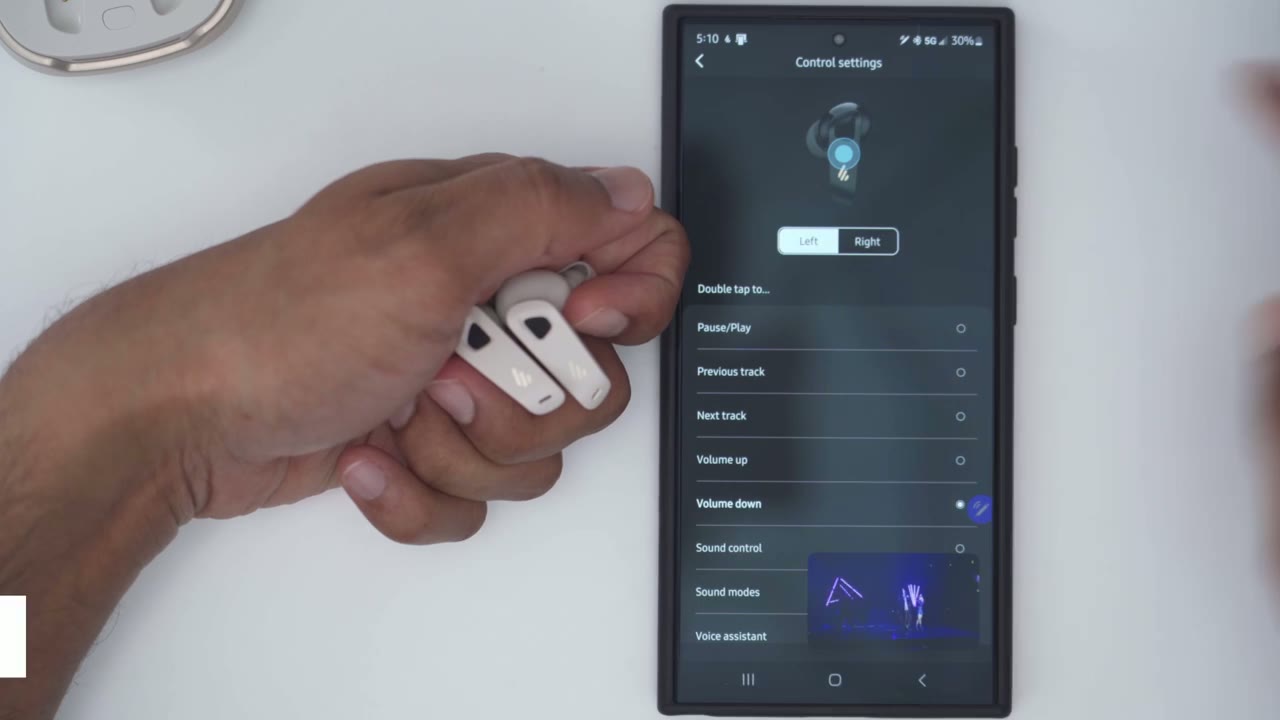
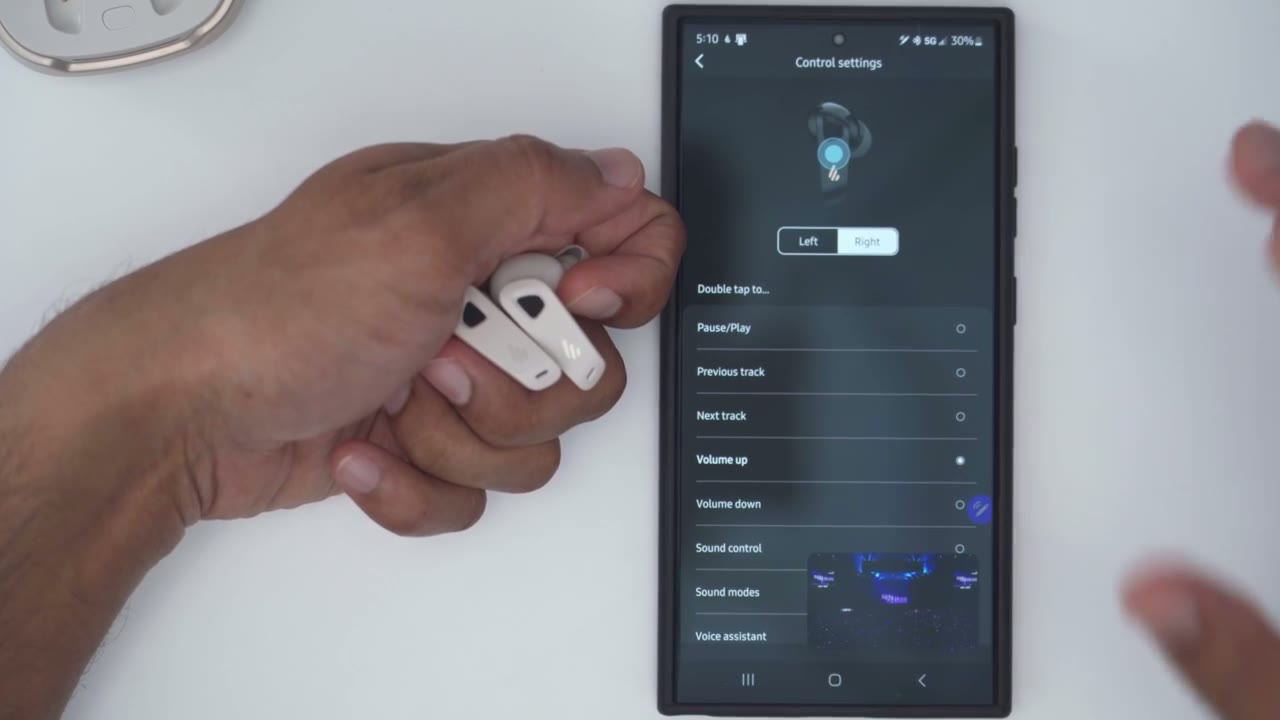
control so you can see a double tap on the left one is going to do volume down and if I switch to the right it’s going to do volume up I can also switch between tracks if I wanted to or sound modes or the voice assistant and a triple tap on both the right and left I’ve set it to pause or resume playback I find this to be very limited I would have liked a single tap option on her but for right now you know these are a great pair of earbuds only hampered by
In-ear Detection
the lack of single touch controls there’s also inair detection so as soon as you take out one earbud it just pauses music playback until you put it right back in The Sound Performance on here is
Sound
truly stand out so the inair design really creates a nice seal and it makes the music sound all encompassing now when I I had these paired to my phone I made sure that the highres audio option was enabled and you could see that it is enabled on the edifier app if your phone supports it however when I listened to these on my PC you know I didn’t have that option but the sound was still very full bodied I couldn’t tell much of a difference it wasn’t like a you know make or break for me sound was slow crisp and it’s tuned a little bit more to the base heavy side which is what I prefer anyway I found myself listening to these at around 80 to 90% volume and it sounded great I also had active noise cancellation set to high everything sounded fantastic it really didn’t matter what genre of music I listen to and of course like I mention you know you can always go into the edifier app and fine-tune The Equalizer to meet your type of settings or you know whatever your preferred listening style is but Dynamic is really good at you know boosting Basse and Clarity thec performance is also really good on here so I actually used these on a plane while I was on vacation listening to music and they did a fantastic job Shing out the noise to the point where every time I took them off I realized just how loud you know the plane engine noise was so definitely for day-to-day or daily use these are going to come in super
Microphone
clutch here’s an example of what recorded audio sounds like using edifier Neo buts pro2 microphones I also played
Spatial Audio
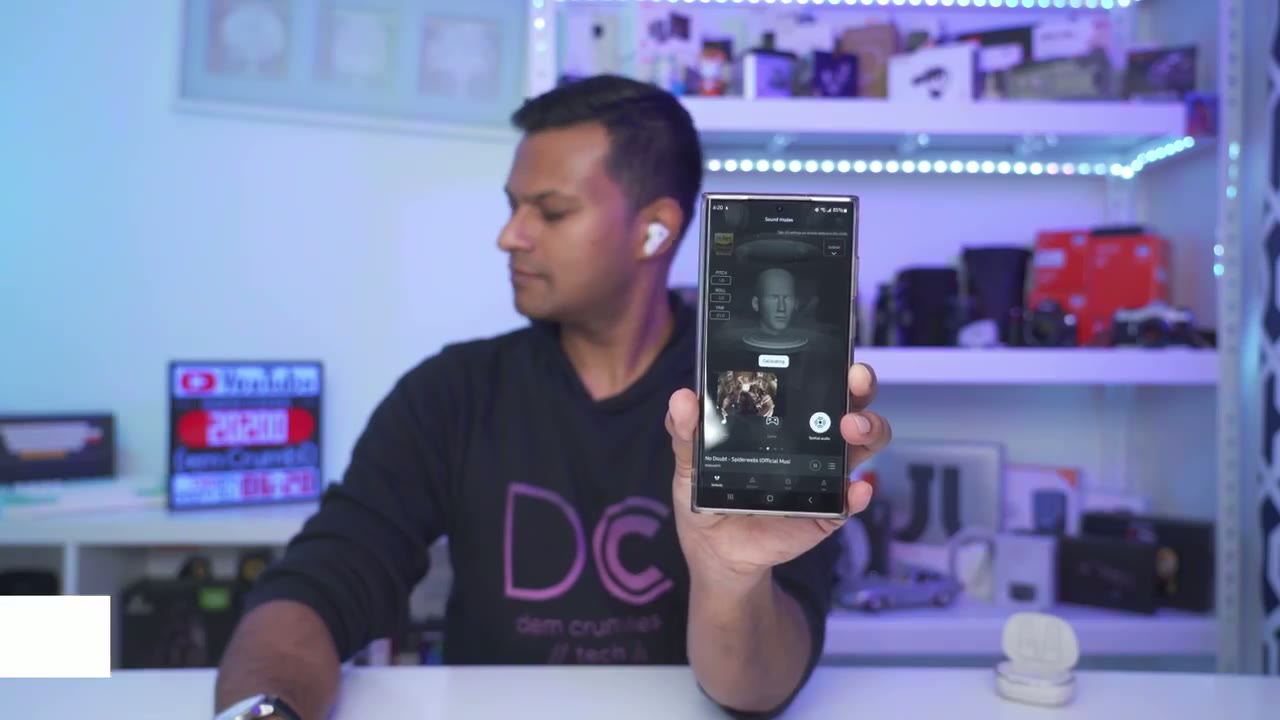
around with the spatial audio feature and it actually worked fairly well thanks to the built-in gyroscope and accelerometer once you calibrate it the first time correctly you know it’s really fun to play around with so I
Comfort
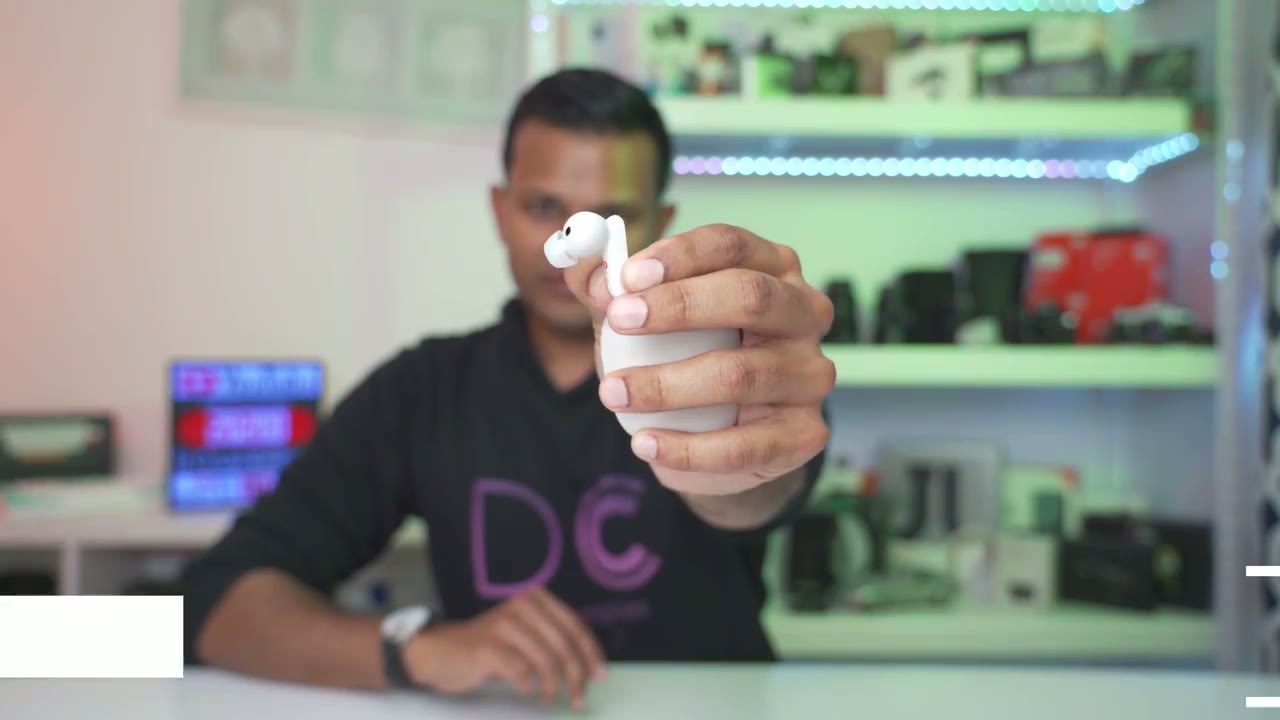
found the design of the neuds 2 to be super comfortable in my ear I could definitely wear them for you know 2 to 3 hours at a time easily and anytime I was walking or you know rowing going aggressively it stayed very securely in my ear also found the battery life to be
Battery
very acceptable on here because I would always listen with ansy set to high and with the dynamic equalizer and around say 80 to 90% volume and I easily got you know between 3 to 4 hours of battery life which is good for me cuz I generally don’t listen for like more than 2 hours at a time of course you also have the battery case and a quick 15-minute charge will give you up to 2 hours of playback you also have the option to pop off one earbud place it in the case so it can recharge while you listen on the other one if you really want to extend battery life these have been comfortable for me they stay in my
Recommended
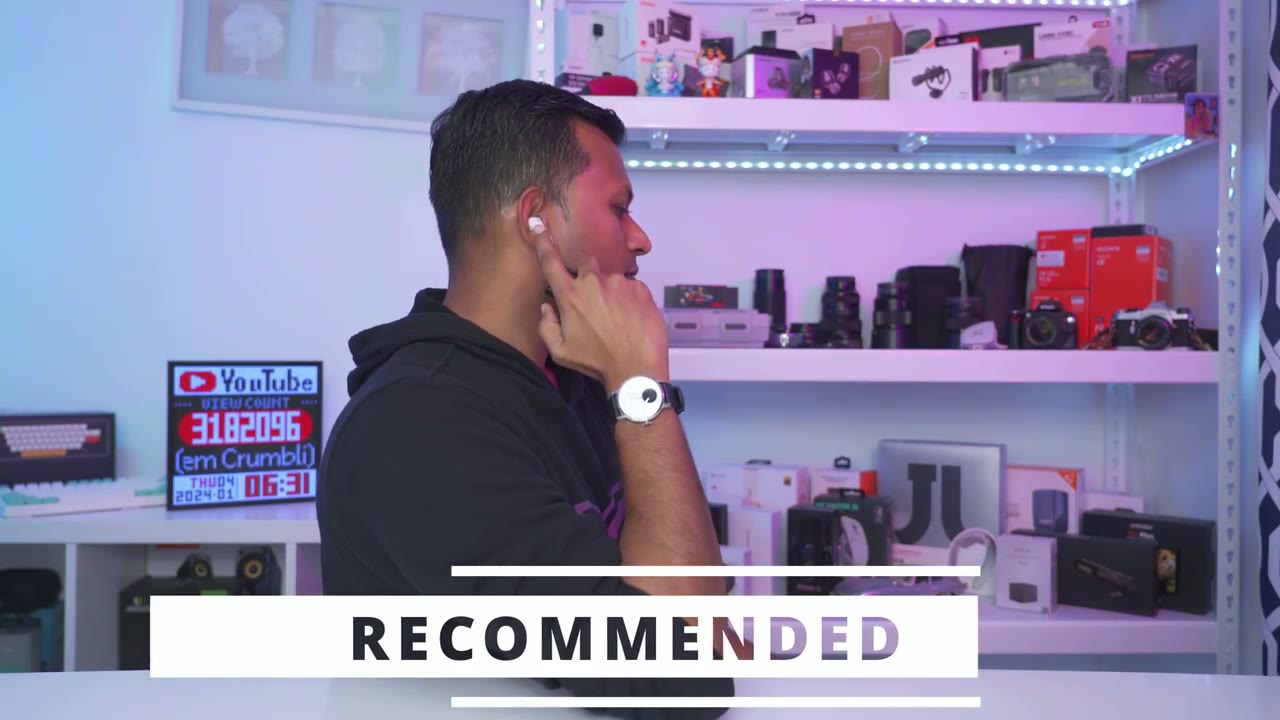
ear I’m happy with the battery life considering I listen to a ANC with it set the high with the dynamic equalizer the only minor annoyance here is that lack of single touch or single tap so for roughly a 130 us you get some seriously beautiful looking earbuds that offer impressive sound with high quality codecs so if you’re interested in picking up the edifier new butts Pro two I’m going to leave some links down below also don’t forget to check out some of my other earbuds and headphone reviews I review a variety of types to match different types of budgets and as always if you found this video helpful please consider liking and subscribing and I’ll see you in the next one soon
Buy Edifier Neobuds Pro 2 on Amazon
Please note that some of the links in my video descriptions are affiliate links where I earn from qualifying purchases. As an Amazon Associate I earn from qualifying purchases.

