


Buy the Samsung 970 EVO SSD From Amazon
Please note that some of the links in my video descriptions are affiliate links where I earn from qualifying purchases. As an Amazon Associate I earn from qualifying purchases.
Intro
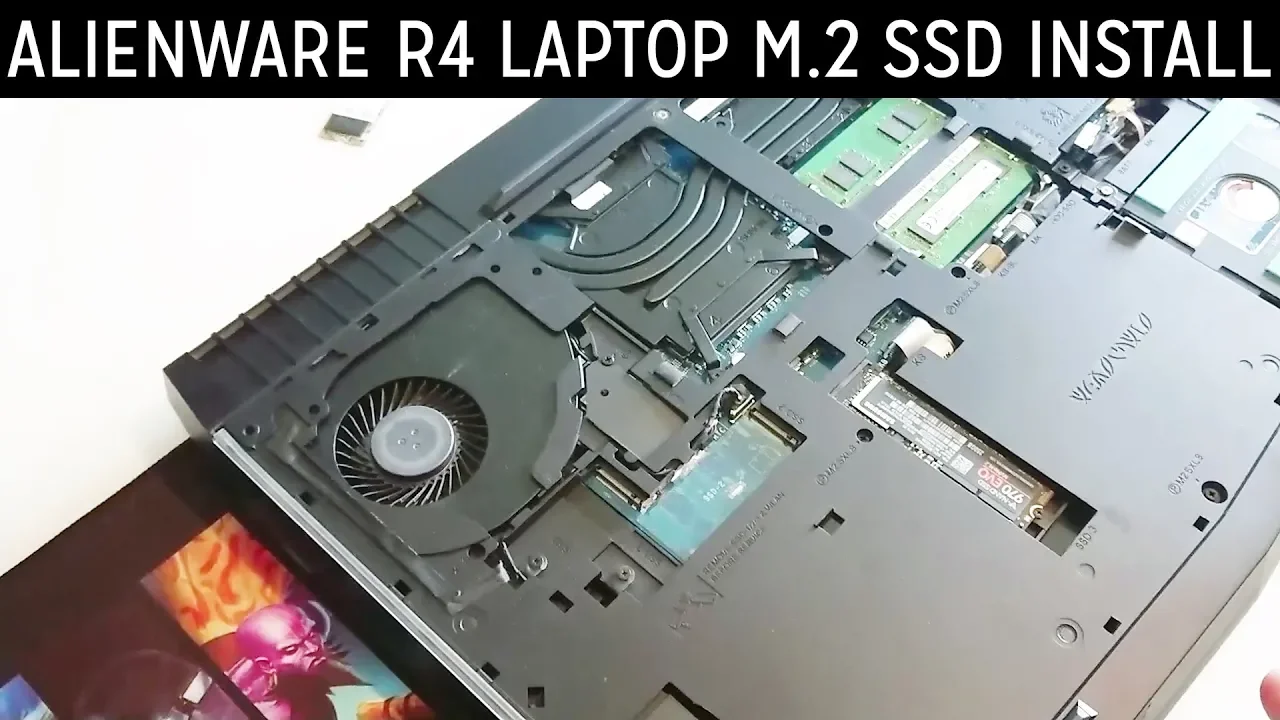
alright guys so I have my money 79 jelly where are four so I’ve had this for just about a year and two months and the Intel m2 SSD the King that that is already died which is pretty disappointing but I’ve ordered this sense of 970 Evo the envy I mean m2 to replace it so this is just a quick video to show you how to replace it if you ever need to and I would actually recommend it you you take out the info and if you have it and go with Samson to be much more reliable I find so I’ve already gone ahead and removed these screws here you can see they’re there and that’s them over here so once you remove all of the screws just pay attention to this one this one actually doesn’t come out it’ll just spin in place as I got a little washer keeping it locked in there so once you remove all the screws you guys gonna put your fingernails under the sides here and you’re just gonna pull pull up from the sides and then there you alright so when
Inside Laptop
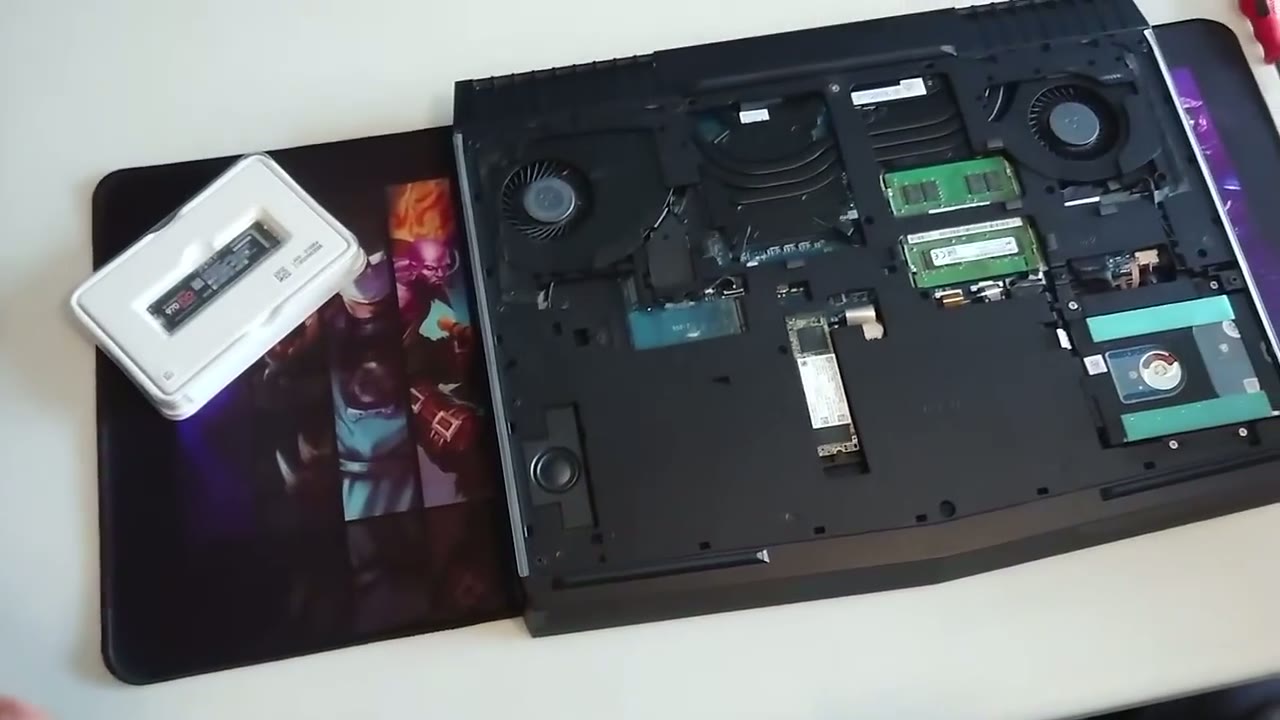
you buy the computer this is where the solid-state goes so you have this is a slot for the one of the solid-state the 80 millimeter there’s a second slot and then this is the half slot and if you look over here this is where they give the 2.5 hard drive goes so right now I have a one terabyte here but the area we’re focusing on is we’re gonna be replacing the intel SSD here and here’s
Remove NVME Drive & Replace
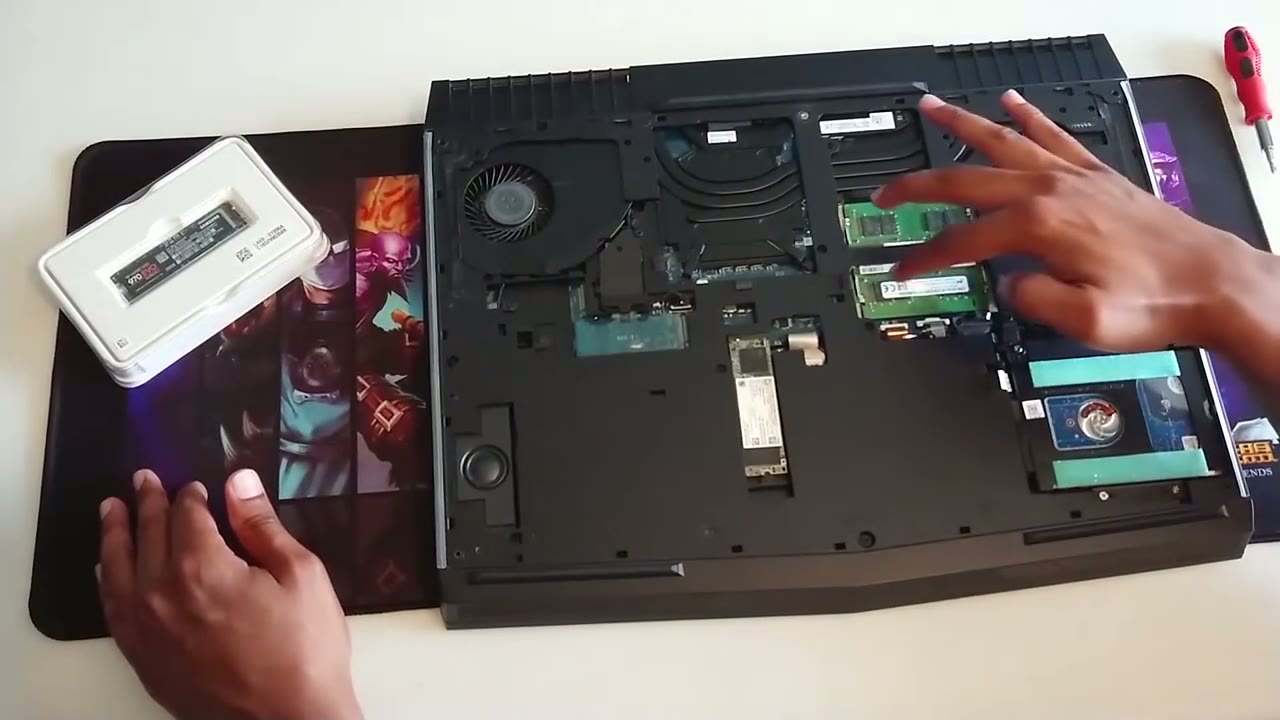
your two RAM sticks as well if you ever need to replace up pretty pretty easy to access so replacing this is pretty easy once you take out the back cover off just make sure you disconnect this battery cable here just so that no power is going to anything and it’s recommended to you know disconnect it leave it for a couple minutes so all the power from the capacitors drained off but I haven’t been using this computer for a while so everything’s fine so I’m gonna start here so I’m just gonna remove this one or a tension screw down is gonna slide this out and here you can see it has these two gaps here so when I looked it up online it said it takes the M key but this looks like a B and M someone correct me if I’m wrong and when you compare that to the Samsung that I just got you can see it just has the the one little groove or slot there so that’s the difference there so this is this should be the M and then this is the the B M so let’s go ahead put this in go to put this in he’s gonna put it up here slide it in and then I’m gonna put that retention screw back in this is a really small screw so just be careful with this part okay so that’s it so the new SSD is in so what I’m gonna do is I’m gonna close everything back up boot it up make sure it shows in the bias and then I’ll catch you guys later on in the video you
Buy the Samsung 970 EVO SSD From Amazon
Please note that some of the links in my video descriptions are affiliate links where I earn from qualifying purchases. As an Amazon Associate I earn from qualifying purchases.

