


Please note that some of the links in my video descriptions are affiliate links where I earn from qualifying purchases. As an Amazon Associate I earn from qualifying purchases.
Intro
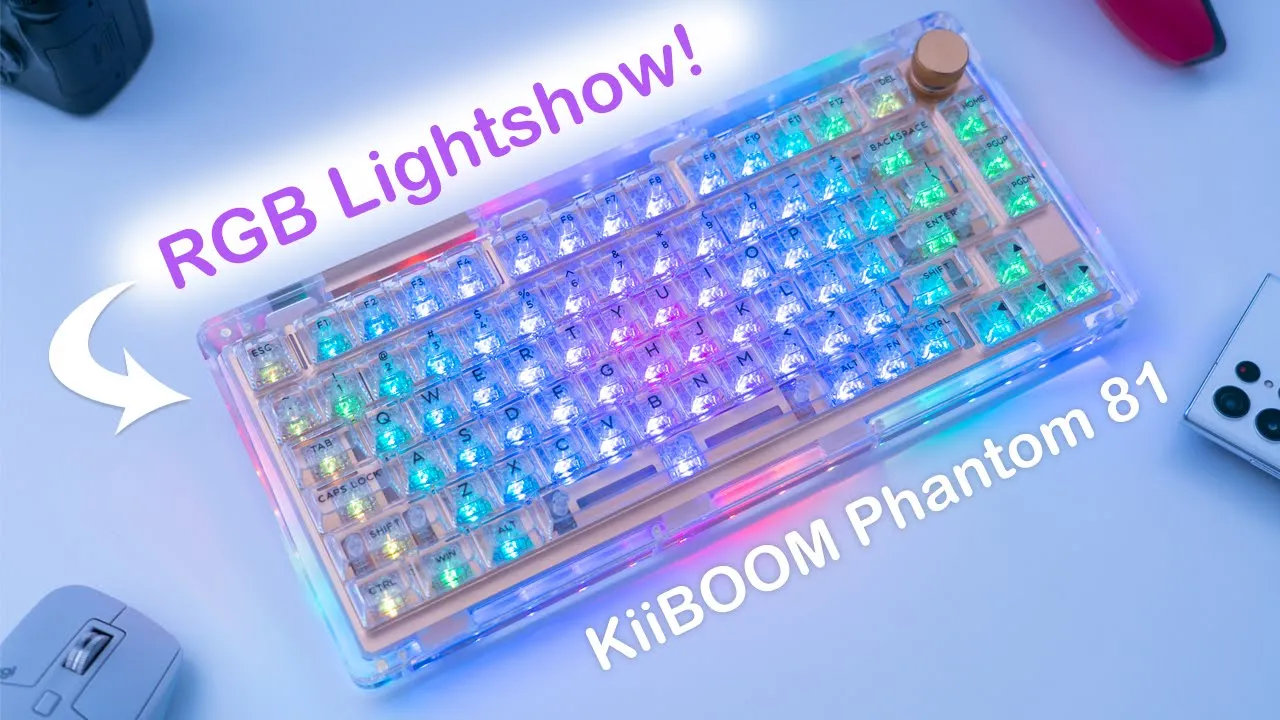
hey it’s Adrian and today I’m taking a look at the Kaboom Phantom 81 clear mechanical keyboard now I’ve been eagerly awaiting this keyboard because of its really unique appearance and it also looks like it has pretty premium build quality too now Kevin has sent this unit out for review but I’ll be giving you my unbiased thoughts on it so let’s get started
Package Contents
in the package we have the Kaboom Phantom 81 clear mechanical keyboard we have an instruction manual braided USB type c to type a cable we have a switch puller keycapular two additional switches and a really generously sized cleaning cloth
Design
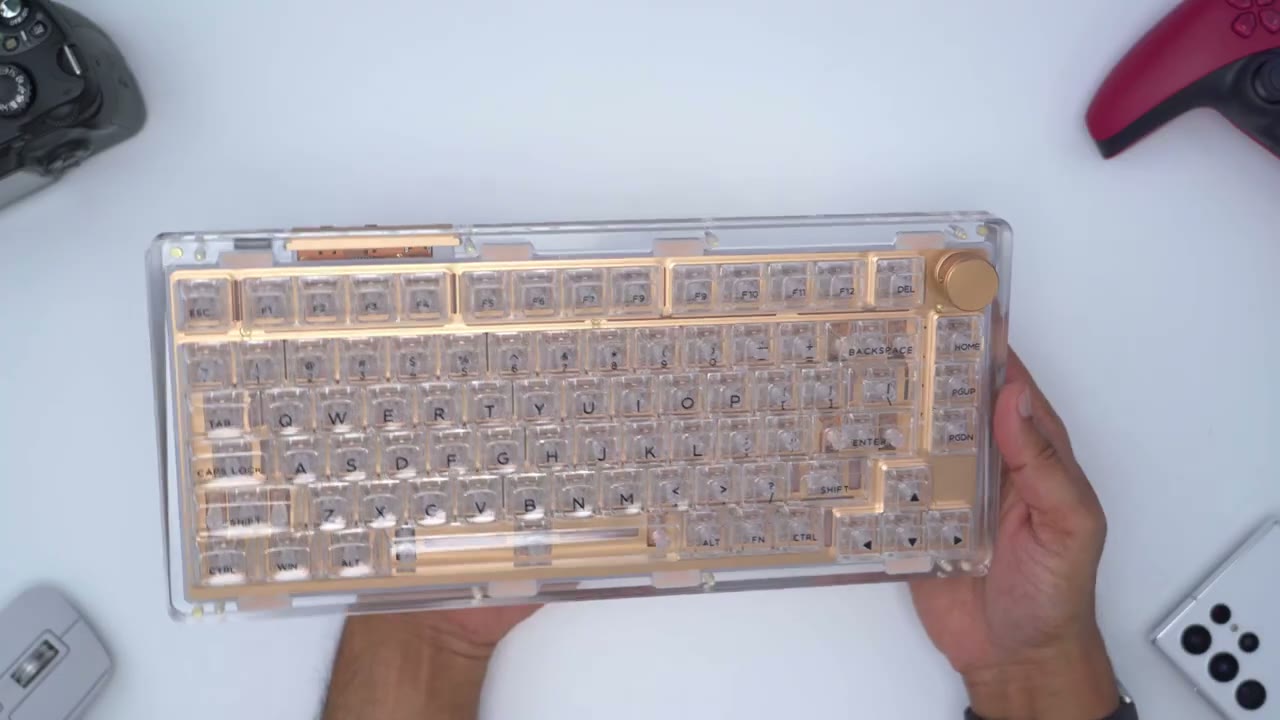
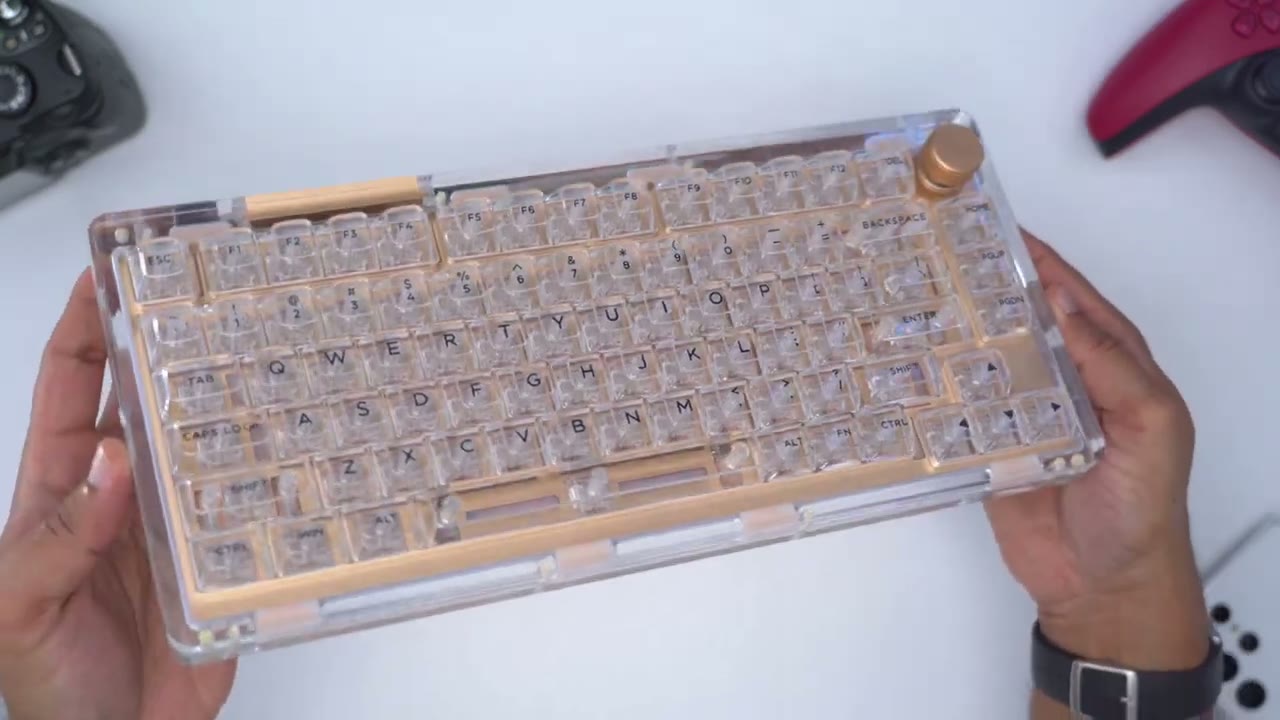
the design of the keyboard is just really spectacular and it’s something you kind of have to see in person to really appreciate now one thing I want to point out is that you can see when I’m holding it like this you’re seeing overhead um glare from my lights but when I angle it like this this is kind of what you know you can expect where the keycaps everything is completely see-through and speaking of I’m just a huge fan of this type of design theme you know the clear acrylic against this brass color it just looks really elegant um really classy I’m I’m really happy that I picked this clear version although it does come in black and clear yellow and the black did also look really nice from what I’ve seen as well while you may think that this keyboard is a bit light because of the acrylic case it actually comes in at 3.1 pounds or 1.4 Kilograms so here’s a look at the keyboard without those overhead lights on just so you can get a better idea of what it’ll look like when you have it in hand the volume knob is a metal build and you can see that it has hard stops or increments as well it it is knurled and it is textured so that you do have some grip ability when you’re rotating it and it just feels really premium if you’re going to be buying a clear or see-through keyboard or any product for that fact you know there’s not a lot of room for ugliness or you know sloppy build quality because it’s immediately apparent and you can see that whenever I look at this keyboard from the front from the rear or from the bottom you know even the sides everything just looks really clean and really nicely put together sure you can see you know some screws dotted along the keyboard part of the board here but they’re done in you know little little bits where it adds to the overall design and you know nothing is really an eyesore on here so they’ve done an excellent job just you know presenting this keyboard in the best possible light there’s a narrow Gap right here and you do have some indicator LEDs for Bluetooth wireless connection caps lock and battery life the rear Earthly keyboard has a type c port and that could be used for charging or to put it in wired mode we can also switch from Windows to Mac and we also have a switch from searching it to Bluetooth wired mode or Wireless mode and this is just another level of detail where they could have skimped on it and just left this entire portion clear but they opted to go with you know this brass type of look to really accent the keyboard on the underside of the keyboard we have this huge metal plate that spans almost the entire width now we also have the kboom logo and the black areas are pressed down or debossed leaving the kebum logo raised or you know at surface level so you could run your fingers along there and that’s a level of detail that I’m happy that they went with instead of just leaving everything kind of flat looking and you can see the complete underside of the board here with the LED lights and you know it just looks really clean it’s just a tasteful design overall and we also have the wireless adapter for 2.4 gigahertz connection and that’s held magnetically in place the underside of the keyboard also has some some rubber feet just to keep everything from sliding now you may be asking yourself Hey where’s the adjustable feet that you would find on a lot of other keyboards and the reason that that is not present on this one is because you can see that the keys are actually angled up a bit so the keyboard doesn’t sit flat naturally it is at a bit of an angle now that can be good or bad for you whenever I type on most keywords I will use that adjustable feet so having it naturally built in or angled up negates the need for me to have that but you know that’s something to think about here’s a close-up look of that custom crystal switch that comes with the kiboom Phantom 81.
and that’s it paired with the custom keycap for that seamless look so I’ve removed one of the keycaps and I just want to show that you know when it’s right up against the paper it’s easy to still read the underlying text so that Clarity of those keycaps is really excellent here’s a side view of the keycap so you can see that they have a little bit of a scoop and they kind of angle up as you go higher up the key rows now in terms of the font you know I’m really happy with the font solvage shows you know it’s kind of like a soft rounded type of font versus something sharp and overall I think it just goes really well with the overall design of this keyboard so overall I think this is a beautiful design I mean this looks just as good without the RGB on as it does with the RGB on and that’s what that looks like so I think you could run this either way RGB on or off and it still going to look spectacular but let me know down in the comments what you guys think about this design you know are you a fan of the clear you’re a fan of the overall look or do you prefer one of the other colors like the black or clearer yellow alright so when it comes
Lighting
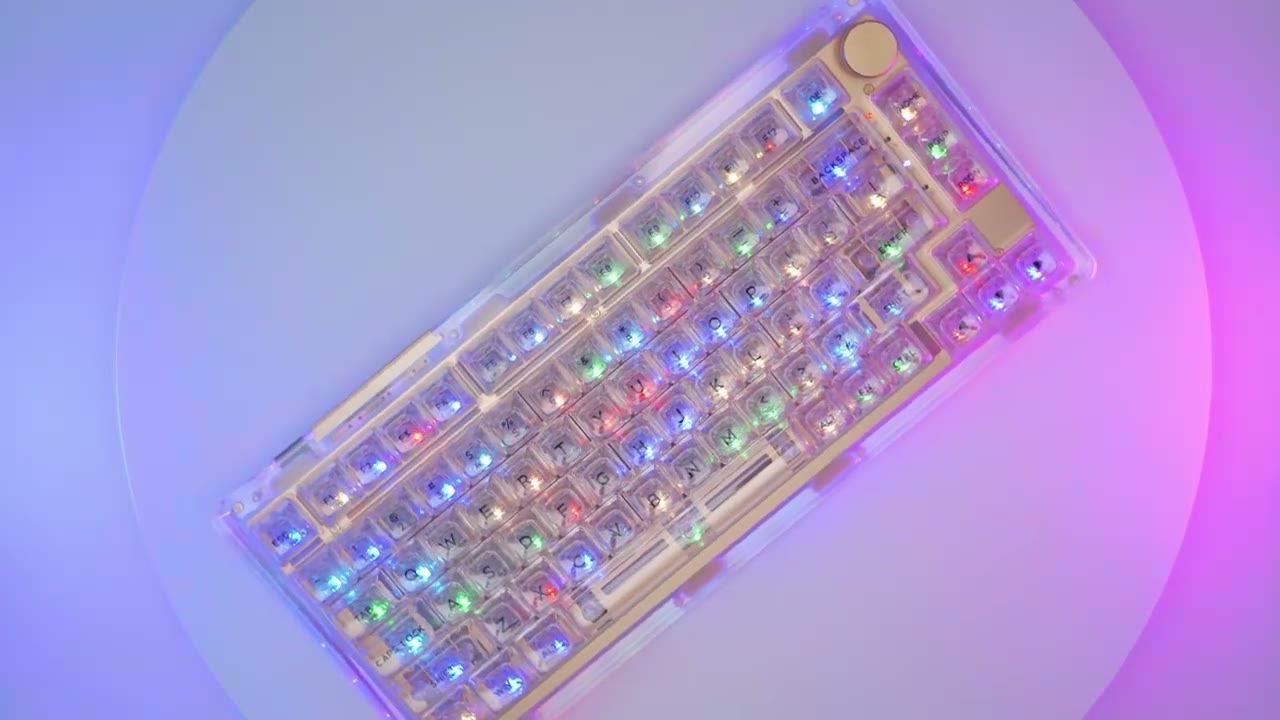
to RGB it’s as great as you would expect it to be on a case it’s pretty much Clear without a lot of elements blocking the light so you can see we have the RGB on the keycaps which are south facing of course and they also have what they call a side light so you can see that there’s a blue ring of LEDs around the side and these are independent of the keycaps and they can be modified so let me go through that right now so I’m going to leave the lights off for most of this and I’ll put the lights back on just so you can have an idea of how strong the light output is to toggle through the side light mode you’re going to use function and P and you can see right now is this fading type of effect and I can cycle through and you can see the different type of effects I kind of really like this one where it follows along the frame of the keyboard now to modify any of these side light features what you do is hit function and you can hit X to increase the brightness or you can hit Z to decrease the brightness now I’ll just put it on the first level here and you can see is a very minimal as it makes its where it tracks around and then I can just increase it where it’s you know fully lit now you can also change the speed of that so function and C is going to bring that down to you know a really slow crawl and then function in V is going to really you know speed it up so basically this whole row at the bottom width function is what you would use to toggle most of the site plate settings now the last thing is function B and that’s just going to change the color of that side light so you cycle through you know these kind of main colors and then there is one mode with the rainbow colors as well you can also hit function and backslash to cycle through the different modes I’m a really big fan of this mode you can see it’s kind of like an Afterglow so whatever key you press the light just nicely Fades out of there now if you’re not happy with the rainbow color you can also go with you know solid RGB colors so you would hit function and right bracket and you can see you can switch through the different colors until you get back to the rainbow mode one thing I’ve noticed with the RGB is that whichever mode you’re in whenever you make changes to the brightness or the speed it remembers that chain so as you cycle through different modes if you want one mode to be faster or you know less dim than another mode it does retain that so you can see as I cycle through these some of these are really fast and then when I go to other modes they’re going to be really slow and that’s because it’s retaining the settings per RGB mode right now I’ve put my top light on and the RGB effect is on the lowest brightness level and I’m going to just crank that to the highest so even with this you know pretty powerful overhead light and a bunch of other lights in here it still shows through you know really bright so this has a keyboard you’re not really going to have any problems seeing the RGB in a bright environment here’s a look at the RGB on underside and it’s just really so neat to see everything on display and you can see I have my favorite mode where the RGB just tracks along the entire frame to turn off the RGB you would just hit function and page up and that cuts it off completely and then function in page up again to turn it on so let me know what you guys think you know are you a fan of the RGB how it’s been implemented on this keyboard or do you think you would run it most of the time without the RGB for me I mean it just looks equally amazing with or without so I think it’s just a beautiful keyboard all around with RGB or without I’ve removed one of the keycaps so you can see on the switch that it does have south facing LEDs
Typing Experience
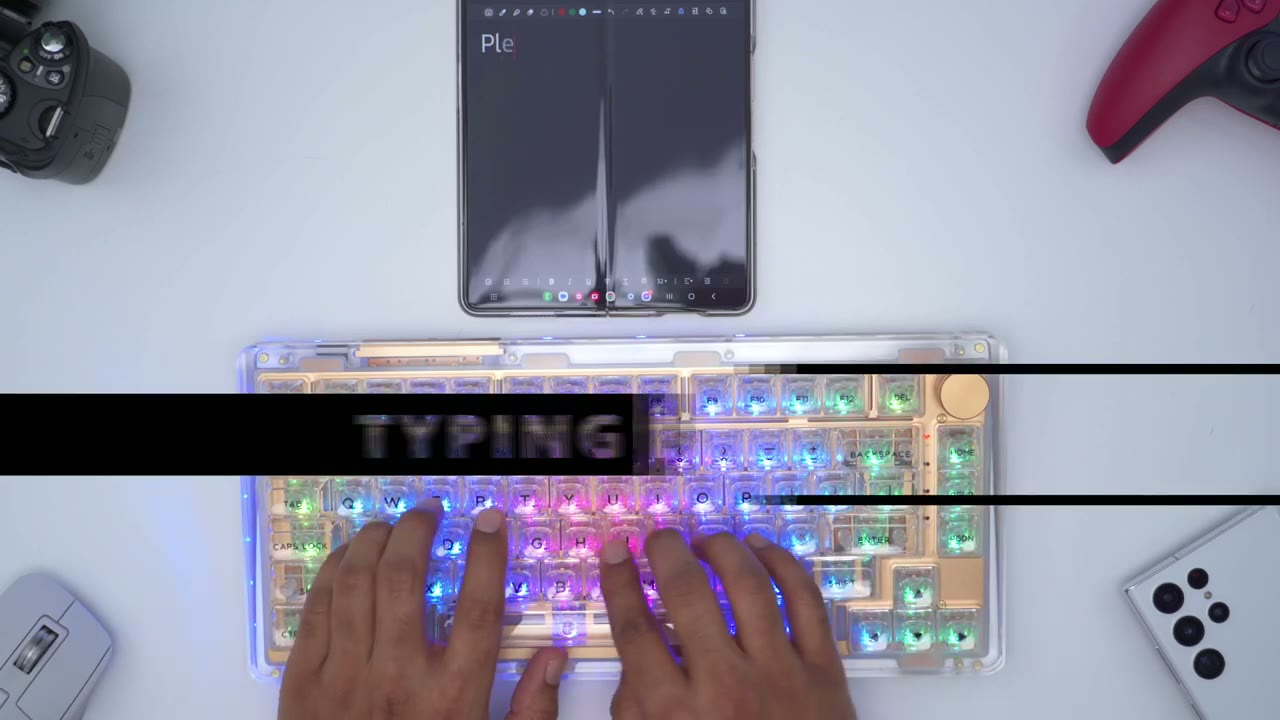
so I’ve been enjoying the typing experience so far the keycaps each have you know a little bit of a scoop and they are very uh shiny and you know a little bit slippery but I don’t find my fingers actually slipping off so that hasn’t been an issue as well the print on the keycaps you know it’s really flush so you don’t feel them when you run your fingers along so it’s a pretty seamless typing experience so far like I mentioned earlier I’m someone who likes to use the adjustable feet on keyboards and I always set it to the highest level I like having that bit of angle or tilt on the keyboard and since this keyboard is a bit on the higher end towards the top you know it does have that natural angle or tilt so there hasn’t been a big transition period for me typing on here that being said if you’re someone who likes you know a really flat low profile style of keyboard this may not be the best option for you or you’d have to look into getting like our wrists rest to place at the bottom to just elevate your hands if you’re planning on using the Phantom 81 for gaming you’re not going to have any issues now I’m not the most practice player but I have no issues with you know Reaction Time latency or anything like that it was an awesome experience the sound profile
Sound
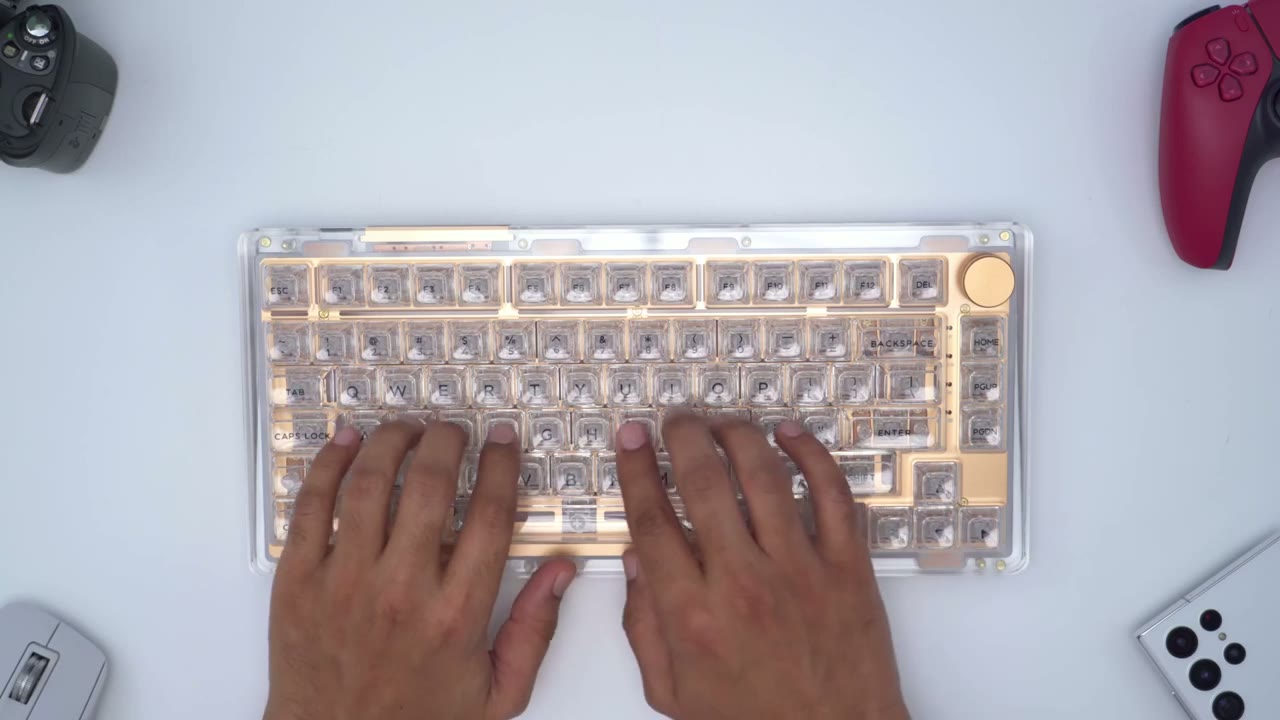
wall typing is very pleasant to listen to and it really will fit any type of environment whether that’s work or home and it’s not very invasive so this is what it sounds like so while the typing and Sound Performance is great overall the spacebar is a little bit mismatched as well when I check the wobble on the spacebar you can see here there’s a little bit of play right there which is also contributing to that type of sound and when I do it on the backspace or the enter key there’s a little bit of play there but it’s not as much as on the spacebar and when I’m typing I’m not noticing any play on the keys this is something you may be able to fix with adjusting the stabilizers but just something to keep in mind the keyboard does have a gasket mounted design and that’s supposed to help with the vibrations and for the most part it does if you want to check the battery life
Keyboard Commands
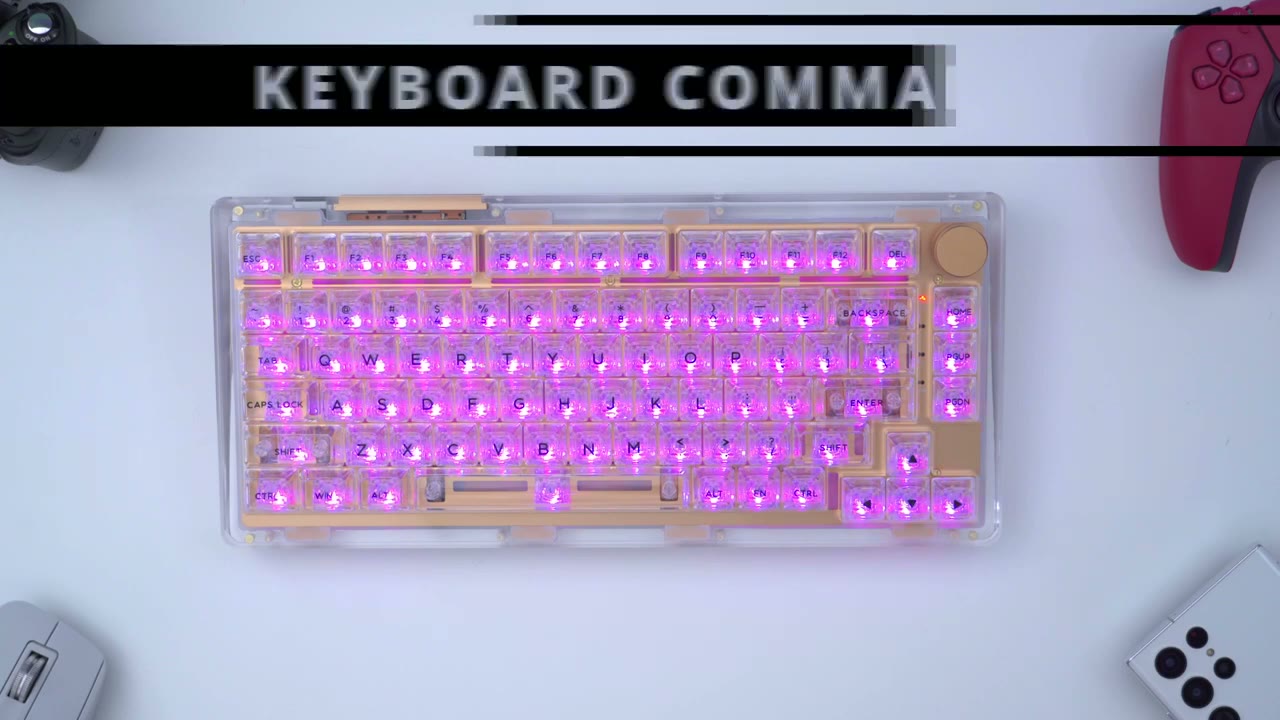
that’s very easy to do you can hit function and backspace and I have about eighty percent of battery remaining if you’re someone who is going to be using the keyboard for gaming and you accidentally hit the Windows key all the time it’s very easy to disable that you just said function windows and L and you can see it’s now lit up a different color and that lets you know that it’s been disabled and function windows again re-enables it the cable Phantom 81
Specs
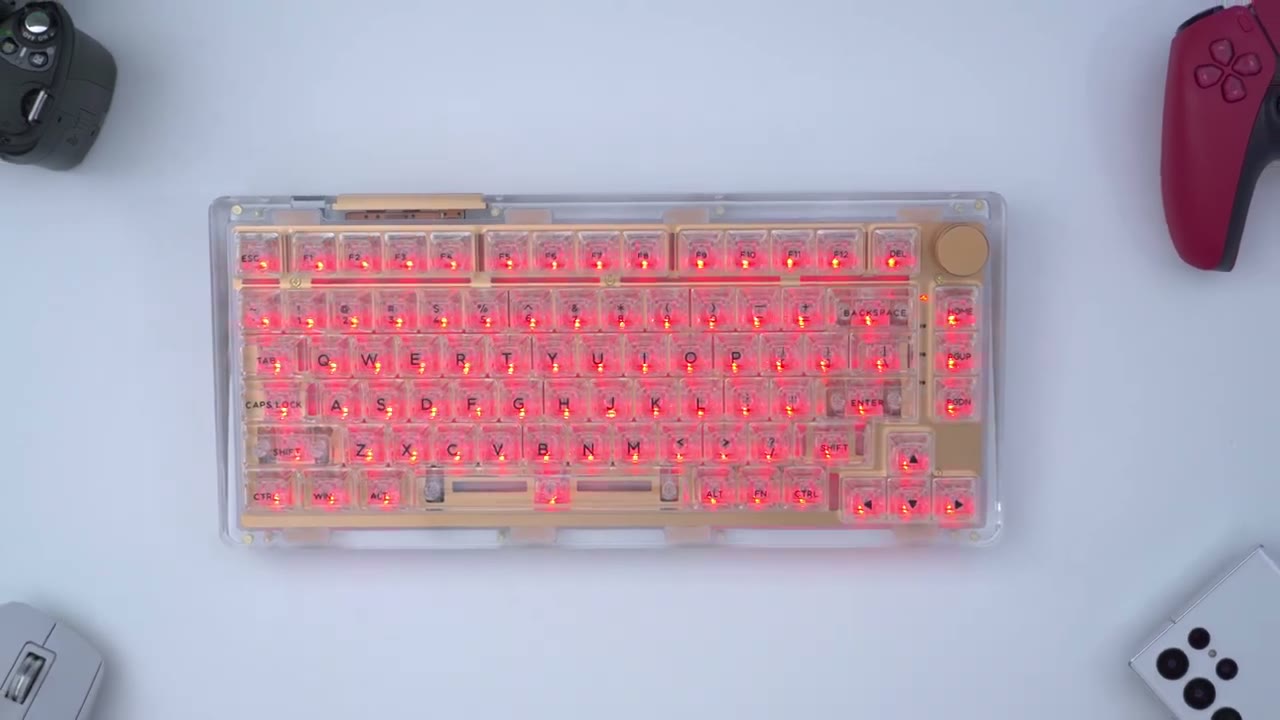
mechanical keyboard has a 75 recently up with 81 keys and a volume knob now these keycaps are Cable’s own custom design Crystal style keycaps to match your look of the keyboard and they are pbd key gaps now this is hot swappable and it does support three and five pin switches but these come with Cable’s own linear style Crystal switches which are pre-looped LEDs are south facing and there’s 19 different color modes by default it does support nkro or anti-ghosting and you do have three connection modes wired Bluetooth 5.0 and 2.4 gigahertz wireless with about a one millisecond of latency there’s a 4 000 hour milliampere chargeable battery it does support Windows and Mac now the size comes in at about 12.9 inches wide by 5.9 inches deep by 1.3 inches high at the Hyacinth and about 0.8 inches at the
Software
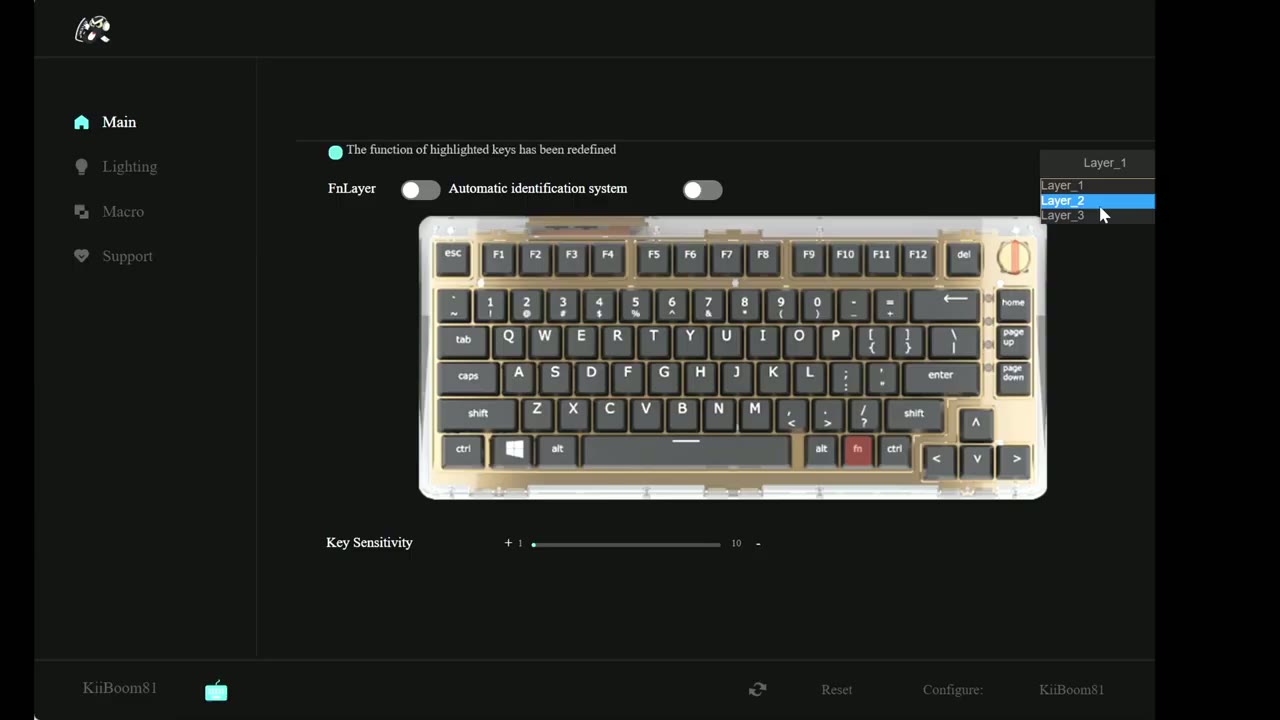
lowest end you can go ahead and switch between different profiles now you can also adjust key sensitivity if you like and you can see if I click on one of the letters P for example I have some options here I can also remap this letter if I like and I can go to macro media and I also have some options under Mouse now for the volume wheel if I click on the middle it doesn’t let me reprogram or remap that so clicking the wheel down doesn’t seem to be adjustable however you wanted to adjust the right
Recommended?
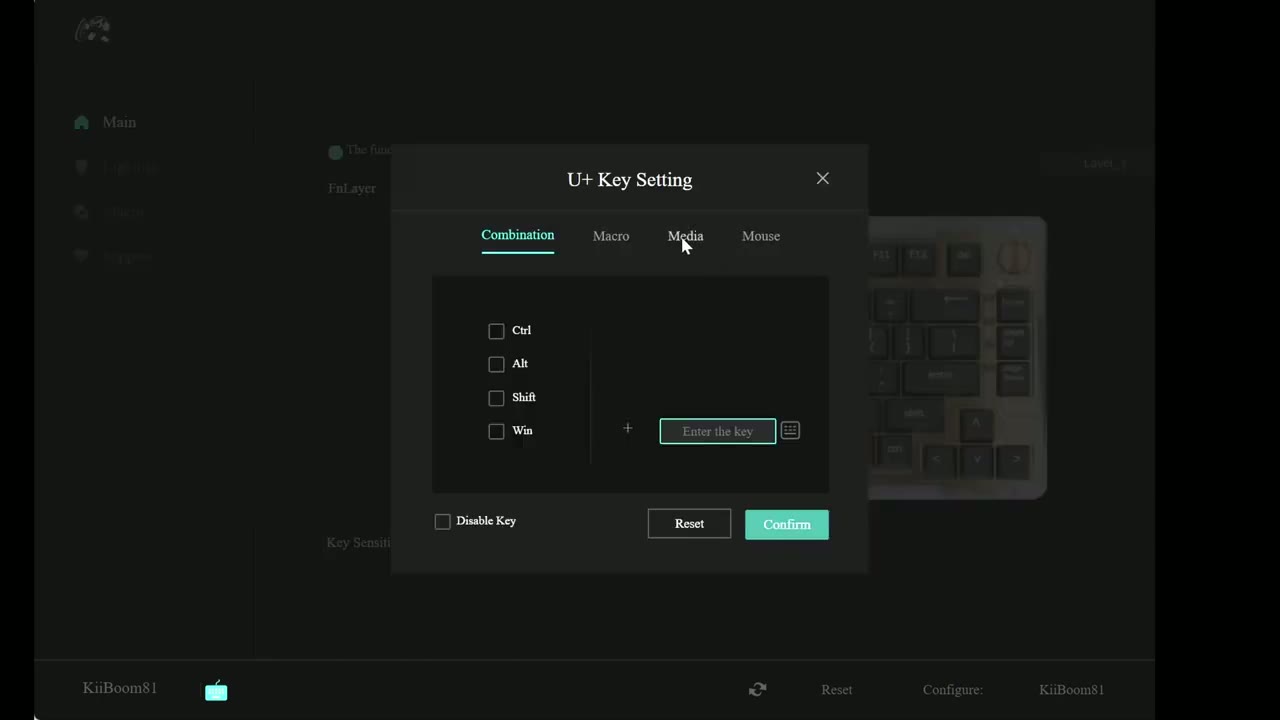
or left scroll what you could do is you can set that to say increase the brightness decrease the brightness you know launch your computer email search whatever you have so those are the options on the main screen if we go under the lighting there is an option here where you can change the direction of the LED effects and this is so cool the default was set to right and I’ve played around with up and down and it looks just so much better with up or down I would download the software just for this functionality additionally if you go to sleep you can see that you can actually set the backlighting to never go off you can set it to unlimited or 60 Minutes as the maximum before it goes to sleep same for Bluetooth or uh Wireless mode wired obviously it doesn’t matter and then you can also set the sleep time for wireless or Bluetooth so you know if you’re someone who hates coming to a keyboard that’s sleeping you can just set it a maximum to 60 Minutes there is no option for unlimited but you know 60 Minutes is pretty good and you also have the option to go into macro check the app for any updates or upgrade the firmware I did try both of these and none were available under languages you have English and I’m assuming Mandarin I’m not sure what Auto does if you live somewhere else if it would automatically detect and adjust but worst case you’d have to pick English or Mandarin so would I recommend the Kibum Phantom 81 mechanical keyboard and I have reviewed a handful of other keyboards that are priced higher than this keyboard and I have to say that the build quality is on par with those more expensive options so at 160 us I think this is an excellent keyboard the appearance is top-notch so is the build quality I have to say that the standout feature on this keyboard really is the RGB implementation and the look of course so you know with pretty much no elements or no barriers to the RGB light output you really see it in full glory and it’s not something you know I’ve experienced with any other type of keyboard before it really is a wonderful use and implementation of RGB while I was on the taboom site I only found the Phantom 81 mechanical keyboard I did not find any other previous models and if this really is their first shop or first implementation in a mechanical keyboard they’ve done a wonderful job and I can’t wait to see what they come out with next I’m going to leave a link down in the description to Kevin’s official site you can take a look at the other colors I really like the look of the black model and it was pretty hard for me to decide you know what I want the clear or the black and I am really happy with the clear it’s awesome wonderful I’m just really intrigued as well by the look of the black one so check the website out and see which you prefer and you know let me know down in the comments below which you would have went with and as always if you found this video helpful please consider liking and subscribing it really does help me out a lot guys and I’ll see you in the next one soon
Please note that some of the links in my video descriptions are affiliate links where I earn from qualifying purchases. As an Amazon Associate I earn from qualifying purchases.

