


☑️ Get the Logitech MX Master 3S on Amazon
Please note that some of the links in my video descriptions are affiliate links where I earn from qualifying purchases. As an Amazon Associate I earn from qualifying purchases.
Intro
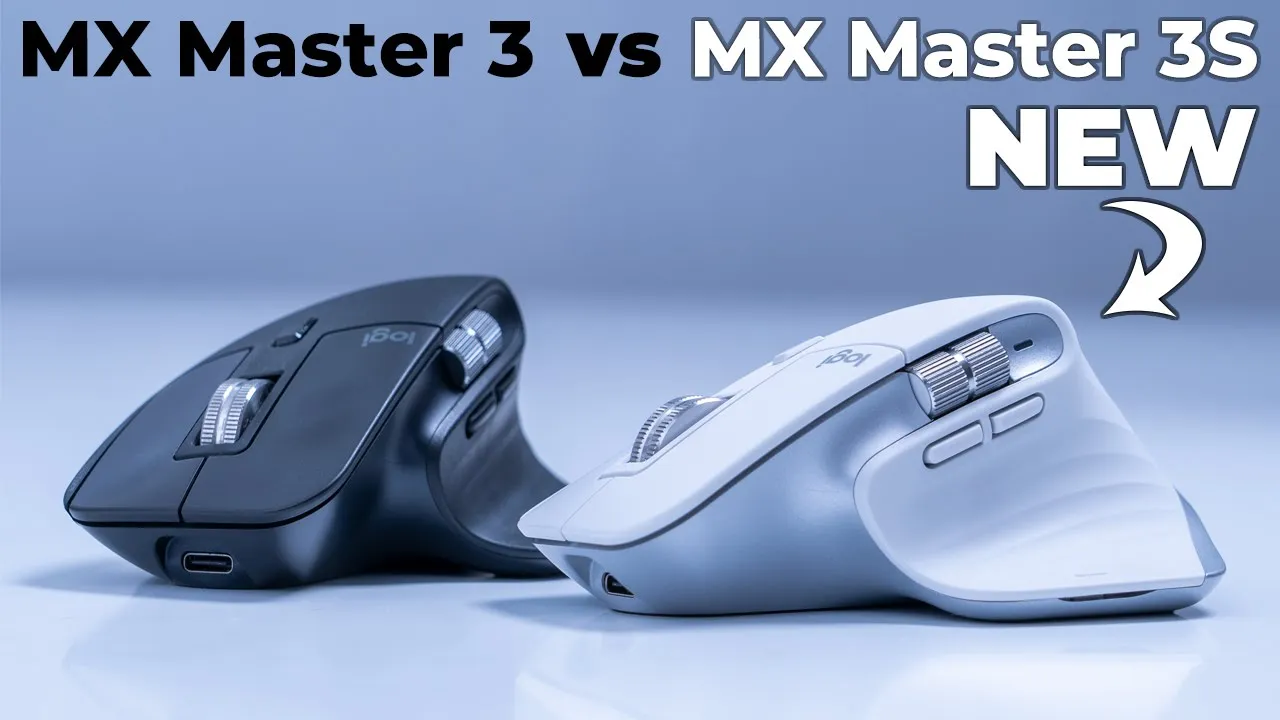
hey it’s adrian and today i’m taking a look at logitech’s new mx master 3s mouse so like a lot of you i also own the mx master 3 and i’m wondering if it’s worth the upgrade to the 3s so
Contents & Ordering
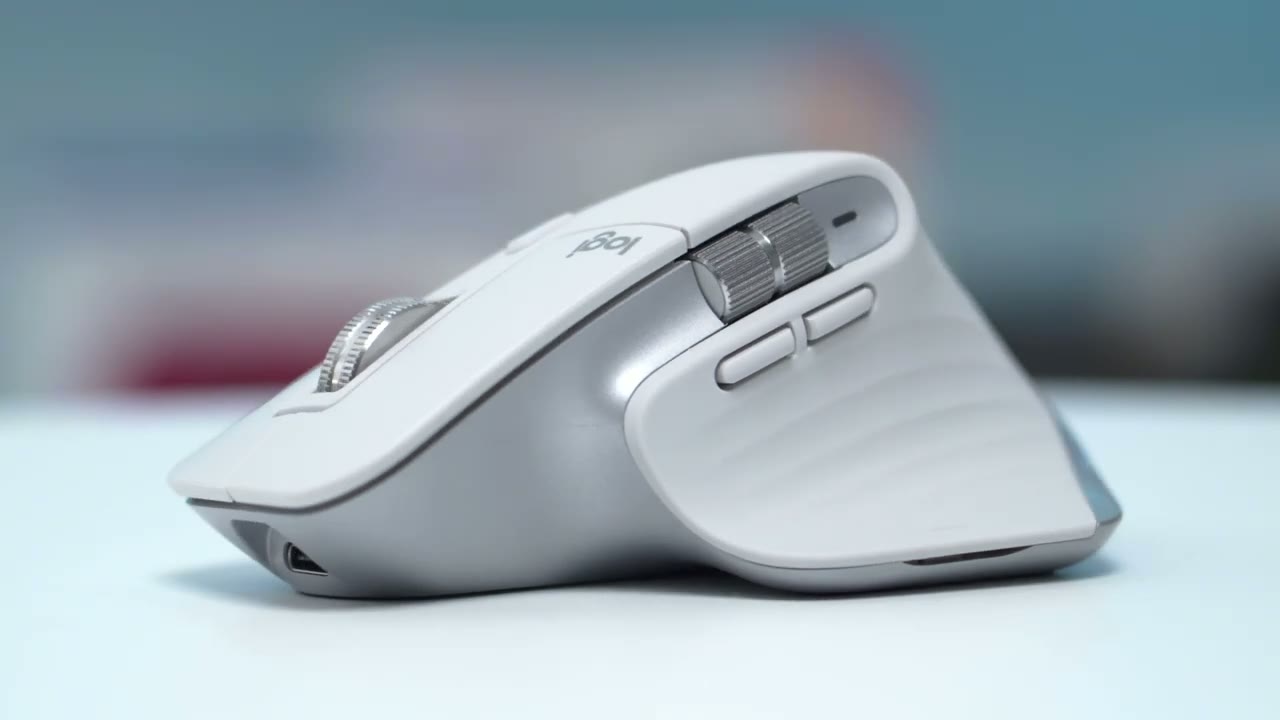
let’s find out in the box we have the mx master 3s the logi usb bolt receiver a usb type a to c charging cable and some manuals in terms of ordering options so there’s the pale gray which is what i have there’s also a graphite version and a black version so
What’s Changed?
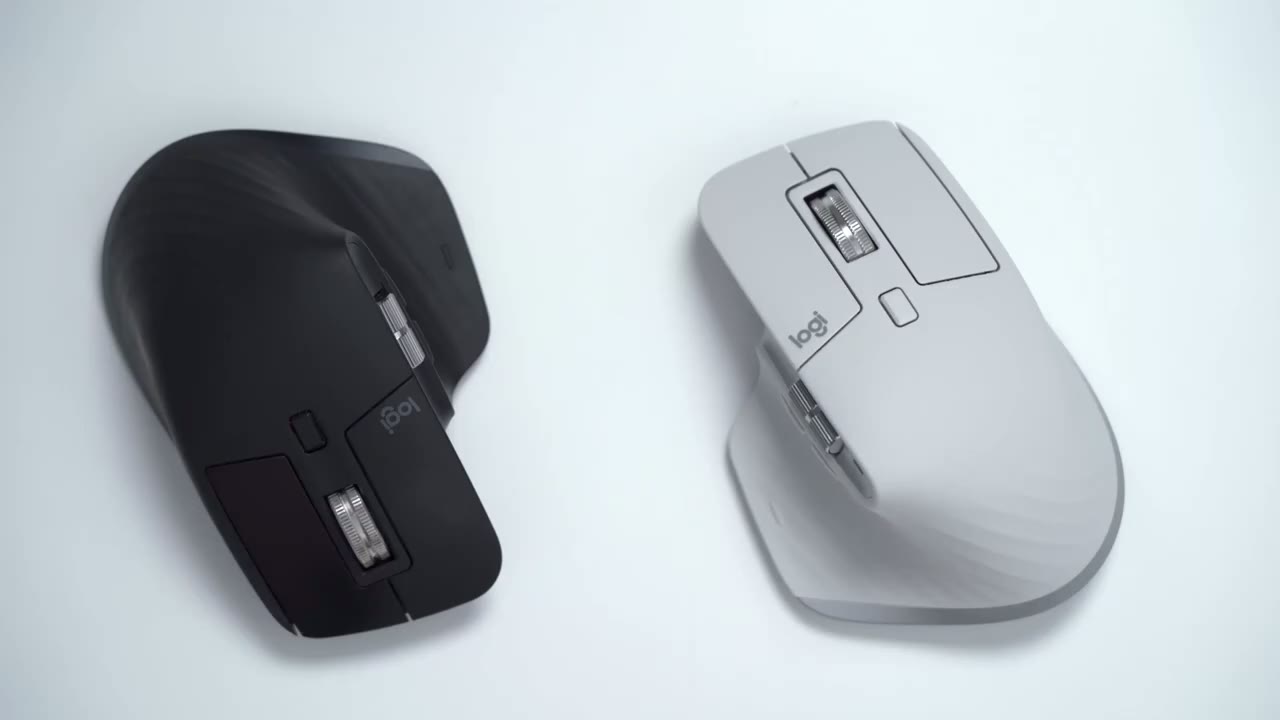
what’s the main difference between the three s and the three well there’s only two that i can really tell one is that the 3s has an 8000 dpi tracking sensor and the 3 has a 4000 dpi tracking sensor the benefit of that is that the 3s is going to be able to track more easily on a wide range of surfaces than the 3. the other difference is the one that i’m most interested in and it is that the 3s has 90 quieter clicking than on d3 so here’s a quick demo md3 so you can see there’s a noticeable difference in the noise that the 3s generates when you click it now for some people that’s going to be a detriment they like that click for others they’re going to really appreciate it i fall into the group that really appreciates the quiet clicking all right let’s take
Design
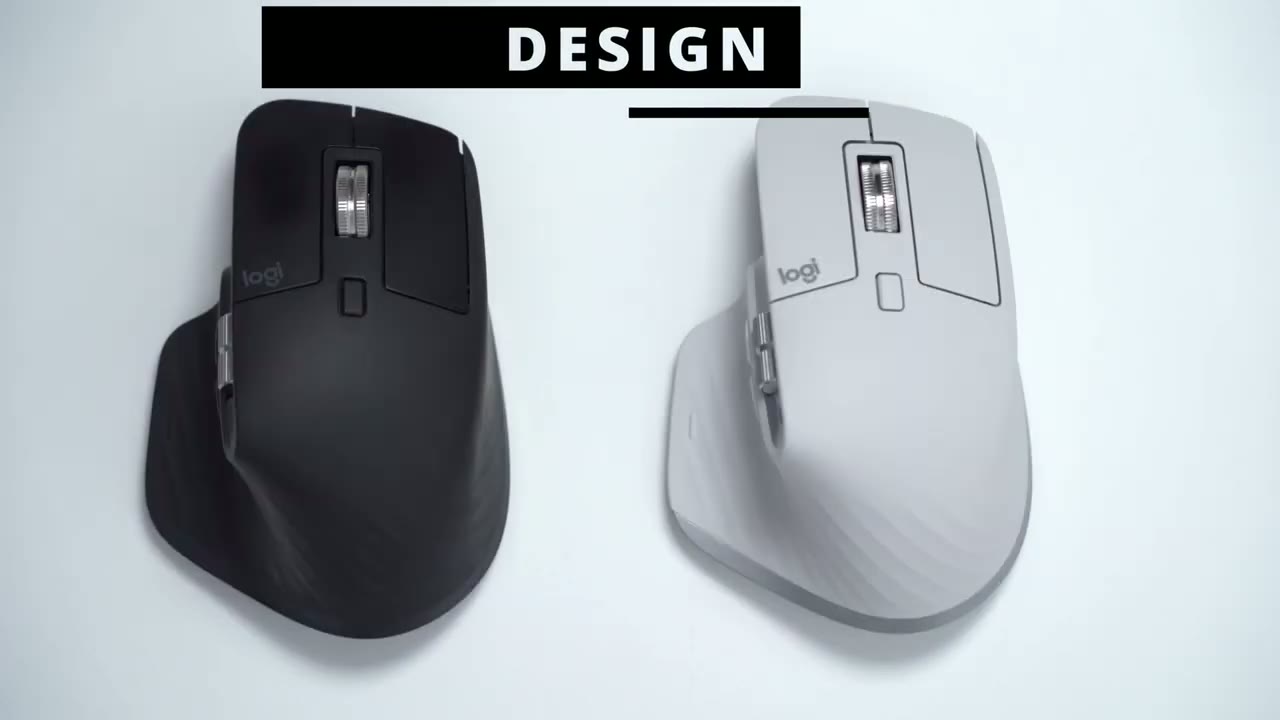
a look at the design difference between the three s and the three and the differences there is no difference the dimensions remain exactly the same so does the weight so those of you looking for a weight reduction it isn’t to be found here i’d still like to go over the design of the 3s even though there is no difference between the three just for people who are new to this model of mouse if you’re familiar please skip ahead to the next part in the video the design is a really good design i’m glad they didn’t change it much so this back portion here really hugs or really conforms to your palm and grip you can see i have no gap anywhere here and it’s a very planted feel now when i look at the side profile of the mouse my finger sits very comfortably here this one extends just slightly off but it doesn’t feel like it’s hanging off or falling off it’s a very comfortable experience the other important thing i look at with any type of mouse is that you know how how secure how planted is it and if i just put both fingers here and i try to shift my weight from both the mouse isn’t rocking and that’s great for me because anytime i’m moving very quickly i don’t want any type of rocking motion so it’s very stable very planted mouse looking at the bottom you have a button here and this is the button that you would press to switch between three different devices so you can pair up to three devices and control it from this one mouse you also have an on and off button there and the 8000 dpi tracking sensor which is new on this model now the front of the mouse has a type c charging port taking a look at the top of the mouse so you have your normal right and left click you also have a scroll wheel here which you can click in to function as a middle button super handy now my favorite feature of the mx line of mice is the scroll wheel this magnetic scroll wheel that’s also found on the three now you can see if i click this button here every time i rotate the mouse there’s kind of hard stops so it kind of scrolls by increment like with most normal mice now once you click in that button you can switch it to a free spin mode so you can see not sure how well it shows up on camera but it’s it’s basically just scrolling uh really quickly there and there’s no noise it’s perfectly fluid it’s a really nice feeling and that really comes in handy when you’re scrolling through a lot of information data in excel files and you know it seems gimmicky but believe me once you use it it’s really hard to go back to using a mouse that doesn’t have this feature now on the side of the mouse you have a scroll wheel and this is good for scrolling along horizontal content or you know content that’s laid out vertically like an excel file or when you’re video editing and you’re viewing a timeline you also have a backwards and forwards button here and the last button is at the bottom here you can see there’s this little uh little bump there and you can press that and sometimes i like to just map that to launch the start button on my computer there’s also a battery led indicator light right next to the horizontal scroll wheel ergonomics wise
Ergonomics
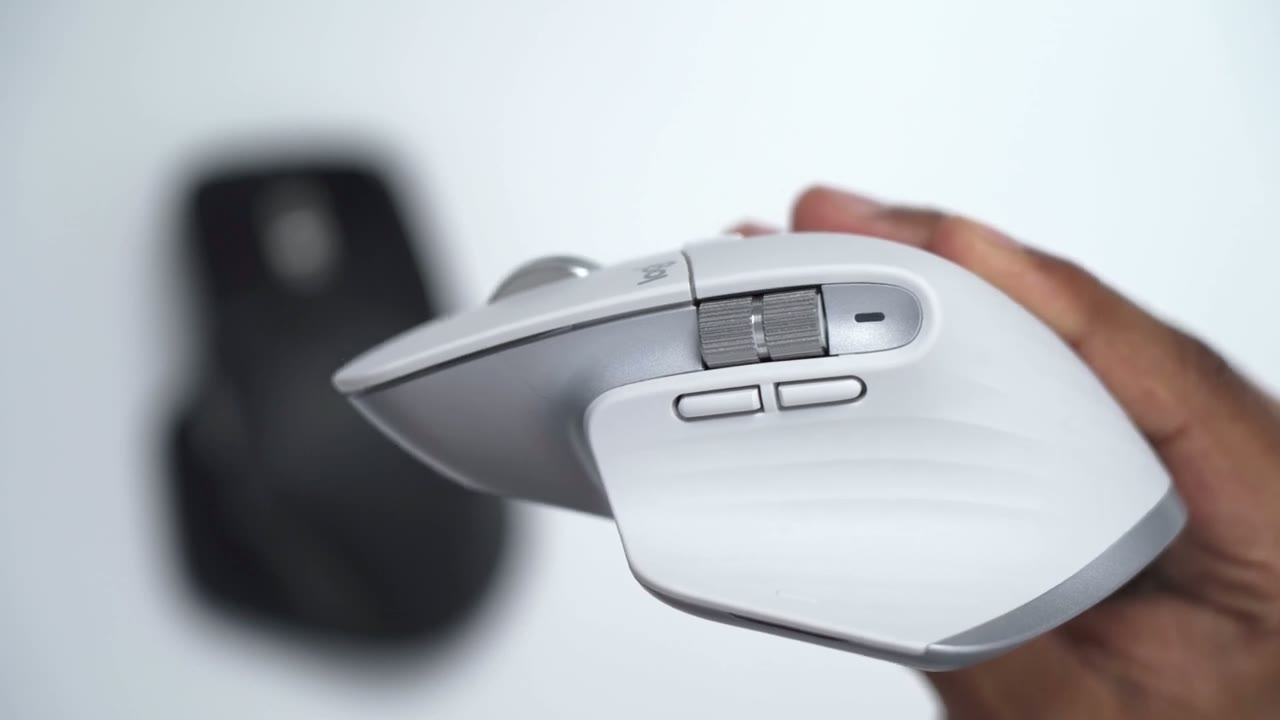
the mouse is great it’s exactly the same ergonomics as on the mx master 3 because nothing has changed and you can see while i’m holding it it conforms really well to my palm there’s no gaps or anything when i’m holding it and all the buttons are easily accessible so i have access right here i can scroll very quickly hit the ratchet use the horizontal scroll backwards and forwards and also the button at the bottom here so everything is really great ergonomics wise so
Click Noise Test
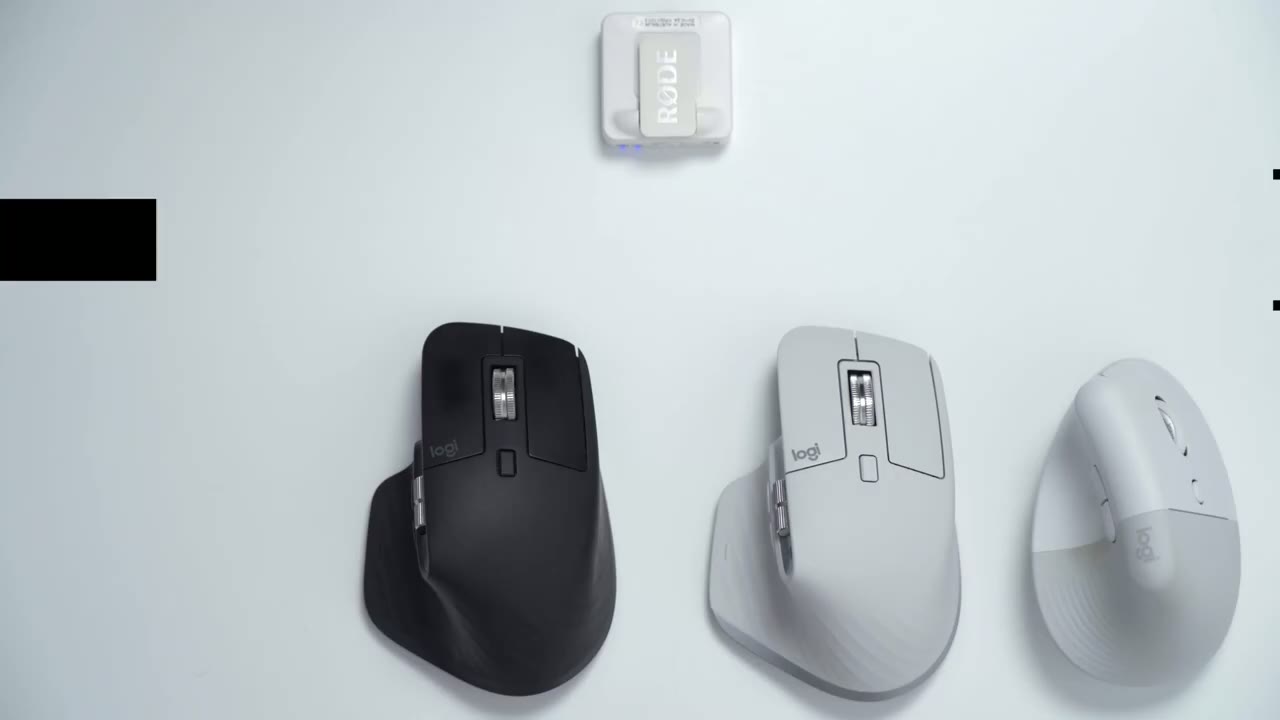
here’s a quick demo on the difference when you’re clicking with the 3s and the 3 again so you can hear there’s a noticeable difference between the three s and the three and for someone like me who prefers quiet this is definitely the option i’m gonna go with and it also reminds me of the noise or the soft type of click found on the logitech vertical lift so if i click this they’re pretty similar it’s a soft type of click so if you’re deciding between the 3 and the 3s and you do prefer a quiet workspace the 3s is definitely the best option all right guys welcome to
Tracking Test
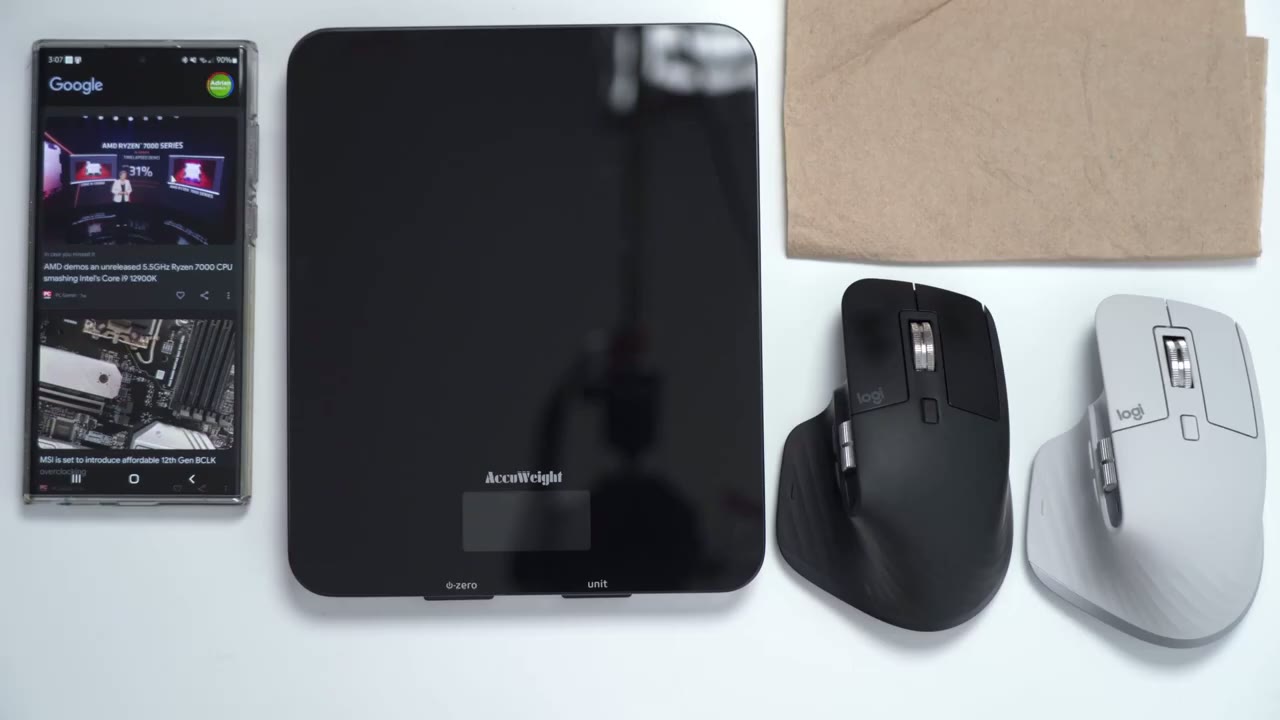
quite possibly the most advanced scientific testing in any youtube video so i have the mx master 3 and you can see i paired it with my phone so while i’m moving it on the table the mouse cursor is going up and down i’m going to put it on this piece of tissue paper and again i can move around no problem gonna put it on this pane of glass and i’m having problems now it’s really moving intermittently and this is unusable if i go to the mx master iii so again no problem moving it on the table silly paper tissue test no problem tracks perfectly fine if i go to glass it tracks okay seems like it’s better than the mx master 3 but it’s definitely not fluid enough where i would make the claim that this tracks on you know pretty much any type of surface so a definite improvement with the 8000 dpi but glass is still an issue especially if it’s this type of special glass where it’s a clear pane of glass and there’s a black backdrop sorry maybe if it was just a glass table would be different but make of that what you will all right
Software Settings
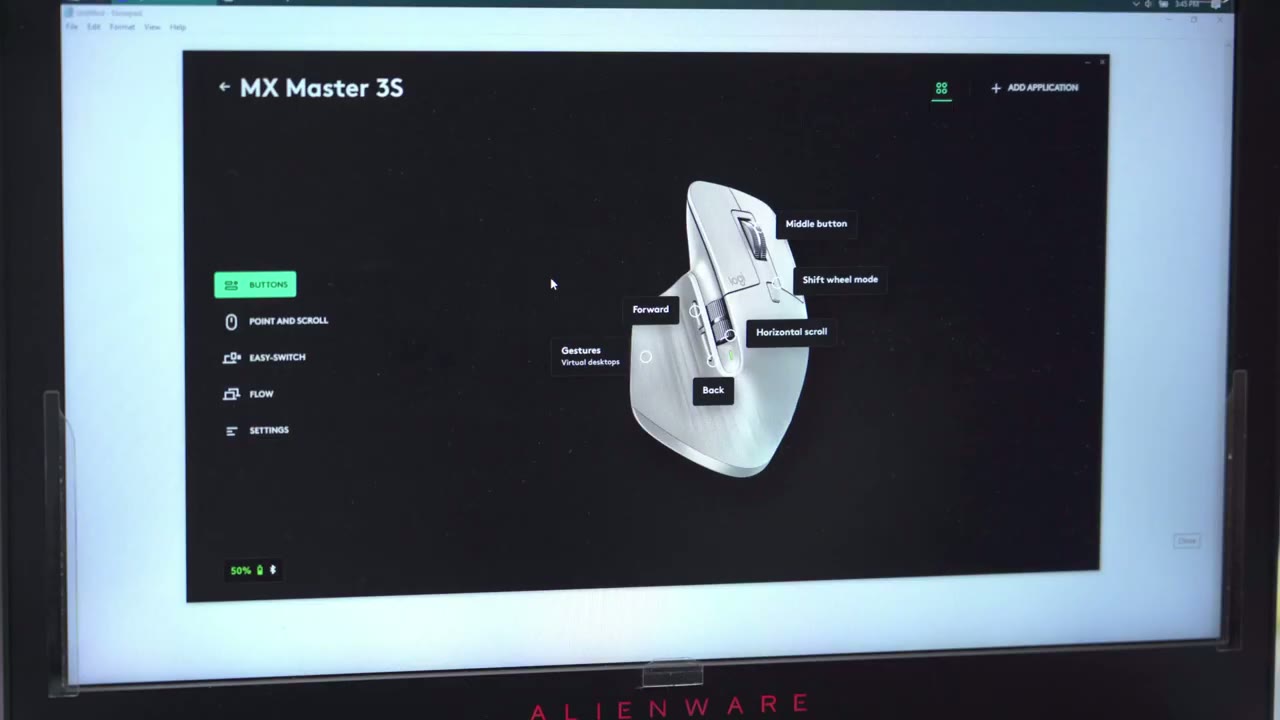
let’s take a look at the logi option software and one cool thing is because i have the pale gray version of the mouse is actually showing the pill great version and the software but let’s continue so if i go and i click on any of these buttons you can see there’s a bunch of recommended actions on the right side here and you can also click this drop down for other actions and there’s a ton of stuff you could do you could do emojis you can open a specific app you can undo zoom in zoom out do nothing brightness up and down really a ton of different options on there if i want to point and scroll same thing i could set the scroll wheel to have like an inverted or standard it could be smart shift so it ratchets or it’s the smooth scrolling like i mentioned earlier you could also change the thumb wheel sensitivity or speed the pointer speed again you have the option for easy switch so i only have it com paired to my laptop later i’m going to do that to my desktop when i take it upstairs then you also have flow so that you could drag files between desktops that is so handy and it’ll work between you know a windows and mac device as well and then finally you have your regular settings where you can check for firmware updates and things like that so
Worth The Upgrade?
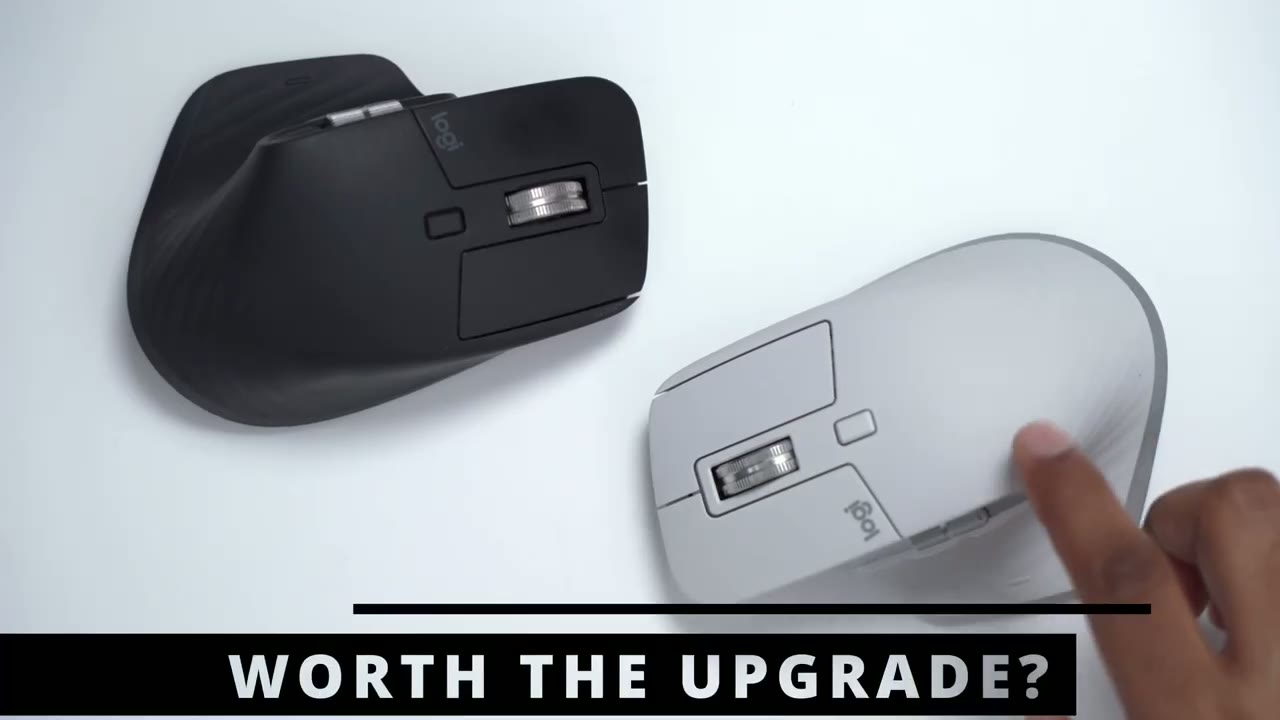
is the mx master 3s worth the upgrade i think for most people it is not worth the upgrade the body style is exactly the same the weight is the same pretty much everything is the same except tracking and if you didn’t have an issue with tracking before on the three then this is not necessary the other difference is that the mx master 3s is 90 quieter now is 90 quieter worth the price of a brand new mouse well that’s really only something you can decide and to help you decide here as a demogon and while it is quieter i can also say that the clicking feels softer so when i’m clicking feel softer then this type of uh sharp clicking on here if you decide to keep your mx master 3 i think that’s still a great decision because if the tracking never bothered you on the mx master 3 then the bump up to 8000 dpi is not going to be a game changer for you same with the quietness if you manage to do with the loud clicking on the mx master 3 then maybe it’s not worth going to the 3s unless you know that’s something that’s really important to you and maybe if you’re lucky when the mx master 4 comes out who knows when that’s going to be you know it’s going to already have the soft type of click and maybe they’ll also come out with a left-handed version or lighting effects or what have you for people who are interested let me know in the comments down below what you guys think of the 3s is it worth the upgrade for the 90 quater clicks and the improved tracking the 8000 dpi or do you actually view the 3s as a downgrade because you prefer to have that auditory feedback with the clicking and that tactile type of feel instead of you know the soft kind of muted feeling or sound on the 3s i’d be curious to know i also reviewed logitech’s new mx mechanical keyboard if you’re interested in that please check it out and as always please consider liking and subscribing and i’ll see in the next one bye you
☑️ Get the Logitech MX Master 3S on Amazon
Please note that some of the links in my video descriptions are affiliate links where I earn from qualifying purchases. As an Amazon Associate I earn from qualifying purchases.

