


Buy Edifier MR3 Studio Monitor Speakers on Amazon
Please note that some of the links in my video descriptions are affiliate links where I earn from qualifying purchases. As an Amazon Associate I earn from qualifying purchases.
Intro
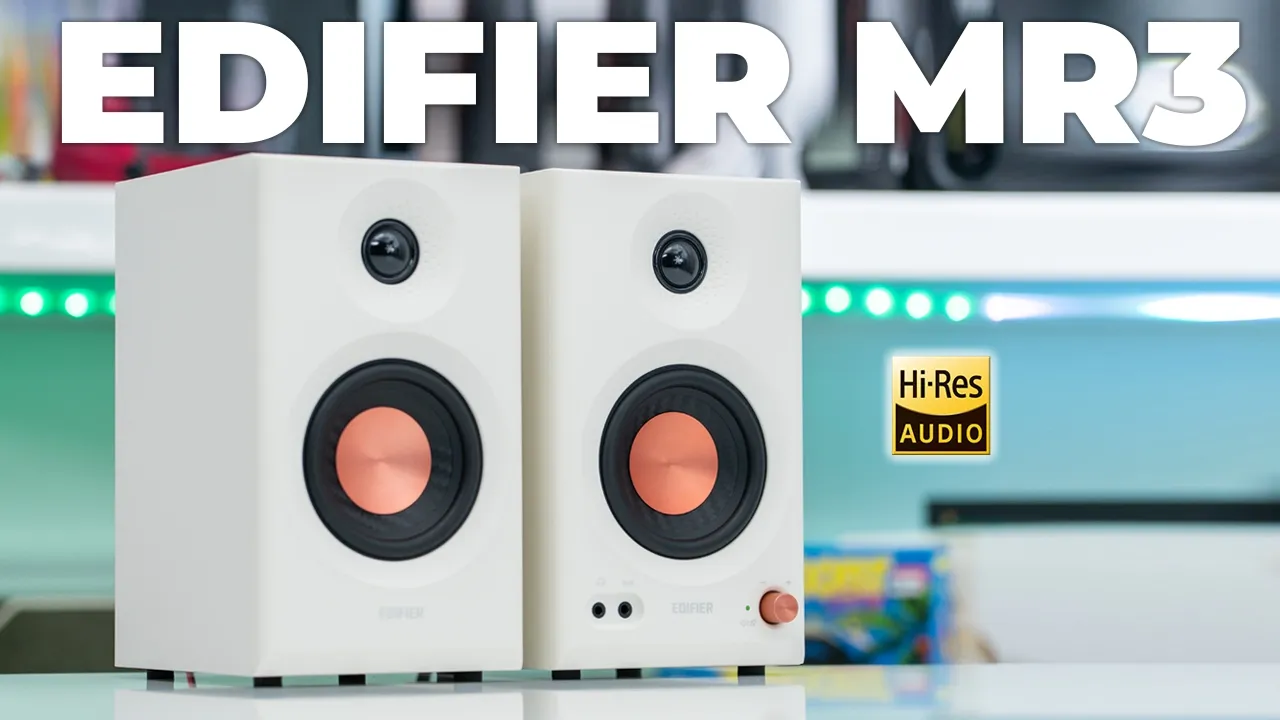
[Music] hey it’s Adrian and today I have a fantastic pair of speakers these are edifier’s MR3 studio monitor speakers but don’t let that fool you into thinking these are just for audio production or video editing these can pull serious double duty for everyday listening or if you’re gaming and you need to hear every single footstep in great detail these will do it for you and for less than the price of a pair of earbuds in some cases these have outstanding Clarity thanks to the highres audio certification and you hear those details and nuan and music that I thought I would have to always wear a pair of earbuds to experience but you will get that with the mr3s you can really fine-tune these for any type of listening experience so you have the monitor mode when accuracy matters you have the music mode for everyday listening there’s also a custom EQ mode so you can really dial it in however you like we also have Bluetooth 5.4 and multi-point functionality so you can connect this to more than one device so if you’ve been thinking of the mr3s or you’re deciding between the MR3 and mr4 I would say just go ahead get the MR3 you will not be disappointed with the sound coming out of these but let’s take a closer look and a big thanks to Ed fire for setting these out for review in
Package Contents
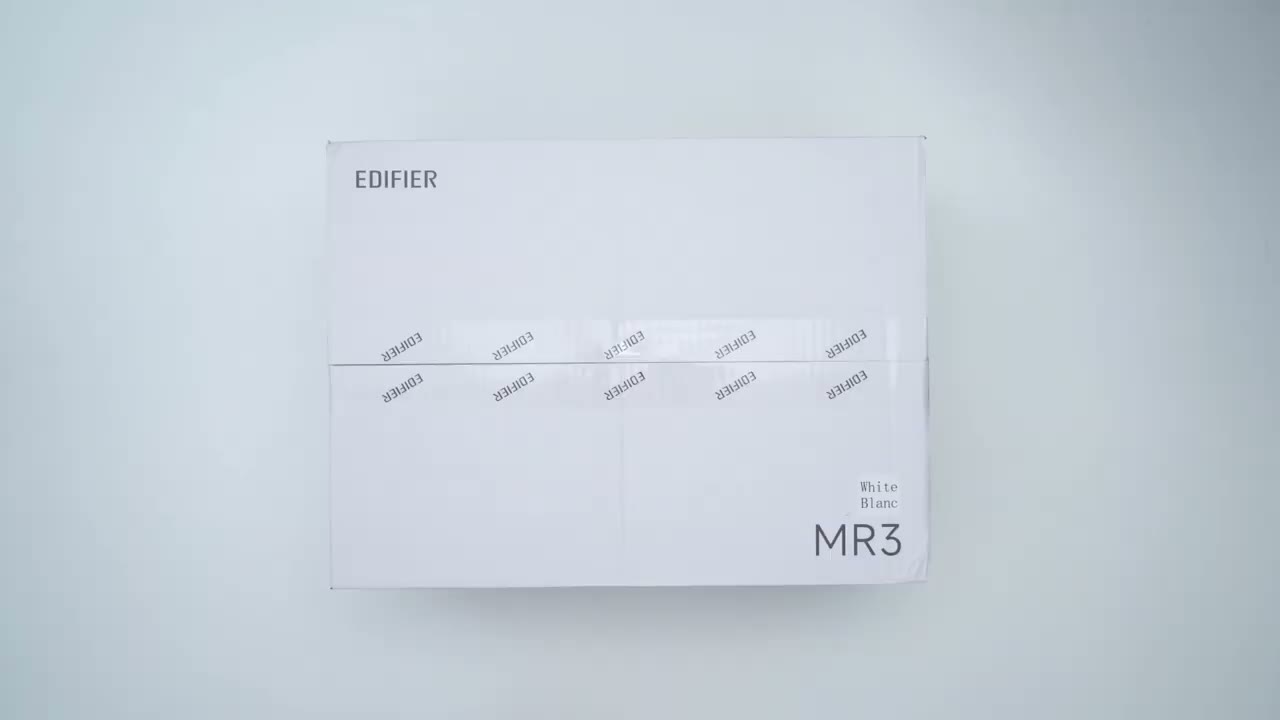
the box we have the edifier MR3 powered studio monitor speakers this is the active speaker and the passive speaker there’s a power cable speaker connecting wire to connect both speakers together 3.5 to 3.5 mm cable and a 3.5 mm to RCA
Design
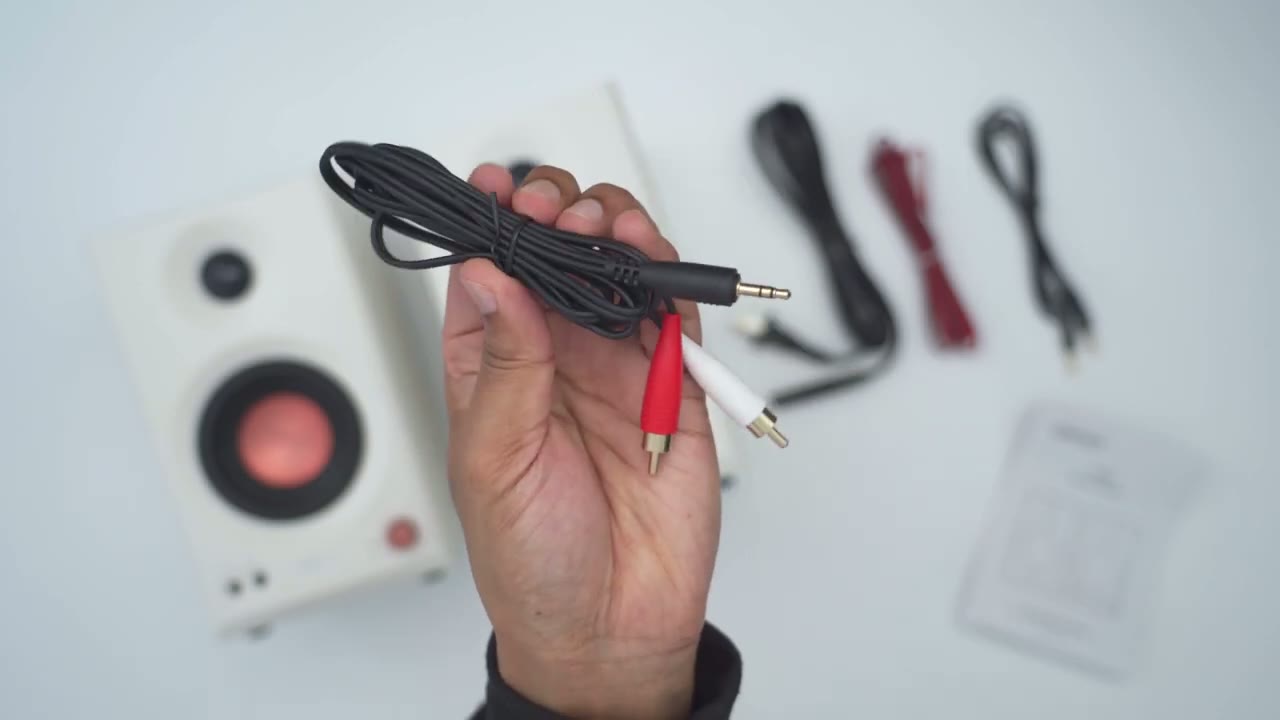
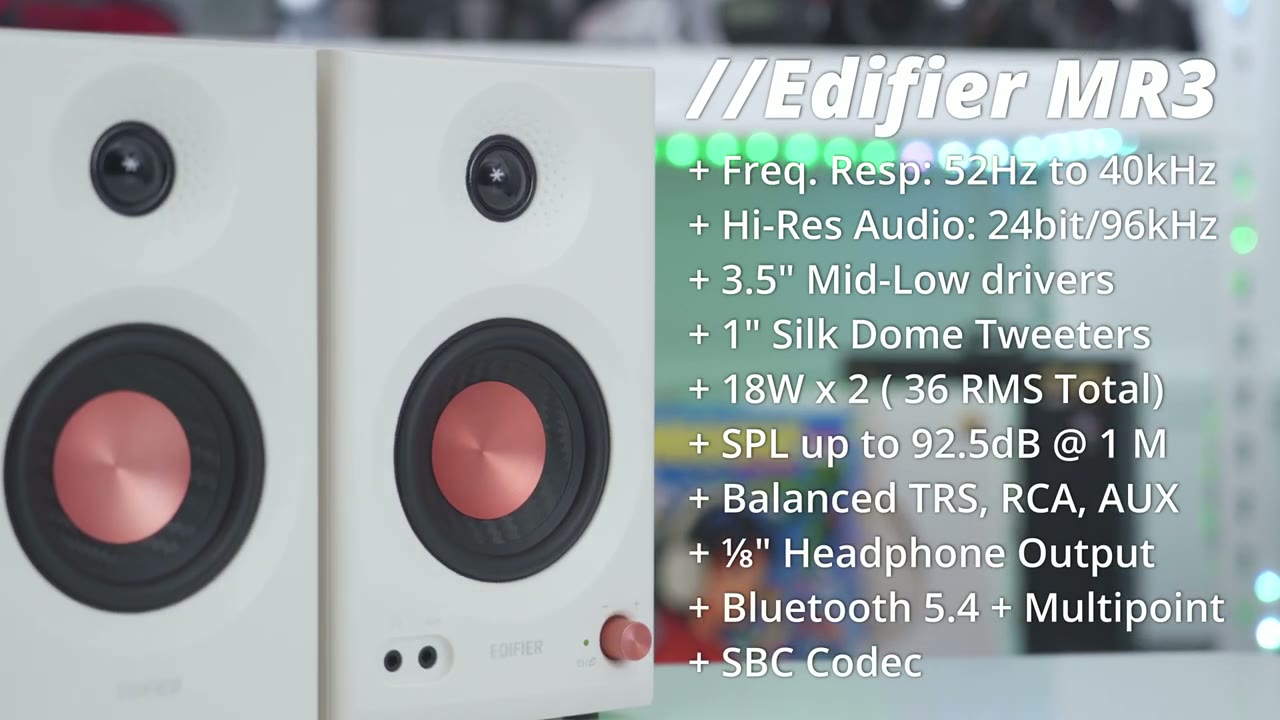
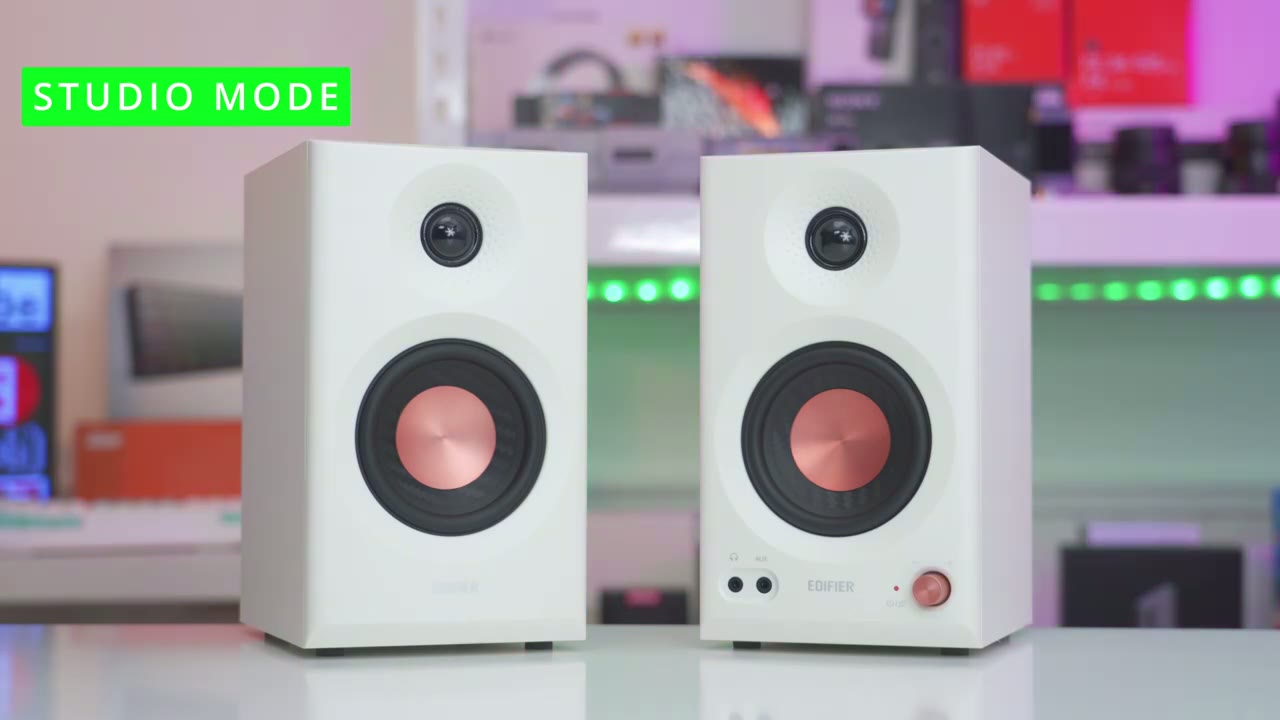
cable as well the edifier mr3s look beautiful so I have it in this white version but it also is available in a Black Version as well so this is the active speaker and it’s a little bit heavier than the passive speaker here so this comes in at around 2 kg or 4.4 lb and then the passive speaker comes in at around 1.8 kg or 3.9 lb the build is mostly an MDF cabinet or body on here and then we have the two drivers capable of 18 wats total output per speaker so we have this 3.5 in driver for mids and lows and then there’s the 1in Tweeter at the top for eyes and notice that it has that dimpling pattern or effect on here and this is to help reduce you know unwanted Distortion and resonance for just better sound dispersion we also have an ax input and headphone out and whenever you connect a headphone here it’s just going to cut all sound coming from the speaker there’s also a knob and you could long press this to turn it on or turn it off you can also Switch music modes with this and of course volume adjustment and we have hard stop increments here along with an LED indicator light for Bluetooth status and to let you know which sound mode you’re in the bottom of the speaker has very large type of foam like feet to help reduce vibrations and to help keep the speakers planted the rear of the active speaker has the rest of the input so we have a Bluetooth button here with a tactile press this lets you put these speakers into Bluetooth pairing mode now this is running Bluetooth 5.4 and it is capable of multipoint so you can have these hooked up to your phone and your desktop or you know your desktop and a tablet there’s also the acoustic tuning knobs so the high knob helps to cut or boost frequencies above 10 khz by Plus or 6 DB and then we have the low knob which helps cut or boost frequencies around 125 HZ by 6 DB it does show that in the edifier connects app you have a couple of additional settings but I’ll review those later we also have TRS balanced inputs RCA unbalanced inputs and then we have speaker out so this is where you’ll use the included speaker wire to connect it to the passive speaker and this is where you would plug it in into the wall to power everything and we also have that highres audio certification the passive speaker has the same two drivers on the front we also have those feet at the bottom and then if we look at the rear we only have inputs to connect that connecting
Specs
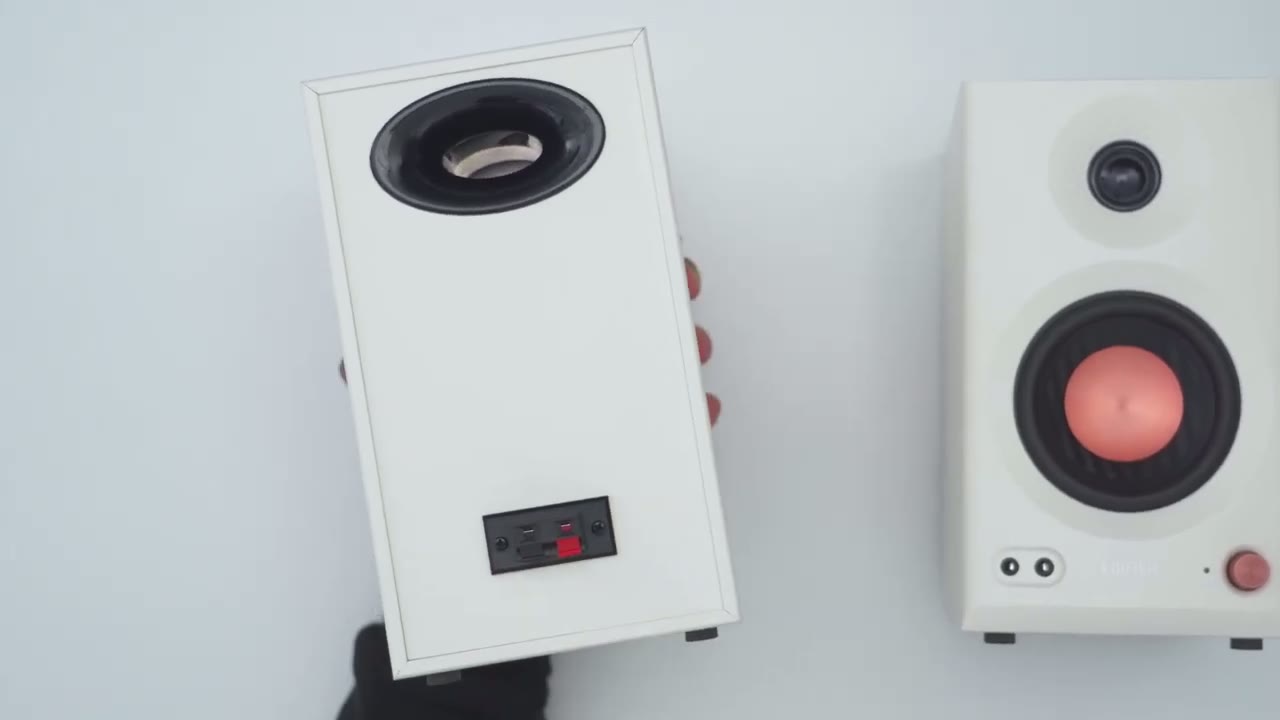
speaker cable wire here’s a quick look at the specs feel free to pause or jump ahead to the next section I’ve powered
Bluetooth Pairing
on the edifier mr3s I’m now going to pair them by Bluetooth to my Samsung zold 6 and s24 Ultra so I’m going to go ahead and press the Bluetooth button at the back and make sure I have the flashing LED indicator lights at the front which I do see so I’ll go ahead and hit scan since they are in pairing mode and I can see it right here so edifier MR3 I’ll go ahead hit pair hit pair right there and I can see it’s connected for audio and I did hear it um kind of chime in letting me know it’s connected I’ll repeat the same process for the zold 6 let’s demo that
Multipoint
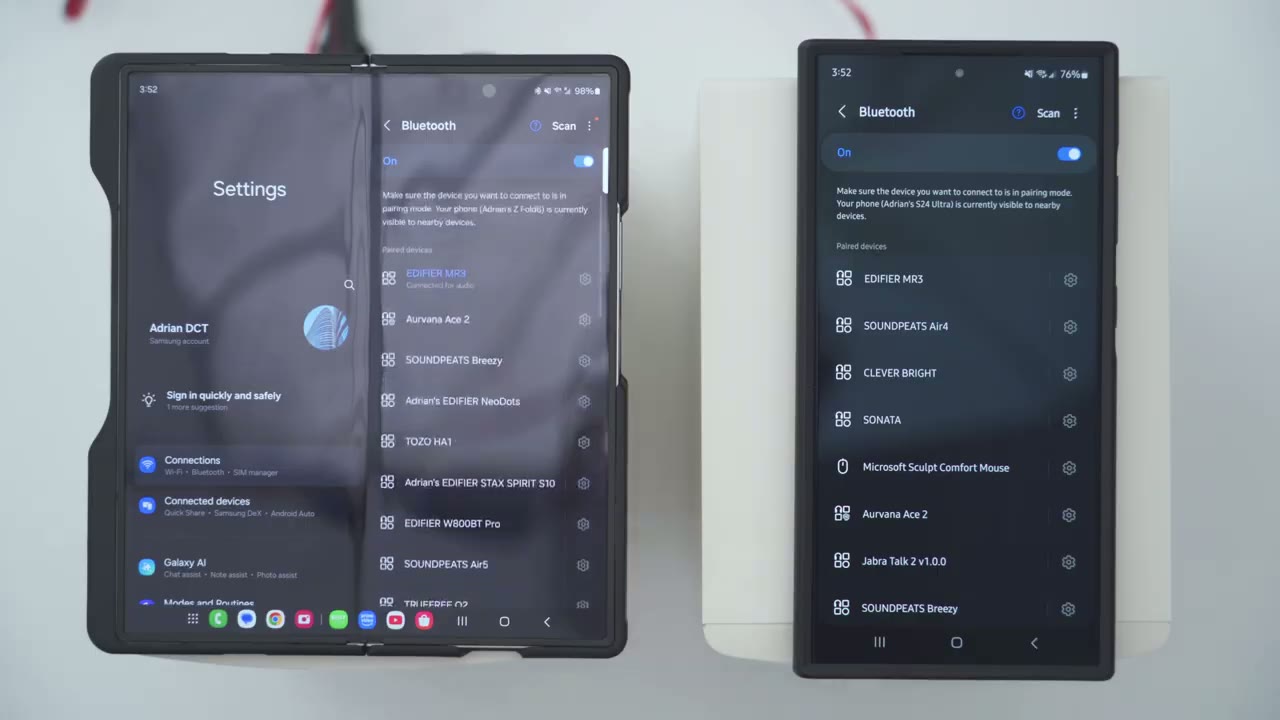
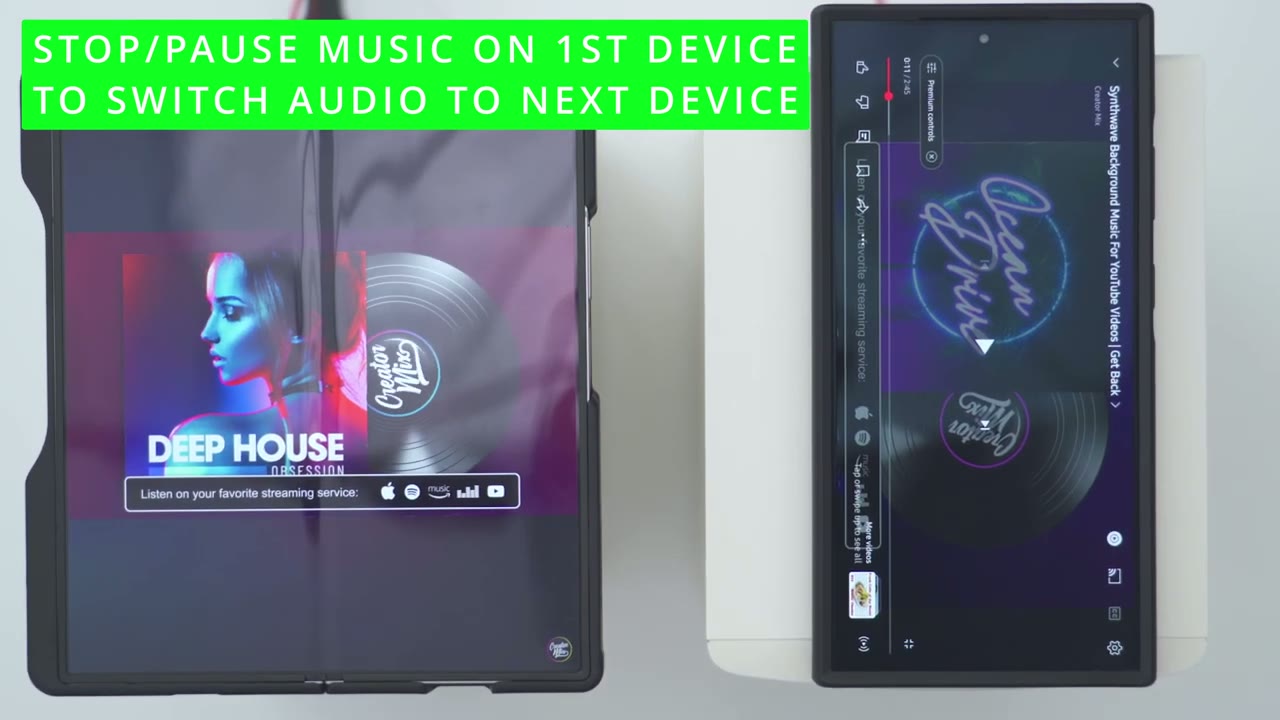
multipoint functionality I’ll start playing music on the first phone [Music] second phone the edifier mr3s are now connected
App Settings
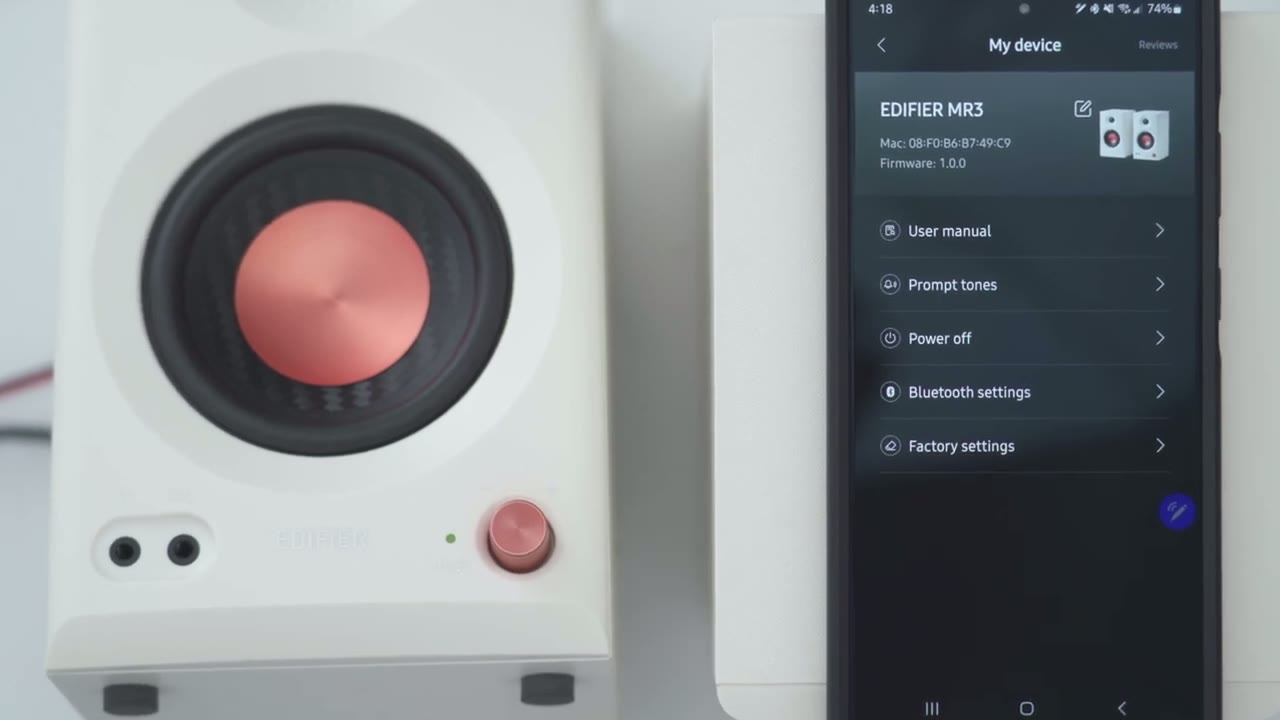
in the edifier connects app and I really lik that it showing the white version of the speaker since that’s what I have I like that attention to detail now under sound effects it’s set to monitor if I tap into that I can switch from monitor which is going to be the most neutral and accurate uh reproduction then I can go into music for kind of everyday listening and I can go into customize and if I tap on that this is where I can adjust the eqs now you can see if I tap on the knob it’s going to jump from customize to monitor music back to customize so you actually have that control with this knob by just pressing it in now what you don’t have is this option for acoustic tuning so I showed on the rear of the active speaker we have knobs for high and low so we can go ahead and switch this from 20 HZ all the way to 100 HZ for the low cut off frequency and then the slope from 6db all the way up to 24 and then for acoustic space again we can make adjustments from 0 to 40b and then desktop control you can turn that off if you’re going to be placing these speakers on your desk you can also see the current volume level so it’s set to 22 and you’ll get a realtime display as you adjust the volume up or down if we jump into the full settings we can take a look at the firmware version access the user manual you can turn off the prompt tones for Bluetooth connection you can also power off the speakers and reset everything to factory in the
Sound
monitor mode your you’re going to get clean pristine audio reproduction and coming from other computer speakers they now sound like mud after I listen to MR3 it’s like not even in the same league the type of sound coming out of these compared to you know kind of traditional desktop speakers but I really want to stress that even though these are build as having a flat frequency response especially if you’re using them in the monitor mode don’t think that these can give you a very fulfilling listening experience if you switch it to the music mode because these can deliver amazing base you get good base thump good resonance especially with all of the tuning options that you have these also get really loud so we have 36 Watts RMS and I haven’t needed to come you know even like say 70% of the max volume on these These are loud enough just at around the 60 to 70% range for me I listen to a ton of different music on these to really put them through the paces and I was not let down now I listen to a lot of vocal prominent songs because it’s just something I really prioritize in vocals or clean crisp and without excessive siblings and that’s something where you know a lot of speakers fail or they don’t do a good job and these are just a perfect balance of that I’d say the sound is a bit more on the warm side with the right amount of for treble and like I showed earlier you can really fine-tune these with the knobs and on the edifier connects app to really get them exactly how you want them to sound because you could get good base resonance and a nice thump once you have them sitting on your desk in actuality these really are pulling double duty don’t be put off by the flat frequency response description because yeah you can get that if you know accuracy matters you’re going to be using these for audio production video editing but if you just want kind of a set of daily listening speakers these will do it once you put it into music mode it boosts the frequencies very Tastefully it doesn’t do it you know to a significant detriment of that kind of clean sound signature that you’re getting out of these and if you’re a gamer but you love listening to music just as much as you love gaming just like me and you have you know gaming speakers don’t even bother with those you can easily get these you know connect them wired mode you’re not going to have any type of latency and you’ll hear a lot of detail in any game you’re playing now I know I can’t really portray just how powerful these sound or just how great the clarity is on here but I’m going to try with a couple of sound clip demos right [Music]
MR3 or MR4
now now I didn’t use the Mr fors to say how to compared to the mr3s but I will say that I’m not let down by the mr3s in anyway I don’t think I’m missing out on much but here’s a couple of areas where
Recommended!
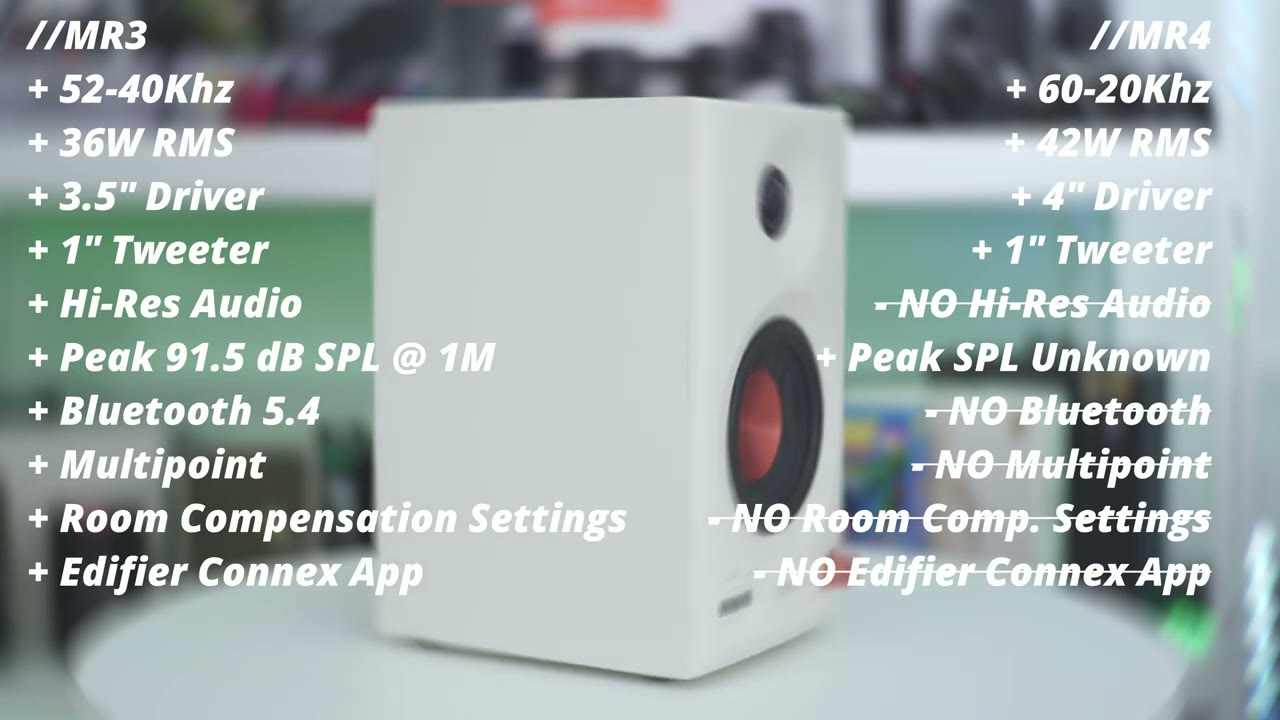
they differ if you’ve been on the hunt for a great pair of speakers I would say just go out and get the mr3s you’re not going to be disappointed they take so many boxes you know if you’re going to be using these for audio production video editing or if you just want a great pair of speakers for everyday listening this going to give you pristine audio great clarity I’ve been spending so much time with the mr3s just kind of Rel listening to a lot of songs that I didn’t listen to for a while because I’m hearing so much detail and Clarity like it’s kind of like rediscovering songs for the first time almost it’s like breathing new life into them because my previous computer speakers were just doing a huge disservice every time I was using them and if you get these I think you’re going to feel the same way like I do you know it makes me sad to actually stop listening to music and having to turn these off to actually focus on work because they just sound so fantastic so yeah I can easily say ditch your old computer speakers get get the mr3s you have Bluetooth 5.4 you have multipoint you have a bunch of different inputs you can tune these exactly how you like so if you’re interested in picking them up or learning a bit more I’ll leave some links down below and if I have any type of coupon codes I’ll leave those down below as well and can I ask a huge favor would you mind liking it subscribing it truly does help me out as a small and growing Channel and I truly do appreciate every one of you who watches my video and I hope to see you in the next one soon
Buy Edifier MR3 Studio Monitor Speakers on Amazon
Please note that some of the links in my video descriptions are affiliate links where I earn from qualifying purchases. As an Amazon Associate I earn from qualifying purchases.

