


Please note that some of the links in my video descriptions are affiliate links where I earn from qualifying purchases. As an Amazon Associate I earn from qualifying purchases.
Intro
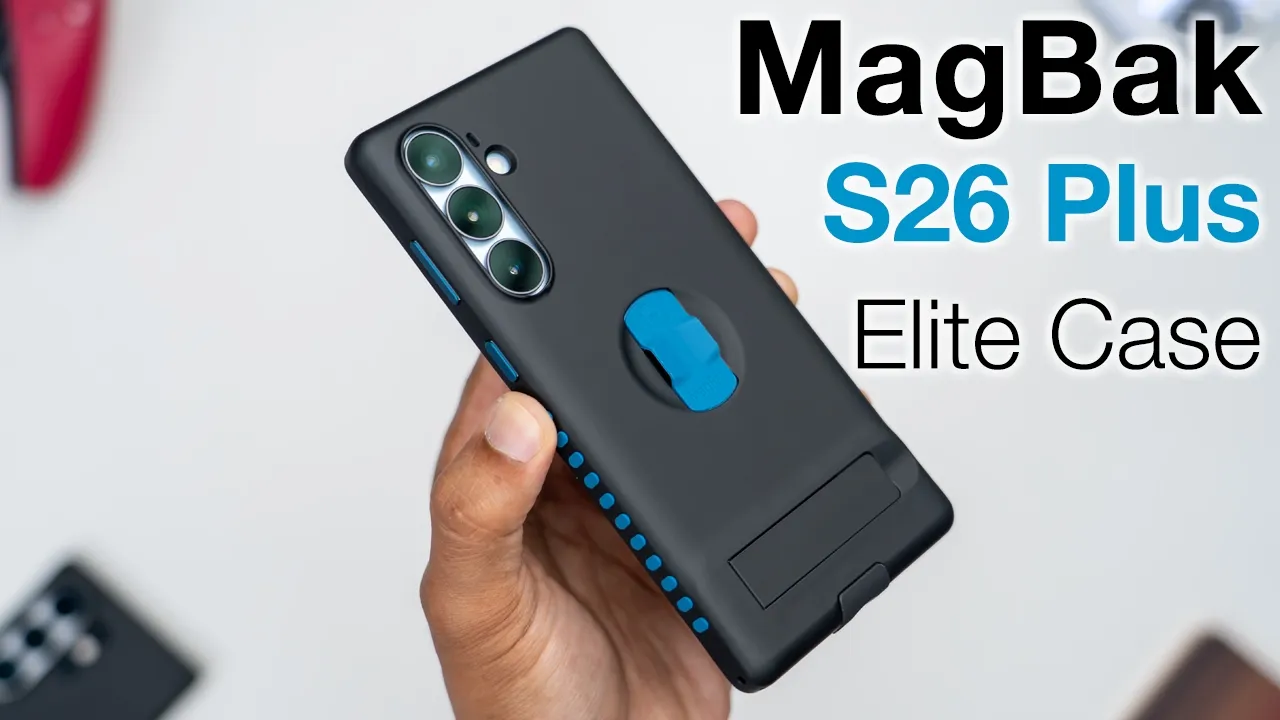
If you picked up your new S26 Plus and you need solid protection with tons of features, the MacBack Elite Case has you covered. The MacBook Elite case has ultra strong N52 magnets allowing you to magnetically mount your phone vertically or horizontally anywhere metallic with an ultra strong hold that doesn’t slip. You can use Chi wireless charging along with Maxafe wireless charging and even using Maxafe accessories securely. An easy to install edgeless screen protector paired with the thick protective front and rear bezels and air cushion corners protects your phones from drops up to 6 ft high. A built-in kickstand lets you use it vertically or horizontally whenever you can’t mount it magnetically.
And there’s a built-in finger loop that lets you hold your phone securely and stores away flush whenever you need to use Maxafe charging or Mac safe accessories. You can also use the included Max Stick accessory to create your own metallic mounting surface. You can customize the look of the case with optional color accent packs. But there’s one small quirk to be aware of. And there’s one really cool design feature I haven’t seen on any other case. So, let’s see if this could be your very next case. And a big thanks to MacBack for sending this out for
Package Contents
review. In the box, we have the MagBback Elite case along with an included adjust screen protector. There’s a Maxic accessory, dust sticker, cleaning wipes, cleaning cloth, and a quick start guide.
Case Design
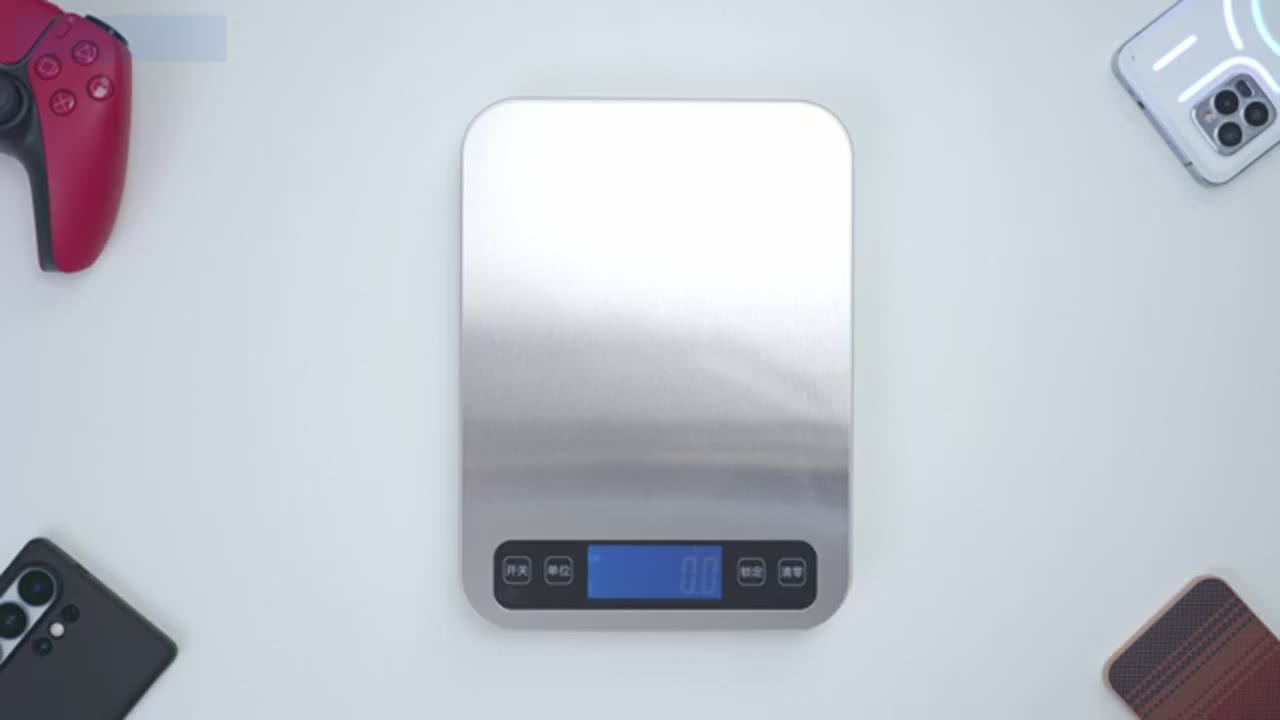
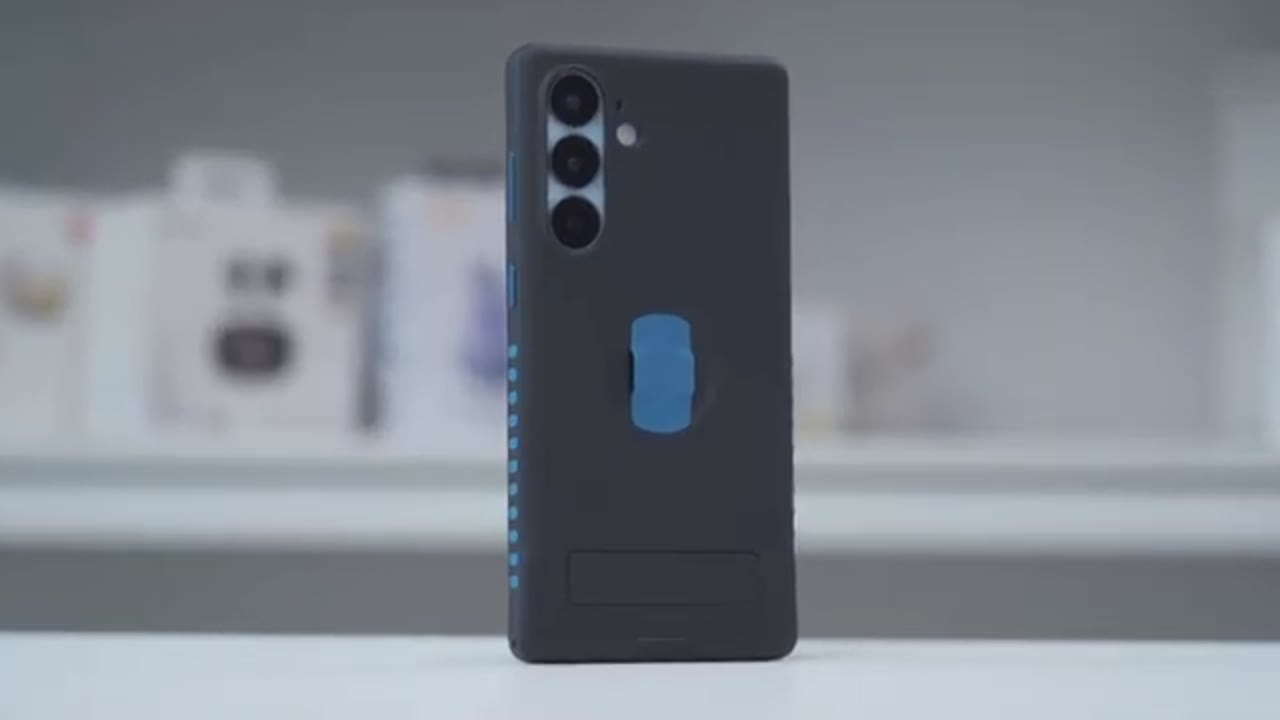
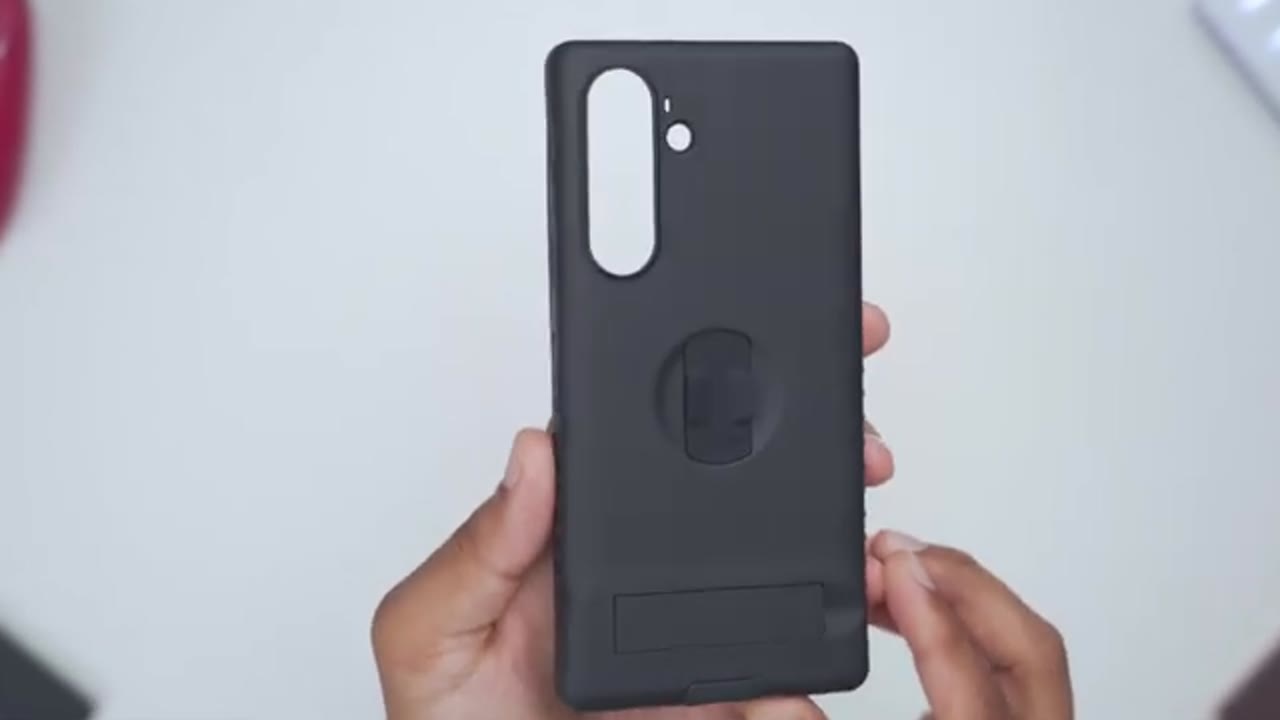
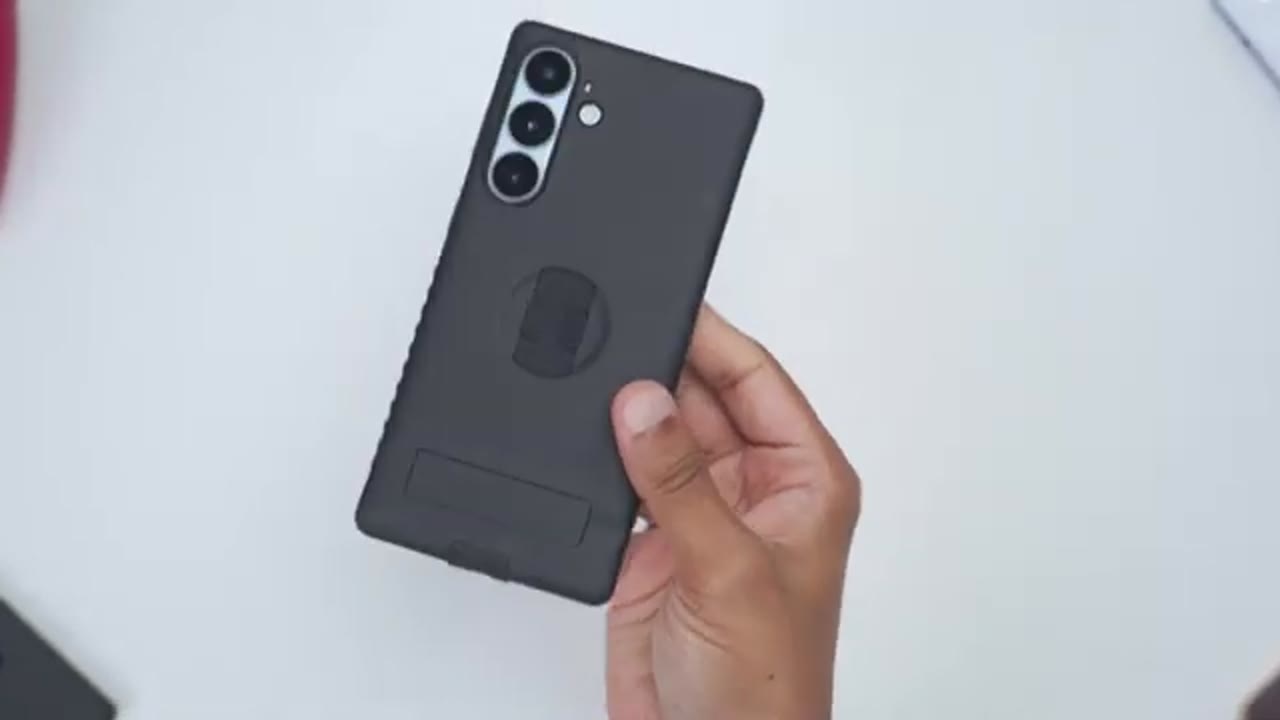
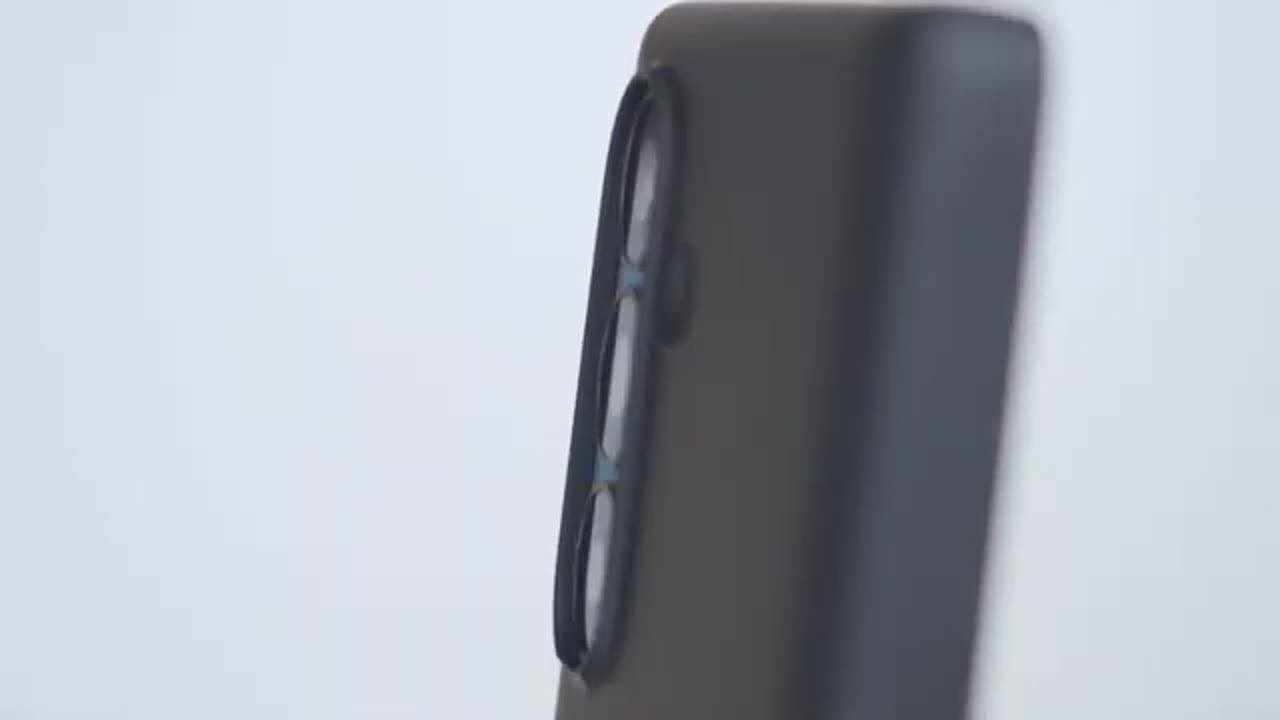
The Mag Elite case comes in at around 48.5 g. And we have this kind of soft touch exterior here that feels really nice to the touch. So, it adds a bit of grip without being too slippery. On the right side, we have metallic button covers along with silicone textured side grips that stick out for additional grip. On the rear of the case, we have a large raised protective bezel with a single cutout for all of the lens, meaning you can also run lens protectors as well. Additionally, notice that there is a little cutout right at the bottom here or a little indent, and that’s going to allow you to position Max accessories further up. There’s also a cutout for the flash module, and we have their built-in finger loop. And we also have a built-in kickstand as well.
So when you lift this up, you’ll hear an audible click, so it snaps into place there. And there’s a magnetic button closure so that it actually stows away flush and securely as well. On the bottom of the case, we have a USB type-C port cover, and this actually doubles as a pinky finger rest. There’s also cutouts for the speaker grill. And we actually have cutouts on the right and left side to run a lanyard strap as well. There’s an additional cutout at the top of the case. And on the inside, we have the soft microfiber lining to keep your S26 Plus nice and protected. And lifting up on this plastic tab gives you the ability to adjust the tightness of the built-in finger loop. There’s strong N52 magnets position around the case, which I’ll demo later as well.
Edgeless Screen Protector Install
Installing the edgeless screen protector is extremely simple. So, just place your S26 Plus camera or lens side down into the box everything came in. Then, use the cleaning wipe to wipe your screen down. Use the cleaning cloth to dry it. and use the dust sticker to remove any remaining dust. Next, you’re going to close the box and ensure that the pull tab is sticking out of the box. Simply pull on the pull tab with a consistent pressure until it comes all the way out
Edgeless Screen Protector Post-Install
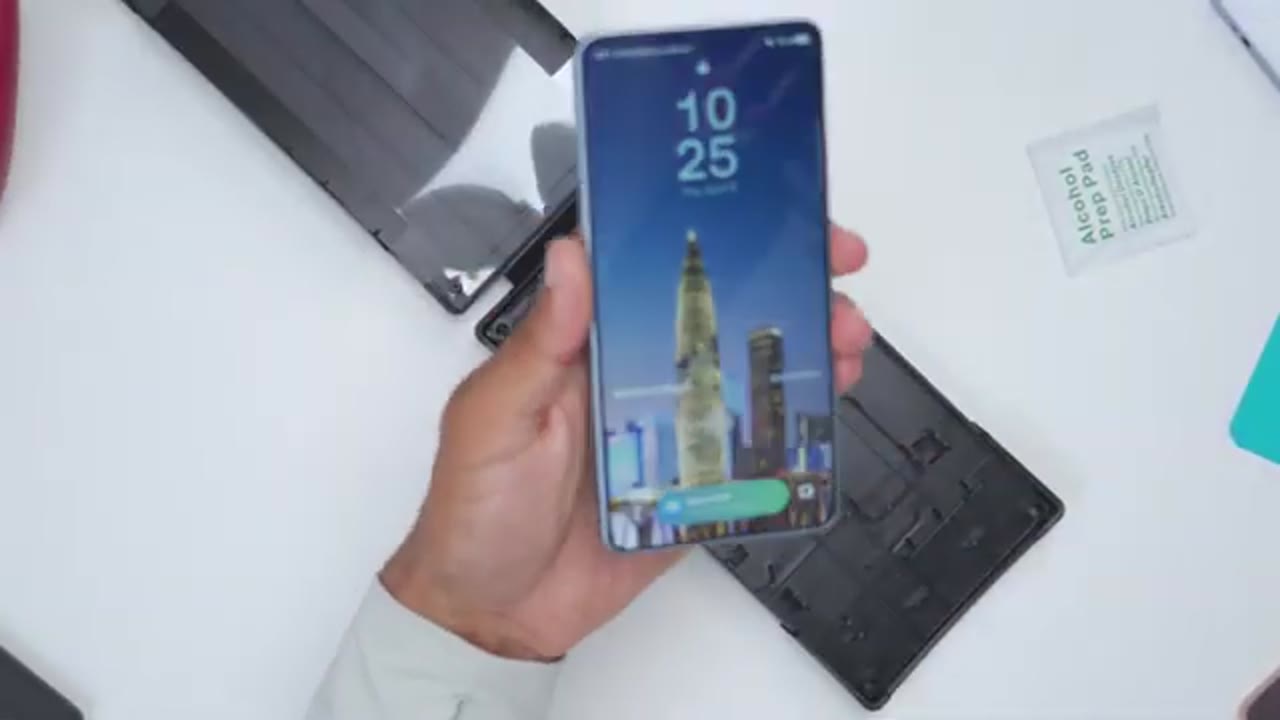
and you’re done. And this is what the edgeless screen protector looks like on the S26 Plus. So, it covers the entire width and length of the screen. There’s no type of gaps and coverage. And the top speaker grill is precisely cut out. Nothing is obstructed as well. And here’s a side-by-side comparison with and without the edgeless screen protector on. So, you can see it’s still very easy to unlock the phone very quickly. It’s very responsive just swiping around. And the text clarity is really good. Same with the colors as well. There’s really no downgrade here. Maybe a little bit more glare than without it on, but still very manageable. With the edgeless screen
Case Install
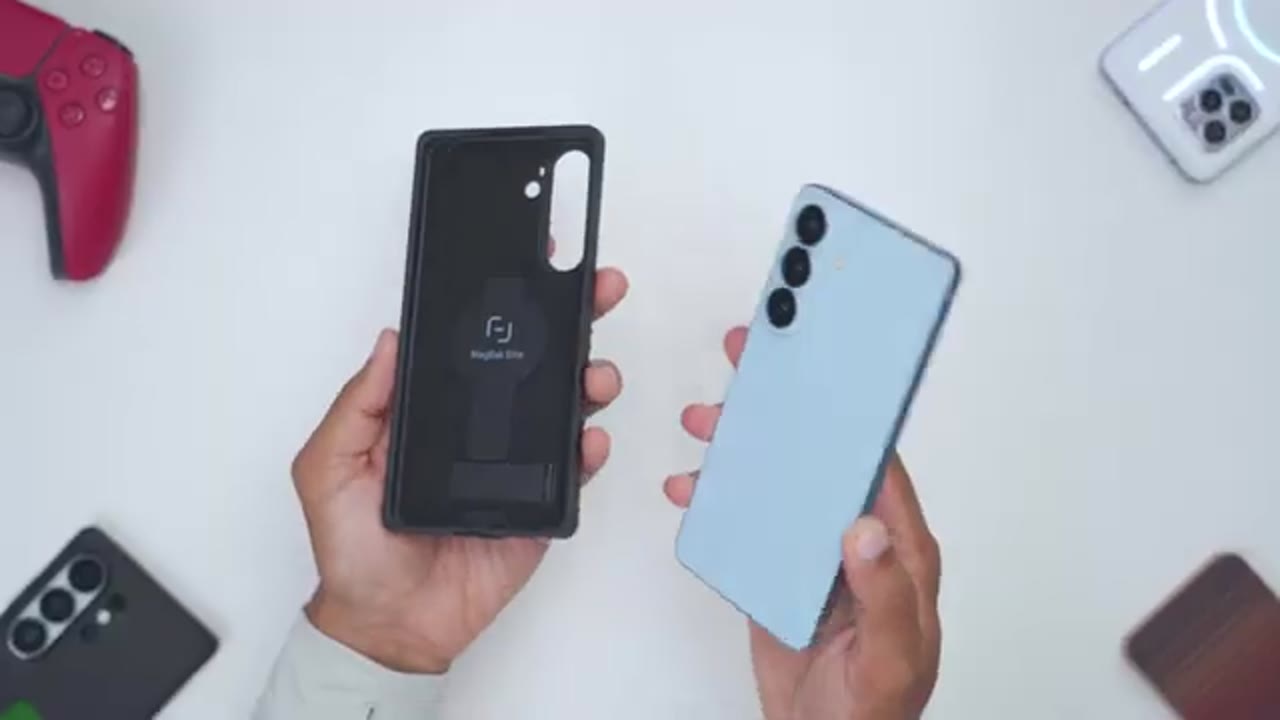
protector on, I’ll now install the case. So, I’ll stop in the top right corner with the camera lens module. Pop it in at the top and then press down at the corners right here. And just like that,
Case Post-Install
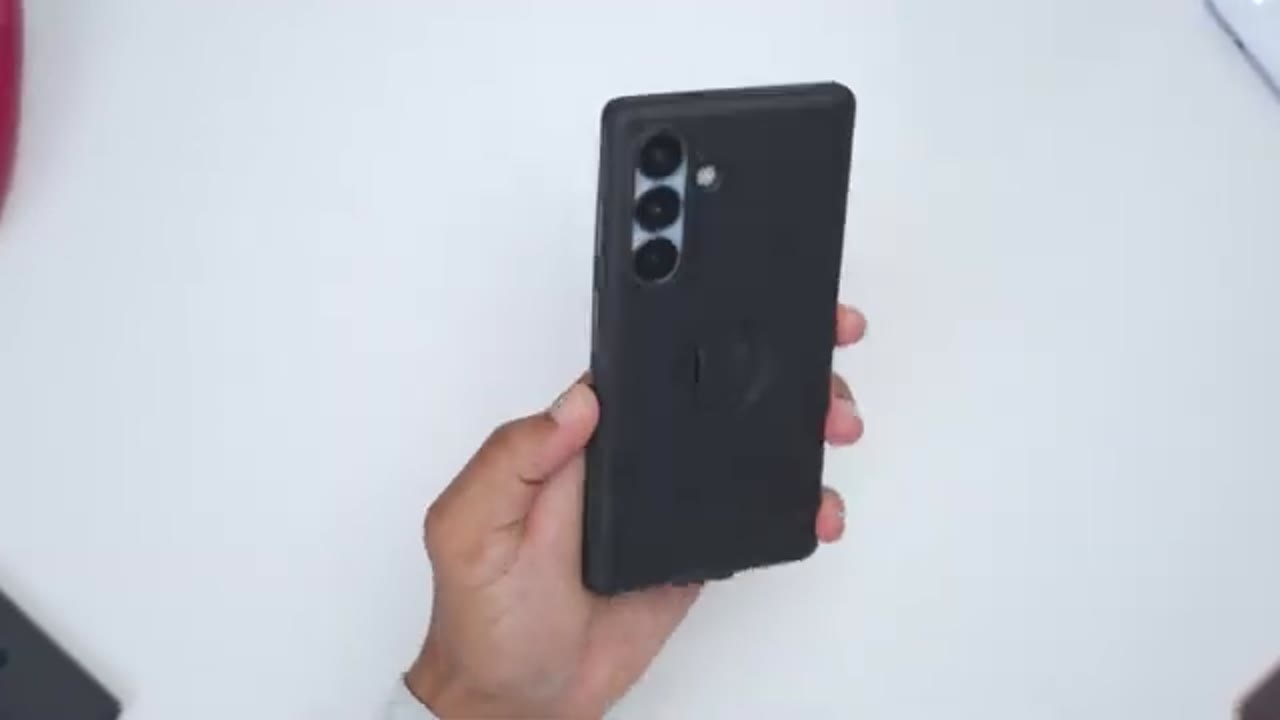
we’re done. And this is what the Mag Elite case looks like on the S26 Plus. Really stealth looking combo. The fitment feels really secure on here. No type of looseness. And we have precise cutouts for the rear lens, the flash module, the cutout at the top here along with the speaker grill cutout as well, and access to the USB type-C port. And the top speaker grill remains completely unobstructed as well. Note that the rear camera bezel or protective lip extends high enough from the actual lens so that if you were to place this lens side or camera side down, there’s no chances of those lens getting scratched. That also goes for the front bezel as well. It extends high enough so that if you were to place the screen side down, your screen isn’t going to get scratched.
And additionally, you do have that edgeto screen protector. If you install it, you could see where the case bezels meet the screen protector. There’s no gap in coverage. So, it really is edgetoedge protection. And even with the raised protective bezels on the front, it’s no issues pulling out swipe panels without any issues. And the buttons remain completely responsive even with the protective button covers. In terms of
Hand Feel?
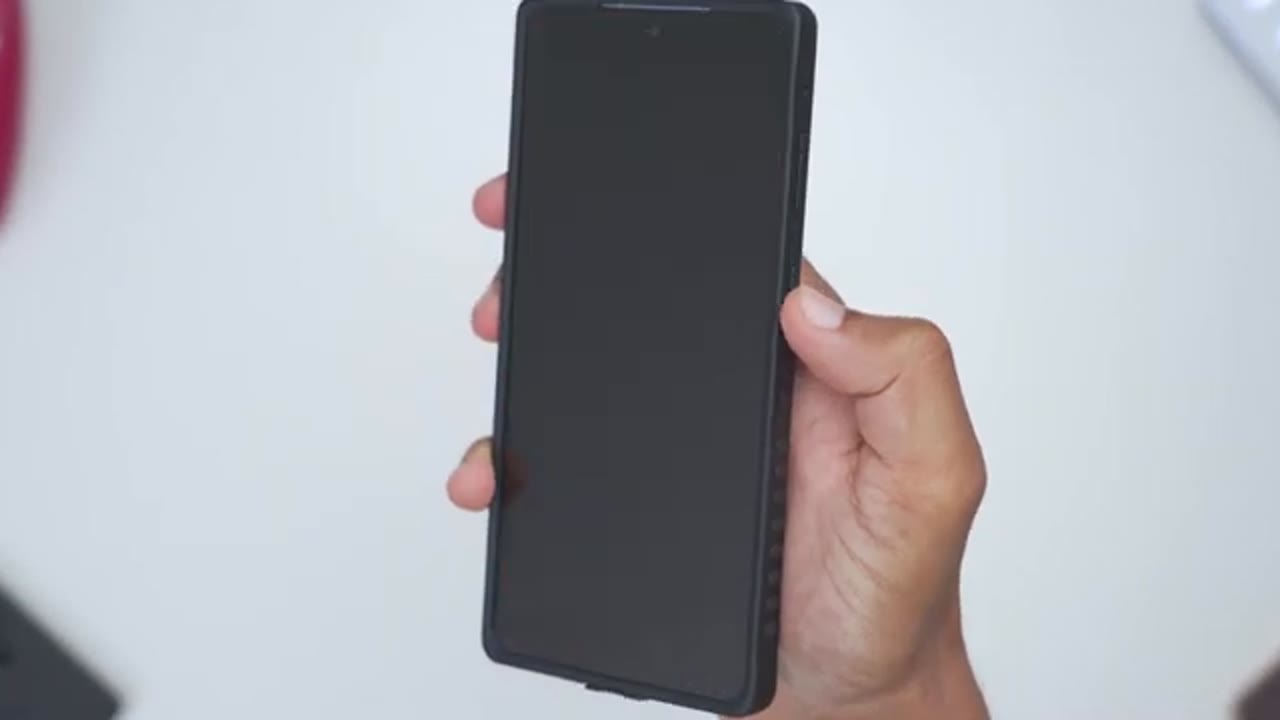
hand feel, so the case doesn’t add too much bulk and it feels nicely bounced. You can see very easy for me to just, you know, handle it or manage it just in one hand. And because of the soft touch exterior feel along with those silicone side grips, it does add a lot of grip and it feels very secure in the hand.
Drop Protection
The MacBack Elite case is rated for up to 6 ft of drop protection. Now, I dropped my phone both screen side down and camera lens side down, and there was absolutely zero damage at all thanks to those thick raised front and rear bezels and the air cushion corners. Now, let’s
Magnetic Mounting
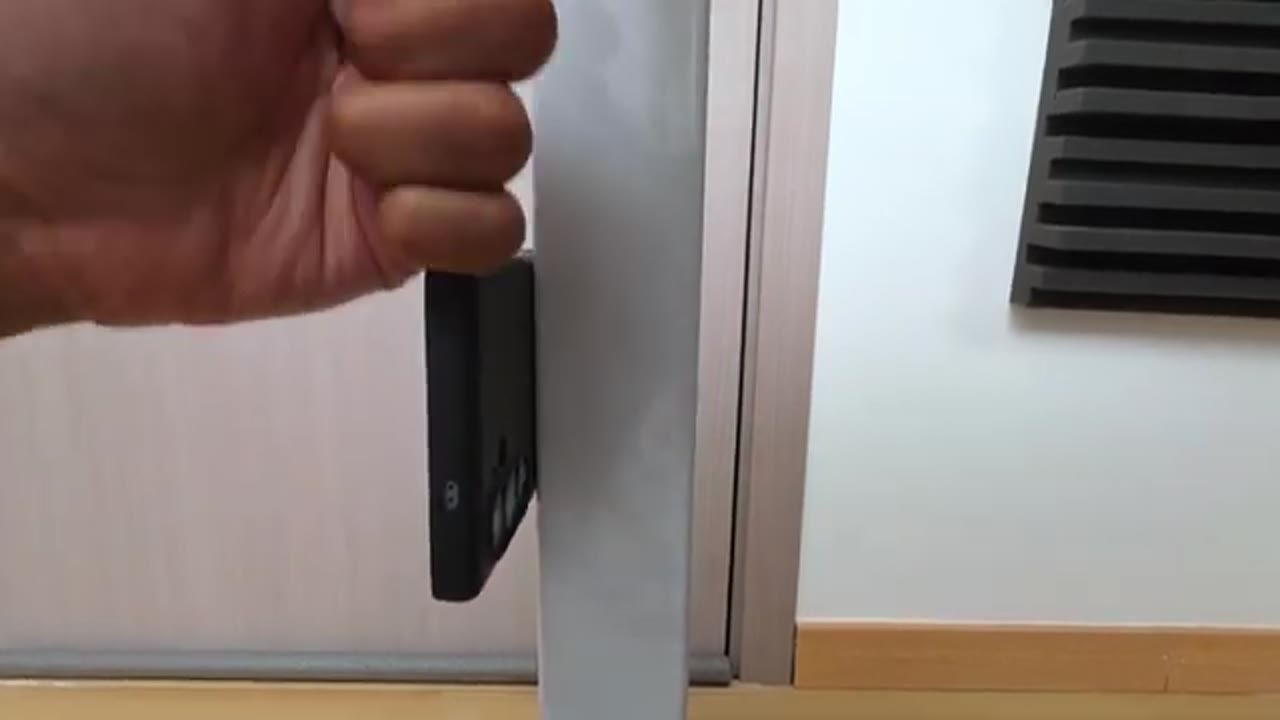
talk about the magnetic mounting strength on here, because that’s the reason why I keep running this case on all of my phones. Now, thanks to the ultra strong N52 magnets and just the way they’ve positioned them on this case, I was easily able to mount my phone horizontally and vertically to a bunch of different surfaces like this outdoor metallic fence, my shelf in my room, my table leg, a fridge, and even partially lift up this 2.7 lb or 1.25 kg weight from my table. It’s that strong. And once I magnetically mount my phone to a metallic surface, I never have to worry about it slipping or falling. And that’s something I just can’t say for
Magstick Accessory
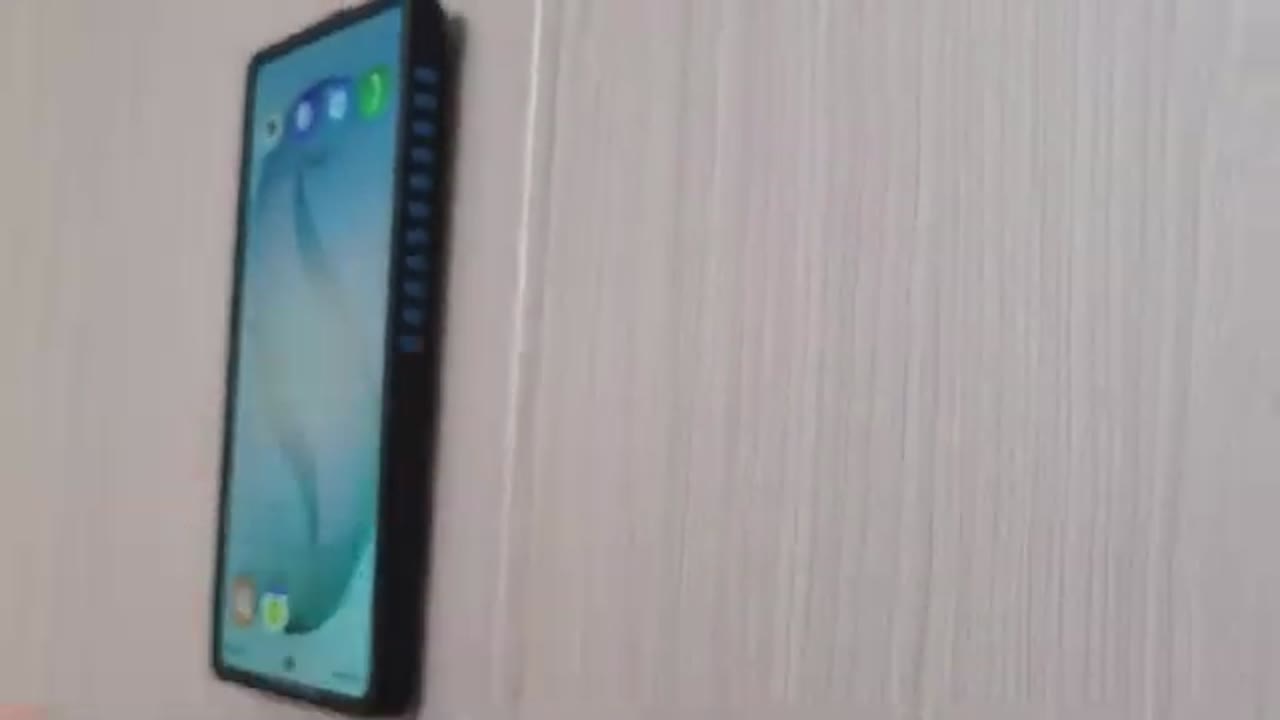
any other case. Whenever you can’t find a metallic surface to mount your phone to, you can actually use the included Maxic accessory. So, the back of this has an adhesive peel right here. You could just attach this to your car’s dash, to a kitchen towel. I attached it to the back of my door. And you could see I can mount my S26 Plus securely vertically, horizontally, no issues at all. The magnetic hold is that strong.
Wireless Charging
You can use CHI wireless charging without any type of issues. And thanks to the super strong N52 magnets, you can also use Maxafe charging along with Maxave accessories. And anytime you use the Maxive accessories, again, thanks to that strong magnetic hold, you don’t have to worry about those accessories slipping or coming loose. Note that if I wanted to use a larger Maxif accessory like this power bank, it’s difficult to use on a lot of cases since the top of the power bank actually hits the bottom of that protective lip. But since we have that little cutout there, you can see this snaps right into place and I can have Mag Safe wireless charging without any type of issues. So, this was a great design choice. By the way, you
Magbak Wallet
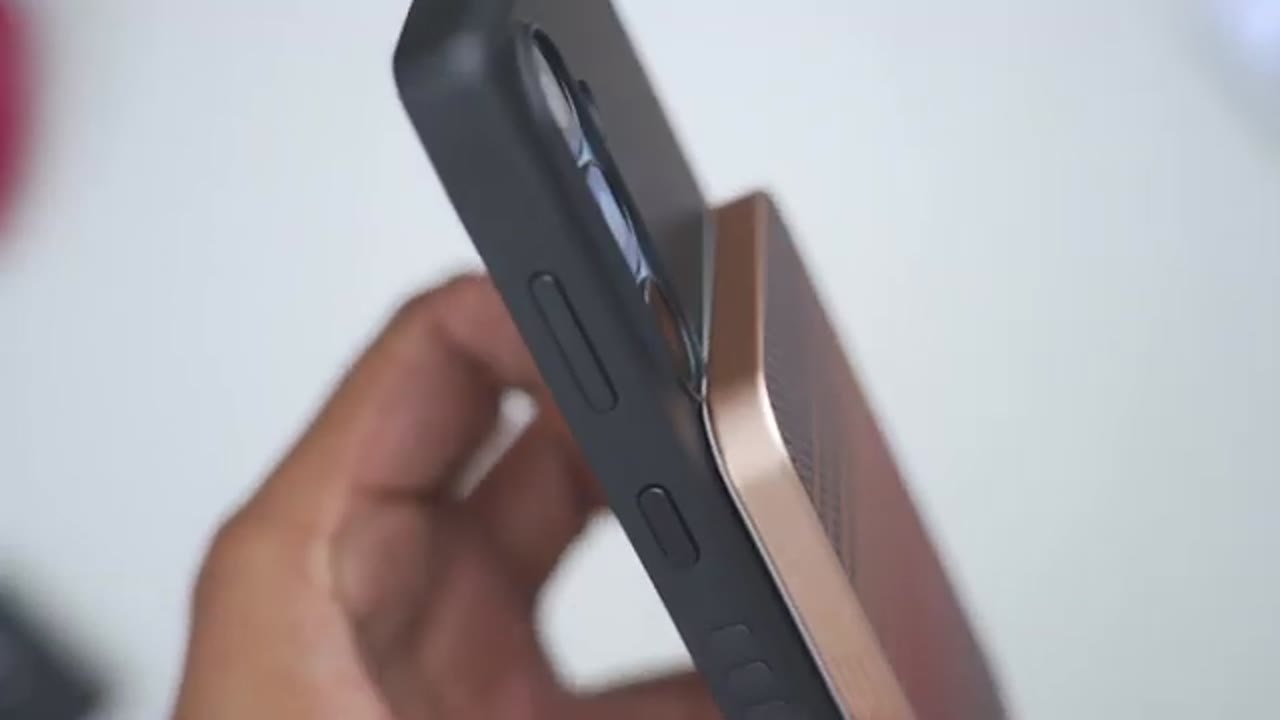
can also pair the Mag Elite case with their Magack wallet. And since both of these have really strong N52 magnets, you can see that just snaps into place really easily. And I can dangle this and it’s not really going anywhere. You can actually use the built-in finger loop right on the wallet as well. And the wallet actually doubles as a horizontal or vertical kickstand. The built-in
Built-in Kickstand
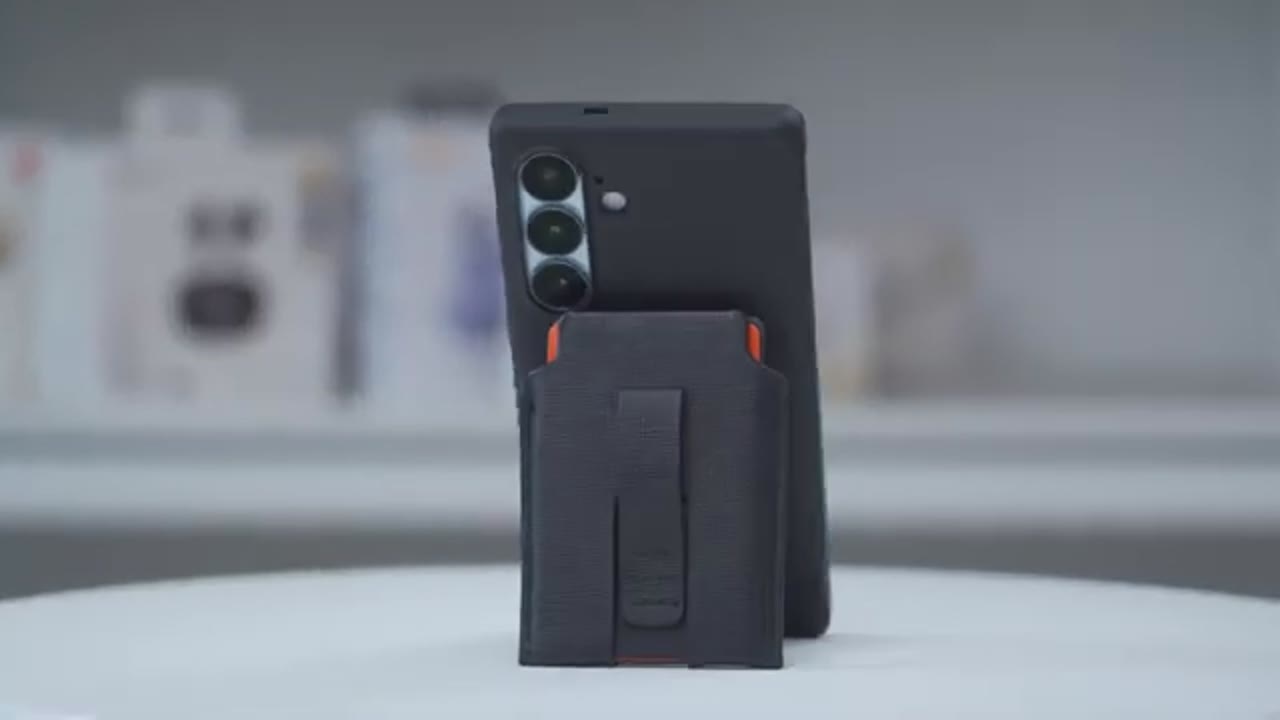
kickstand is also very stable for horizontal or vertical viewing. So, I’ll just pop it out, put it on the table just like that. And you can see if I bang on the table while the phone moves, it doesn’t actually buckle at all. And I can actually do the same thing vertically as well. The phone’s moving, but it stays nice and upright, so it’s very secure. And then you just pop it back. Using tap to
NFC Use
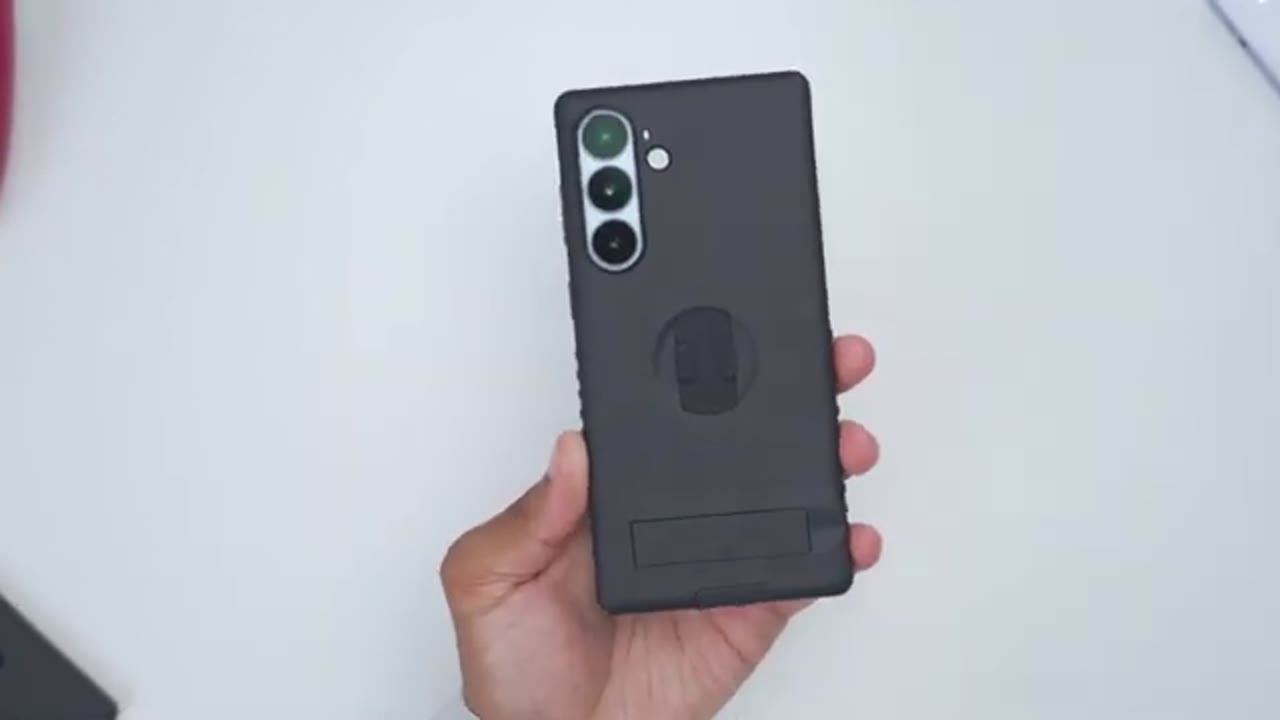
pay or NFC is also completely unaffected by the magnets. The small quirk I
Wobble?
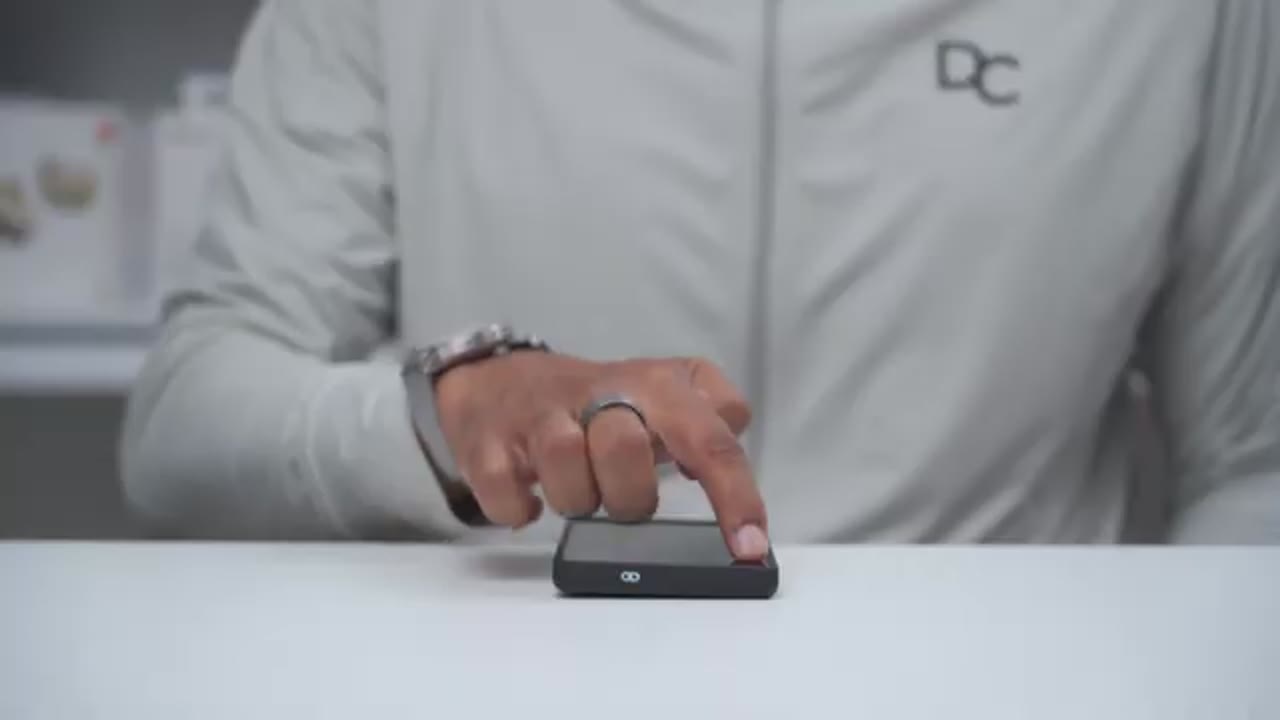
mentioned at the start of the video is that the case does have some wobble anytime you use this on a flat surface since the rear lens bezel does stick out
Pinky Pillow Rest
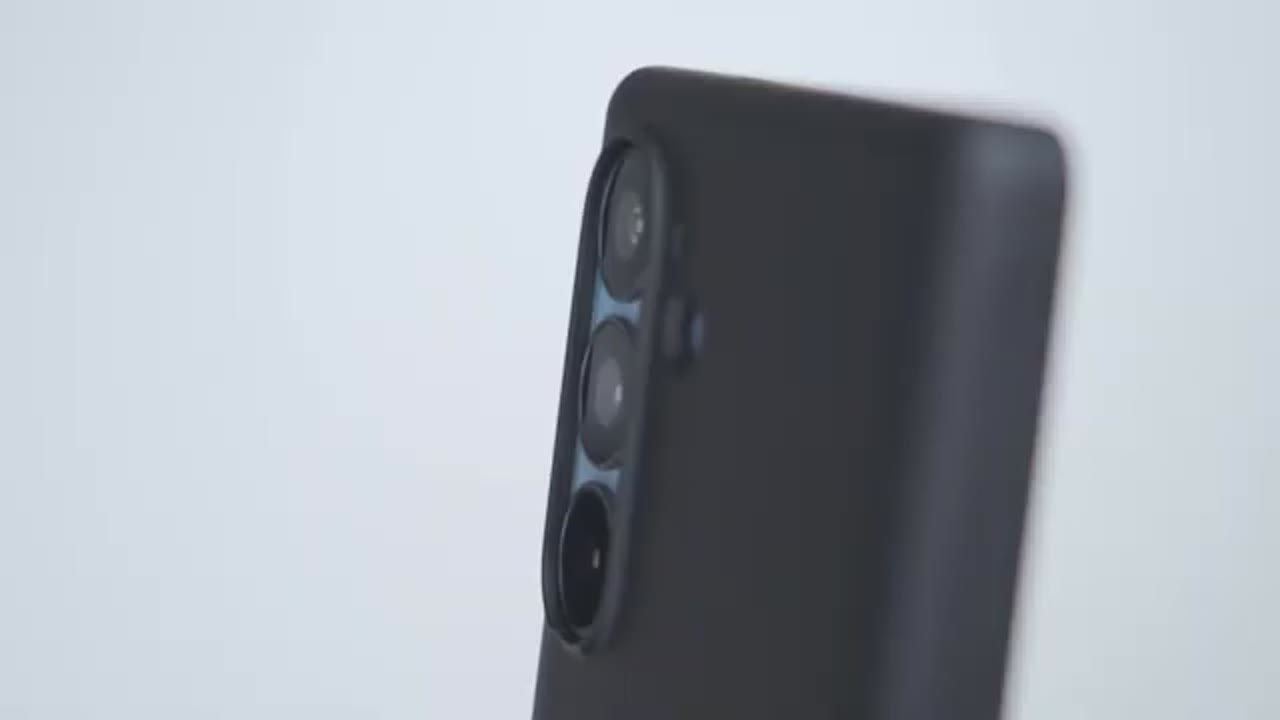
by a bit. You can use the USBC port cover as a pinky finger rest for long scrolling sessions. And if you actually don’t want that cover on there, it can be removed from the case easily. You can
Color Accent Packs
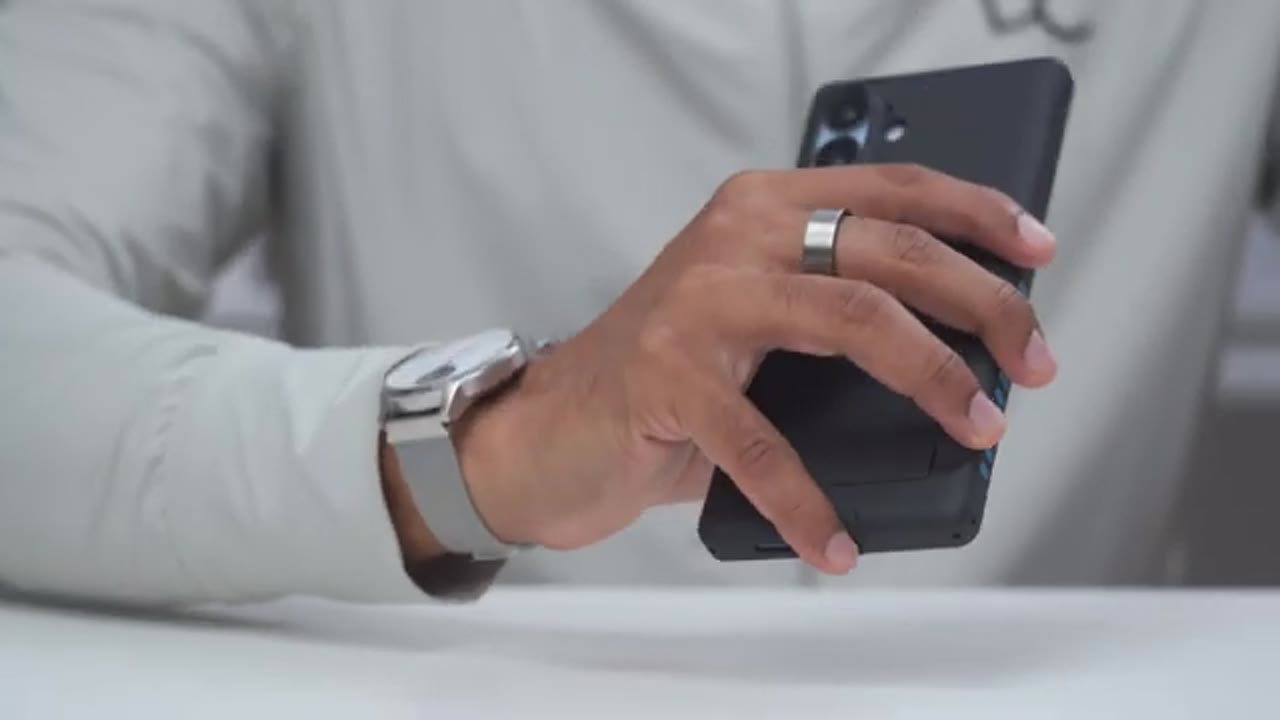
change the look of the case by using the optional color accent pack. So you can change the button covers, the side grips, the finger loop, or you can even mix and match colors as well. So the Mag
Recommended?
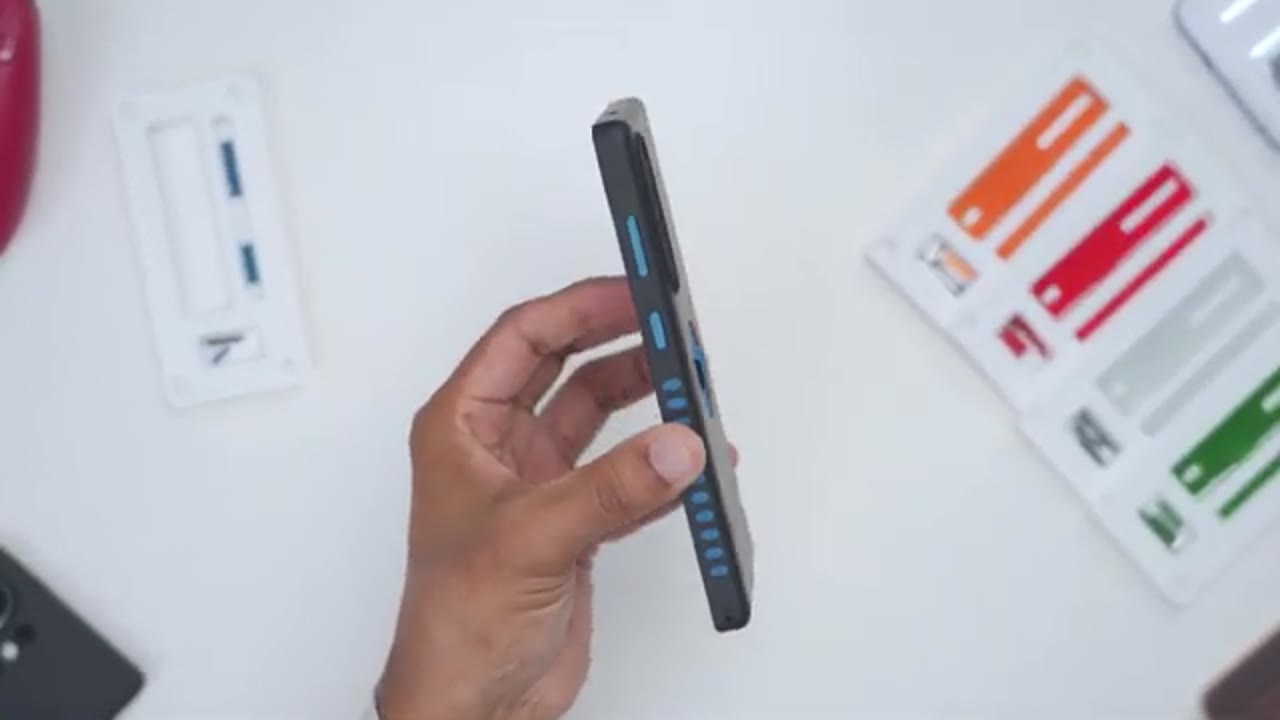
Elite case pretty much has it all, and it looks great on the S26 Plus. You get top-notch protection with the thick front and rear protective bezels, the air cushion corners, and the included edgeless screen protector that’s really easy to install with the included box. The built-in finger loop is great for easy holding and it stores away quick and flush anytime you want to use Maxafe charging or Maxave accessories like a Maxave power bank with an extremely strong hold. And of course, you can mount it virtually anywhere metallic with a super strong magnetic hold, whether vertically or horizontally. And if you can’t find a metallic surface, simply use the included Maxic accessory or the built-in kickstand. You can customize the look of the case with the optional color accent packs.
And you can add more functionality by adding MacBax wallet. So, if you’d like to pick up the MacBook Elite case for your S26 Plus, I’ll leave links down below and you could use my coupon code dem15 to get 15% off your order. If you like this video, check out this video next and maybe even consider liking and subscribing because I’m always doing these type of case and accessories videos. And I also review a bunch of different tech that you may find interesting. So, I really hope you’ll join me in my next video
Please note that some of the links in my video descriptions are affiliate links where I earn from qualifying purchases. As an Amazon Associate I earn from qualifying purchases.

