


Buy Edifier Stax Spirit S5 Headphone on Amazon
Please note that some of the links in my video descriptions are affiliate links where I earn from qualifying purchases. As an Amazon Associate I earn from qualifying purchases.
Intro

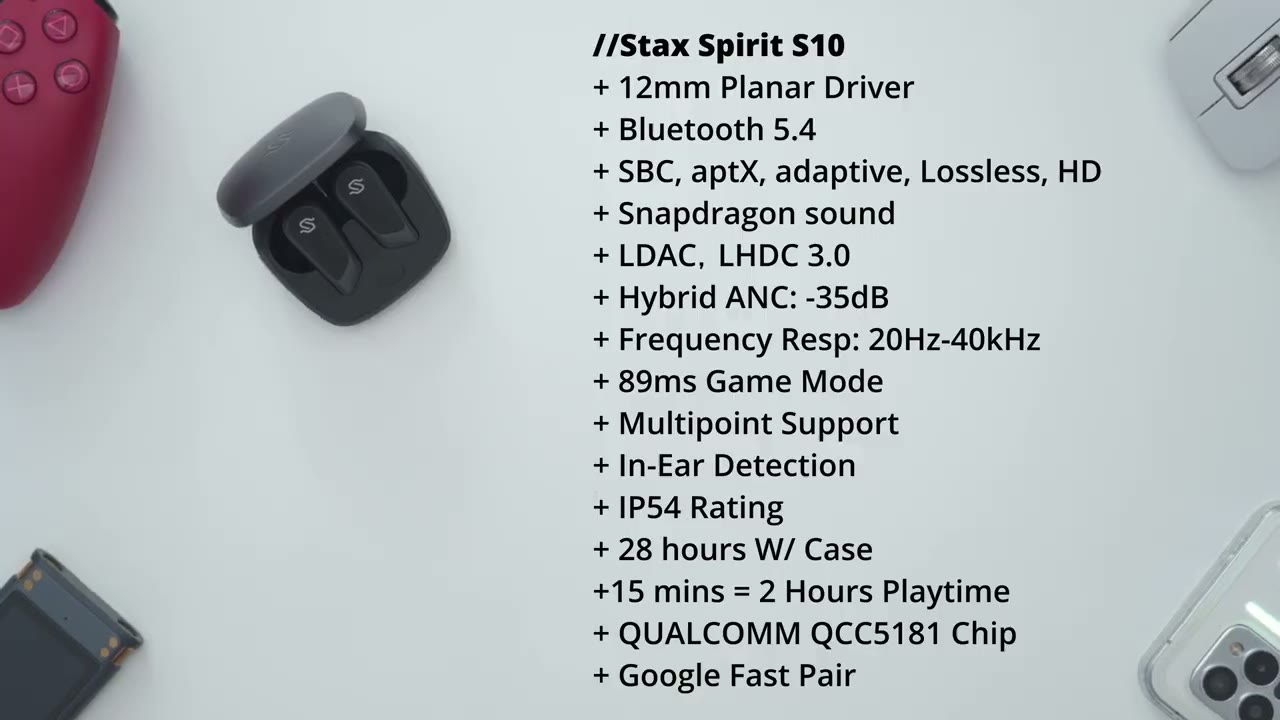
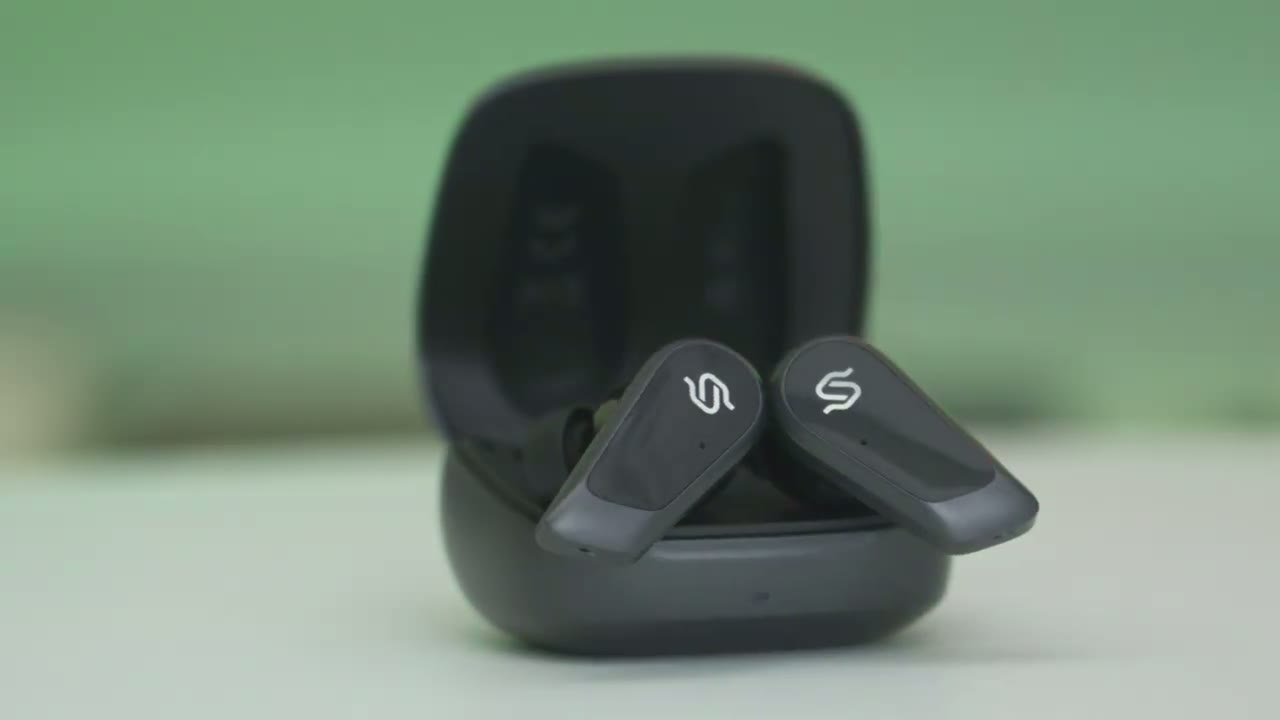
hey it’s Adrian and today I have something really unique so these are the world’s first planner magnetic wireless earbuds with active noise cancellation these are edifier’s newest premium offerings so these are the stack spt S10 Wireless planner magnetic earbuds you get inar detection multi-point functionality ldac and lhdc codec there’s Bluetooth 5.4 fast charging active noise cancellation and ip54 rating and of course Stellar sound thanks to their patent equal Mass diaphragm technology and 12 mm planr drivers now that’s a truly impressive feature set on the stack Spirit S10 now I did previously review these STX S5 headphones I love them a ton but I did get a lot of comments from people saying that the lack of a andc kind of put them off from considering it so let’s take a closer look at if the STX S10 planner magnetic earbuds can fill the Gap where the S5s couldn’t and a big thanks to edifier for sending these out for review
Package Contents
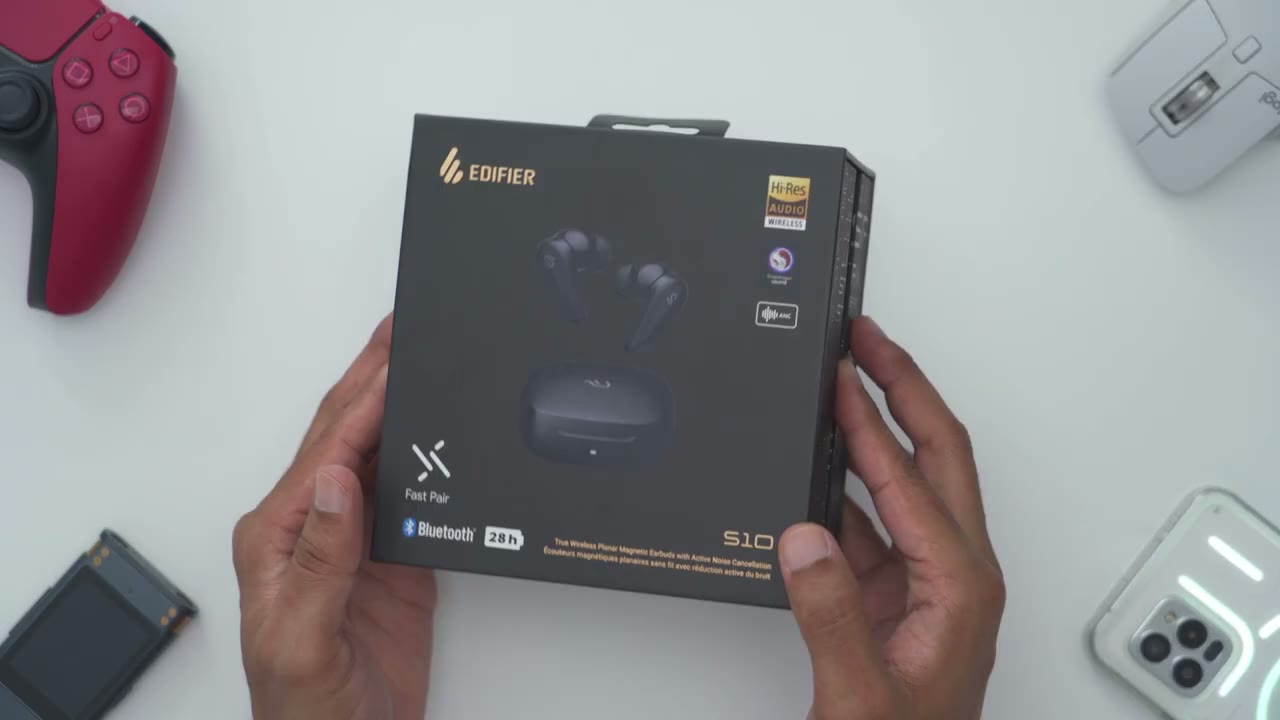
in the Box we have the stack Spirit S10 earbuds along with a range of different earbud tips a USB type A to type c charging cable and a padded carrying
Design
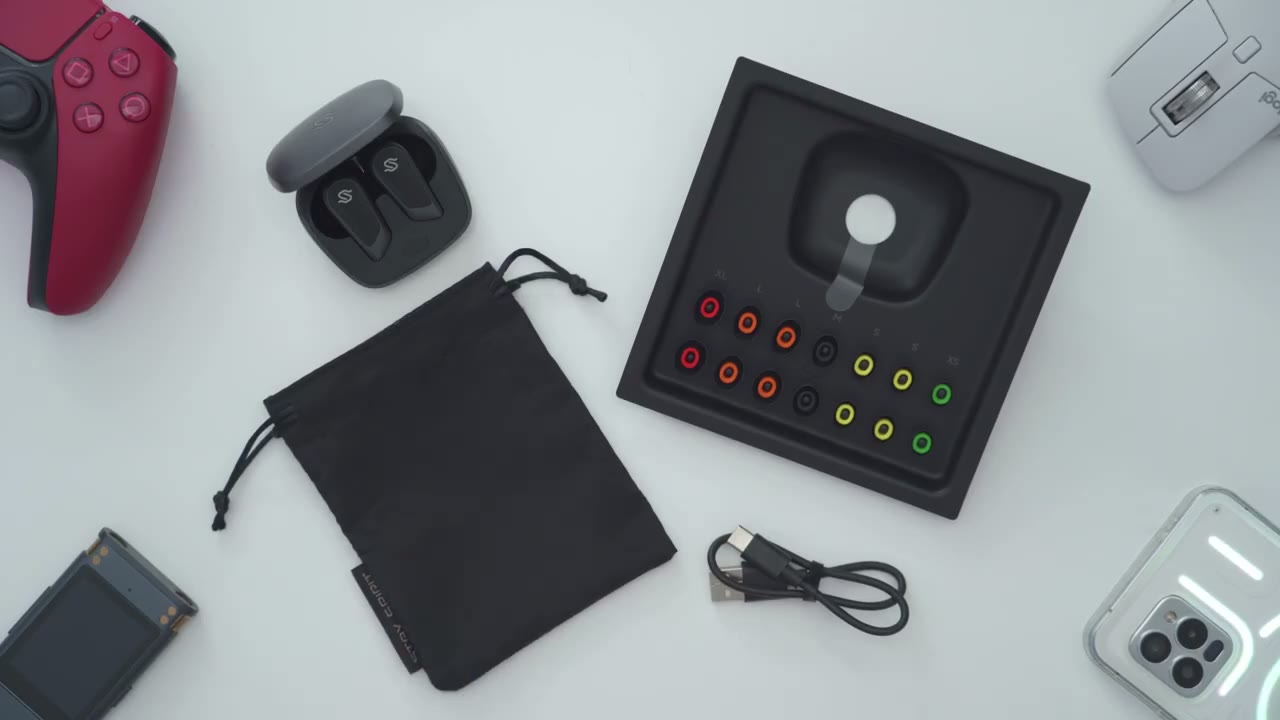
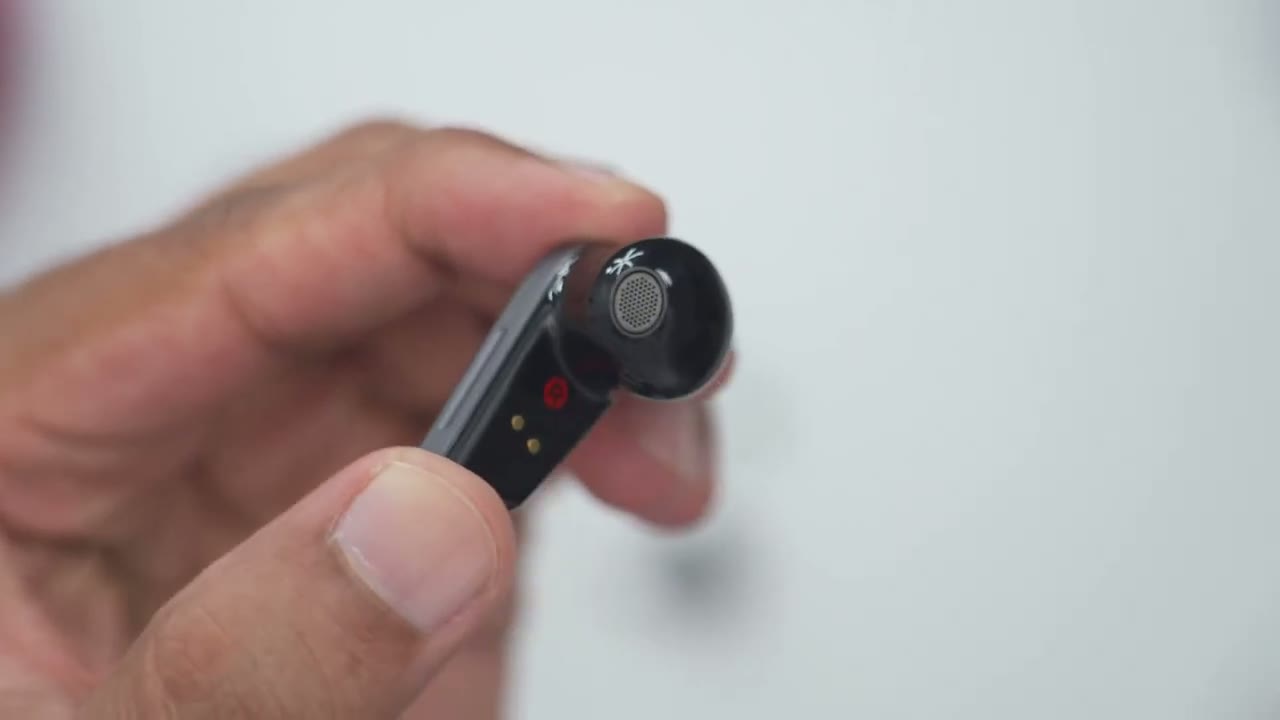
pouch in terms of the design the S10 looks very premium in this glossy type of finish and with this two-tone color scheme now each of the earbuds weighs 7 G each so they’re fairly lightweight and then when you add in the case it comes out to about 56 G in total now looking at the case so there is a rear USB type-c port to charge it up and then an LED indicator light to show that it’s being charged to show you know pairing effects now to open it up there’s a little bit of an indent here and then you can easily get access to it now when you get access to it the magnets on here are pretty good you can see you can shake it it’s not going to fall out and then the earbuds are pretty easy just grab them from the rear here and pop them out and then just pop them back in here’s a closer look at the S10 up close so we have these stack Spirits logo there and there’s that glossy type of finish now one thing to note is that this area is actually not used for touch controls if I rotate it to the side you could see this little indented area here and this is actually what you’ll be using for touch controls now taking a look at the rear we have the metallic charging contacts this is the left ear button again you know a very glossy type of finish and then we have various microphones around for the active noise cancellation and transparency mode there’s a close-up look of the speaker Grill and this comes with a bunch of different ear tip sizes so I’m sure you’ll find something that fits you
Specs
here’s a quick look at some of the specs feel free to pause or jump ahead to the next section let’s go ahead and pair the
Pairing
stack Spirit S10 to the phone so I’ll open the case up press and hold the sync button that’s on the front here and wait till the LED indicator light starts flashing just like so then I’ll okay it’s already found it so I’ll go ahead hit connect that was pretty quick so that’s the Google Fast Paar and we’ll just wait for it to be added which it is so I can see it’s been added right there now I can additionally go into the options here and I see have the option to turn on ldac which is what I’m going to want to use if I’m not going to be using multipoint I’m going to repeat the same process but I’m going to pair to my zold 4 so I’ll go ahead press and hold the pairing button till the LED indicator light starts flashing again and then I’ll just scroll down and scan on my zold 6 I have the option to connect just like with the previous phone and I can see it’s pair so you can see both phones are simultaneously connected to the saxer S10 so I did go into the EDR connects app and I ured multipoint was on to allow this
Multipoint
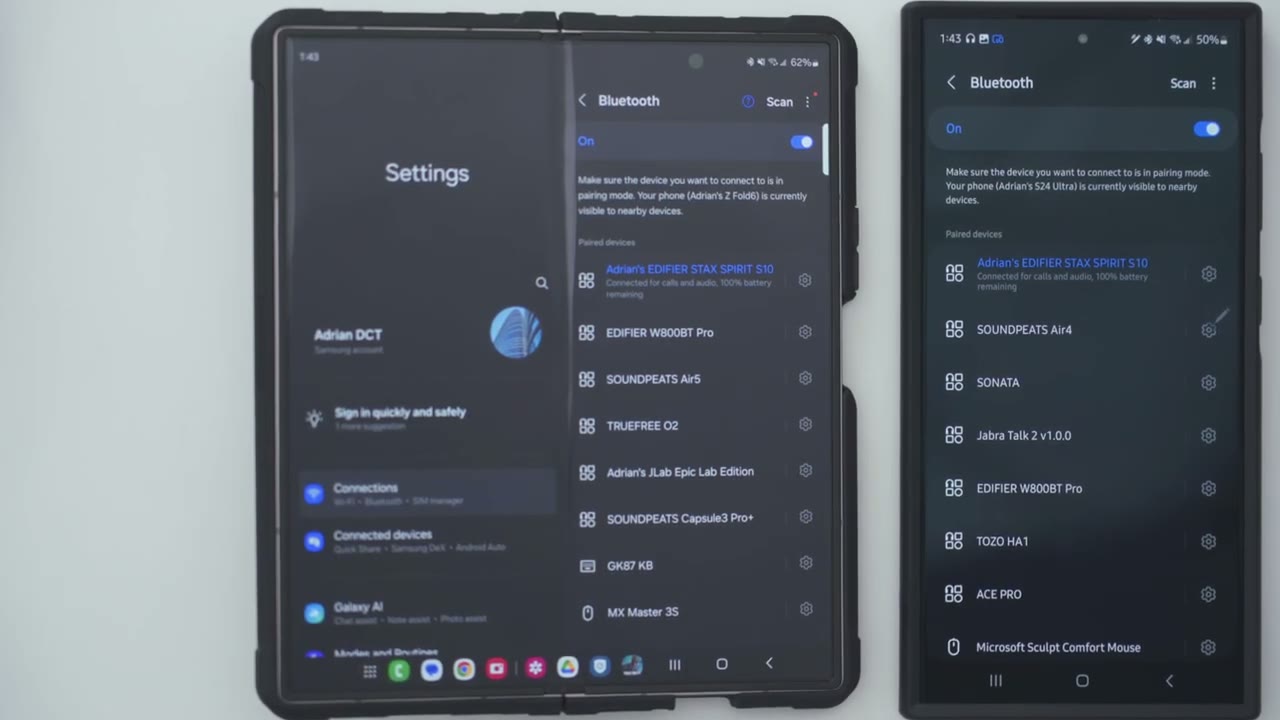
functionality and here’s a demo of multipoint so I’ll start playing on my first phone then I can pause it and switch audio source to the second
App Settings
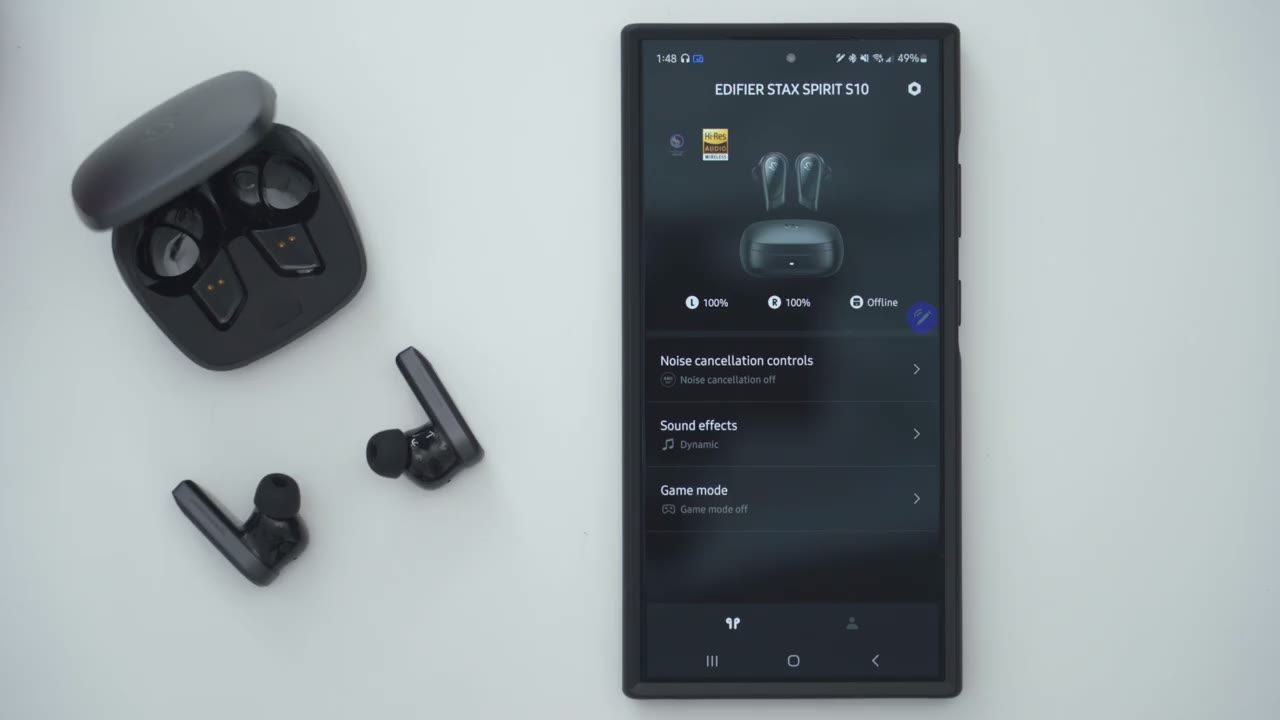
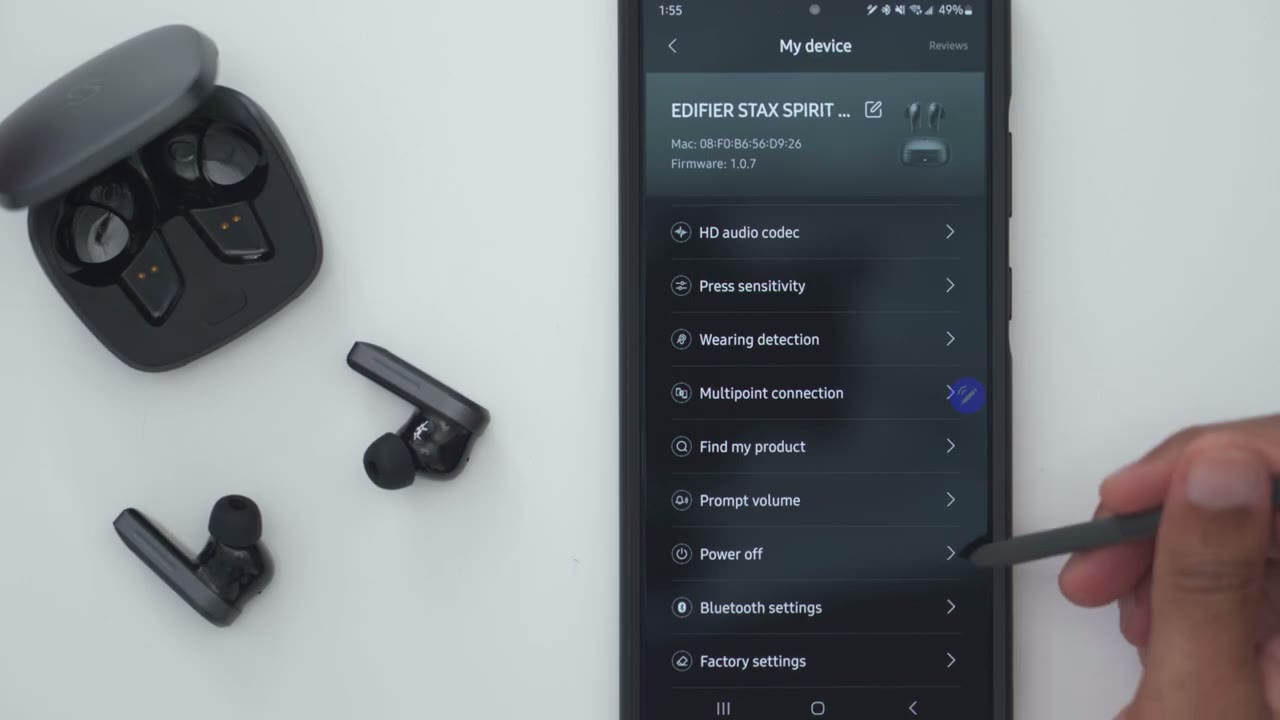
phone let’s take a look at the edifier connects app settings now one thing to note is you can see that the highres audio option here is lit up so that means that it is active now to get yours active when you’re looking at your Bluetooth list on Android you’re going to go into the gear icon or settings and you’re going to turn on ldac to make sure that’s lit up the second thing you’re need to do is to go into the full settings go into HJ audio codec and set ldac to the highest sampling rate or you know the sampling rate uh which is more balance and then just hit save so just make sure you do that if you don’t see that lit up and then we can also go into noise cancellation and these are the options we have so adaptive noise cancellation high or medium noise cancellation Ambient sound wind reduction and noise cancellation off and then if you click on Ambient sound note that this expands and you can pick between you know an emphasis on background sound balanced voice enhancement and active transparency and I found active transparency and background sound work the best for me under sound effects you could switch through the different eqs so original Dynamic which is usually what I like to have it on electrostatic and you can also go into customize and set up your own EQ you can also turn game mode on or off now let’s go into the full settings we can take a look at the manual but let’s look at touch controls so we have independent controls for the left and right earbud and notice that it shows it’s on the side not on the actual exterior so be mindful of that now with this it calls it a double pinch and it’s kind of accurate because you do kind of have to you know tap and hold it to support it at the bottom or you’ll find that this kind of just shifts out of place on your ear so a double tap on the side you can go through uh previous track next track Volume Up Down sound control game mode and voice assistant and then you could set that for the Triple pinch and then you know pinch and hold so you do have pretty much full settings on here but the single tap or single pinch is limited to play and pause under HD audio codec this is where you could set the sampling rate for ldac and lhdc if you are going to be using this and you’re going to Omit using multipoint you can also go ahead and adjust the Press sensitivity you can see that I have it on the highest sensitivity but I still feel like I have to kind of cradle it or give it support when I tap on the side so I just recommend leaving it on the highest sensitivity and then you can also turn wear detection on or off or you could disable it completely and these are the options you have for that we can also go into the prompt volume and you can switch you know kind of the call outs when you’re switching settings on earbuds but note that even if you crank it all the way to off the music will still temporarily pause or cut down or lower where the prompt volume would normally play so it’s not exactly 100% uninterrupted of a listening experience
Controls
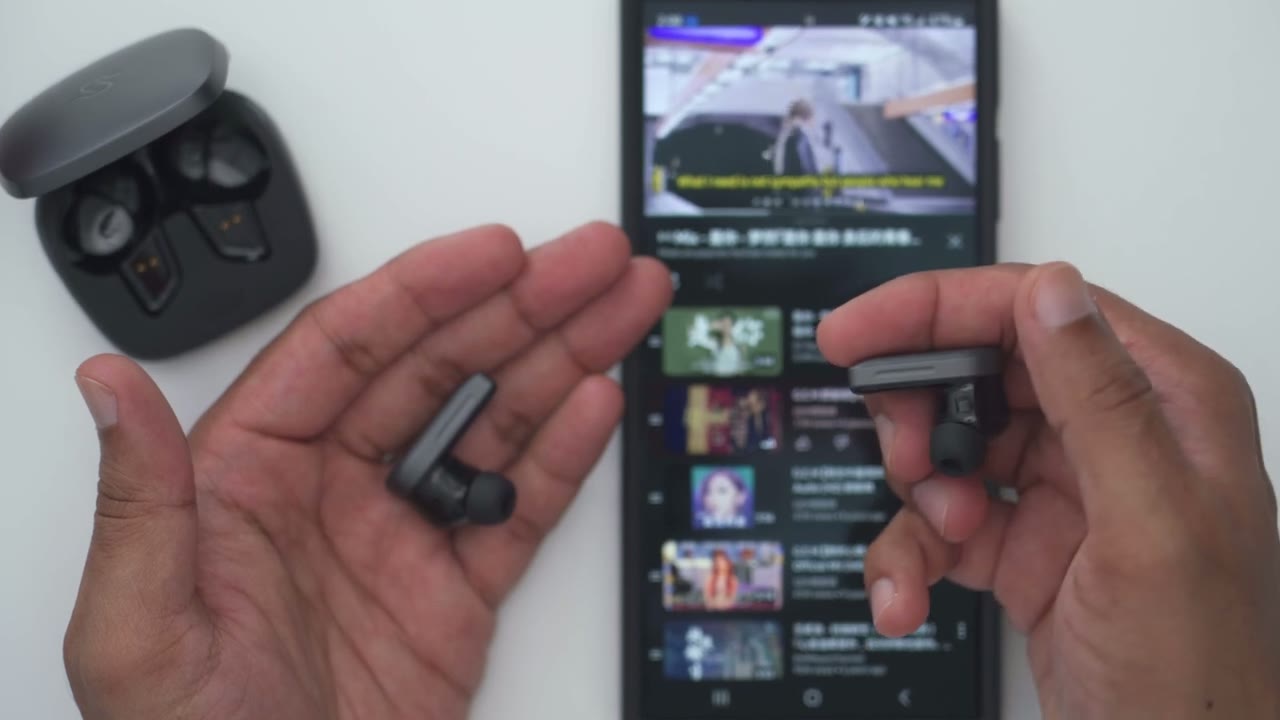
looking at touch control so a single tap on either earbud will pause or resume playback and you can do that on either one that’s the default setting now you can also do a double tap to increase the volume or decrease the volume as well and then you can do a triple tap to for tracks or you can do a triple tap to go back to the previous track now this is how I’ve set it up in the edifier app but you can set it up however you like and then you can press and hold to go ahead and activate the voice assistant again that’s how I’ve set mine up or you could long press on the other ear but to cycle through the different modes like medium or high noise cancellation or transparency mode or just disable them
Sound
all together all right let’s talk about the Sound Performance and you’re going to be treated to a wondrous listening experience so thanks to those 12mm planner magnetic drivers plus their patented eal Mass technology you get pretty much clean pristine sound across all frequency ranges and it doesn’t matter the volume level there’s like no Distortion at all base delivery is tight and clean and you get that satisfying thump when you listen to the right music now there’s no prolonged base Decay or you know excessive resonance so it’s just very clean in delivery the same goes for the mids and highs is just so tight and sharp in delivery without any hint of harshness or sibilance these have the same great clarity across all frequency ranges without any type of distortion there’s great spaciousness and separation in the sound it just sounds so vibrant and well T and I was wondering how these would compare against the S5s which are my favorite sounding headphones to date and I’m happy to say these don’t skip a beat so if you skip the S5s due to a lack of ANC you can easily get the S10s and you’re not going to have to worry that you’re getting a subar listening experience the
ANC
ANC performance is also pretty good on here now you have medium and high noise cancellation modes and I mostly put it on high if I’m ever get to use active noise cancellation and for the most part this will drown out any type of ambient noise if you’re in a restaurant coffee shop however higher frequencies will make their way through which is usually the case with active noise cancellation when you look at the transparency mode they’ve done a fantastic job on here so anytime you click it you get four other options so one is for balance sound one is for background sound one is vocal enhancement and then the other one is adaptive transparency and I’ve had the best results with adaptive transparency and background sound everything comes through very clearly I never have to take these off but even if I did I could rely on the iner or smartware detection
Mic
to help me out here example of what microphone audio sounds like coming from the edifier stack Spirit S10 earbuds right now I’m in a very quiet room with no ambient noise I now have simulated background noise playing at around 40% volume on my other phone and it’s quite loud now this is what it’s going to sound like if you’re talking in a very loud environment again this is only about you know 14 maybe 16 in away from the S10 and very loud volume inner
In-Ear Detection
detection Works super fast and very responsive onor so I’ll just pop it out music paused put it back in and you could see it resumes playback battery
Battery
life is rated for about 6 hours with ANC on and then 8 hours with it off and then if you add in the case it’s about 32 hours now I’m getting around say 6 to 7 hours and that’s because I don’t normally use ANC I’m not usually in loud environments and I usually prioritize having ldac on now it’s really going to be dependent on if you use ldac if you have ANC on and end the volume levels you listen to and a quick 10-minute charge is going to get you about 2 hours
Comfort

of playback the earbuds are also super comfortable for all day wear so even though they’re in Canal earbuds I can wear these for hours I don’t really notice that they’re in there now mine came with the medium siiz ear tips and that’s been working pretty good for me but it also comes with a bunch of other sizes and colors as well so if you’re
Recommended?

looking for some of the best listening experiences you can get in a pair of earbuds you’re going to want to check out the stack Spirit S10s you’ll be treated to vibrant and expansive sound with low Distortion thanks to the 12 m planner magnetic drivers and their equal Mass diaphragm technology and you still get all the other great features such as multipoint inear detection ldac and lhdc support Qualcomm adaptive sound fast charging and ip54 rating so if you’re interested in picking up edifier stack spt S10 planner magnetic earbuds with ANC I’m going to leave some links down below for you to check it out and if I have any type of coupon codes or anything like that I’ll also leave those link below and if you found this video helpful please consider checking out some of my other headphone and earbud reviews I review a bunch of different type of models I also review a bunch of different Tech on this channel so I’m sure you’ll find something you like and if I can ask a huge favor would you mind liking and subscribing it truly does help me out as a growing Channel and I really do appreciate your support but I’ll see you in the next one soon
Buy Edifier Stax Spirit S5 Headphone on Amazon
Please note that some of the links in my video descriptions are affiliate links where I earn from qualifying purchases. As an Amazon Associate I earn from qualifying purchases.

