


☑️ Get the Z Fold 6 on Samsung
Please note that some of the links in my video descriptions are affiliate links where I earn from qualifying purchases. As an Amazon Associate I earn from qualifying purchases.
Intro
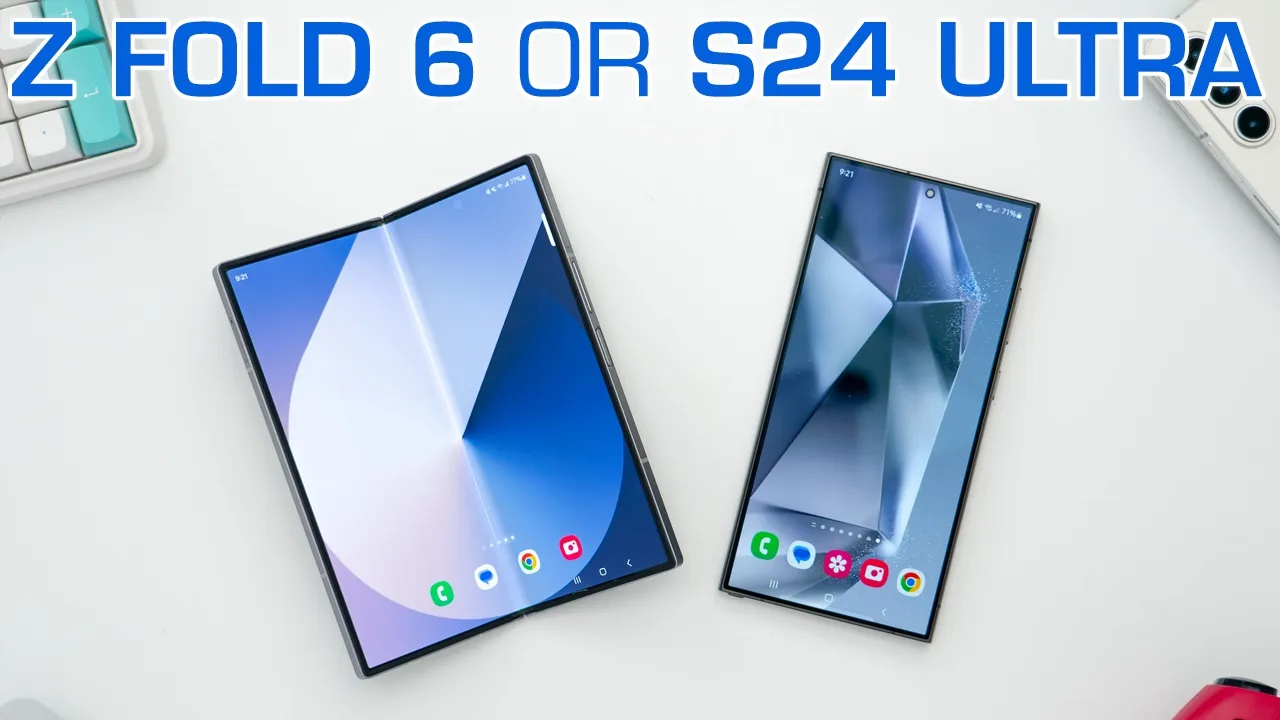
hey it’s Adrian and today I’m going to be putting Samsung’s two current flagships the brand new zold 6 up against the s24 ultra both phones are running the Snapdragon 8 gen 3 chip and adreno 750 GPU along with 12 gigs of RAM but there are some notable differences that I’ll get into later I’ll be putting both of these phones head-to-head in a couple of areas such as camera performance gaming thermal sound Etc so if you’re trying to decide whether you should get the zold 6 or the s24 ultra or how about if you have the zold 5 over there and you’re considering getting the Zol 6 well hopefully this video will help you out and stick around to the end I’ll give you my thoughts on which phone I think is the best allrounder but let’s get started the first thing we should
Design
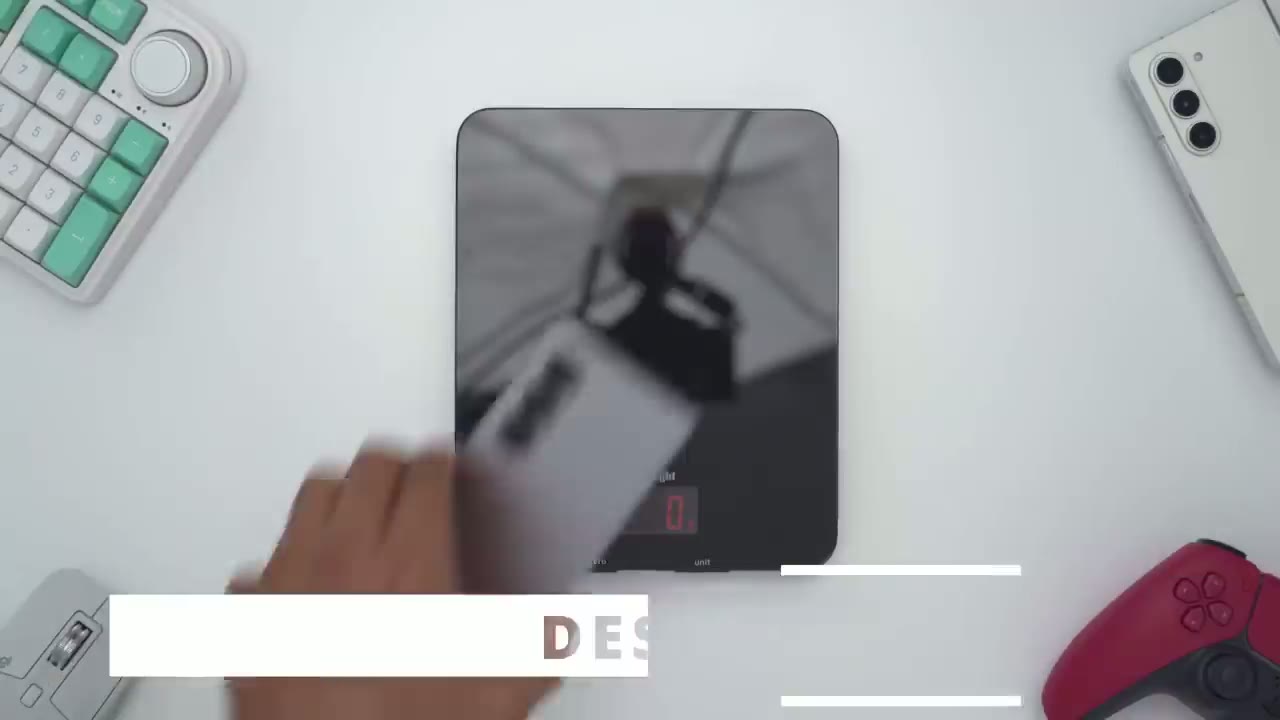
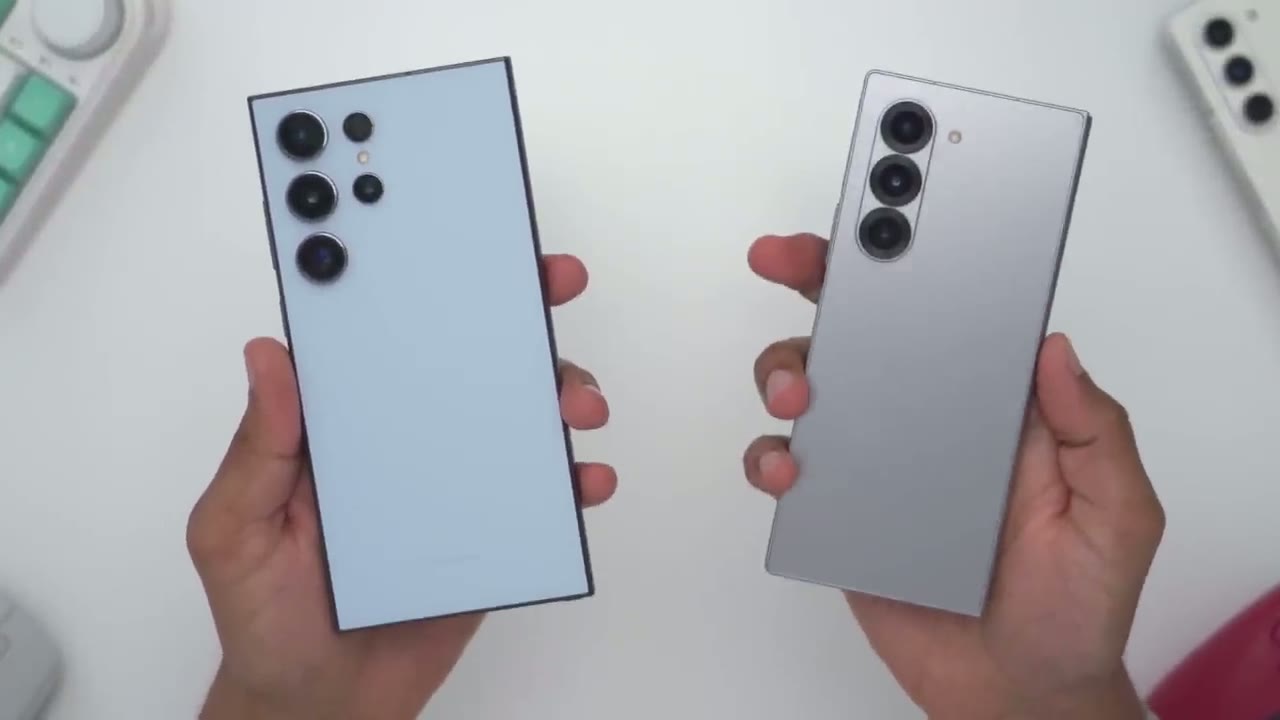
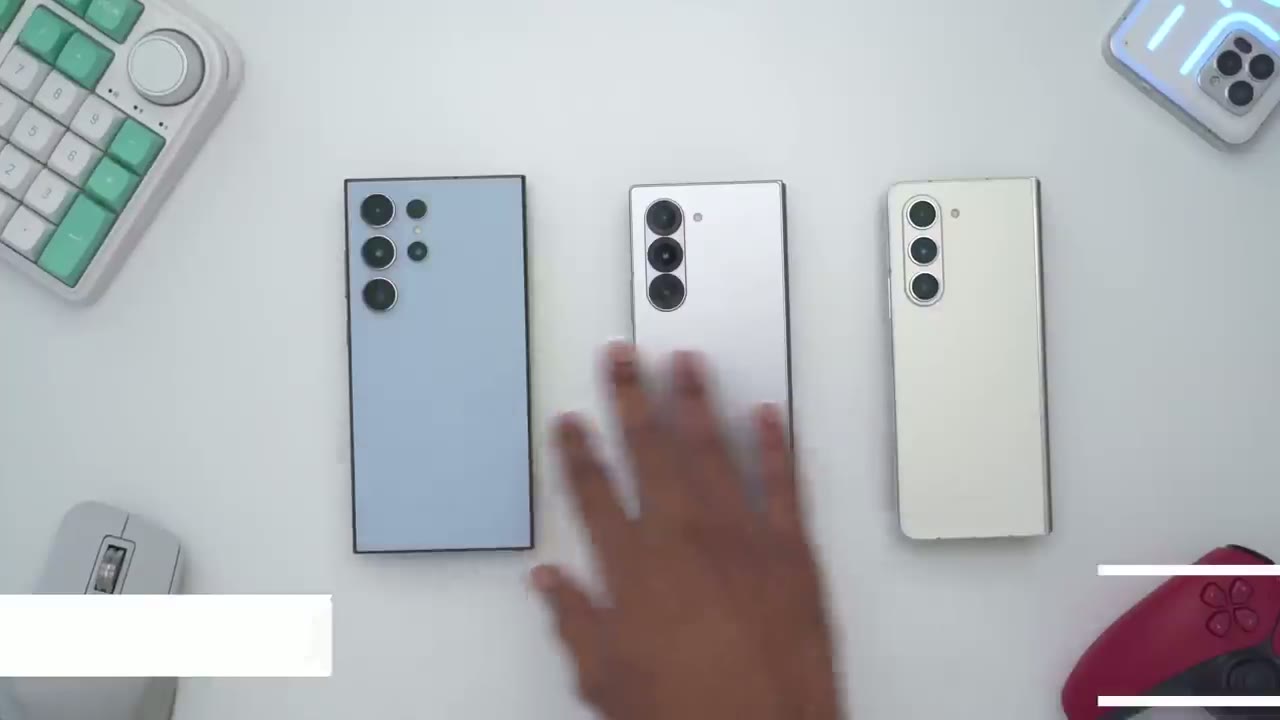
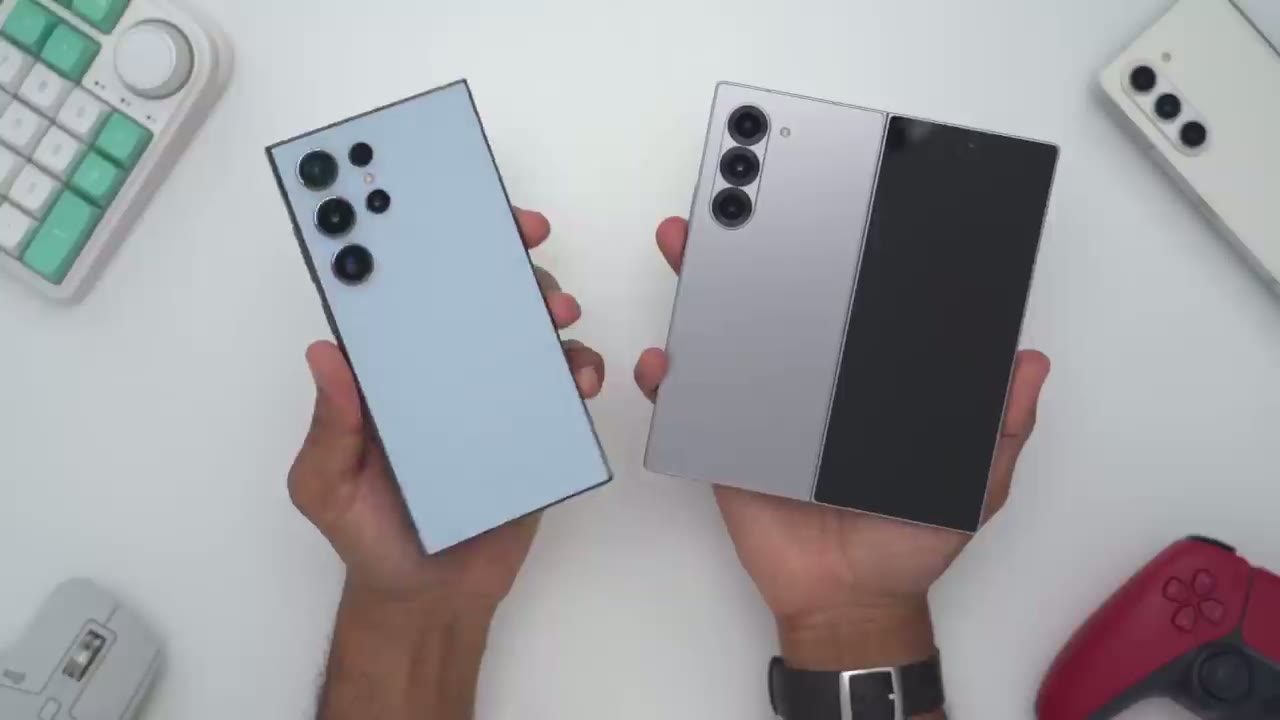
look at is the weight so the Zol 6 comes in at 242 G and the s24 ultra is coming in at 233 G so you know about say a 9 to 11 G difference uh depending on the accuracy of this scale and that’s pretty amazing if you think about it because we have one screen on the s24 Ultra and we have an inner screen and cover screen and this is also a thicker phone than the s24 ultra and if you have the zold 5 that comes in at roughly 254 G compared to the zold 6 which comes in at around 241 G so about an 11 to 13 G difference and here is the zold 6 placed directly on top of the s24 ultra you can see what a major difference that is in terms of both the width and height now does that mean that the zold 6 is 100% more comfortable than the s24 ultra since it is less wide and less tall well I think that’s going to be kind of subjective there are a bunch of people who find the width of the s24 ultra to be a little bit too much for them but you can see I can easily just go ahead and manipulate it you know pretty easily I’ve gotten used it however with the zold 6 while it is a much narrower and Slimmer screen it is also thicker so you know when you’re holding this up to your ear for a longer time you know it can get a little bit fatiguing since it is a thick microphone to hold so it’s kind of a trade-off you know do you want to hold something that’s about 10 G lighter and wider or something that’s a little bit heavier but a little bit narrower and thicker the s24 ultra comes in at around 8.6 mm thick and the zold 6 comes in at 12.1 mm thick so it’s about 3.5 mm thicker on the zold 6 but if you think about it that’s actually pretty impressive it’s not that much thicker considering if you compare this to the zold 4 they’ve really come a long way looking at the top of both phones we could see that the zold 6 has a wide speaker Grill whereas the s24 ultra has no speaker Grill now on the s24 ultra there is a speaker Grill at the very top here it’s kind of a small Notch but you know what the zold 6 has that same type of Notch on their speaker Grill at the top but it’s a little bit more pronounced on the zold 6 on top of that the s24 ultra speaker Grill is at the bottom and we can see that on the zold 6 there’s another speaker Grill at the bottom all also wider and larger than on the s24 ultra so you can probably Guess The Sound Performance is going to be much better on the zf6 I will demo that later the volume button is a little bit narrower on the zold 6 and the power button is also a little bit more elongated because this is what we’ll use as our fingerprint unlock sensor and on the s24 ultra we have the unders screen fingerprint unlock sensor the s24 ultra has a SIM card slot at the bottom and a builtin S Pen right in the body very convenient the SIM card slot is located on the front cover panel on the zold 6 and the difference between the s24 ultra is we actually have a hinge on here the rear of the zold 6 has an ultra wide lens main lens and 3X Optical telephoto lens however on the s24 ultra we have all of that but we have an additional 5x Optical telephoto lens that’s capable of 10x digital crop with great photo results the s24 ultra also has an ip68 rating which is much better than the IP 48 rating on the zold 6 both phones look look and feel good in the hand and while the zold 6 is about 10 to 11 G heavier I actually don’t feel it in real life but I do feel like the s24 ultra is a little bit more balanc so yeah in terms of which phone is best suited for you it’s really going to come down to your preference and if you do have smaller hands you probably will prefer thisy Vol
Specs
6 feel free to pause and read the specs or skip ahead to the next section but basically both phones are running the same Snapdragon AG gen 3 chip adreno 750 GPU they both have 12 gigs of RAM and they’re running Android 14 let’s talk
Cover Screen
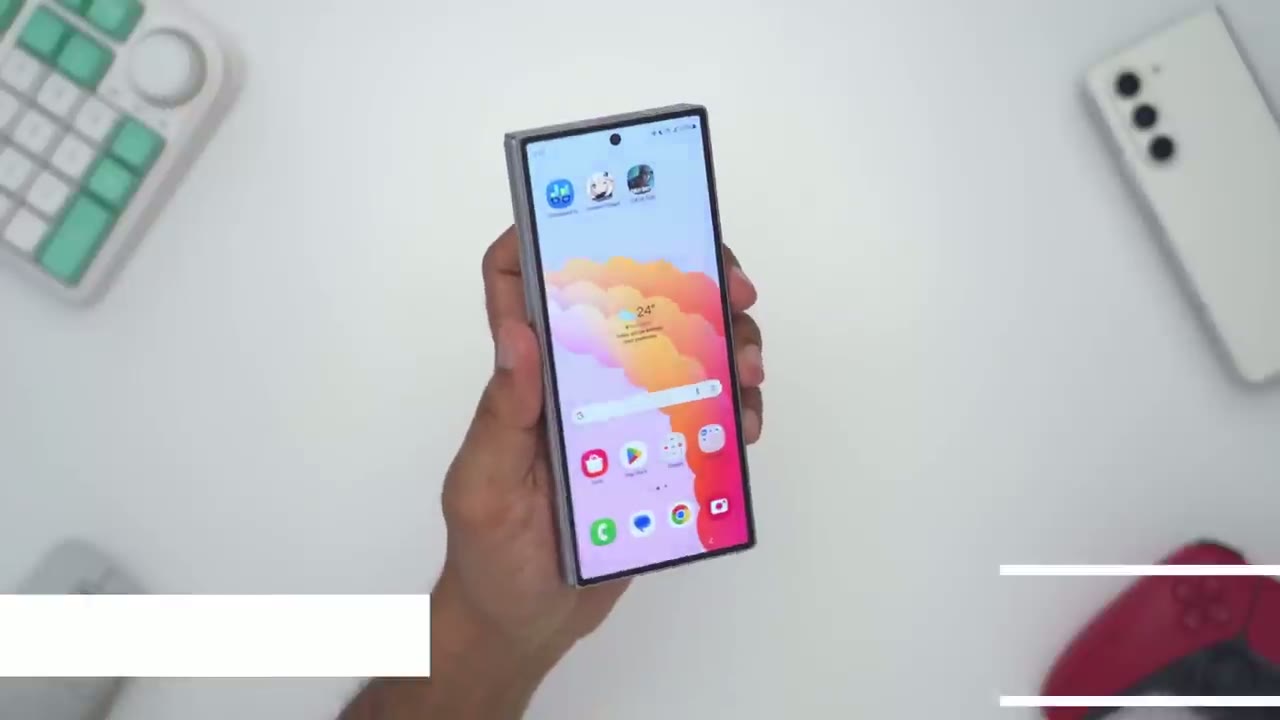
about the cover screen and specifically the size of the cover screen so there’s a lot of people who like the size of the cover screen in terms of the width and they find it very easy for one-handed use when it comes to typing now there’s also people who would like this a little bit wider so it could be more usable and easier to type with and I’m in the second group I would you know I’ve been complaining for it to be wider since the Z 4 now I am running a community vote on my YouTube channel and right now how it’s stuck at exactly 5050 so it’s kind of split down the middle in terms of people who want it wider and who say hey this as perfect as is leave it so I would appreciate your vote go ahead check that out and let’s see you know kind of what user preferences are but it’s not all that bad because you can also use Swipe to type which is much more forgiving and thankfully Samsung gives us a ton of customization with the cover screen so right now there’s three icons at the top here and if I go ahead and open the phone up to look at the inner screen well those icons are missing and the reason is is because you can have two separate layouts one for the inner screen and then one for the outer screen so it’s basically like hey if you’re on the go you want to have access to certain apps but then when you’re kind of at home relaxing or in a more quiet environment you can have a different set of apps while that’s possible now if you do want the inner screen to match the outside cover screen it’s easy to activate that so you’ll pull down go into the settings icon click on the magnifying glass and search for cover and you’ll see this option called cover screen mirroring tap into to that tap into it again and it set to off go ahead set it to on and then apply and now I can just go back into my home screen here on inner screen and I can see the same three icons so basically whatever the cover screen had it’s going to take precedence and that’s what’s going to be populated on the inner screen and the cover screen is fantastic it gets plenty bright like on the s24 ultra thanks to the 2600 nits and you can see I’m going from 24 to 120 HZ with that fast refresh rate and it’s just you know super fluid to cycle through great contrast with the OLED screen right now I have the Samsung TV app open on the inner screen now if I go ahead and I just close the phone up because I want to use it in the one-handed mode you could see that that app has gone away I’m just taking a look at the home screen now if I want that app to continue on the cover screen it’s really easy to do you’re going to slide down go into settings go into the magnifying glass and you’re going to search for the word continue and it says continue apps on the cover screen you’re going to click on this option here and you can pick which apps you want that to apply to or just say hey blanket wide all apps so now if I go back into the Samsung TV app and I close it it’s going to continue on the cover screen and you can see that works for any other app so I can go into YouTube open that up and it’s going to continue on the inner screen as well that also applies for most mobile games so I have Call of Duty Mobile on the inner screen and if I just go ahead and close the phone up I can continue that on the cover screen and that was something where on previous fold models it may ask you through to restart the game you don’t have that issue here if you’re a fan of always on display like I am whenever you have it turned on you can actually toggle this option to show lock screen wallpaper so if I go ahead and just shut the screen off it’s actually going to show my lock screen wallpaper on the always on display screen which is pretty cool now if we take a look on the inside screen the same does not apply it’s just a perfectly black screen for the inner screen you can also set a completely different wallpaper on a cover screen versus on the inner screen and one of
Inner Screen
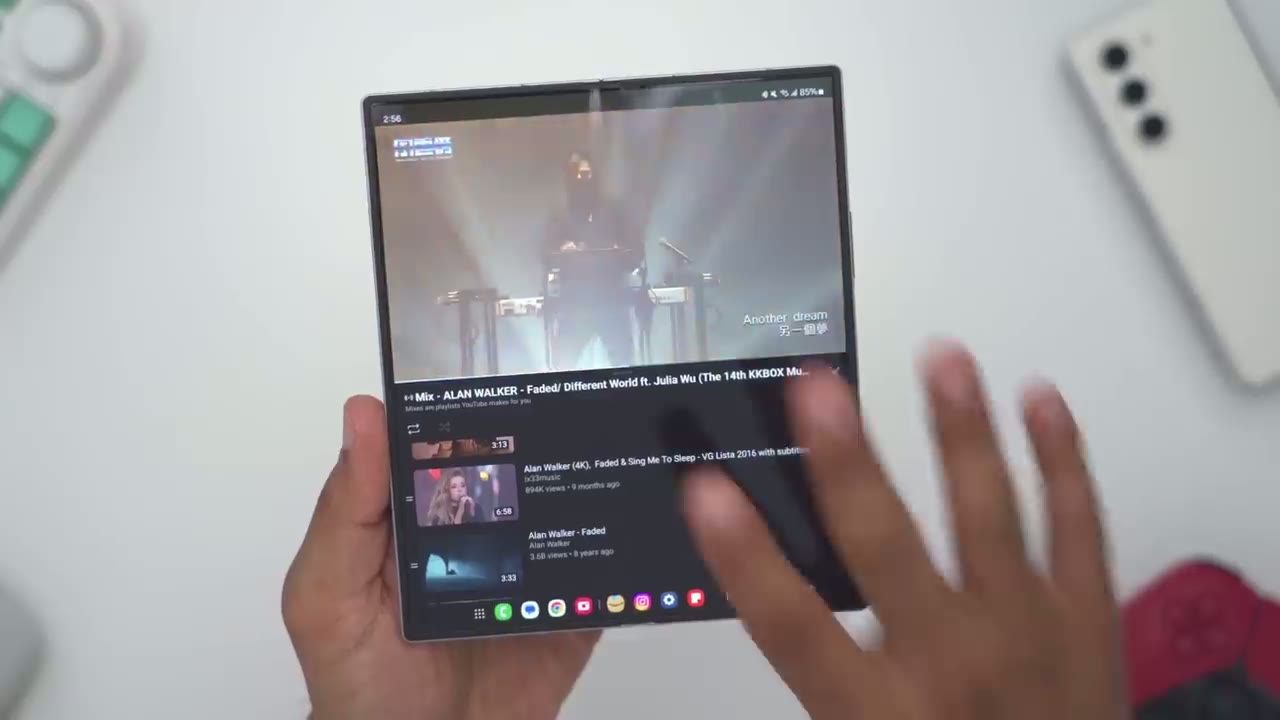
the best things about this huge inner screen is the ability to kind of segment it or split it so while I’m watching a YouTube video I could also be shopping on Amazon I can start chatting with someone on say Instagram to message them and I can also go ahead and pull up Chrome so I’ll just tap on the icon here drag it here now you can see it’s actually going to overwrite what I have going on on YouTube and we just can’t stand for that so we’re going to move it in the Middle where it says drop her for Popup View and now I can have Chrome here and I can actually read that while all of this is going on now from here I can tap on this blue horizontal bar and it’s going to give me a couple more options so I could go ahead and kind of reduce this so it’s just a floating type of icon that I can easily just you know tap anytime I need it I can also change the opacity of this so it’s not you know too prominent on the screen if I like and then I can also go ahead and at any time just kind of Pop it into full screen view if I like so I’ll just go ahead tap back on here and I’ll say hey just make this full screen really a ton of customizability in the one UI system and to force some of that functionality when it isn’t natively available we’re going to pull down go into settings we’re going to type in the word labs and it’s going to be under Advanced features so tap on labs and you can see here it says labs and you’re going to say multi window for all apps you’re going to kind of force that and also make sure you have options under multi- window for a swipe for a split screen swipe for Popup View and you could see basically on any app what I could do is I could just grab from the corner here and just resize that down and just kind of have it live while I go ahead and do something else and I can just move it around and like I showed you have those quick access options to kind of have it floating I could even split screen this now if I like really a ton of Versatility and note while I’m in the settings here there’s one icon that shows three app icons together if I tap on that it will bring up that layout I was using previously so this is really handy you could use it as a virtual desktop so I could have kind of like a work email here and you know notes or something or I’m researching a vacation and then I could go into another app like remote desktop to check my laptop or computer and then come right back to it and it remembers it and one of the best uses of this large inner screen is the ability to remotely connect to my desktop computer at home so I’m using Chrome remote desktop and you can see I can just go log in into my computer take a look browse around I can go ahead and close certain files you know email certain documents that I have on here that I don’t have accessible on the phone it’s really convenient if I try to do the same thing on the s24 ultra it’s a much smaller screen that I have to work with sure I could go ahead and zoom in but you know you just see way more at a glance on the zold 6 when viewing YouTube on both phones this is what it looks like so you can see on the s24 ultra we have bars vertical bars going along the side and on the zold 6 the image just seemed to be a little bit larger than on the s24 ultra now additionally what I could do on the z46 is I can rotate it and now I definitely have a much larger video than on the s24 ultra now I can also go ahead and kind of like zoom in on the s24 ultra to fit but of course there’s going to be cropping so the zold 6 is definitely the much better experience now where this will vary is that there’s no crease on the s24 ultra right and on the zold 6 take a look at that when the light hits this at certain angles that crease is very prominent and depending on your level of OCD that could really start to affect you so it’s more prominent on dark scenes of course if I go into kind of you know the settings menu here where it’s a white screen you know it does show but it’s just not as prominent as when it’s on a very uh dark type of screen unlike the s24 ultra anything time you go into a menu setting here you can see the subcategories right on the right side you don’t actually have to go in Click back go in Click back now the way that’s done is is because we go into screen layout and it’s set to multi view so a two column view you can also set it to standard View and you can see in this way it is going to act where you have to go in and get back out but the benefit of this is you can actually increase this screen zoom here let me go all the way up and this could be great for someone who has you know a hard time reading or seeing because this makes this phone much more usable but if you want the most amount of screen real estate for productivity you’re going to want to keep it on multiv view and change the screen zoom all the way down and you can see just how many items you can see before you need to start scrolling you can also use flex mode so I can go ahead start playing a music video and I see kind of a layout I would see on a desktop so videos on the side to watch next and then I have the comment section here but when I tap on that it goes to the side that’s just a horrible design choice I know what YouTube was thinking but what we can do from here is to fold the screen and then we have these type of um quick access controls at the bottom here you can pause go forward backwards by 10 seconds or skip the next video and then at the bottom left there’s this Flex mode icon and if you go ahead and tap that you have a bit more fine control here so hopefully I can get that in Focus so from here what we can do is we can press down here is going to pull down the panel here so you don’t have to actually use it you can take a screenshot of whatever is on the screen you can also go ahead and activate a kind of touchpad you can see there’s a mouse cursor going along there if you want and then there are some other settings here like adjusting the display brightness volume and settings the other thing you can do is you can kind of put this into a split screen mode so I could say Hey you know I want to watch this but at the same time I want to take a look at whatever is going on on Instagram so pretty handy with flex mode Flex mode is also available on the Samsung TV Plus app since it is a native s samung app so it’s going to really be app specific depending on if you see the flex mode feature or not and if you’re not a fan of flex mode you can always turn this option on or off and note that when I
Taskbar
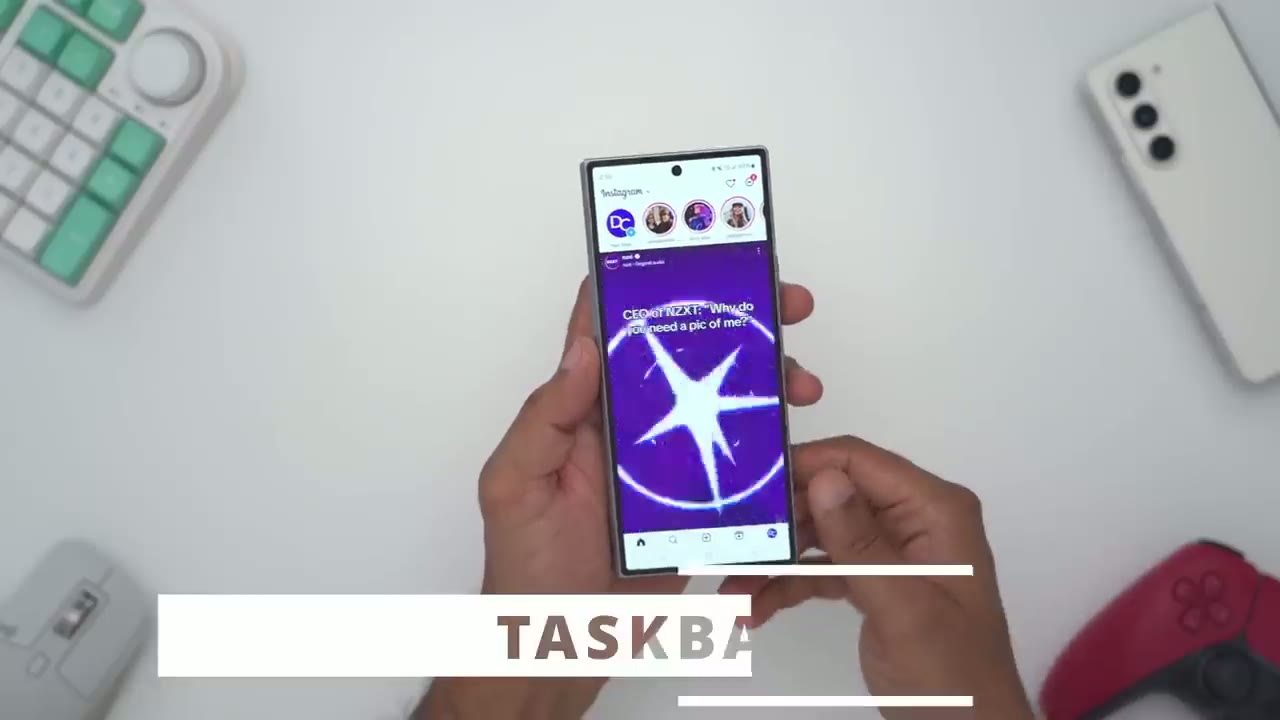
have Instagram open I have a bunch of quick icons at the bottom here and if I go ahead and look at Instagram on the inner screen those icons have moved to the left and I still have access to the taskbar so I could quickly switch between different apps so it’s very handy for efficiency before I Benchmark
Geekbench Benchmarks
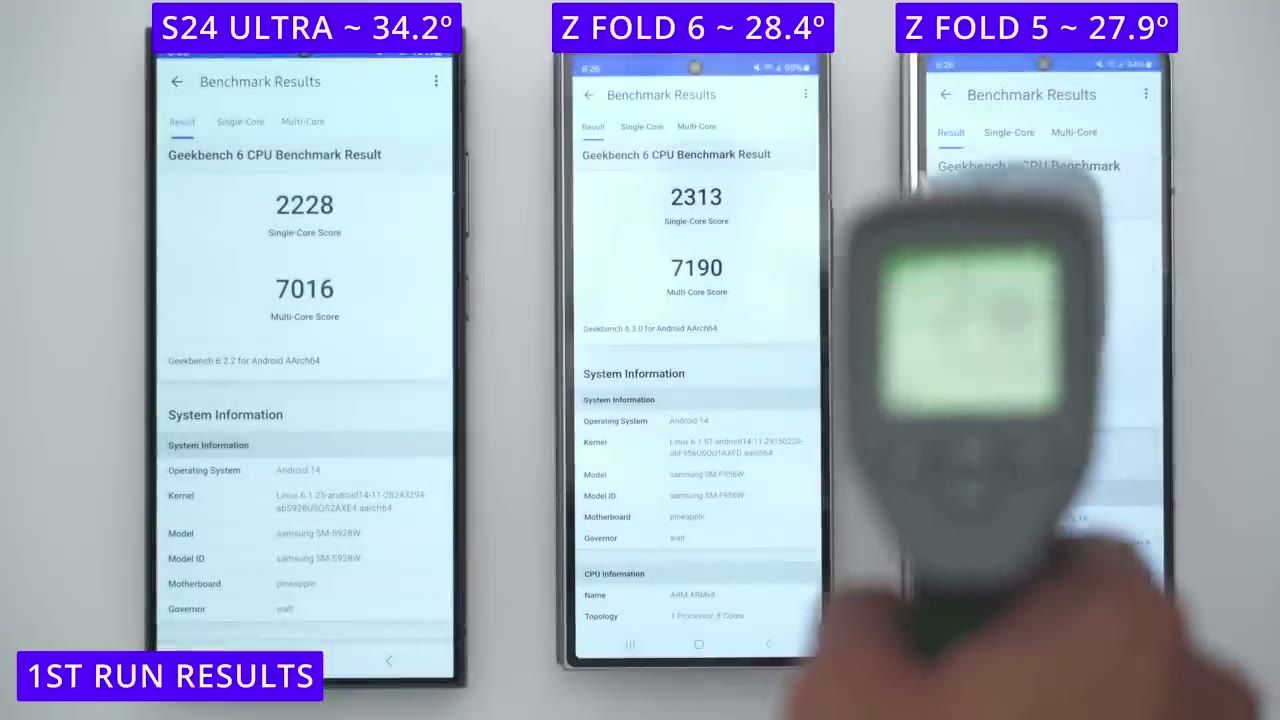
the phones and put them through gaming I’ve turned all of them off for half an hour so I’m just going to check the ambient temperature before I start so about 20.8 so let’s say 21° roughly on the s24 ultra on the zold 5 again 20.8 20.9 pretty much in line with the s24 ultra and the zold 5 again 21 and let’s see here y pretty much 21 across the board for all of them within a small margin of error all the phones are roughly around the the same amount of battery life they’ve all just been booted up so I’m just going to start the benchmarks so let’s do s24 ultra and zold 5 the zold 6 finished a test faster than the s24 ultra and zold 5 if we take a look at the scores so the score between the s24 ultra and zold 6 is fairly similar it’s not a huge margin but if we take a look at the multi-core score on the zold 5 the zold 6 has a definite Improvement in terms of temperatures the zold 6 seemed to have a lower temperature followed by the zold 6 and the highest temperature was on the s24 ultra so that probably also affected the score here and also how fast it was able to finish the test all of the phones are
3D Mark Benchmarks
at a similar battery level and they’re all at around their own ambient temperature so I’m going to start the wildlife extreme test in Wildlife extreme the s24 ultra is coming in at the hottest again followed by the zold 6 and the coolest is still the zold 5 but if we take a look at the scores the zold 5 has the lowest overall score followed by the zold 6 and then the s24 ultra but the margin is not that large between the zold 6 and the s24 ultra I’ve ran the test again and it’s still showing 65% better but one interesting thing to note is that the zold 6 immediately dropped an overall score and average frames per second so does seem to be thermal throttling on this phone even though this is supposed to have a vapor chamber doesn’t seem to really matter and on the zold 5 it’s still a consistent score as before on the third round of testing the s24 ultra has dropped a little bit in average frames per second and the zold 6 has dropped basically exactly the same as on the second test and you can notice that the screen has actually dimmed and I believe that’s a measure to help with thermos whereas on the zold 5 it’s pretty much consistent as it has always been so something definitely seems to be up thermally with the zolt 6 this is the fourth round of testing and note that the s24 score for average frames per second has dropped just slightly but on the zold 6 it’s dropped again and the screen is now dim probably to limit thermals or heat and on the zold 5 it has dropped a little bit as well so it seems that the zold 6 is performing the worst even though the s24 ultra is coming in at a higher temperature it’s much better frames per second after the first round of testing where the zold 6 screen was closed I went ahead and I let both of the phones cool off and I opened the screen up to see if it made a difference thermally now I ran all of the tests again three times and I noticed that the screen would dim on the zold 6 to help control thermals so there’s definitely a thermal throttling issue because while the score on the s24 ultra didn’t drop by a lot it definitely dropped a lot on the second go around on the zold 6 so it definitely has an issue with thermos compared to the zold 5 and s24 4 ultra while the zold 6 does have
Gaming
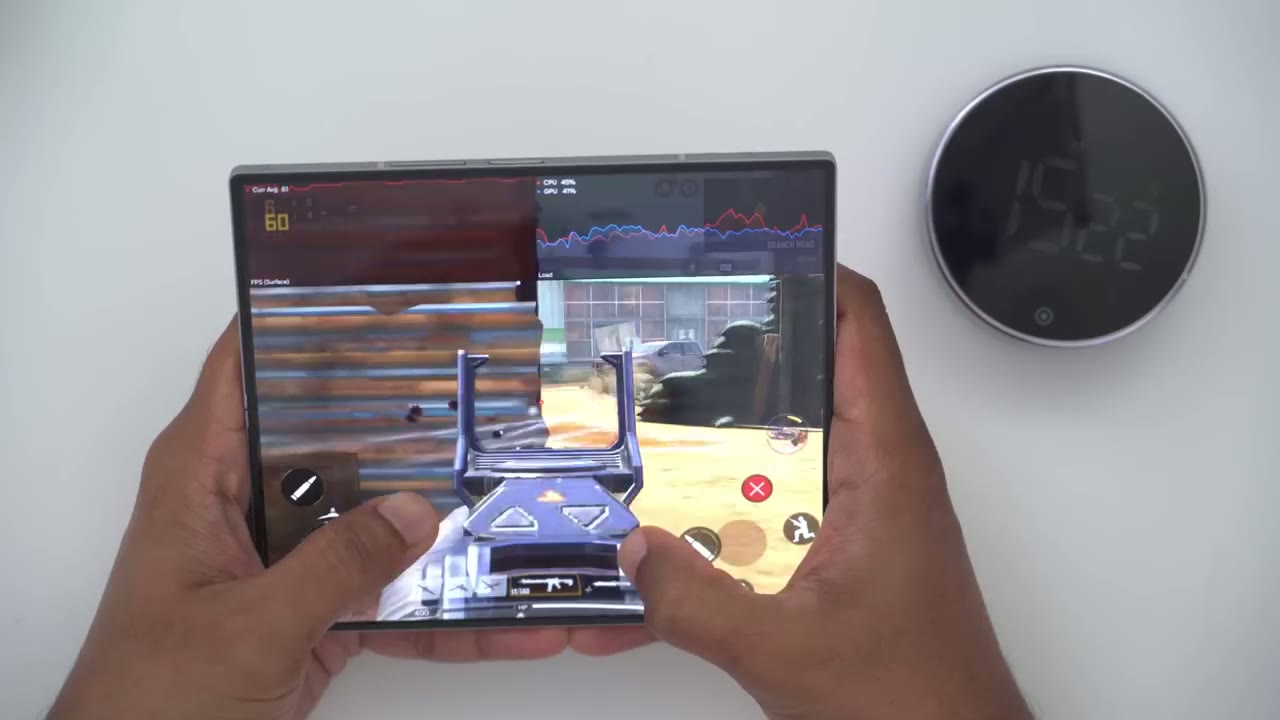
some thermal throttling issues as we saw from the benchmarks while I was gaming in Call of Duty Mobile on very high graphic settings I didn’t notice any issue that would say it actually affected my gameplay it wasn’t sluggish or anything it did get a little bit warm but nothing you know too out of the ordinary now on the s24 ultra it stayed a little bit cooler after about 20 minutes of playing it was around you know 33° roughly and on the zold 6 after about 20 minutes of playing it was around the 35 Mark so about you know 2 to 3° warmer on the zf6 and I played with it with the inner screen fully open the s24 ultra and zold 6 were also able to load Call of Duty mobile very quickly in just under 20 seconds and the zold 5 took about 20 seconds to load in and if I have to say which gaming experience I like more there’s good and bad for both of these so obviously on the s24 ultra it’s a much smaller screen but because the screen is glass I find that my fingers can glide easily and effortlessly on the glass especially because my fingers get you know a bit sweaty or clammy when I play for long periods of time now on the zold 6 you could see everything you know way better with the larger screen but because it’s a soft type of screen sometimes I did have an issue with my finger kind of getting stuck and I couldn’t drag it as fast as I wanted so do with that what
S Pen
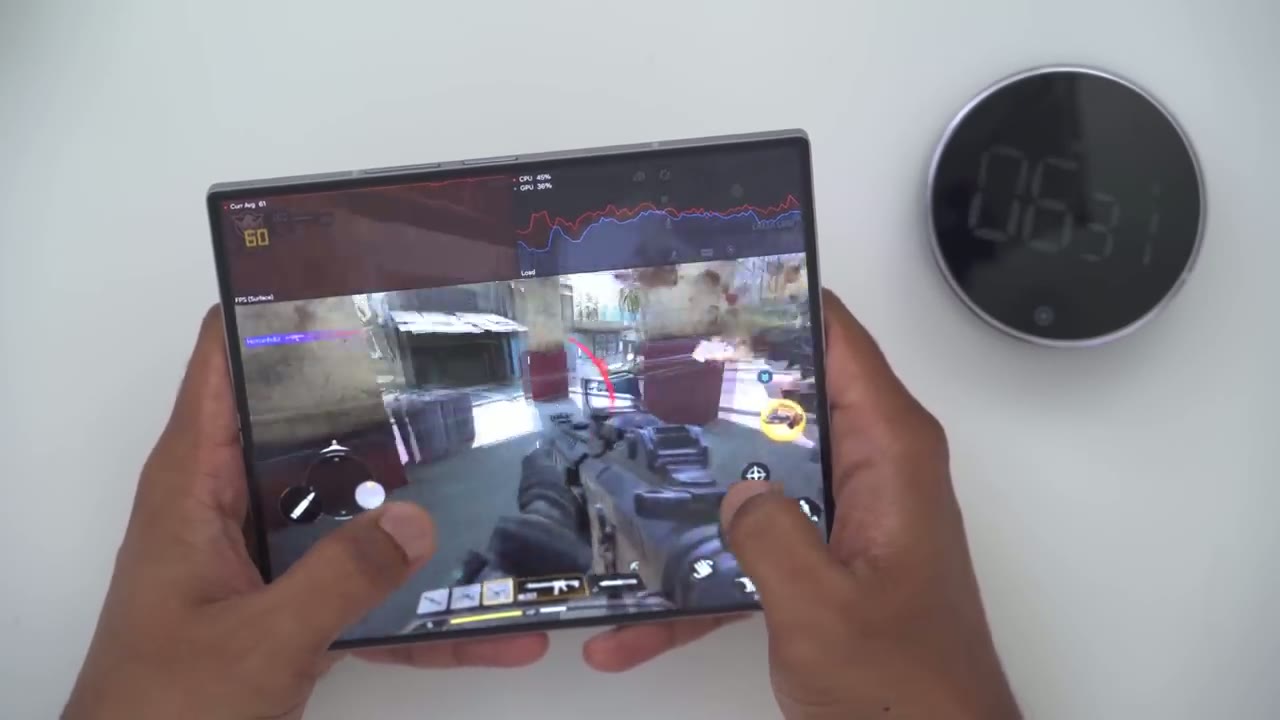
you will the Spen experience on the zold 6 is very fluid and responsive you’re not going to have any issues with it however it can only be used on the inner screen it can’t be used on the outer screen and it can’t be housed anywhere in the phone’s body the Spen on the S2 24 Ultra is just as quick and responsive and of course you have the added benefit of being able to store it directly in the phone’s body we can also use the S pens Button as a remote trigger so I’ll just point it here press it and it’ll take the photo right there and this is really cool because if you use a phone case that has a kickand you can kind of stand this up and use it as a little makeshift tripod to go ahead and take remote selfies or group photos and you could do the same thing to start video recordings if you’re going to be doing any type of talking head videos but note that the slim S Pen that comes with the Spen case cannot be used to trigger photos like on the s24 ultra it has no Bluetooth functionality now on the zold
Camera
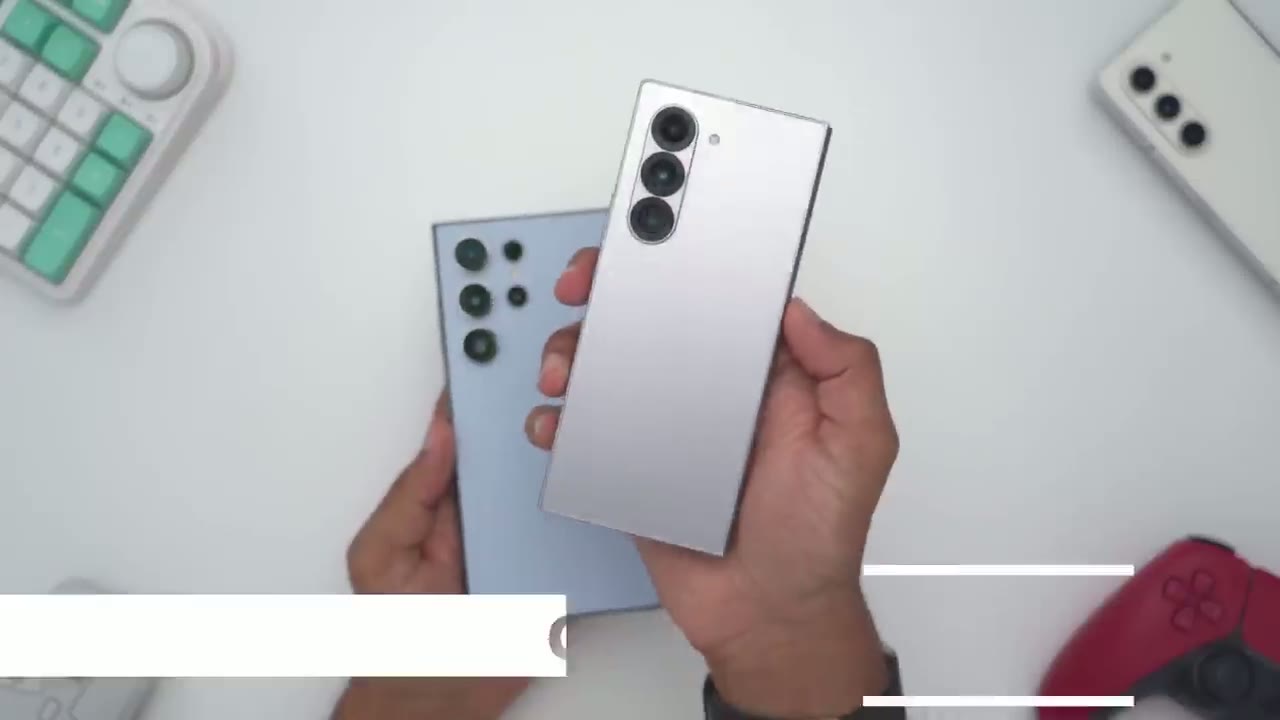
6 we have an ultrawide A Main and a telephoto which is a 3X Optical lens on the s24 ultra we have the same ultrawide main telephoto at 3x and we also have a 5x telephoto lens on here but it’s also capable of 10x digital crop and it’s kind of hard to know it’s a 10s digital crop because the megapixel count is high the s24 ultra also has a front selfie cam at 10 megapixels which is also capable of UHD at 60 frames per second or 4K at 60 and similarly on the zold 6 there’s also a front 10 megapixel selfie cam capable of 4K 60 video there’s also a 4 megapixel underd display camera that’s capable of full HD or 1080p at 60 frames per second on the s24 ultra we could start at Ultra wide same like we we can on the fold 6 we can go into the 1X same on the fold 6 we can go into 2x 3x and that’s where the fold 6 has to bow out of the race because on the s24 ultra we can now go into 5x and 10x so you just have way more focal range versatility on the s24 ultra when looking at photos and videos from both cameras it’s almost a very similar experience however I did notice on the zold 6 it had a bit of a tendency to over saturate things a little bit more than I would like so for example in this photo of this red flower here you can see on the s24 ultra I can still make out a bit more detail on the flower pedals video stabilization also works really well on both phones so you can see in this clip here I was going pretty vigorously kind of shaking the phones up and down but on video replay they both did an amazing job with stabilizing the footage night photos were pretty much the same thing I didn’t notice any one of these phones kind of Performing much better than the other in terms of low light capability so yeah you’ll be pretty much good with either of these phones note that when both phones are set to 8K 30 on the zold 6 I can only use the 1X main lens but on the s24 I’ll TR I and cycle from the 1X main lens or the 5x optical zoom so we have more versatility when it comes to shooting video as well and when it comes to taking high resolution photos on the s24 ultra we could take up to a 200 megapixel photo but on the zold 6 it’s capped out at 50 Maps here’s what selfies look like on the Z 6 using the rear camera front screen camera and under display camera this is my screen when I’m going to go ahead and take a photo so I’ll take a photo then I’ll jump in my gallery take a look make sure it’s in Focus the colors are nice it’s framed well and then I have to jump back out if I’m not happy and take another photo so it’s not a very efficient process on the s24 ultra and this is where the zold 6 shines and that’s what the photo taking experience or the camera UI so you can see as I take a photo right now it’s automatically populating images right on the side of the phone screen here and I can actually take a look I could zoom in check Focus I can actually long press on here go ahead and delete this without ever you know going into the gallery so it’s a way more versatile way to take photos and see in real time you know is that a good photo is it in Focus or do I need to take another photo now the other thing we could do is use the flex mode on her so I could just put the phone down it’s now going to act kind of as a tripod with the rear lens here and I could just press the shutter button here and everything is Rock Solid stable and this is great for you know taking time lapses or if you wanted to just set the camera down or set the phone down and just kind of talk to it for a vlog or something like that this is just perfect for that we also have the option to turn this cover screen preview on and what that does is it allows you to use these much higher megapixel lens like the 50 megapixel to take a highr selfie so you can actually see your face on the cover screen while you’re using the rear camera this is also great for a high resolution group group shots if you’re at a restaurant or something everyone can kind of see themselves you know framed in the cover screen and it makes it excellent for taking those type of group photos so objectively the s24 ultra is the clear winner when it comes to taking photos and videos there’s much more versatility here however you may prefer the camera UI on the zold 6 you know the ability to see the cover screen preview and just having such a larger screen to frame check focus and seeing those live views as soon as you take a photo instead of going into the gallery and going back so it’s really going to be a toss up for what you really prefer and if you don’t shoot a lot of telephoto well hey the zold 6 might be good enough for you both phones have
Fingerprint Unlock
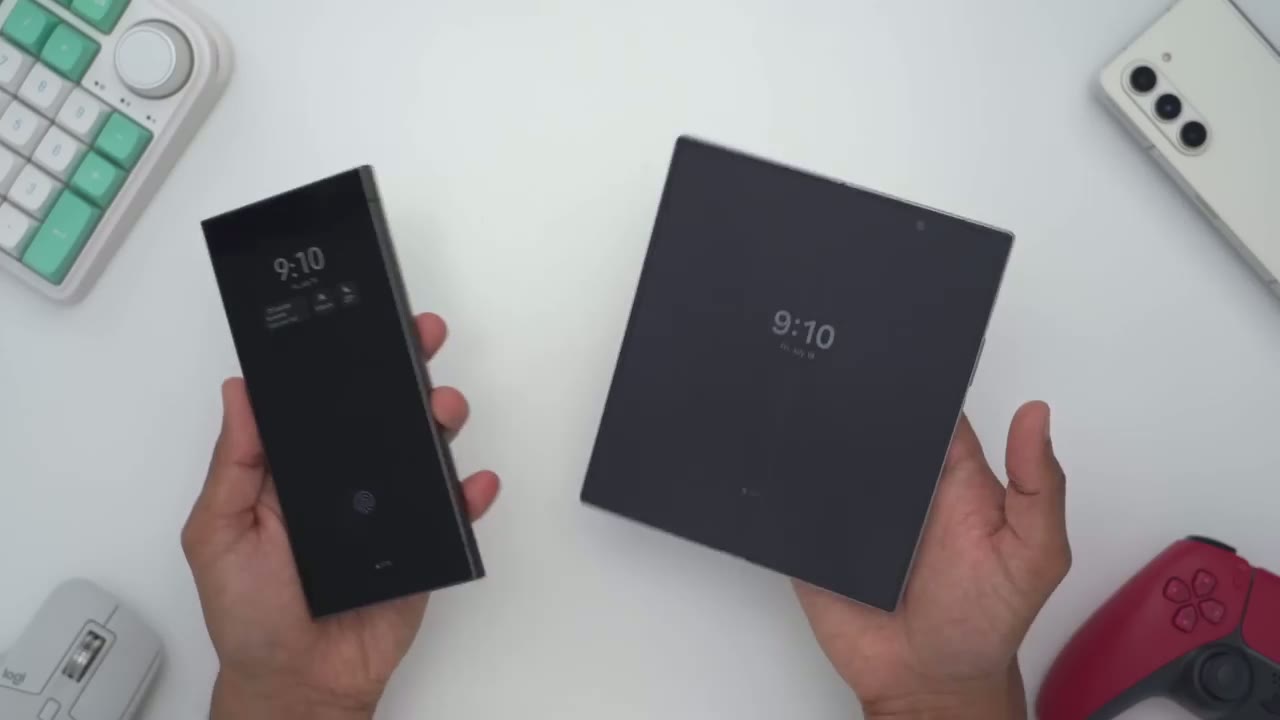
lightning quick fingerprint readers now it’s really going to come down to what you prefer I personally prefer having it in the button side mounted like on the zold 6 but it’s still very capable on the s24 ultra as well while the s24
Battery & Charging Speeds
ultra has a larger battery at 5,000 Mah hours compared to the 4,400 Mah hours on the zold 6 it’s still harder to nail down battery life just because on the s24 ultra it’s only ever powering this one screen but on the zold 6 it could be powering the cover screen or this much larger inner screen and it’s going to use way more battery to power this up now what I can say is that I can easily get a day of use out of either of these phones and that’s with me running dark mode I have Wi-Fi on all the time and I turn it off when I go out and I put mobile data on have adaptive refresh rate on and Bluetooth on and that will get me you know a day of battery life easily I started charging both phones at 54% after 20 minutes I gained 20% of battery life and the max I saw was 30 to 31 Watts even though this is rated for up to 45 watts in wi mode and on the zold 6 after 10 minutes I went up about 177% so about 3% slower than on the s24 ultra and this is rated for 25 WTS Max but I only saw about 16 to 18
Speaker
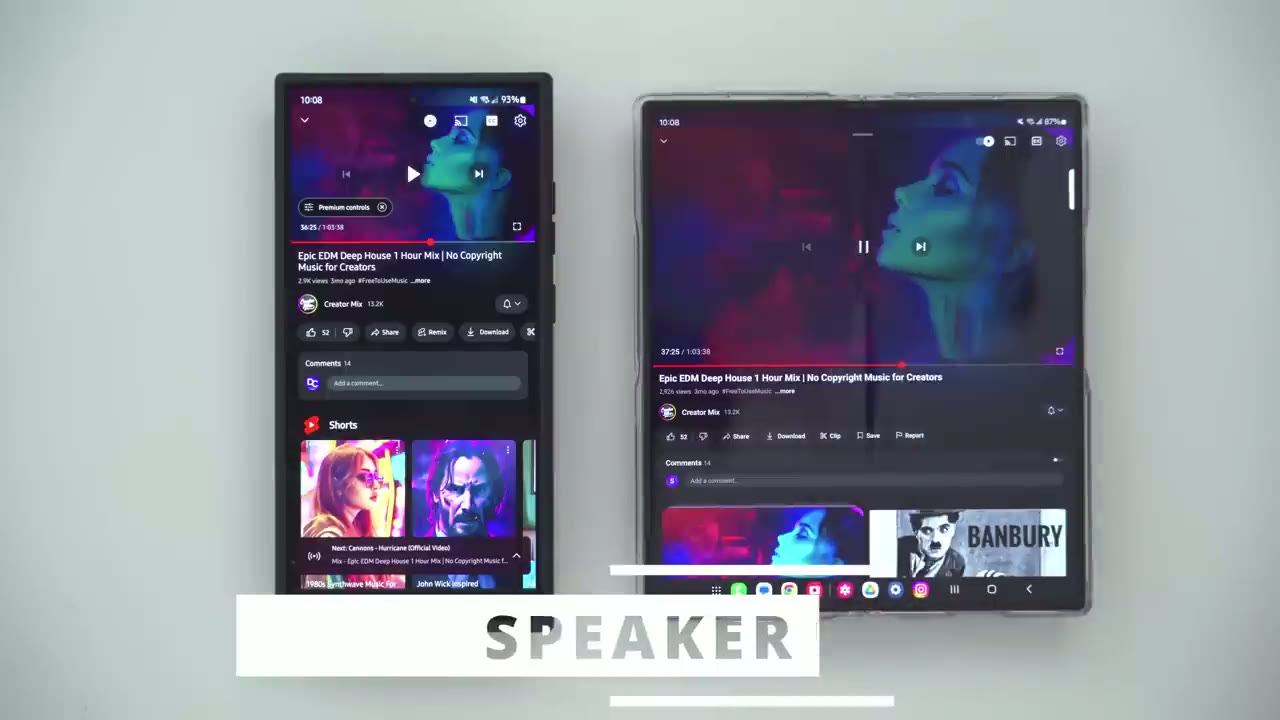
[Music] Watts so after putting both of these
Z Fold 6 or S24 Ultra?
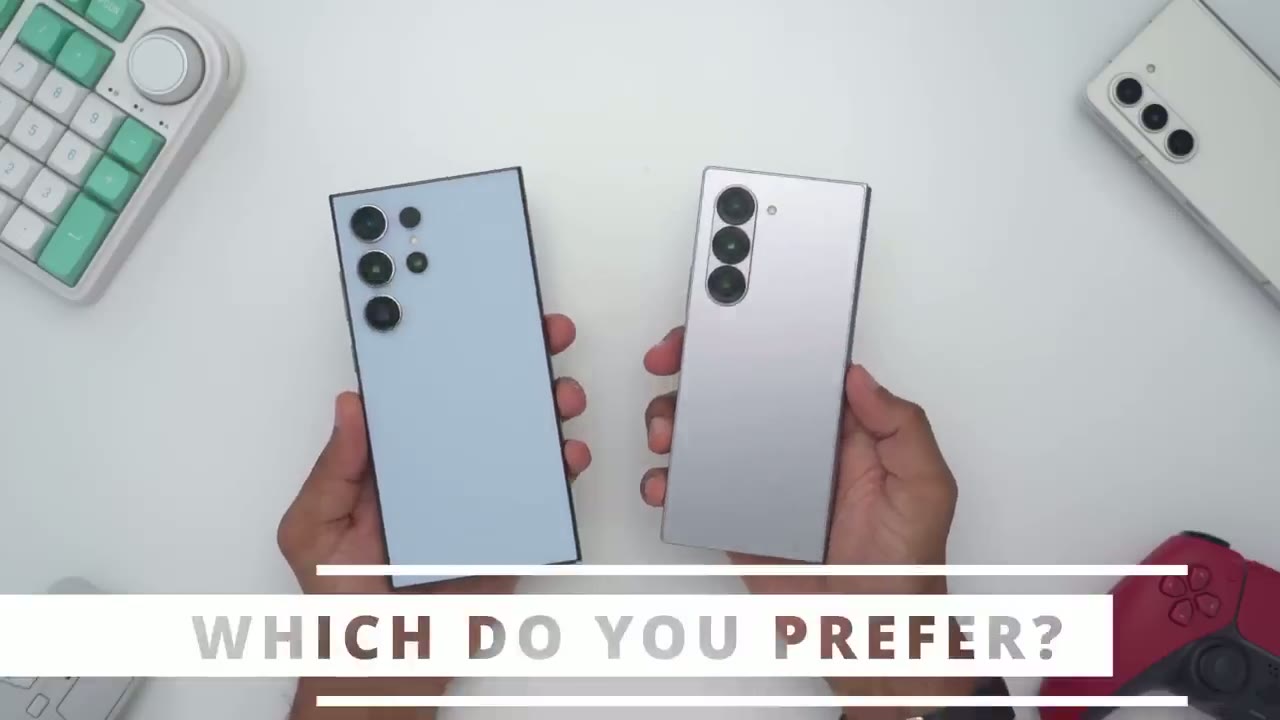
phones up head to-head I’m pretty impressed with how well the z46 has performed overall now the s24 ultra still has a lot of things going for it this has an ip6 68 rating and the Z volx only has an IP 48 rating so we don’t need to worry about dust or water on the s24 ultra we also have that super tele photo lens the 5x Optical capable of 10x digital crop but on the zold 6 it caps out at 3x optical zoom we also can’t have an Spen housed in the body of the zold 6 whereas on the s24 ultra it’s conveniently housed in there and you could see that you can also use the S Pen to remotely trigger the camera shutter or taking video and that’s just not POS possible with the slim S Pen that comes with the zold 6 we’re also limited to 25 WS of fast charging on the zold 6 if you can call that fast charging when in wir mode and on the s24 ultra we have up to 45 watts of charging in wir mode but the zold 6 has a lot of things going for it it just can’t be beat in terms of productivity and efficiency you know having a taskar at the bottom to quickly switch between apps is really handy you can also save you know app or or window layouts and then just pop right back to it whenever you’re ready the large screen is also great for you know multimedia for gaming for you know accessing your computer remotely for taking photos and you know the selfie cover mode on here is great for taking highr selfies and everyone in the group can see what’s going on it really has a lot of unique features however there are some potential challenges you might run into having a foldable phone one is that they don’t play nicely with gimbals if you’re someone who plans to put your phone on a Gimbal and if if you’re coming from the zold 5 there’s not a ton of reasons to upgrade to the zold 6 there’s a lot of small changes of course like it’s a little bit lighter than the zold 5 also a little bit thinner the hinge is also a little bit more tight in terms of when it’s folded and yes the squared off design does look a bit better and this type of map finish is also really nice as well and are those thermal issues a really big deal it may not be if you’re not pushing the zold 6 a lot if you’re not doing you know extended periods of gaming then it’s probably not going to be a big deal because your day-to-day use is going to be more than capable so I hope this review was helpful in helping you decide whether you should upgrade from the fold 5 to the fold 6 and if you should go with the fold 6 or the s24 ultra I’m curious to hear what you guys have to say I personally think the s24 ultra is a better allrounder phone because of the IP rating the inbody S Spen the telephoto lens and just the availability of you know more accessories and compatibility with this form factor of phone but I’m curious to hear what you guys have to say and don’t forget to stay tuned to see my upcoming case review vide so I have some clear cases from spec I have a case from torus and I have some carbon fiber cases from bangs I’ll be reviewing very soon and if you found this video helpful consider checking out my tips and tricks video and Bixby routine video for Samsung phones and if you’ve made it this far can I ask a huge favor would you mind liking and subscribing it truly does help me out as a growing Channel I do buy these phones by myself Samsung does not send them out to me so any love and support would be appreciated so I’ll leave it there hope to see you guys in the comments to hear what you have to say and I’ll see you in the next one soon
☑️ Get the Z Fold 6 on Samsung
Please note that some of the links in my video descriptions are affiliate links where I earn from qualifying purchases. As an Amazon Associate I earn from qualifying purchases.

