


Please note that some of the links in my video descriptions are affiliate links where I earn from qualifying purchases. As an Amazon Associate I earn from qualifying purchases.
Intro
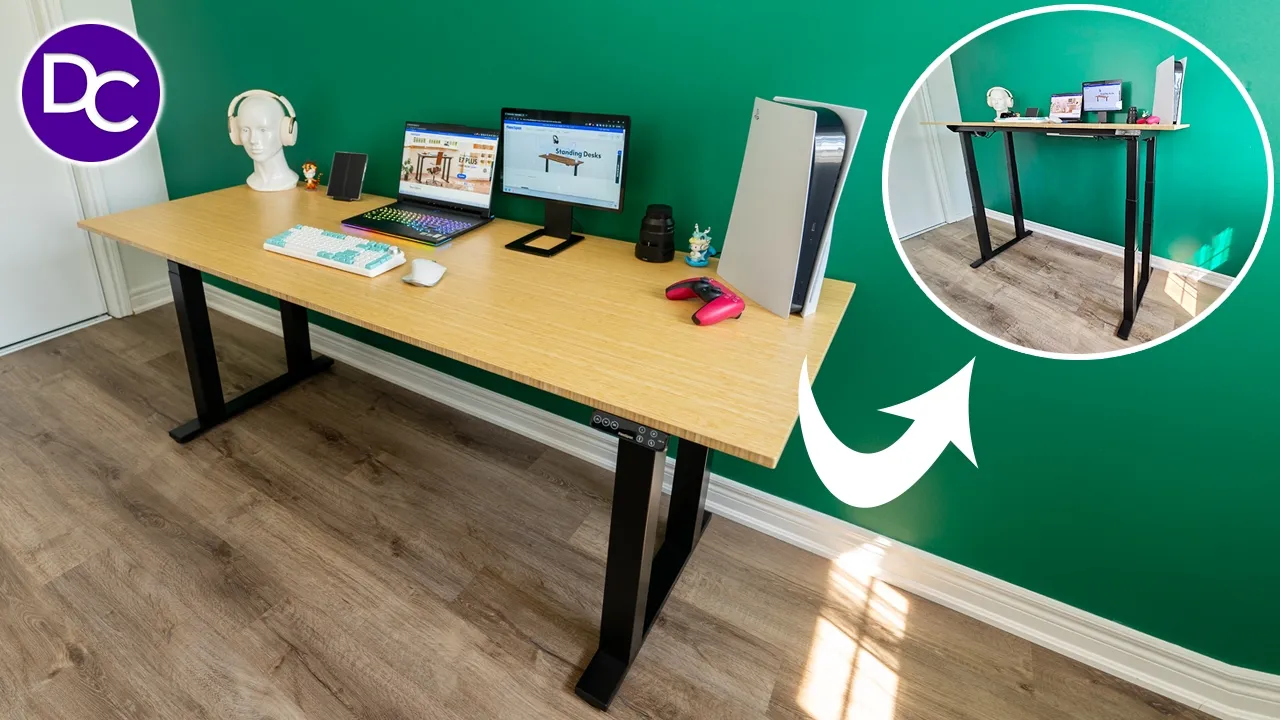
hey it’s Adrian and if your current desk setup just isn’t working or if you have a really large setup that can barely fit on your desk you’re going want to stick around because I have the flexi spot E7 plus standing desk I also asked them to send me their 78 INX 30in bamboo desktop material and it looks so good in this combination thanks to its dual motors the E7 plus frame can handle up to 440 lb of dynamic weight or 540 lb of static weight and thanks to the three-stage adjustable legs you can easily adjust the desk from as low as 26 in all the way to a standing height of 51.6 in using the handy included touch panel there’s built-in USB charging an anti-collision feature the ability to set up to four different programmed Heights and an impressive 15-year warranty on the frame motor and other mechanisms this is probably the first and last standing dust you’re ever going to need thanks to all the configuration and upgrade options so let’s take a closer look and a big tank of flexi spot for sending us out for review the
Setup
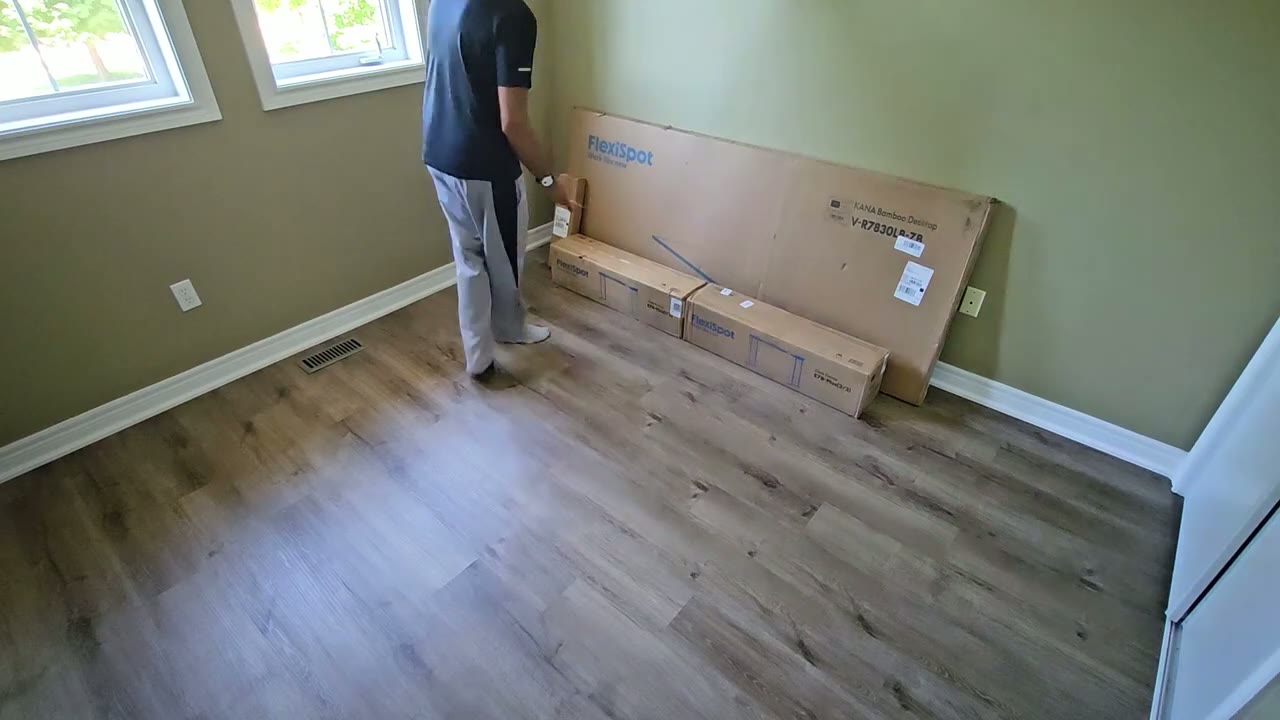
insulation is fairly straightforward so everything came nicely packed I didn’t have any damages so there’s two boxes for the legs and then one large box for the desktop material now it total about 150 lb so you may need help carrying this now what I highly recommend is that you are going to need a drill to install the frame once fully assemble to the desktop material and especially if you have the bamboo desktop material which is you know much harder you really are going to need a drill to make your life easier first I place some carpet down to not scratch everything and I assembl the frame following along with the instruction manual and there was a short YouTube video from flexispot which was also really helpful once the frame was assembled I went ahead and put the desktop material down again protect it so it doesn’t get scratched I laid the frame on top marked out the holes and then drilled using the supplied screws once the frame was connected to the desktop material I connected all of the wiring and used some of the adhesive clips that were supplied to kind of Route the wiring and keep it a little bit clean now you could do a better job than me but overall I’m happy how it turned out just a quick heads up about the cable management tray so you’re not supposed to install it with it covering that Cross Beam there but I’ve done that on purpose just because I don’t want it you know closer in here in case you know anything hits it like my knee or something if I have the desk too low so I’ve just positioned it that way but I am going to be kind of limited if I do want to mount like a monitor arm there so just keep that in mind if you’re going to mount a monitor arm definitely install this a little bit further back if you’re placing the desk on an uneven floor you could rotate the adjustment feet located at the bottom to equalize the heights till you get it perfectly leveled so I’m just loving the look of
Configurations
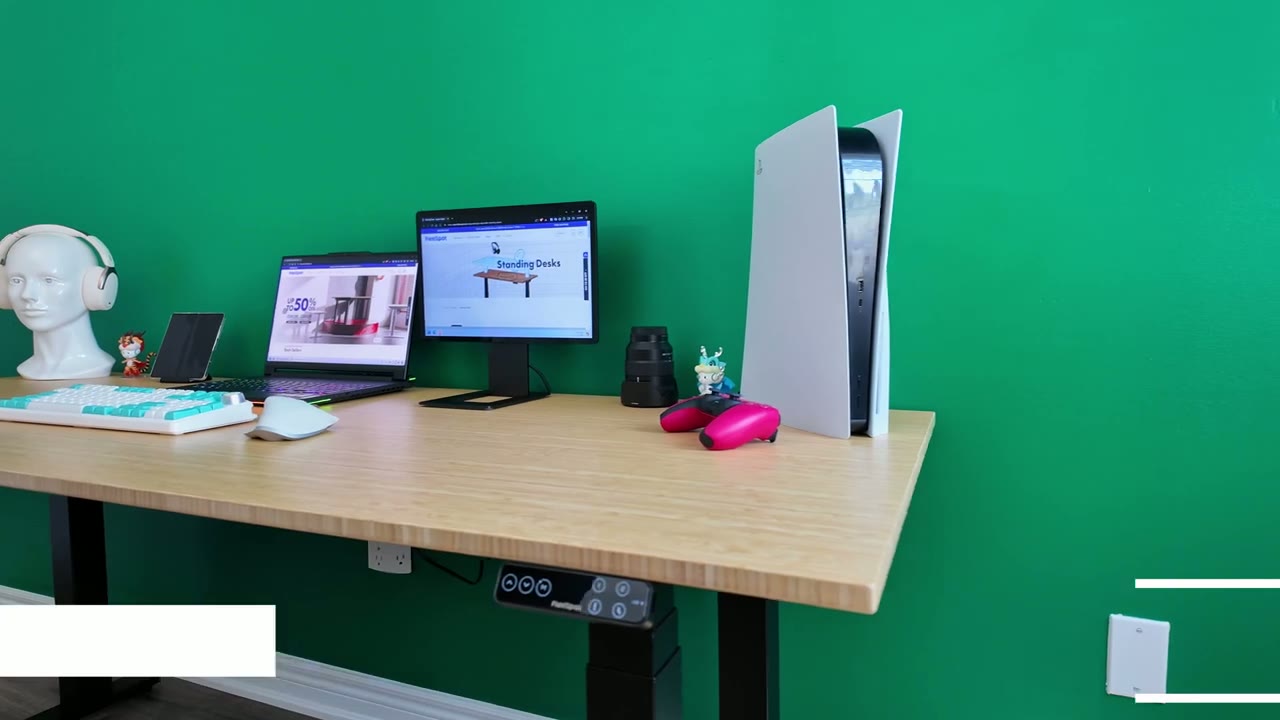
the combination that I have and what I like is that there’s just so many types of options if you take a look at the flexi spot site so I have the black frame but you can of course get a white frame and then they have you know a chipboard material it comes in different colors you have the bamboo material there’s also a bunch of other different materials and they all have different sizes there’s some Des with built-in wireless charging there’s some dust with a little bit of a curve so really there’s something for everyone out there so I asked for the largest size in the B bamboo which was 78 in x 30 in however I do believe they have an 80 in x 35 in option in another material maybe it’s a chipboard don’t quot me if I’m wrong but basically yeah this will fit if you have you know a really small compact setup or if you want something really large like mine so once you sort out the frame that you want and the desktop material there’s a bunch of additional upgrades or options that you could add on so I got the under uh desk cable management tray but there’s also caster wheels if you want to just move the desk around there’s also pull out Dr drawers I believe there’s a foot hammock you know you can choose accordingly I’m also really happy that I went with the bamboo desktop material and even though I subjected it to a ton of weight 447 lb or 203 kg pretty much in the dead center while it did Flex it did quickly rebound back and there’s no permanent damage or flexing at all let’s take a look at how
Adjustments
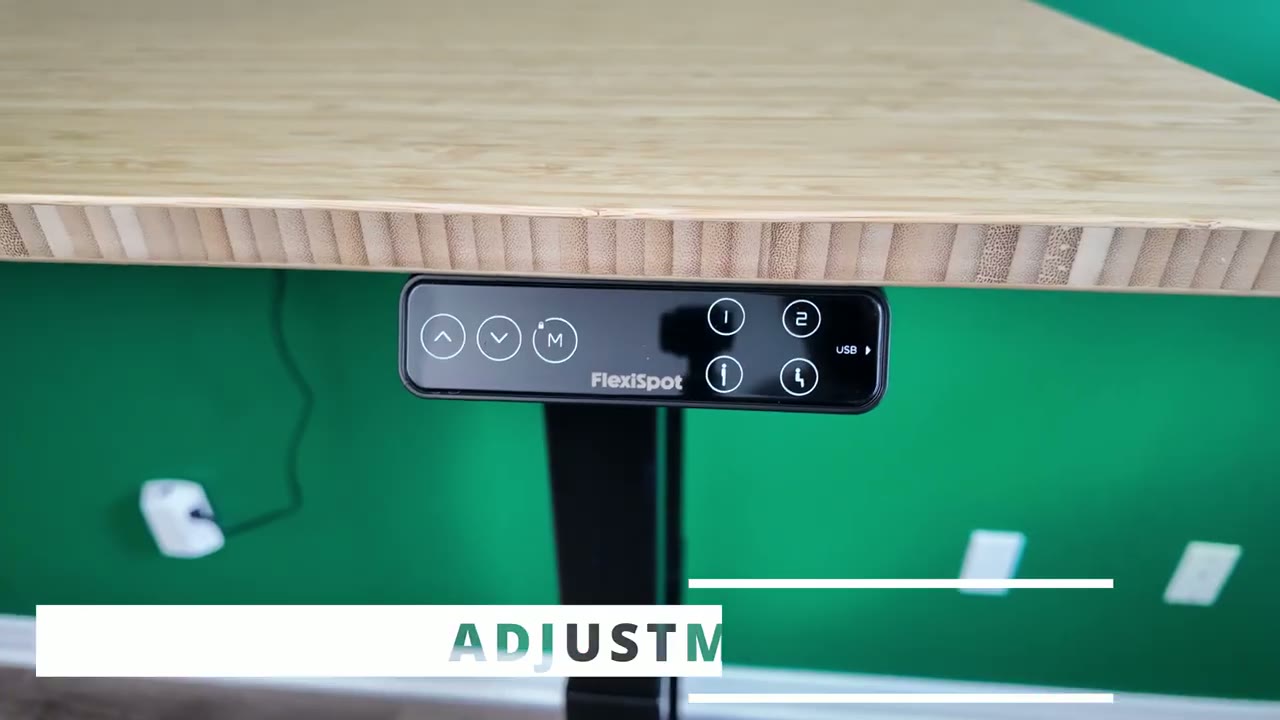
easy it is to make adjustments on here and to program it so right now I can press down and I stopped at 48.2 in now what I can do is press up and notice that when I get to the extreme range which say 51.6 it’s going to slow down so it doesn’t overshoot so just anytime you’re getting to the extreme top or bottom range it’s going to slow down a little bit now to program it it’s really easy as well so I’m going to press down here and let’s say for example I wanted my standing height to be 49.9 I’ll just press the m and then I’m just going to say hey this is now going to be 49.9 and then let’s go up to say 51.1 I’ll press M here press one and now that is programmed for 51.1 so to recap we’ll press two it’s going to go down slightly 49.9 1 51.1 so you can set these two custom ones and then you also have a standing uh distance or standing height and a sitting height as well so what can you do with the one or two well you could use it for any other type of miscellaneous use or if you share this desk with someone else they can use one and two for their preferred sitting and standing Heights when you’re adjusting between different heights it’s very stable and smooth so you can have pretty much you know a full cup of coffee or a glass of water you don’t have to worry about it kind of just jerking with an initial movement before it kind of smoothens out it’s just very smooth the entire way and like I mentioned you know when it gets to the extreme ranges either the very top or the very bottom it slows down a little bit and it comes to a nice smooth stop now if you have kids and you’re worried that they’re going to play with this you can easily activate a child lock by pressing and holding the m and waiting and we can see the lock option so CH lock is enabled and nothing is going to work until you press and hold to deactivate it there we go and now we have control again by the way if you like leaving your workspace kind of minimal or clean what you can do is just raise the desk to the maximum height and just kind of roll your chair right under the desk by the way if you’re finding this video helpful please consider liking and subscribing it really helps me out but let’s jump back to it the max adjustment
Speed
speed is about 1 in every second second but it’s really going to depend on how heavy your desk setup is now the bamboo material on mine at the size of 78 in x 30 in by itself that already weighs 47 lb now when I have everything kind of set up to go from my preferred sitting height to standing height it takes about 17 seconds now if you’re going to push the DK to the extreme range of 26 in to 51.6 in you’re looking at roughly say 30
Noise
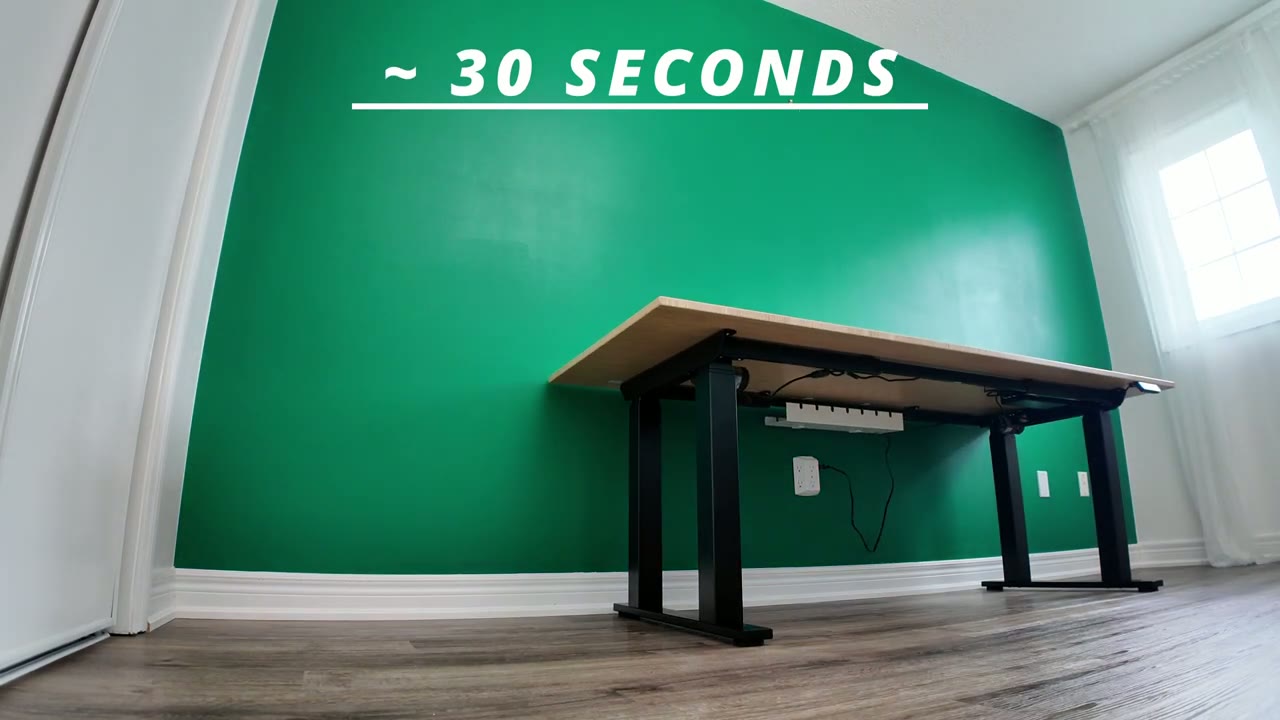
seconds all right so I have my chair
Obstacle Avoidance
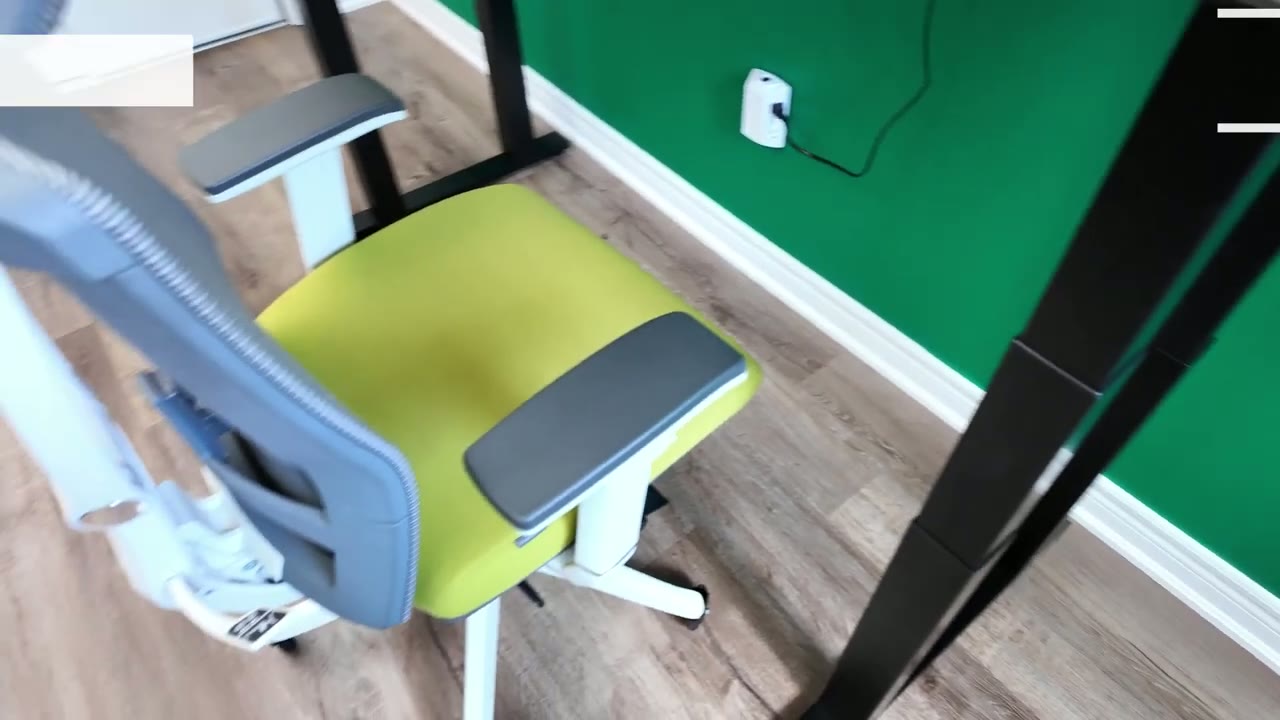
right here I’m going to put it to the sitting position and I’m not going to move the chair the armrests on here are far too high and I can’t actually adjust it lower on this specific chair so the table’s just going to hit that and then just stop or it’s going to bounce back up by a little bit so let’s take a look so it detected that something was in the way and it just lifted itself up a little bit just so it’s not squeezing anything so really handy feature now to access this you’re going to press the top and bottom arrows at the same time and it’s going to cycle through levels 1 through three and then there’s also a level zero so three is the most sensitive as soon as it kind of detects something impeding movement it’s going to bounce back up one is obviously going to be the least sensitive and you can set it to zero if you just want to disable that feature totally by the way
USB Charging
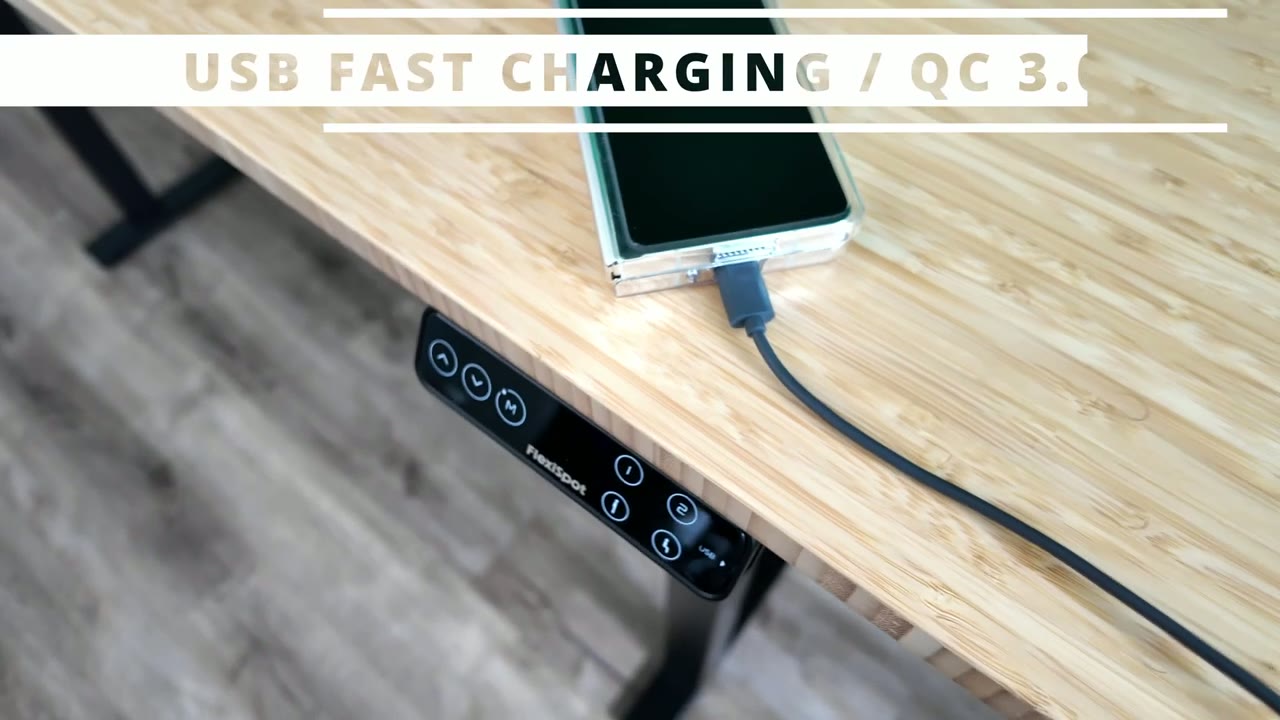
if you’re wondering if it supports fast charging it does so I’m going to plug in the cable there take a look at my zold 5 screen and it does confirm that fast charging is active let’s talk about the
Weight Capacity
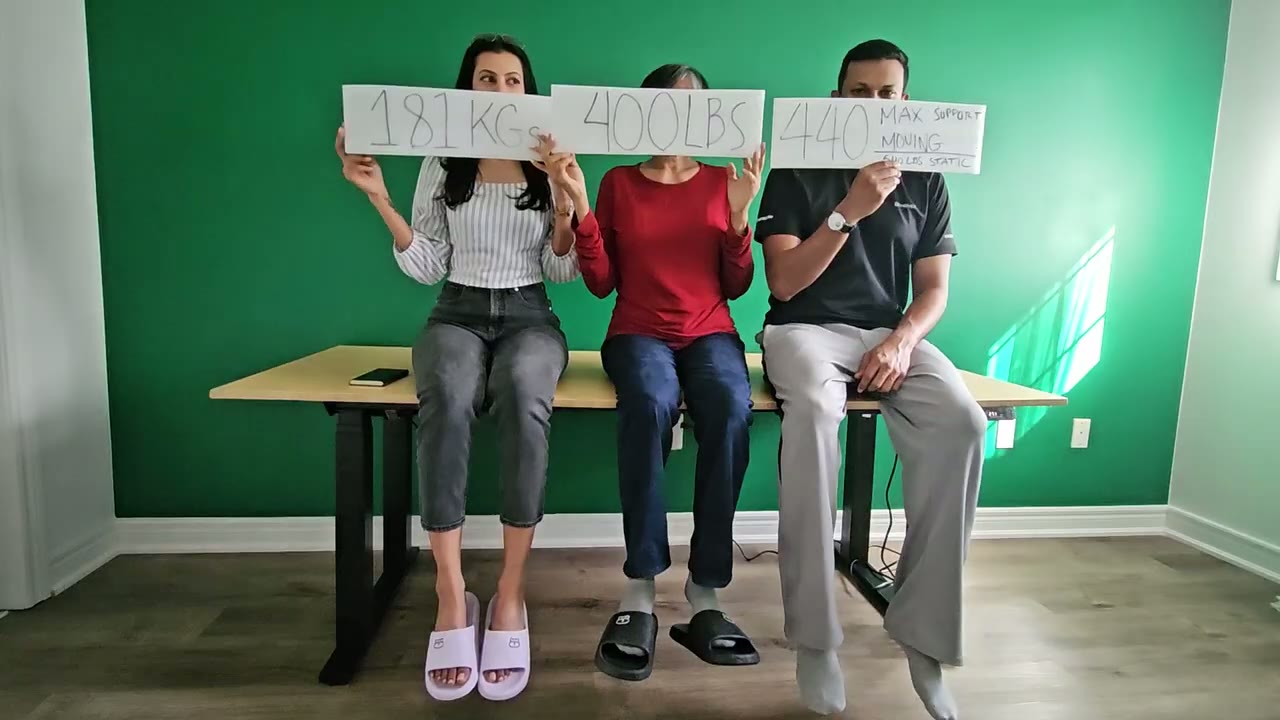
rated weight and I annoyingly pushed this beyond the rated capacity of 440 lb actually pushed this to 447 lb and let me explain so I had three of us sit on the desk kind of just in the middle I didn’t even space us out to distribute the weight evenly but it still did a fantastic job now we’re holding a sign that says 400 lb actually that should be 447 lb because I didn’t factor in the weight of the bamboo desktop material which is 47 lb since it’s so large at 78 in x 30 in so so I actually exceeded it by about 7 lb of the rated capacity and it handled it no problem since I had all three of us just sit kind of in the middle you could definitely see noticeable Flex in the bamboo frame however when we all jumped off it just quickly rebounded back and there’s no permanent flexing at all it’s quite impressive if you don’t plan on adjusting the desk it can handle a static weight of 540 lb so you can use this as a worktable or to keep heavy equipment on top the desk is also really
Stability
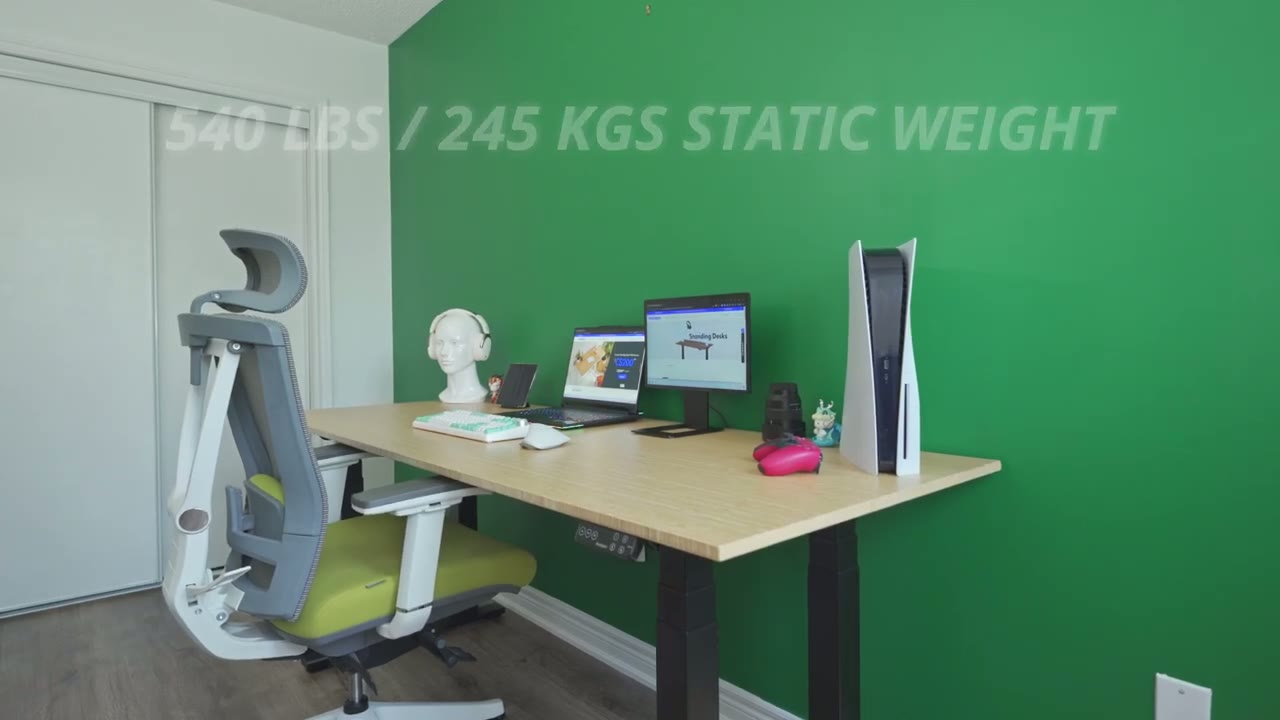
solid and reliable so when it’s at the lower positions it’s the most stable since the three stage adjustment legs aren’t fully extended however I did extend the legs all the way to the maximum height 56.1 in and yes I could push and get it to rock a little bit but the further test that I actually hung off to the side of it you know I tried doing maybe like a little mini pullup from the side I’m about 175 lbs I couldn’t get the dusta Tilt over you know basically the way the legs are designed the four stage legs are the four-leg design it keeps it very planted even if you put a lot of weight just in one corner it’s going to stay stable I
Sit or Stand?
want to talk about standing desk in general now this is my first standing desk but it’s something that’s been on my radar for a while but I’ve always just prioritized having you know the largest or widest desk and anytime I found an option it was way out of my budget or you know just more than I wanted to pay however after using a standing desk it’s something I really wish I got you know way earlier because even though I have a very comfortable chair I sit a lot and it’s just not good and since I’ve gotten to desk I’ve actually found myself standing way more than I thought I would now for certain activities like typing I still do prefer to be sitting but anytime I’m just kind of researching something or taking notes while I’m researching it’s just way more enjoyable to stand instead of sit all the time and you know sometimes that change of scenery from sitting to standing actually makes you you know a little bit more creative actually I’ve enjoyed the flexibility so much of having a standing desk I went out and ordered the caster wheels for these so I could just you know attach it to the bottom and just really quickly or on a whim I could just you know unlock the wheels and just wield the desk to another part in the room and I could come in handy say I want to shoot something and the desk is in the way well I could just move that out of the way if I want a change of scenery I could just move the desk you know to a different wall it really opens up a ton of Versatility with the flexi spot system now I have the Good Fortune of
Recommended?
being able to receive a lot of products to review and test but none have impacted my day-to-day life as much as the Flex cpot E7 plus because this is something that I need to actually interact with every day like I use this every day now it’s you know an integral part of my daily activity and setup and it’s something I really wish I had way earlier if you’re someone who’s looking for a standing desk I highly recommend just going out and getting one I know they’re you know more expensive than getting a traditional desk but the amount of Versatility that you get and especially if you go with something like the flexi spot system you can see there’s a lot of addons attachments that let you expand the functionality of it or and you know just kind of make it exactly how you want it in terms of looks and how it operates also don’t forget that flexy spot is offering a 15-year warranty on the frame the motor and the associated mechanism so a lot of standard Des don’t give you a 15-year warranty so if you keep the desk for that length of time it’s really not that expensive if you think about it and then again with the amount of upgrade options on here you know it’s something you can always expand in terms of functionality whether you buy those things directly from flexi spot or you get any type of third party add-on extensions on Amazon like you know clamps for shelving or what have you you can really make this your perfect desk setup so I’m going to leave some links down below for you to pick up the flexispot E7 Plus for yourself or to learn a bit more and definitely spend some time on the flexi spot side going through all the different options and configurations I’m sure you’ll find something that you like if there’s anything that I missed or if you have any additional questions please leave them down in the comments below and I’ll do my very best to get back to you and if I can ask a huge favor would you please consider liking and subscribing it really does help me out as a growing Channel and I’ll see you in the next one soon
Please note that some of the links in my video descriptions are affiliate links where I earn from qualifying purchases. As an Amazon Associate I earn from qualifying purchases.

