


Buy the Edifier W800BT Pro on Amazon
Please note that some of the links in my video descriptions are affiliate links where I earn from qualifying purchases. As an Amazon Associate I earn from qualifying purchases.
Intro
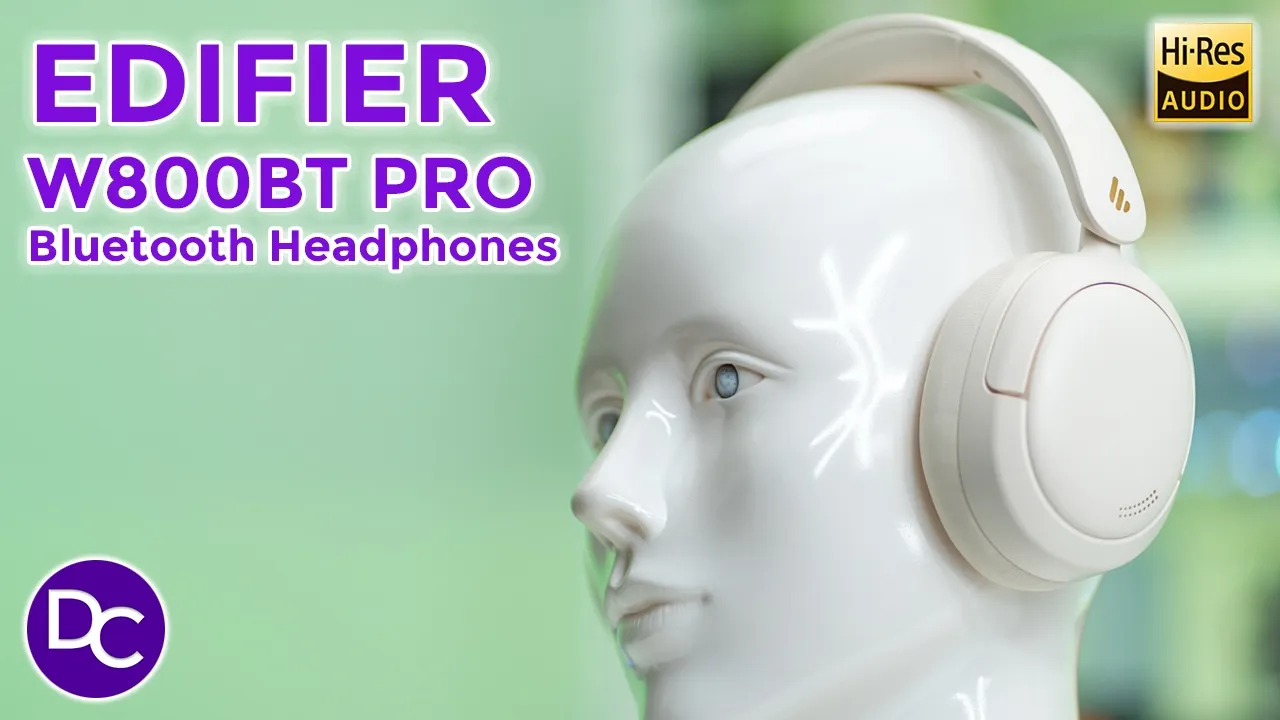
hey it’s Adrian and today I’m taking a look at edifier’s brand new w800 BT Pro wireless bluetooth headphones these are an awesome value considering they come in at under $50 because they offer pretty bold sound thanks to the 40 mm Dynamic drivers there’s multi-point functionality for device switching up to 45 hours of battery life at dedicated gaming mode while staying comfortable and lightweight at the same time so let take a closer look to see if these could be your next pair of headphones and a big thanks to edifier for sending these out for review in the box we have the
Package Contents
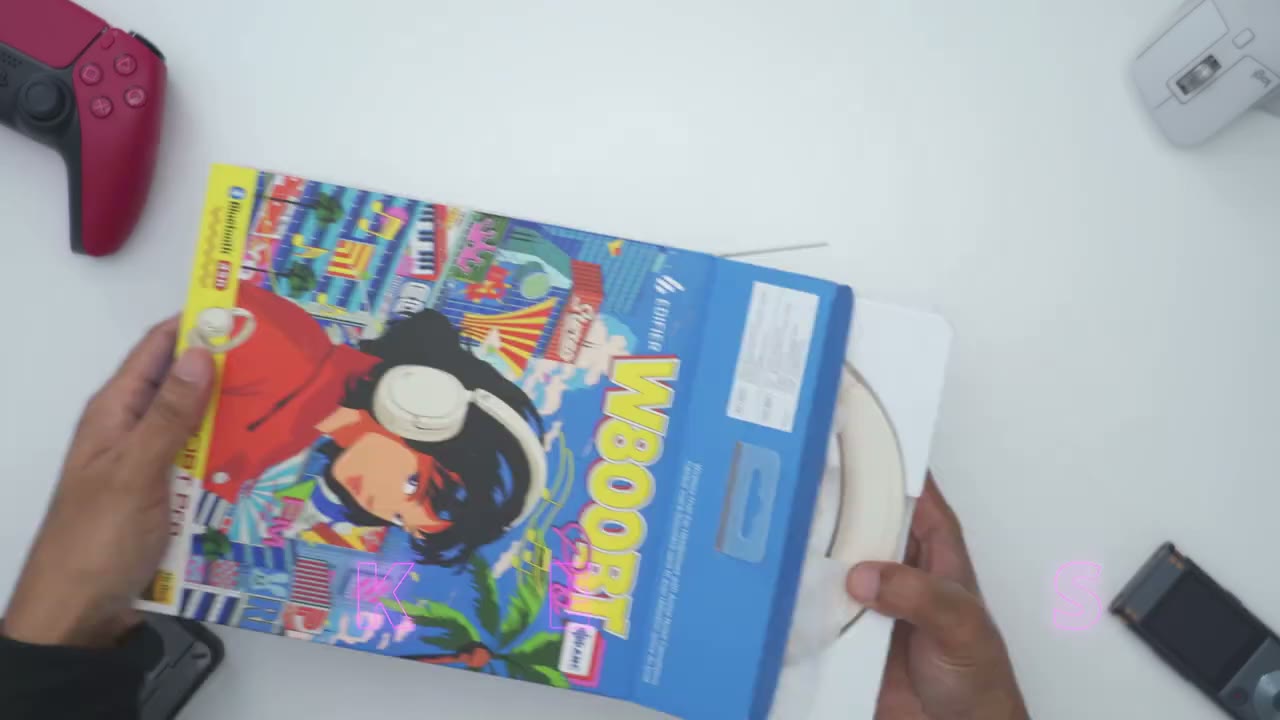
nfrw 800 BT Pro headphones along with a manual retro stickers and a USB type A to type c cable let’s look at the design
Design
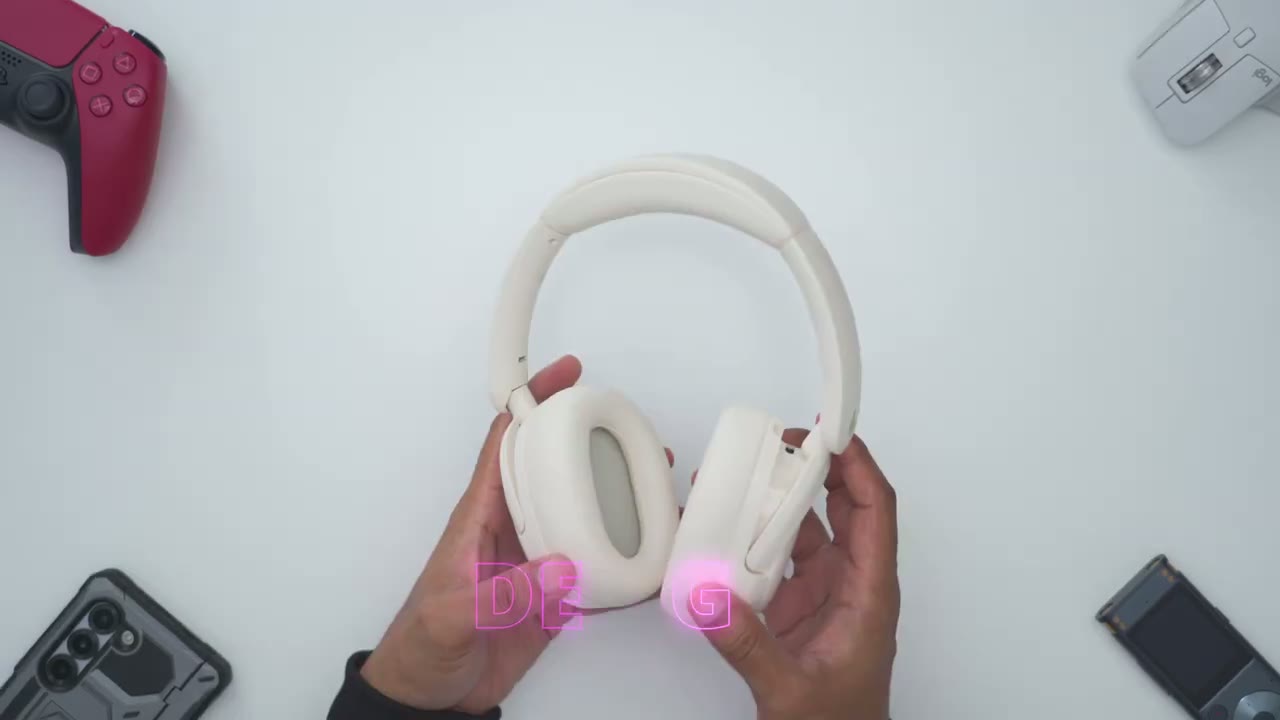
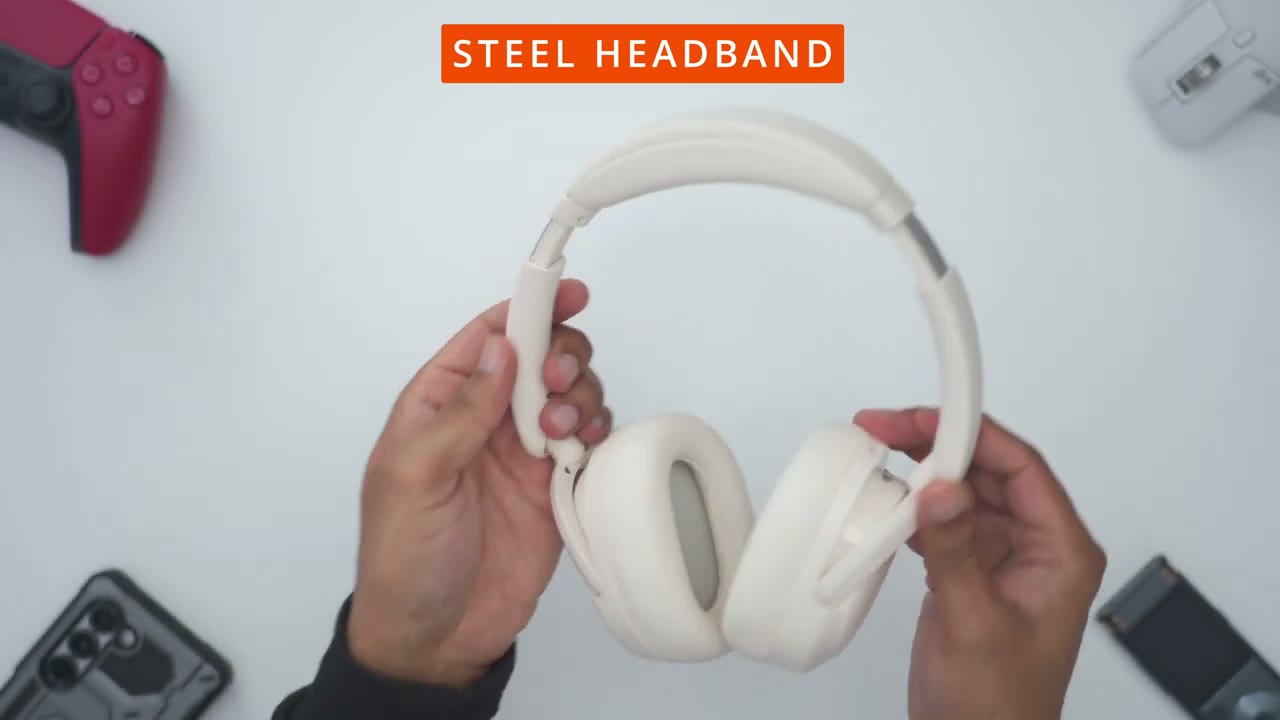
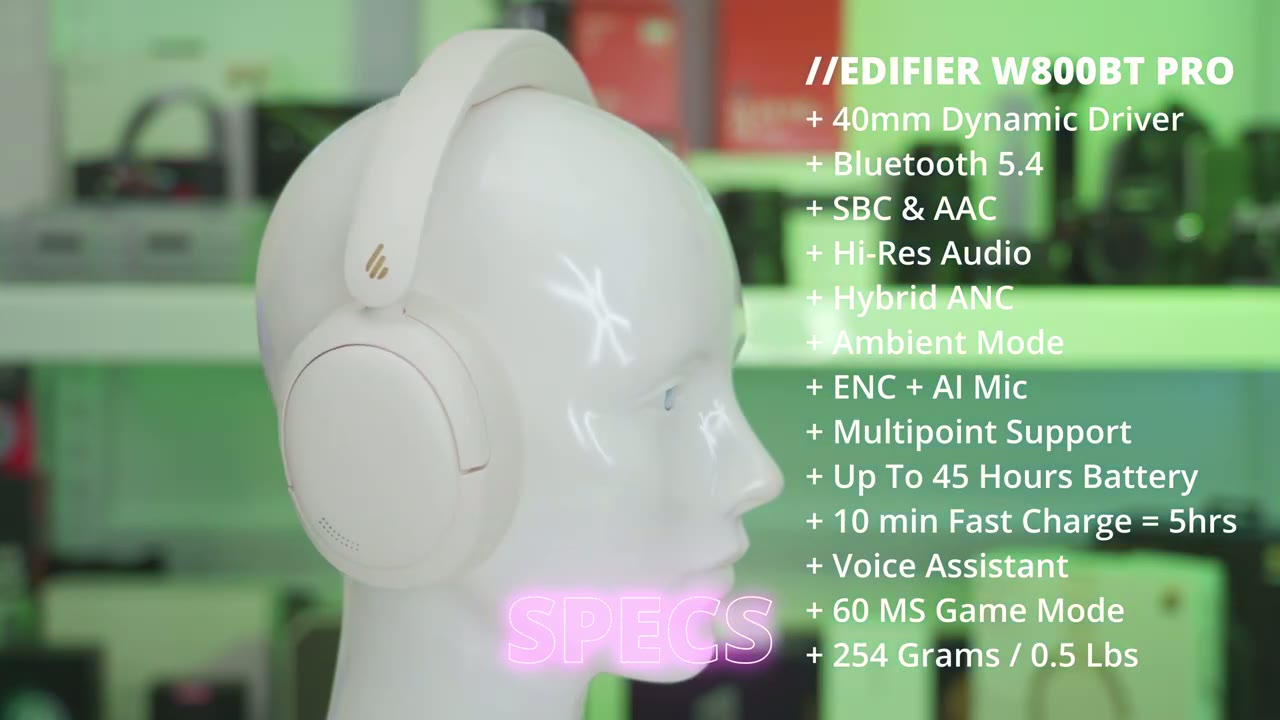
on the ffr w800 BT Pro and these look so beautiful and gorgeous in personally I don’t know how much is coming across on camera but yeah these look just so pristine and clean now these are very lightweight coming in at around 254 G or about 0.5 lb and you could see that you know the ear cups here are fully articulating so I could put them down flat and then fold them in I could also put them uh this way as well to have it really compact so you have a bunch of options in terms of portability now I have the ivory color but I do believe there’s a gray and black color as well and if you saw the uh retail packaging here so I believe this is a limited edition box so if you want to pick that one up uh make sure you get it before it’s sold out but looking at the rest of the design so of course we have the SLE ear cups and notice what happens when I SLE no type of creaking or noises so you’re not going to be bothered when you’re listening to music and of course we have the edifier logo right side and left side now in terms of the air cups themselves these are actually very plush so you can see it if I press down it’s a pretty quick uh bounce back and these are made of a skin friendly uh imitation protein type of material and I’ll comment more on that when I talk about Comfort now we also have these uh silicone type of buttons here so it’s a soft feel kind of rubberized so we have the plus minus and then the power button and then we also have a Bluetooth SL multifunction button USB type-c port to keep these powered on or to connect them to your computer and then we also have an LED indicator light as well and looking at the headband so it’s the same nice and very plush material at the top and then if you go ahead and you adjust them you can see that we have a steel frame for the headband here’s a quick
Specs
look at some of the specs feel free to pause or jump ahead to the next section
Pairing
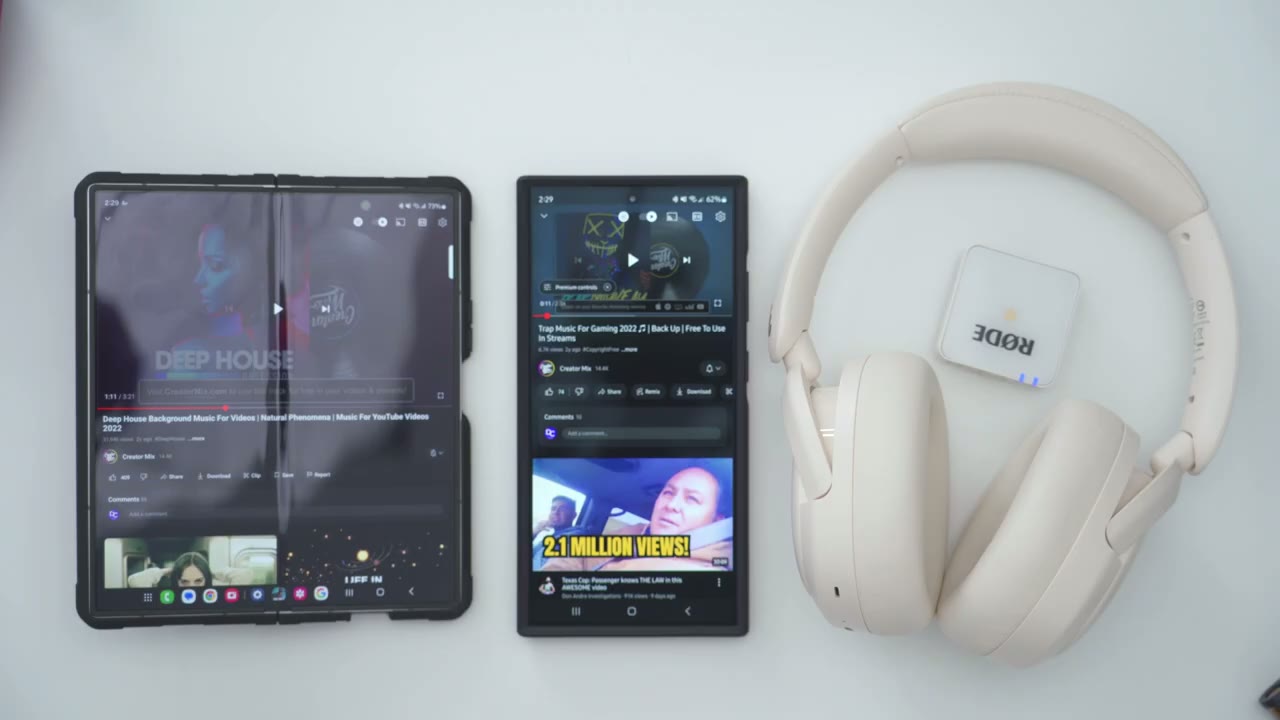
I’m going to pair the headphones to my phone right now so I’ll press and hold the power button till it comes on and if I take a look at the Led I can see it’s flashing so it’s ready to be paired so I’ll go ahead hit scan on my phone and I can see it right here edifier w800bt click on pair and it’s now connected on my first phone now to connect it to the second phone I’ll go ahead press the multifunction button on here and that’s going to put it in pairing mode again I’ll wait for it to come up here w800bt Pro hit pair and now it’s connected on my other phone now I could just tap back on my first phone and I could see it’s simultaneously connected on both with multipoint but let me Demo it so I’m
Multipoint
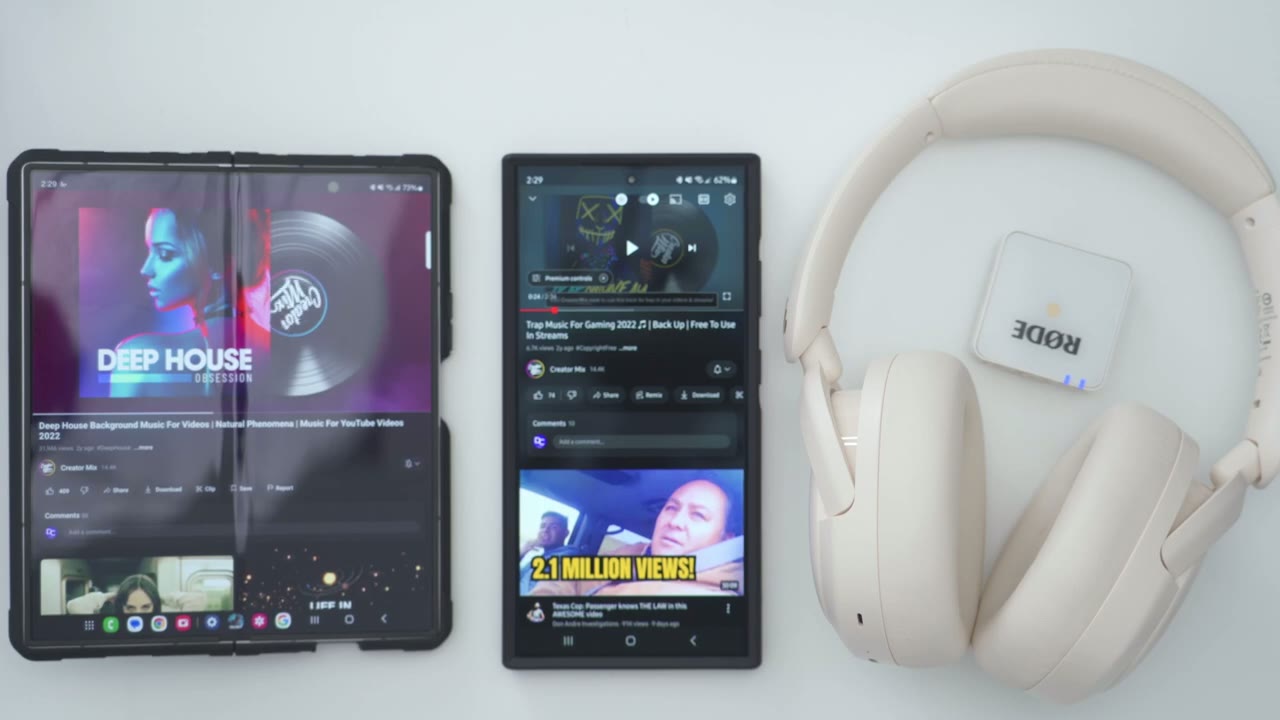
going to play music for my first phone then I can just pause that any time and start on the other [Music] [Applause] phone now one thing to note with the way multipoint works on here is if you start playing music on one phone and you play it on the second phone the first phone takes party so you have to manually pause it let me Demo what I [Music] mean so it’s always going to play on the first phone until you pause it then the second phone or device is going to kick
App Settings
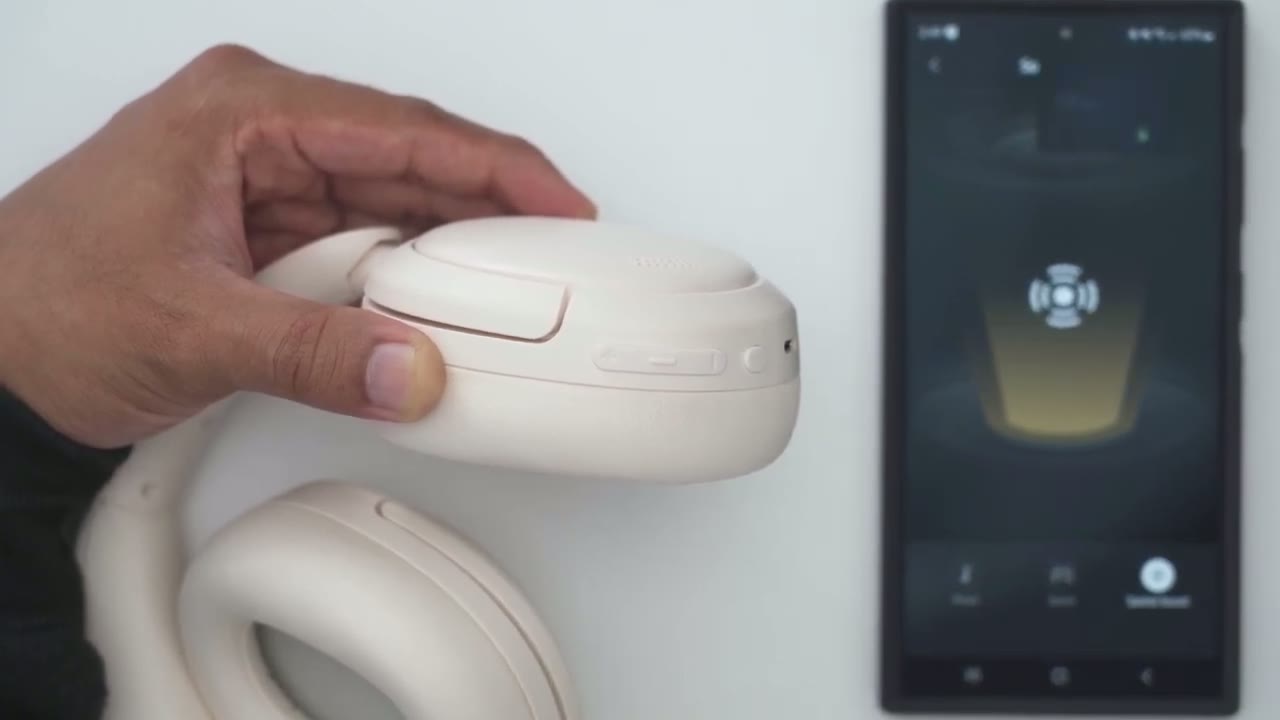
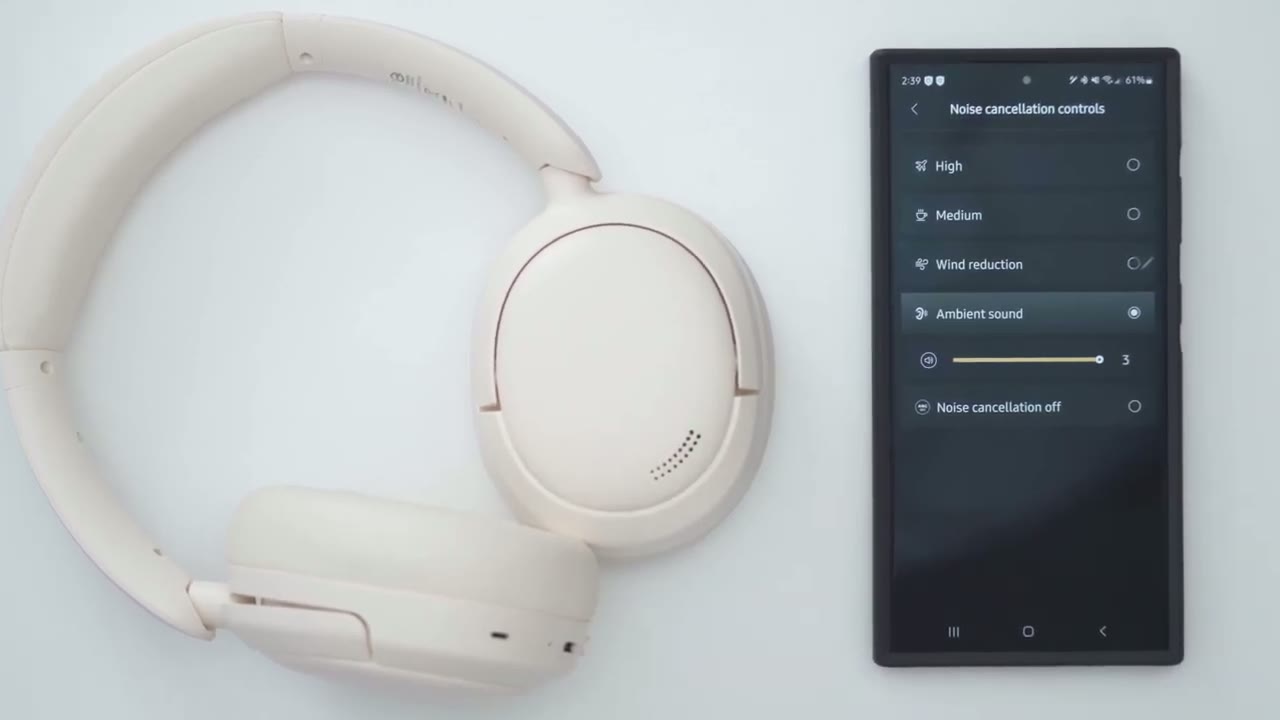
in let’s take a look at the settings in the edifier connects app so at a glance we could see the battery life on the headphones if I go into the noise cancellation controls I could set it to high medium wind reduction Ambient sound and I can change the effect or strength effect of that slider and then I can also go into noise cancellation off if we go into sound effects this is where you can set it to your own custom EQ notice if I go in here we only have access to four bands you can also go into Dynamic which is my preferred EQ or you could set it to a classic EQ as well and if we go into sound modes you can switch it for music game mode or spatial sound if we go into the settings up here we could take a look at the manual and we can also go into control settings and this shows you this is for the multi-function button so a single press is going to go through sound control so I have it set to high ambient and noise cancellation off so you can only pick two to three of these at a time so say you didn’t want noise cancellation off then you could put on wind reduction for example exle and then if we go into a double press of the multifunction button again you could switch it to cycle through sound modes sound control or to do nothing you can also use this option to just play a loud audible beep so you can hear where the headphones are at if you can’t find them and then you can change the promp volume now one thing to note with the prom volume is if you set it all the way down to zero you won’t hear any you know announcements over the headphones but it’s still going to kind of cut the volume of whatever you’re listening to where the prompt would normally play the controls are very easy
Controls
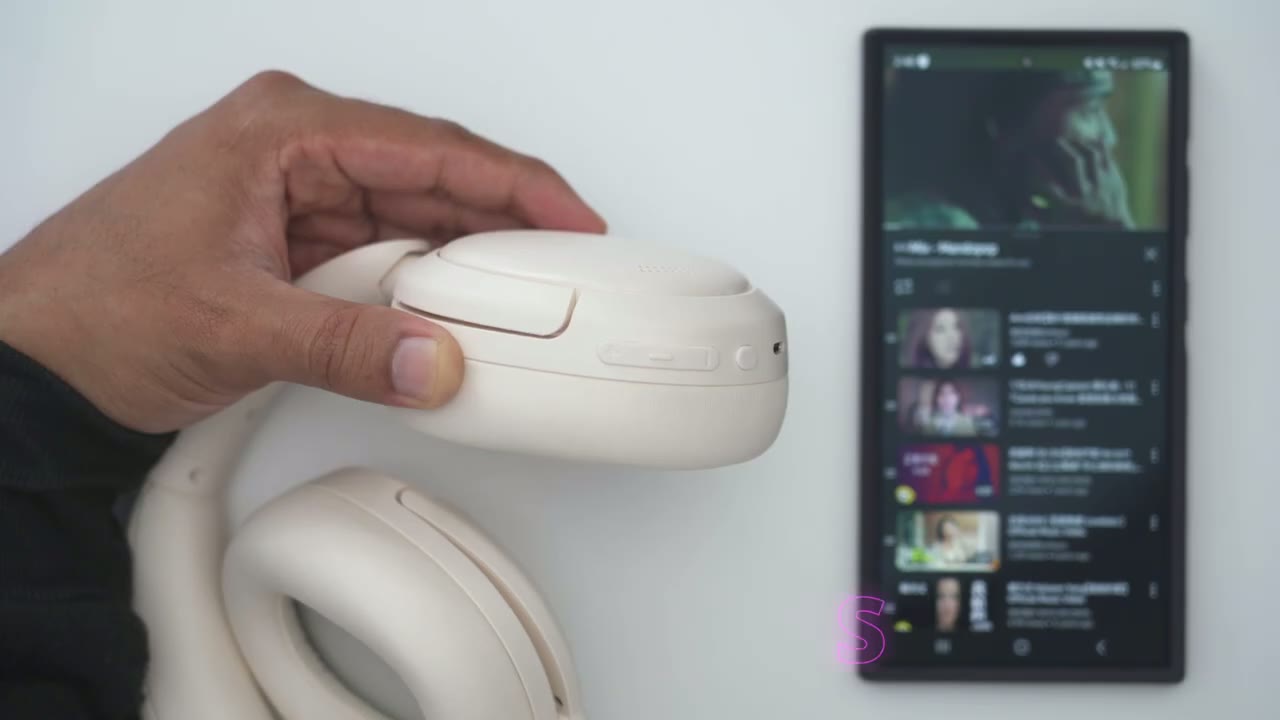
to use so a volume up will increase volume volume down will decrease volume pressing the power button will pause or resume playback and if you long press on the volume up it’s going to jump ahead to the next track and volume down will go back to the previous track now to demo what happens with the multifunction button I’m just going to go into the edifier connects app so if I press it once you can see it’s going to go into high and then if I press it again it’s going to go into ambient which is what I’ve programmed it to do and if I go into the different sound modes a double tap is going to switch from music into game mode into spatial sound so touch controls or sorry controls are super simple to use let’s talk about the Sound
Sound
Performance on here and thanks to those large 40mm drivers the sound that these pushes out is actually fairly bold and pretty rich now if you’re a fan of Base Heavy Music you’re going to like these even more you get that base hit and thump and the Bas Decay is really well controled so it doesn’t overly crowd the mids and highs so I cycled between the classic and dynamic equalizer there is also a custom equalizer in the edifier connects app but you’re limited to four band so for the most part I stuck to the dynamic equalizer and after listening to a bunch of Music These sounded great overall the only thing I would say is I wish that the treble was tuned a little bit more to highlight you know vocals and that type of cristas now I am being a little bit picky because I just came from using you know they’re much higher end offerings that cost 10 times the amount of these so you know just by reference that’s why I’m saying that but if I just listened to these I didn’t have those you know as a reference the sound fantastic for the price so at the start of the video I mentioned that I’d share a tip to get the best possible sound out of the w800 BTS and that is to use it in wired mode so everything that I’ve said before this is based on me listening to it connected by Bluetooth now when I hook this up to my laptop or desktop and by the way you can actually hook this up to your phone if you have a USB type-c to type-c Port you get an overall uplift across all frequencies so the bass sounds deeper and that crispness that I was looking for in vocals it comes through as well in wir mode so definitely give these a go in wir mode because that’s how you unlock access to the high quality or the high res audio listening experience so I’d
ANC
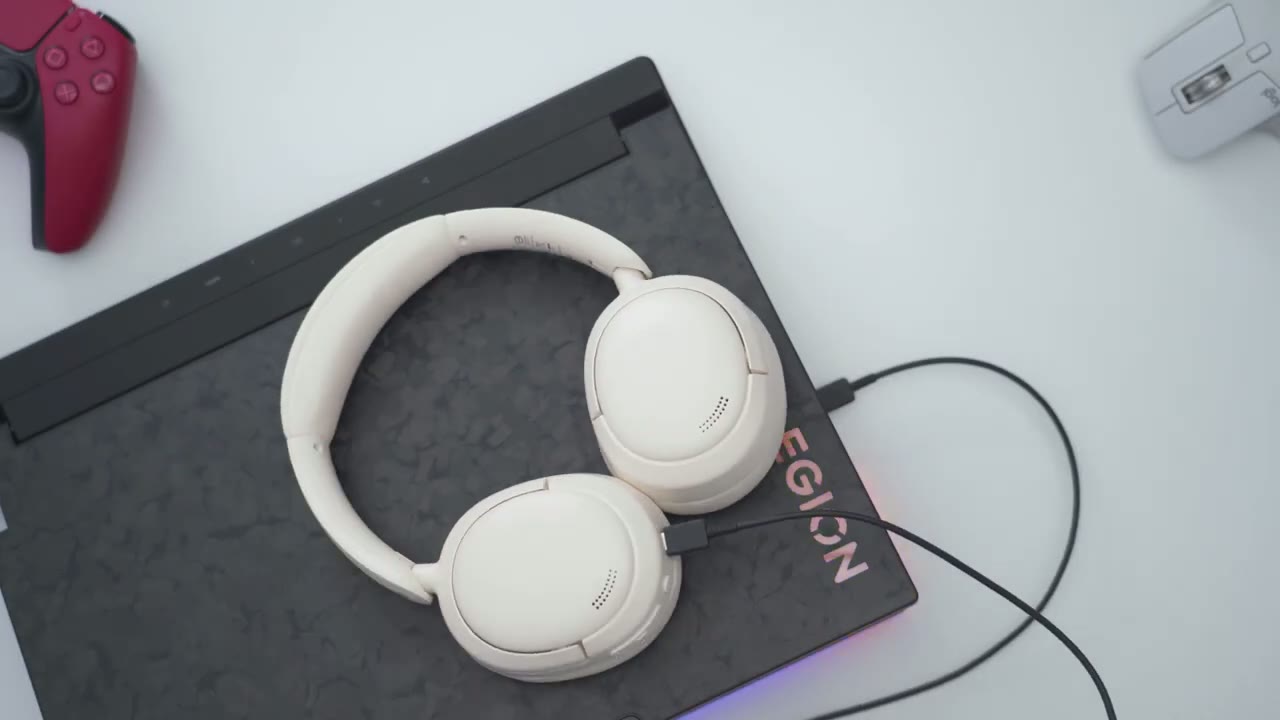
rate the active noise cancellation or ANC performance on here as average or decent it’s not the best that I’ve used so it’s going to do a good job at you know kind of limiting low frequency sounds but any type of high frequency sounds will come through especially if you’re not listening to these you know at a high enough volume level so I would say because of the good seal on here if you’re listening at 60% or higher there’s a good chance you’re going to block out a lot of what’s going on around you the transparency mode works fairly well but I’ve noticed that I have to keep it all the way up to 3: and if I’m listening to music really loud then it could be hard to hear it so it would have been good if it was a little bit more adaptive but it’s still pretty
Mic
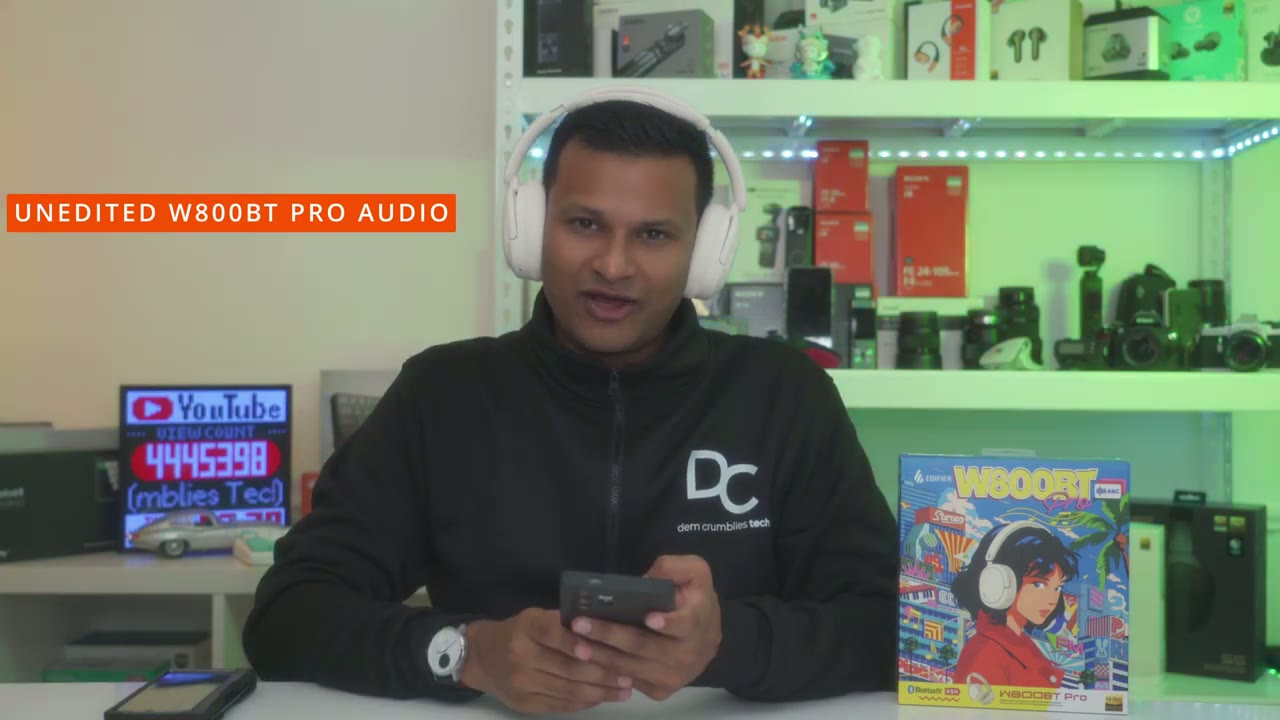
decent overall I also used these on a handful of calls and I didn’t have any issues where people were reporting I sounded far away or anything sounded muffled so these should be good for you know Zoom calls or even if you want to connect these wi while you’re gaming here’s an example of what microphone audio sounds like from the w800 BT headphones while I’m in a fairly quiet room with little to no ambient noise I now have simulated background noise playing on my other phone at around 50% volume it’s quite loud and very close to the headphones and this is how it handles background noise while
Sound Leakage?
you’re talking let’s do a quick sound leak test so you can see I have a good seal front back top and bottom it’s just sealed all the way through so so the microphone is I would say about 8 to 10 in away and I’m playing music at around 50% and I can’t hear a thing I’m going to move it up to about 80% now again I can’t hear anything and this is a dead quiet room I’ll put it up to 100% now I can hear a little bit of Music at 100% now keep in mind again this is a dead quiet room you’re not going to be in that type of environment so unless you’re in a dead quiet library and someone is you know about say 2 feet away from you they might be able to hear it but again it’s not even that loud so the seal on here is fantastic if you’re going to be using it in like a coffee shop or even at work if you’re around like 80% volume or lower no issues with
Gaming
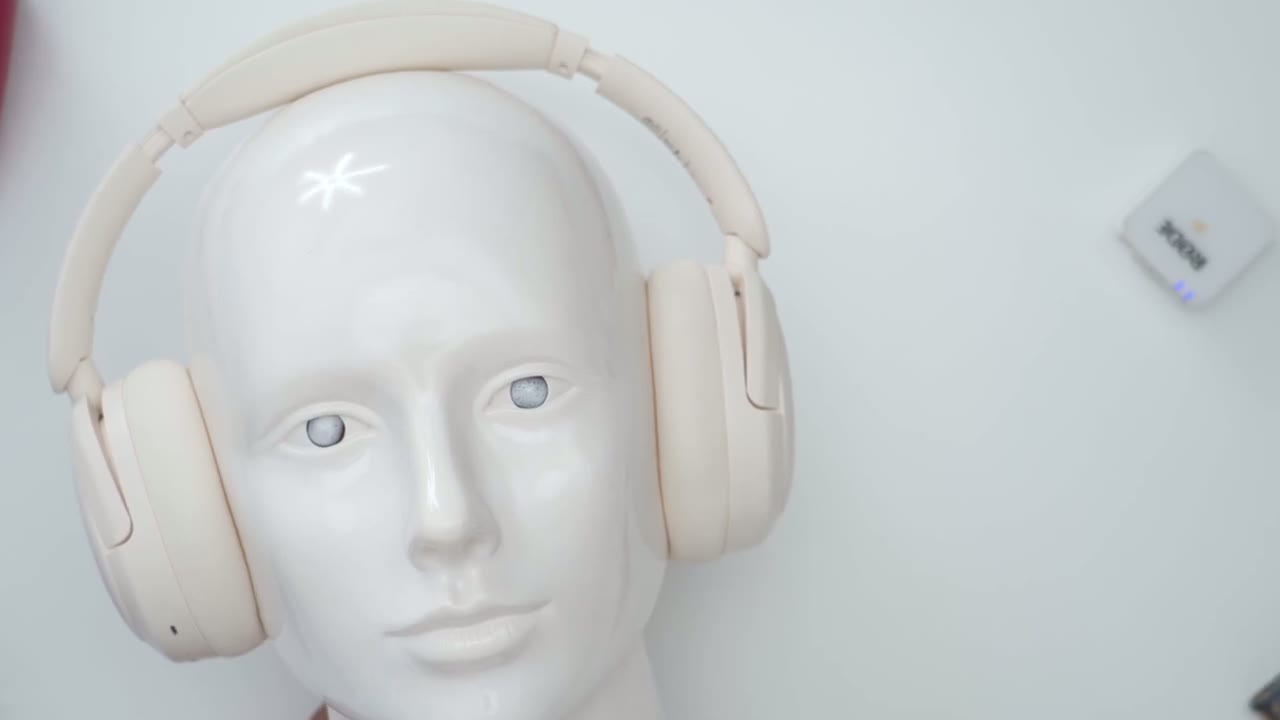
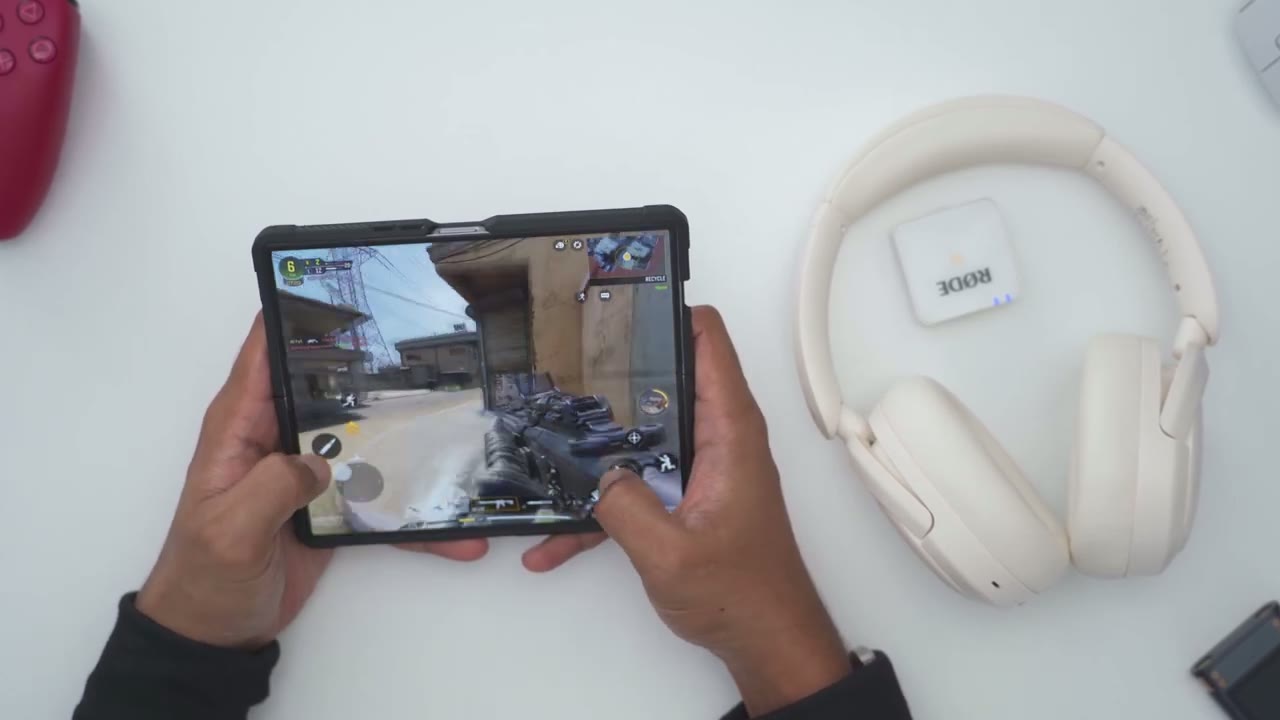
sound leakage at all casual gaming is no problem if you’re using these in Bluetooth with game mode on but if you want zero latency go ahead and use them in wired mode with the USBC cable the
Battery
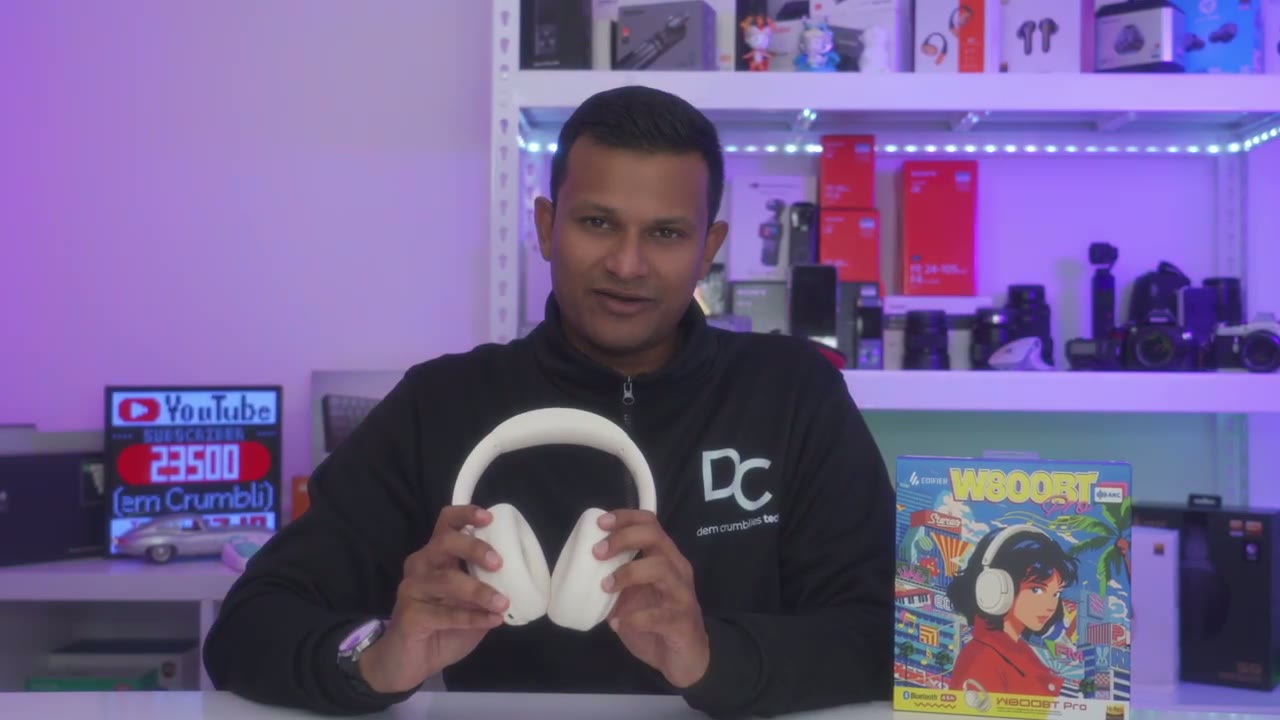
battery life has been fantastic on these so these are rated for up to 45 hours of battery life and that’s pretty much like a week of use but without any charging depending on your listening habits now if you are going to be using ANC then it’s rated for up to 26 hours and I’ve actually been getting pretty close to that listening it around you know 50 to 60% volume most times now whenever the battery does go down a quick 10-minute charge is going to give you an impressive 5 hours of battery life the other really cool thing with these is that you can connect them by USB type-c cable you’re going to get you know continuous power and you’ll also be using them with the higher res codex on
Comfort
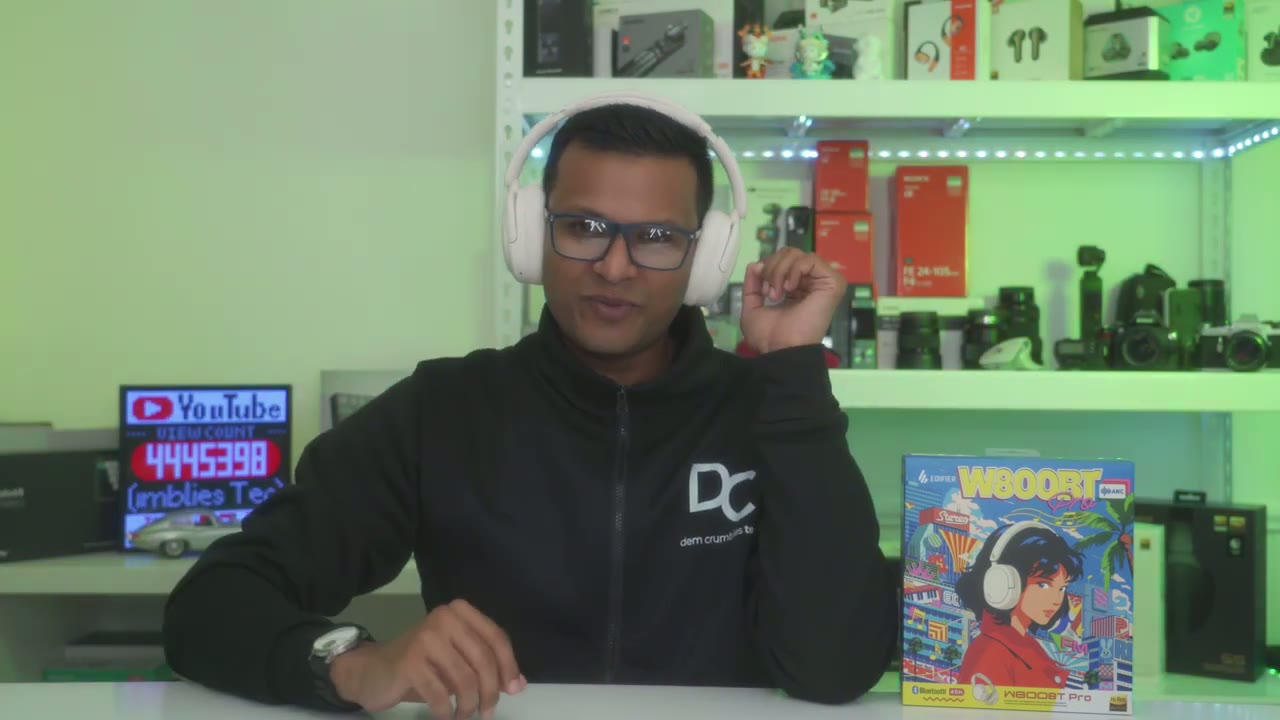
here these are also super comfortable to wear if you wear glasses most of the day like I do and even though they have a secure and snug fit it doesn’t feel like it’s pressing too much once you adjust the headband it’s actually very comfortable the one thing I did notice is that because of the ear cup material my ears would get a little bit warm so I definitely wouldn’t wear these on you know like a hot summer day or in a very warm room but you know with fall around a corner and then winter these would be an awesome pair of headphones for just you know going out for a walk cleaning snow it’ll keep me nice and warm so the
Recommended
edifier w 800 BT Pro are an easy recommendation for me these are fantastic sounding headphones with great features for the price because you get good build quality a comfy and lightweight fit long battery life and the sound really delivers thanks to those 40mm drivers especially if you have these hooked up to a desktop laptop or even your phone on top of that you get multi-point connectivity for easy device switching and right now I think they may be on sale at an even lower price than what I mentioned at the start of this video so I do have any pricing or coupon information I’ll leave it down below if you’re interested in picking up your very own edifier w800 BT Pro and if you found this video helpful please consider checking out some of my other headphone and earbud reviews I review a bunch of different models along with a bunch of different other Tech on this channel so I’m sure you’ll find something you like and if I can ask a huge favor would you mind liking and subscribing please it does help me out a lot as a growing Channel and I hope to see you in the next one soon
Buy the Edifier W800BT Pro on Amazon
Please note that some of the links in my video descriptions are affiliate links where I earn from qualifying purchases. As an Amazon Associate I earn from qualifying purchases.

