


Please note that some of the links in my video descriptions are affiliate links where I earn from qualifying purchases. As an Amazon Associate I earn from qualifying purchases.
Intro
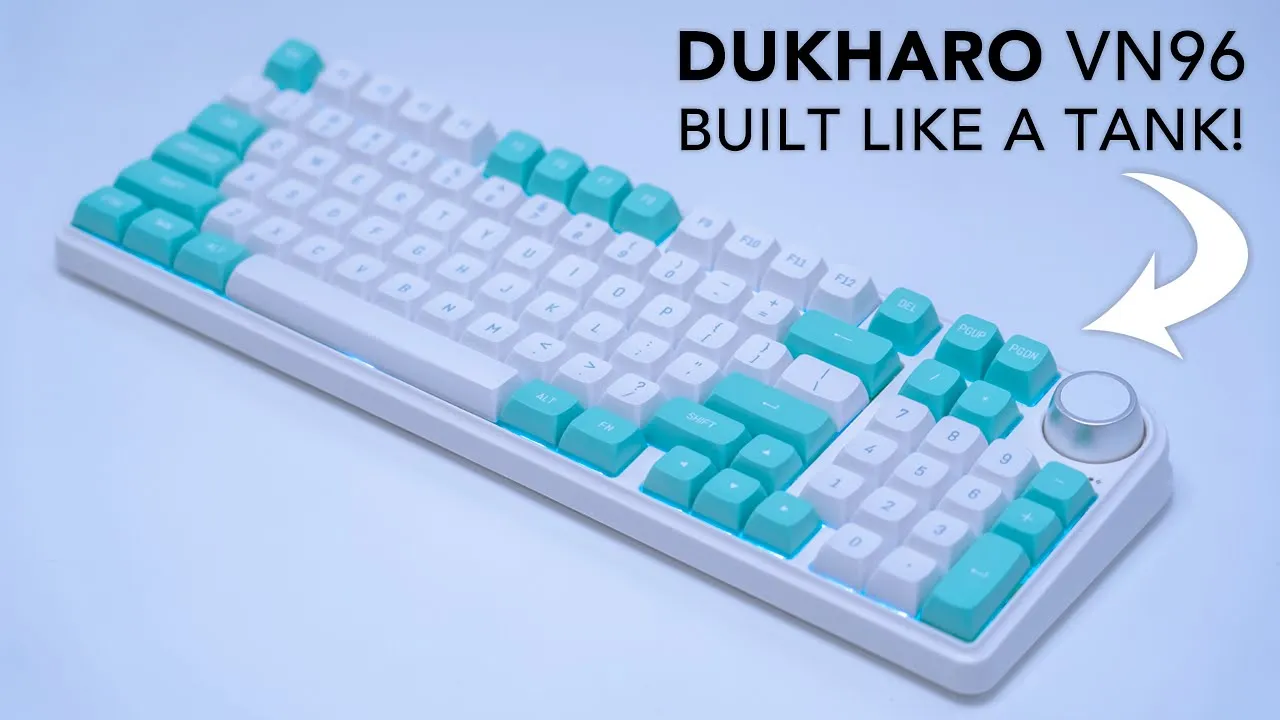
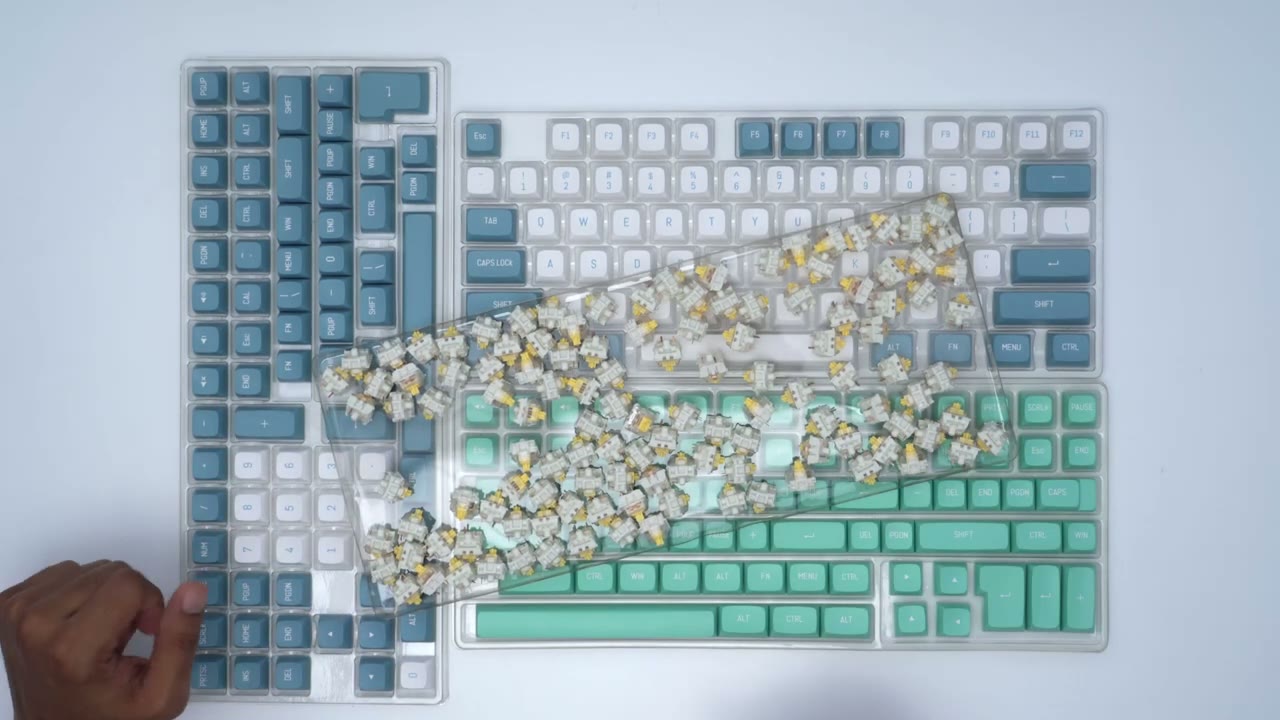
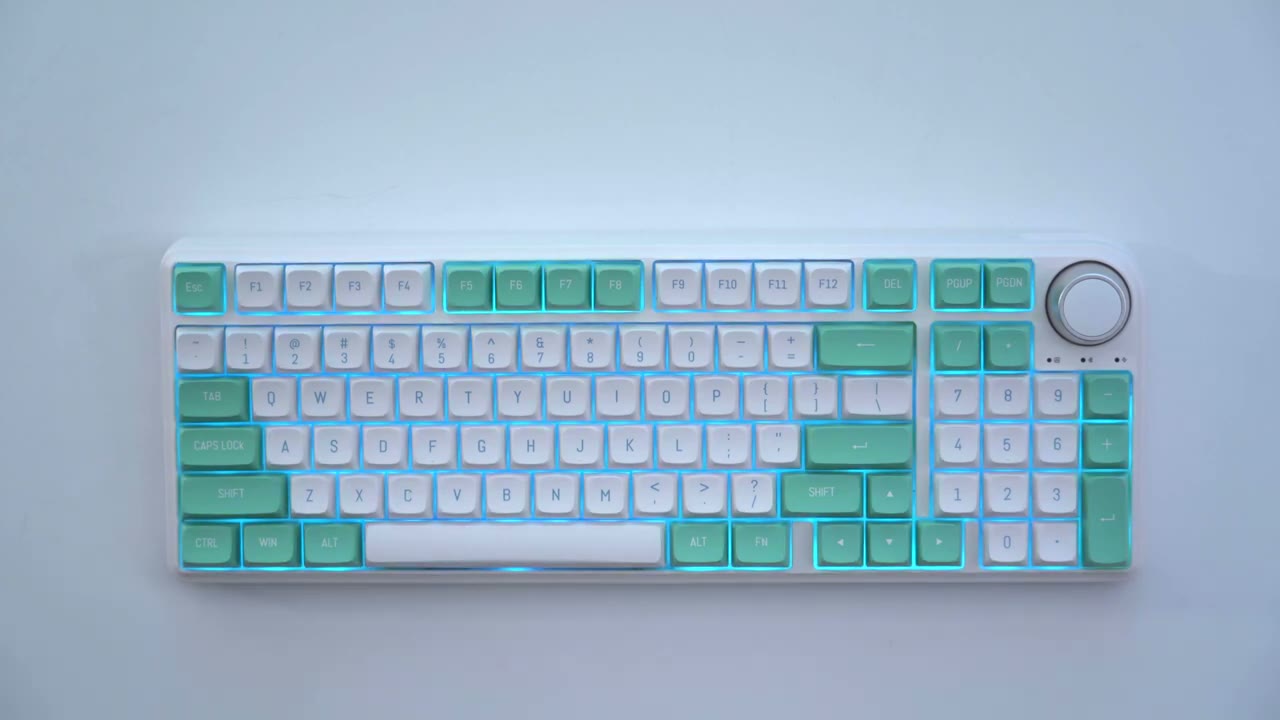
hey it’s Adrian and today I’m taking a look at this zakaro vm96 DIY or Bare Bones keyboard kit so I was on this keyboard kit along with some keycaps from what geek so thank you what geek for sending this out to me I also got these with the factory double shot PBT keycaps and these are the fecker shoko styling you can see it’s a really beautiful color combination I’m going to be pairing the keyboard with these cateron Pro yellow linear switches so let’s get started first a quick work
Sponsor Message
from today’s sponsor are you embarrassed by the way your wallet looks anytime you have to take it out to pay my new extra wallet allows me to carry everything that I was able to carry in my old wallet while being Slimmer and doing it in style the modular design allows you to slim down to the essentials or scale up as your needs change you also have quick access to all your cars with a simple click an optional solar tracker can be added to your wallet so you can find it in the app this carbon fiber wallet which uses space grade carbon fiber and features an aluminum back plate which expands to let you hold a total of 15 cards and cash for traditional look check out this Parliament wallet which is in Mill beige and features environmentally friendly leather with additional Pockets a cash trap to fit all of your cards his Senate wallet in Juniper green also features environmentally friendly leather and it’s my favorite wallet because I can just go to the essentials whenever I need to extra wallets feature an RFID pocket for your carts to protect against Wireless stuff if you’re interested in trying any of these extra wallets links will be in the description down below and use my code DCT for an extra discount
Package Contents
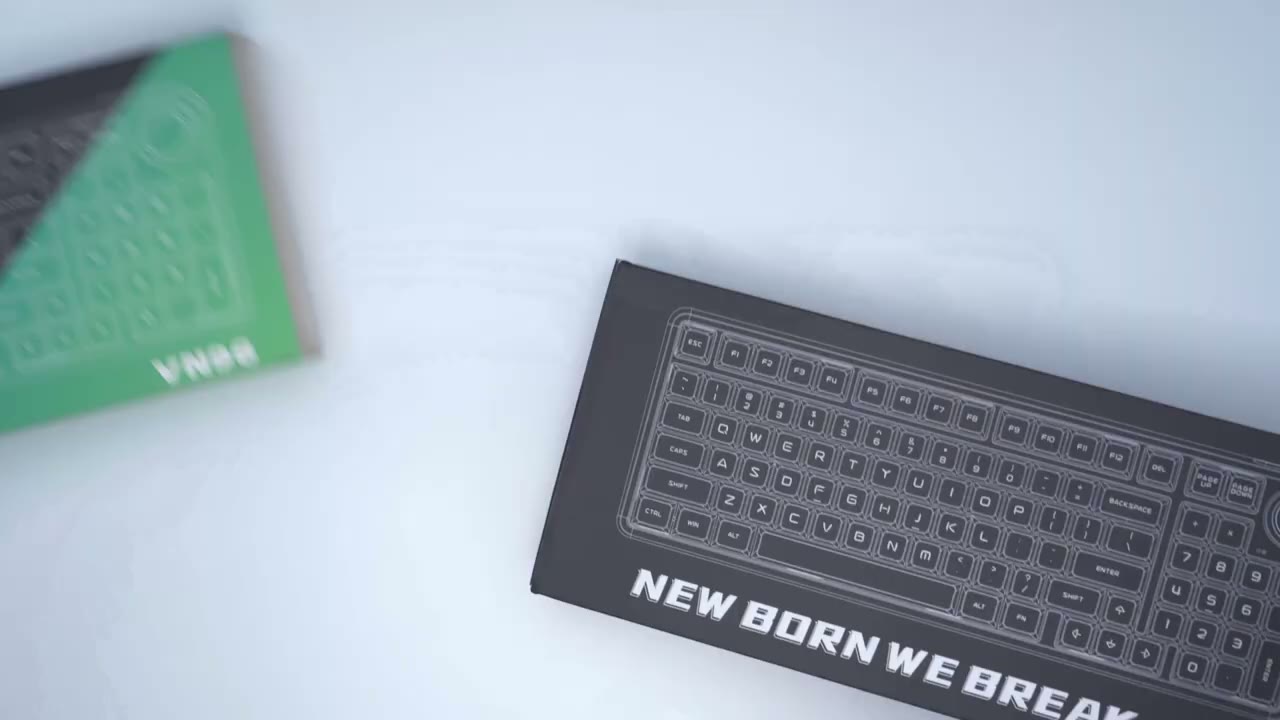
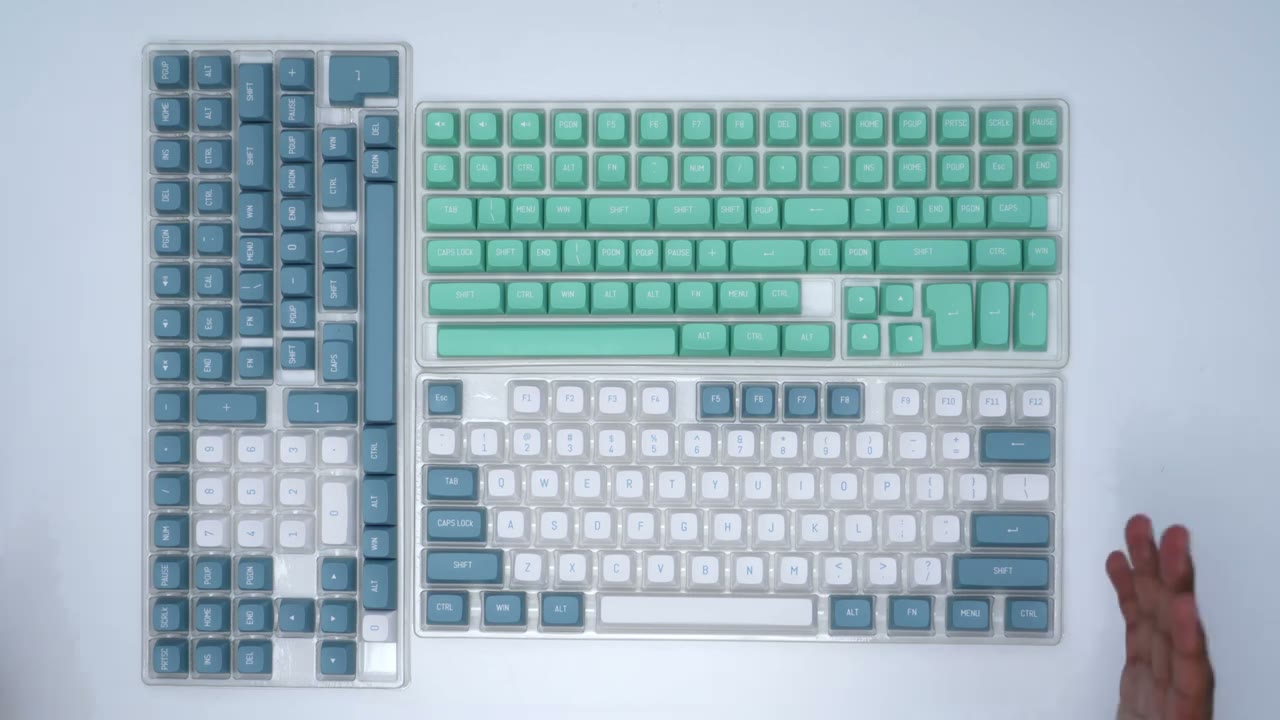
in the box we have the DIY keyboard USB type-c cable wireless dongle and keycap puller the keycaps are the chopo style there’s 226 of them and they are CSA profile and they are pvt double shot keycaps all
Design
right right off the bat this thing feels really solid and high quality so in terms of weight comes in at around 10 070 grams and that’s about 2.3 pounds so you can see it oh this is definitely not a light keyboard but as well it’s not going to be a keyboard that’s going to be shifting around a lot taking a look at the back so you can see we have these feet that only adjust you know in one increment anyway and the wireless dongle is housed really nicely and compactly in there the sides of the keyboard have nothing on them same with the front of it and the back of it is where you’d find the type C charging port or connector port and then we also have a switch here which turns on the RGB there’s also some indicator lights here to let you know whether you have caps lock on you’re in Bluetooth mode or charging the knob is a good size I don’t find it too large I prefer that it’s a bit larger than smaller personally and you can see that when I rotate it they’re kind of hard to stop so it’s not a smooth fluid motion so you may like that or not I’m not sure how well that picked up on the microphone but it’s not very loud at all layout wise you could see compared to this full-size Logitech keyboard This 96 layout still manages to keep a numpad which is usually a make or break for me and it stays really compact x-wise this
Specifications
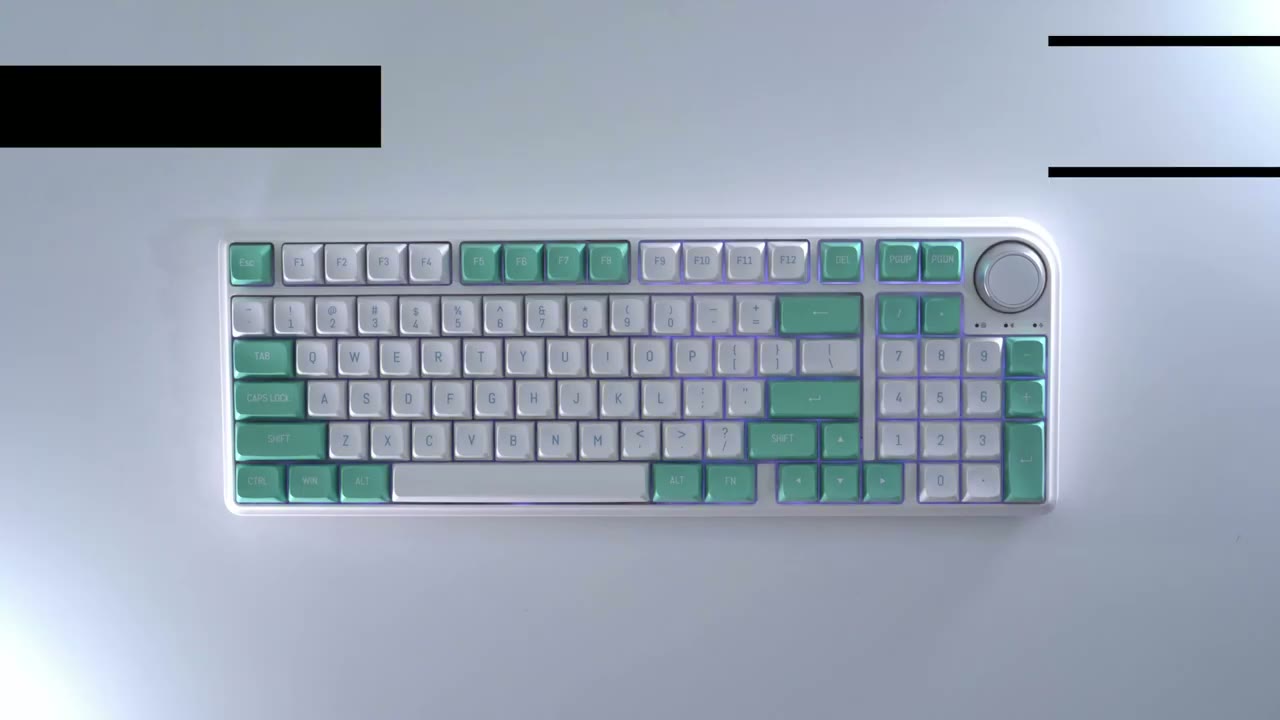
keyboard comes with sound absorbing foam gaskets and a silicone pad it is hot swappable and there is a programmable RGB array connections can be by Bluetooth USB type-c and 2.4 gigahertz wireless there is a built-in 6000 milliamp hour battery control knob south facing LEDs support for three pin and five pin switches and full key anti-boasting all right to start I’m
Assembly
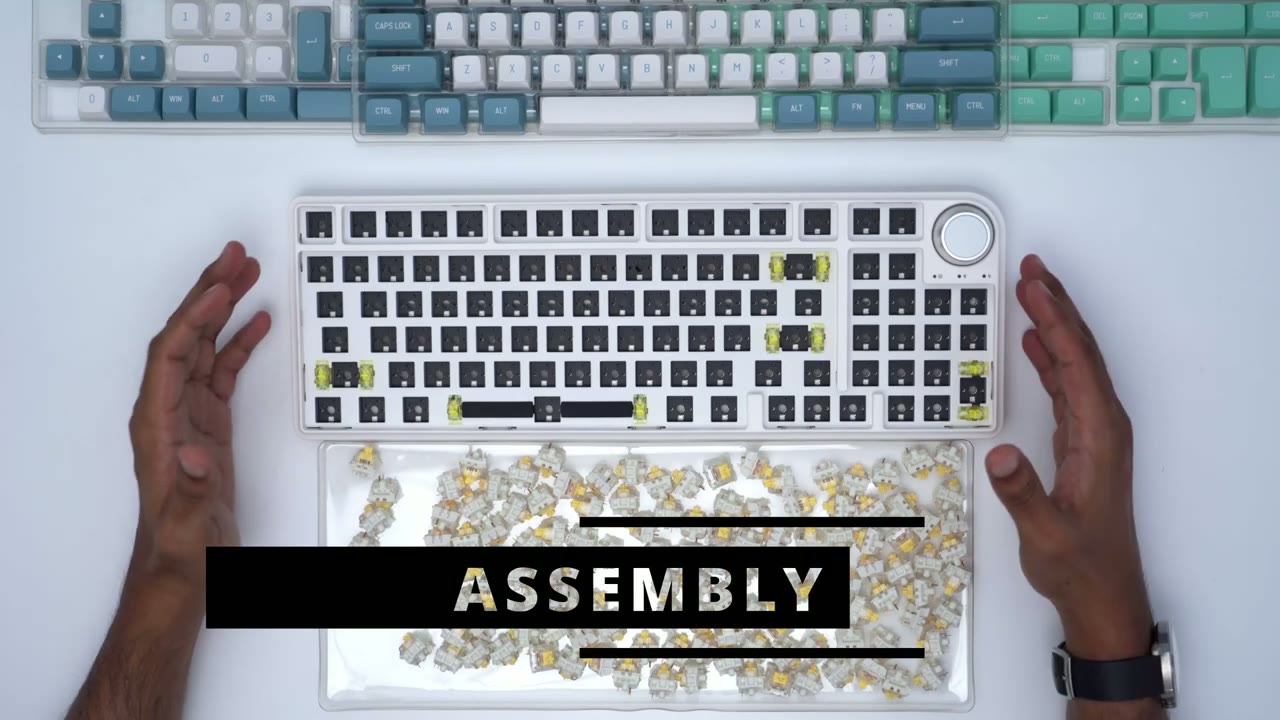
going to add in the switches then I’m going to add the keycaps and just do a typing test just to see what the sound sounds like so the switches that I’m going to be using are these gather on Pro yellow linear switches foreign all of these switches so the next thing I’m going to do is I’m just going to plug the keyboard into my computer load up the vsi just the test and make sure there’s connections to each of these switches before I add the keycaps all right so here is the fully assembled keyboard and I think it looks so sharp with this type of color scheme so you know you have the white with the baby blue lettering here and then that’s flanked by these type of turquoise with white accents or white lettering and that looks just so sharp and you know just minty fresh if I can describe it that way here’s a quick sound test of
Typing Sounds

what it sounds like and again I’ve done nothing except add on the switches and the keycaps [Applause] foreign so you can see that there’s no no type of discernible wobble it’s pretty even so the stabilizers are doing a pretty good job so I think you could definitely use this you know in a work school environment office environment because it’s not very loud with the type of switches on here [Applause]
Typing Experience
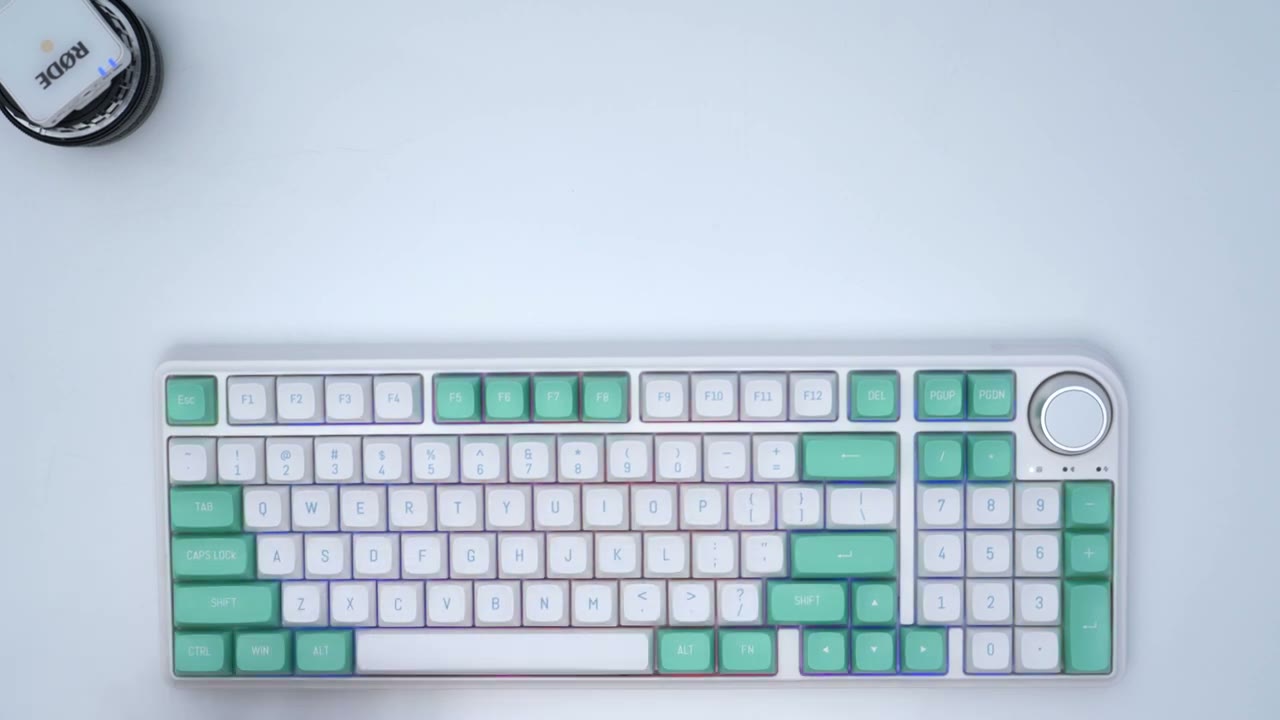
so I’ve been using the Logitech MX mechanical keyboard since it came up and I am a huge fan of this keyboard especially since you know it’s a full layout keyboard and I can easily say that I prefer the typing experience on here hands down and part of that is because with this keyboard you could see that the keycaps you know they are the low profile key caps and they do have that type of indentation or you know slope in the middle which isn’t a bad thing I like it and it’s been great but I can definitely tell a difference in just quality and how planted the typing experience feels so you can see as I kind of rotate my finger on these letters you can see there’s a little bit of play right to left so the keys aren’t you know fully situated in her and same with the spacebar you know the stabilizers are doing a pretty good job here but I can kind of Place pressure on one side here and I see it kind of rocking also you know this is a little bit louder with this keyboard when I put my fingers on the edges and I try to apply some pressure there is some wobble but the thing is when I’m typing [Applause] I’m not feeling that wobble at all and it just feels like a way more planted and stable typing experience [Applause] so you can hear the sound also this is manageable you know you can use this in a library office School environment and I don’t think you’re going to be bothering anyone with this there’s not really any type of you know loud features on there especially with the switches that I picked and you can see that these Keys kind of slow up so they start kind of low hair and then they slope up now that’s not something I’m used to like most of the keyboards that I type on it’s kind of flat or you know has a really slight depression but with this they do slope up now that’s not a bad thing you know when I’m typing it’s not affecting my accuracy it just feels a little bit different with my fingertips
Keyboard Commands
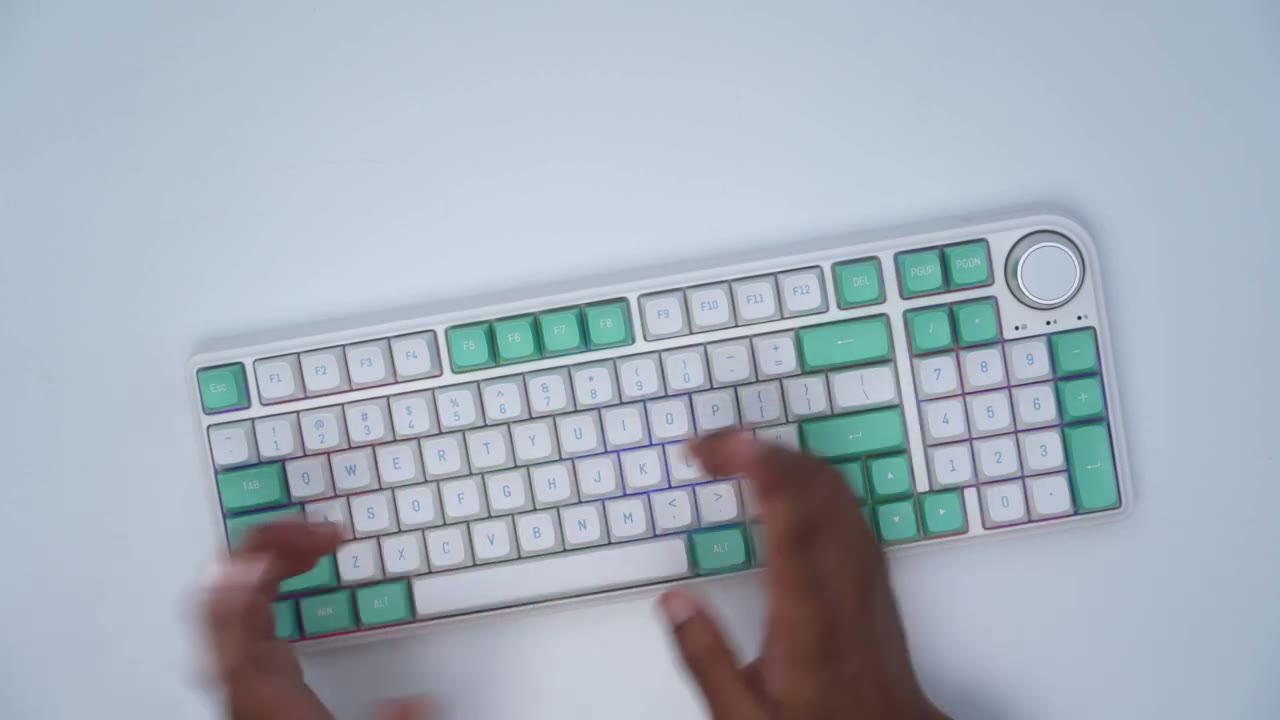
to check battery life you can hold down function in B and you can see this top row here the green light ends at around nine so we’re at around 90 battery life if you want to change the LED you can do it without the software actually so you can hold down function backspace to cut it or you could just turn it back on now you can also change the direction so you can see if I hit D here depending on the mode you know changes the RGB Direction Now function and down decreases the RGB brightness up increases it and then you can also slow down or speed up so pretty easy now you can also change the LED effect by function l and then you could change the LED color with function C so pretty simple system to use you have
Software Settings
these different layers here and I assume these are just a different name for presets and you also can save configurations here but that’s just and you know address key sensitivity but let’s go into lighting and I’m pretty impressed with the lighting options here um you know it’s uh it’s a ton of lighting options so I’ll just go through a couple of them so you can see you have the always on and my room is very brightly lit you know it’s quite illuminated and these LEDs I’m sorry these rgbs lights are really coming through strong even though it’s a very white and bright in here so you have the always on which is very basic um you also have this type of dynamic breathing and you also have let’s go back to always on because you can go ahead and set whatever color you like you know if you have a specific color preference but I do believe that this was the default it was drift and you can see um you know you could just slide with your mouse and really speed that up or slow it down if you like something you know much softer and you also have options to add macros now that’s not something I’m probably going to use and you also have the option here for the FN layer and then you can custom map whatever you would like
Under The Hood

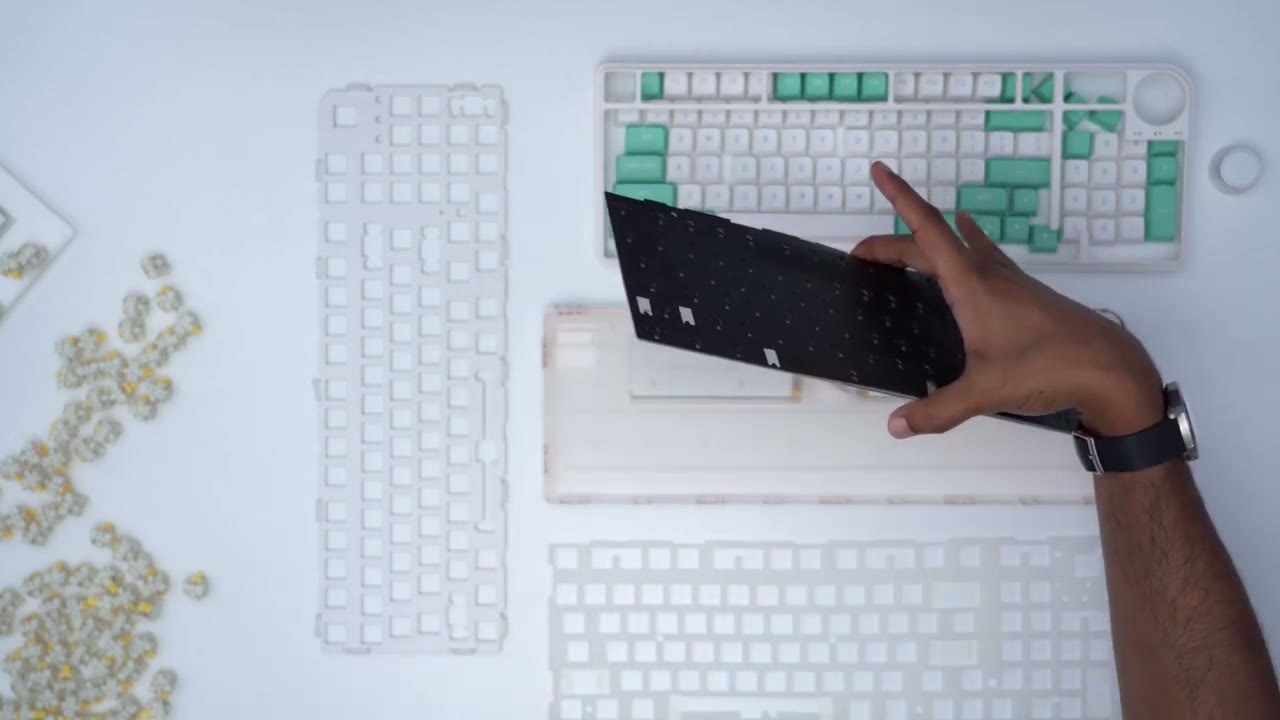
so I’ve taken everything apart just to see what’s going on underneath so after we remove this uh top cover here there’s this steel plate that you find right after and it has a good amount of weight to it there’s also this pretty thick silicone pad here there’s the board and then under the board we have another really thick silicone pad hopefully that’s showing up on camera and then finally we have the two battery packs so
Recommended?
if you’re looking for your first mechanical keyboard this is a good place to start you know the overall build quality is excellent it feels really Hefty and it’s not going to go anywhere you know it’s pretty planted when you’re typing and the typing experience is great as well it’s not too loud you know depending on the switches you go with but it’s just a nice looking keyboard it looks very high quality it’s an excellent color combination you also have a ton of customizability you can use the software or if you don’t want to use a software you can just access you know quick settings directly from the keyboard so you can see you can adjust lighting brightness speed you also have keyboard shortcuts to use on Mac or windows so overall I think this is an excellent keyboard again I got the do-it-yourself version I just bought some switches put that in and then I used the included keycaps again which looks super sharp uh really really nice font style but you know I didn’t run into any issues it was a really straightforward process it sounds great straight straight out of the box you know without any type of changes to the internals or anything like that if you’re interested in trying out the dukuro vm96 or any of the key captures such as I’m going to leave a promo code down below where you can get 10 off all right guys well let me know what you think about this keyword in terms of how it looks and how it sounds you know I am kind of getting into mechanical keyboards after using memory and keyboards for a really long time so any type of tips or tricks are very appreciated and as always if you found my video helpful please consider liking and subscribing it really does help me out a lot and I’ll see you in the next one Adrian out
Please note that some of the links in my video descriptions are affiliate links where I earn from qualifying purchases. As an Amazon Associate I earn from qualifying purchases.

