


Please note that some of the links in my video descriptions are affiliate links where I earn from qualifying purchases. As an Amazon Associate I earn from qualifying purchases.
Intro
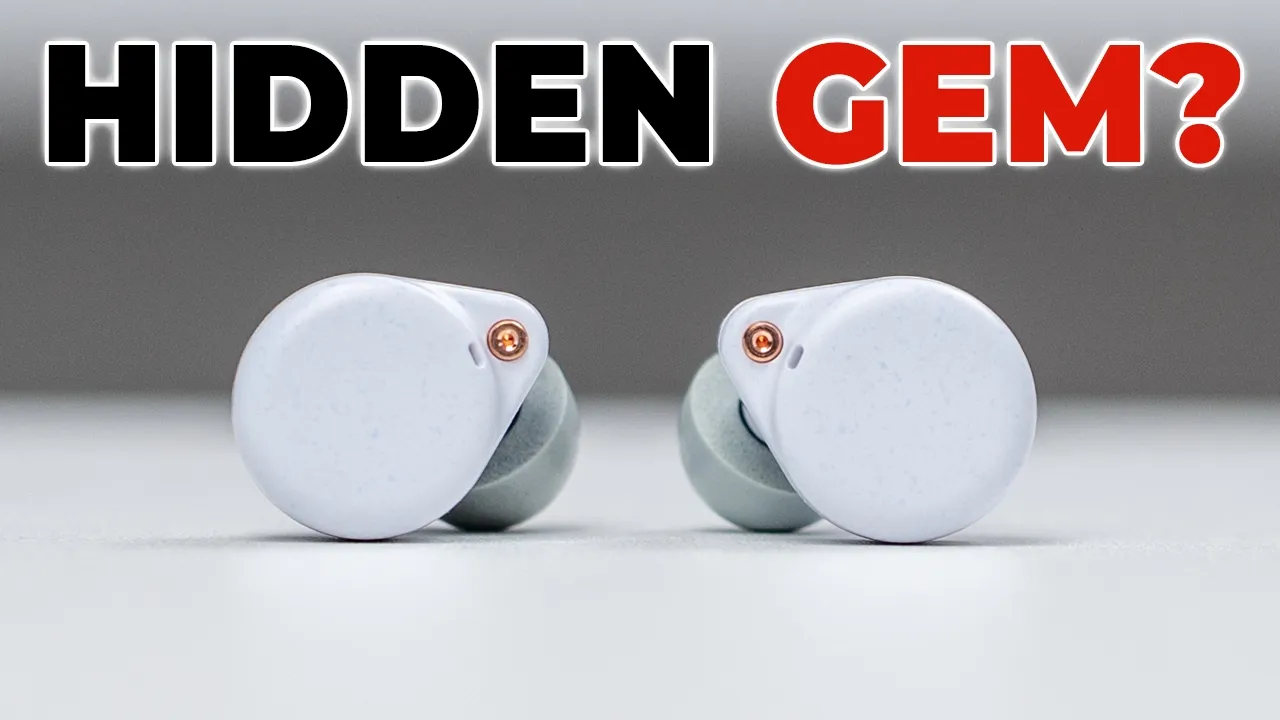
If you’re looking for solid sounding earbuds under $50, the Roselsa Ceramics Ultra might be it. They have high-res wireless audio with LDAC and LHDC support. There’s up to 50 dB of active noise cancellation, a low latency gaming mode, up to 11 hours of battery life for 40 hours when you factor in the charging case, multi-point support to connect two devices at once, an IPX4 rating, Bluetooth 6, and more. But how good do they actually sound? And is the ANC actually decent? Well, let’s take a closer look. And a big thanks to Roselsa for sending these out for review. In the
Package Contents

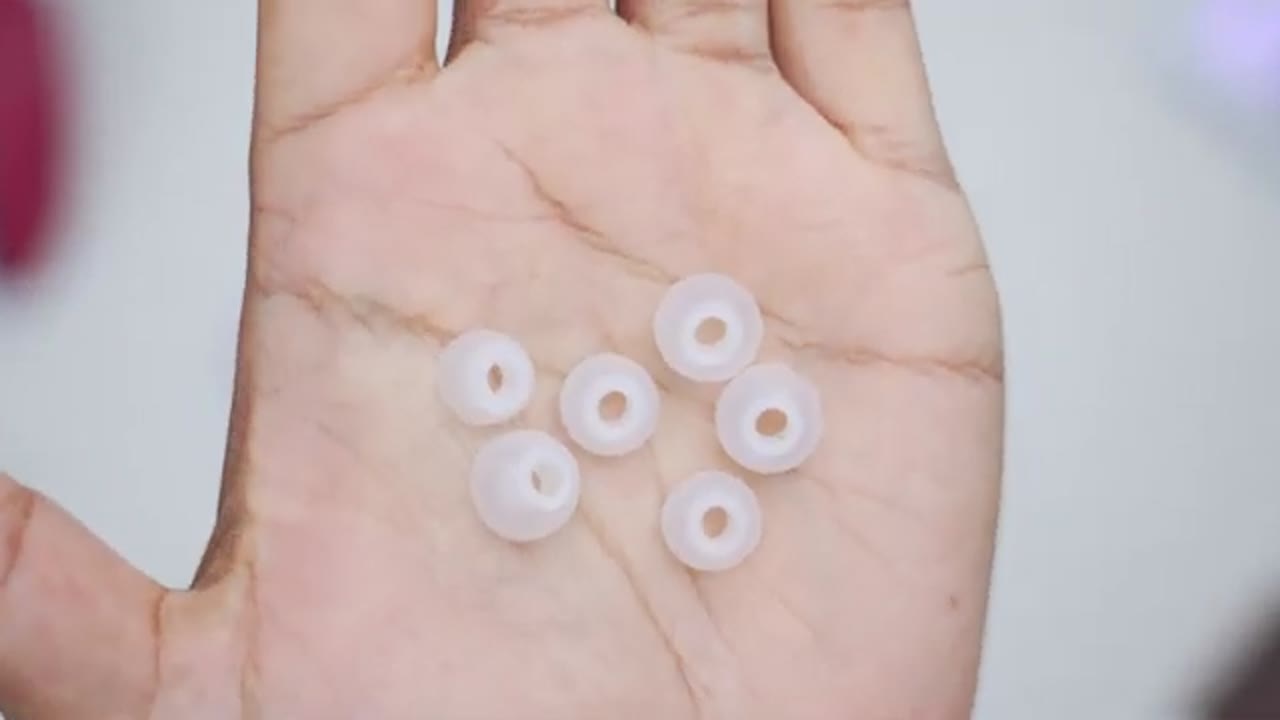
box, we have the Ceramics Ultra earbuds, a charging case, USB type A to type-C cable, manual, and additional ear tips.
Design

Looking at the design of the Ceramics Ultra, so they come in at around 5.5 g, and that’s with the memory foam ear tips on here, which came standard and already pre-applied on here. But you do have silicone style ear tips as well. There’s a speckled type of patterning going around the body, and it has a mostly matte look. We also have the Roselsa logo right there. The charging contacts at the bottom and of course various microphones around here. The earbuds have a large touch control area and they also have an IPX4 rating. The charging case is fairly compact coming in at around 36 g. Now we have that same type of speckled pattern going on with the matte type of finish. So it is fairly grippy.
There’s a ceramics text at the front along with an LED indicator light and USB type-C port and reset button. Opening the case and removing the earbuds is extremely simple. And once they’re in and you do the upside down test, they stay nice and firmly in
Specs
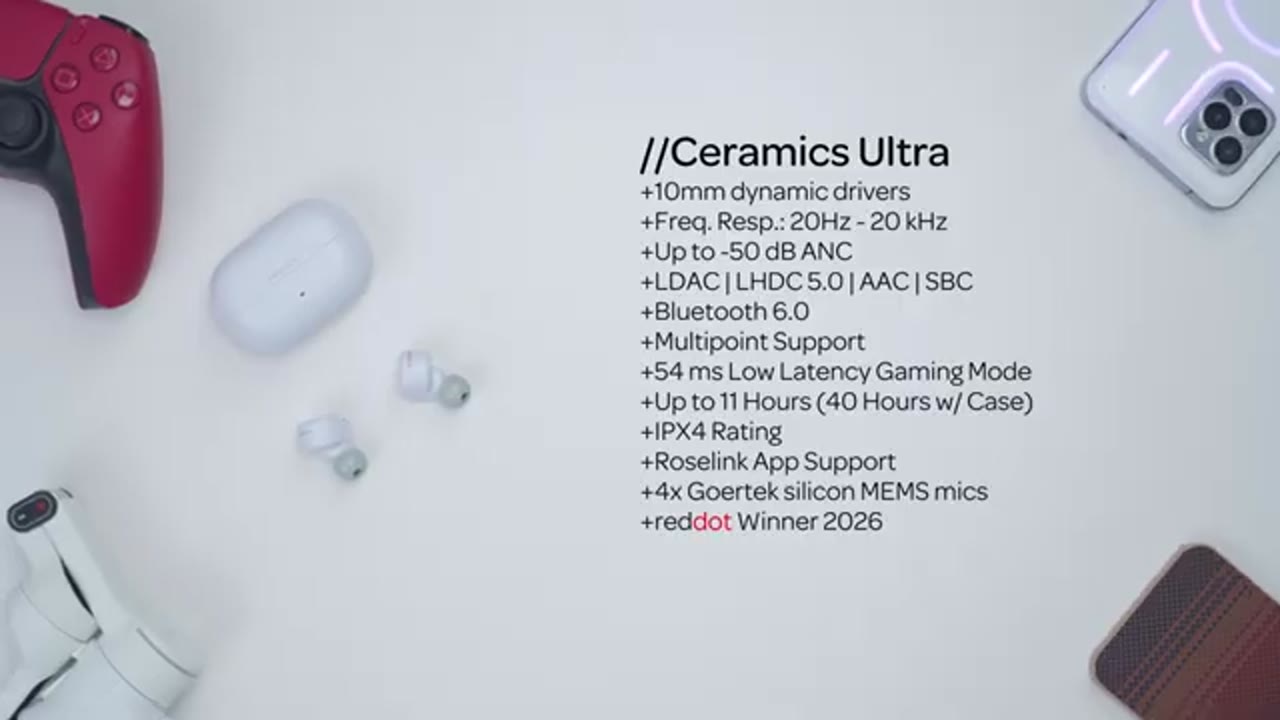
place. Here’s a quick look at the specs. Feel free to pause and review or jump ahead to the next section. I’ll pair the
Bluetooth Pairing
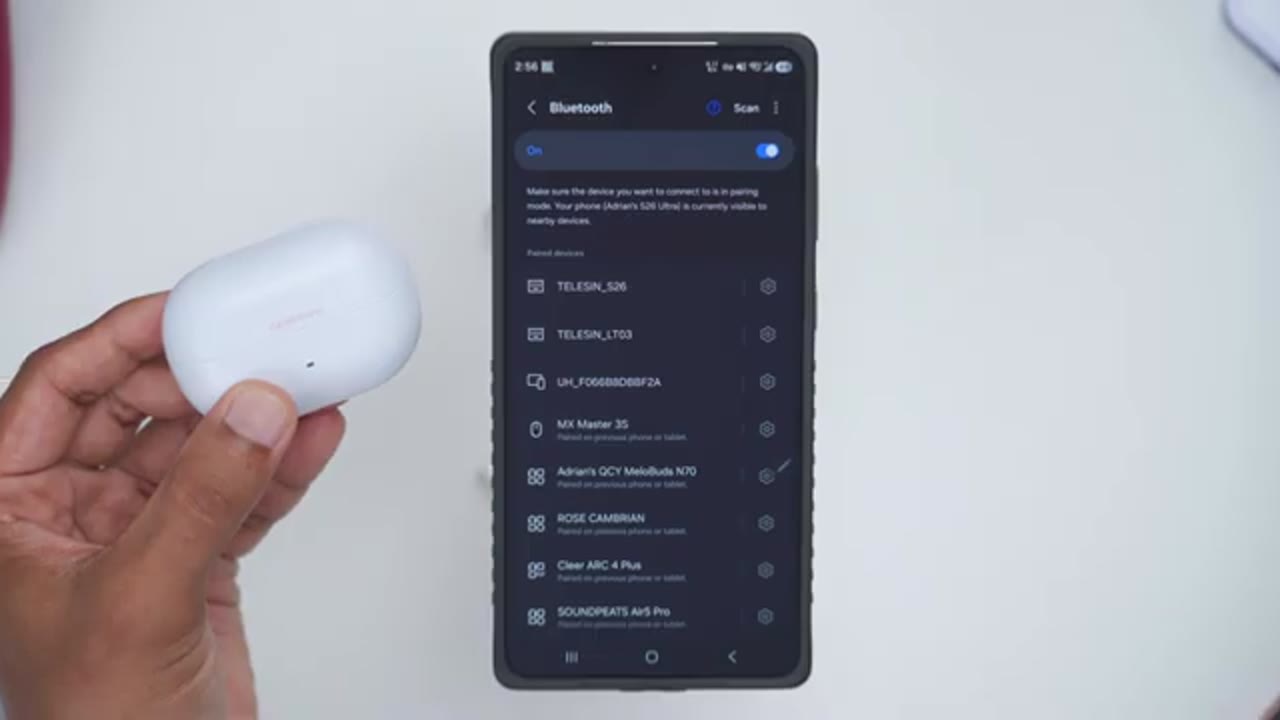
Ceramics Ultra for the first time. So, in my Bluetooth settings, I’ll hit scan and I can see it right here. So, roast ceramics. Tap on pair. And just like that, we’re connected. I’ll repeat the same process on my ZFold 7. And just like that, I have both of my phones connected since we have multipoint support. And a quick heads up, once you enable LDAC in the Rosink app, make sure you jump into your Bluetooth settings and you enable it here as well. And
Multipoint
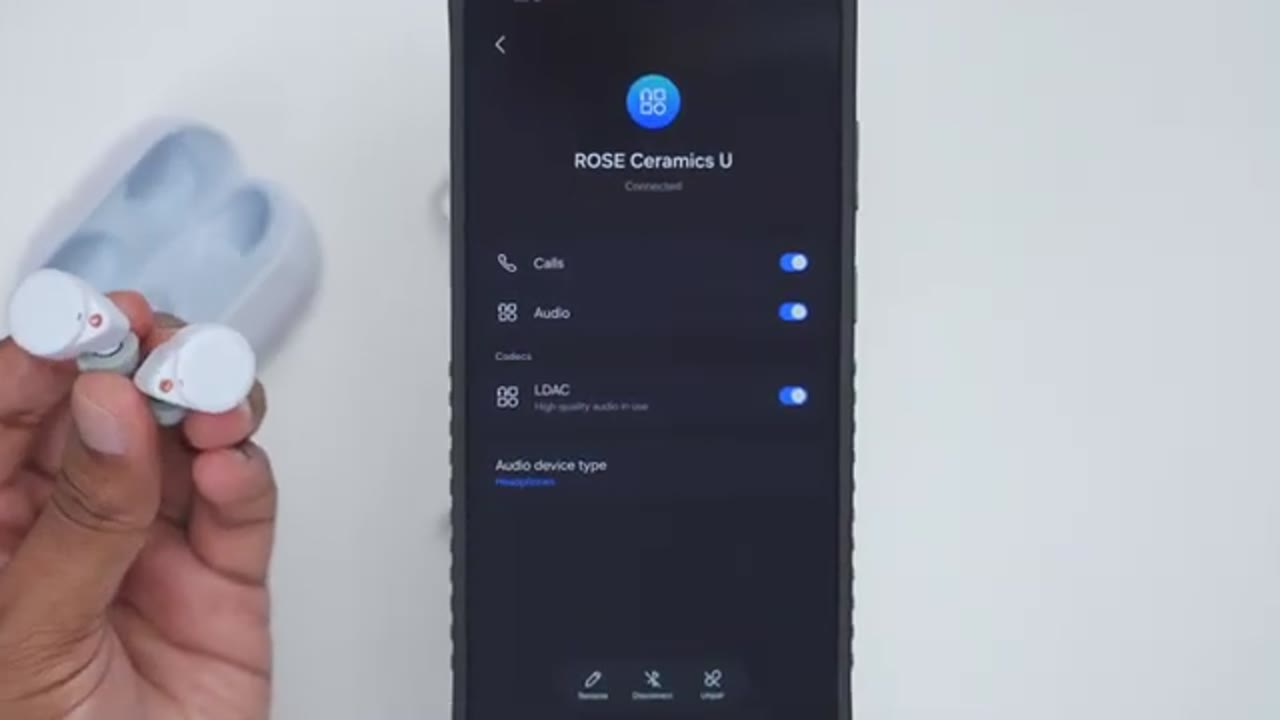
here’s a quick multipoint demo.
Roselink App Settings

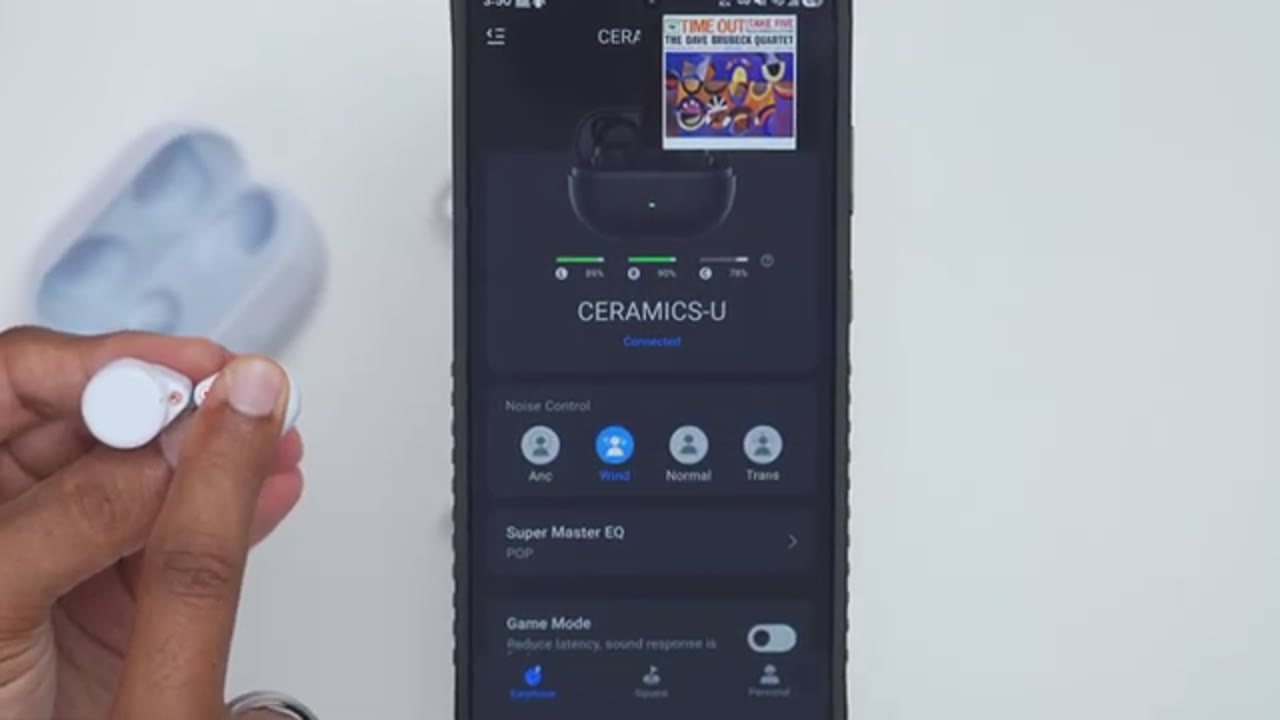
Let’s take a look at the Roselink app settings. So, if I open the case up, I’ll be able to see the battery life for the right and left earbuds along with the battery life on the charging case, like you could see right there. And I can see that they’re actively being charged as well. Now, once you take the earbuds out, you’re not going to see the battery life for the case anymore. Just keep that in mind. Now, in terms of noise control, we have active noise cancellation. When you pick that, you have some sub options there. So, deep noise reduction, moderate noise reduction, and light noise reduction. And then you can also turn on wind mode, normal mode, and you can also go into transparency mode. And you have two adjustments here. So standard transparency and comfort transparency.
Under equalizers, you could set it from classic, pop, hi-fi, and rock. But there is no custom EQ option. Keep that in mind. And you could turn game mode on and off right from here. You can also turn on dual device connection or multipoint right here. Now you also have options for AAC, SBC, LDAC, and LHDC. And you can also use find device. So, it’s going to emit a high pitch tone to help you find your earbuds. Under touch settings, you can set the touch settings independently, right and left earbud. And you can see if you tap into, you have a bunch of options. So, you can really customize how you want these. If you want it for, you know, a single press, double press, triple press, or a long press as well. And you can also disable touch controls if you don’t want to use them.
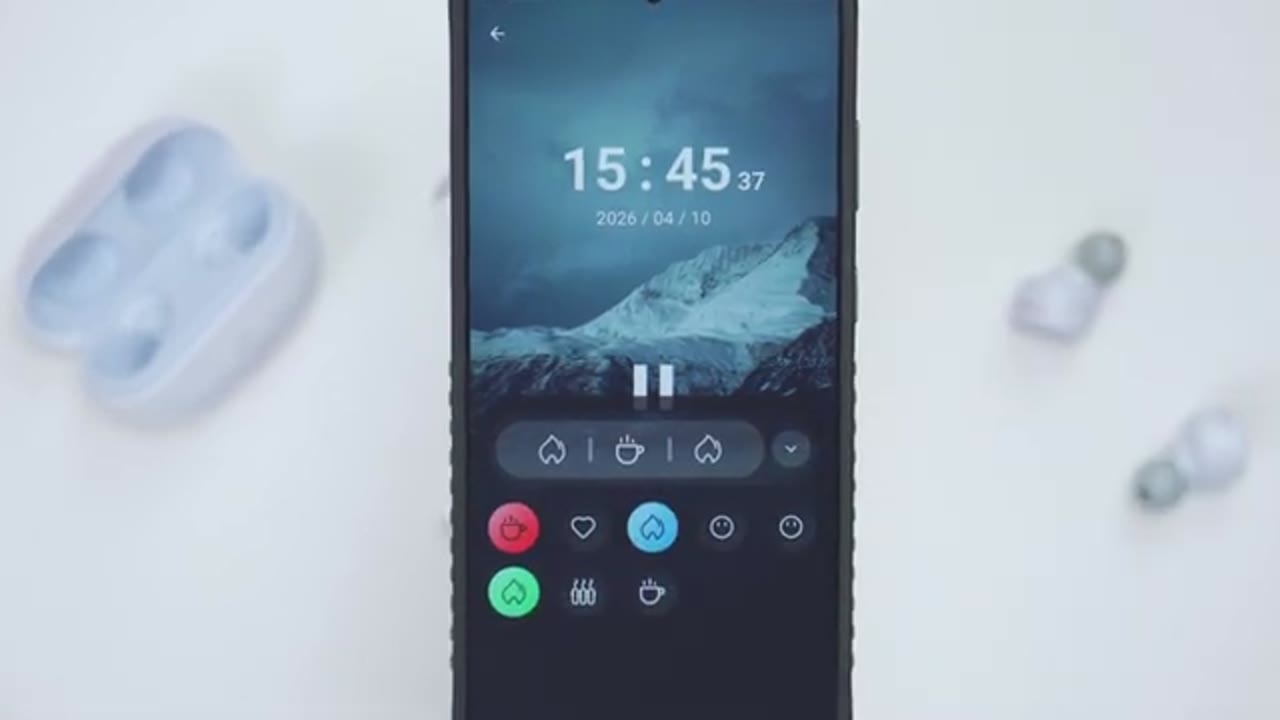
Under earphone voice language, you could set it from English to Chinese. And under lap settings, you can actually set the notification sound level from the lowest to the highest here, but you can’t actually disable it completely. Now, you can also turn on adaptive noise cancellation, which is not found in the main menu if you do prefer adaptive noise cancellation. And there’s also this option for extreme noise cancellation. And under noise cancellation touch settings, you can pick to cycle through all of the various modes, or you can just pick, you know, whichever modes are your favorite to cycle through. I’ve updated the firmware to the latest. Make sure you do that. Under the square tab at the bottom, we have this white noise feature.
And you can actually play a bunch of different ambient sound effects. And these actually stack on top of each other.
Controls
Really nice touch. The touch controls are really responsive. So, a single tap on the right one is going to increase volume and a single tap on left will decrease volume. Now, you can also double tap on either of these to pause or resume music playback. And if I do a triple tap on the right, it’s going to jump ahead to the next track. And if I do a triple tap on the left, it’s going to jump back to the previous track. I’ve also set it so that a long press is going to cycle through the various noise
Sound
cancellation modes. Let’s talk sound. So, when I used these, I was mostly using the foam ear tips for that really good seal and fitment. Also use the LDAC codec, and I switched between the pop and the hi-fi equalizer. In terms of bass, I think most people are going to be plenty happy with the bass coming out of these. Now, of course, having a good fit and seal is vital. And with the foam ear tips in here, bass had plenty of depth and strong presence. It’s not the punchiest bass, but you still get a satisfying thump with a lingering bass rumble and solid subbase extension. I did feel like the decay could hang around slightly longer, which some people may enjoy, but occasionally it does bleed into the lower mids.
The mids were clear and well- definined with vocals coming through nicely present and slightly forward. There’s no real muddiness, though there can be a bit of siblance on certain tracks, especially with the hi-fi equalizer on. So stick to the classic and pop equalizer if you have more sensitive ears. Highs are very detailed and nicely prominent without sounding harsh. And when listening to orchestral tracks, it was easy to pick out individual instruments and even notice some fine background details that came through clearer than with other earbuds at this price. That said, the sound stage doesn’t feel the widest, so it feels more intimate than expansive. For the price, these are a fantastic sounding pair of earbuds for everyday
Microphone

listening. Here’s an example of what the microphone audio sounds like from the RELsa Ceramics Ultra. I’m inside in a very quiet room with little to no ambient noise. Here’s an example of microphone audio from the Ceramics Ultra. I’m outside. Kind of a windy day. Lot of background and ambient noise. Cars passing by, bikes passing by, and a
ANC

loudspeaker. In terms of the active noise cancellation, so it’s actually pretty good on these. Now, a lot of that comes down to having a good seal. And because I’m using the memory foam ear tips, that already blocks out a lot of background or ambient noise. Now, I used these on the train on the subway. It did a fantastic job just blocking out a lot of that background noise. And once I actually started playing music at around 30% volume or higher, I really could not hear much at all. So, if you’re going to be listening at around 30% or higher, you can actually block out a ton of noise, provided you have a good seal. The transparency mode works fantastic on here. Now, when it came to the wind noise or wind reduction mode, it wasn’t very effective for me.
Now, I did try these on an extremely windy day. It was about 20 21 km winds, very windy, and it really didn’t do much at all. I just stuck to the regular ANC mode. So, just keep that in mind if wind noise reduction is vital to you.
Gaming

Even with the low latency gaming mode on, I still notice a little bit of latency, but it didn’t stop me from dominating in Call of Duty Mobile. In
Battery

terms of battery life, these are rated for up to 11 hours of battery life or 40 hours if you factor in the charging case, but it’s mostly going to be dependent on how loud you actually listen to these at. Now, you can actually use one of these at a time while the other stays in the charging case if you wanted to further prolong
Comfort

battery life in terms of comfort. So, I’ve been using these with the foam ear tips that came in the package rather than the silicone ones just because they have a better fit and seal on here and they stay nice and secure in my ear. I haven’t had any issues with looseness or these falling out. Now, after about 1 or two hours of wear, I definitely noticed that they’re in my ear canal since they’re kind of expanded out. It doesn’t feel uncomfortable, but I definitely noticed that they’re there. So, you may want to consider using these silicone ear tips if that’s something that’s
Considerations
going to bother you. While I’ve loved the Ceramics Ultra, there’s a couple of potential dealbreakers. So, one is that there’s no in-ear or wearing detection, so it’s not going to automatically pause or resume music when you put these back in. There’s also no quick charge support, and the wind reduction mode isn’t the best. So, just keep that in mind if that matters to you. So, if
Recommended?

you’re looking for a fantastic sounding pair of earbuds with strong base performance and clarity, the Ceramic Slure are a great option at under $50. Plus, they’re also a Red Dot 2026 winner. Plus, you’re also getting high-res and LHDC wireless audio, solid battery life, responsive touch controls, and pretty good A&C as well. So, if you want to get your very own pair, I’m going to leave links down below. And if I have any type of coupon codes, I’ll leave that down below as well. If you like this video, consider checking out this video next and maybe even liking and subscribing. I review a bunch of different tech which I think you’ll like and I really hope you’ll join me in my next video
Please note that some of the links in my video descriptions are affiliate links where I earn from qualifying purchases. As an Amazon Associate I earn from qualifying purchases.

