


Buy aosu Video Doorbell SE on Amazon
Buy Aaosu SolarCam D1 Max at aosu
Please note that some of the links in my video descriptions are affiliate links where I earn from qualifying purchases. As an Amazon Associate I earn from qualifying purchases.
Intro
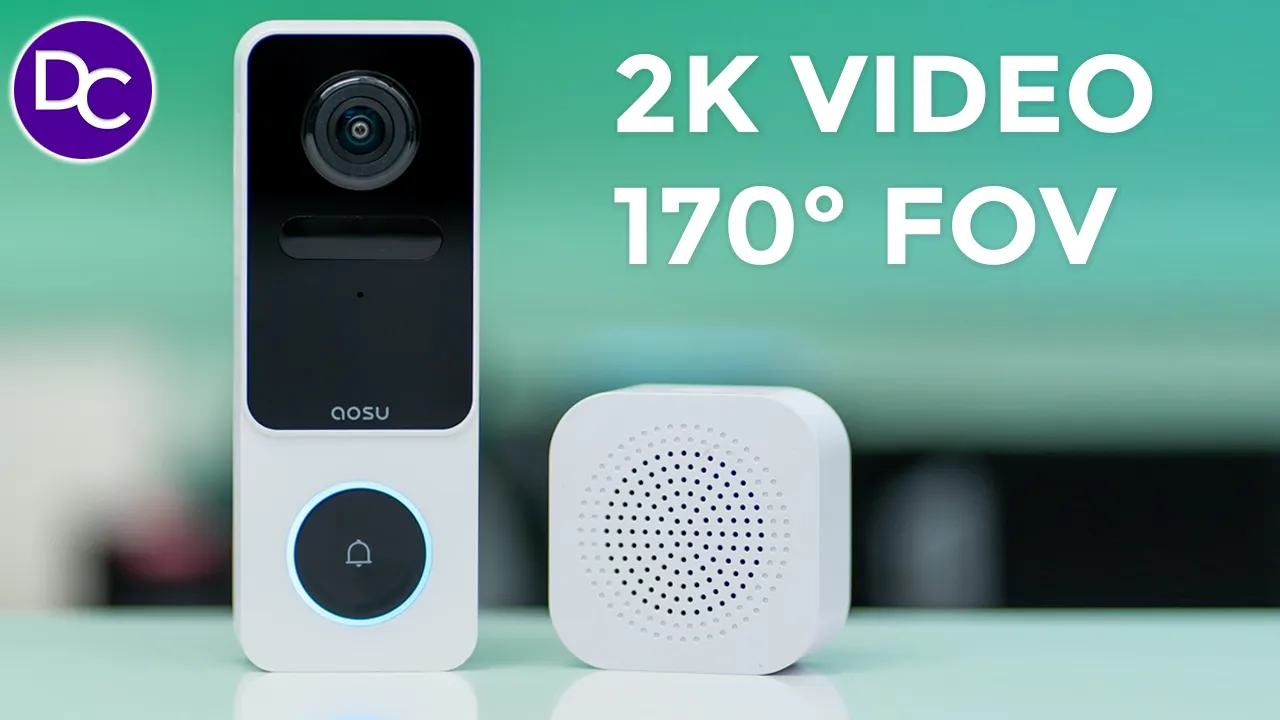
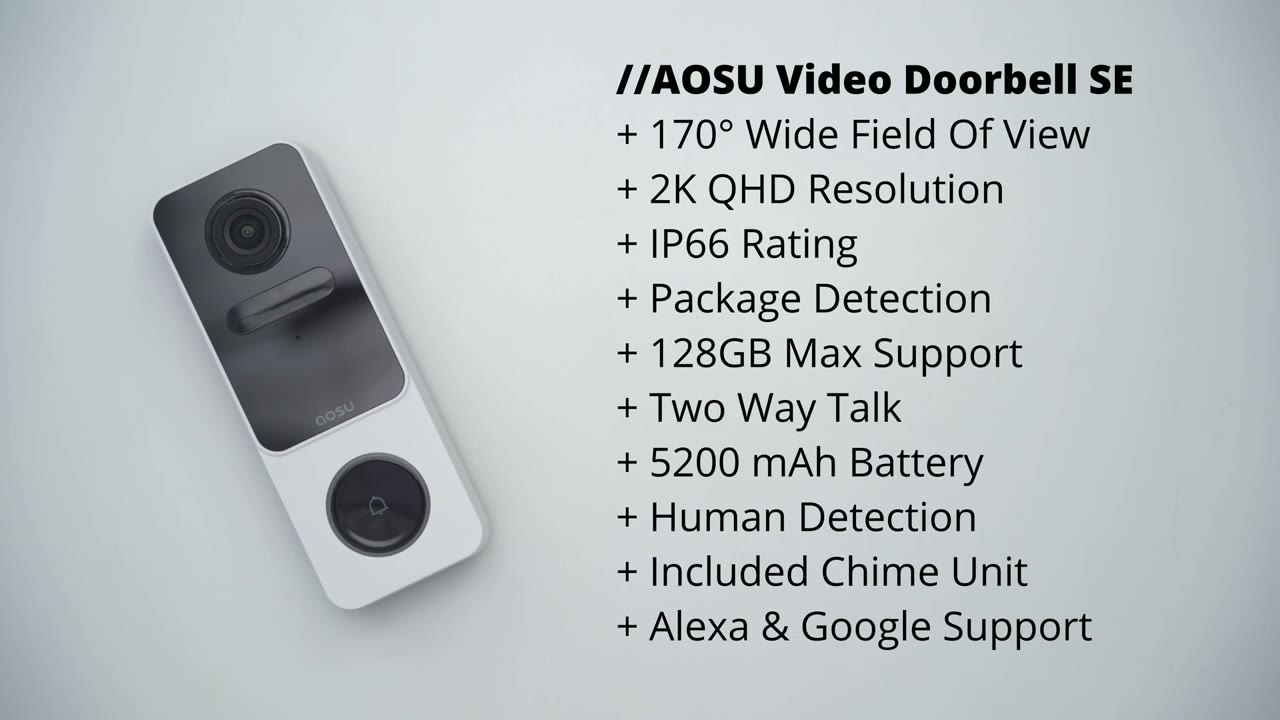
hey it’s Adrian and today I’m taking a look at U’s video doorbell SC which is a battery powered video doorbell with a chime unit it has an ultra wide 170° field of view for head to toe viewing there’s also a built-in 5,200 milliamp battery and support for up to 128 GB micro SD card 2K resolution and ip66 weather rating videos look great during the day and at night however there’s one design choice that may have you wondering if this is the perfect video doorbell for you so let’s take a close closer look and a big thanks to Abu for sending this out for review in the box
Package
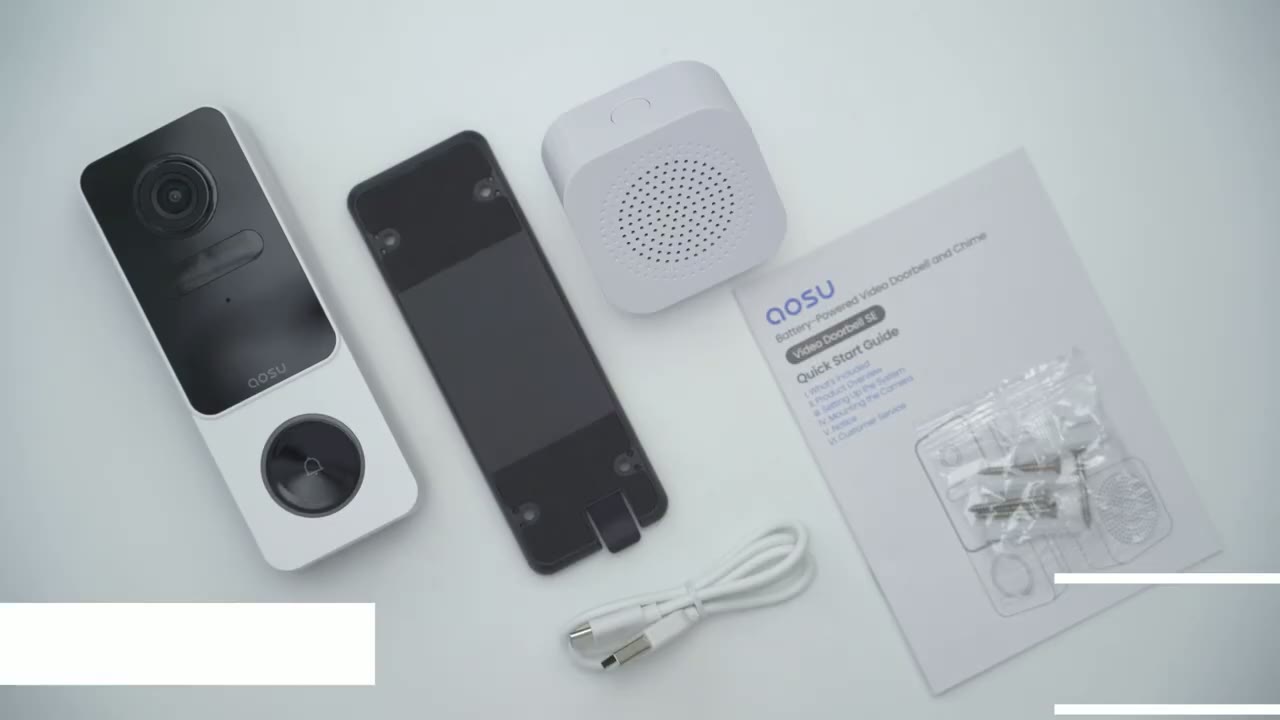
we have the ALU video doorbell SE the mounting bracket doorbell chime along with manual USB type A to type-c charging cable and mounting screws and wall anchors so the ASU video doorbell
Design
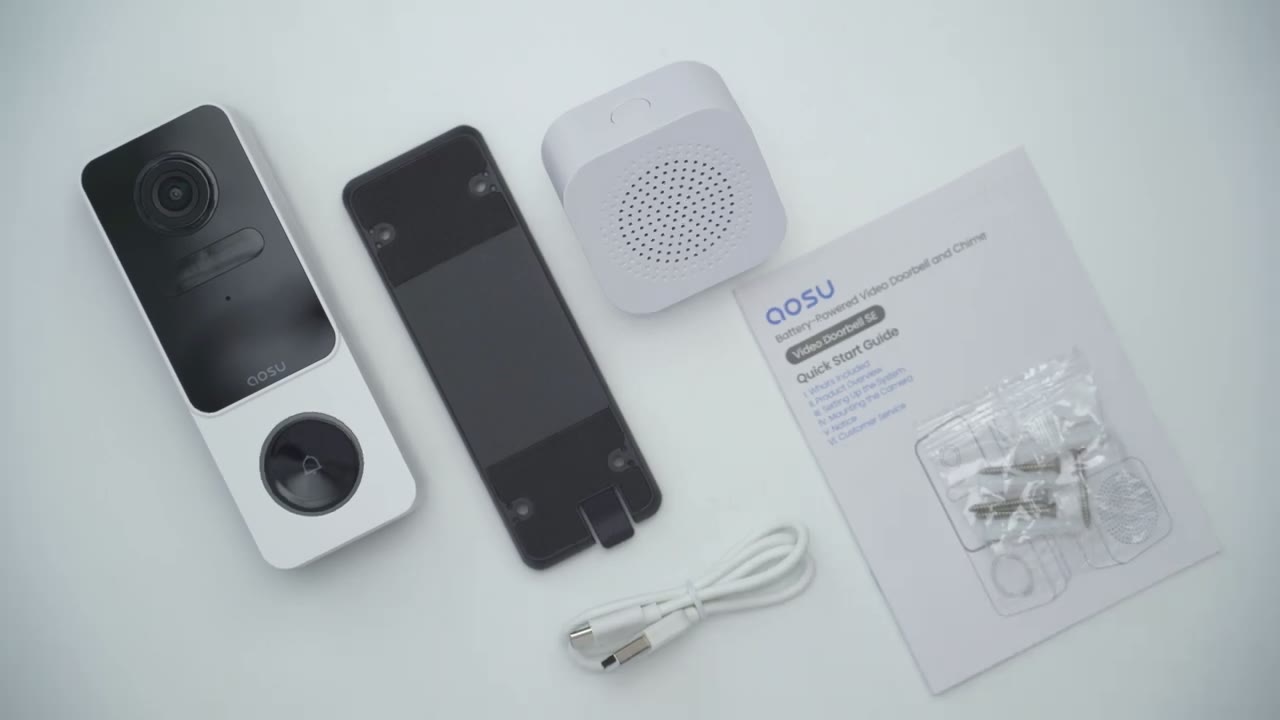
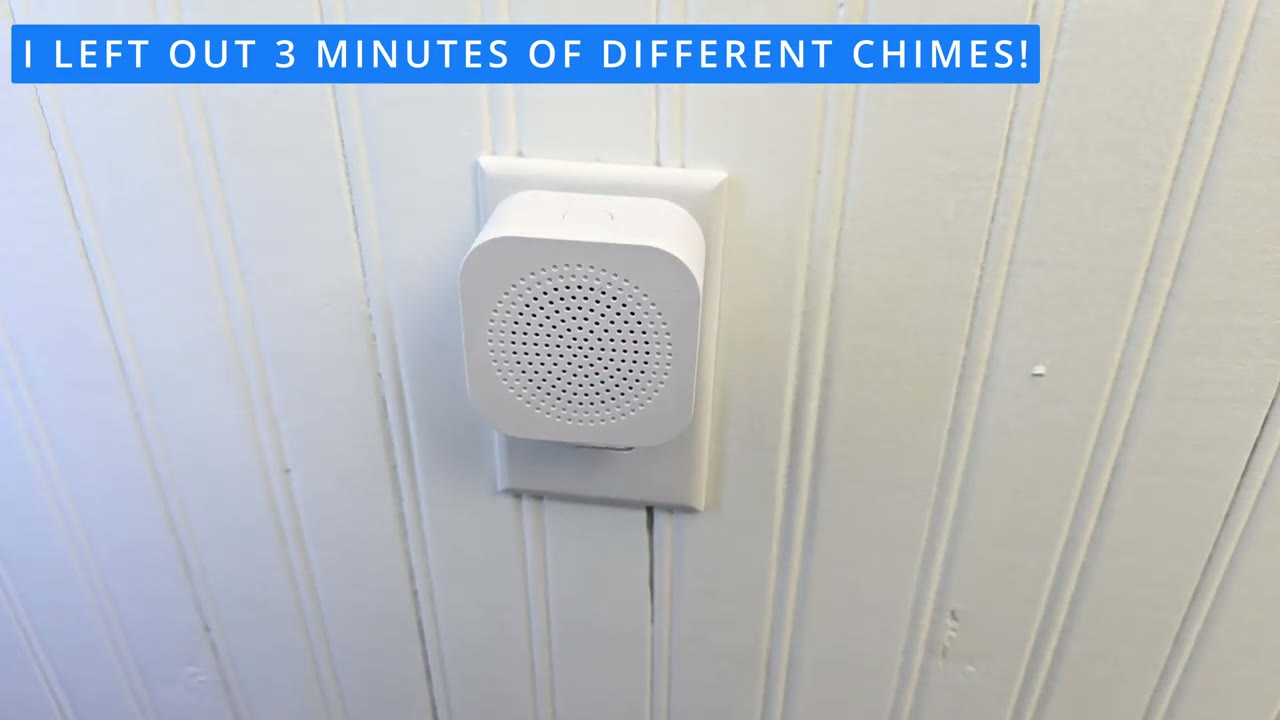
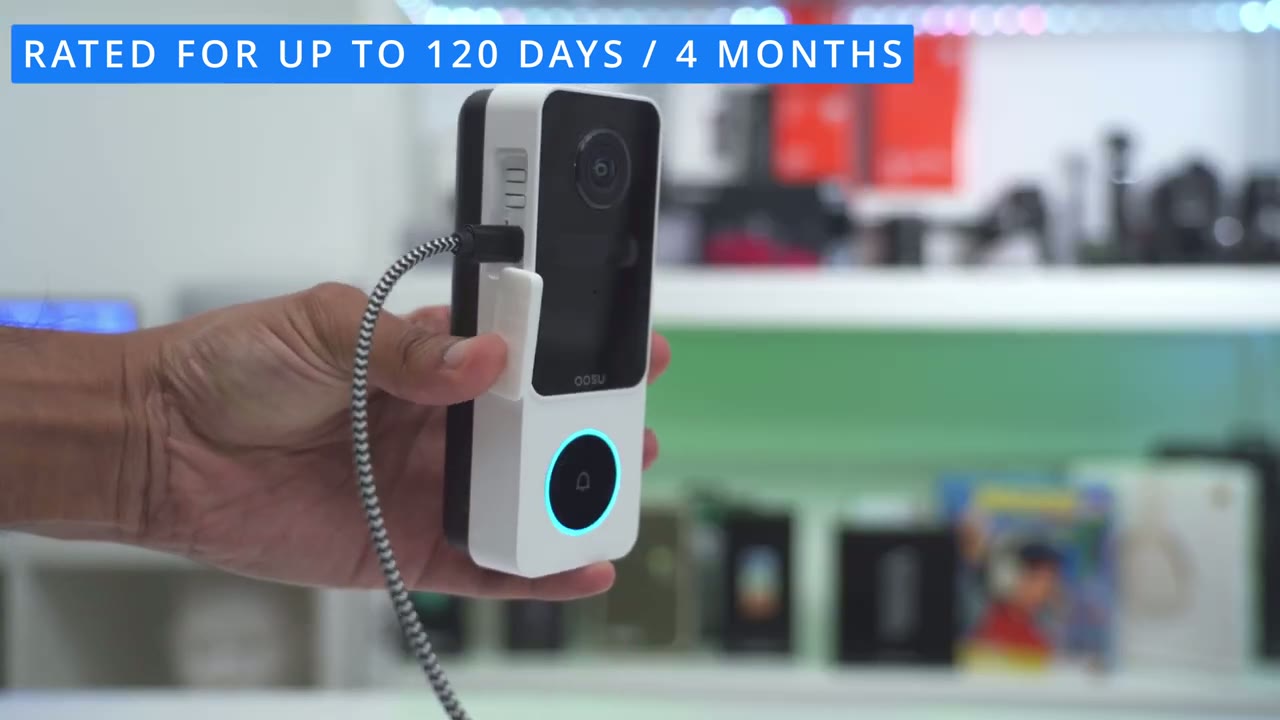
SE looks really sharp I’m a big fan of this two-tone color scheme just straight black and white this has a very bold and unique looking design and I’m really liking this kind of more boxy look instead of rounding out the corners too much where it’s kind of like an oval type of shape it feels good in the hand a little bit of heft so this comes in at around 0.4 lb or around 177 G and there’s no type of noticeable creaking or flexing um it feels solidly built on the front we have the 2K lens P motion sensor microphone port and IR LEDs we also have the ALU logo and this tactile button which is surrounded by an LED indicator status light the bottom of the doorbell has a large speaker Grill and on the side we have this weather sealed rubberized area and once that’s open up we have access to the reset button power button USB type-c charging port and micro SD Port now the micro SD card Port can accept from 8 GB up to 128 GB also note that this video doorbell doesn’t offer any type of hard wirring options it’s solely a battery powered doorbell the rear of the doorbell has the cutouts to secure the mounting bracket to so first you’re just going to drill this into your door frame or whatever surface you like and make sure that it’s pointing up now there’s also some cushioned areas at the back here to prevent it from sliding so make sure this faces whatever surface you’re mounting it on so once you have the four screws drilled in here you’re just going to line up these squares here with the cutouts of the back and then you’re going to slide the doorbell down till you hear that click now when you want to detach the doorbell whenever you need to charge the battery back up there’s a little clip at the back here and I’ll show you from a rear view basically you’ll just lift the clip up and then slide the doorbell up and out of the way so one potential deal breaker with this video doorbell is the mounting bracket and retention system because you know it is a bit hard to see the clip but if you angle it or if someone kind of looks around enough they’ll notice it they can just lift that up and Slide the doorbell out so one way other video doorbells get around this uh issue is to just have a cutout at the top here you put push a pin down or some kind of tool and that depresses a spring retention type of system allowing you to pop the video doorbell out so something to be mindful of and I’m so glad ASU has included an indoor chime where some really big brands do not include one of these so you can basically plug this anywhere in your house and at the top you have a button and you could cycle through different types of chime alerts here’s a
Specs
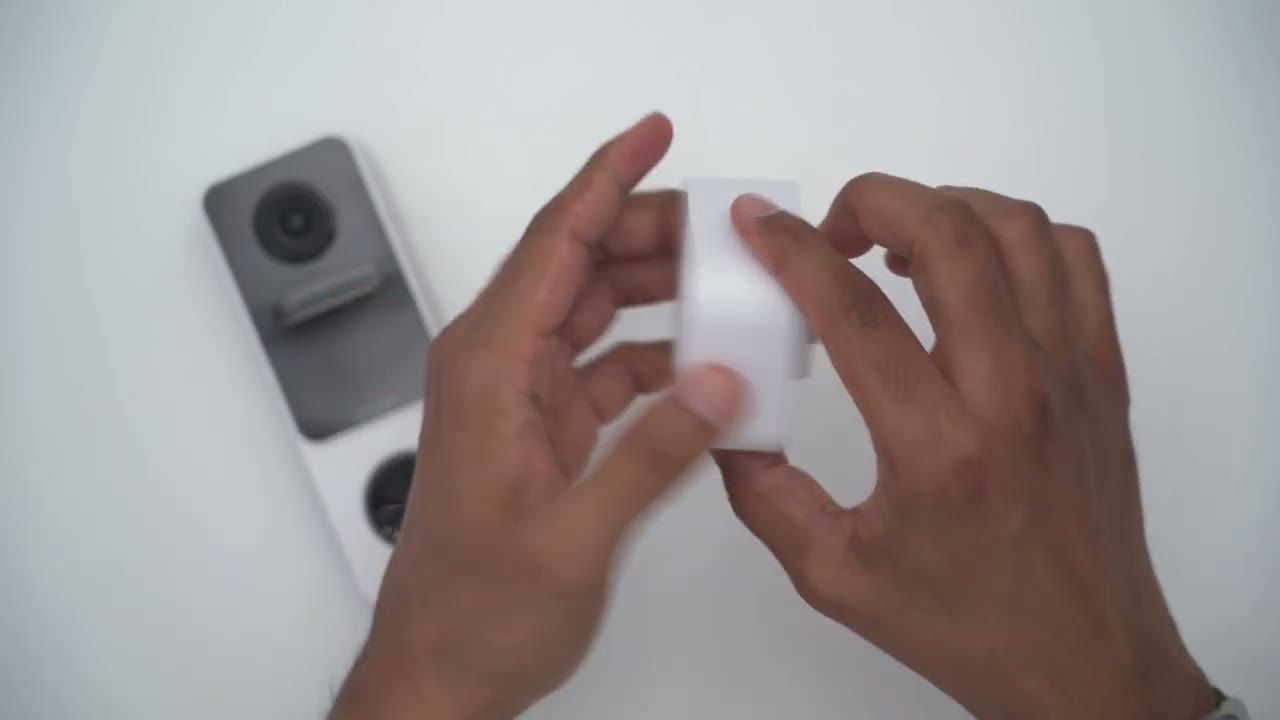
quick look at some of the specs feel free to pause and review or jump ahead to the next section I’m now going to add
App Setup
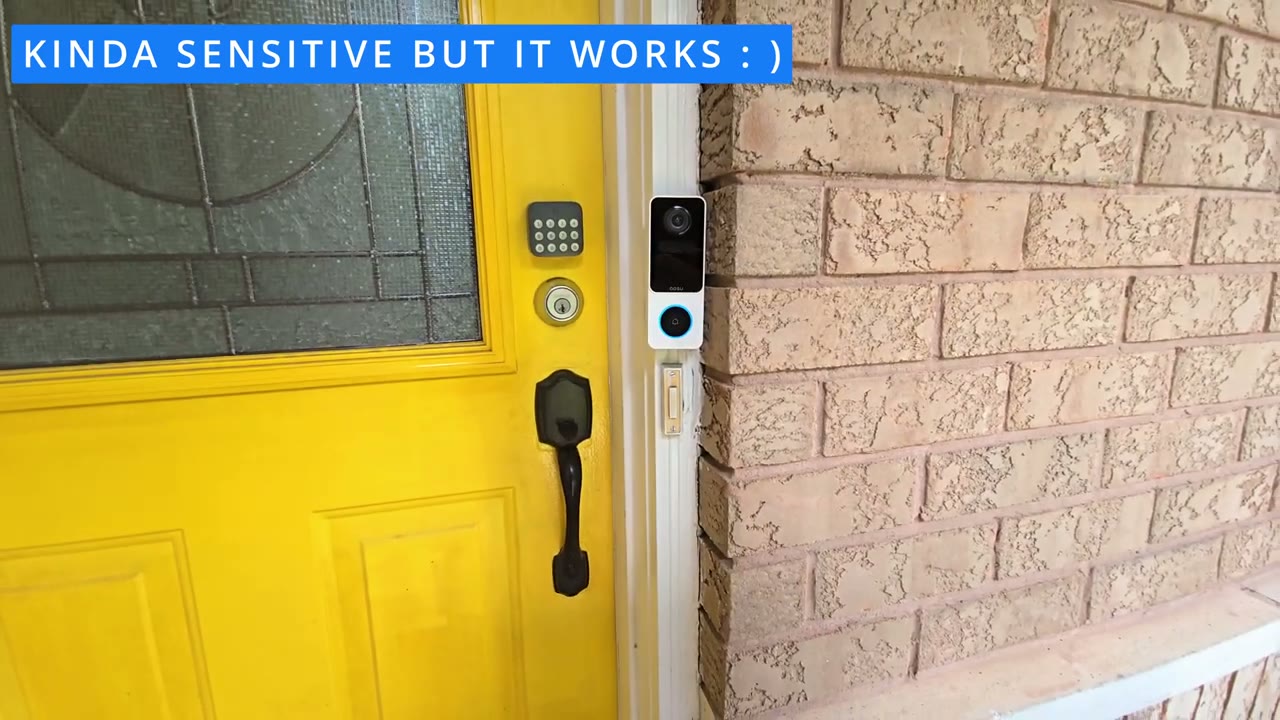
the video doorbell s to the U app so I’ll just press and hold the power button till I hear it boot up there we go hello okay so now that the LED light is flashing I’ll click on add devices and it’s already found the doorbell very quickly so I’ll click on ADD and it says select Wi-Fi to be connected so I’m going to pick my 2.4 GHz Wi-Fi network right here and then I’ll go ahead and click continue it already knows the password the camera is connecting to your Wi-Fi network it may take a moment please wait for a while so because I’ve previously connected other outu devices I assume that’s why it retained my Wi-Fi password but you may have to pick your save settings successfully and it’s already connected that took literally less than a minute so the ASU video doorbell was easily added to the ASU app I’m already getting a ton of alert or notification detection so it’s very sensitive but let me pull up live view just give you a quick look at that wide field of view you could see it’s going to be pretty much het to toe
App Settings
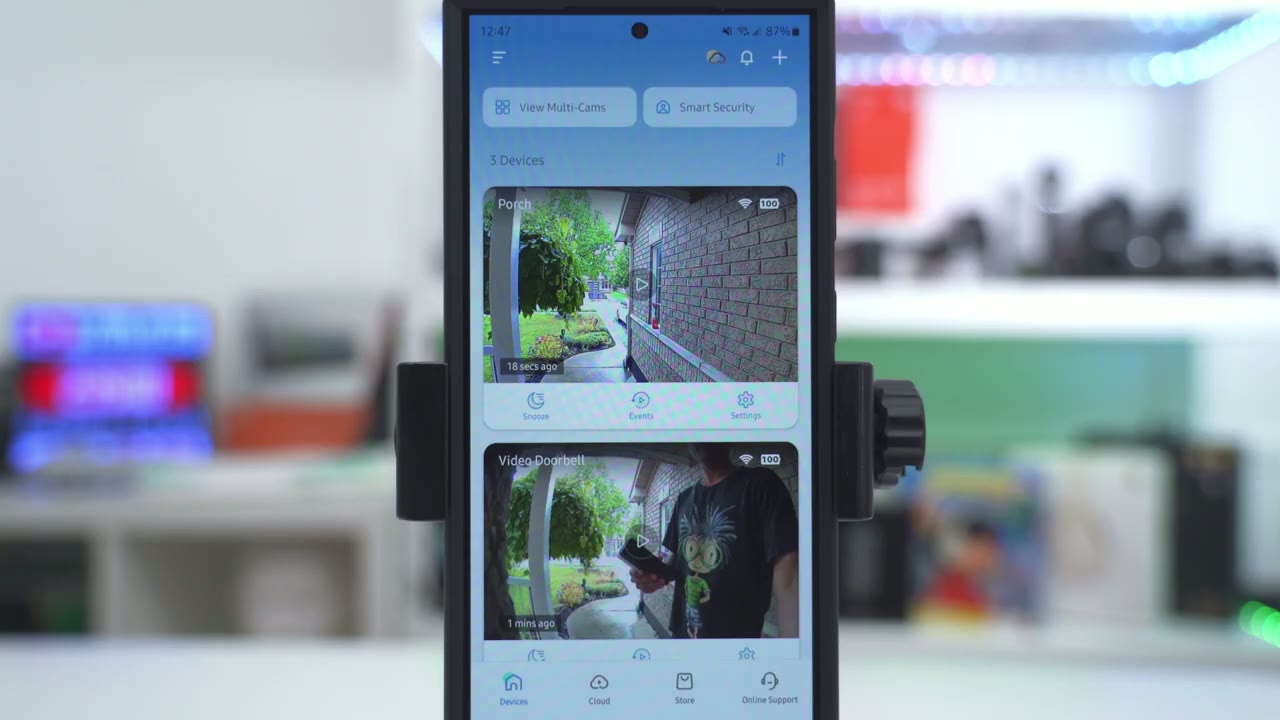
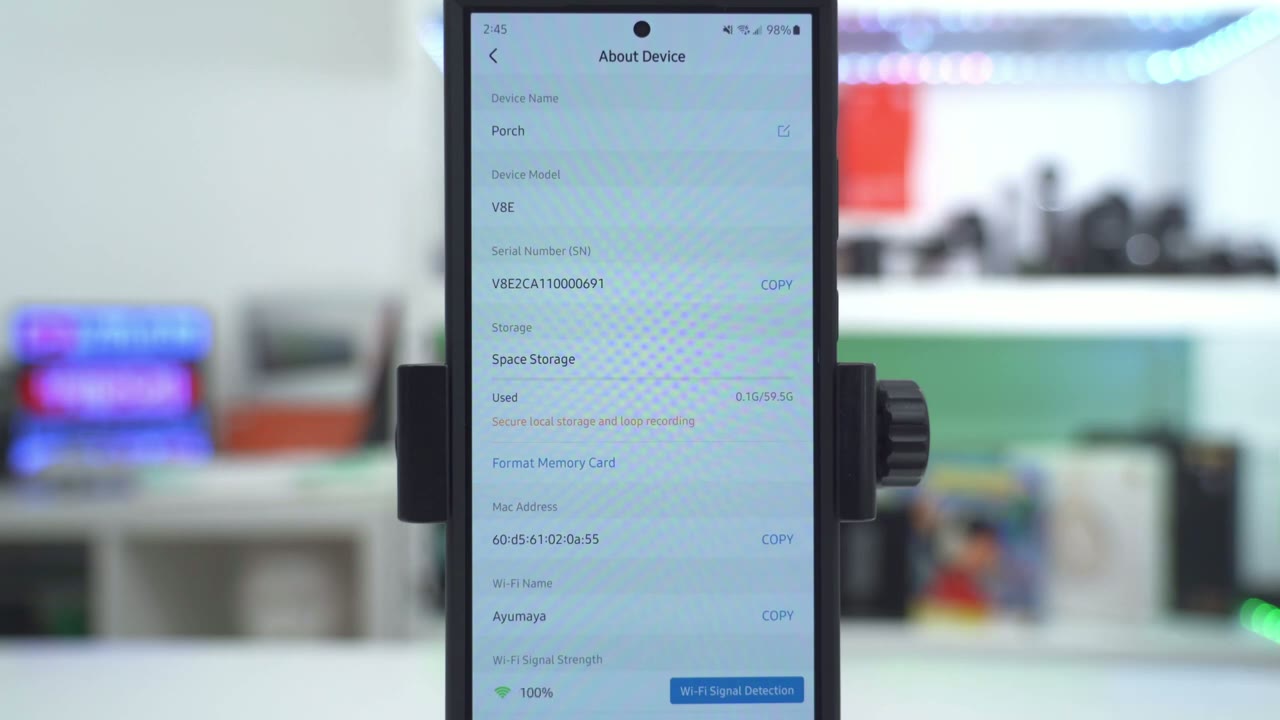
let’s take a look at the app settings in the ALU app so at a glance I can see the battery level and the Wi-Fi strength I can also go ahead and snooze the doorbell from 30 minutes up to 12 hours I can also jump into events and the full settings but for now let’s go into live view and you could see right now it’s going to connect in USD or ultra high definition now there we go now if I wanted to do this even quicker I could just set it to standard definition and the next time I pull up live view you can see it’s almost instantaneous now from here you can go ahead and switch the tone when you’re using 2-way talk you can just activate 2-way talk right from here and then you can issue quick replies like hello how can I help you um what are you doing leave the package at the door now if I go ahead and increase the volume here it’s actually raining outside right now and you could hear that the audio or microphone pickup on here is pretty good now from here you also have some other controls so I could just cut the volume start you know a manual recording if I notice someone lurking here and by the way just notice how wide the field of view is you know this is really handy if you know packages are left in this area you can actually see it when you’re not home you know it’s almost at my uh doorstep so you know pretty amazing field of view now you can also go ahead and do a snapshot in the full settings you have the option to have the LED ring light around the button light up when someone approaches it or not you can also share the device with family and friends under motion detection you can have that on or off and you can also set detection zones to kind of you know uh rule out or reduce false positives now you also have the option to detect everything that moves you know uh humans packages motion you know trees sway animals or you can set it to intelligent detection and to only detect humans and packages and that’s also going to help with battery life as well and then you can set the detection sensitivity to adjust automatically uh or you can go ahead and say I only want you know to be notified if it’s very up close to the video doorbell or if you know it’s a little bit further away so you have you know flexibility there let’s get out of there we can also go into notification settings and you can receive push notifications you know kind of all day every day or you could set specific schedules whenever someone presses the button on the doorbell it can come up kind of as a video call on your phone that you can answer or you can just get it as an app alert that you know just comes from the top of your phone or you can set to no notification at all and then you can get notifications immediately as the camera picks it up or the doorbell picks it up or intelligently so you could say hey I only want to be notified if someone is saying or if there’s a package recognized but I don’t want to be notified if people are passing or it’s low power I like um having it immediately so I usually leave it there under night vision you have the option to set it to Black and White Night Vision or you could turn off the infrared light under a cloud recording you would pick this if you want you know recording safe to the cloud and if you want it features such as facial recognition now under package recognition you could turn that on and I do find this feature can sometimes be a little overly sensitive but you can go ahead and even turn this on so whenever the package is picked up delivered you know um the video doorbell will issue commands now again I find it a little too sensitive sometimes so I just want to be notified if a package is kind of recognized now under facial recognition if you want to activate this this is going to jump you into the cloud plan area which I showed earlier so I generally don’t use that and under video quality you could set the video doorbell to start on the smooth mode or 2K mode so if you just wanted to load very quickly leave it on smooth mode for now and under volume adjustment this is what you can adjust for you know two-way talk and things like that under privacy settings you can choose to record sounds or setup privacy zones and then battery management I have mine fully charged and you could set if you can see the battery life kind of in the main app settings we also have integration with Amazon Alexa and Google under about device this is where we could take a look at the memory card usage and your Wi-Fi signal
Video Playback
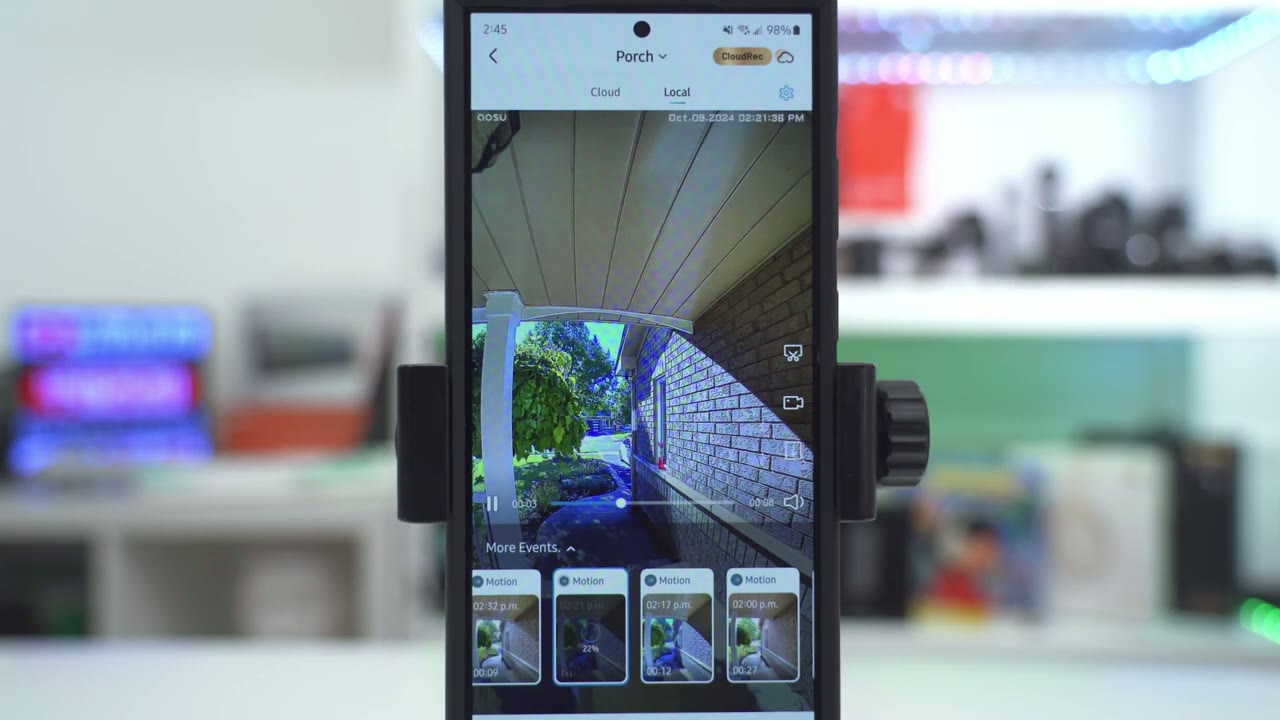
strength to review video we’ll click on events and it’s going to default to local since I’m using a Micro SD card instead of cloud storage and you can see that you can actually go and take a look at whether it was just general motion or if someone was passing or if there were thing and once you have a clip that’s interesting to you you can easily go
Video Quality
ahead and download it daytime video was sharp and easy to make out face and depending on where the person is standing you can easily make them out from head to toe night vision video works pretty well in black and white mode so you can still make out faces and get a good idea of what’s going on around your doorway even if you don’t have a lot of ambient light going on now if you do want to turn off black and white night vision and you want to have a little bit of color you definitely will need to have you know some kind of a porch light or front door light going on because if you have no light at all and you turn off Black and White Night Vision it’s going to look really choppy and grainy and hardc account faces the
Motion Detection
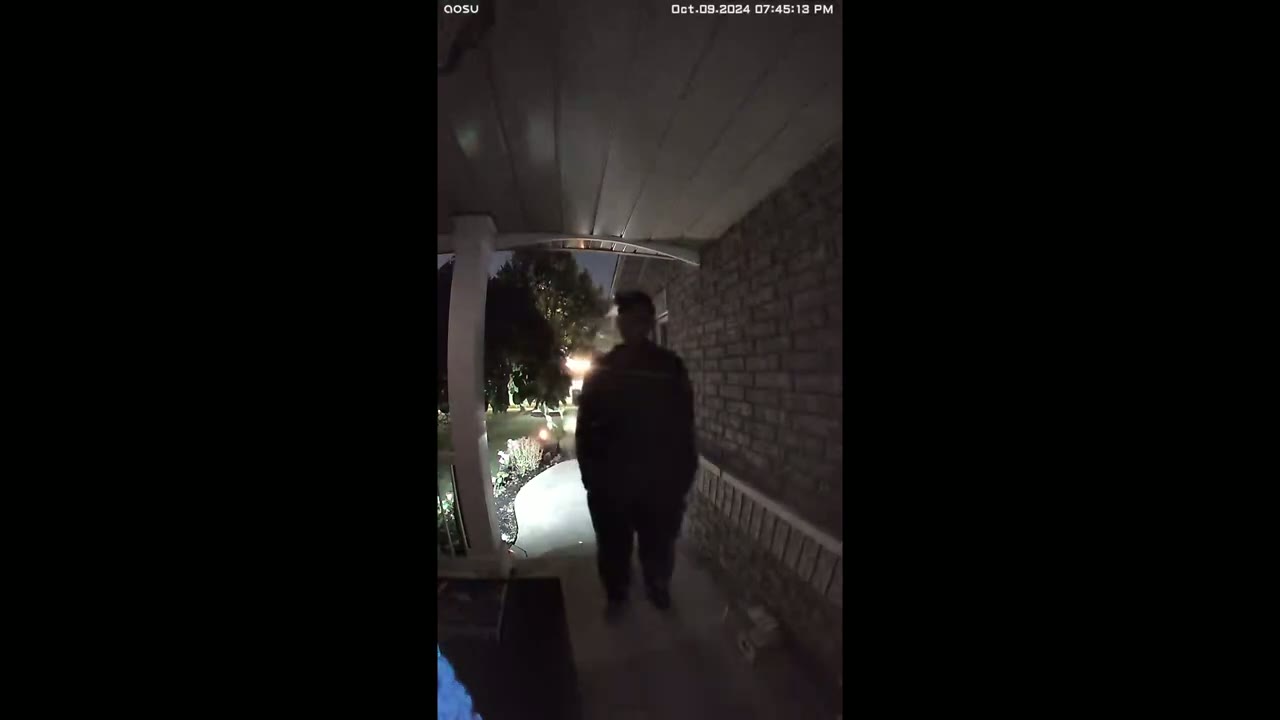
motion detection speed is very quick on here and once it detects motion it also pushes the app alerts very quickly to your phone anytime motion is detected or someone rings the doorbell whenever you walk up to the video doorbell the LED ring light around the button will softly Glow In and Out letting you know you can
Doorbell Ringer
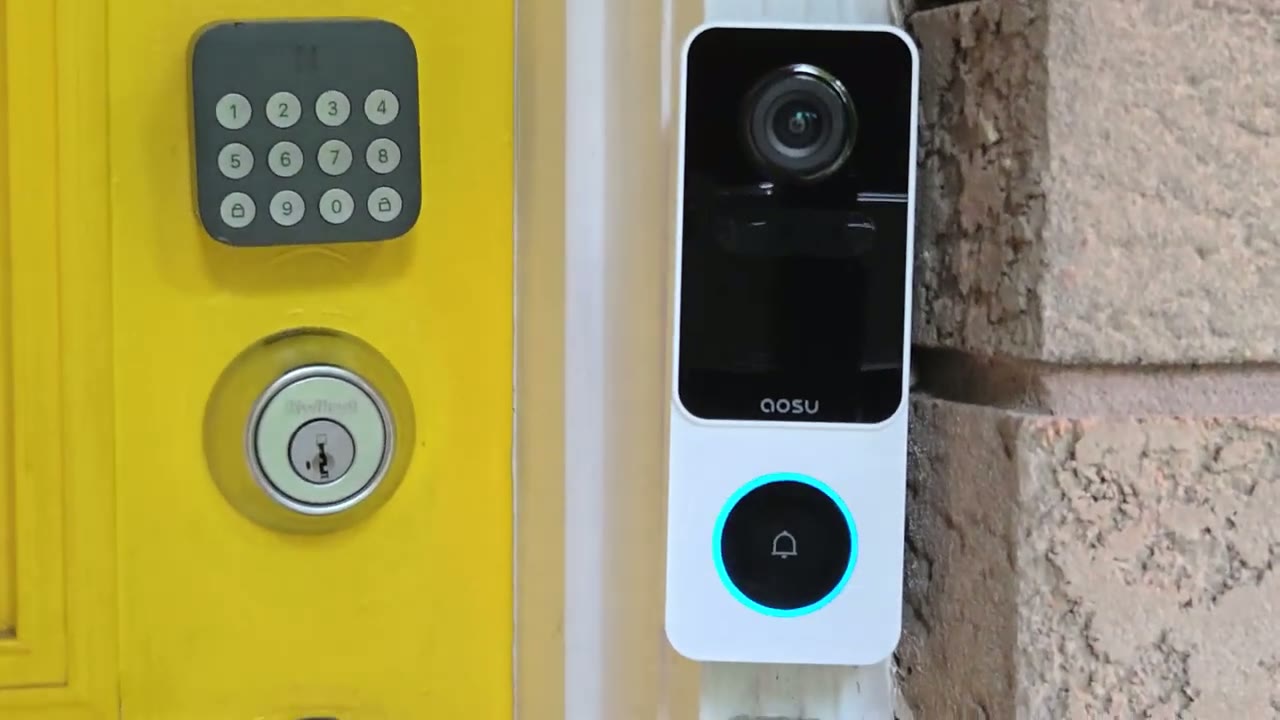
press the [Music] button whenever someone presses the ringer button you’ll get an alert on your phone and you can actually expand that alert and it’s kind of like a video phone call and you could choose to answer that or reject it and if you answer it it opens it up into live view
Two Way Talk
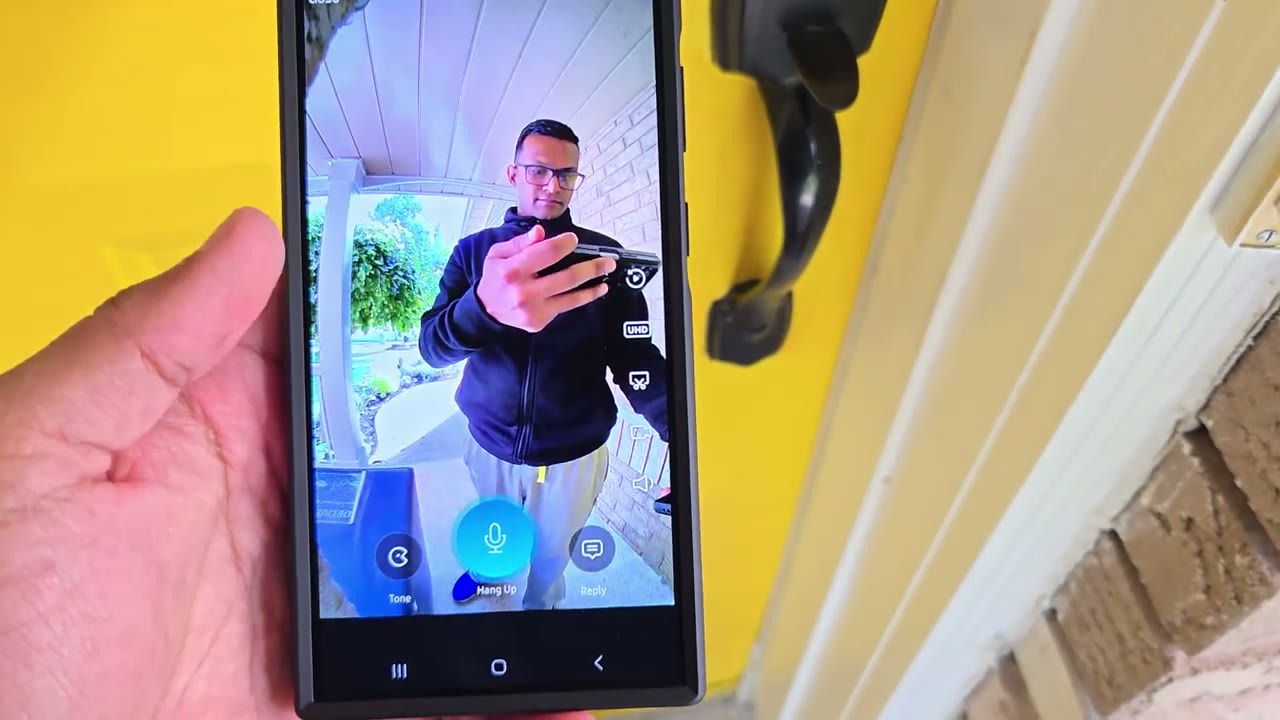
here’s an example of what 2 audio sounds like on theu video doorbell at whenever you pull up live view and you have someone at your door you can also send pre-recorded messages from the U app and here’s what that sounds like hello can I help you hey there what are you doing please leave the package in front of the door thank you
Package Detection
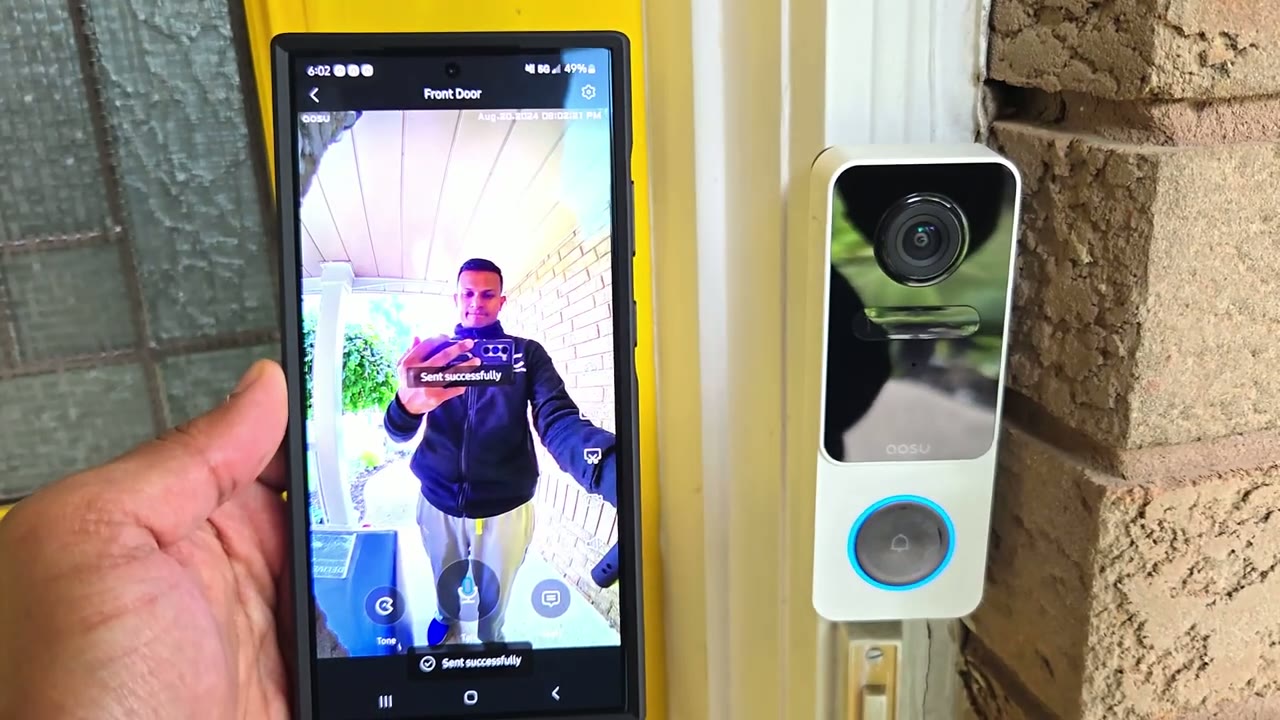
package pickup detected package detected delivery incoming package pickup
Chime Unit
[Applause] detected the charme unit can be plugged in anywhere in your house as long as you have a good Wi-Fi signal and this comes preloaded with the most amount of chime alerts that I’ve heard before here’s a sampling of some of them [Music] [Applause]
Storage
so I inserted a 128 GB micro SD card which is probably a bit over a kill because since I’ve had this installed I’ve only used about like 1.5 gigs and I have 119 gigs left so you can definitely get away with just putting in you know a 16 gate or a 32 gate card now battery
Battery
life is a little bit harder to nail down because everyone’s situation is going to be a bit different you know maybe you have more people coming and going all the time or just more foot traffic in
Recommended?
front of your house so all in all the video doorbell SE from ASU is a good middle of the road option you have 2K video which is great during the day and at night you know I highly recommend having some kind of exterior or ambient light we also have an ip66 rating so this is going to do just fine outdoors and of course the 166° F of view comes in super handy you can really make out visitors from head to toe and anytime you have you know packages or deliveries you don’t have to like rush home to see if it’s still there or not you’re going to be able to see it even if it’s placed fairly close up to your doorway so if you’re interested in picking up the ALU video doorbell SE I’m going to leave some links down below to pick one up for yourself or to learn more and if I have any coupon codes or discount codes I’ll also leave those in the video description and pin comments below and if you found this video helpful please consider checking out some of my other Tech related videos I review a bunch of different Tech on this channel I’m sure you’ll find something else that you like and please consider liking and subscribing it truly does help me out as a growing Channel and I hope to see you in the next one soon
Buy aosu Video Doorbell SE on Amazon
Buy Aaosu SolarCam D1 Max at aosu
Please note that some of the links in my video descriptions are affiliate links where I earn from qualifying purchases. As an Amazon Associate I earn from qualifying purchases.

