


Buy SoundPeats Clip1 Earbuds on Amazon
Please note that some of the links in my video descriptions are affiliate links where I earn from qualifying purchases. As an Amazon Associate I earn from qualifying purchases.
Intro
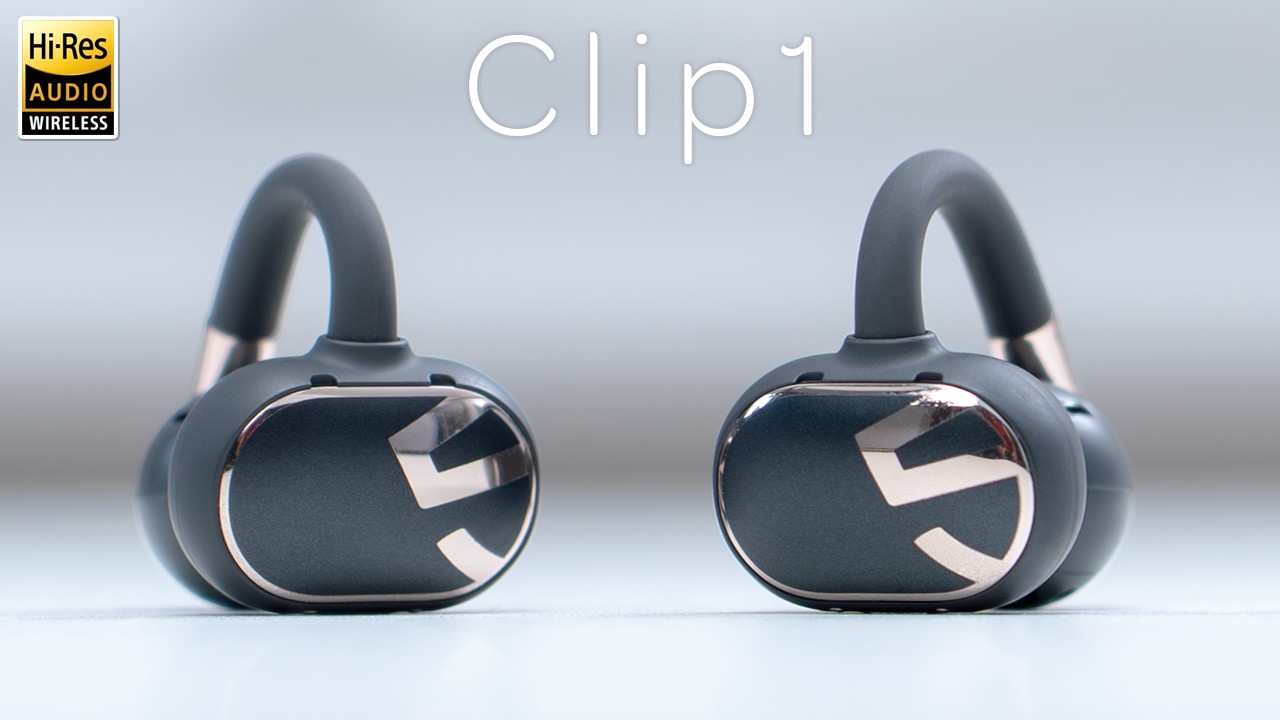
If you’re on the hunt for openstyle earbuds that are comfortable and actually sound good, you should check out these sound pets clip one open style earbuds. They have large 12mm dual magnetic dynamic drivers and they’re comfortable for all day wear thanks to the skinfriendly silicone and flexible art style fitment while staying lightweight at only 5 g. There is LDAC support for high-res wireless audio, multi-point connectivity to connect two devices at once. There’s Dolby Atmas audio, dynamic equalizer, airw wearing detection, a low latency gaming mode, up to 48 hours of battery life with the charging case, and we have fast charging and an IPX5 rating. But how good do these actually sound and how well do they fit?
Well, let’s take a closer look at these Sound Pleats Clip 1 open style earbuds. And a big thanks to Sound Piece for sending these out for review.
Package Contents
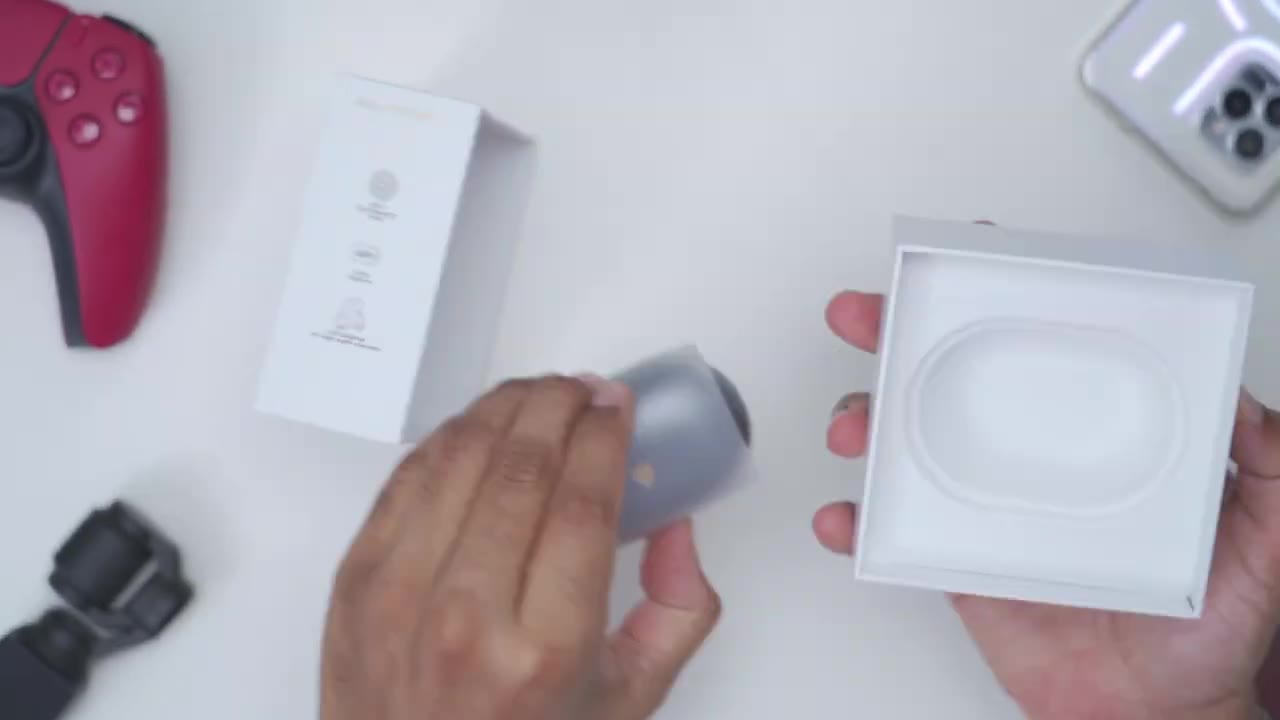
In the box, we have the clip one charging/carrying case, the clip one earbuds, USB type A to type-C cable, stickers, user guide, and registration
Design
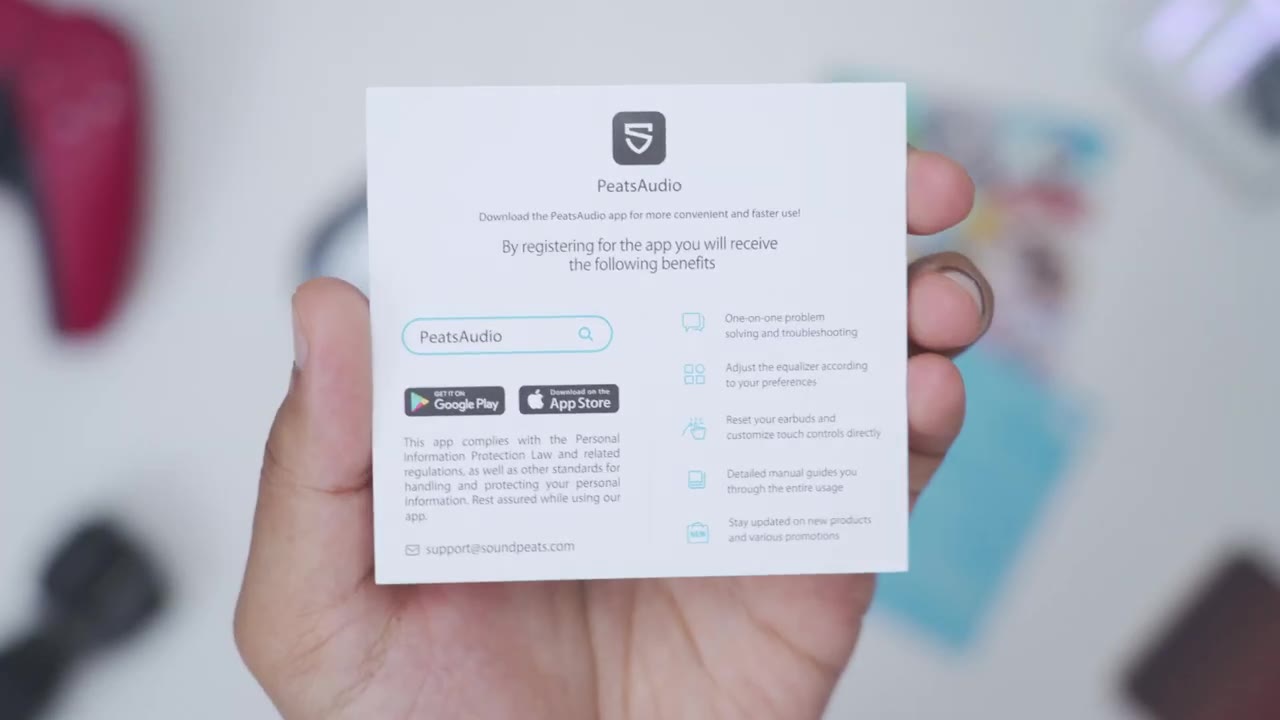
card. Looking at the design, so the charging case is a hard plastic shell, but it does have a very glossy type of finish, and you could see that the logo plays really nicely with the light. Now, this is coming in at around 43 g, and when you add in both of the earbuds, then it’s 53 g total. The front of the case has an LED indicator light. So once I open it up, you can see it’s lit up green right there. And we do have a notch or kind of indentation here that makes it really easy to just open this up and then close it back down. And then on the rear, we have a USB type-C charging port and a button to just put this into pairing mode. Removing the clip ones are really easy.
So since we have this hook type of design, you can just go ahead grab both of them, then just pop them right back in here. And these are, of course, interchangeable, so you don’t have to worry about if you put it left or right. There’s magnetic contacts in there, so once you drop it in, if you put it upside down and shake it, it’s not going anywhere. It’s nice and secure in there. The Clip One earbuds come in at around 5 g, so not too heavy at all. And the design is really premium on these. So, you can see we have the Sound Pets logo here, and it’s a reflective type of shiny mirror-l like finish. Now, this large area here is matte, and this is where we’re going to use touch controls.
At the very bottom, we have the metal charging contacts, and we have the speaker grill that’s going to fit into the air canal. The speaker grill is housing those fairly large 12 mm dynamic drivers. We also have another polish mirror-l like finish here as well. And then we have this type of memory arch wire. So, you can see if I go ahead and pull that apart, it just kind of snaps right back into place. The clip ones are using a nickel titanium alloy for this type of air hook memory arch wire and then it’s wrapped in a skinfriendly silicone material for a comfortable wear. Here’s
Specs
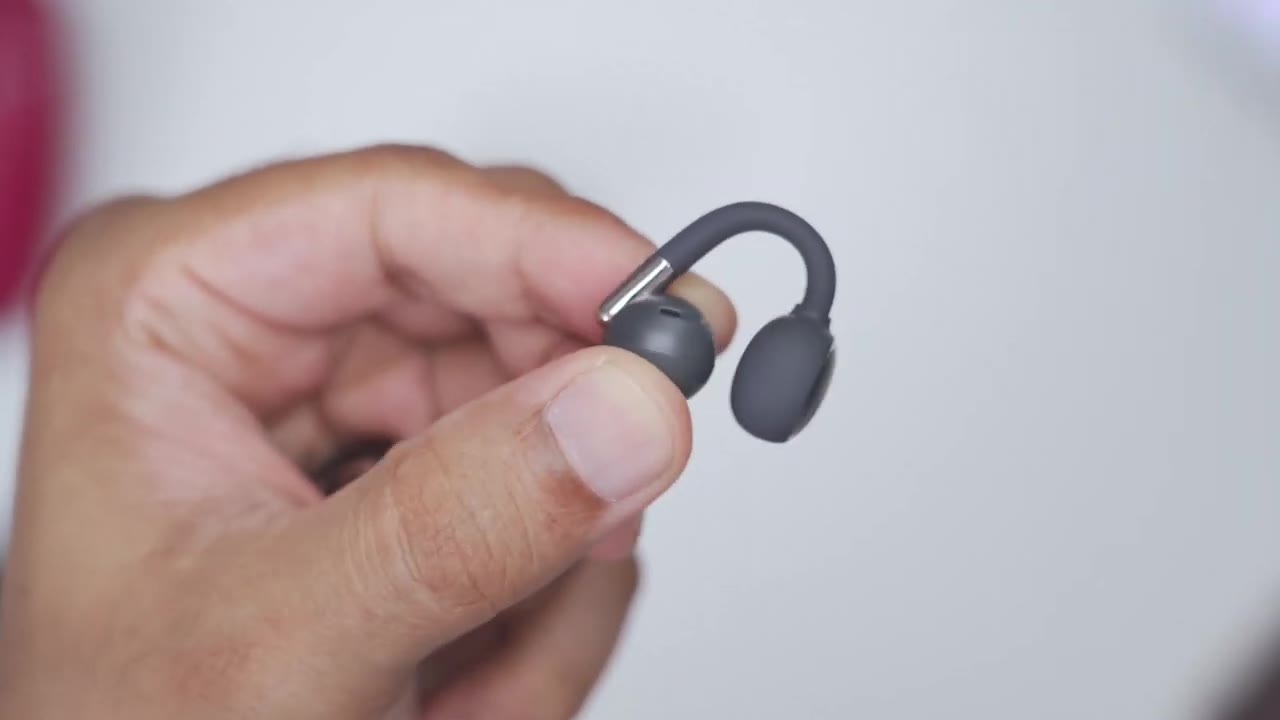
a quick look at the specs. Feel free to pause and review or jump ahead to the
Bluetooth Pairing
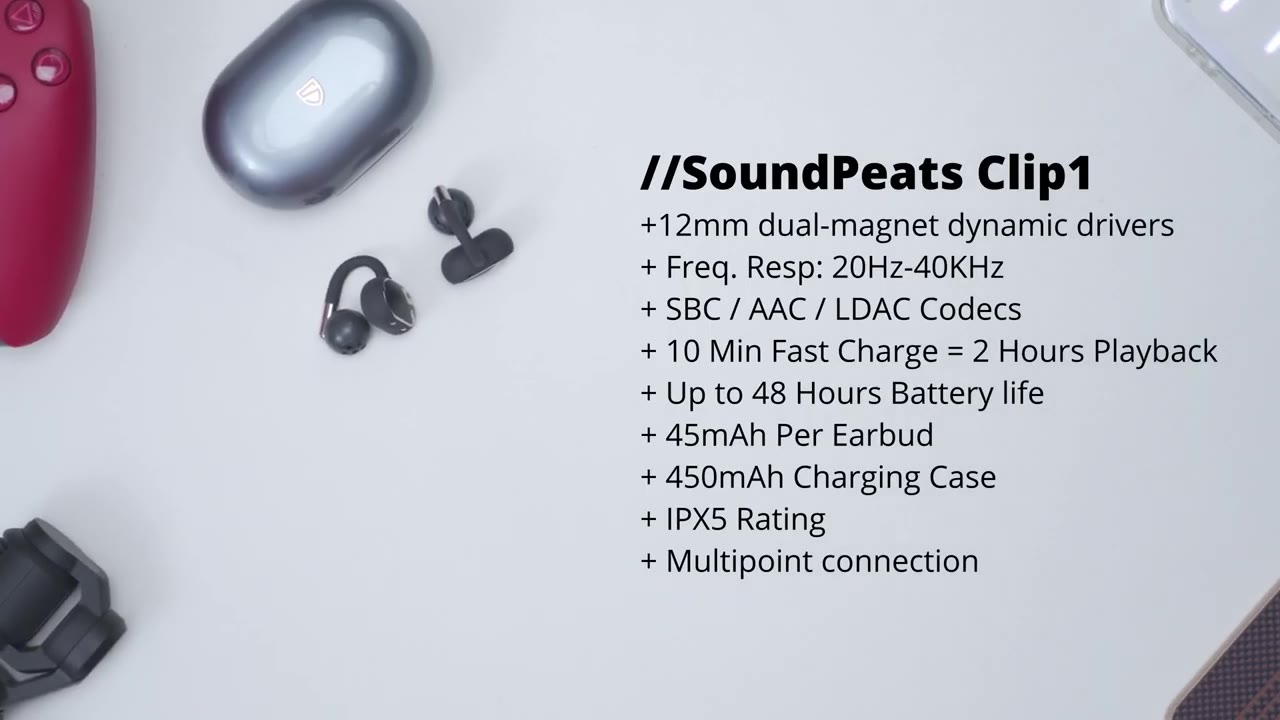
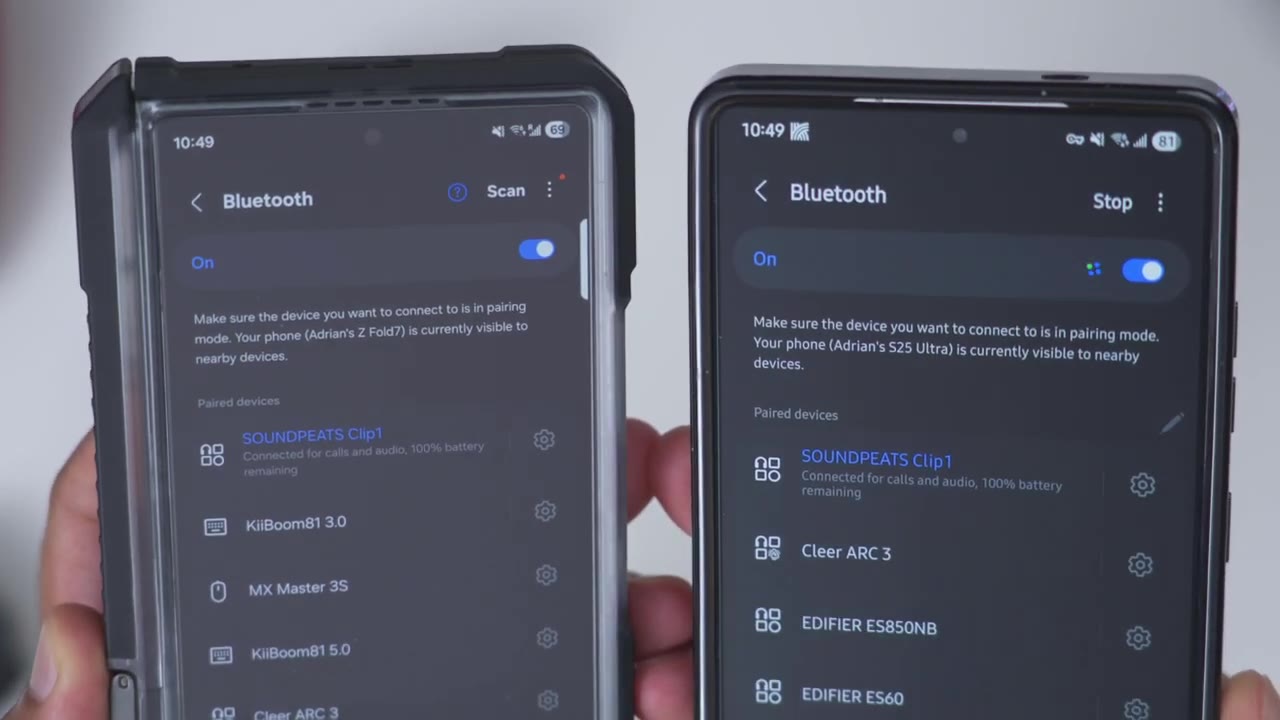
next section. I’ll go ahead and pair the clip ones to the Pete’s audio app. So, I’ll just open the case up, take these out, and then I’ll jump into my Bluetooth options right here. Scroll to the bottom. I can see sound pets clip one. wait for the pairing request. Here we go. Scroll back up and I can see it’s connected with 100% battery life. Now, if I tap into the options here, I can see that we have calls and audio selected, but there is no LDAC option. I’ll show you how to enable that later. To pair it with a second device, simply put the clip ones back into the case, press the charging case button at the back to reset it, pair it to your second device, and now you have it set up for multipoint on two devices.
Multipoint
No speech in this section.
App Settings
In the Pete’s audio app, we can see the battery life for the right and left earbud along with the charging case. And we also have the option to turn on Dolby audio. You could switch it from music mode to movie mode as well. Now, do note with Dolby audio, this can only be used if LDAC is disabled. And we also have the option for double device connection feature. This is when I demoed multipoint having two phones connected at once. You can also disable all touch controls. You can enable the low latency gaming mode. And you can enable or disable the inair detection. Now note that we also have dynamic equalizer. So this can be turned on. I’ve just enabled LDAC because I want the best possible sound. And notice that I can’t turn on dynamic EQ and I cannot turn on Dolby audio.
But let’s jump back into the Bluetooth settings from earlier. And you can see if I now tap into the options here, I have the option to turn on LDAC in my Android settings. So now I’ll be getting the best possible sound since we have high-res wireless audio certification. Under custom key, we can remap some of the controls. So note that a double click on the left earbud is going to either pause or resume music playback. Or you can do volume up, down, or you can actually set it to do nothing, switch game mode, enable voice assistant, etc. And we only have options for the double click and triple click. We cannot change the actual single click or any type of long press or hold in the full options. I’ll give it a second to load.
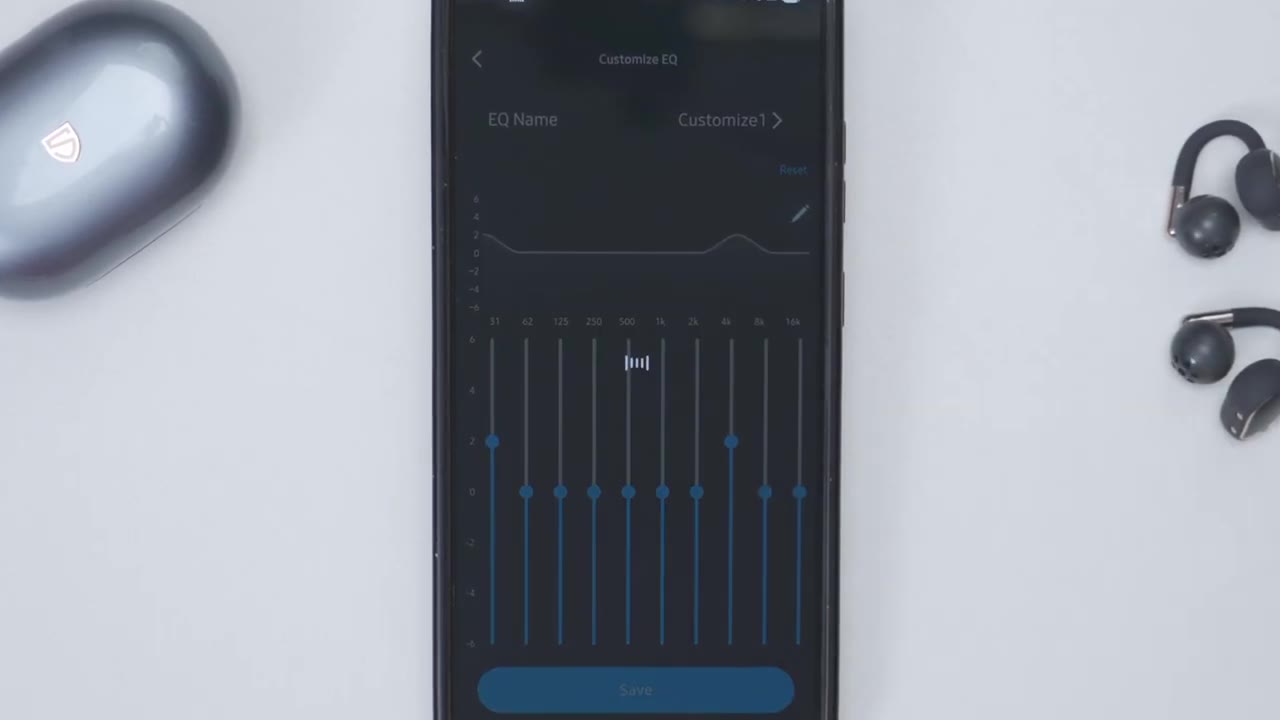
Here we can take a look at the device information, upgrade the firmware. We can also reset all the settings. Use the drainage function to kind of blast away any type of buildup or water. You can use the find my earbuds feature and you can switch it from English to Japanese and increase or lower the prompt tone volume on the equalizer tab. So you can set it to this dynamic EQ, but we also have some presets here. So there’s the classic, treble boost, bass boost, bass reduce, rock, pop, electronic, folk, classical, and book whisper. And you can also dial in your own type of custom EQs as well and save those. The touch controls are
Touch Controls
fantastic on here. So, you can actually touch the touch area, the actual ear hook, or even the speaker part that goes into your ear. Let me demo. So, I’ll double tap on the rear of the earbuds, and that’s going to pause music. And I can actually double tap on the ear hook, that’s going to resume music playback. And then I can actually do a triple tap, say on the speaker part in my ear, that’s going to jump to the next song. And then if I use the left earbud, so I’ll do a triple tap on the hook, for example, and it’s going to go back to the previous song. And then again, I could just tap on the ear part, double tap to just pause music or resume music playback. So I have three different touch points, and all are very responsive. It’s quite impressive.
The only thing I haven’t figured out how to do is to just do a single tap for volume up or down. The sound Pete’s manual says that a single tap should increase or decrease volume, but it doesn’t work on these, at least not with the current Pete’s audio app, but maybe a firmware version update will change that. All
Sound
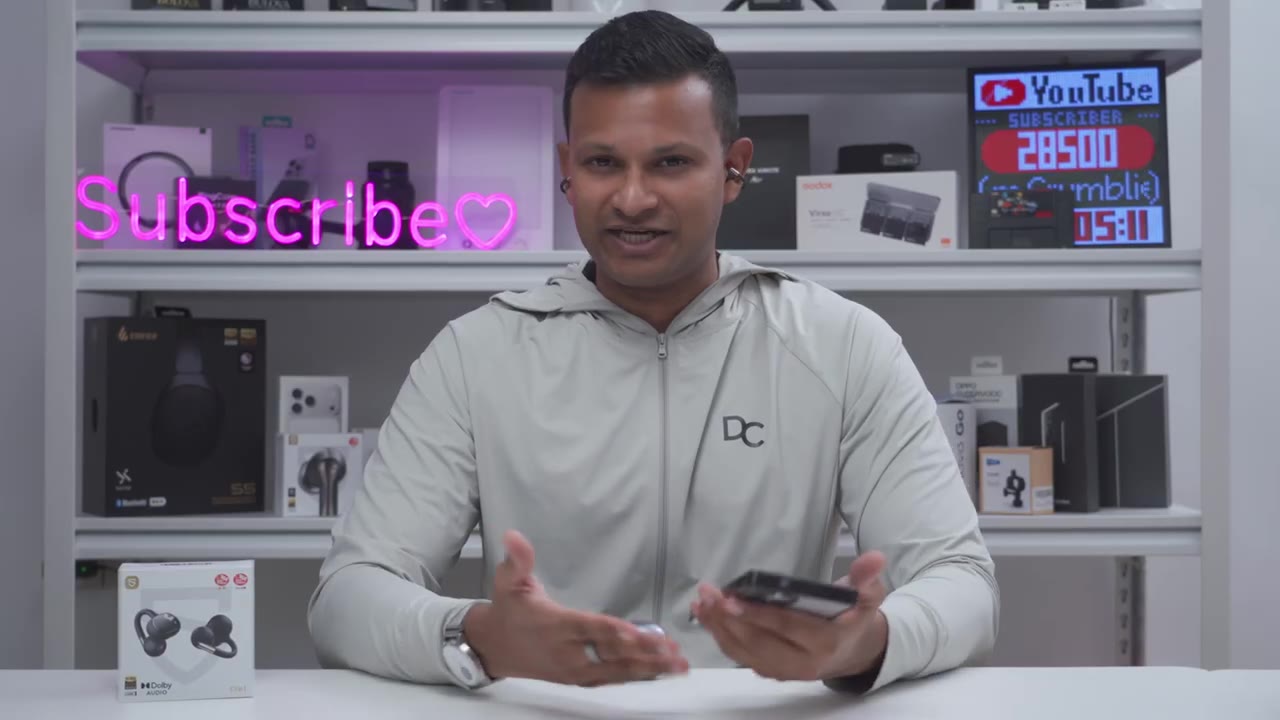
right, let’s talk sound. So, we have 12 mm dual magnet dynamic drivers on here. Now, I mostly listen with LDAC on. I mostly listen to the rock EQ in the Pete’s audio app, but you can also set custom EQs as well, and I only kept the volume at around 40 to 60%. That was already plenty loud for me, but if you do want to crank it all the way to 100%, you can do that without any type of distortion. Bass was surprisingly present on the Clip One more than I expected once you get these situated nicely. So, you get that nice little bass hit and a little bit of a prolonged bass decay, especially if you use the bass boost equalizer. However, you’re not going to get that super tight or punchy bass like you would with in-ear earbuds. But for open air, it’s really good.
Mids also had great clarity without introducing any type of harshness or siblance. And there was good detail when listening to vocal prominent songs. So, the tuning is a little bit more dialed in for the mids. The highs were just as well tuned with a good amount of liveless and energy without introducing any type of siblance or ear fatigue for extended listening. However, the sound stage was a little bit narrow, but no real complaints given the form factor. If you’ve had batter subpar experiences with open style earbuds, they’ve actually come a really long way. and the Sound Pets Clip 1 are a great example of that. Here’s an
Microphone
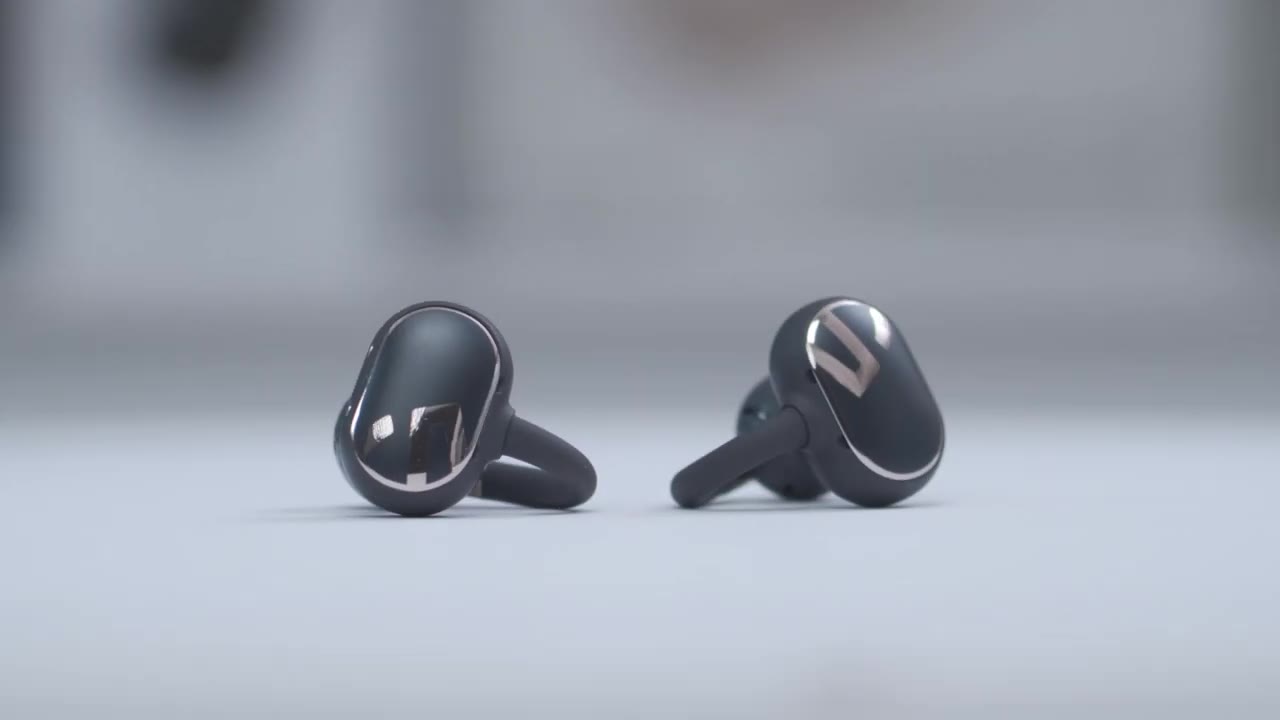
example of what microphone audio sounds like from the Sound Beatats Clip 1 earbuds. I’m in a very quiet room with little to no ambient noise. Here’s an example of what microphone audio sounds like from the Sound Pizza Clip One. I’m outside. It’s kind of windy and there’s ambient noise outside.
Sound Leak

No speech in this section.
Gaming
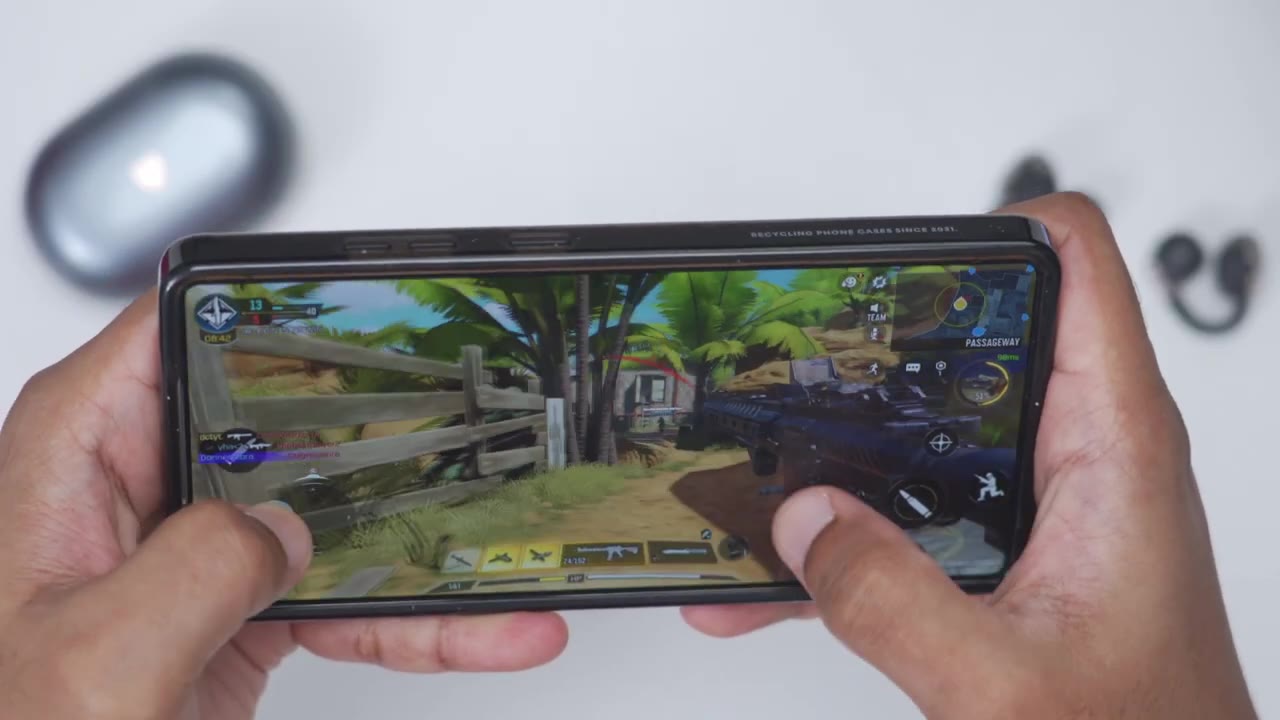
There’s a significant audio delay even with the low latency gaming mode on, but that still didn’t prevent me from dominating in Call of Duty Mobile. These
Comfort
are also super comfortable for all day wear, I could barely tell I’m even wearing them since they’re only about 5 g. And because they have the skin friendly silicone material for the arch wire, it’s really comfortable. And because these are not actually sitting in your ear canal like you know in earbuds it’s not stretching out your ear canal or where you can like feel it in there. Your ear canals can’t breathe. Like these are super comfortable. You know you can still hear what’s going on around you and you can wear these all
Battery

day long. Battery life is rated for up to 48 hours once you factor in the charging case. Now by themselves you can get up to 8 hours on the clip one if you listen in ideal situations meaning around 60% volume with the AAC codec. Now, if you’re going to be listening at a louder volume level, if you’re going to be using LDAC, then yeah, the battery life is going to be a little bit lower. But whenever they do drop down in battery, a quick 10-minute charge is going to give you about 2 hours of play
Recommended?
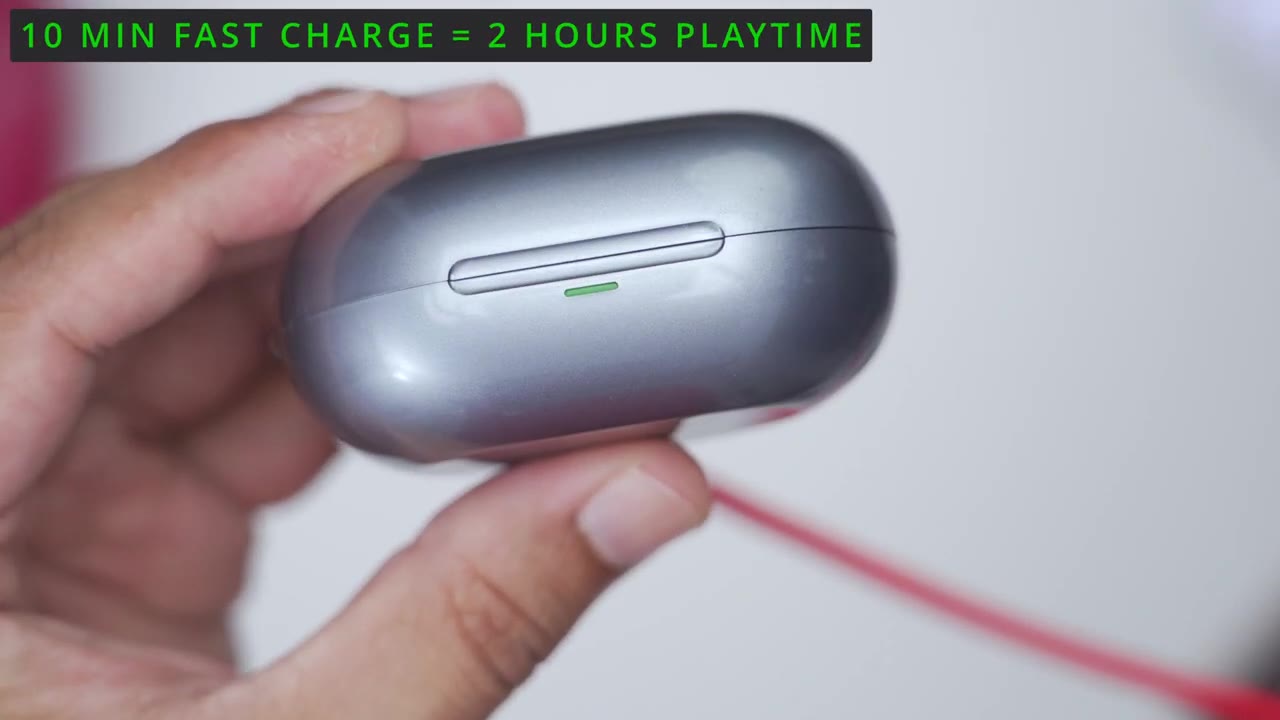
time. So, the Sound Pets Clip One open style earbuds actually deliver good sound thanks to the great overall tuning, the large dual magnet dynamic drivers, LDAC high-res wireless audio, and all of the other sound options in the Pete’s Audio app. They’re also super comfortable for all day wear. They have good battery life. you have wearing detection, super responsive touch controls, and multi-point connectivity. So, if you’ve been led down by Open Style earbuds in the past, these Sound Pets Clip One open style earbuds are definitely worth checking out. And I’ll leave links down below for you to get your very own. If you like this video, maybe consider checking out this video next.
And maybe even consider liking and subscribing because outside of open style earbuds, I also review keyboards, mice, monitors, laptops, really something for everyone. I really hope to see you in my next video
Buy SoundPeats Clip1 Earbuds on Amazon
Please note that some of the links in my video descriptions are affiliate links where I earn from qualifying purchases. As an Amazon Associate I earn from qualifying purchases.

