


☑️ Bluetooth Transmitter Option 1 on Amazon
Please note that some of the links in my video descriptions are affiliate links where I earn from qualifying purchases. As an Amazon Associate I earn from qualifying purchases.
Intro
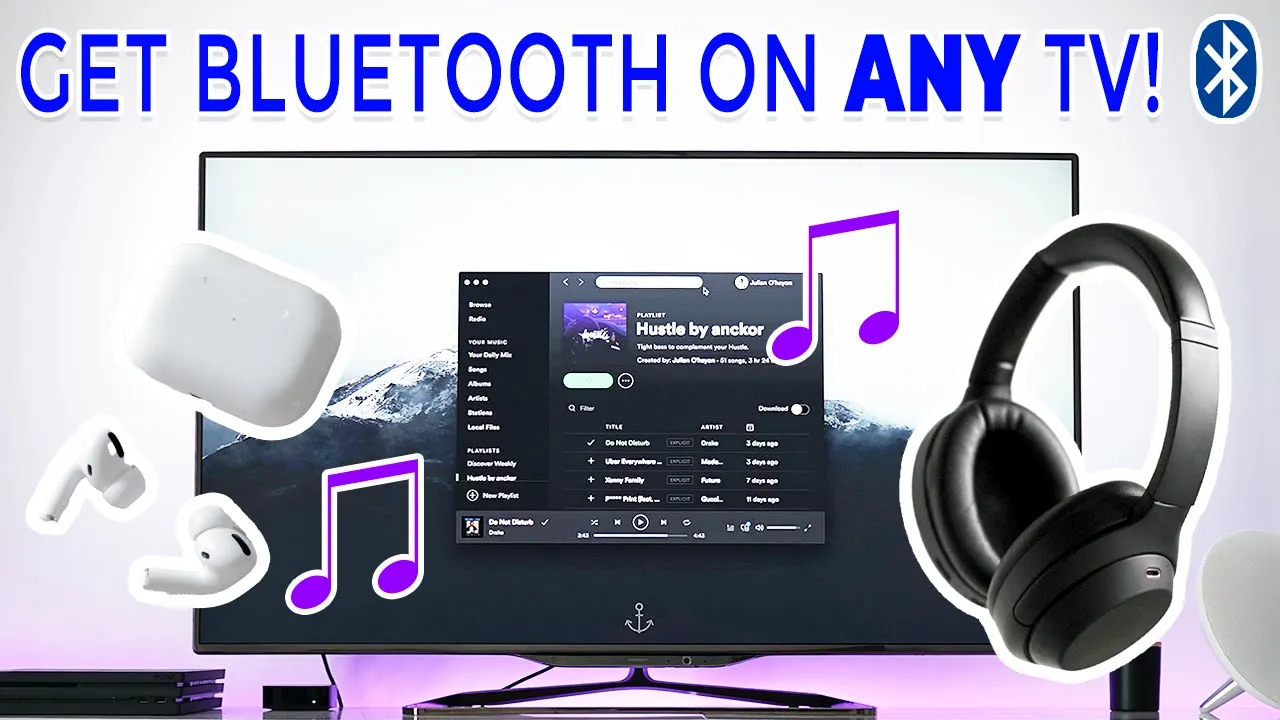
hey it’s adrian today i’m going to show you how to add bluetooth functionality or help you use your bluetooth headphones or earphones with almost any type of tv old or new and it’s pretty simple
What You Need To Start
okay so to make all of this work you’re going to need to buy something called the bluetooth transmitter and what this does is it connects to your tv and it broadcasts the audio from your tv or transmits it to your bluetooth headphones so the one i have is from a brand called mpow but you know there’s a ton of other brands online on amazon and they range from like 20 to 40 dollars so they’re not too expensive so i’ll leave some links in the description below if you’re interested all right so you’ve placed your order you got your bluetooth transmitter in the mail now i’ll show you how to connect it to your tv okay so
How To Setup
once you have your bluetooth transmitter you can see mine’s on the mpow brand but they all pretty much work in the same way so there’s a port here to plug it or to recharge it there’s a headphone jack here like a standard headphone jack and on the side of it you can see there’s a volume plus and minus and then there’s also a switch here that changes it from receiver to transmitter so the mode we’re going to want to be in is the transmitter mode because we want to transmit the audio from the tv to our headphones okay so the next step is to connect this bluetooth receiver to the tv and that’s done through this 3.5 millimeter headphone jack which will come with the receiver or it may be built into the receiver as one piece so i’m just going to zoom in to show you the side of my tv so like most tvs you’re going to have you know an hdmi port usb port you know optical in out composite anyway the one you’re looking for is going to be called analog audio or aux for auxiliary port now that we found the auxiliary port what we’re going to do is plug in the headphone jack into one end plug in the port into where it says analog audio or aux or maybe even um audio out and then the next step is to just turn it on okay so now that the bluetooth transmitter is connected to the tv to the audio port the next step is to just power it on and pair it with your bluetooth headphones or earphones so i’m going to turn this on to transmitter and on this particular model it flashes bright green until it pairs so i’m just going to take the headphones out put it next to the unit because these headphones pair when it’s next to the bluetooth device i’m just going to pay attention to this green light and once it hits solid green i’ll know it’s paired now it may be different on your bluetooth transmitter depending on the model you buy pairing can take a little bit of time so just be patient okay you can see it’s solid green now and that means that it’s connected to these earphones so the audio is actually playing out of here now so just to demo that i’m just gonna take my microphone which is this one here wireless microphone and you can see if i put this one right up to it you should hear the audio so you can see it’s pretty easy um to do it once this is connected just pair it and you’re good to go all right so if
Outro
this video was helpful if it saved your relationship because you’re not bothering your spouse watching stuff late at night please consider liking and subscribing it would mean a lot to me all right lastly if you ran into any issues or if you’re stuck with any of the steps just leave a comment down below i’ll do my best to get back to you and i’ll see in the next video [Music]
☑️ Bluetooth Transmitter Option 1 on Amazon
Please note that some of the links in my video descriptions are affiliate links where I earn from qualifying purchases. As an Amazon Associate I earn from qualifying purchases.

