


☑️ Get Legion 7i i9 14900KF & RTX 4080 SUPER USA
Please note that some of the links in my video descriptions are affiliate links where I earn from qualifying purchases. As an Amazon Associate I earn from qualifying purchases.
Intro
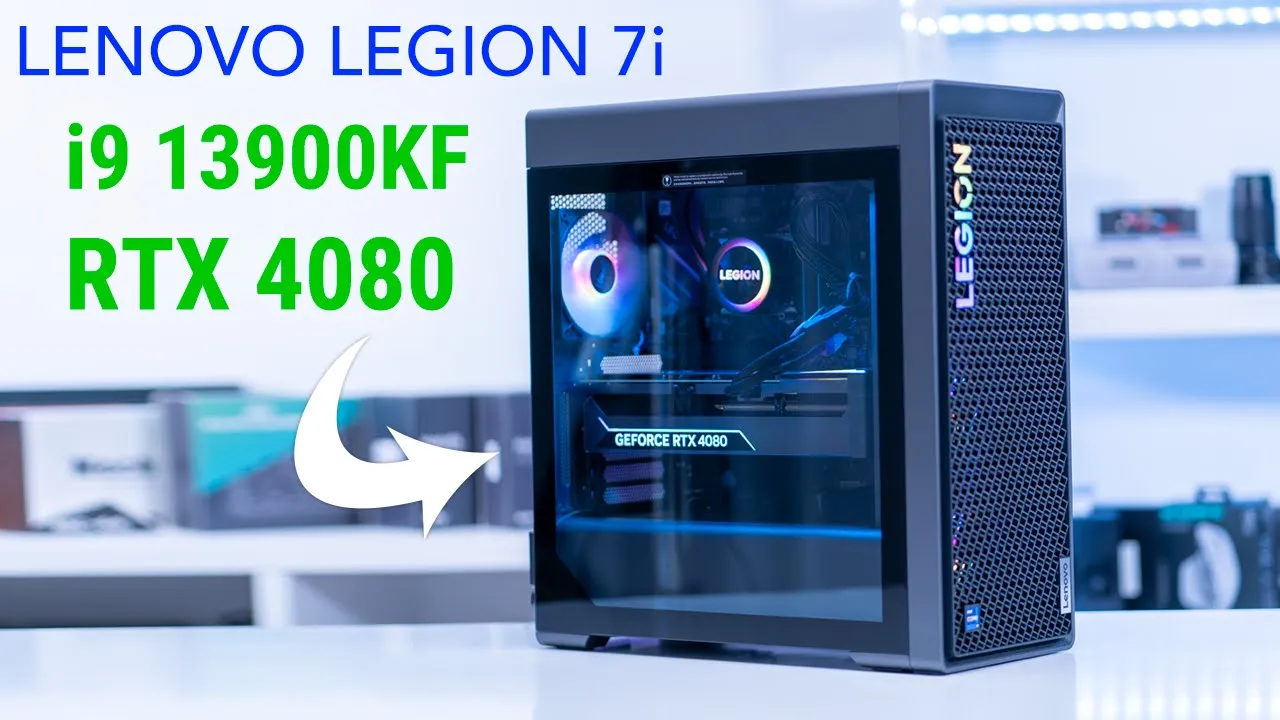
hey guys it’s Adrian and today I’m really excited I just ordered lenovo’s brand new Legion Tower PC so this is the one with an I9 13900 KF and an RTX 4080. now I do have the previous generation of this PC which is the Generation 7 and this is with an I9 12900k and an RTX 3080 and this thing has been Rock Solid I’ve been using it for all my 4K editing needs and it’s just been wonderful so I’m really expecting great things with the new generation 8 and the 13 gen Intel and I am also going to be following up with a full review where I go over you know thermals Benchmark gaming rendering so if there’s anything you’d like me to look at in particular in the full review just leave it in the comments down below but let’s get
Unboxing
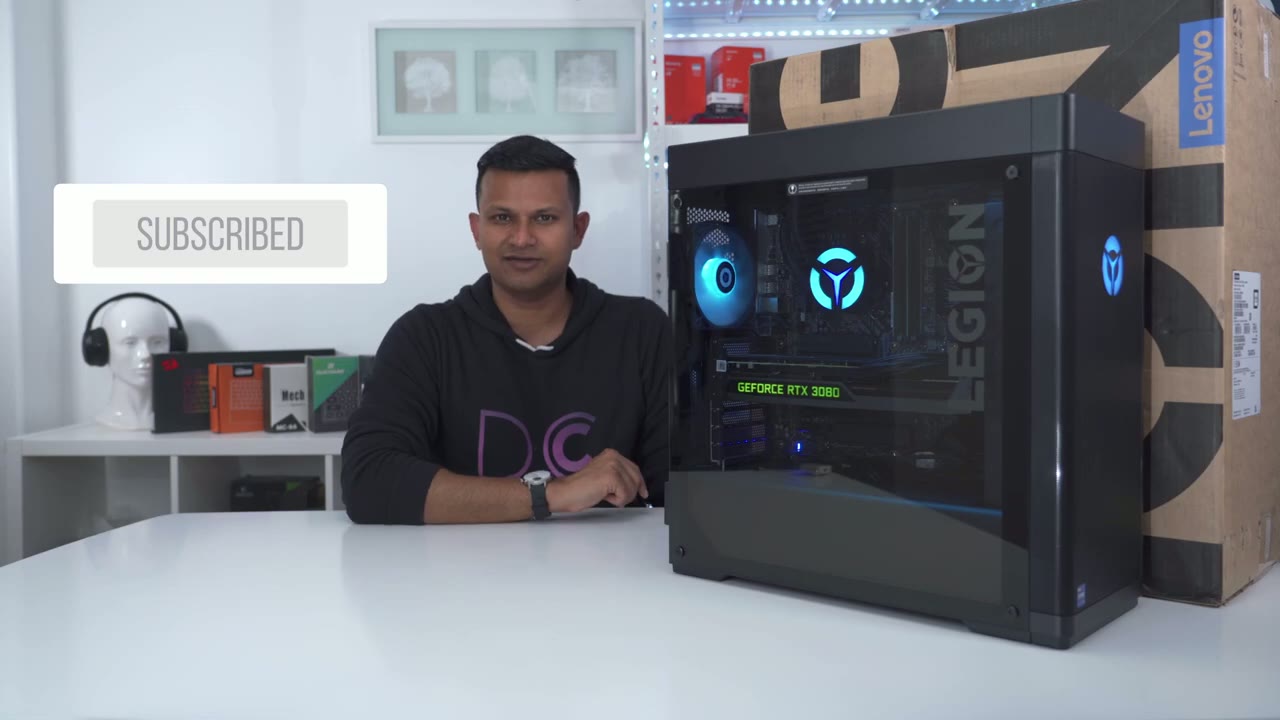
started because we have a power cable and a really generic looking mouse and keyboard wow take a look at the design on this
Design
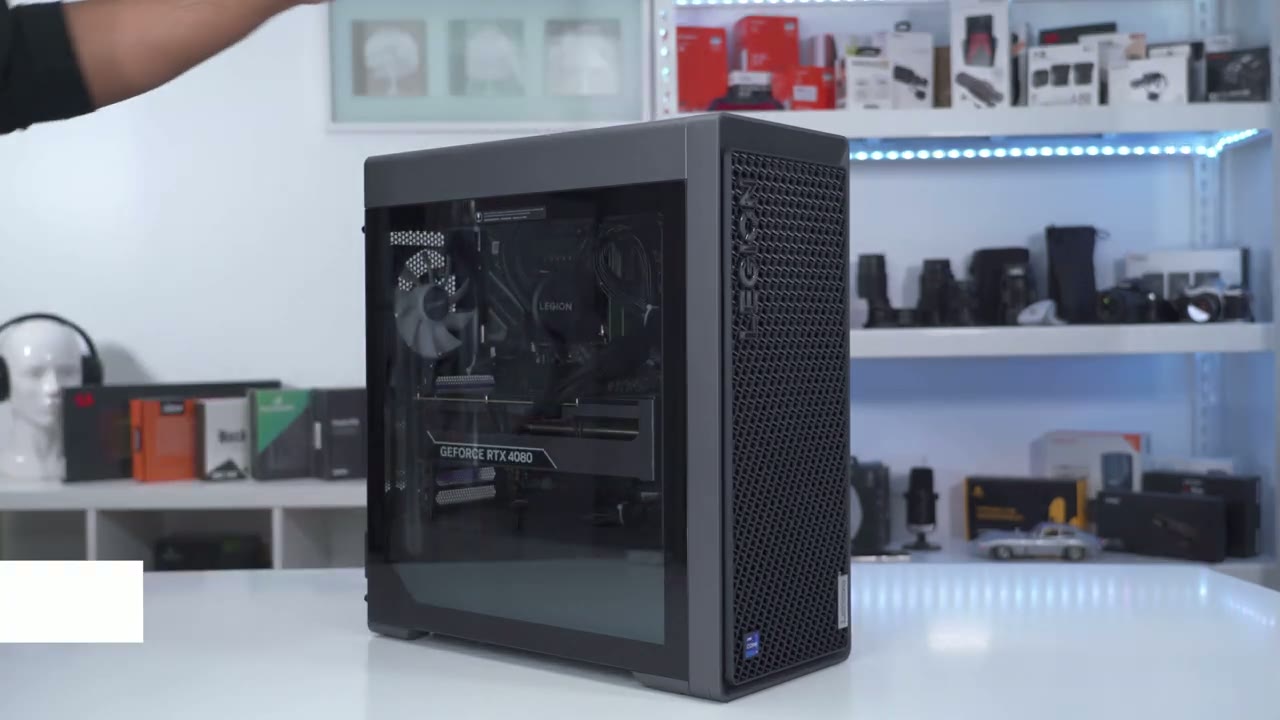
guys so at first I thought it was pretty much just the front grille that was different from the previous generation but I’m seeing a couple other differences so number one the color is a bit different so it’s more of this type of gray color tone and to remove this glass panel we now have rear screws inside of four screws on the side like with the previous model but yeah just at first glance um this looks pretty impressive uh pretty imposing I really like the legion local they have at the front here and I believe that this does light up and then we have the core I9 sticker at the bottom there just yeah at first glance this just looks really refined the back of the case looks pretty much similar to the previous case except we have two new screws at the top and bottom to release the side panel but let’s zoom in and take a look at the ports so again Port selection looks exactly the same as on the previous case we have you know some usbas one type c RJ45 and then for the 4080 we have one display port and three HDMI outs the opposite side of the case just has this matte metal panel and I really can’t get it on camera but it has kind of like a little Shimmer or glitter to it with the matte look just looks really classy really top-notch here’s what the top venting looks like on both cases and what’s interesting is that on the newer 8th generation case it actually stops shorter than on the seventh generation and I’m really curious why they chose to do that it does look like they could have extended it but maybe when I open it up I’ll have a better idea why so here’s the seventh generation case next to the 8th generation case and you can see that the 8th generation case is a little bit taller than the seven generation as well if we take a look at this front grille it ends around here but you can see on the eighth generation case that vertically it’s a little bit higher so theoretically airflow should be better on the generation case and that’s probably very necessary because it’s running you know a hotter 40 80 and 13 gen I9 chip so I’ve never had a problem with the design on the seven gen case but now that I have it next to the a generation case it just looks way more elevated and refined I’m a huge fan of the Lenovo lettering here instead of going for the logo and then we have the same type of branding or badging with the processor type but we also have extra badging here with Lenovo on the bottom right unlike the previous generation case as well the glass is actually held in place by this metal frame so it makes sliding it up much easier with this handle looking at the
Internals
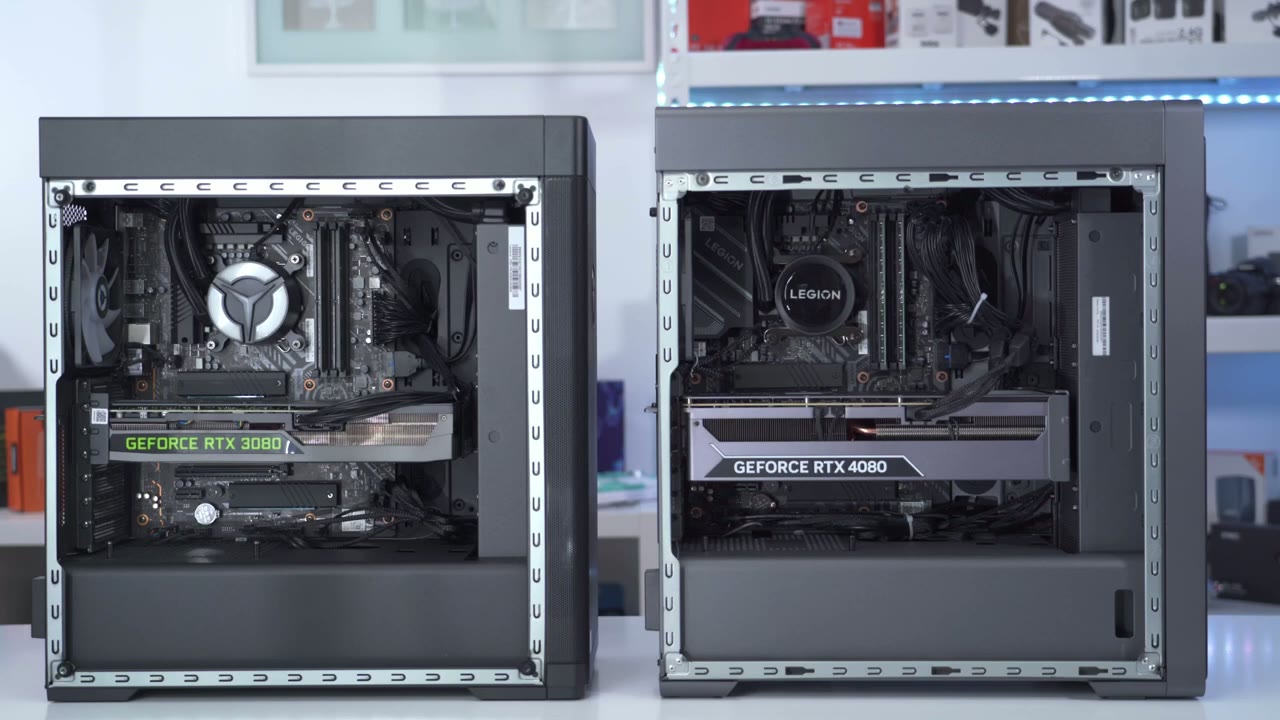
inside of both cases the new case is definitely a bit more cramped and you can see the 3080 is just a smaller card and there’s a bit more room between the GPU and the radiator but on the new case take a look at the 4080 there’s just like a really minimal Gap left even you know the thickness of it it’s thicker than the 3080 as well so if you were ever going to replace this GPU you’d have to pretty much measure it exactly to ensure that it would fit the AIO is a 360 on both cases but you can see that the AIO looks a little bit different on the new case it has the legion writing on there and on the previous case it just has the Legion logo I was also hoping that Lenovo would have some RGB RAM sticks instead of this just generic green looking Ram stick same thing that was found on the previous case as well in terms of cabling and cable management though it looks relatively clean inside the rear Cable Management looks pretty good on both cases as well now you can see that on this case where part of the motherboard is exposed it’s completely covered up on the new case you do have the option to upgrade with two two and a half inch ssds and two 3.5 inch hard drives if you want there are some pre-rands SATA and power cables here for whenever you decide to put in hard drives so I am going to be following up with a full review where I go over you know gaming thermals Benchmark noise levels rendering performance and all that other type of stuff so if there’s anything you’d like me to cover in particular please just leave it down in the comments down below and if you enjoyed this video please consider liking and subscribing I’m always doing videos like this and I’ll see in the next one soon
☑️ Get Legion 7i i9 14900KF & RTX 4080 SUPER USA
Please note that some of the links in my video descriptions are affiliate links where I earn from qualifying purchases. As an Amazon Associate I earn from qualifying purchases.

