


Buy Cleer ARC 4 Plus on Amazon
Please note that some of the links in my video descriptions are affiliate links where I earn from qualifying purchases. As an Amazon Associate I earn from qualifying purchases.
Intro
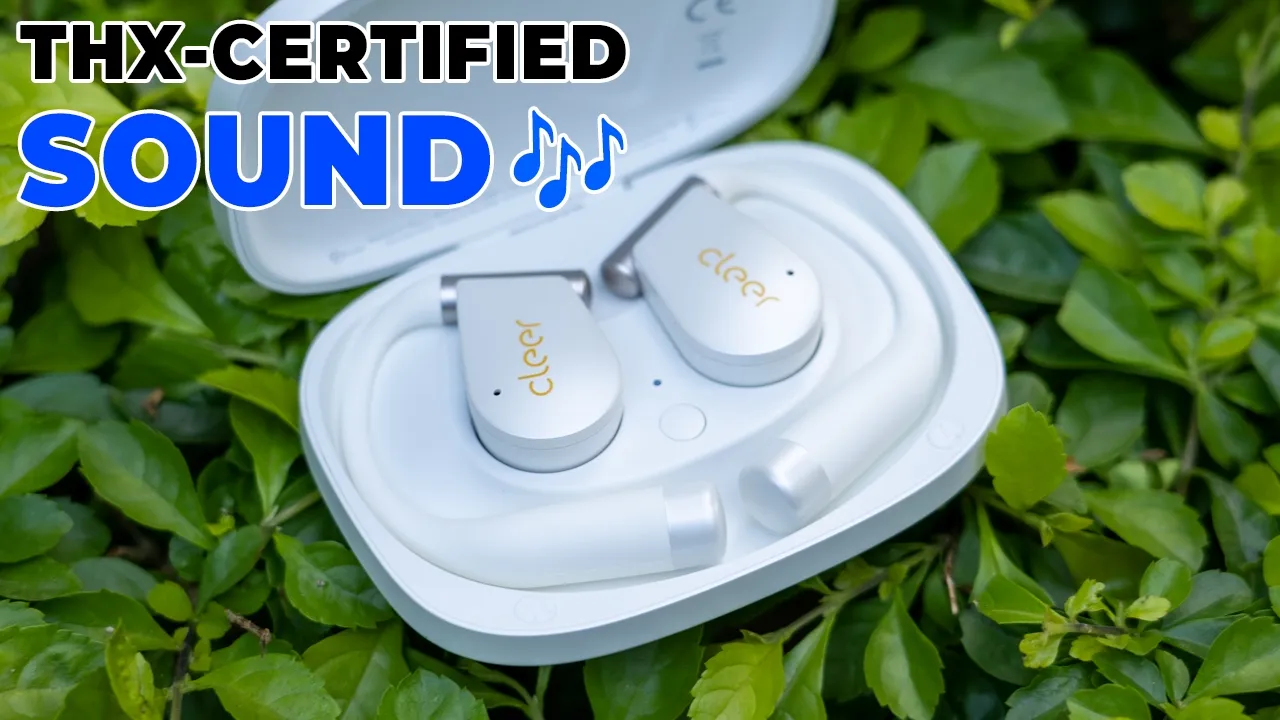
If you’re on the hunt for some of the best sounding openear earbuds, you have to check out Clearis Ark 4 Plus openar earbuds. These are the only THX certified openear earbuds right now and they deliver super loud sound thanks to the 16.2 mm drivers along with Dolby Atmas sound, Snapdragon sound, APX codecs, and Bluetooth LE audio. They also have spatial audio, head tracking, a sixaxis motion sensor, so you could use head gesture controls if you don’t want to use the touch controls. Battery life is rated for up to 9 hours with quick charge support. There’s an IPX7 rating, and physical buttons allow you to actually use this without the case. But how good can open your earbuds really sound? And are they worth the upgrade if you already have the Clear R3? Well, let’s take a closer look.
And a big thanks to Clear for sending these out for review. In the box, we have the
Package Contents
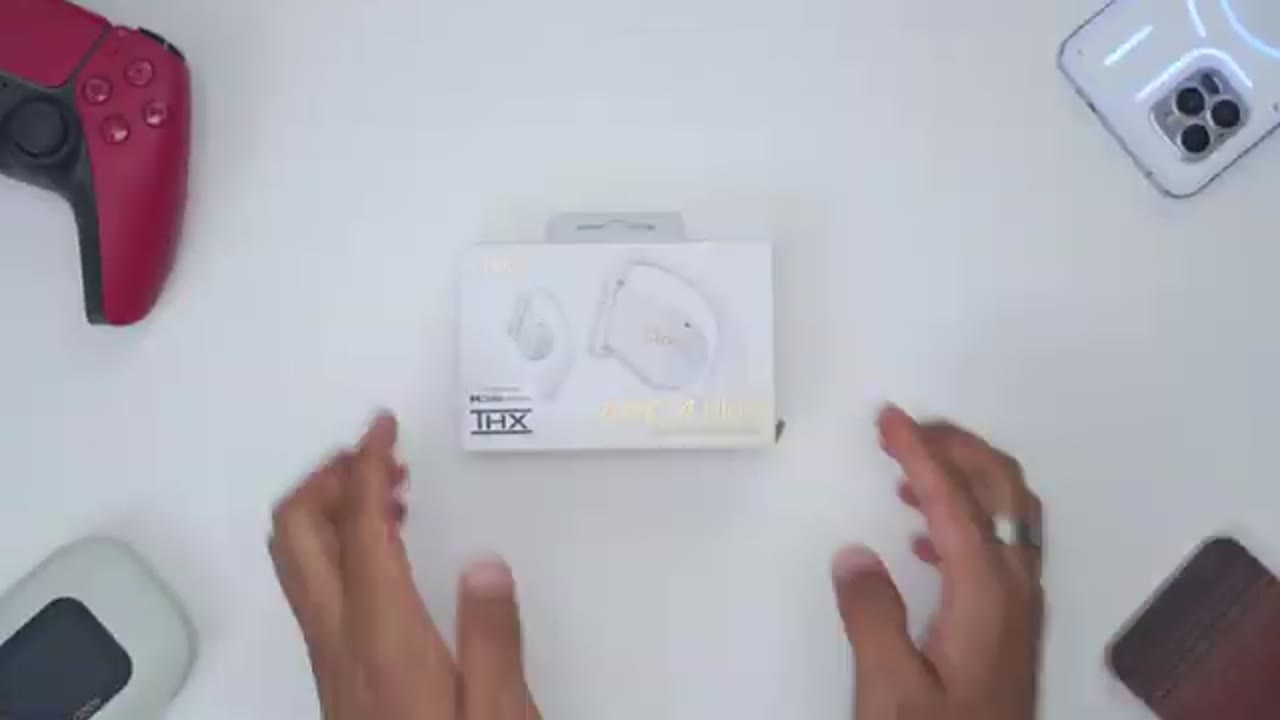
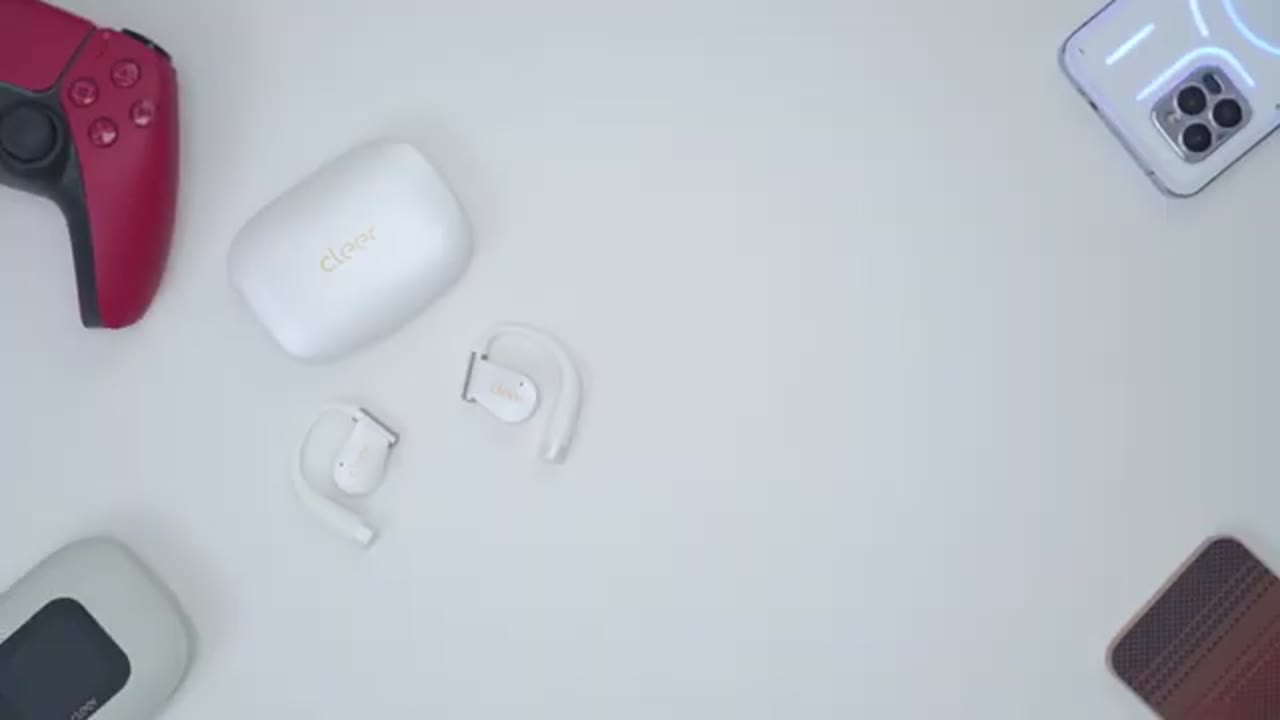
Clear RV 4 Plus charging case, the Clear RV 4 Plus headphones, USB type A to type-C charging cable, a manual, and
Design

thank you card. The Clear RV 4 Plus comes in at around 10.8 g, so it’s actually a little bit lighter than the Clear R3 that I have here, and smaller as well. We have the Clear logo on the outside along with an LED indicator light that’s flashing right now. There’s also physical button controls on the inside. We have the speaker grill housing that massive 16.2 2 mm drivers. There’s also metallic charging contacts and the material is this soft feel type of silicone material that’s really comfortable to the touch. There’s also various microphones along here as well. They also have an IPX7 rating, so these are going to be fine for sweat and light ring. The charging case comes in at around 58 g, and once you add both of the headphones inside, it brings it up to about 79 g. Not too heavy at all.
Now, on the rear, we have the USB type-C charging port to charge a battery case up. And to open up the lid, you can see it’s kind of recessed here. So, it’s easy to just grab that lip, open it up, and we also have a pairing button there as well. It’s also easy to remove the headphones and pop them right back in for charging. But do note that if you place the case upside down and shake it, the magnetic hold is not strong enough to keep those in there. And for those of you who have the Clear 3, you could see just how smaller the new Clear Arc 4 Plus case is in every dimension. Here’s
Specs
a quick look at the specs. Feel free to pause and review or jump ahead to the next section. I’ll pair the Clear Arc 4
Bluetooth Pairing
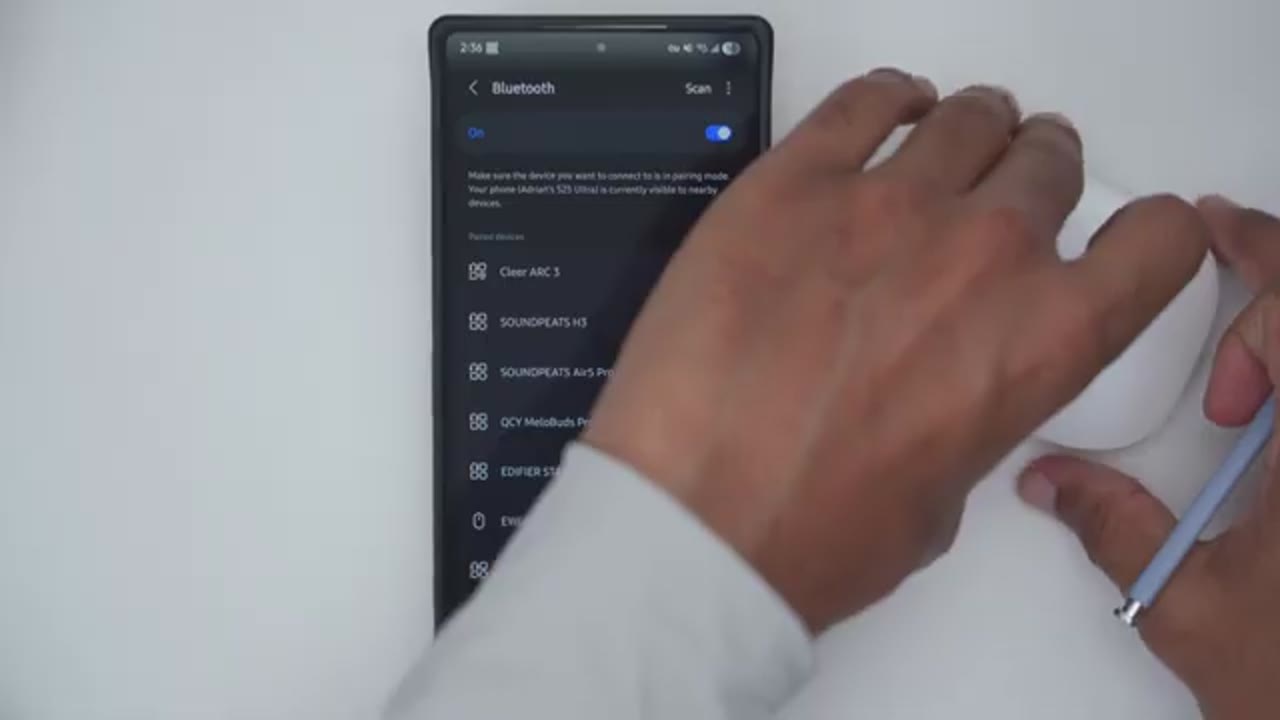
Plus with my phone. So, I’ll take them out of the case. Hit scan on my Bluetooth settings. I can see it right here. Tap on pair. Go to the very top. I can see it’s connected for calls and audio with 100%
Multipoint
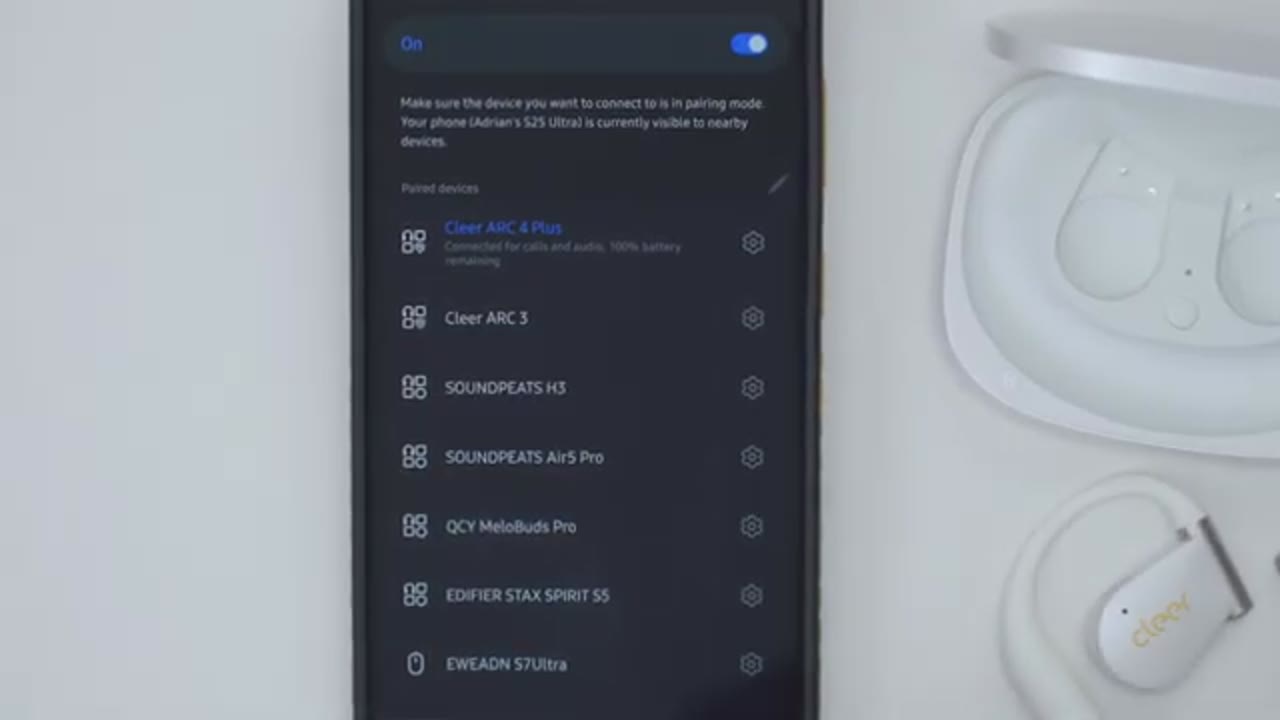
battery life. And I’ll repeat the same process for my ZFold 7. And you could see that both my S25 Ultra and ZFold 7 are connected if we’re multipoint. Let’s
Multipoint Demo
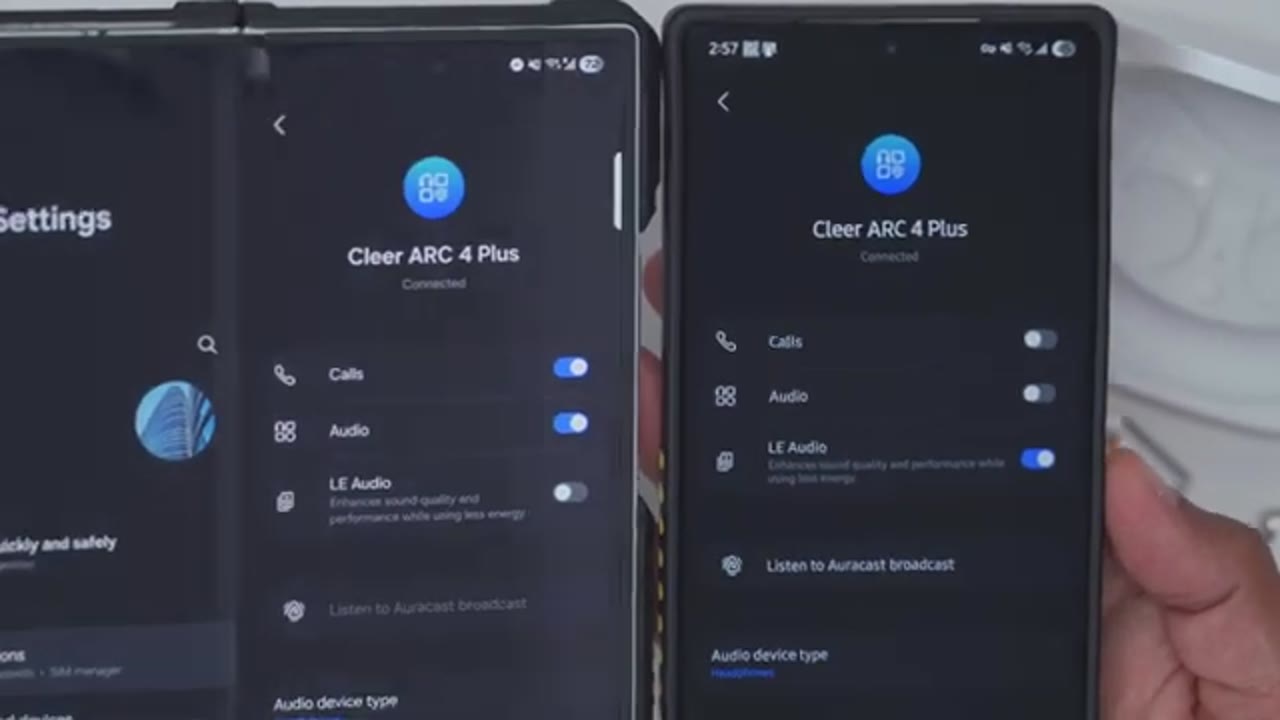
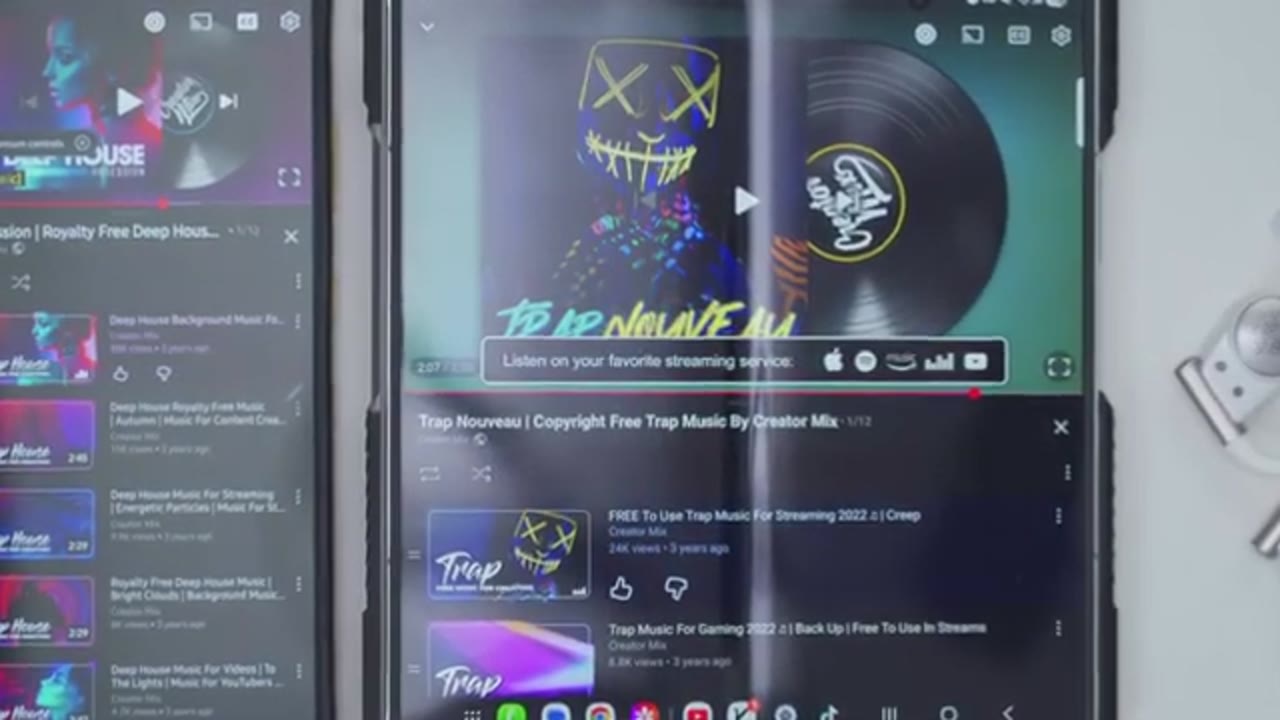
do a quick multi-point demo. So, I’ll play music on my first phone. Pause that. Play on the second phone. So, you can connect these headphones to your phone and laptop and quickly switch between audio sources. Let’s take a look
App Settings
at the Clear Plus app settings. So, once you open it up, we can see the battery life for the right and left earbuds. Now, what we can also do is we can turn on spatial audio. Once you do turn that on, you have separate options at the bottom. So you can switch it from movie mode to music mode and you can also turn on head tracking. But do note that you will lose access to the EQs here. So I’ll turn that off for now. We have various EQ. So flat, rock, jazz, classical, pop, and you can also go ahead and, you know, set custom EQs and save those as you wish. There’s also automatic volume control if you want to turn that on. Now what you can do if you tap on this menu in the top right corner, you can actually pick all of the things you have access to.
So, say you’re not interested in this health tab or this health tab, you can disable both of those, but I’ll leave those on because we can just go ahead and cycle through these different tabs. So, we do have call control. You can nod your head or shake your head to answer or reject calls. And you can do the same thing for music control right here. Now, under touchpad control, by default, the left and right controls are set to be an exact mirror copy, but you can switch these independently. So, for example, on the left one I can just touch and hold for spatial audio, but on right I can set it for voice assistance. So, you can really customize this as you see fit. Note that changing volume levels is hardcoded to a double tap and hold.
You can also turn on hearing care which will limit the maximum volume. You can also turn a sedentary reminder on from 120 minutes to 20 minutes and you can repeat the reminder. You can also access the user manual, the frequently asked questions. You can also check the firmware version, set the auto power off from never all the way up to 60 minutes. You can change the voice prompt language to Chinese, and you can reset everything. The touch controls are very
Touch Controls
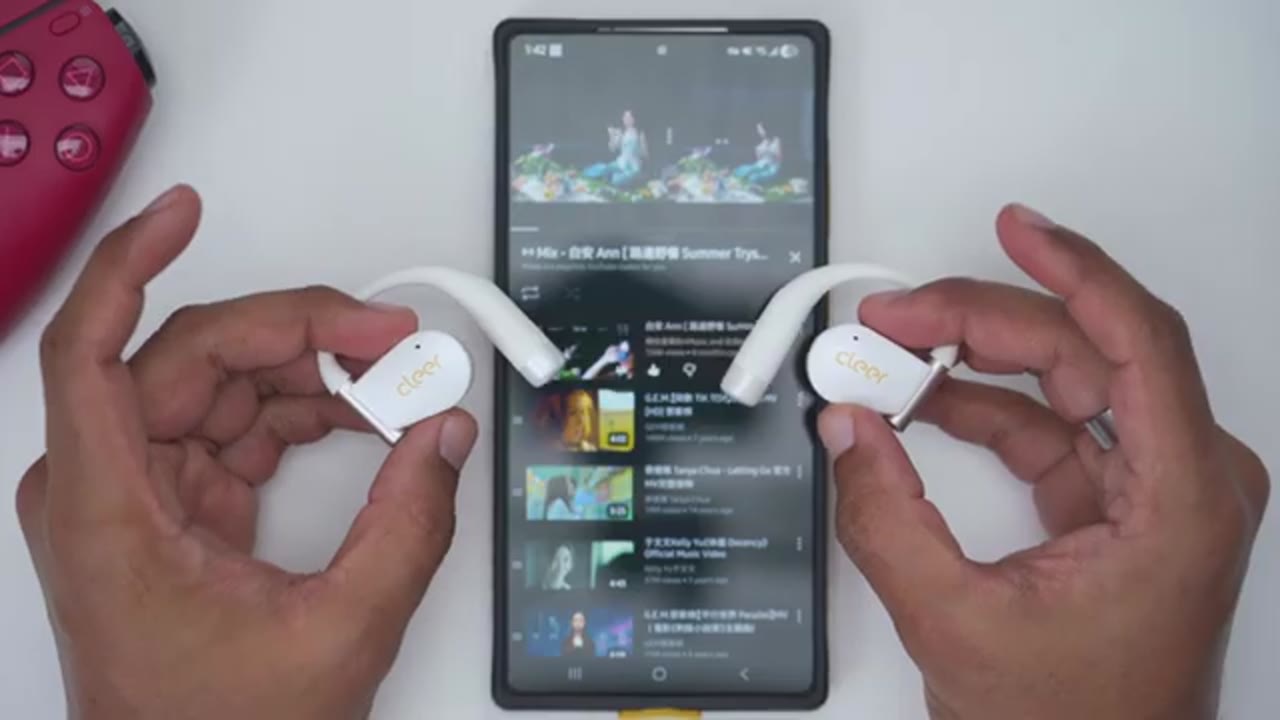
responsive. So, a single tap on either the right or left earbud will pause or resume playback. And then, if I double tap on the right one, which is how I’ve programmed it, it’s going to jump ahead to the next track. And if I double tap on the left one, it’s going to go back to the previous track. Now, if I do a long press on the left one, I’ll just go ahead and go into the clear app, you can see as I long press on this, it’s actually going to activate the spatial uh audio feature that you could see right there. And if I do a long press on the right one, it’s going to pull up the voice assistant like you could see at the bottom there. To adjust volume levels, you’ll double tap and hold on the second tab. So, you can see if I hold this down, I can increase the volume.
And then on the other side, I could just decrease volume. Very easy to use. If you enable the Bluetoothle option, you won’t be able to activate the voice assistant with a long press. So, you will have to disable Bluetooth LE if you want to be able to use that.
Head Gestures
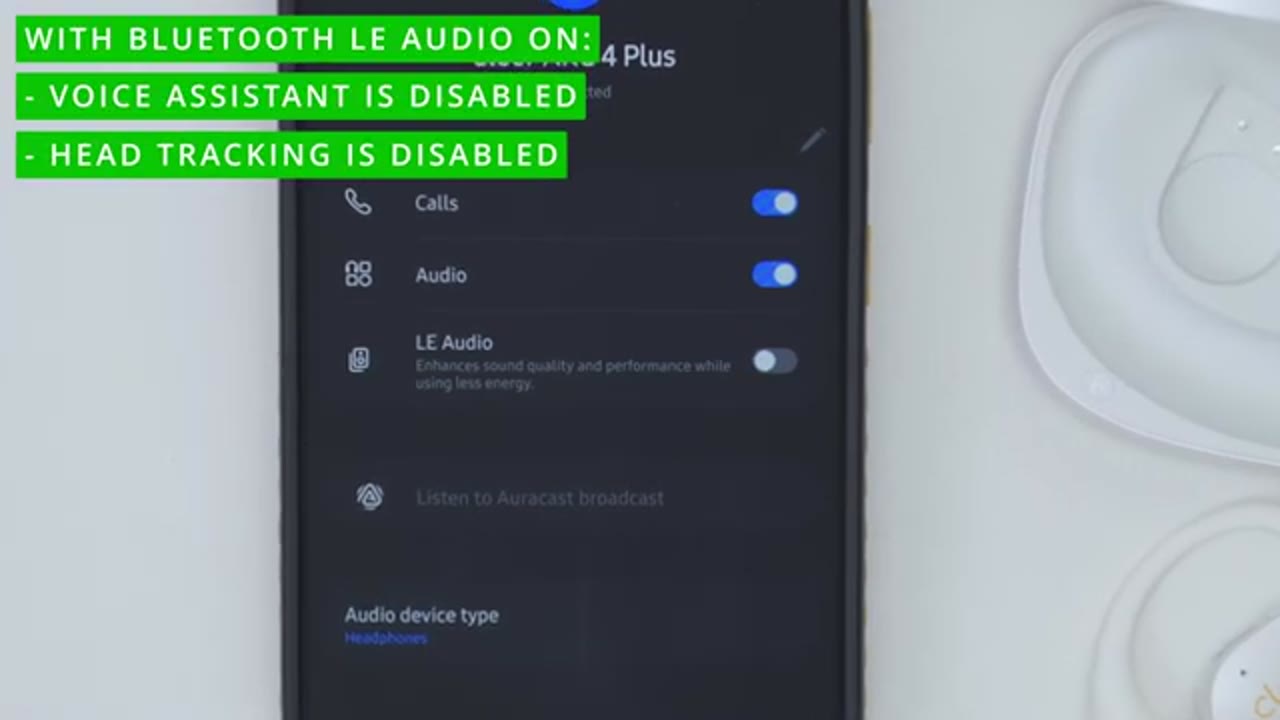
Let’s test the head gesture control. So, I’m going to turn right and back, and it’s going to switch the song, which you could see right there on screen. Now, I’m going to turn the other way and back, and it’s going to go back to the previous song. Now, there are times where I’ve mistakenly done this because I’ve set it on the 1x head knot, but you can also set it to a 2x head knot to minimize those problems, or you could just disable this feature completely if
Sound
you want. When it comes to sound, there’s a ton to talk about. So, these have large 16.2 mm drivers. They’re also THX certified. There’s Dolby Atmas support. It has their dynamic bass enhancement 4.0. There’s Snapdragon sound, APX support, Bluetooth LE, and LC3 codec support. I saw some online comments mentioning that the sound coming out of the Clear RV 4 Plus was not as good as the Clear R3. Now, I have to disagree even though I really love the R3’s. I think it’s likely because possibly the device didn’t support all of the required features or certain settings weren’t dialed in. So, let’s look at that next. First, I enabled Bluetooth LE on my phone’s Bluetooth settings. Then, I jumped into the Clear Plus app and I enabled the Dolby Atmas mode and I set it to music mode.
Then I open up the Dolby Atmas options on my phone and I set it to the music mode. For the EQ, I left it on balance. Surprisingly, that sounded best to me. And you also have an additional option to boost certain frequencies. But those options are how I got the best possible sound, at least to my ears. Now, if your phone or device doesn’t support Dolby Atmas, you’re still going to get really good sound on here. You just have to leave that option turned off in the Clear app, just enable Bluetooth LE and leave it on the Rock Equalizer. That sounded great to me. Or you can use a custom EQ. Mids were the standout here for me, so vocals had amazing clarity even at higher volume levels without any type of distortion or sounding shrill or harsh.
Vocals tended to sit front and center in the mix with good separation from instrumental layers, giving a well-defined sound stage. Similarly, highs also delivered the same detail and pristine frequencies, giving instrumentals an airy, open character, making them just feel more vivid and present. When it came to lows, the bass actually had a little bit of a thump, which was enough to satisfy my fix. But since we’re talking open air, you’re not going to get that deeper subbase. But Clear’s dynamic bass enhancement 4.0 still delivers a surprising amount of impactful bass. And I really have no complaints because the overall focus here was just evenly balanced tuning.
So, the sound coming out of the Clear Arc 4 Plus is the best that I’ve heard out of every Openear earbud I’ve tested so far, and that includes the Clear Ri. The RV 4 Plus has crisper highs than I noticed on the Clear R3. And they also get louder than the R3 as well. And the Clear R4 Plus being the world’s first THX certified openear earbuds is not a gimmick. These actually focus on audio fidelity, clarity, and low distortion, and it definitely came through on these.
Mic

Here’s an example of what microphone audio sounds like coming out from the Clear Arc 4 Plus. I’m in a very quiet room with little to no ambient noise. Here’s an example of what microphone audio sounds like coming out of the Clear R4. Plus, I’m outside. Kind of a windy day. Lots of background ambient noise. And here’s how well microphones
Sound Leak

are handling it. Sound leak is pretty well controlled on these due to the close fitment. So, you’re not going to have a problem if you’re listening. I would say probably 60% or less. Most places are going to have some level of background noise and people are not directly up on you. Shouldn’t be an
Gaming
issue. even without a dedicated gaming mode. The audio latency was solo, one of the best that I’ve tested so far, it was no problem dominating in Call of Duty
Battery Life

Mobile. Battery life is also really good on here. Rated for up to 9 hours or 34 hours if you factor in the charging case. Now, that’s going to come down to, you know, how loud you’re listening to these at if you’re using Bluetooth LE or not. But whenever they do go down, a quick 10-minute charge is going to give you up to 2 hours of playback. And it’s possible to just listen to one earbud at a time while the other one stays topped up if you really want to further prolong battery life. These have also been super
Comfort
comfortable for hours or even day long wear thanks to the soft silicone material. I barely feel them there after about a few minutes of wearing them. And unlike headphones where it’s, you know, a nice tight fit or seal, you don’t have any issues with, you know, your ears getting hot or moisture building up due to breathability issues. The other thing is unlike earbuds where it’s, you know, in your ear canal, you can sometimes feel it if they’re bigger earbuds. I don’t feel any of that here. It’s kind of the best of both worlds. Now, aside
Unique Feature
from the head gesture controls to change tracks, which is really cool, there’s something else that I really like about these, and that’s that they’ve included a physical button on the earbuds. What that allows you to do is that without carrying the case with you wherever you go, you could power these on, you could power them off, and you can actually put them into Bluetooth pairing mode if you want a really minimal setup. And that’s something I wish all openear earbuds did. So I really have to commend Clear for that improvement. So I highly
Recommended
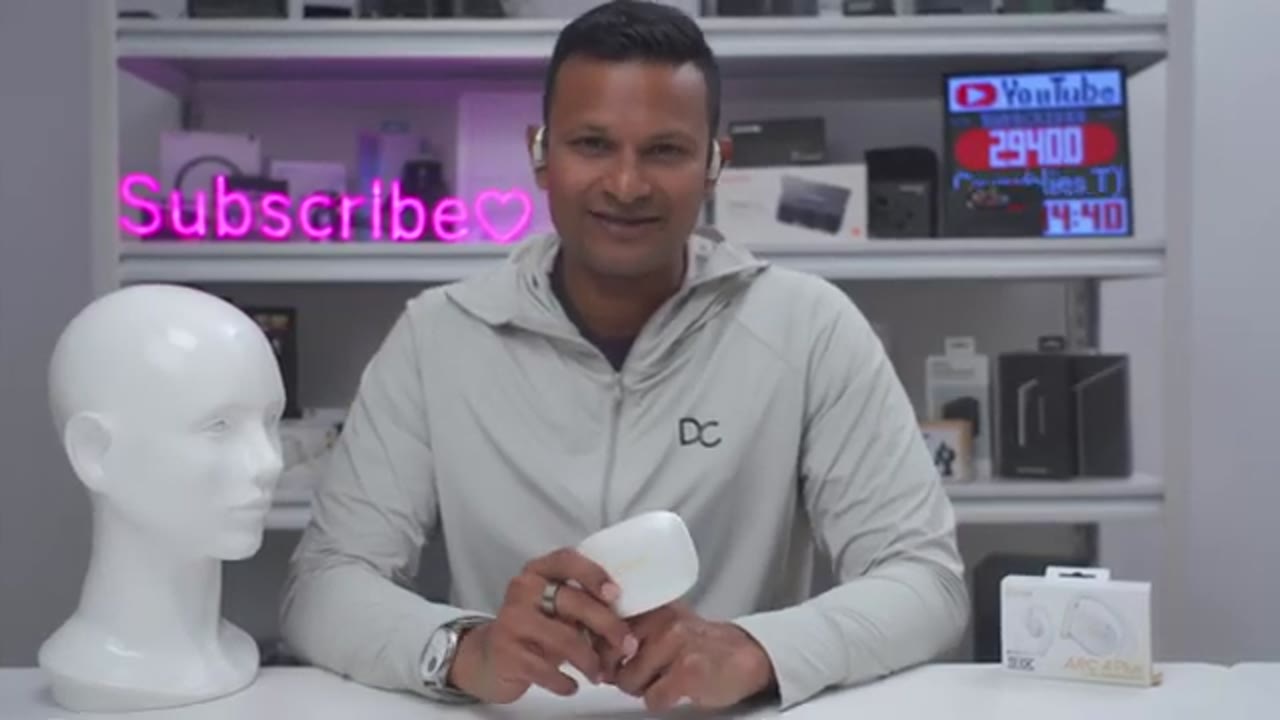
recommend the Clear RV 4 Plus if you want what is possibly the best sounding openear earbuds out there right now. The 16.2 mm drivers output loud sound. And with the THX certified tuning and wide range of codec support along with Dolby Atmas audio Snapdragon sound, you’re pretty much getting no compromise sound. The battery life is great and it’s so handy being able to use the head gesture controls to just change tracks, accept, reject calls, and the ability to actually use these without a case, something I can’t do with a lot of other openear earbuds. So, if you’d like to get your very own pair of the Clear RV 4 Plus, I’ll leave links down below in the video description and pin comments. And if I have any type of coupon codes, I’ll leave those down below as well.
And consider checking out my audio playlist next if you’re looking for headphones and earbuds. And maybe consider liking and subscribing as well. Outside of earbuds, headphones, I also review speakers, monitors, keyboards, mice. Really something for everyone.
Buy Cleer ARC 4 Plus on Amazon
Please note that some of the links in my video descriptions are affiliate links where I earn from qualifying purchases. As an Amazon Associate I earn from qualifying purchases.

