


Please note that some of the links in my video descriptions are affiliate links where I earn from qualifying purchases. As an Amazon Associate I earn from qualifying purchases.
Intro
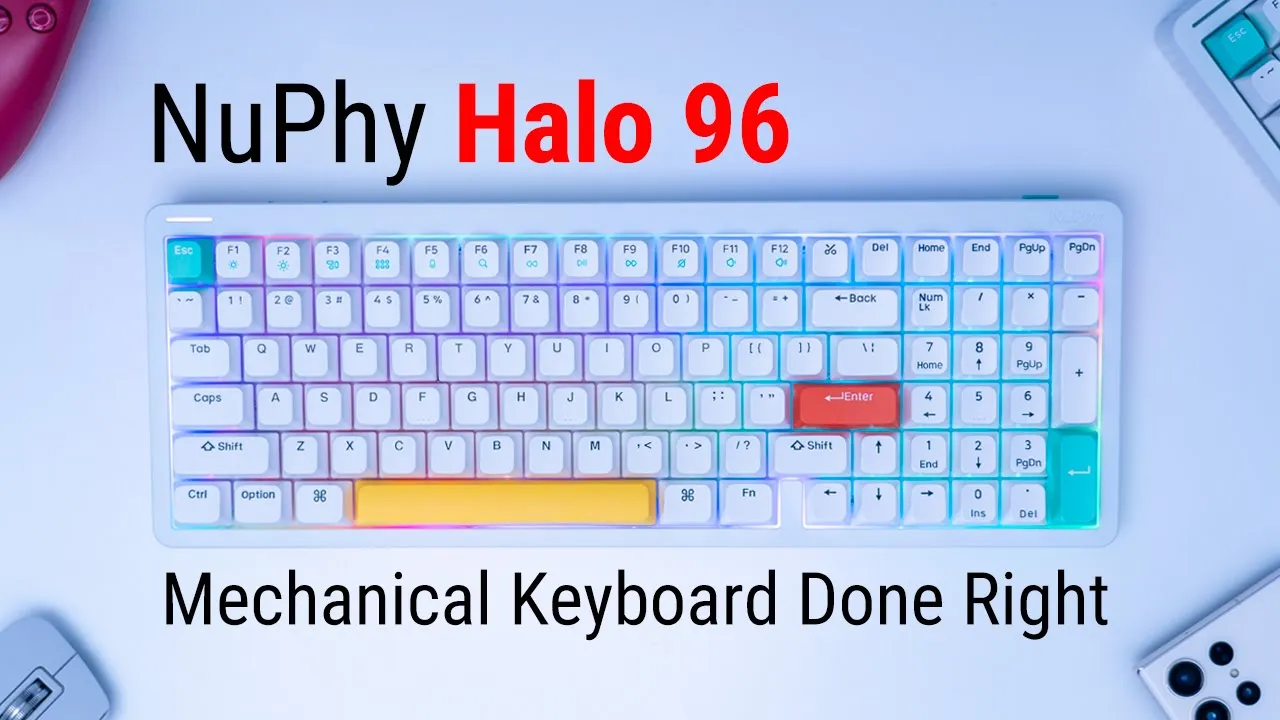
hey guys it’s Adrian and I’m really excited because I’m taking a look at the Halo 96 from new 5. now I did previously review the Halo 75 from new 5 but for those of you who prefer having a numpad like I do this is an even better option than that you guys sent me the Halo 96 in ionic white and with the baby raccoon switches which is what I requested because on the Halo 75 I had the linear Nike switches so let’s get into it and see how it compares
Package Contents
similar to the Halo 75 the unboxing experience is just really great and a lot of detail and thought has gone into this you can see we have this nice protective covering for the keyboard and it’s debossed with the name of the company new fives just really a lot of care and attention to detail in the package we have the Halo 96 keyboard a manual quick start guide stickers and we have additional switches here so this is the night Breeze linear switch the rose Glacier switch and the rest of the switches are their gadaron partnered switches now we also have 18 additional keycaps if you just want to add in a pop of color there we also have a type c to type a charging cable and a switch cap and key puller it’s such a great touch to add in these additional switches because if you ever wanted to order some from their website you can have an idea of the switch feel quick start guide has you know many common keyboard shortcuts and lighting commands and the back side of it features a poster which is a really nice touch as well here’s the
Design
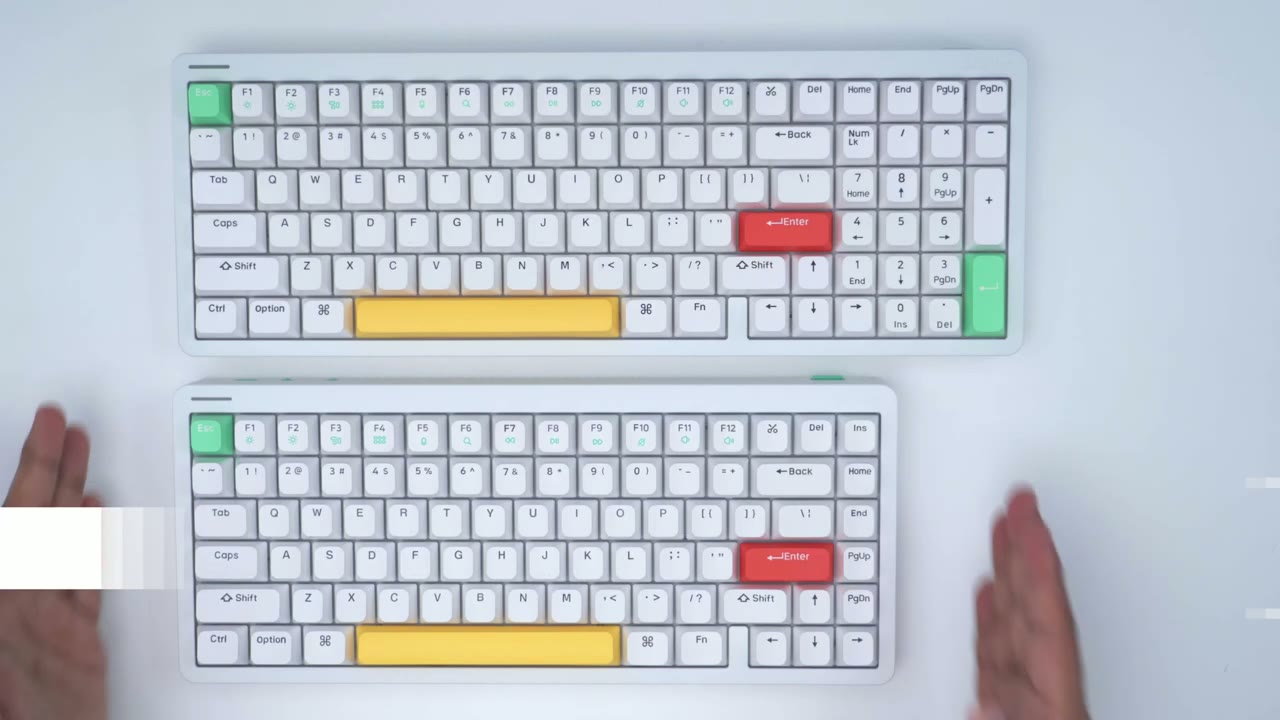
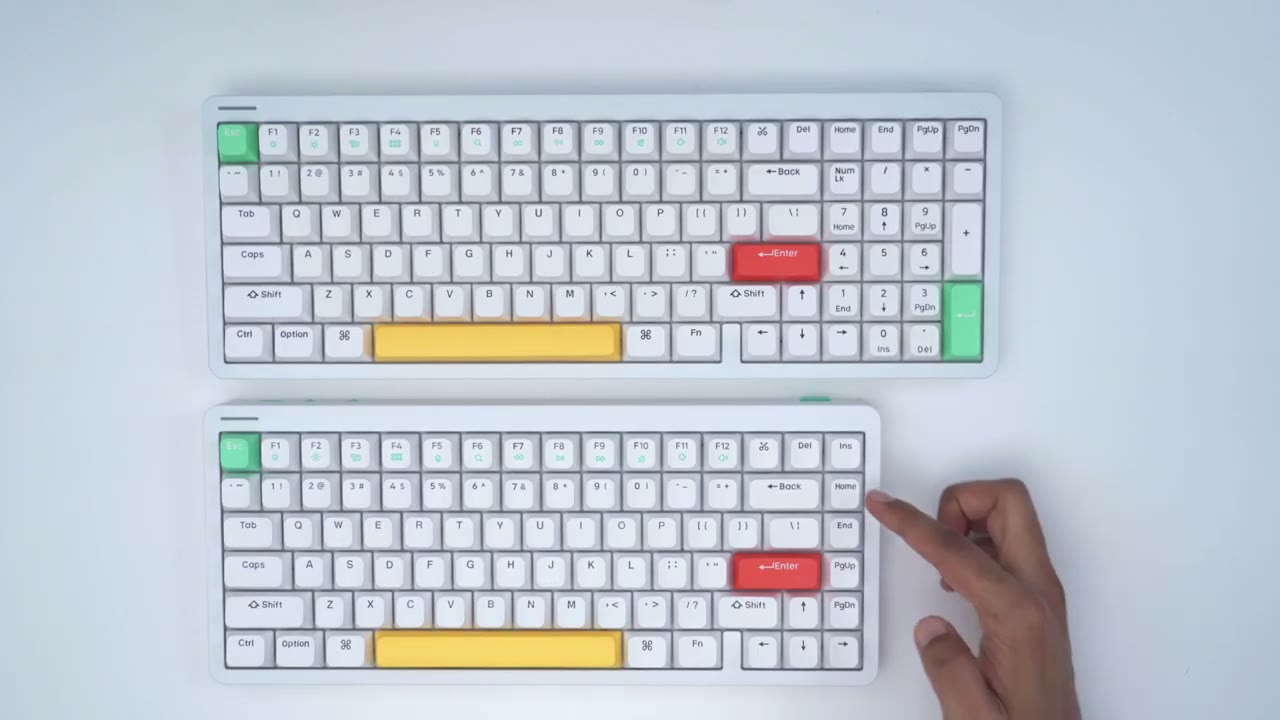
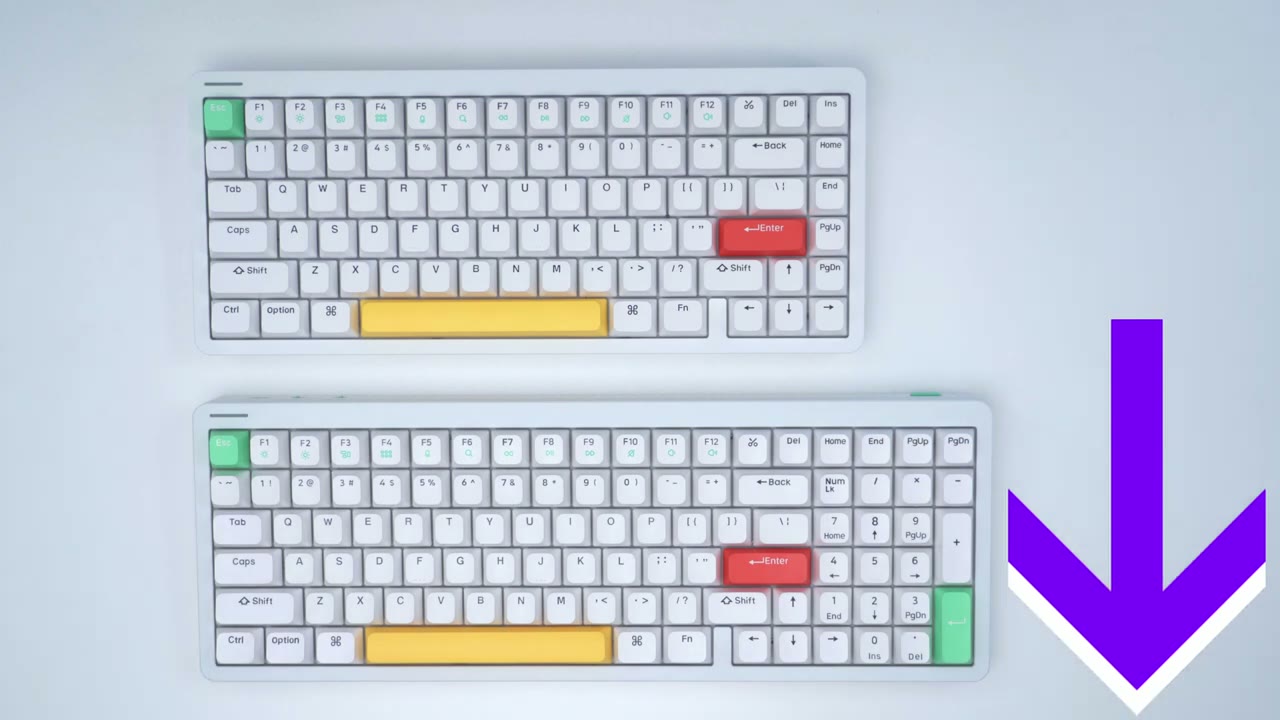
size difference between the Halo 75 and the Halo 96 so you can see that the keys that are running down vertically here are now over at the top and the bezel size is exactly the same on the case for both keyboards the Halo 96 is approximately two and a quarter inches wider than the Halo 75.
I have the ionic white version of the Halo 96 and it does also come in a Black Version but if you just take a look at this keyboard exactly as it comes you can see this is just one of the most beautiful looking mechanical keyboards out there and it’s just so Tastefully done in terms of the color pops and color accents you can see it’s not overdone you have a little bit of Color Splash around the keyboard the icons right below the F Keys have a really nice turquoise look and you can see that it’s exactly matched to the Escape key and the enter key at the bottom right we still have the same beautiful two-tone color Choice same as found on the Halo 75 so you can see that the color is a little bit different from this aluminum top case to the ABS plastic at the bottom but let’s take a look at the bottom of the keyboard board and you can see that same level of attention to detail so we have a protective covering here for this little metal plaque and we have rubber feet on both sides of the keyboard and two stage adjustment feet as well there is a ripped type of texture going on at the bottom underside of the keyboard and if we take a look at a side profile around the keyboard we can see that same rip texture carries all the way through so it’s really just a nice level of detail and attention pretty much everywhere you look on this keyboard back of the keyboard has the new file logo embossed nicely on the back case there and if we take a look at the top part we have the new Fire writing also the boss if you wanted to go for an all-white type of looker to add a special color you do have these additional keycaps that you could swap in as well the rear of the keyboard has a switch to switch it from Windows to Mac we also have a switch to turn the keyboard off put it into wired mode or switch it to wireless and Bluetooth mode we also have a port for charging and to connect it to the computer the other side of the keyboard contains the wireless USB adapter and that’s magnetically held in in place the font selection is a really nice one as well and you can see that the font has a type of curved or rounded look that pairs well with the overall design element of the keyboard the keycaps are new fi’s own kop style you can see that they have a rounded type of appearance and a pretty much flat profile now they are double shot PBT keycaps and they are grease and scratch resistant but the Escape key you’ll find a status LED light and that shows you different levels of battery life right now it’s about 80 percent or higher I also have the optional wrist rest that pairs with the Halo 96 so you can see it’s a pretty muted design there’s this type of frosted plastic here we have the new Phi Studio logo d-pass down here and then also stamped or debossed at the top right corner here if we flip it over there’s two screws here which are completely hidden once you have the wrist rest flipped over and then we have some silicone or rubber feeder the wrist rest matches perfectly with the overall design of the keyboard it doesn’t seem like an afterthought and I wish more companies you know paid this level of detail and attention to their keyboards because you know a lot of us want a wrist rest and it’s kind of a chore to hunt down something that matches with the overall aesthetic the Halo 96 comes in at around 1.4 Kilograms or about three pounds the optional wrist rest comes in at around 0.5 kg or about 1.1 pounds I’m not going to be taking my keyboard apart but it does have bottom silicone PCB silicone and spacebar silicone for maximum noise reduction the
Specifications
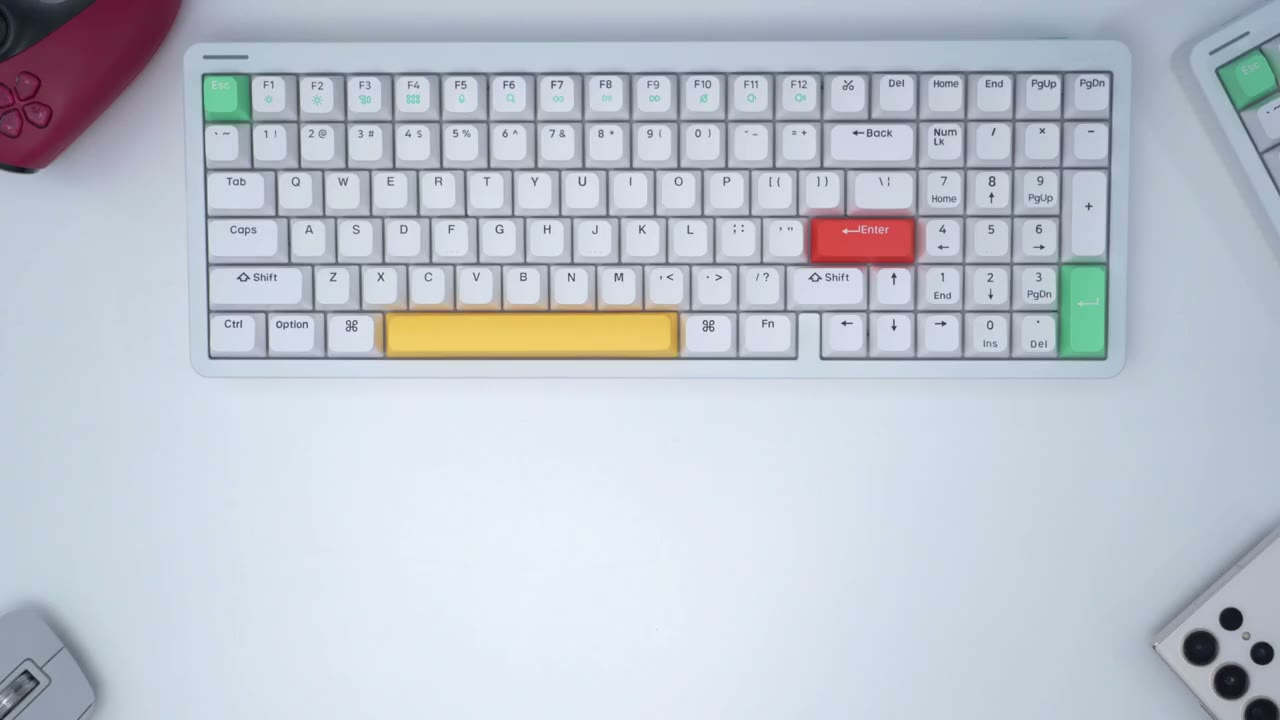
Halo 96 is a 96 layout with 99 Keys which are all double shot pvt available switches include night Breeze Rose Glacier baby kangaroo baby raccoon and the gadron pro 2.0 switches and they are all hot swappable MK rollover is supported and there’s backlit and side lit LEDs there’s a 4 000 milliamp hour rechargeable battery and the cable can be connected by bluetooth 5.0 2.4 gigahertz wireless and wire mode it also supports Windows Mac Android iOS
Typing Experience
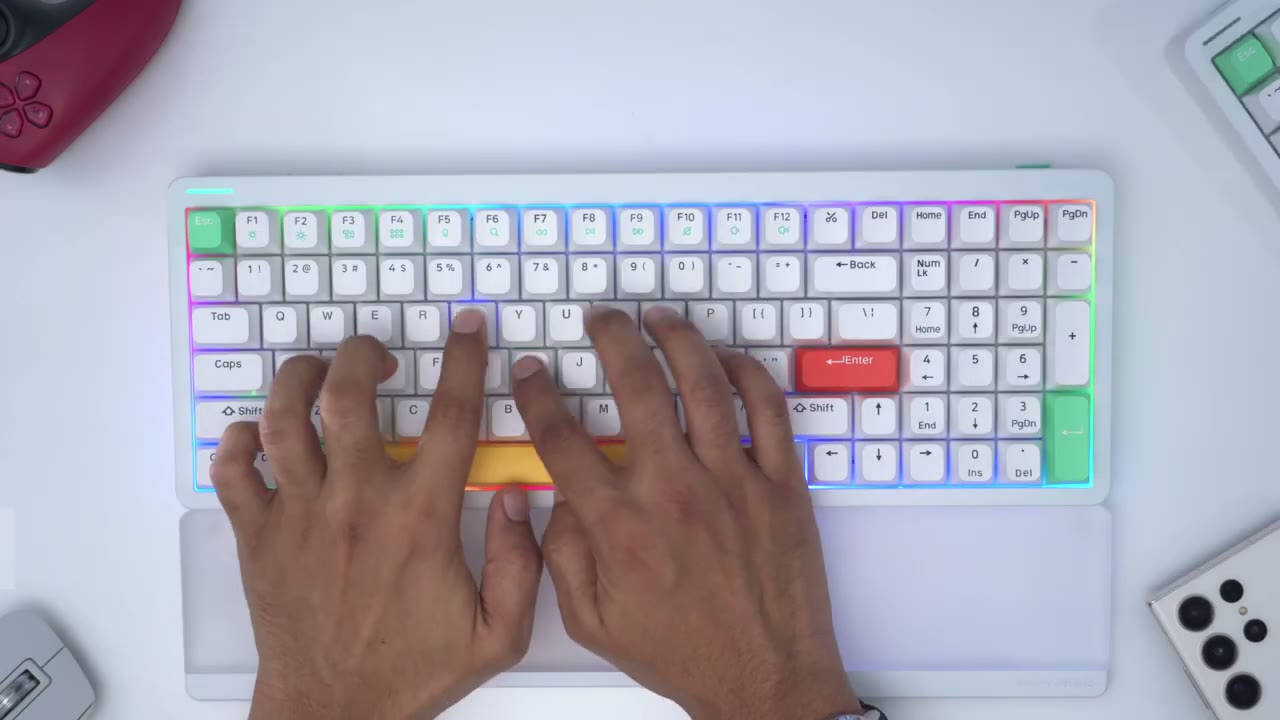
[Applause] the typing experience has been wonderful on the Halo 96 especially with the baby raccoon searches so when I compared the typing experience with baby raccoon and the linear night Breeze switches on the Halo 75 I actually found myself preferring the baby raccoons which is just because it requires a little bit more Force to activate the keys and the keys also spring back up a little bit quicker so I just feel a bit more connected to the typing experience in that way if you’re planning on using the hill 96 for typing and occasional gaming and you don’t want to always swap out into a gaming keyboard this is going to do perfectly fine as well especially with the m key world over support the sound profile coming out of the Halo 96 is really Pleasant so you’re not going to have any problem using this in a home environment or office environment it actually sounds quite Pleasant to be around by the way if you’re finding this review helpful please consider liking and subscribing but let’s get back into
Sound Profile
the video one of the reasons why the sound profile coming out of this keyboard sounds so nice and pleasant is due to this ghost bar technology that newfy has developed and if you’ve used a lot of mechanical keyboards you know this is one of the downfalls that’s immediately apparent in terms of you know rattling wobbling or just a really uneven type of sound profile I’m assuming the reason that new 5 refers to this as the ghost bar is because it goes unwanted sounds so you could simply look at the underside there’s separate compartments that the space bar is divided into and that’s to help isolate sound and contain it now there’s also this type of frosted plastic piece here and it’s also supposed to help with dampening the sound and if we take a look at the keyboard itself you can see that where the space bar would go there’s this soft silicone material here as well and that’s also supposed to help with dampening sound and it actually does a fantastic job at that you can see that they’ve also stamped on that silicone pad it says designed by Nephi and again that’s just the level of detail on this keyboard because that’s really placed in an area that most people wouldn’t even think to look so what do you do if you’re scared of ghosts and by extension and go Spar technology well Nephi has also included this traditional type of spacebar it comes with the additional keycaps and you could see that when you compare them it doesn’t have that special sound isolating feature so I’m going to test both of these and you can see what you prefer foreign again I just want to highlight just how planted this space bar is you can see that there’s not a lot of wobble or rattling regardless of where I applied pressure on it it’s really well done I prefer the sound coming out of the ghost bar and here’s what the rest of the key sound like let me know what sound you prefer do you prefer the sound coming out of the linear neck base switches or the baby raccoon switches the LED is really well
Lighting
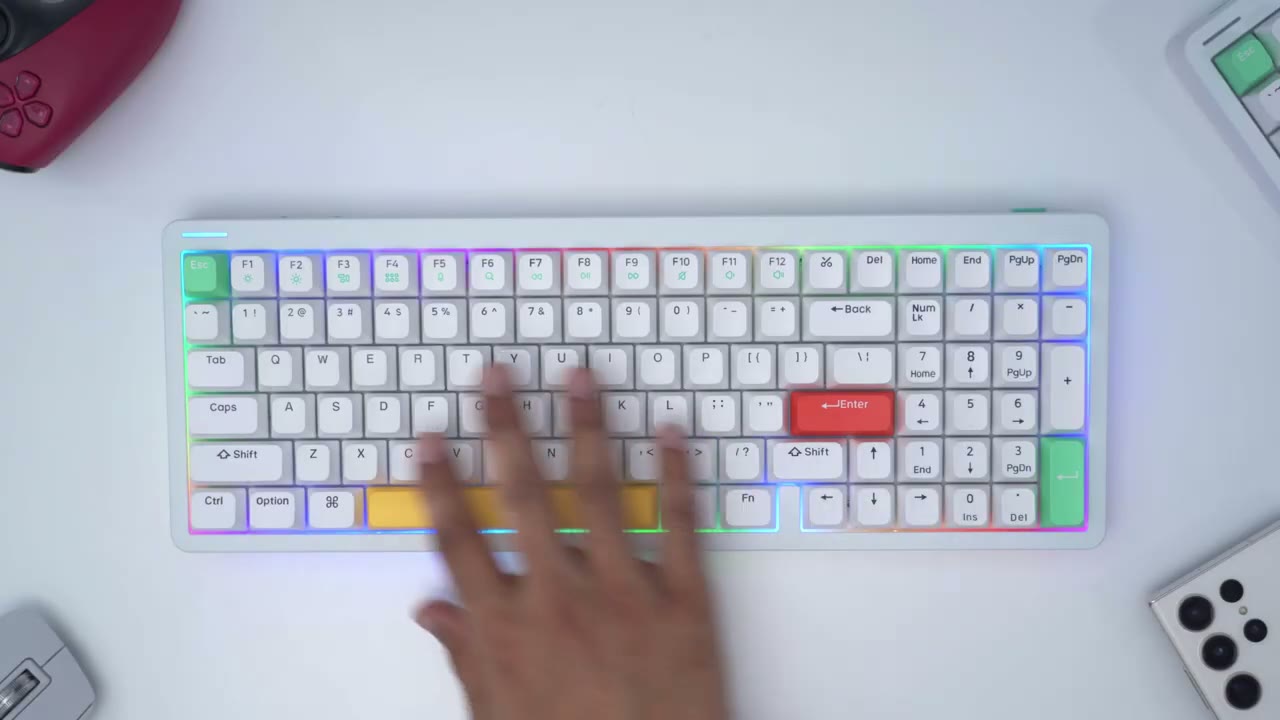
done on this keyboard so let’s go through the different effects here and this is just to have it completely off to switch the color we would hit function and right and you can see we get cycled through solid colors until we get back to that rainbow RGB to increase brightness it would be function up of course and function down to cut it off completely now if we want to change the speed you can see we could slow it down to a crawl or speed it all the way up in addition to the backlit LEDs new file also has something called a Halo light and you can see that wrapping around the entire border of the keyboard and also on the sides now this is a really cool effect it acts independently of the backlit LEDs to change the Halo light we would hit function H for Halo and we can hit right to go ahead and cycle through different colors we can also hit function left to go ahead and change the effect we can change the brightness of the Halo light by pressing the down arrow up arrow and we can also change the speed of the Halo light to make it slower fast so you have a ton of RGB options once you use the backlit LEDs in conjunction with that separate Halo light and of course that light ring follows all the way around the keyboard you can also purchase optional shine through keycaps and this is what they look like with the LEDs shining through here’s an example of the shine through keycap set if you decide to purchase it the satellite located at the top left of the keyboard is Handy for showing status changes so you can see that it could show the power level of the battery if it’s charging if you’re in caps mode wire mode Bluetooth or if you block the Windows key to demo that if I hit caps lock you could see that it’s now solid green and now it’s off and if I want to check battery level I can hit function and pipe and because it’s green it means I’m at 80 or higher the keyboard features North facing LEDs if you want
Auto Sleep
to stop the keyboard from automatically going to sleep that’s really easy to do you would hit function X and c and you can see that the Halo light flashes to indicate that that change has been made
Software
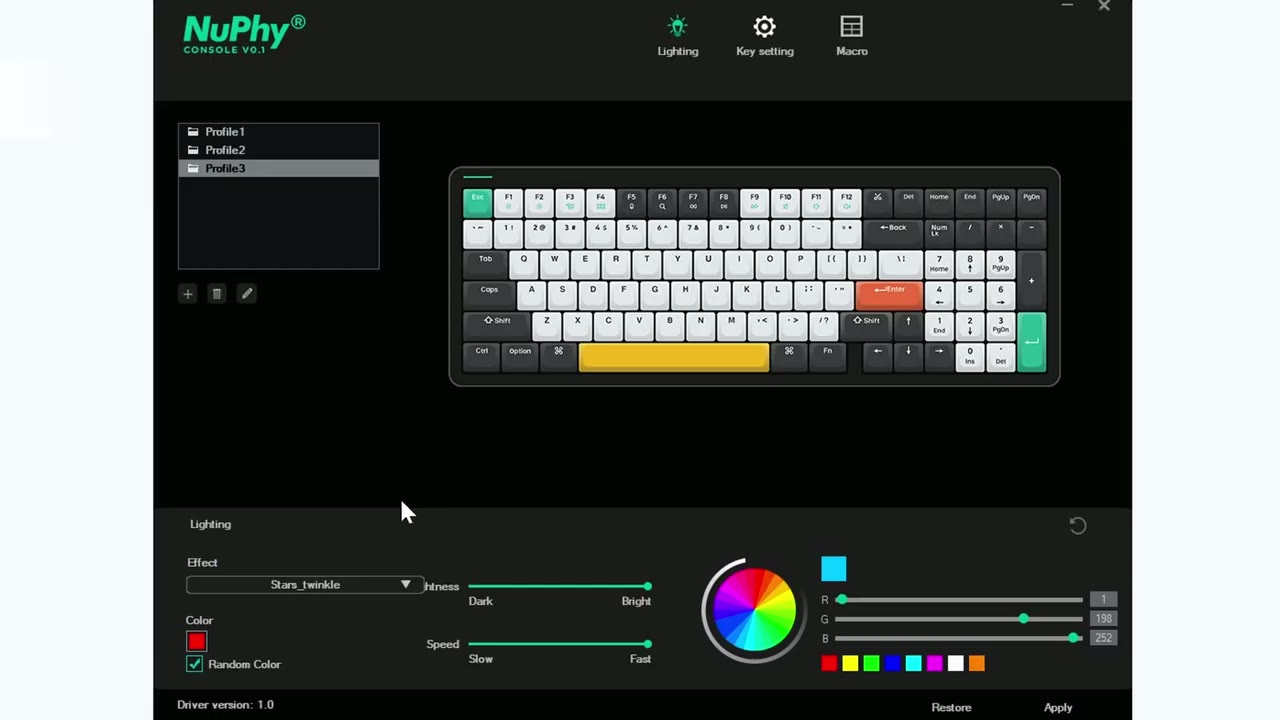
here’s what the new 5 software looks like so you can see right now in the lighting and we can cycle through different type of lighting effects we can change the brightness speed and solid colors or you know random colors now if we go into key settings this is where you could rebind specific keys or set keystrokes and things like that if we go into macro you can go ahead and record macros if you’re interested in
Interested?
checking out the Halo 96 or the Halo 75 I’m going to leave some links down below and you could use my affiliate code DCT for an additional 10 off as always if you found this review helpful please consider liking it subscribing it really does help me out and I’ll see you soon
Please note that some of the links in my video descriptions are affiliate links where I earn from qualifying purchases. As an Amazon Associate I earn from qualifying purchases.

