


Buy SoundPeats POP Clip on Amazon
Please note that some of the links in my video descriptions are affiliate links where I earn from qualifying purchases. As an Amazon Associate I earn from qualifying purchases.
Intro
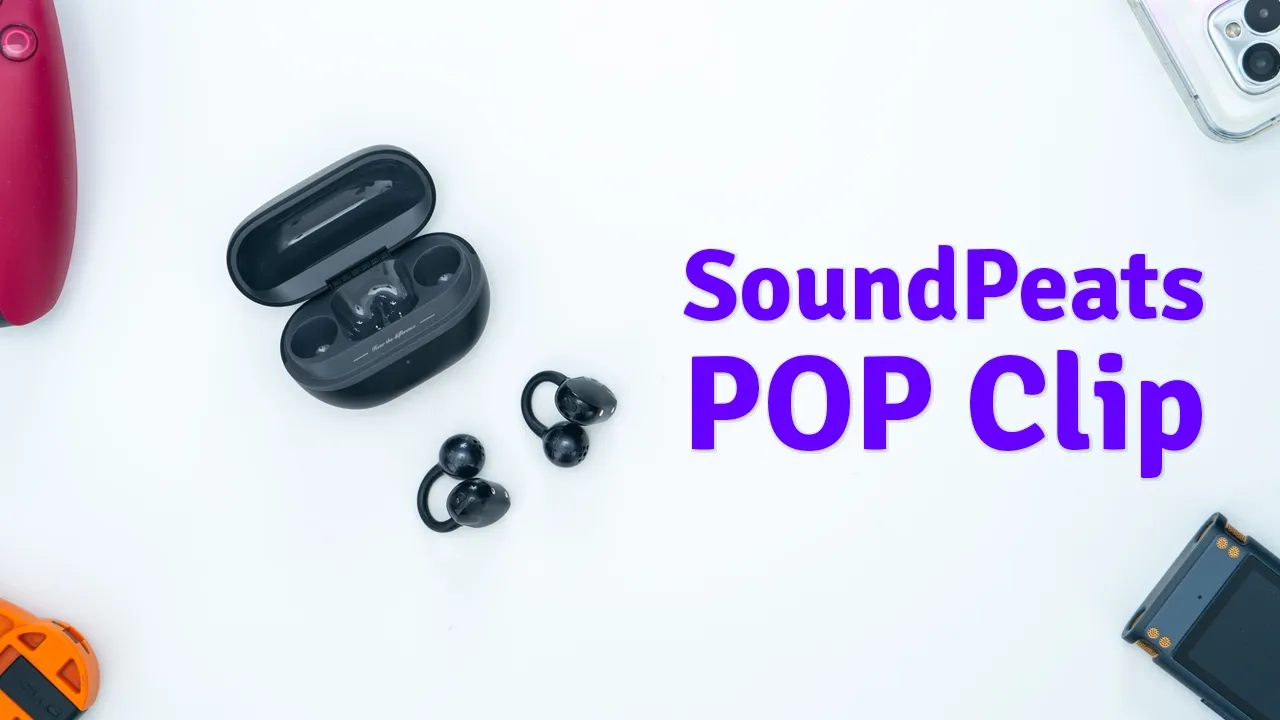
Hey, it’s Adrian and if you’re looking for openstyle earbuds that actually sound good and stay in place at the same time, you should check out the Sound Piece Pop Clip open style earbuds. The Pop Clip earbuds have 10.8 mm dual magnet drivers, up to 30 hours of battery life with the charging case. There’s fast charging, easy to use physical button controls, and IPX5 rating, Bluetooth 5.4, multi-point connectivity, and they’re also super comfy and lightweight. However, there’s a couple of things that may affect your listening experience. So, let’s take a closer look at the Sound Peats Pop Clip openstyle earbuds, and you can decide if these are going to be your next pair. And a big thanks to Sound Piece for sending these out for
Package Contents
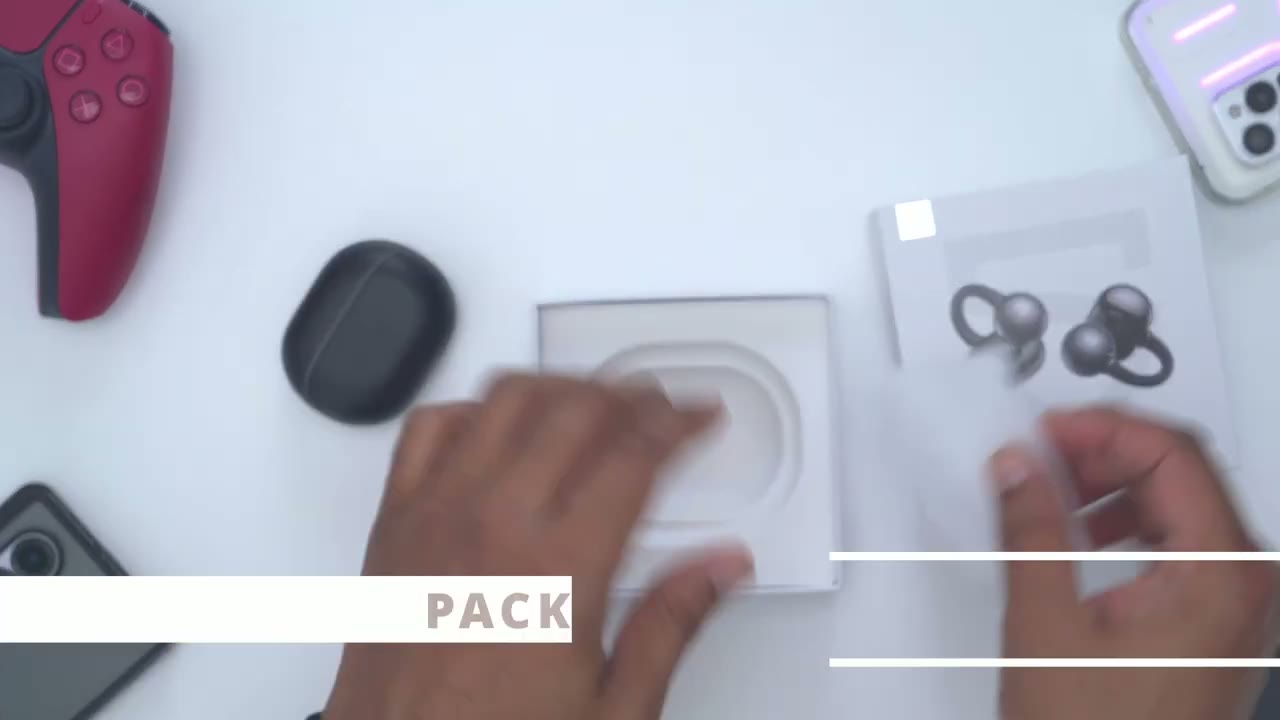
review. In the box for the Sound Pets Pop Clip, we get the charging case, the Pop Clip earbuds, USB type A to type-C charging cable, stickers, and manual.
Design
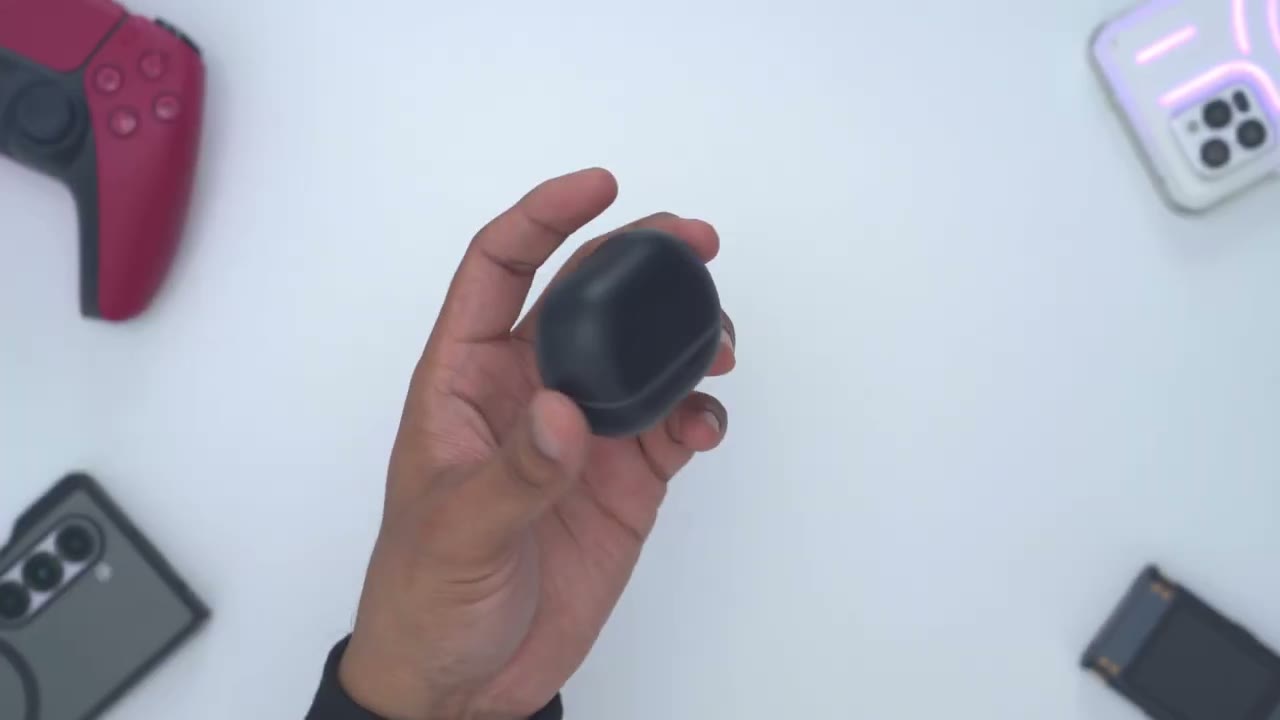
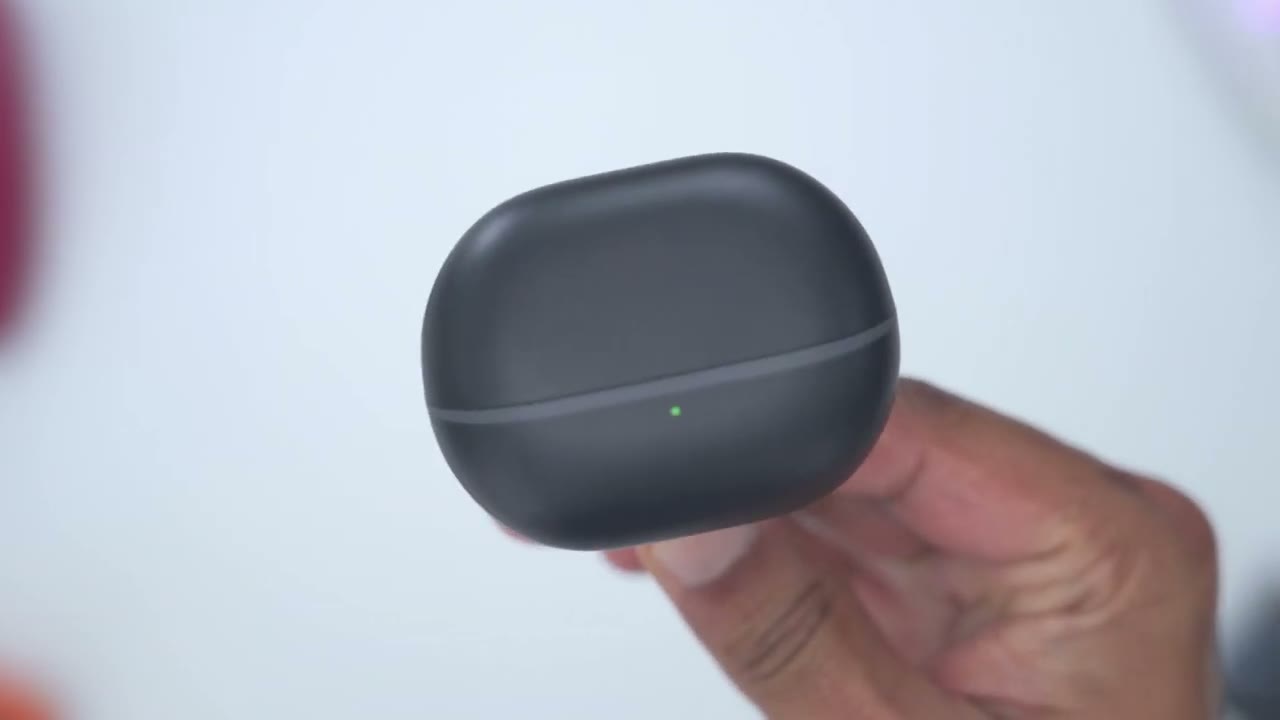
The charging case for the Sound Pets Pop Clip fits in the palm of my hand, so you can see it’s somewhat sizable. Now, on the very rear, we have the sound piece logo along with the USB type-C charging port. And then we also have an LED status indicator light on the front. Once we open it up, we have both of the pop clips. Now, it doesn’t really matter how you place these in. They’re interchangeable left and right due to the design. And if we go ahead and rotate this and then just go ahead and shake, it’s held in place magnetically in there. Taking the pop clips out is really easy thanks to this hook design. So, it’s really easy to just pop these out and you just pop them right back in for charging. Now, in case of the actual earbuds themselves, these are very lightweight.
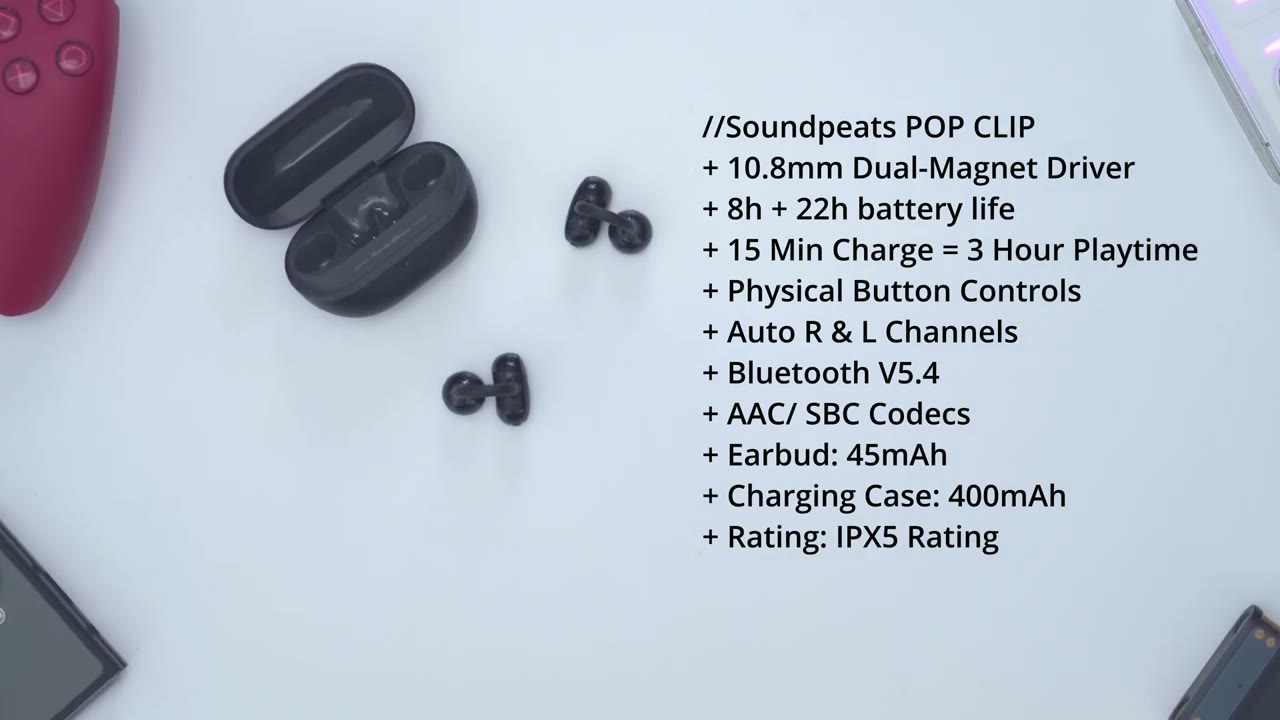
Even though they look kind of sizable, they’re only coming in at around 5 g per earbud. And it’s made with a flexible TPU material with a memory alloy on here for a good and comfy fit. And I’ll get into comfort later on. These have dual 10.8 mm drivers. And interestingly, we do have a button on the side for controls instead of just having touch controls. We also have those metal charging contacts. And if I take a side view, we do have the sound pets logo. And this area is kind of matte. And then we do have this glossy area here. So, all in all, a pretty stealth design. Here’s a quick
Specs
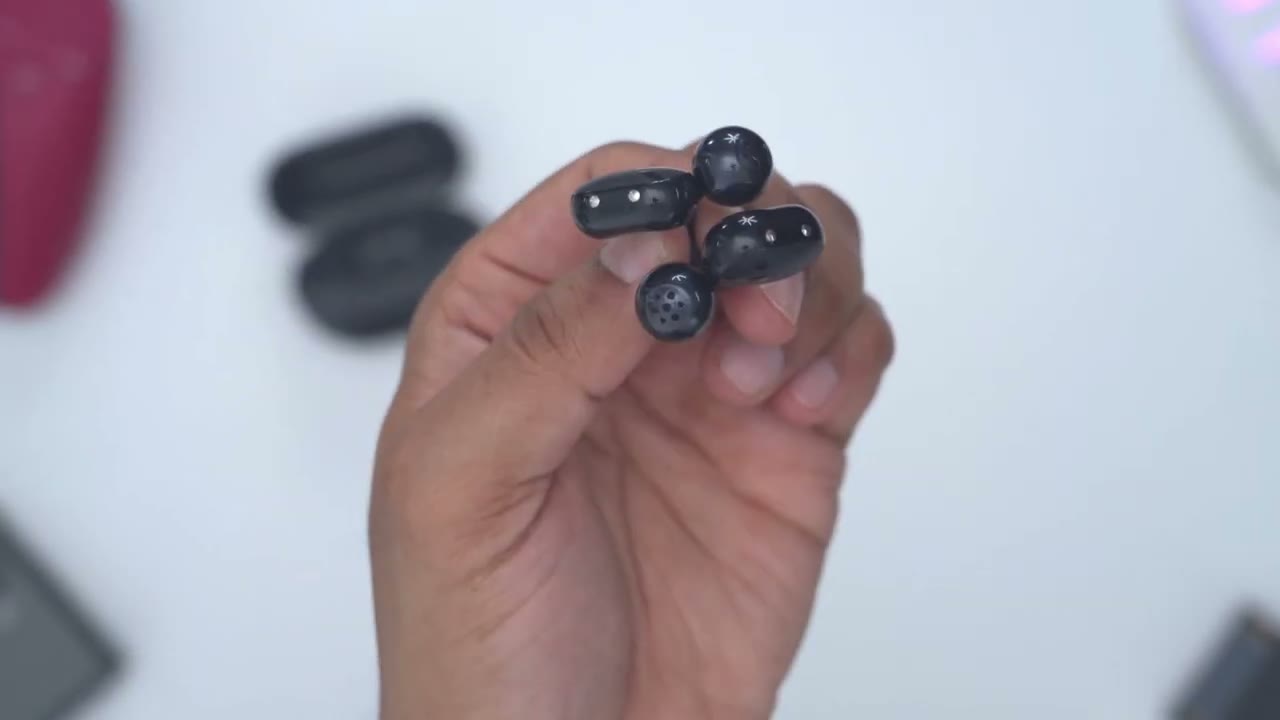
look at the specs. Feel free to pause or jump ahead to the next section. I’ll go
Bluetooth Pairing
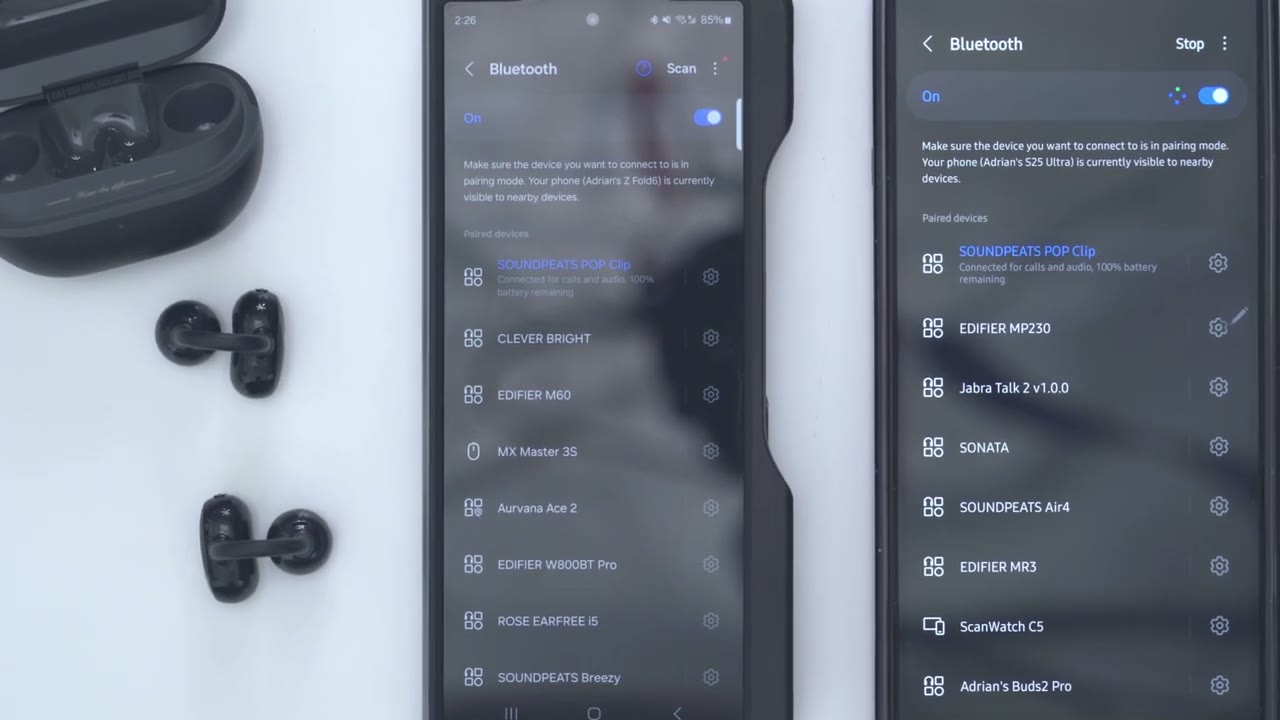
ahead and pair the sound pets pop clip. So, I’ll open the case up first and then I’ll press the pairing button on the side for 2 seconds until I see the glowing white LED light. Then I’ll just take them out and they’re right here. So, sound pets pop clip. Hit pair. And if I go back up, I could see that we have 100% battery life and it’s connected for calls and audio. Now, I’m going to turn Bluetooth off on my S25 Ultra and try to pair them on my ZFold 6. And I now have the sound pets pop clip paired on both my ZFold 6 and S25 Ultra using multipoint connectivity. In the
App Settings
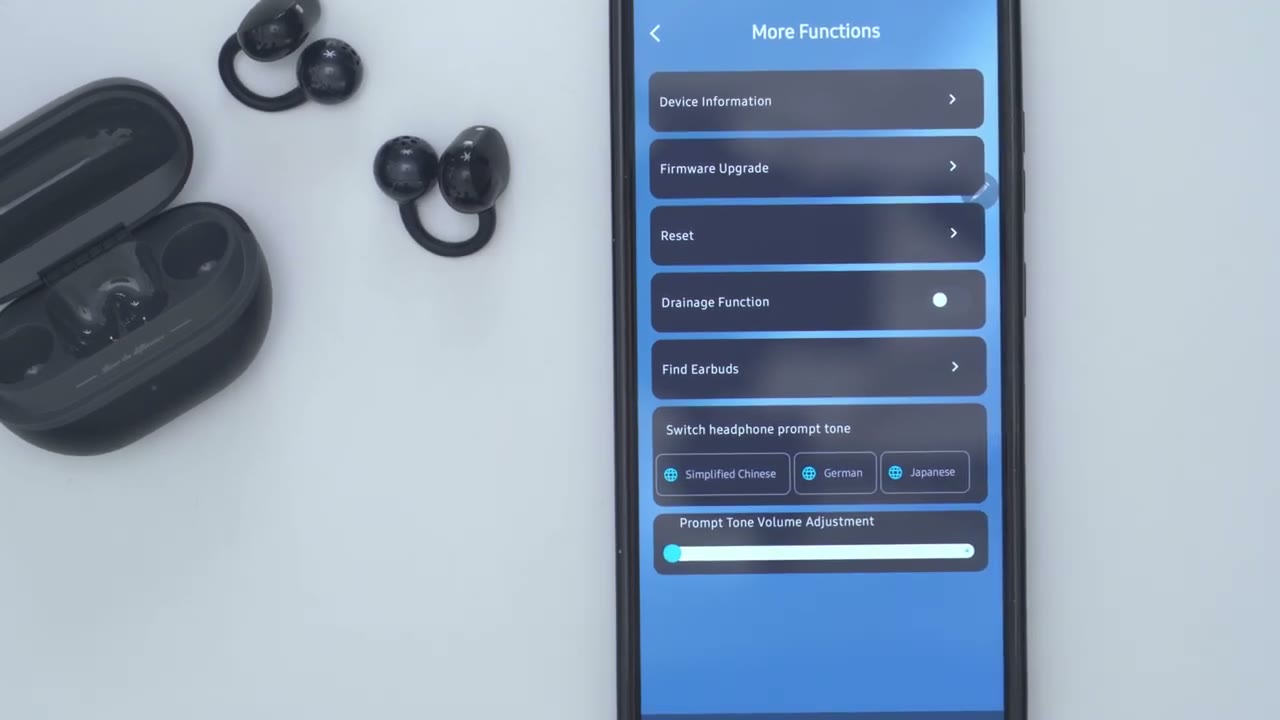
Pete’s audio app, I can see battery life for the right and left earbud along with the charging case. I can also turn on the gaming mode for low latency and I can also turn on movie mode as well. Now, dynamic EQ is already on by default. And if we tap into custom key, this is the default button control. So we could see on the uh single click for right and left ear is going to do volume up and down which is what I like. Now a double click is going to do play pause on both and a triple click is going to activate your voice assistant on both. And then a long press will go to previous and next track. Now you can also tap into any of these and either set it to do nothing or you can remap these as you see fit. We can jump into the equalizer section. Now there is an adaptive EQ that you could use.
I generally don’t like to use that. Instead, I just go ahead and use one of the pre-selected EQs here. So, there’s a sound beats classic, there’s a treble boost, a bass boost, etc. And then you can also go ahead and create your own custom EQs to suit your listening style. In the other settings, we could take a look at the device information, upgrade the firmware. There’s also a drainage function to clean the speaker grill of any type of debris. And we could use the fine earbuds feature along with changing the prompt language from English to simplify Chinese, German, Japanese. And you could also change the prompt tone volume. And if that really annoys you, you can just have it completely muted.
Button Controls
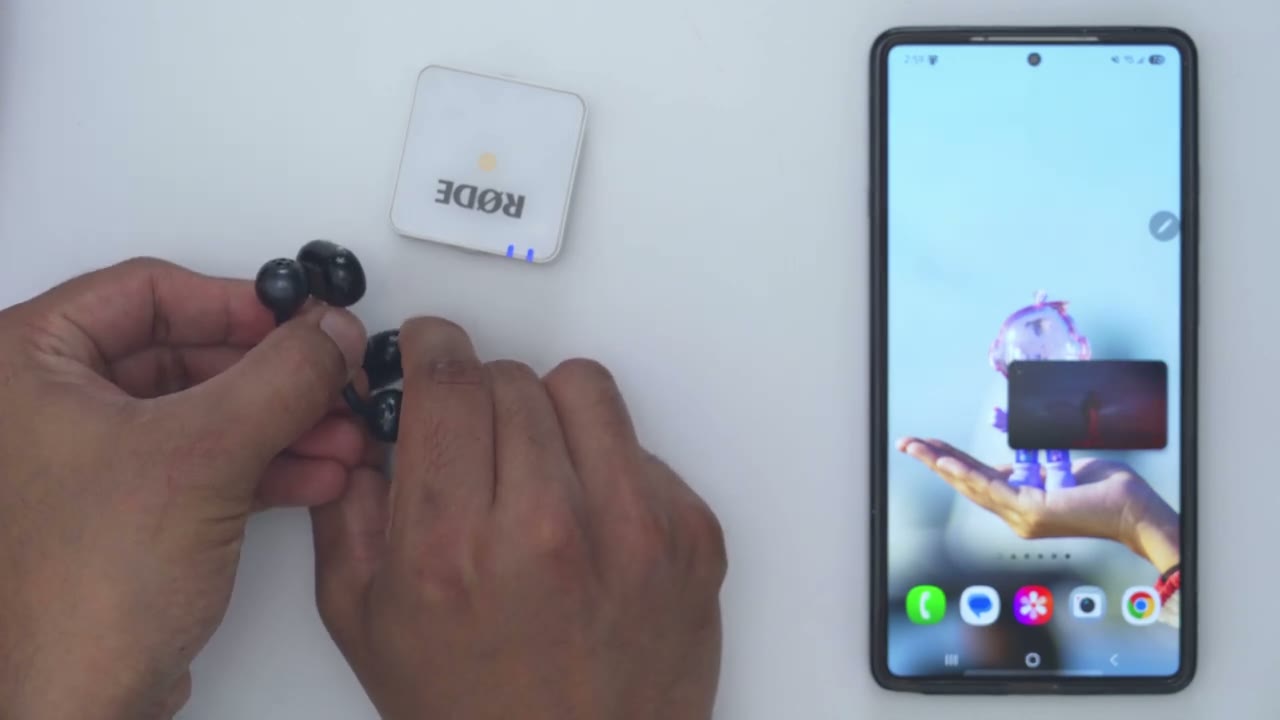
Let’s take a look at the tactile button control. So a single press is either going to do volume up or volume down. And then a double press on either one is just going to pause or resume music playback. All that’s working flawlessly. Now, if I do a long press, that’s going to either go to the next track or I can do a long press for 1.5 seconds to go back to the previous track. And a triple press is going to activate the voice assistant. So, touch controls are really responsive and you can hear those tactile
Sound
presses. All right, let’s talk sound. So, these have 10.8 8 mm dual drivers and I did pair them with the Pete’s audio app which had the dynamic equalizer turned on by default. Now I did also go into the presets and I mostly use the sound piece classic and the bass boost equalizer but for the most part I stuck with the bass boost equalizer. I just felt the sound was a little bit more well-rounded that way. Now I did crank these to the max when I was using my rowing machine since it does get quite loud and that’s where I needed to have these so I could kind of hear what was going on.
So, they’re definitely not the loudest open air earbuds, but if you’re not going to be, you know, using these in loud environments, it’s plenty loud enough because whenever I was just working on my computer, I just had to keep it around, say, you know, 60 to 80%. Vocals came through pretty nicely on these considering they’re open style earbuds, they didn’t suffer from sounding tiny or, you know, just kind of lacking life. However, I did notice on some songs there was a little bit of siblance. Not enough to kind of, you know, distract me from the listening experience, though. But what really impressed me was the bass performance on here because I could actually feel bass thump even though these aren’t sitting directly in my ear canal.
And I did switch between the bass equalizer, the more bass or the classic equalizer. And it was actually present in both equalizers. So you’re not going to have any problems if you kind of like listening to bass heavy songs and you feel you miss out with open style earbuds. You won’t have that problem with these. So yeah, if you’re looking for open style earbuds and you always find the audio quality to be compromised a little bit, I don’t think you’ll have problems with these Sound Piece Pop Clip. I could easily leave these in for the entire day and there’s no issues at all. Which brings me to comfort. Oh
Comfort
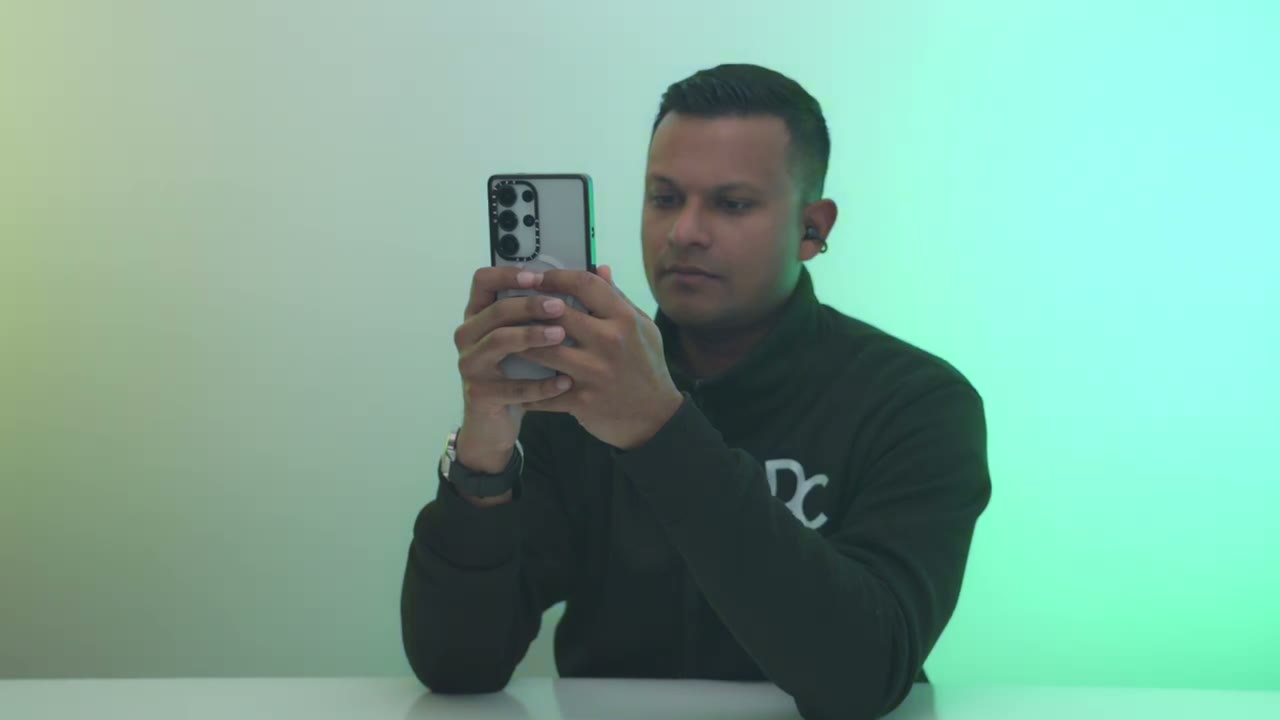
yeah, and they stay in place ridiculously well. Even if you’re doing kind of strenuous exercises, these are super comfortable. You could easily wear these the entire day. It doesn’t feel like it’s really clamping or exerting a ton of pressure, and it stays in place really well. I’m actually very impressed. Now, I did review Sound Piece Pearl Clip Pro, which are another open style earbuds. Those ones I could kind of feel that I’m wearing them. Again, it wasn’t anything where it was uncomfortable, but between both of them, I would say these are definitely a
Sound Leakage
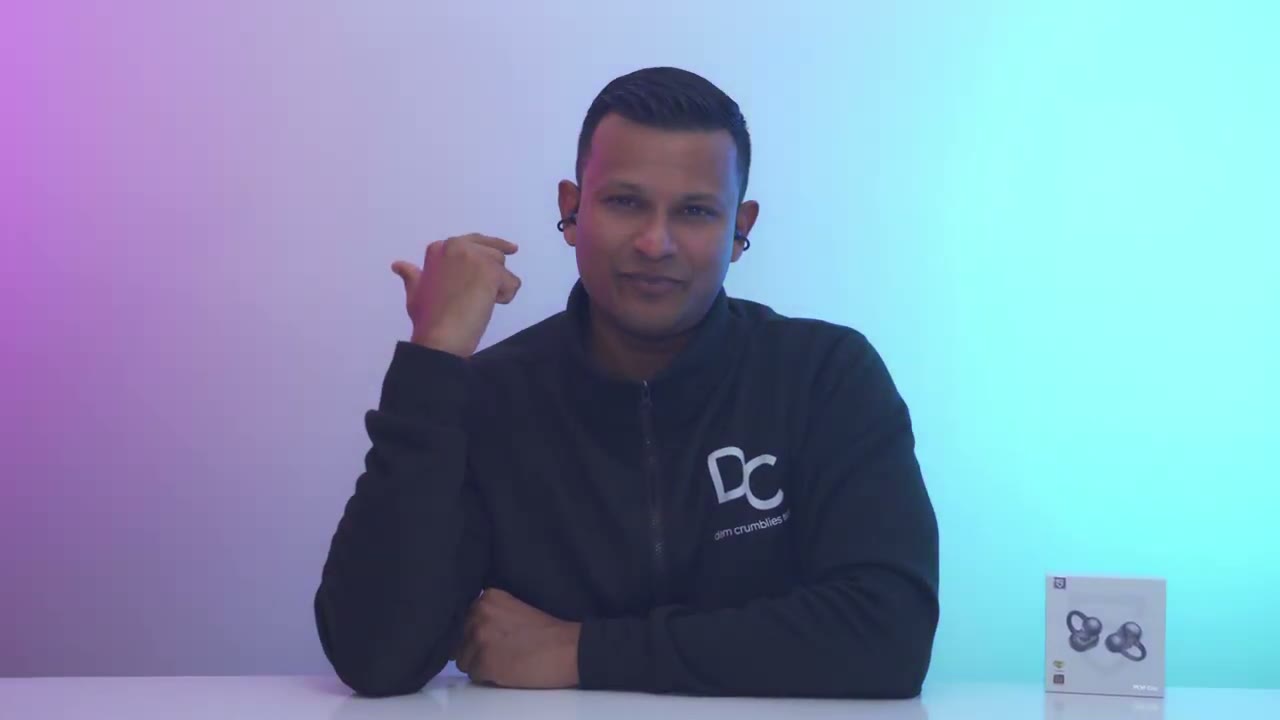
little bit more comfortable. Now, there is some sound leakage because these are open style earbuds. They’re not kind of sealed in your ear canal. But here’s a quick demo so you can get an idea.
Mic
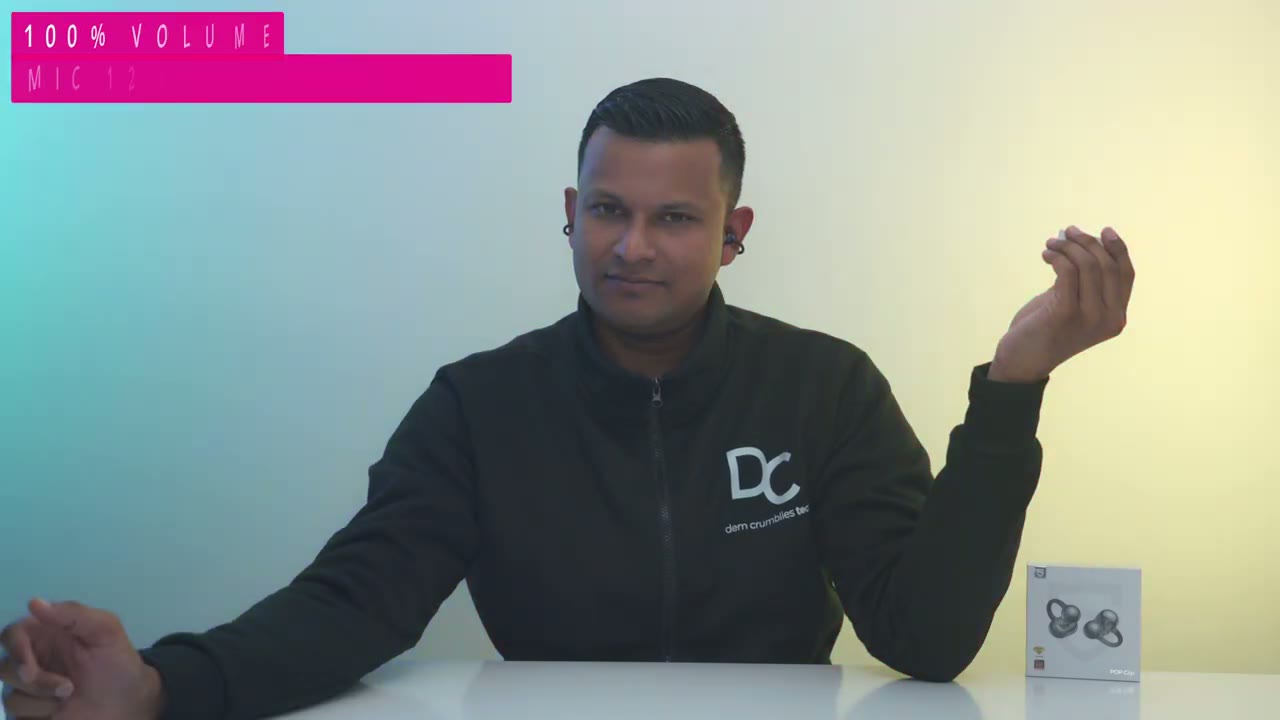
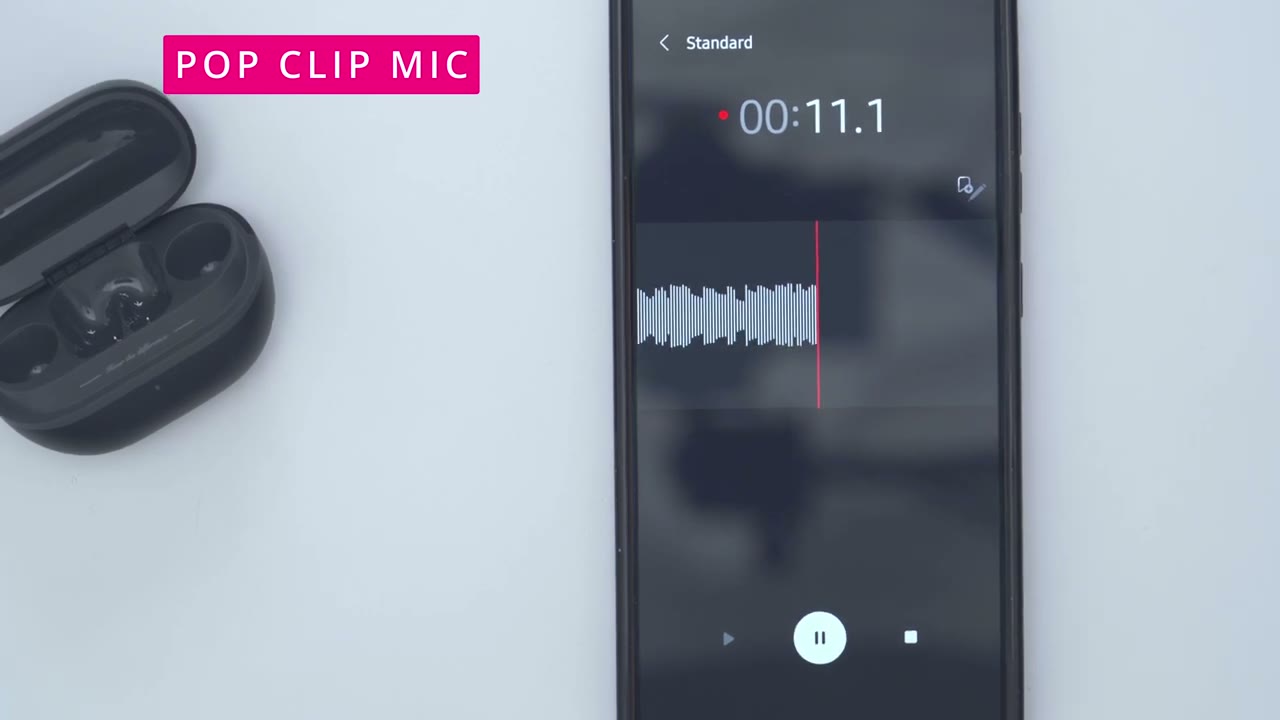
Here’s an example of what audio sounds like if you use the sound feeds pop clip in a very quiet environment. Here’s an example of what audio sounds like in a very noisy environment. This is what audio sounds like coming from the sound pop clip in a fairly noisy environment.
Gaming Mode
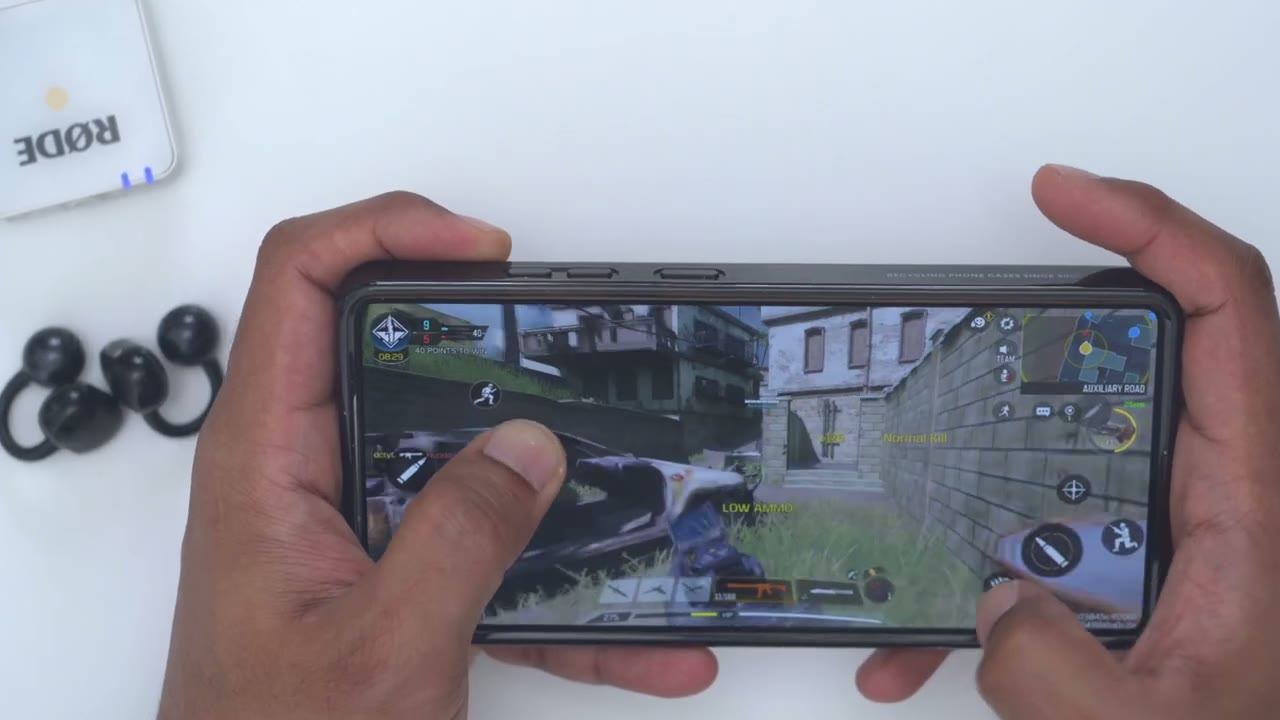
Even with game mode turned on in the Pete’s audio app, I did notice latency during my gameplay, but it wasn’t enough
Multipoint
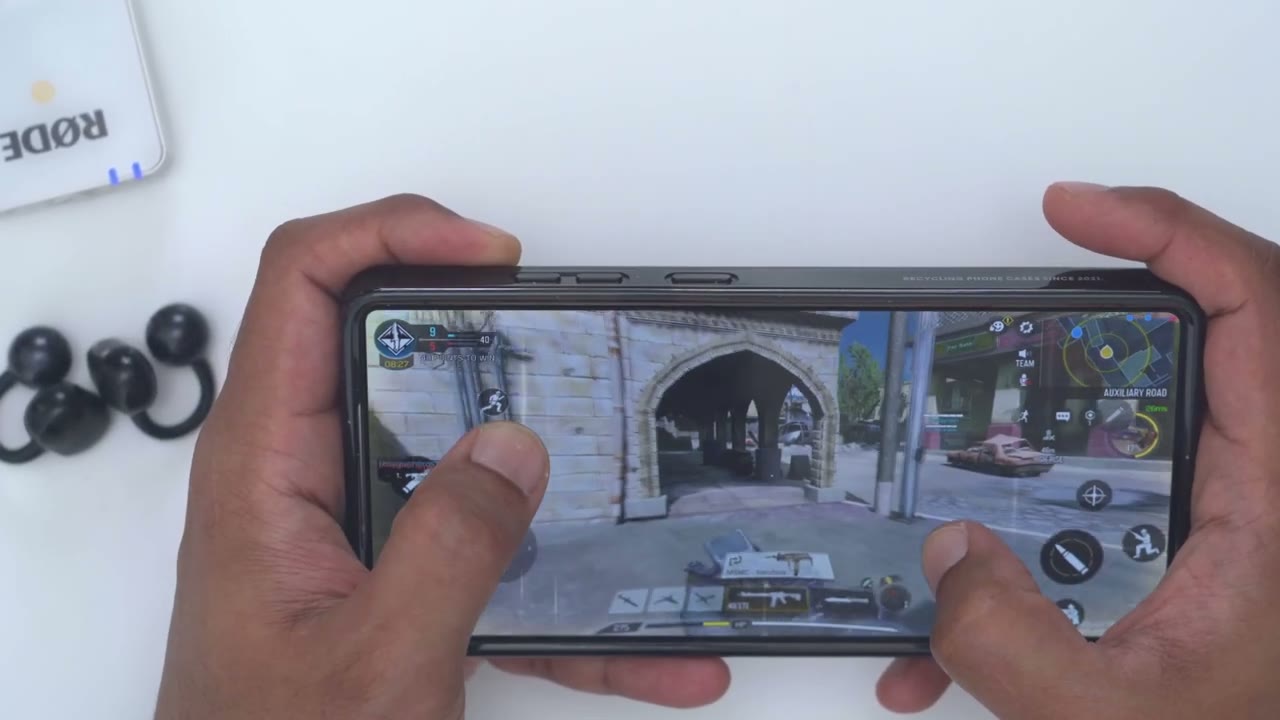
to really affect [Music] it. Multipoint is pretty fluid. So, if you start playing audio on the second device, it’s just going to pause it on the first device and kick over to the
Battery
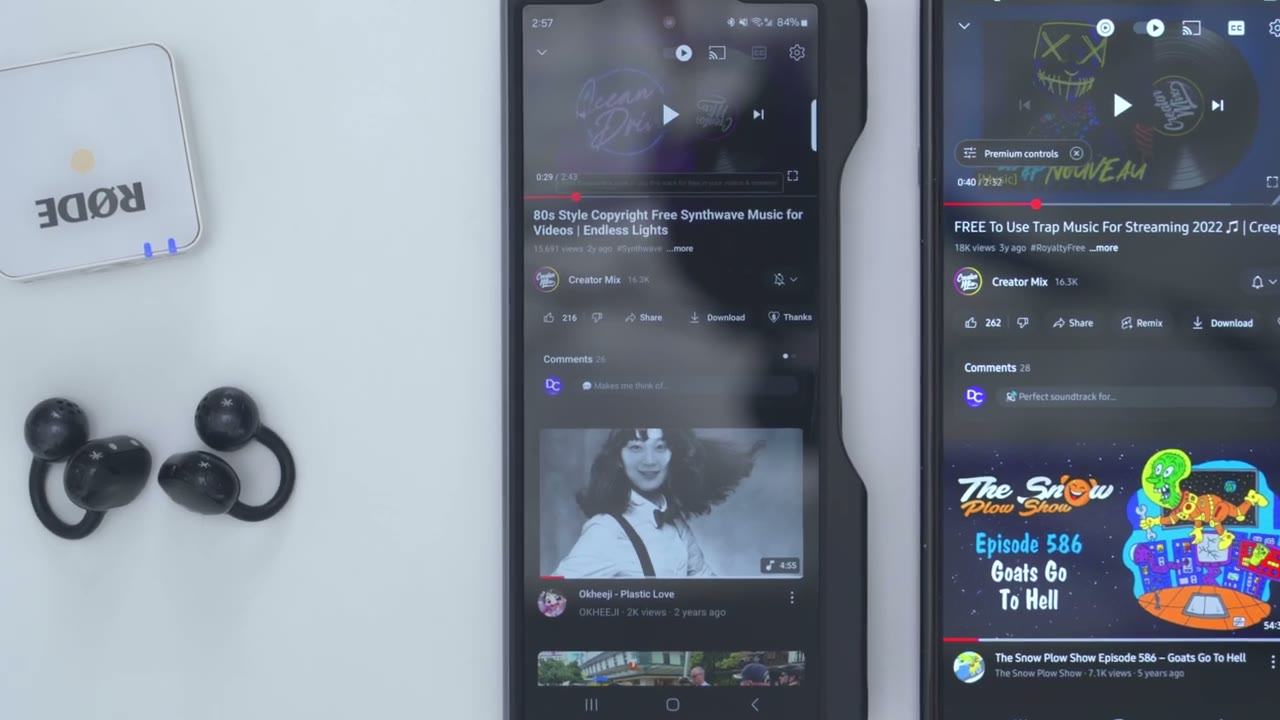
second device. These are rated for up to 8 hours of battery life. And then if you add in the charging case, then 30 hours. But it’s really going to come down to how loud you listen to these app. And anytime they do go down, a quick 15-minute charge is going to give you up
Dealbreakers?
to 3 hours of play time. So, I mentioned two things that may affect your listening experience. The first thing is the physical button control because when you press that, you hear it, you know, more audibly in your ear. Now, I am a fan of button controls, but if that’s something that would distract you from the listening experience, cuz it kind of can. You could just use the volume up and down buttons on your phone or just, you know, play, pause, skip tracks directly on your phone, then it won’t be an issue. The other thing is I noticed a bit of an audio delay when I was gaming, and that’s even with the low latency gaming mode turned on. Now, if you don’t game, that’s really not going to be an issue, but if you do game, it could be a little bit annoying hearing or seeing
Pop Clip vs Pearl Clip Pro
that disconnect. I also compared these to the Sound Piece Pearl Clip Pro, which I also reviewed. Now, in terms of sound, there’s not a huge difference, but I did notice the Sound Piece Pro Clip Pro sat a little bit closer into my ear canal, so I felt the bass just a little bit more. But, you know, if I didn’t review those, I would be plenty happy with the bass coming out of these. The other thing is that these are more comfortable than the Pro Clip Pro, I find. Um, even though I think they’re around a similar uh weight, just the way these kind of clamp and position, um, they just stay better in the ear. The last thing is the controls. Um, with these, you do have button control.
So, as you press down the tactile button, you do hear that click, you know, more audibly in your ear than on the Pro Clip Pro where it’s just touch controls. But with those, when you’re using the touch controls, they can kind of shift out of place. So, that’s going to be kind of up to
Recommended?
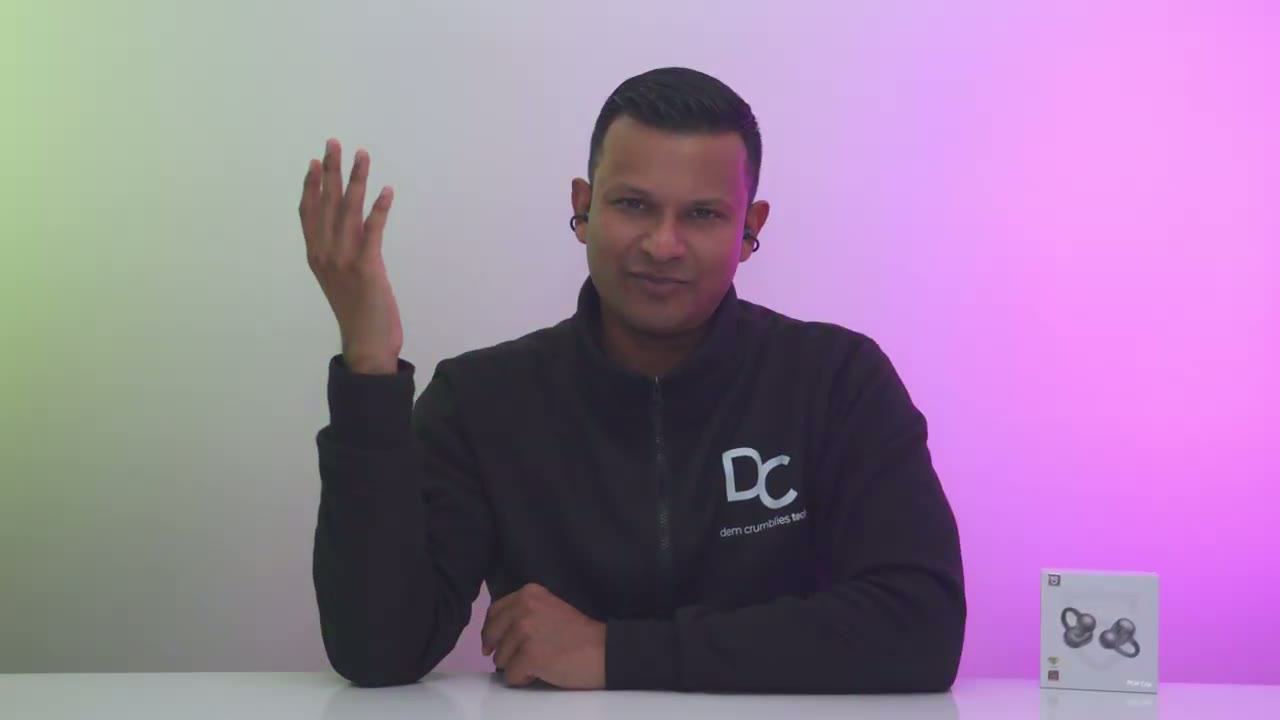
personal preference. So, if you’ve been looking for open style earbuds, the Sound Feeds Pop Clip are a great place to start. They sound pretty good. Battery life is decent. You get multi-point connectivity. The tactile buttons make sure you never miss or accidentally press something. And they also stay in place while remaining comfy and lightweight. So, if you’re interested in picking up these Sound Piece Pop Clip open style earbuds, I’ll leave some links down below for you to get your very own. And you could use coupon code pop clip 30 for 30% off. If you found this video helpful, please consider liking and subscribing. It truly does help me out a lot. And stay tuned because I have more headphone, earbud, and speaker reviews coming up.
And also, don’t forget to check out some of my other tech reviews. I review a bunch of different things like mechanical keyboards, mice, laptops. Really something for everyone. And I hope you’ll join me in my next video
Buy SoundPeats POP Clip on Amazon
Please note that some of the links in my video descriptions are affiliate links where I earn from qualifying purchases. As an Amazon Associate I earn from qualifying purchases.

