


☑️ Get the S22 Ultra Phantom White on Amazon
Please note that some of the links in my video descriptions are affiliate links where I earn from qualifying purchases. As an Amazon Associate I earn from qualifying purchases.
Intro
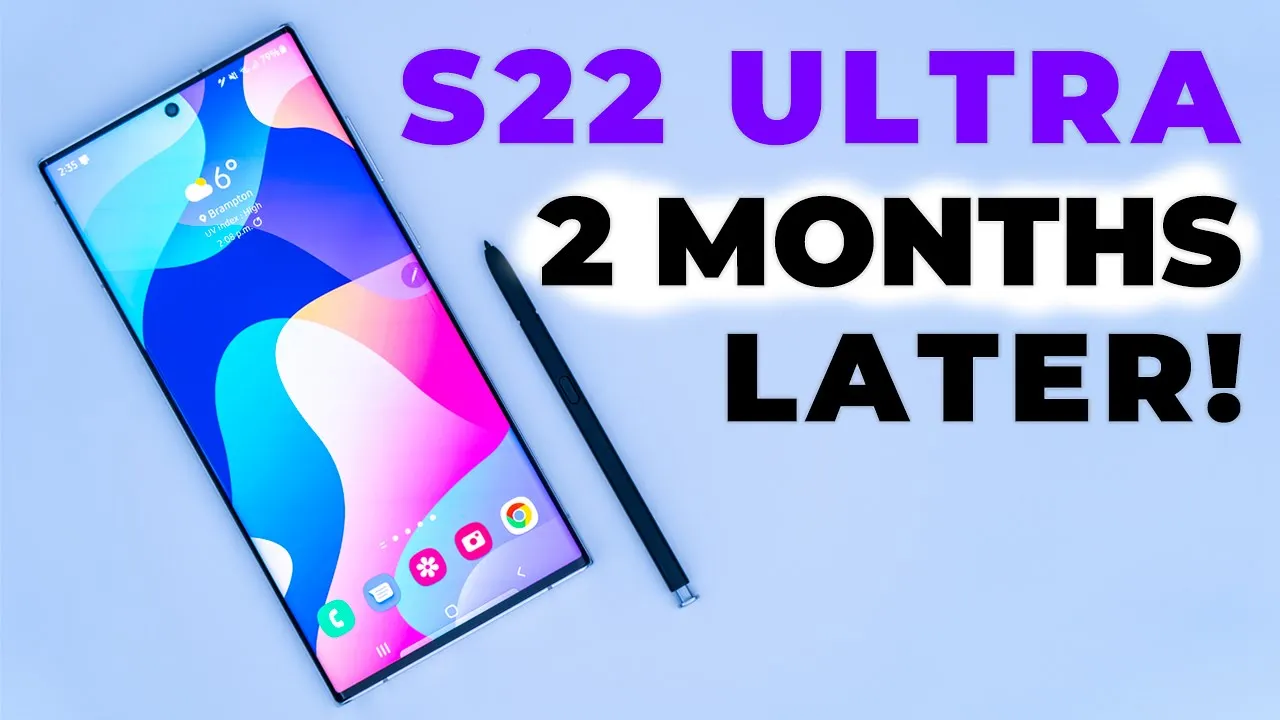
hey it’s adrian and today i want to share my experience using the samsung galaxy s22 ultra for about two months so in my first video i highly recommended the phone now that i’ve used it for two months i just want to go over all the important parts of the phone and see if that still holds true so let’s get
Battery Life
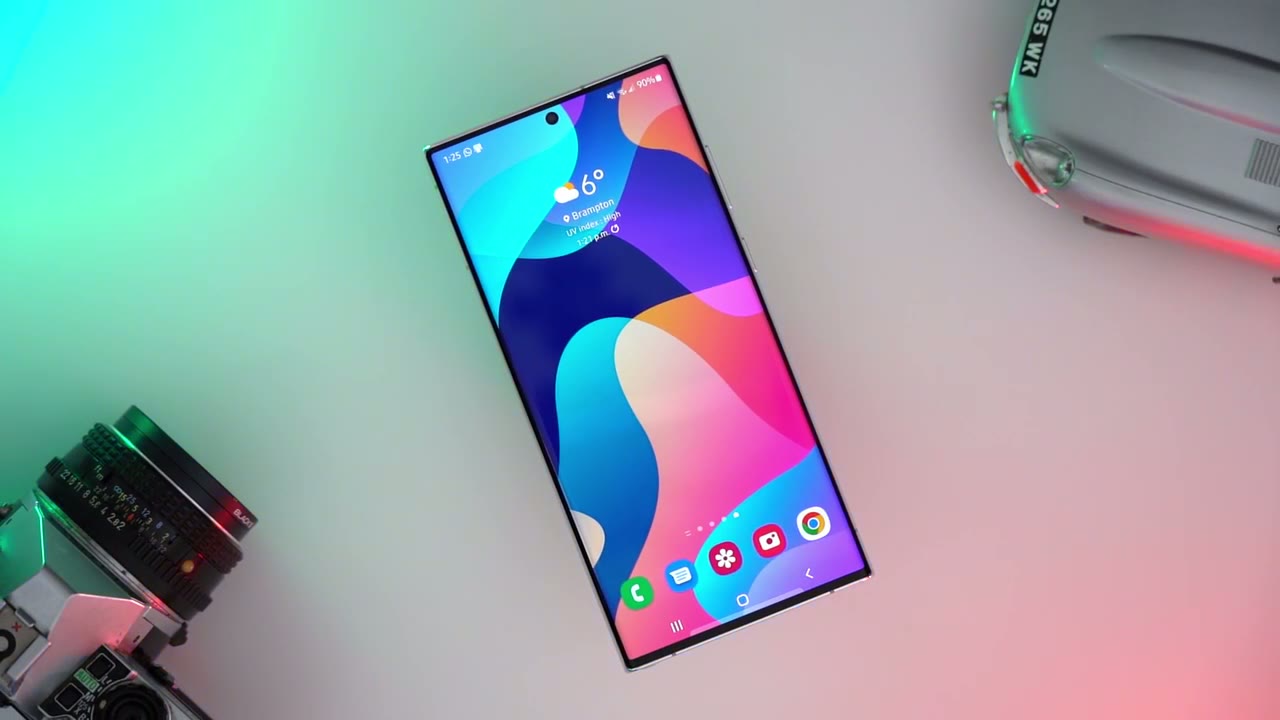
started so the first thing i want to talk about is battery life so from what i’ve seen online some people they’re not impressed with the battery life at all and some are fine with the battery life they have no major complaints and i fall into the group that has no major complaints now i want to say i’m probably not a typical user because i work from home and my phone is near my computer when i’m working and i do have a wireless charging dock and i just set the phone on there and it slowly trickle charges it throughout the day so i’m rarely you know left with a low battery while at home now there are days when i’m not working from home and i’m out most of the day so if i leave the house with a full battery these are the settings i have on my phone so i have the screen brightness up to 70 to 80 percent i have bluetooth running 24 7 to sync with my smartwatch i turn my data on and wi-fi off and i have the variable refresh rate on and the phone at the max resolution and if i’m out the majority of the day and i’m coming home kind of late at night i’m still ending at around 20 to 30 percent so overall in terms of battery life i’m i’m pretty happy for those of you who have no option and you need to be out and about and on the go i completely understand that too so in that type of use case i can see where you may be disappointed by the battery life but what i’d like to say is this it’s a phone with a really large screen and anytime you have a really large screen that’s going to be the largest strain of battery life because the battery has to you know output power to display that screen to um give you the max brightness the refresh rate all the good stuff that you want but again of course it comes with a price so i would say you know if you’re going to be out and about you have a couple options you can change some settings on the phone to prolong battery life like lowering the resolution capping the refresh rate dimming the brightness a bit but you know if you want that max performance while you’re on the go then you may have to carry your power cable and whenever you’re at an outlet just plug it in it probably just takes you know a few minutes to you know maybe 10-15 minutes because it does have fast charging to get you a decent amount of battery life back the other thing you might want to consider is getting a power bank they’re not too expensive and i know it’s something extra that you have to carry but if you want just the best experience visually and performance wise you know you may have to look at those options if you’re not willing to consider changing some settings now
Screen Performance
everyone really raves about the display on this phone and they’re quite justified in that whenever i’m using the screen navigating between apps watching videos playing games like it’s a fast fluid experience smooth transitions there’s no glitches or anything like that now i usually use my screen at around 70 to 80 percent and that’s plenty bright for me when i’m out in the sunlight again no issues there i can crank it all the way to 100 and there’s an extra setting in the menu to boost or enable maximum brightness and at night if you want it really dim what you can do is you can crank it all the way to the lowest brightness you also have additional options to turn on an extra dimm setting to make it even less bright and you have an icon for shield mode that shifts the colors towards warm so you’re not looking at blue light before going to bed i almost forgot one of the things i love the most about the screen is when the screen is turned off and that’s always on display screen so i’m coming from a phone that didn’t have that now that i have it i love having it and it’s hard to consider a phone that won’t have it in the future because you know just at a glance i can see the time notifications from specific apps and that’s much better than my other phone that just had a flashing led light because i would be driving i would see the led light and i would have no clue you know is this urgent or not with this i can see if it’s a text a phone call or anything like that and i can determine if i need to handle it in terms of the general use
General Use
of the phone so you know opening apps navigating around switching apps closing apps playing games it’s just been a wonderful experience for me i haven’t noticed any glitches the phone hasn’t you know suddenly restart or crashed or anything like that where i needed to force a reboot like with my older uh more aging phone so overall fast fluid experience now i keep the variable refresh rate on and maybe it’s just me and i don’t notice it but whenever i’m going from like a static page like say a menu setting to watching video i haven’t noticed um a transition between like a lower refresh rate a higher refresh rate it’s a pretty fluid um seamless experience for me in terms of camera
Camera Performance
performance i haven’t traditionally cared that much about camera and video performance on phones whenever manufacturers boast about that i’m really more interested in like ram processor speed the pixel density of the screen you know the bluetooth version all that other type of stuff but it has changed now that i’ve gotten this phone um so the camera lens setup i think it’s a great lens setup and it’ll cover you for most occasions so versus using uh the camera to take photos at one x i found myself you know majority of the times i use the ultra wide lens on here the 0.6 and you know if i do occasionally to go to 3x or 10x optically i can do that and then you have the digital zoom at 30x wouldn’t go past it there even at 30x i don’t really use it but the ultra wide option just this lens configuration really makes this phone worth it for a lot of use cases so i’ll use the camera to you know take photos to document stuff for uh photos of restaurant for reviews even for um youtube uh thumbnails for my website like it’s it’s a really great camera setup you have on this phone in
Vibration
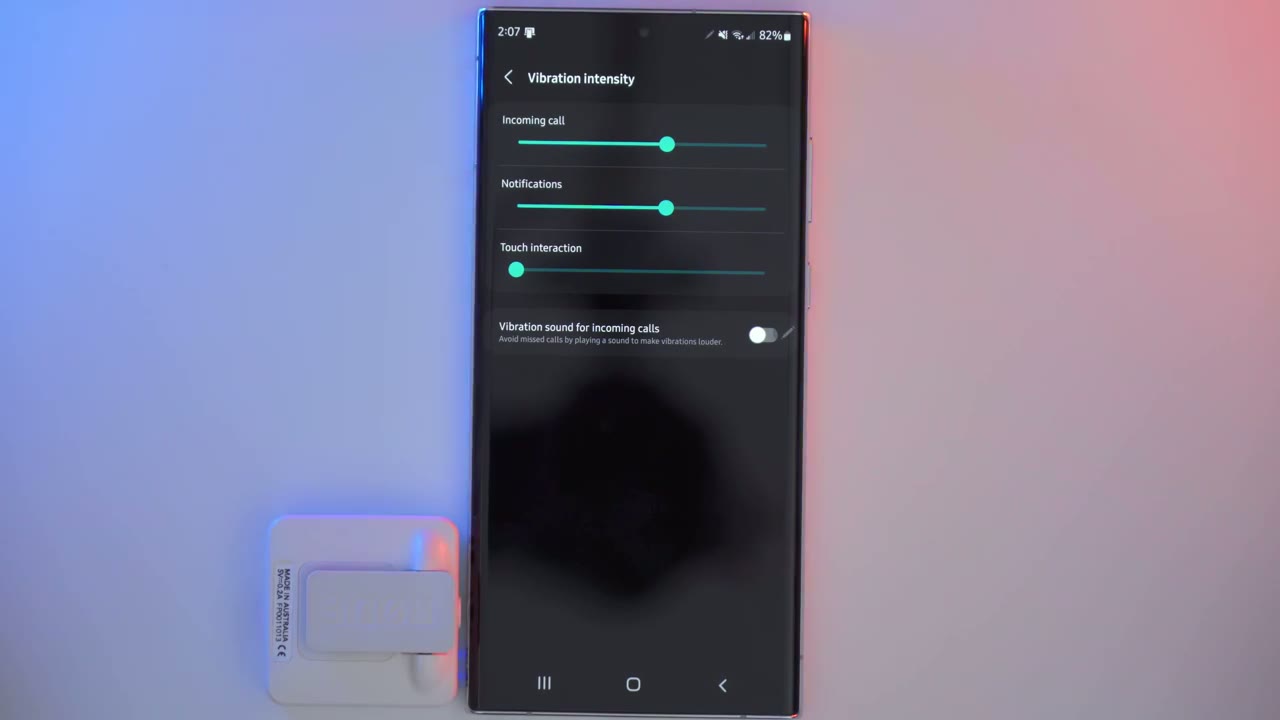
terms of vibration so i know this is another area where people are divided i’m happy with it but again i’m not coming from a samsung galaxy s21 ultra so i can’t compare but i’m happy with the s22 ultra’s performance in terms of vibration and if you go into these settings um sounds and notifications you can change the vibration pattern and you can change the vibration intensity and you can do that independently both for ringtones and alerts and i think even on my menus i probably have the vibration strength at between 60 to 70 because that’s adequate for me but let me do a demo and you can see all the options that you have so here’s a quick demo of how you can change the vibration settings you can go into sounds and vibrations and scroll down to call vibration pattern and right now mine is set to fireworks but i’m going to cycle through and you can hear the difference in the pulses or patterns [Music] hmm so you can hear there’s a lot of different options and i find that certain vibration patterns or pulses you’ll feel it better in your pocket i like having it on fireworks now if i go into vibration sorry notification vibration pattern i can set these again independently of what i get for a call so right away i can tell from the vibration pattern which is a call which is a notification also i can go to vibration intensity both the vibrations for incoming calls and notifications it’s cranked to the max for this demo but normally i have both of them around here and that’s enough for me to feel it in my pocket or
Software Updates
on a desk while i’ve had the phone there’s been a couple updates from samsung and i’ve installed all of those updates and i know one of those updates was to address the issue of the game optimization service that samsung was getting into trouble over and since i’ve installed it i haven’t noticed any issues with any of the apps that i’m using regularly or gaming so it’s been a pretty uh straightforward experience for me now one thing that i’m not sure if it was there before the update or not is when you go into the battery settings and the advanced battery settings there’s an option on there to set how the cpu works on the phone so you can set it to optimize actually it’s set to optimize by default so it’s going to balance performance and battery life but there’s also an option for i believe full performance or maximum performance and you know if you’re going to be doing something really intensive like gaming or doing some type of rendering or anything like that you can go in there and temporarily set it so that you get the maximum performance out of the cpu and then switch it back to optimize so i don’t know if that takes place kind of automatically in certain apps but that option is there if you want manual control so considering all those points
Still Recommended?
i still highly recommend this phone and i’m coming from an older device so there may be a bit of a honeymoon period for me still because the performance display everything is just so much better however in the two months that i’ve had it i haven’t seen any red flags that would prevent me from recommending this to someone who’s really interested in it while this is a expensive phone upfront if you consider that you’re going to get four years of android updates and five years of you know updates from samsung in terms of security software updates it’s a much more manageable price when you can spread it over four or five years if you’re still here please consider liking and subscribing it really helps me out and i’ll see in the next one bye
☑️ Get the S22 Ultra Phantom White on Amazon
Please note that some of the links in my video descriptions are affiliate links where I earn from qualifying purchases. As an Amazon Associate I earn from qualifying purchases.

