


Buy 256GB microSD Card on Amazon
Please note that some of the links in my video descriptions are affiliate links where I earn from qualifying purchases. As an Amazon Associate I earn from qualifying purchases.
Intro
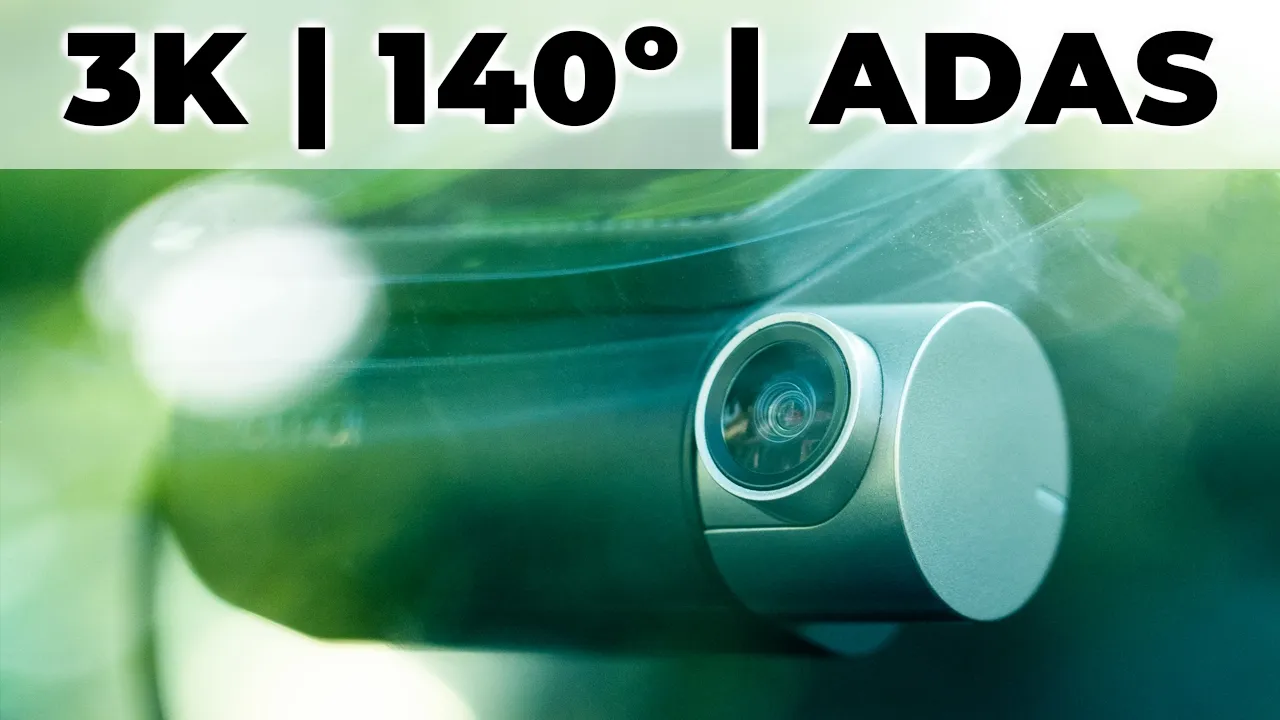
hey it’s Adrian and today I want to talk about one of the clearest dash cameras I’ve ever reviewed this is the 70i a510 dash cam now this has a Sony starvis 2 IMX 675 5 megapixel sensor and it delivers stunning 3K video during the day and thanks to 70 M Night Owl Vision at night you can easily make out details as well there’s also Advanced Driver assistant smart features on here to keep you safe on the road such as Collision warning Lane departure and front car start there’s a built-in GPS allowing for realtime rout tracking we have dual Channel recording with the rear dash cam and you can use the optional hardwire kit for parking monitoring and time-lapse video I love having the a510 in my car but let’s take a closer look to see if it could be your next dash camera and a big thanks to 70i for sending this out for
Package Contents
review in the box we have the 70i 8510 front dash cam the rear dash cam and cables to power it there’s also a power adapter user manual customer service card we also have a mount for the front dash cam with pre-applied adhesive there’s additional adhesive here electrostatic stickers a 64 GB micro SD card manual and wire wedge tool the hard wire kit comes with a manual and a wiring to permanently power the dash cam
Design
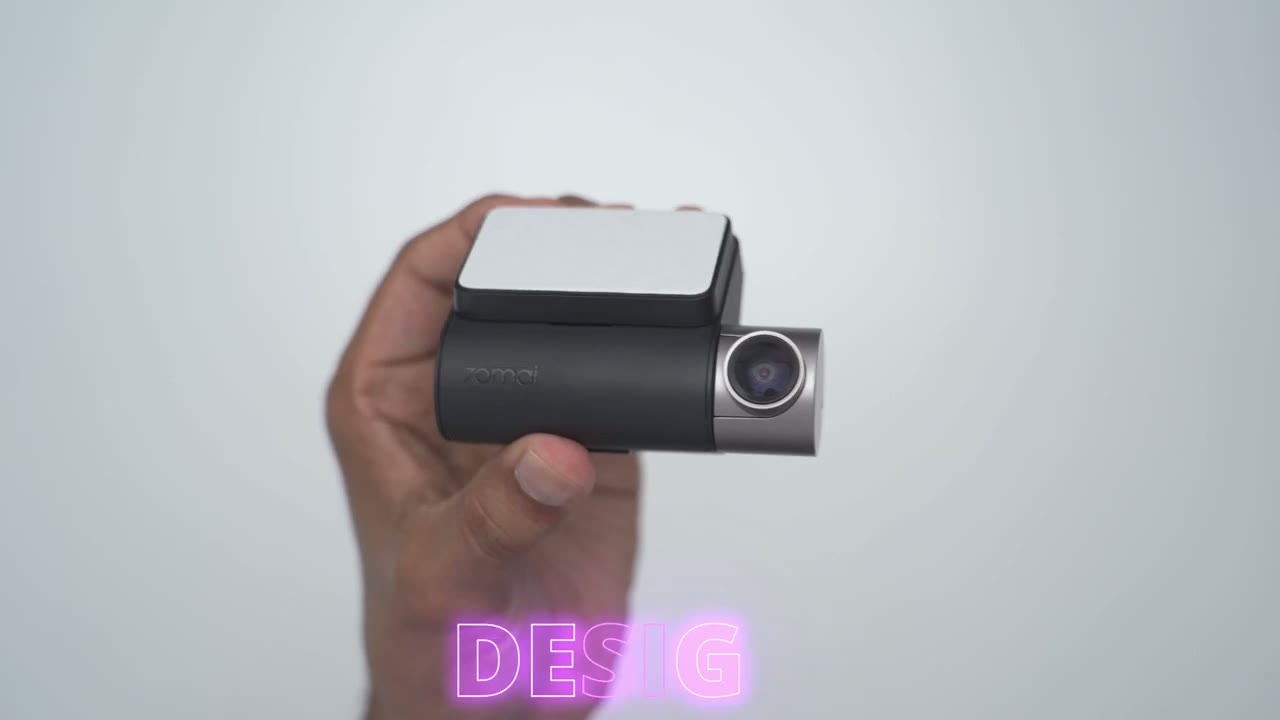
the 7i a510 dash cam is very compact easily fits in my hand and it’s also fairly lightweight coming in at 119 G now we have that front lens here and this housing can be adjusted however you like now this has an f1.8 aperture so it’s going to have great low light ability and we have a Sony starvis 2 IMX 675 5 mapel sensor as well we have the 70m logo here and then we have this Mount area with the pre-applied adhesive now I’ve already attached it but you can see it’s easy to just you know pop it on or off now at the very bottom we have a heat dissipation Grill huge power button and on the screen facing the car while you’re driving we have a 2in IPS screen and we also have some emergency buttons here to allow you to do things like video playback and also to record emergency recordings if something happens while you’re driving and we also have an LED indicator light as well on the side we have a micro SD card slide it accepts up to 32 gigs to 256 gigs which is nice USB type-c port to power the a510 front dash cam and then we have an a power port to power the rear dash cam the rear camera is super Compact and very lightweight coming in at only 28 G so we have the lens here and on the rear we have a pre-applied adhesive pad for easy mounting now this can also be rotated and you can hear it has hard stops here’s a quick look at some of the
Specs
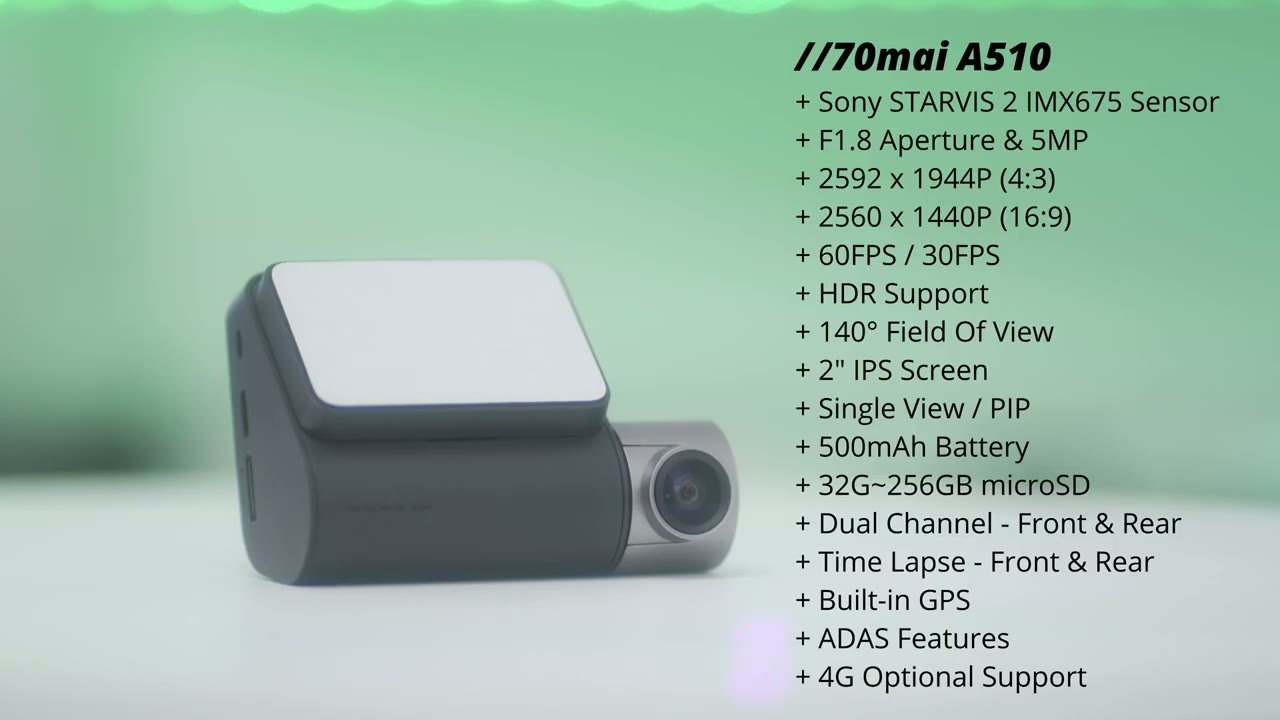
specs feel free to pause or jump ahead to the next section I’ve powered on the
Pairing
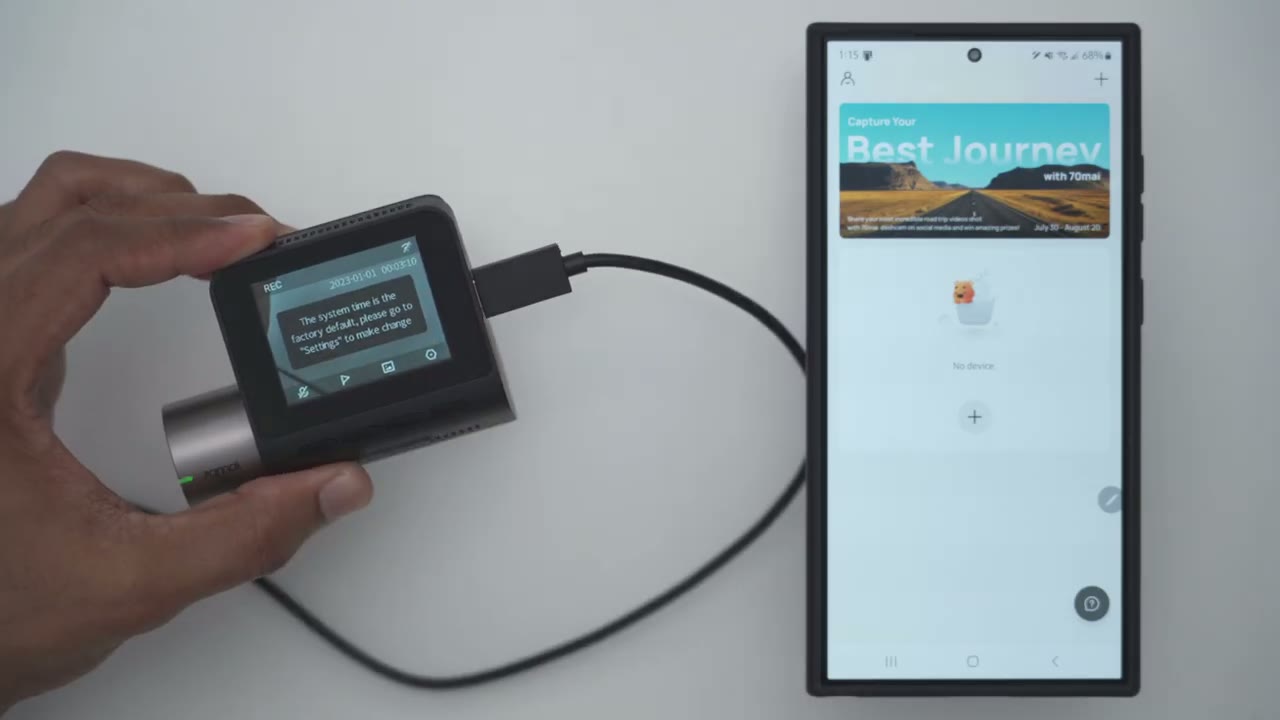
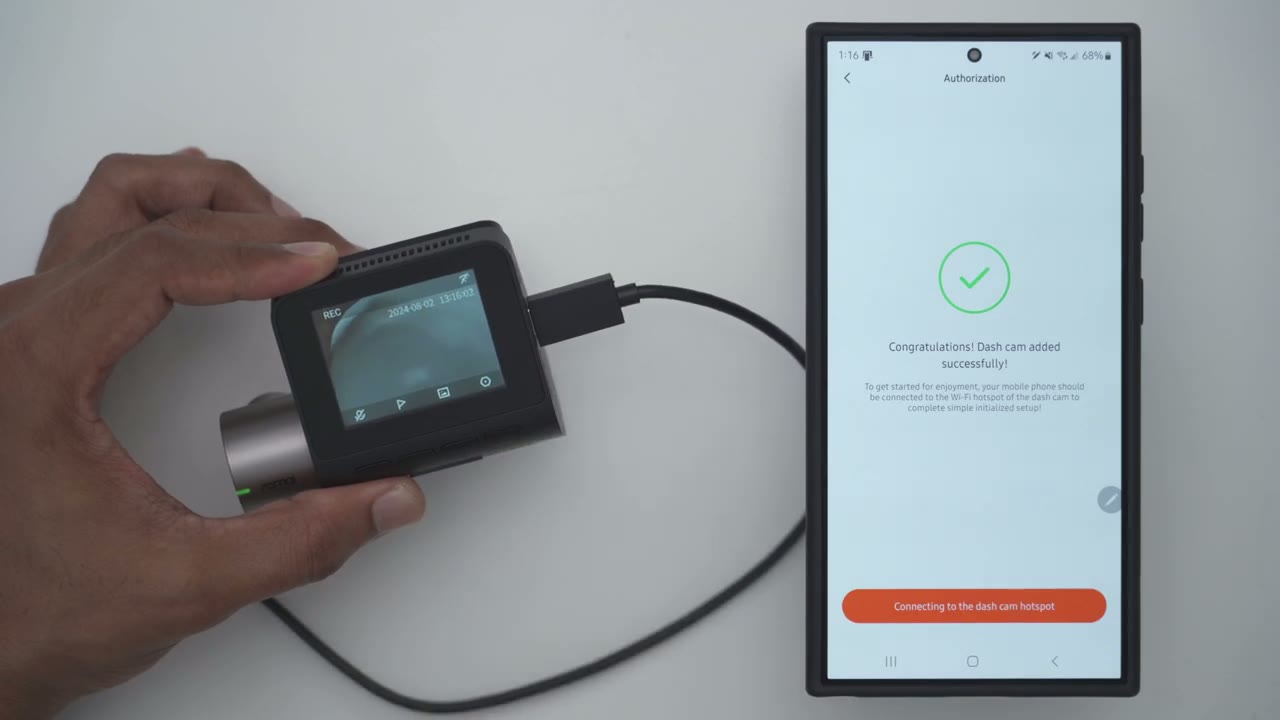
dash camera and formatted the micro SD card along with picking the language now the next step is to add it to the 70 my app so I’ll click on ADD device and it’s already founded by scanning Bluetooth devices and I’m going to pick okay to confirm authoriz ization to connect to the dash camera installing the dash camera is
Installation
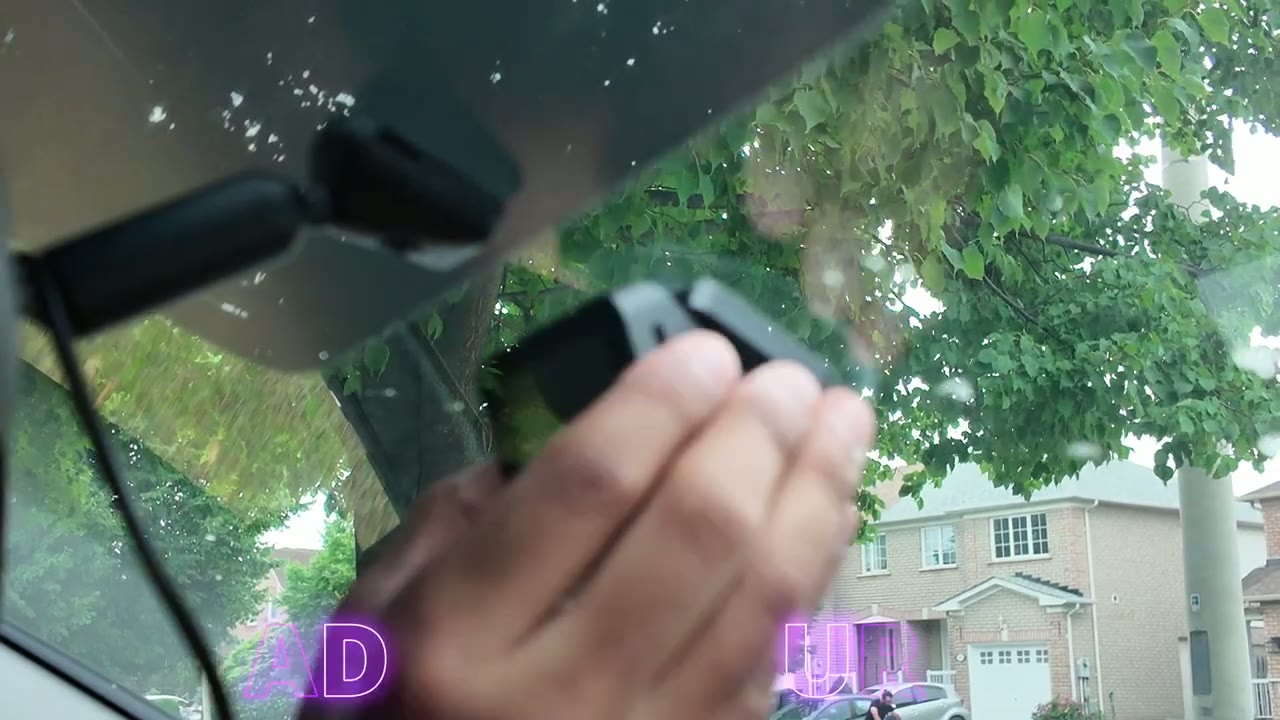
very easy first you’ll clean your front windshield and then apply the electrostatic sticker next you’ll apply the plastic mount to the electrostatic sticker and then you’ll connect the dash cam to the mount in terms of wiring or powering the dash camera you can use the supplied wiring however if you did buy the additional or optional hardwire kit you’ll use that wiring instead to provide continuous power then you’ll connect the rear lens to to the dash camera by connecting the wiring to it and you’ll repeat the process using the electrostatic stickers and the mount and you’re
Video Quality
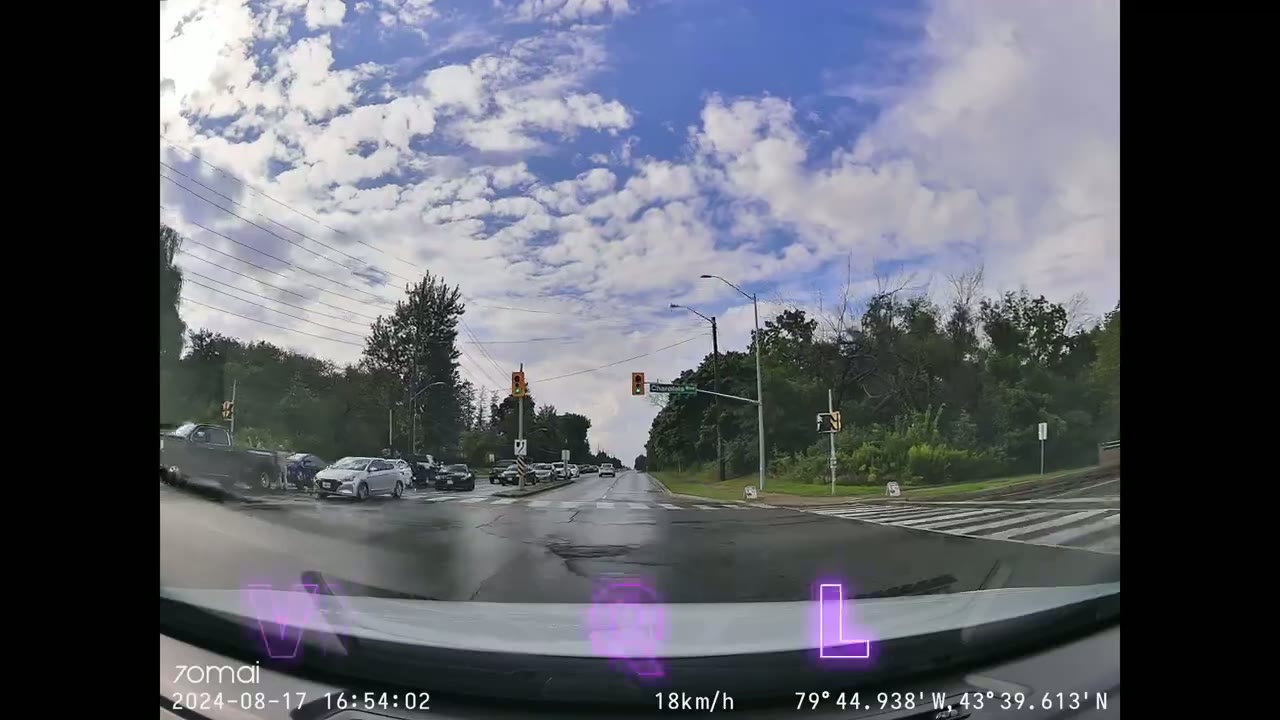
done let’s talk about the Fantastic video quality on the a510 dash camera so while it can record at 60 frames per second I have it set to record at 30 frames per second on the front dash camera because I need to have hdr on or I prefer to have hdr on and it records at a resolution of 2592 X 1944 and a bit rate of 22937 kilobits per second which is the highest I’ve seen on any type of dash camera now the rear camera records at 25 frames per second at full HD and the bit rate’s 8,189 kilobits per second so thanks to the Sony starvis 2 IMX 675 5 megapixel sensor license plates and signs you know either overhead or on the ground are so easy to make out on here and even on very bright and sunny days where there’s kind of glare or reflection on the glass I could still easily make out license plates now I had a bunch of kind of overcast weather where I’m at and a lot of rain as well and even you know with my windshield wipers going or the rain just kind of pouring down during time- Lapse video you know there’s still enough time you know when the screen is clear enough to still make out license plates and signs and thanks to the large f1.8 aperture it’s really easy to get enough light to make out details if at night again when it’s still overcast and raining this is just one of the best dash cam video qualities I’ve seen when we look at the rear camera video I need to point out that it’s going to look darker than it normally should and that’s because my rear windshield is tinted so not as much light is making its way in the other thing is I have heating elements kind of lines going across my windshield because in Canada we must have that to melt snow and ice so of course if you live somewhere where your rear windshield doesn’t have any of that your video quality quity is going to look remarkably better than it does on mine but even though it is tinted on Bright Days you know when cars are coming up close to me I can still make out their license plates however when it’s you know a very overcast day or at night it’s far more challenging again only really going to be an issue if you have your rear screen tinted so once you
ADAS
installed the dash camera and you kind of calibrated it the advanced driver assistant smart features work reliably pretty much all the time ofan departure caution front car vehicle ahead motion
Parking & Time Lapse
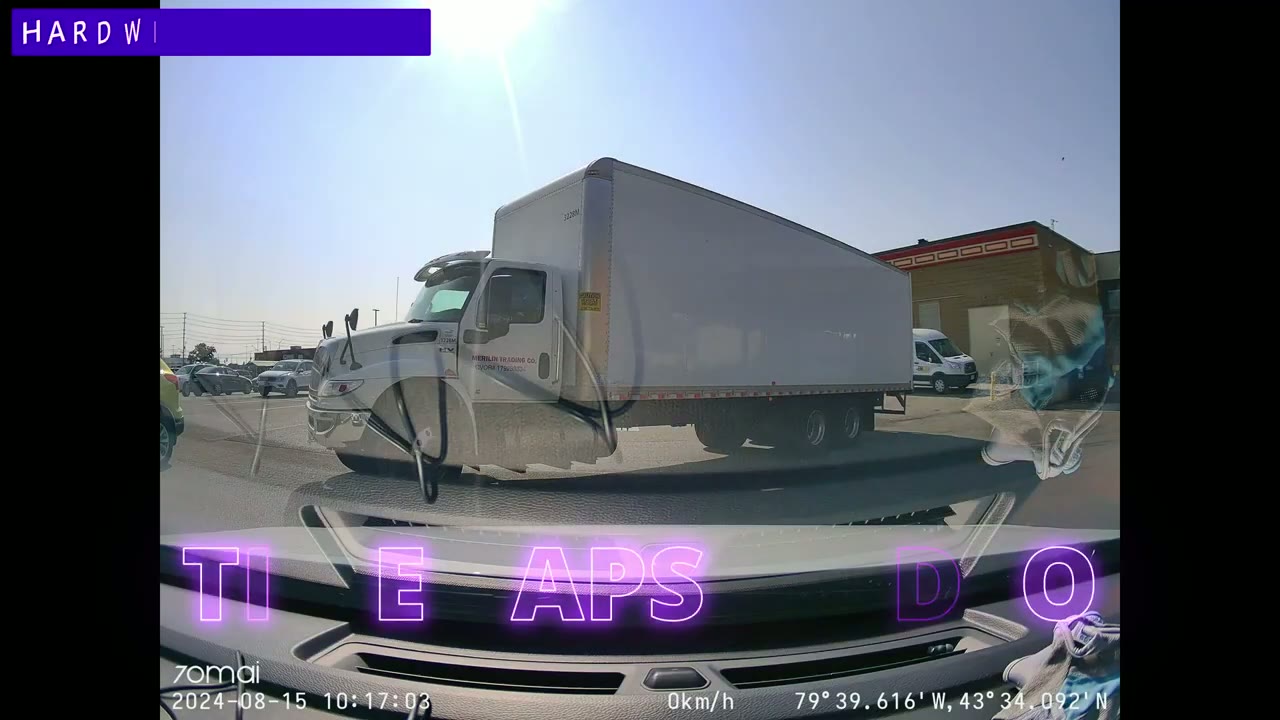
detected entering the parking surveillance mode abnormal events are detected during parking please enter the dasham album to view the parking surveillance video the dash cam can be
Emergency Video
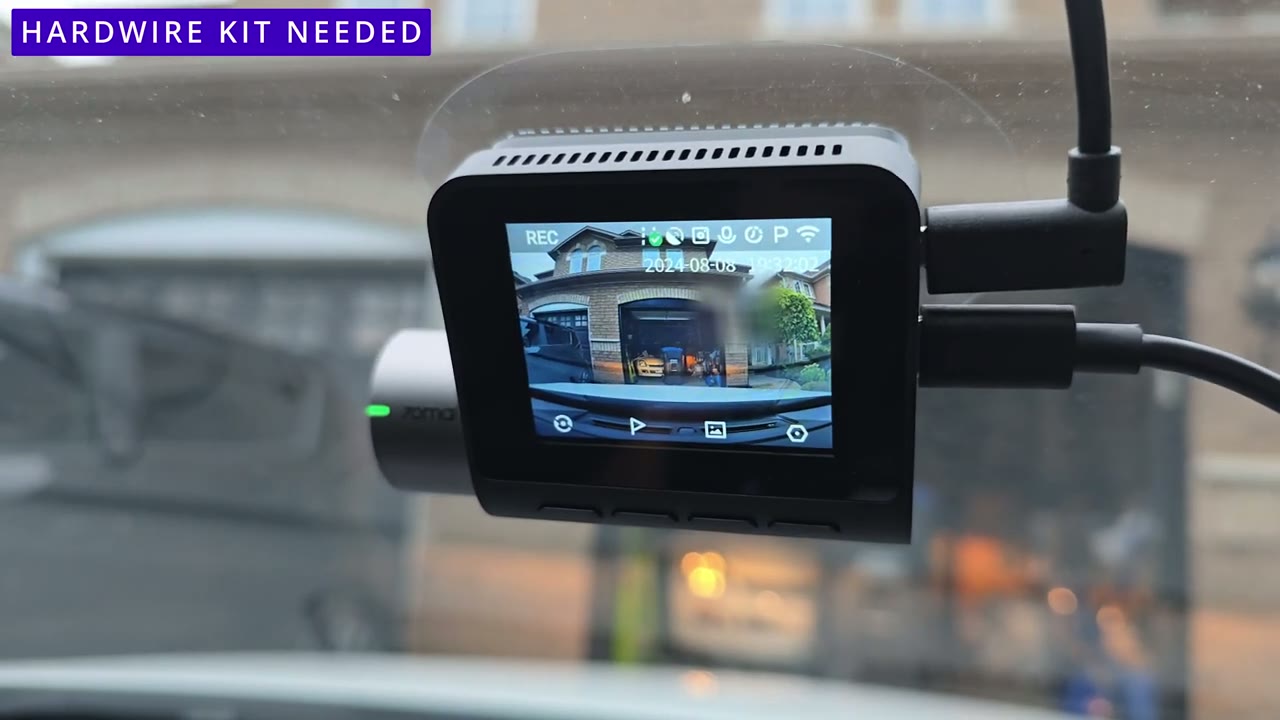
set to record emergency video so it’s kind of a locked file that prevents it from being formatted so you have a chance to save it however if you’re driving and you see something kind of resting and it’s not an emergency video you can easily just press the button on the dash camera to trigger an emergency recording by default the dash cam screen
Screen
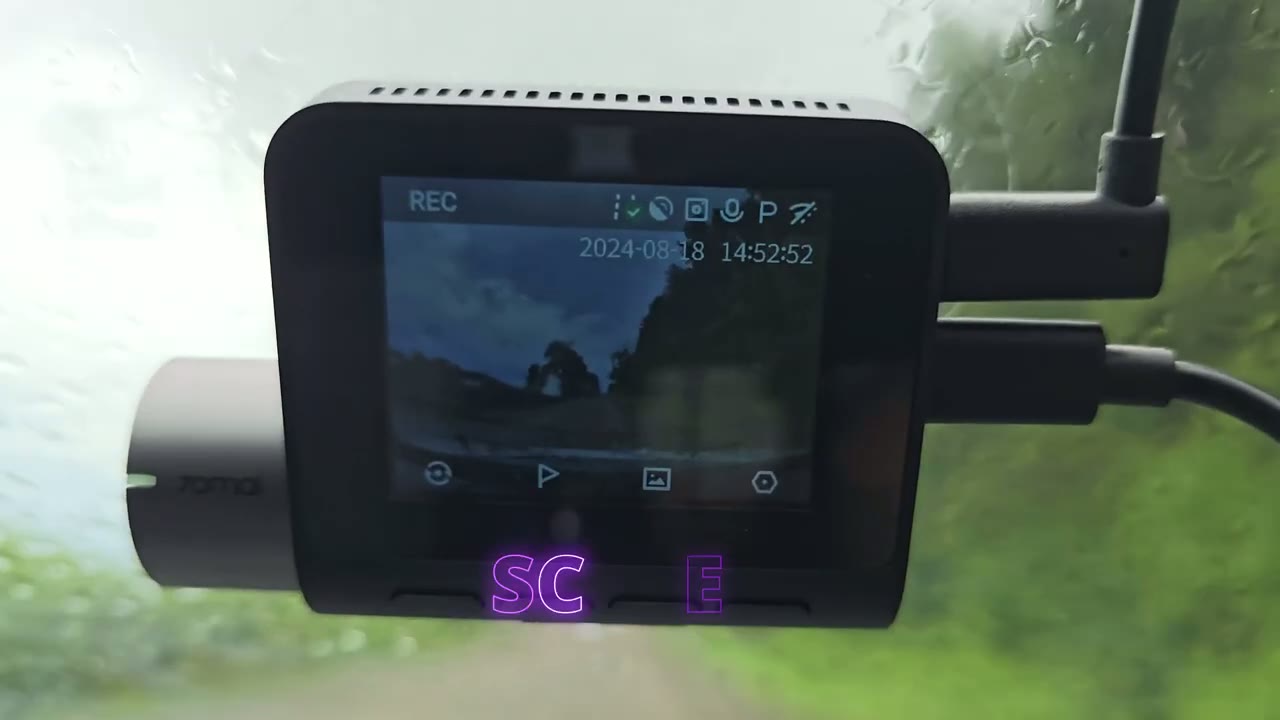
is going to show you what the front camera is seeing or the front dash camera and you can press a button to see the rear dash camera feed and if you keep cycling through that button it’s going to go through different picture and picture modes now the screen has one area I’d like to see a bit of improvement on a future model because in my car I have a panoramic sunroof um and anytime you know it’s a bright and sunny day enough light makes it into the car cabin where I can still tell that the dash cam screen is on but it’s just a little bit dim the dash cam also logs
GPS Route Logging
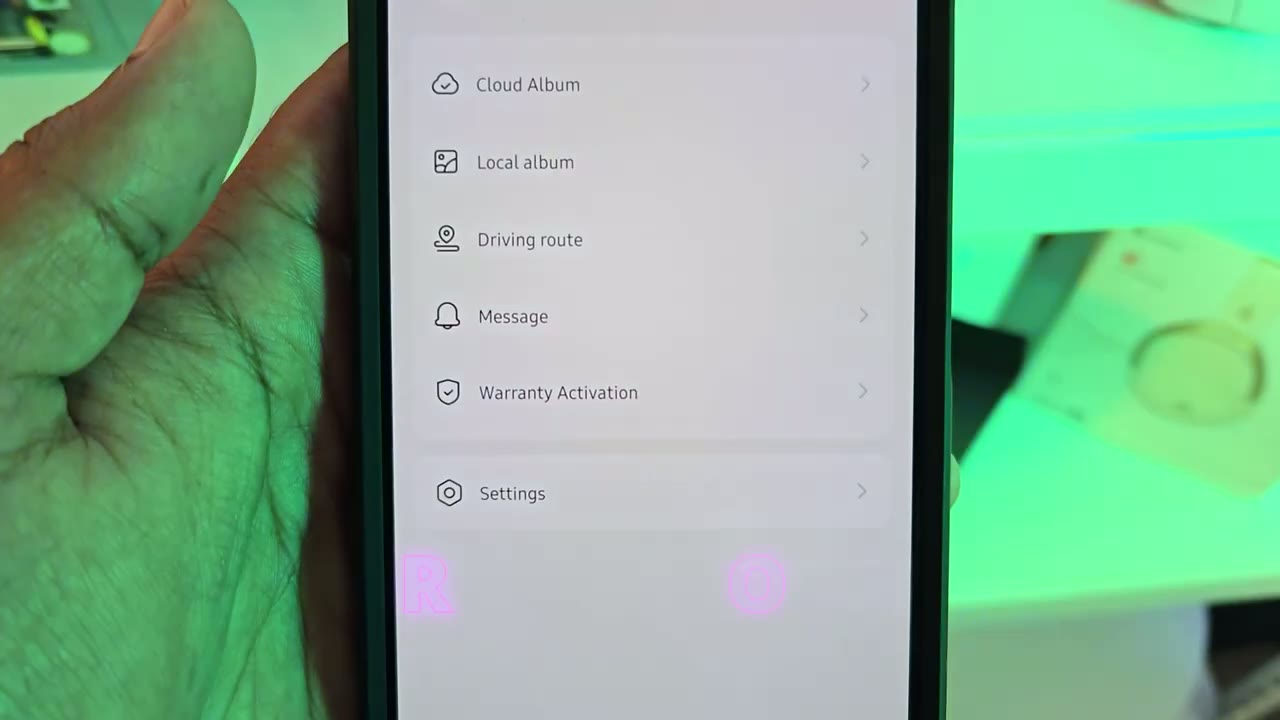
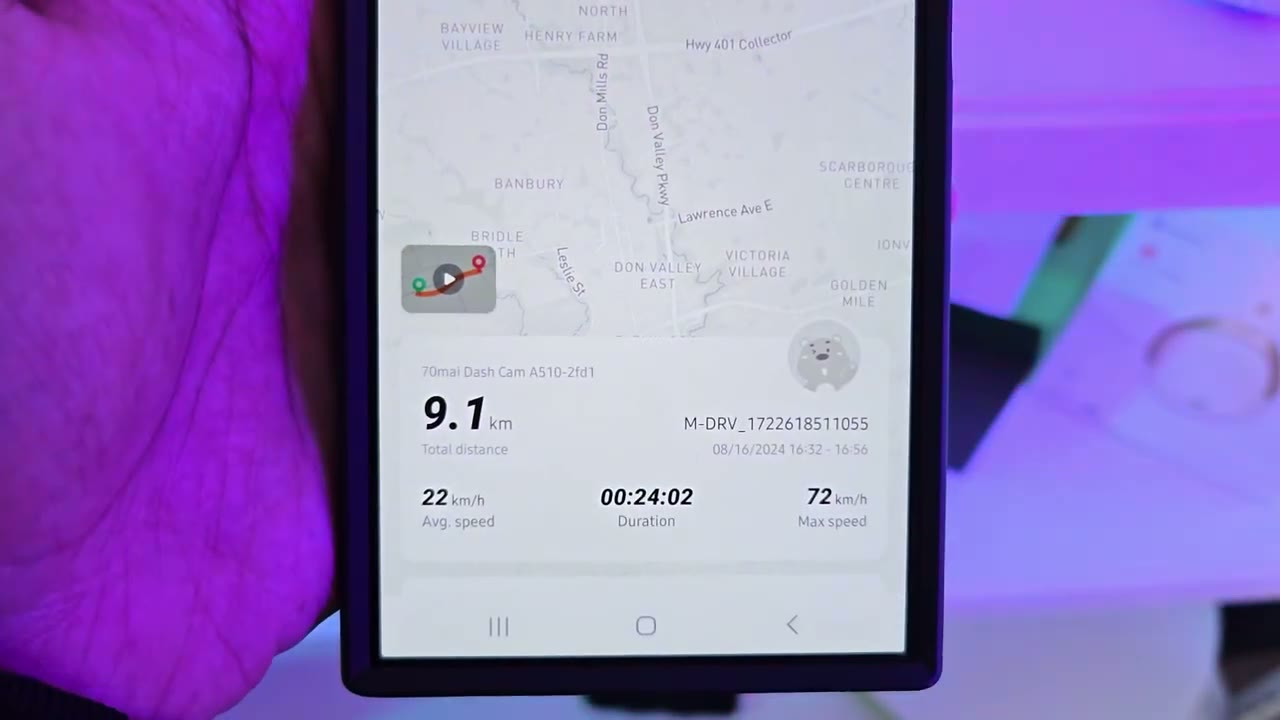
GPS route data so you can easily just connect to the GPS sync that data and take a look at it in the app and this is really handy if you lend your car out or if people bore your car you can know exactly you know how far they’re driving and where they’re going in terms of
Storage
storage I highly recommend buying a 256 GB micro SD card and that’s because if you max out the dash cam settings so you’re recording at the highest resolution for the front the rear camera and you have HDR turned on basically a 3-minute recording is going to be around 760 770 mbes so with a 256 GB micro SD card you’re going to get about 16 hours of You Know video playback or video recording history and of course if you were to buy the optional hardwire kit and you enable a parking monitoring or you turn on a time-lapse feature while that number is going to drop even lower just go for 250 6 right from the get-go make your life easier and I’ll leave links down below to some 256 GB micro SD cards if you like the a510 has been
Settings
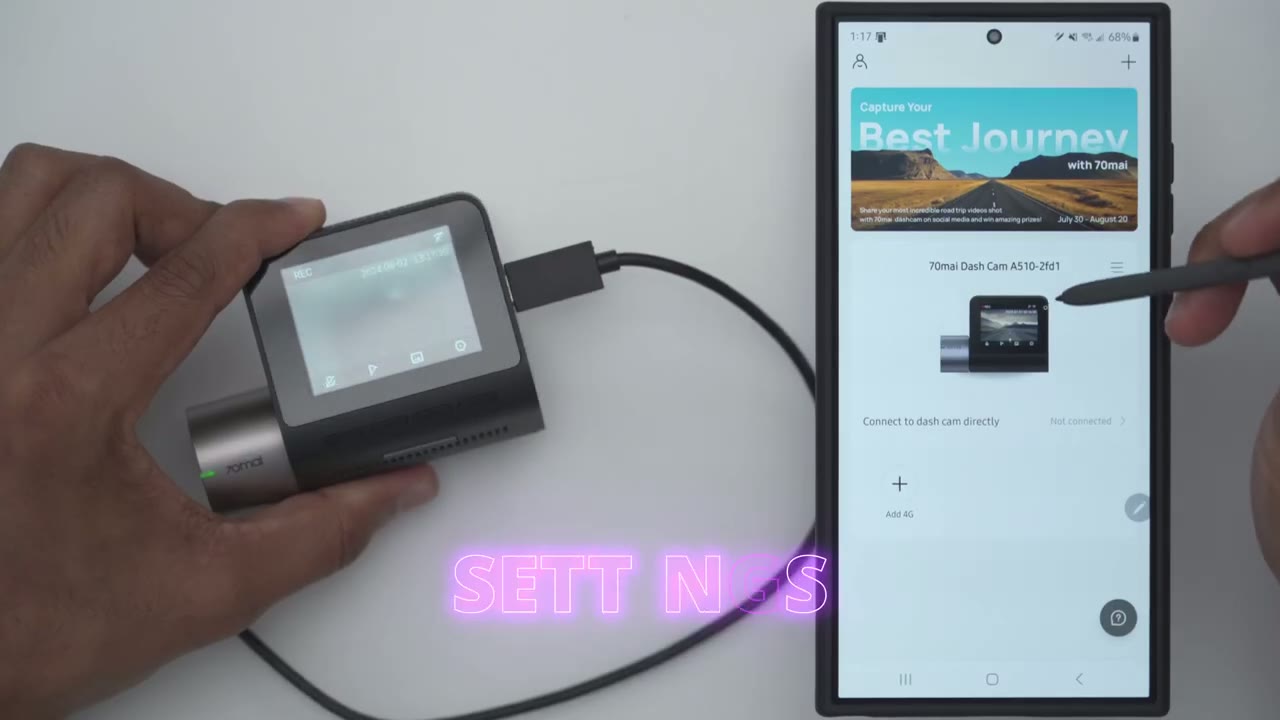
successfully added to the 70i app it was very easy now to connect to the dash cam directly we first have to go into the settings and we’ll go over into system click on okay then we’re going to go to Wi-Fi hotspot and we’re going to click on on and you can see it’s very easy to navigate around with this so now that it’s on the uh app should be able to connect so I’ll tap on connect to dash cam give a deep permissions and let’s just wait and it says connect to device we’ll tap on connect so it says when the device is connected it will be locked and button functions will not be available so you basically have to do all of the controls in the app so you can see yeah now it’s connected I’ll pass my hand under the the camera here and you can see not a very large delay let’s take a look at the full settings on the dash cam in the app it’ll be quicker than clicking through on here so you can set the encoding format to high compression or low compression low compression is if you have an older phone model that may not support the um High uh compression video format you can also set the video resolution so the max resolution is currently set and with HDR turned on it’s going to record at 30 frames per second you can record at 60 frames per second but you will have to drop down to full HD now you could set the video clip duration 1 minute to 3 minutes and then you could turn D missing on or off you could have a speed Watermark coordinate uh the 70m logo Watermark you can set the anti flicker Hertz as well and then we can also go into mirroring and rotation now Collision detection this is all under parking security and you’ll only really have this if you connect that optional Hardware kit so you can turn on collision detection if your car gets hit while parked you could turn on time-lapse photography where it’s just going to you know take a a photo every one minute or so so you can see what transpired and then you could set a duration for the parking uh security so you could set it to unlimited if you drive your car frequently but if your car is parked for you know long periods at a time you may not want to have it exactly 24 hours and then for smart travel emergency video so if a collision is detected it’s going to automatically trigger a recording so you don’t have to press the button and you could set the sensitivity now if you set it too high there’s a chance that when you go over you know speed bumps or you hit a a pothole it may trigger so for now I’ll leave it on the medium setting and see how it goes and then we can have um the uh driver assistance systems or features on here so I’m going to turn that on and we will have to do a lens calibration so it’s better to do this once you have the dash cam mounted in the car which I’ll do later when we also have sound settings so power on off prom tone the speaker volume and I have to say this is one of the louder speaker girls I’ve heard so it’s on low and it’s already you know really easy to make it out on High um it’s very loud so I think most of you can get away with low to medium unless you have a noisy car cabin now you can also have a key tone when you press buttons and then you could set it to record audio so I will set it to record audio right now broadcast language is English screen standby mode you can have it to always on uh in terms of when you’re driving a screen saver or a screen off I like to see the screen on all the time so I know it’s being powered and then Auto off after a stop so it says here you can set it for the camera to continuously record for up to 5 minutes 10 minutes or 20 seconds and this feature will require continuous external power however now we already looked at Wi-Fi hotspot settings we could set the date and time and just pulled it from from the app you can also set the speed unit miles or km per hour there’s also a positioning status you can take a look at if you go to about you could take a look at the model and firmware and then we can also take a look at the driving route data so if
Recommended?
your first priority is to have high quality video the 70i a510 dash camera is a solid option thanks to the Sony starvis 2 IMX 675 sensor paired with the f1.8 aperture it’s going to be easy to make out details well whether it’s a day night or overcast the Advanced Driver assistance features also help keep you safe on the road and you can also pair it with the optional hardwire kit so you have parking monitoring and time-lapse video anytime you’re not near your car and in select countries you can also buy an optional 4G kit so you can just remotely connect to the dash camera at any time to see kind of what’s going on around your car before you enter your car or walk to your car it could be great for personal safety so if you want to experience the 70 my a510 dash camera I’m going to leave some links down below for you to check it out or to learn more and if I have any coupon or discount codes I’ll also leave those down below in the video description and pinned comments and if you found this video helpful don’t forget to check out some of my other Tech related videos I review a bunch of different Tech on this channel and I’m sure you’ll find something you like and if I can ask a huge favor would you mind liking and subscribing it truly does help me out as a small and growing Channel and I hope to see you in the next one soon
Buy 256GB microSD Card on Amazon
Please note that some of the links in my video descriptions are affiliate links where I earn from qualifying purchases. As an Amazon Associate I earn from qualifying purchases.

