


Buy Samsung S25 Series Phones on Amazon
Please note that some of the links in my video descriptions are affiliate links where I earn from qualifying purchases. As an Amazon Associate I earn from qualifying purchases.
Intro
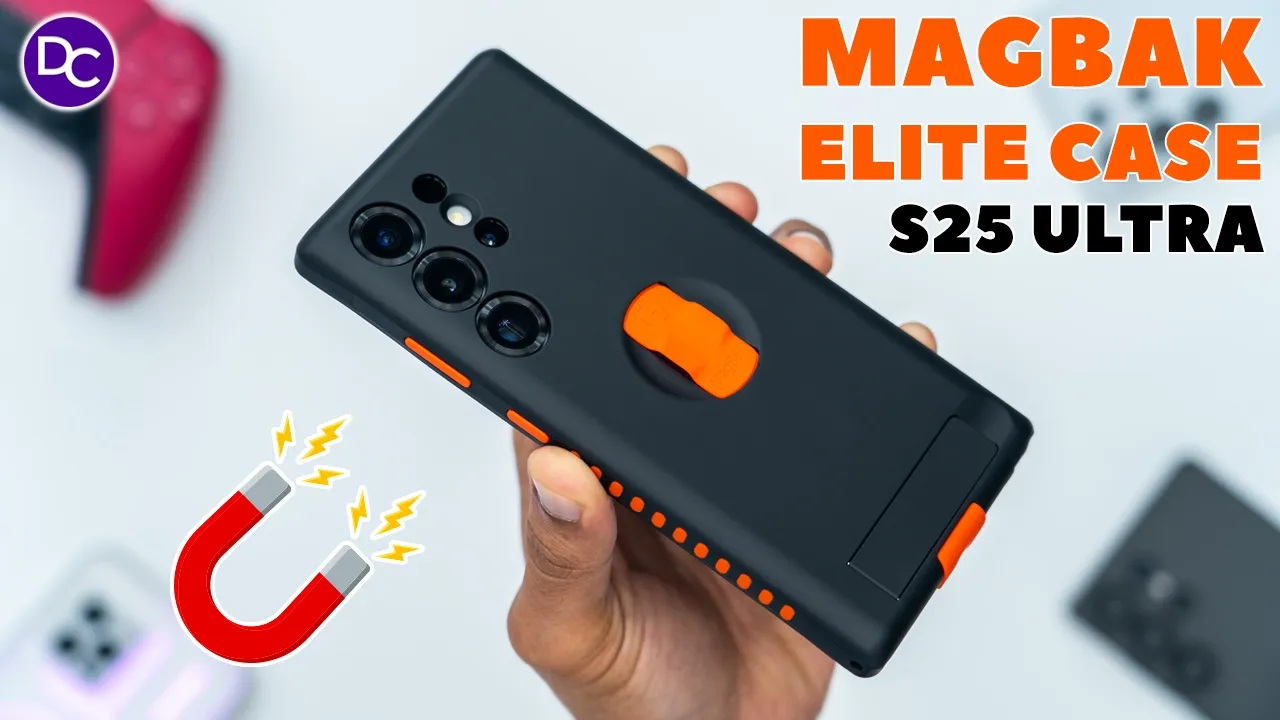
hey it’s Adrien so you just picked up your brand new s25 Ultra and now you’re looking for topnotch protection well macback brand new elite case for the s25 ultra has super strong n52 industrial strength magnets that let you mount your phone anywhere magnetic horizontally vertically without any fear of it slipping or falling on top of that their cases have Chi wireless charging and Max saave charging support super thick bezels to protect both the phone screen and Camera module along with air cushion corners to survive drops of up to 12 ft High the integrated finger Loop is super convenient and it also stows away nice and flush anytime you want to use max safe charging there’s also a built-in kickstand for horizontal or vertical viewing anytime you can’t Mount your phone magnetically the case comes with a screen protector that’s effortless to install and there’s a range of magnetic accessories that you could snap onto their cases for complete modularity and versatility you can also add colored elements to give your case a unique look so let’s take a closer look at the macback elite so you can decide if this is perfect for your s25 Ultra and a big thanks to macback for sending this out for a
Package Contents
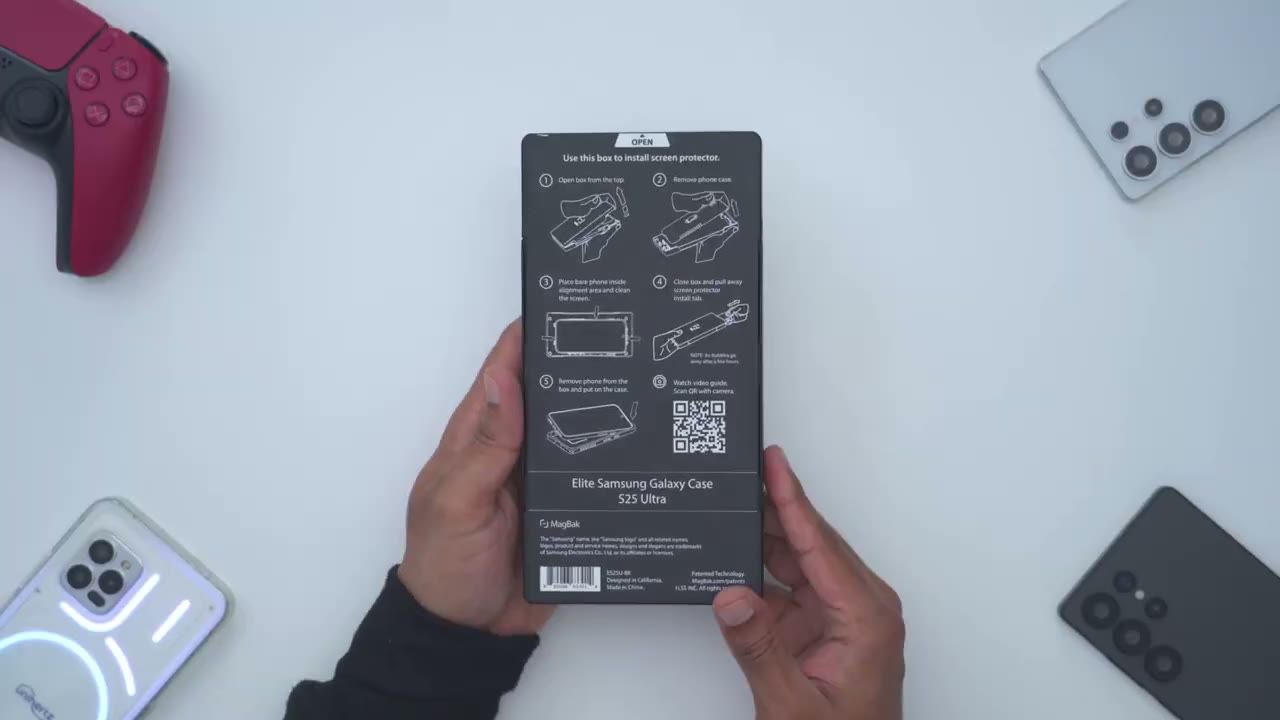
review in the box we have the macback elite case for the s25 ultra along with their Mac stick accessory which I’ll demo later there’s also this included screen protector along with a QR code just to show you how to install this there’s quick tips cleaning pads for the screen a dust and lens sticker and
Screen Protector
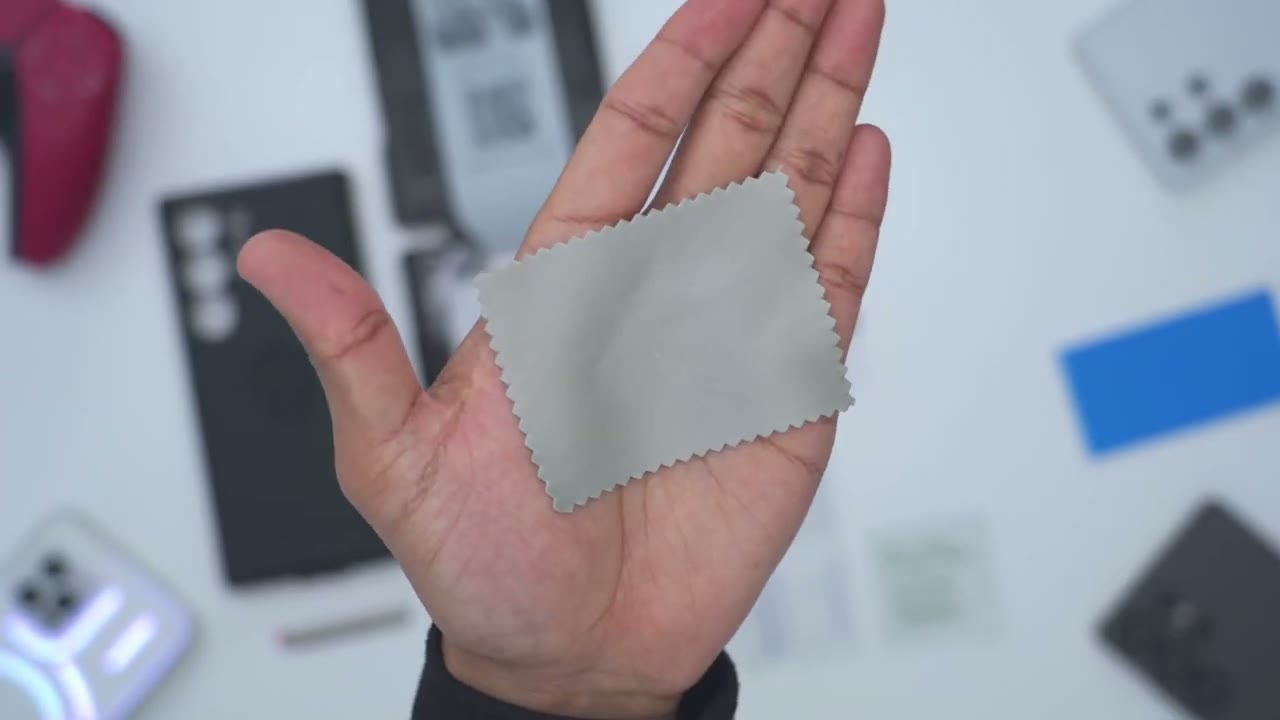
cleaning cloth the first thing I’m going to do is to apply the screen protector to the s25 ultra so we’re going to use the box that the case came in so you’re going to remove the case and everything else and then you’re just going to place the phone directly like this and you’re going to make sure that the top of the phone is actually facing that way and the reason for that is if you actually take a look at the built-in screen protector you could see this little notch or cut out here which is what’s going to go where that speaker Grill is so yeah you’re going to leave the phone like this clean the screen down so I’m going to do that next so I’ve cleaned the screen with the included wipes dried it down and used the lint and dust sticker so the next step is to just go ahead close the actual case and I’m just going to leave this little Tab out here I’m just going to press down you can hear that nice satisfying click and then what I’m going to do is I’m going to pull this towards me so I’ll just go ahead now all right so I used the cleaning cloth to kind of massage a couple of the edges where I saw a little bit of air bubbles or air pockets and if you take a look at that that is a beautiful screen protector insulation everything is nicely aligned nice and symmetrical and now if I take a look I’m really not seeing much air pockets at all I see one really minor one at the very bottom here but they do mention it can take you know a couple hours to a couple days for those to go away completely but yeah I’m super impressed good job macback let’s do a fingerprint Reader test and that’s still seems to be working without issue do that again so yeah zero issues there in intern terms of touch responsiveness you can see very fluid and responsive and if I go into the menu I have not even turned this on which is what you normally turn on if you’re running a screen protector so yeah this is doing a fantastic job so far and it may be hard to tell on camera but in person it’s not dulling the look of the display in any way it still looks very bright and Vivid
Case Design
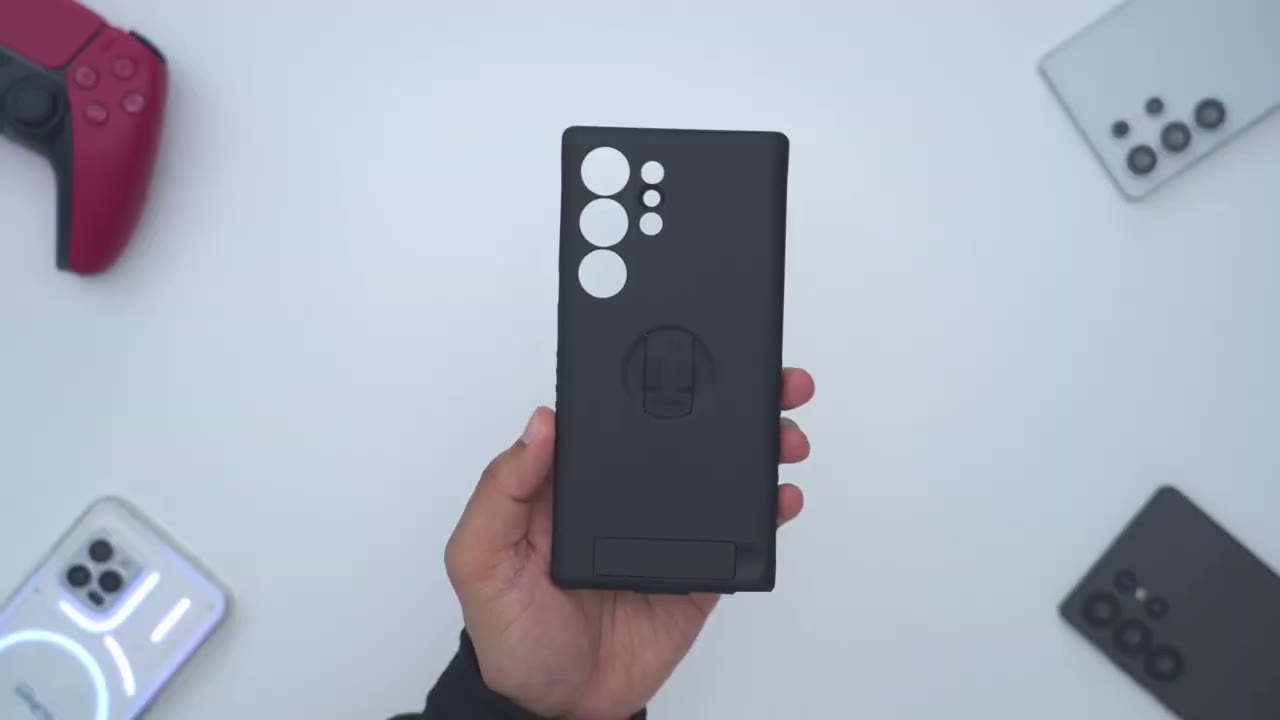
let’s take a quick look at the magb back elite case before I install it so the case comes in at 61 G which is pretty impressive considering all the features built into it now now if I take a side view here you can see just how thick and raised those bezels are for the camera lens so if you place this phone you know kind of camera lenss down it’s going to be fully protected now if I do a side view you could see this is where the integrated finger loop is and I can actually press down it’s a soft touch type of feeling it sits flush and the reason for that is so that when you use Mac safe charging you’re not going to have any type of hindrance or anything like that now if I slip my finger in there this is what it looks like and when I just want to put this away I can just press down and it folds away nice and flush and then on the very bottom this is where we have their integrated um finger pillow or kind of Pinky rest but this is actually doubling as a USB type-c cover to kind of prevent dust buildup and you can see we actually have a little um nodule here that you know fits into the USBC Port now if you find this cumbersome you can actually remove this completely from the case I will demo that later we also have cutouts for the s pen the speaker Grill and we have two cutouts on the corner here if you want to run like a lanyard or carrying Loop there’s also a cutout at the top for the microphone and then on the inside we have this nice microfiber lining to help protect the glass back of your phone now on the side we have these silicone strips that you know really add to the grip ability of the case so they’re on the right side and left side and then we also have the buttons and one thing to note is that yeah this is a very stealth looking case all black but you can actually you know customize it and add pops or elements of color now
Case Install
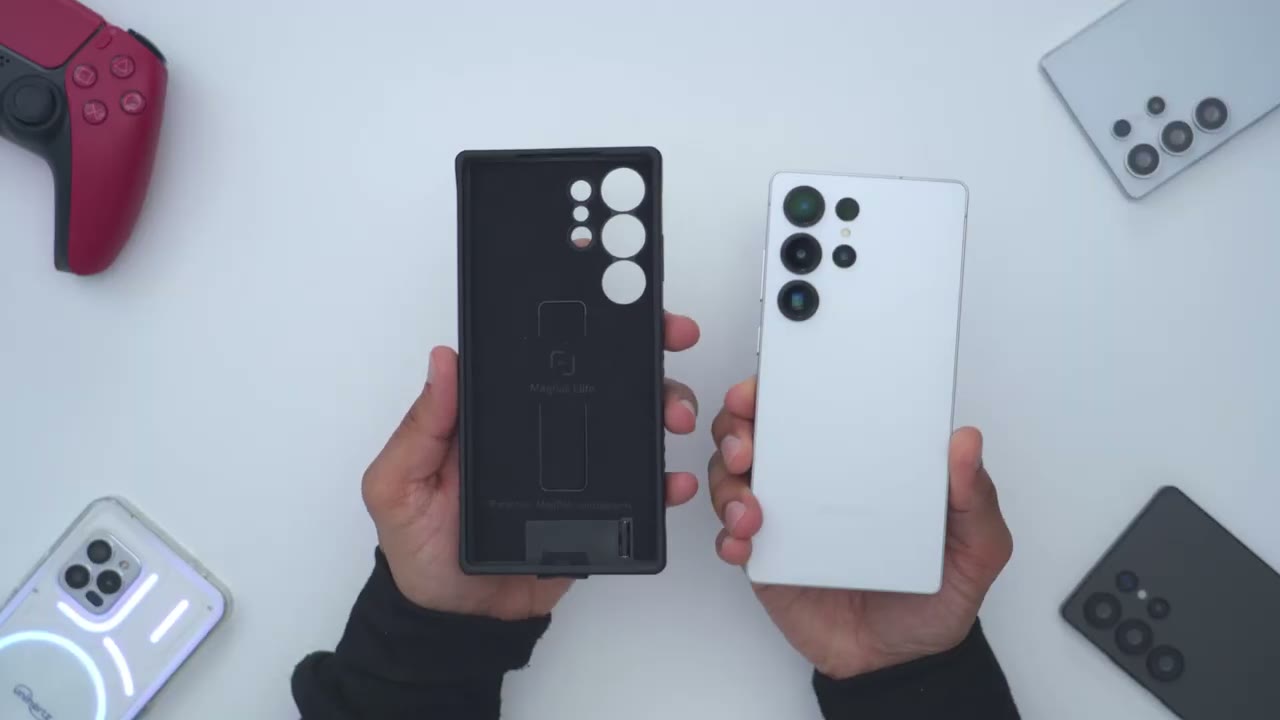
I’ll install the s25 ultra so I’ll just start in the top corner with the camera lens and just press everything down and you can see that’s a very quick and simple installation and this is what the s25 ultra looks like in the macback elite case and this looks just so stealth and so nice and it’s such a great hand field as well but just to recap all of the ports are completely unobstructed you know have the speaker Grill here the S Pen and note that there is a slight depression where the S Pen is and that’s so that if you do need to get that you could slip your fingernail in there easily slide that out and back in effortlessly and that slight Notch at the top of the phone is to ensure that the front-facing speaker Grill is unobstructed
Drop Protection
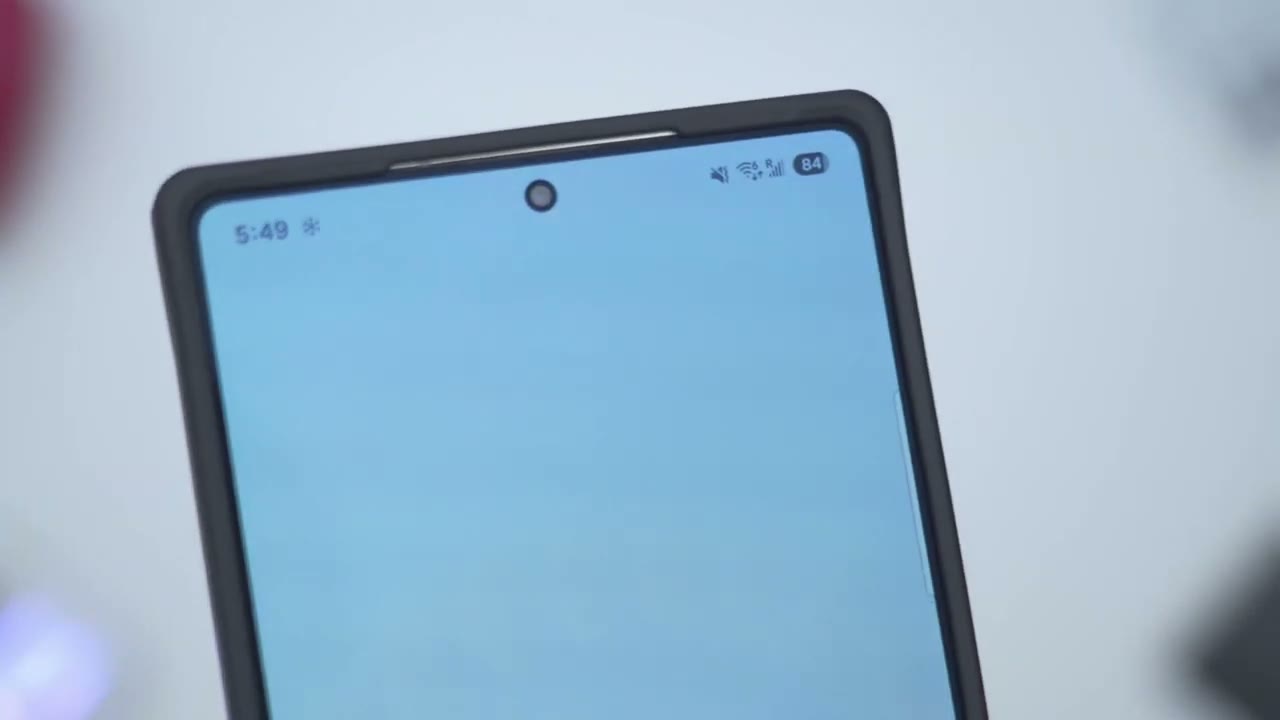
but let’s talk protection so we do have air cushion corners on here and very thick bezels both on the front and back and this phone is rated for drops of up to 12 ft now if I do a front view and I kind of angle the phone to the side you can see just how much that bezel is raised off from the screen and that’s both on the top in the corners basically all the way around so if you put the phone face down or you know screen down you’re not going to have any problems with that screen getting damaged and this is what the camera lens module looks like on the rear so if I do a side view you can see all of the camera lens sit nice and recessed in that bezel cutout and if you’re worried about the thick protective bezels affecting you pay there’s no issues you can see I could slide my credit card from the bottom here or use the side panels without any problems since the phone is
Wobble Test
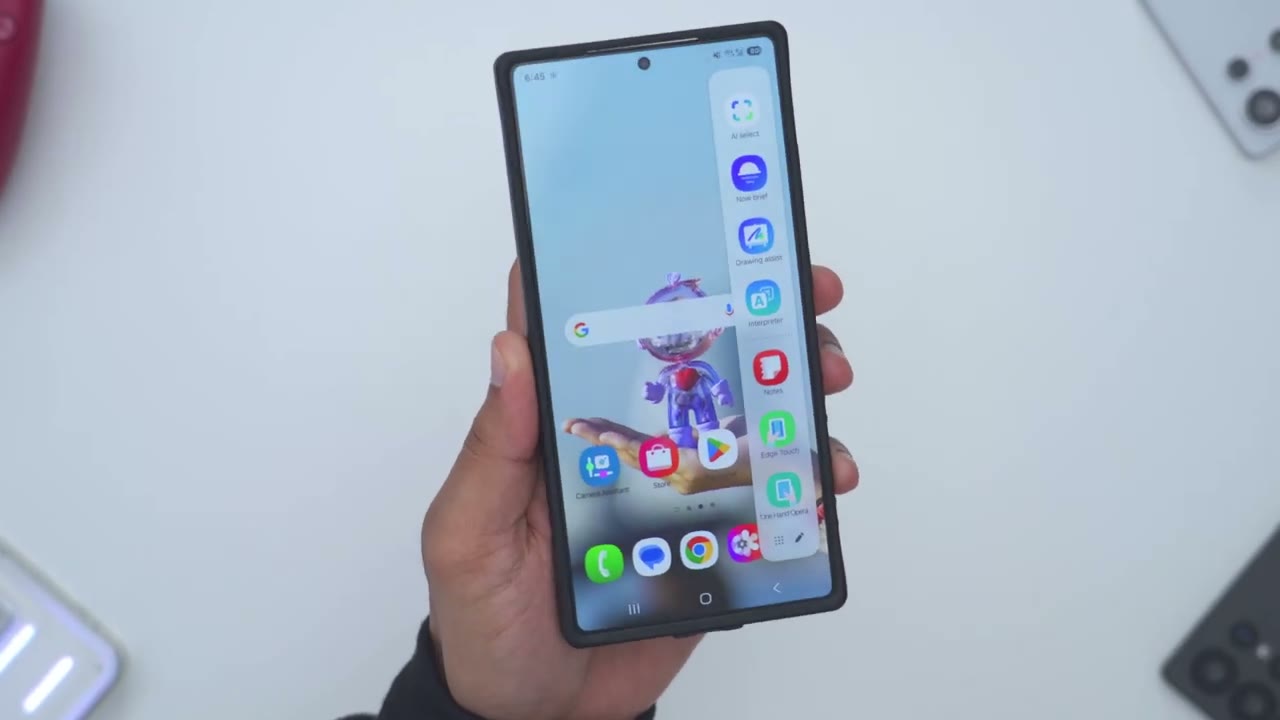
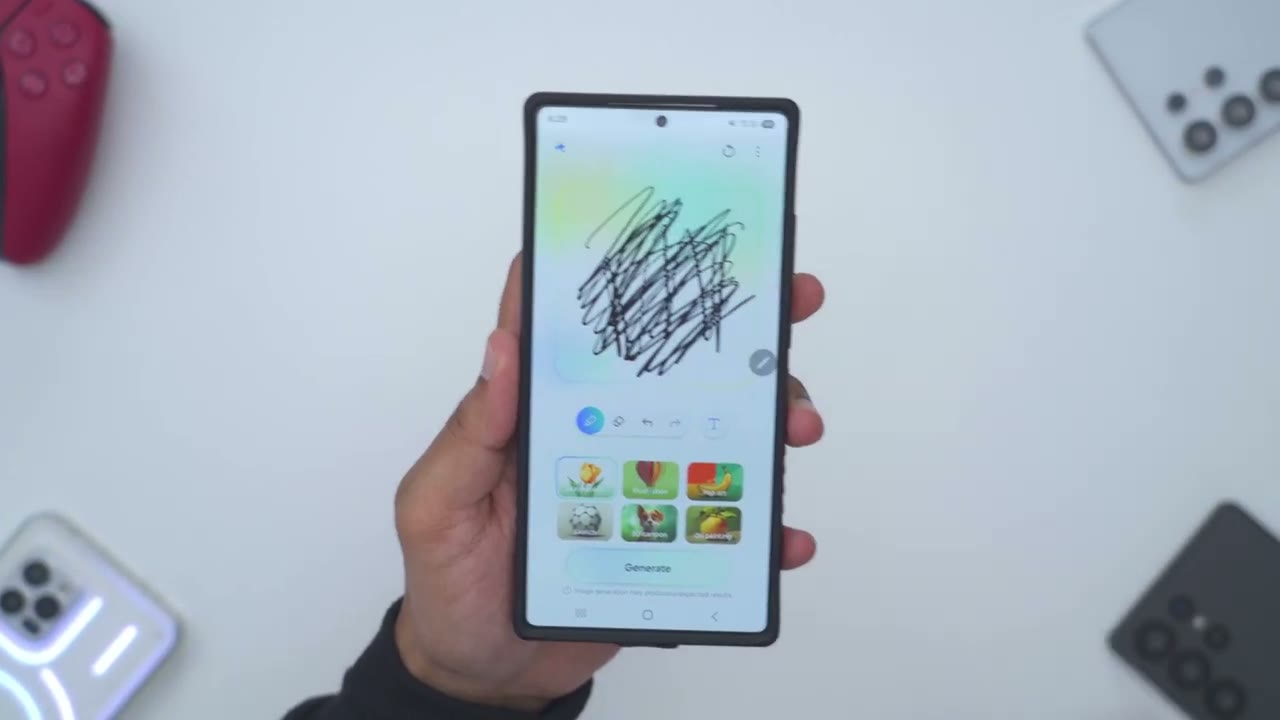
pretty much flush when you take a look from the side the wobble is very minimal so if I put it down and I press on the opposing Corners you can see the wobble is quite slight now if I write with the S Spen so I’ll just do you know like And subscribe you can see my Spen use is in no way affected by the very minimal
S Pen
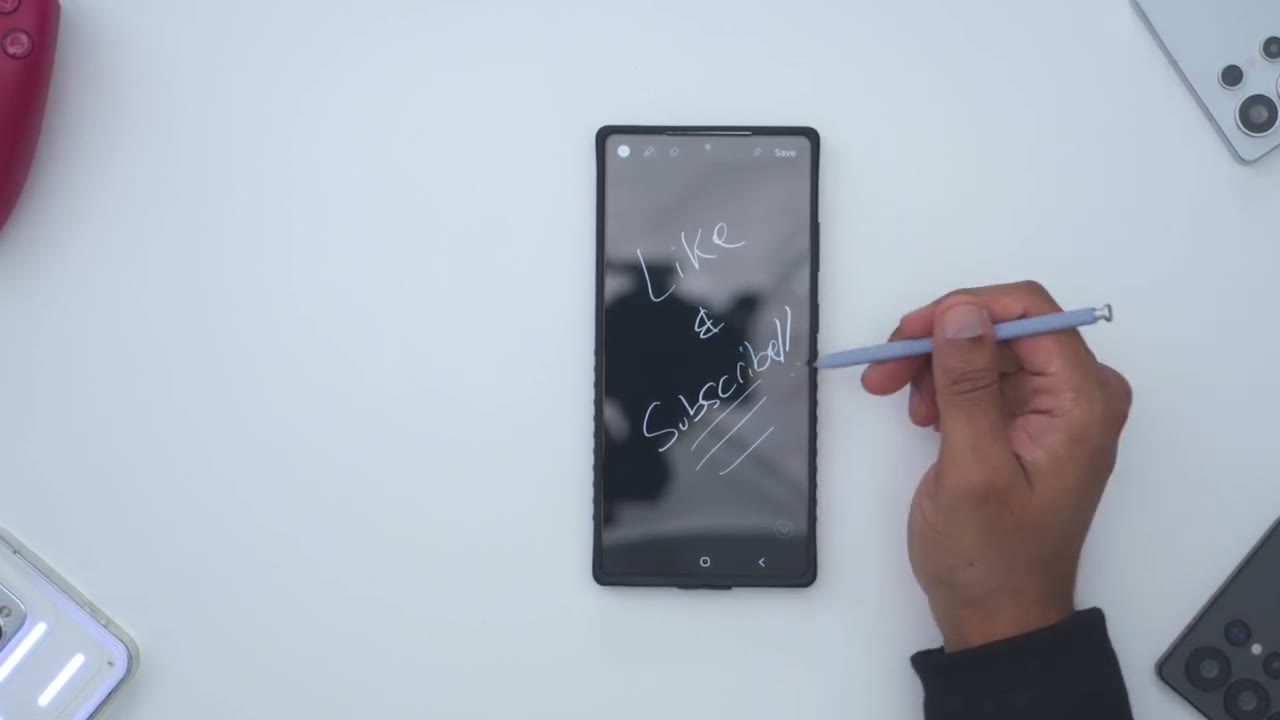
wobble and even with those super strong n52 strength industrial style magnets Spen use is completely unaffected if you
NFC Payments
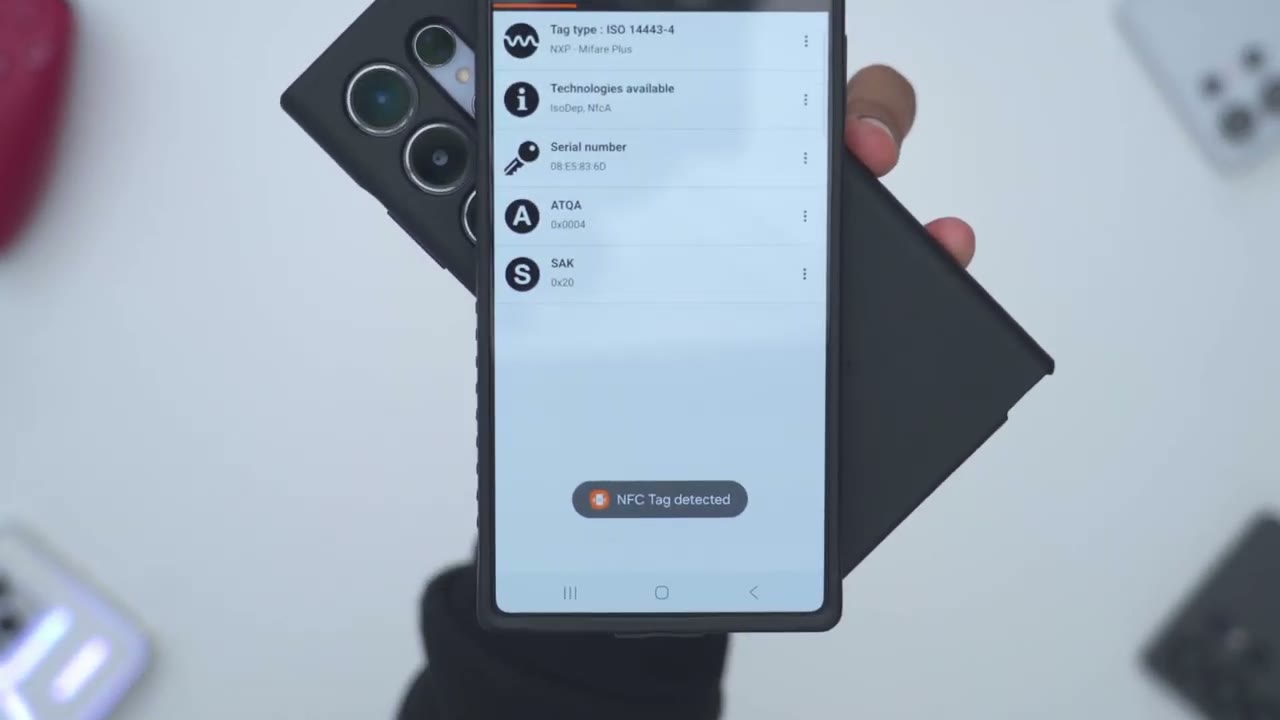
use NFC to make payments it’s also completely unaffected you also retain
Magsafe & Qi Charging
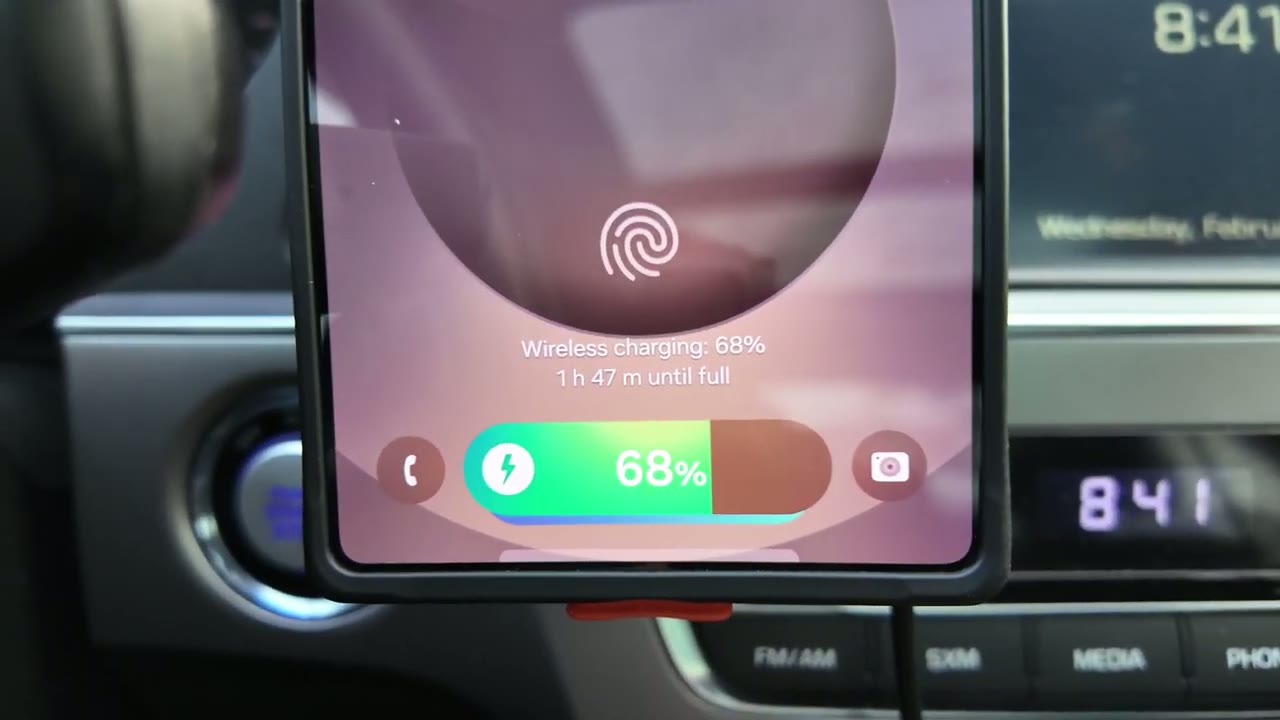
full access to Chi wireless charging and Mac safe charging considering that the integrated finger Loops folds away nice and flush the way they’ve integrated the
Fingerloop
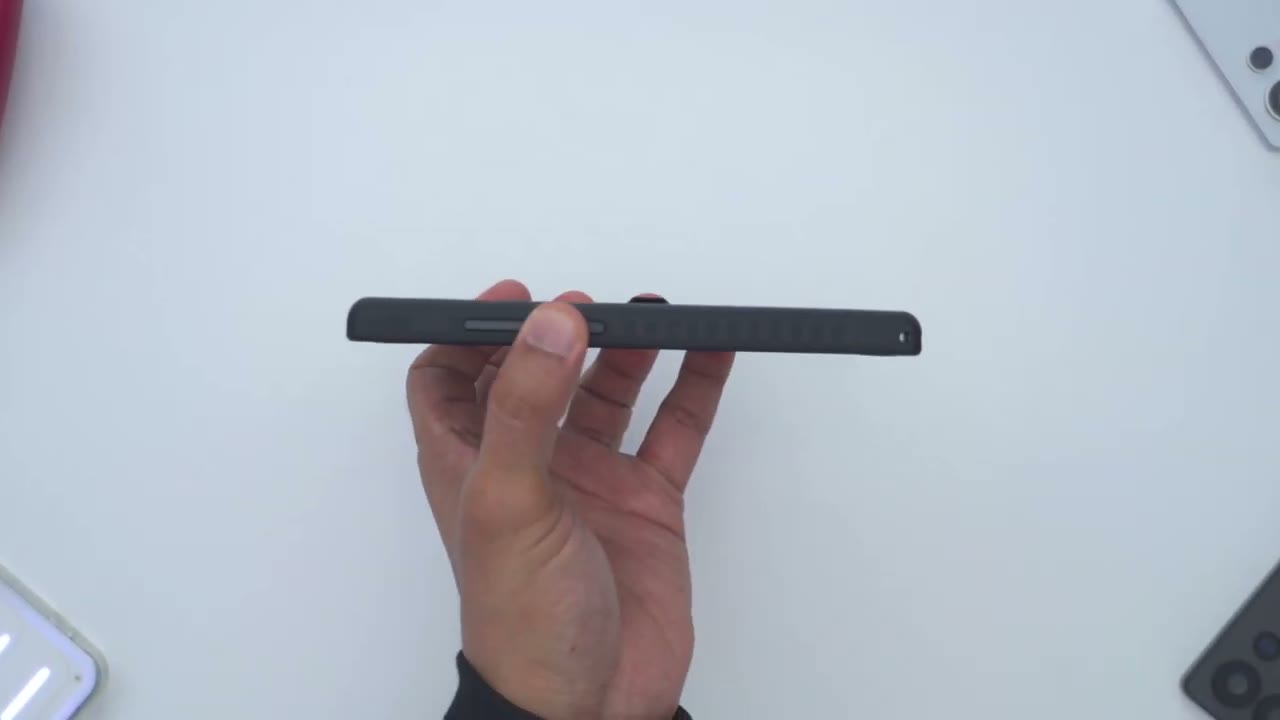
finger Loop is also really genius so you can see if you press down on the corners here it sits nice and flush so you could snap this on to a Mac safe charger or use their macback wallet to snap it on without any issues now just a demoe I’m going to just slide my finger under here and I can actually shake the phone up and down just so I can shake it side to side kind of in a circular pattern and this phone is nice and planted it’s not going anywhere so the combination of the integrated finger Loop plus the side silicone grips on the right and left side it really lends you know a lot of confidence to the hand feel and just the type of secure grip you have with this case and anytime you’re done with the finger Loop you can just easily press it back down and in basically a second it’s stowed away nice and compactly so pretty much perfect implementation and looking
Kickstand
at the built-in kick stand so once you pop it out you can hear that click letting you know it’s clicked into place now you can just have your phone just basically fully vertical and because of the pinky rest it does kind of go side to side a bit you can see if I do a top down view this is why again this can be completely removed as well now if I go ahead and kind of like bang on the table a lot you can see the phone’s moving around but it’s not going to wobble so you don’t actually have to worry about that now when you use the phone horizontally which is what I think most people would use it for like to watch you know full screen video um it’s even more planted of an experience so I’ll do the same type of uh banging on the table you can see the phone’s moving around but it’s not going to collapse or you know fall over and then if I was to press kind of aggressively like say I’m tapping or playing a game you know I’m tapping on here and that kickstand is doing a good enough job of you know keeping the phone from kind of wobbling or falling over and then when you’re done you just pop it back in and that magnet securely holds everything nice
Magnet Strength
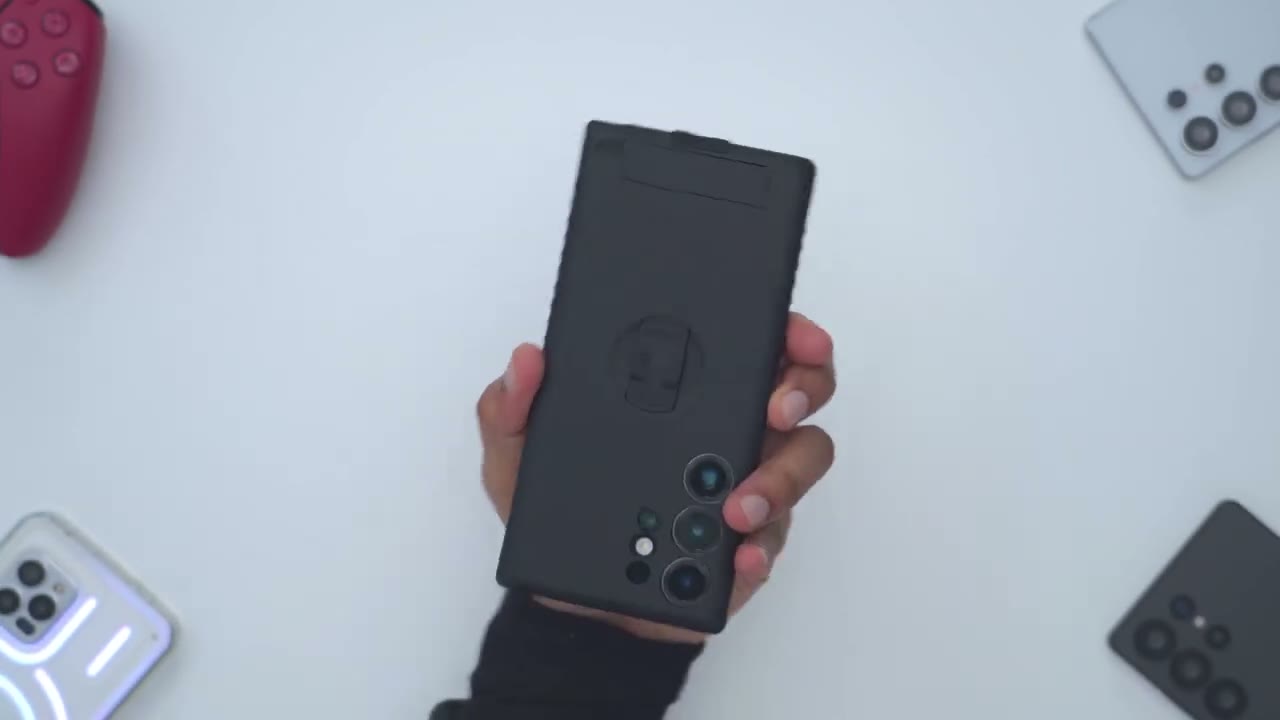
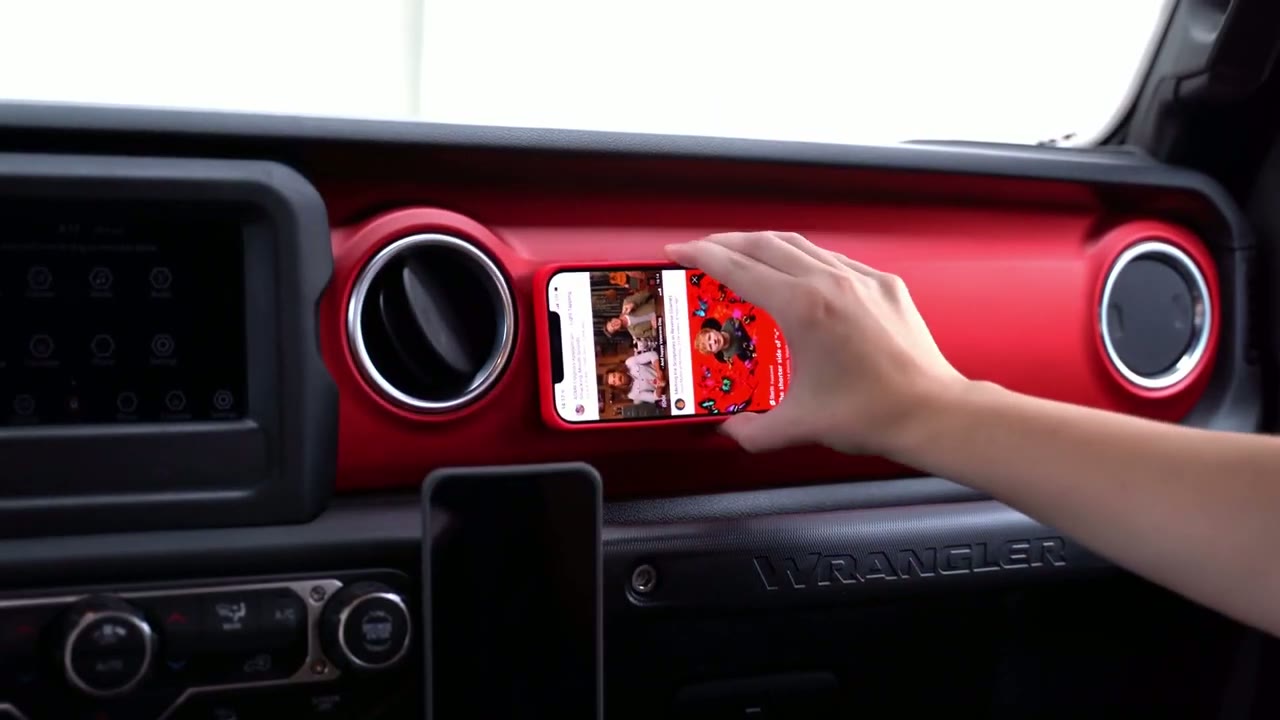
and in place for me personally the most fantastic thing about this case is the sheer magnetic strength since they’re using industrial strength and 52 magnets and that opens up a world of Versatility so this is their Max stick accessory so we do have strong magnets on the front and then we have this uh pre-applied 3M tape and you can see if I drop Dr this on her this snaps in like so planted and decidedly and if I go ahead and kind of slide it around you can see it just finds its way home very resolutely now if I just pop this off I’m going to use their macback wallet which is what I’ve been running on my s24 ultra macback case you can see again that snaps nicely into place and it just kind of Finds Its way home so if I just put this at the bottom here you can hear just how planted that is and then I can just go ahead and even use use the integrated finger loop on the macback wallet shake it you know up and down side to side and this is not going anywhere then when I’m ready to use you know Maxi or CH wireless charging just pry off from the side and I’m good to go just the amount of you know versatility and modularity that this case provides it’s really really hard to beat I can hold the entire weight of the phone with just the Mac stick because that’s just how powerful it is so you can mount this on a card Dash or basically anywh in your home whereare you want to mount your phone but it’s not metallic so you can get pretty creative with the uses for
Color Options
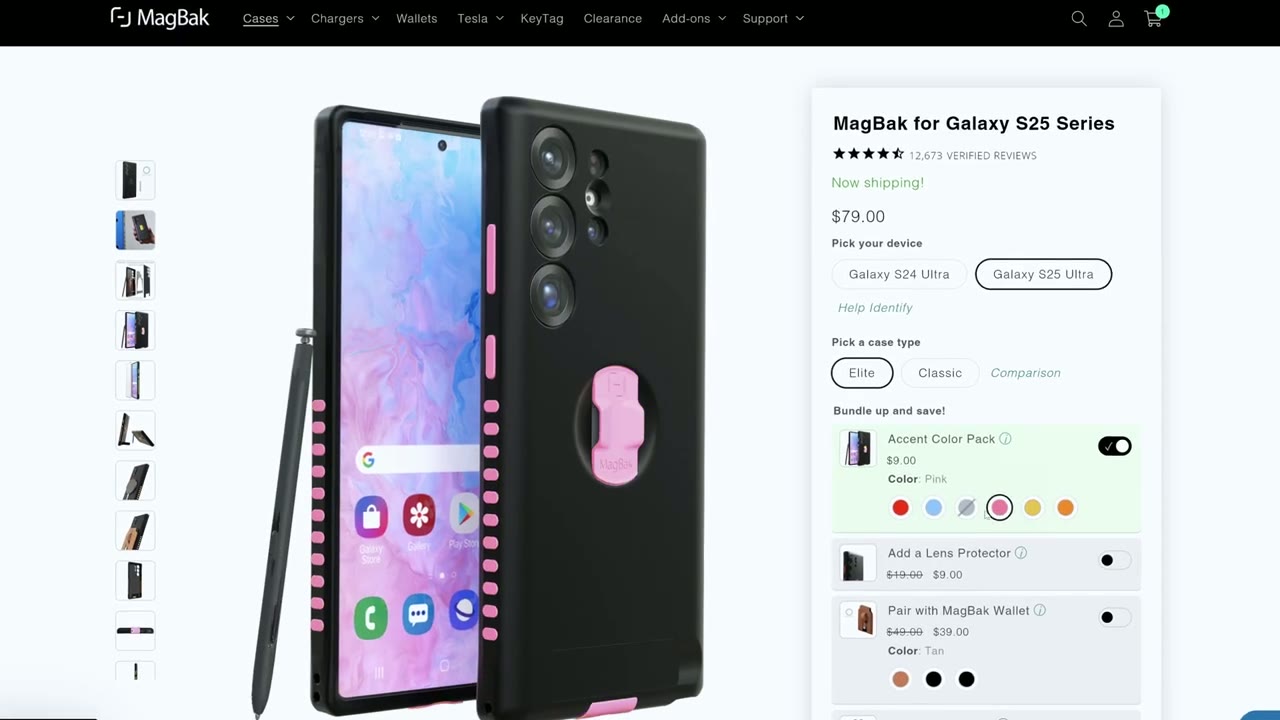
this and here’s what the macback elite case looks like if you order those optional colored accent pieces so here’s what it looks like in the orange and the red color and there’s other colors as well to suit basically any type of mood that you have and you can also order a bunch of colors and kind of use these interchangeably if you really wanted to so you can have like a two-tone or a three-tone color effect here’s what the
Customization
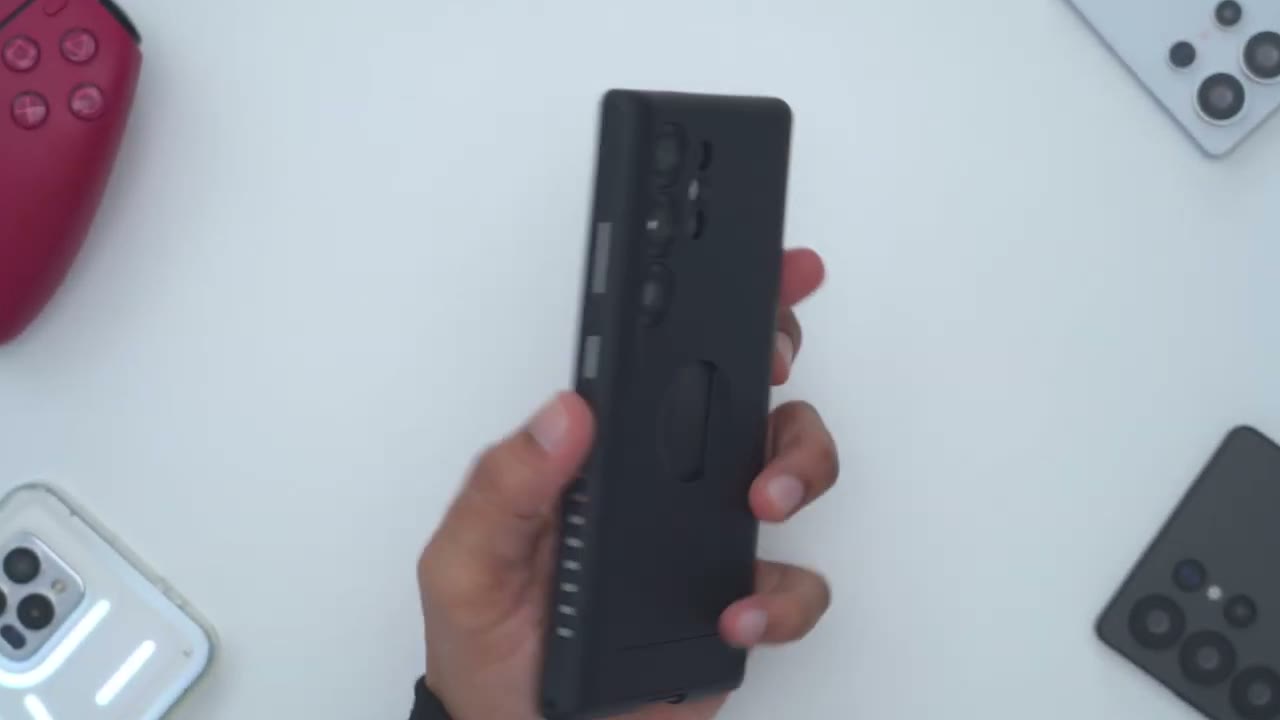
phone looks like if you remove the silicone side grips and it actually looks cool because you can see the phone frame coming through I’ve actually removed the buttons on this side as well you can also remove the finger Loop and even the USBC cover so you can really customize this case as you see fit so
Recommended?
there you have it that is the brand new magb back elite case for the s25 ultra now those Ultra strong n52 magnets let me Mount this basically anywhere magnetic and there’s a ton of magnetic surfaces around my home that I mount this to you know kind of in my daily routine I Haven Mount this to really obscure areas like a metal clip on my bathroom mirror whenever I’m brushing my teeth and flossing no other phone case gives me that type of Versatility and now that they’ve added that integrated finger Loop that stows away nicely plus the built-in kickstand and I still get access to Mac safe charging I could still use the macback wallet Chi wireless charging Spen use as unaffected NFC use as unaffected this is pretty much the perfect case and it’s the one that I recommend to all my friends and family members when they ask me and I almost forgot but they’re now including a screen protector in the box that’s also super easy to apply so I don’t have to actually go out and spend extra on a screen protector so if you’re interested in picking up the brand new magb elad case for the s25 ultra or even the s24 ultra or any of the iPhones I’m going to leave links down below along with a coupon code de15 for you to get 15% off sitewide on the macback site if you found this video helpful please consider like it subscribing it truly does help me out as a small and growing Channel and stay tuned because I’m going to have more cases for the s25 ultra if you’re looking for something a little bit different but like I said it is really hard to beat this case and if you like Tech in general consider checking out some of the other videos on my channel I review a bunch of different things like laptops monitors I pretty much have something for everyone and I hope to see you in my next video soon
Buy Samsung S25 Series Phones on Amazon
Please note that some of the links in my video descriptions are affiliate links where I earn from qualifying purchases. As an Amazon Associate I earn from qualifying purchases.

